


Create Aeroworks Mod (1.21.1) – Build Working Cockpits for Your Custom Airships

 0
0 

🌐 Good news — we've translated this article into other languages!
Or pick the one you like:
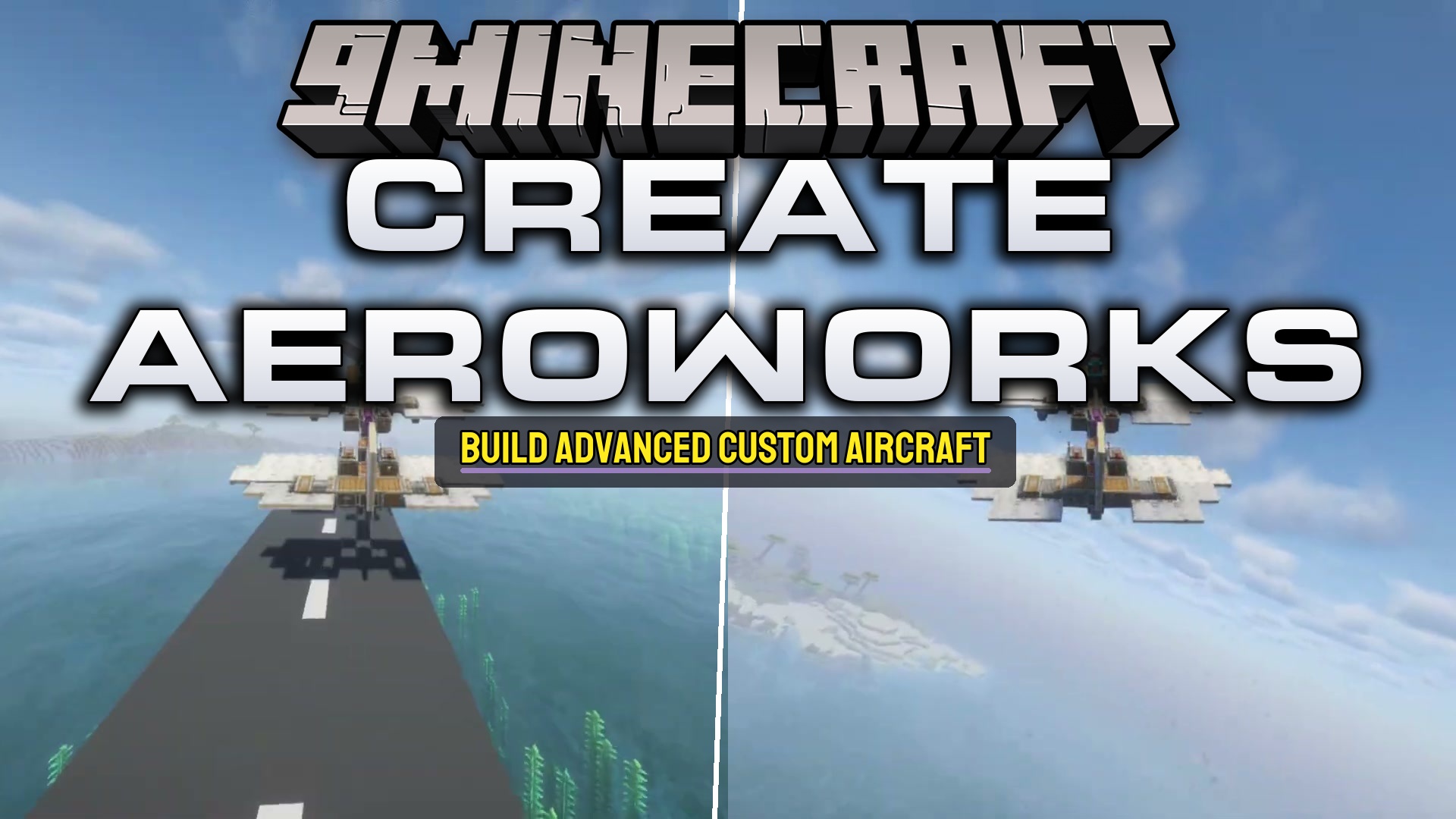
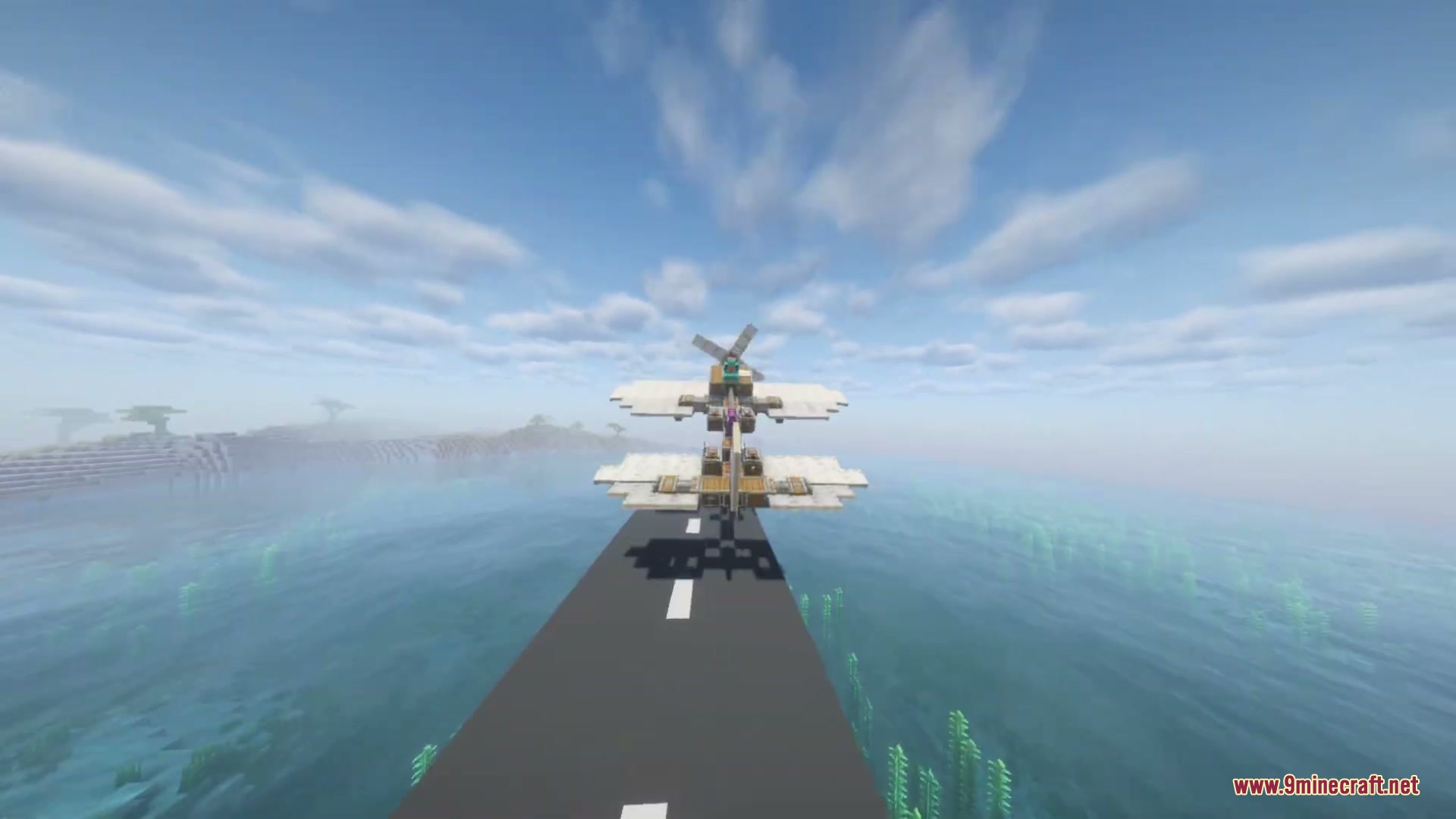
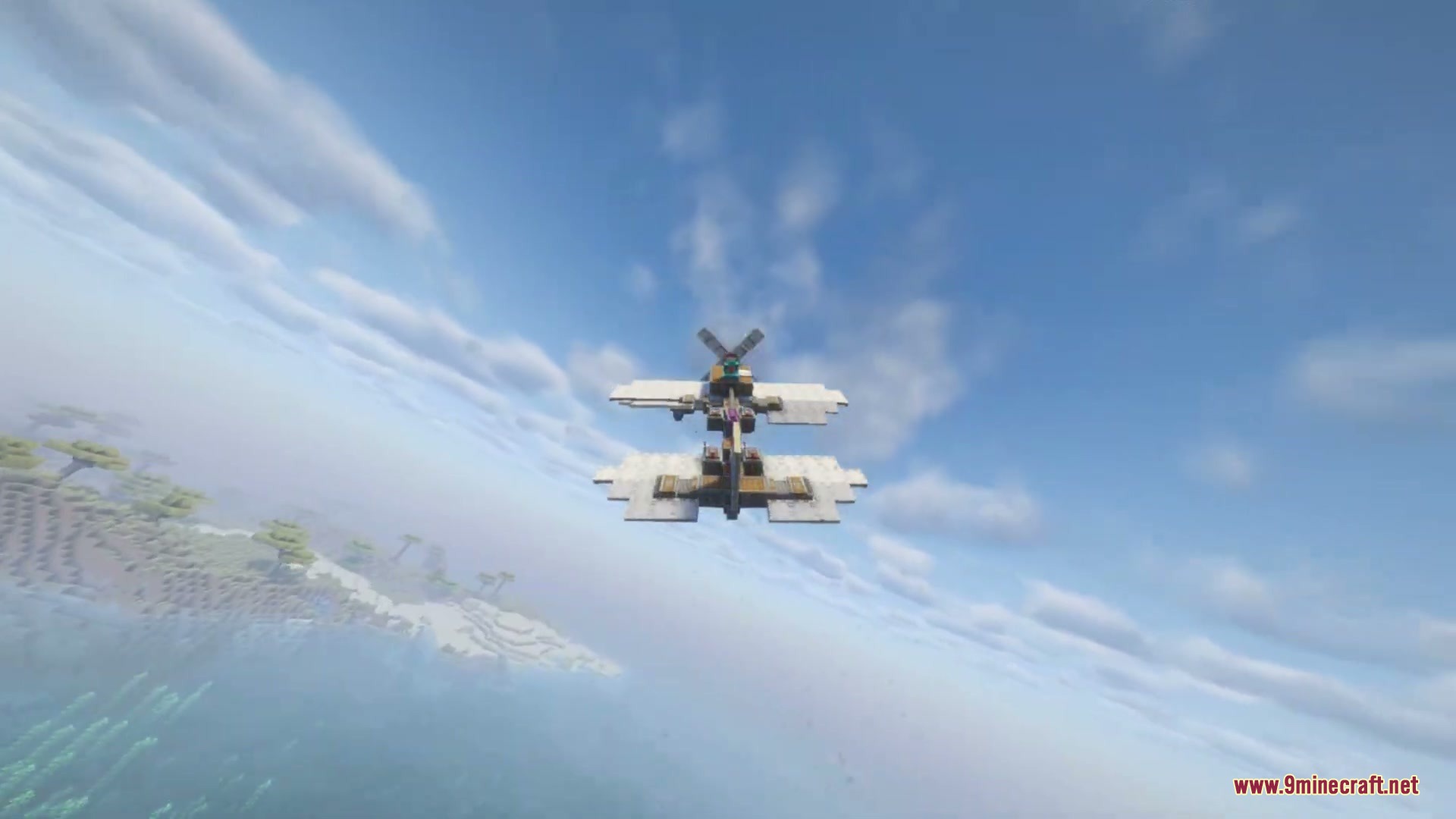
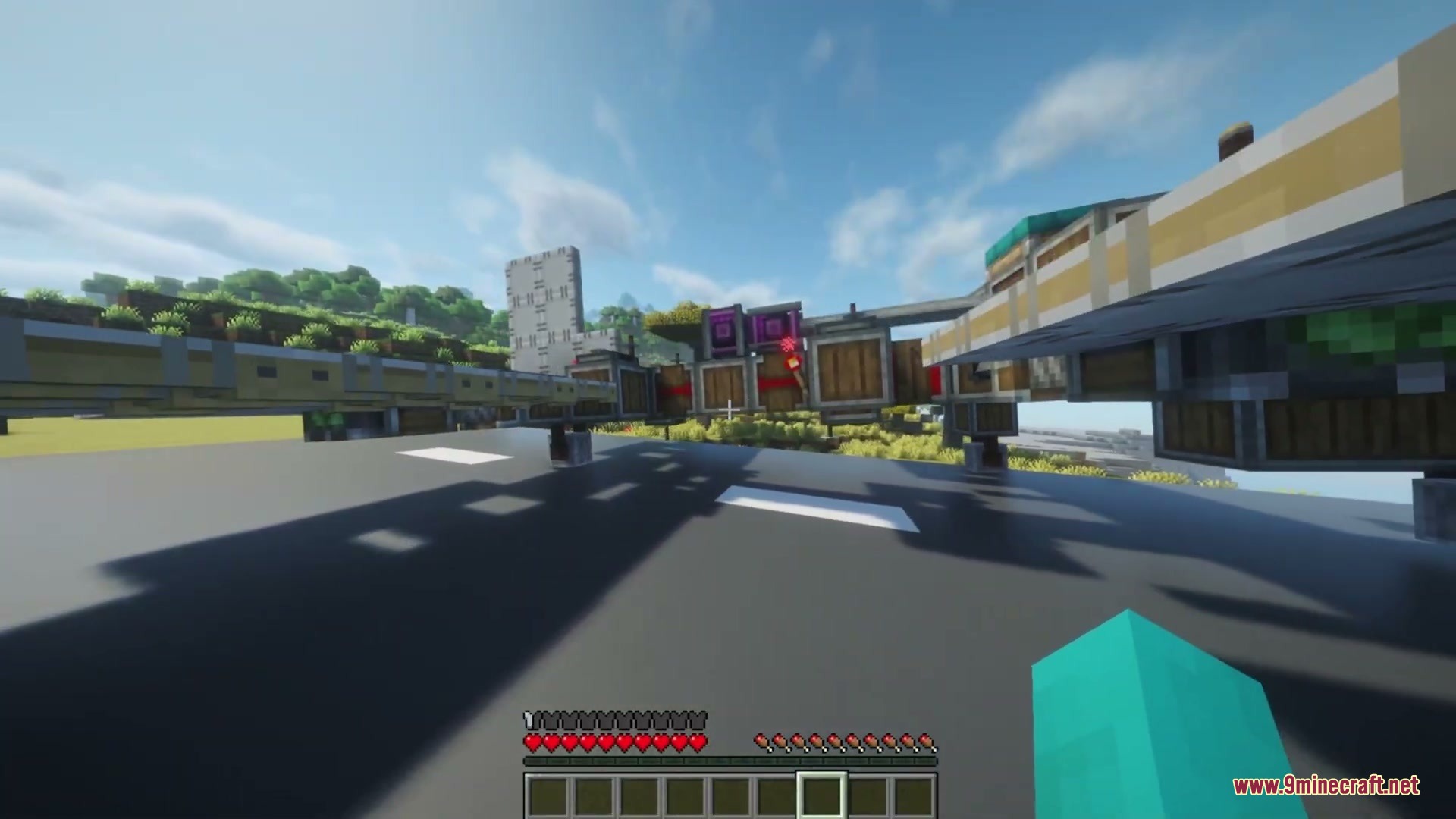
Create Aeroworks Mod extends Create: Aeronautics with new blocks to steer and balance your custom flying machines. It adds special tools like gyroscopes and joysticks so you have full control over how your ship moves in the sky. You can build a custom cockpit with different buttons and wheels to pilot your creations easily without struggling to keep them flat in the air.
Features:
- Gyroscope Stabilization: Keeps your airship perfectly flat and level in the air using rotational power from your engines.
- Custom Joysticks: Lets you fly your ship by steering along two different directions and sends redstone signals to move your wings or thrusters.
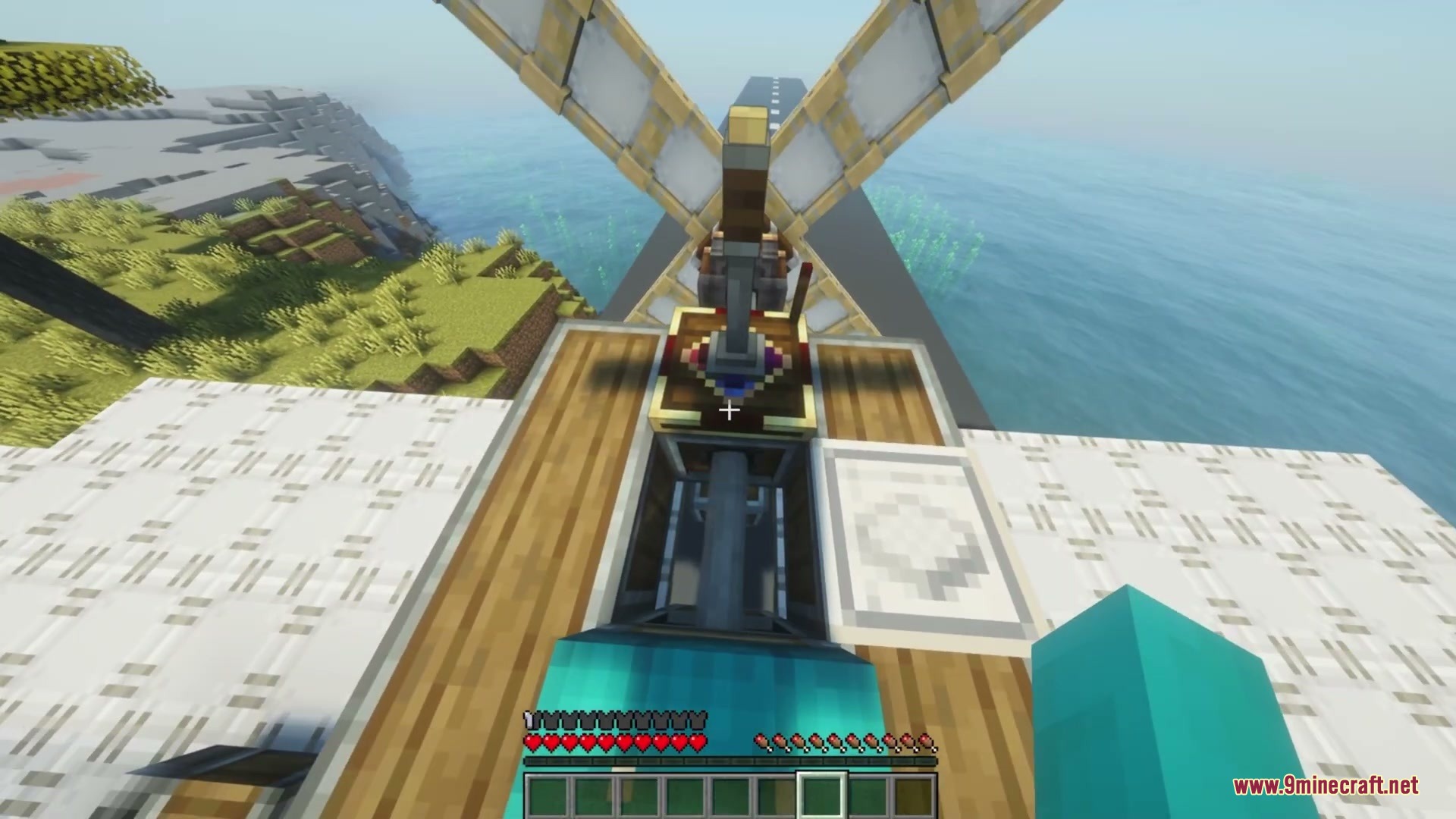
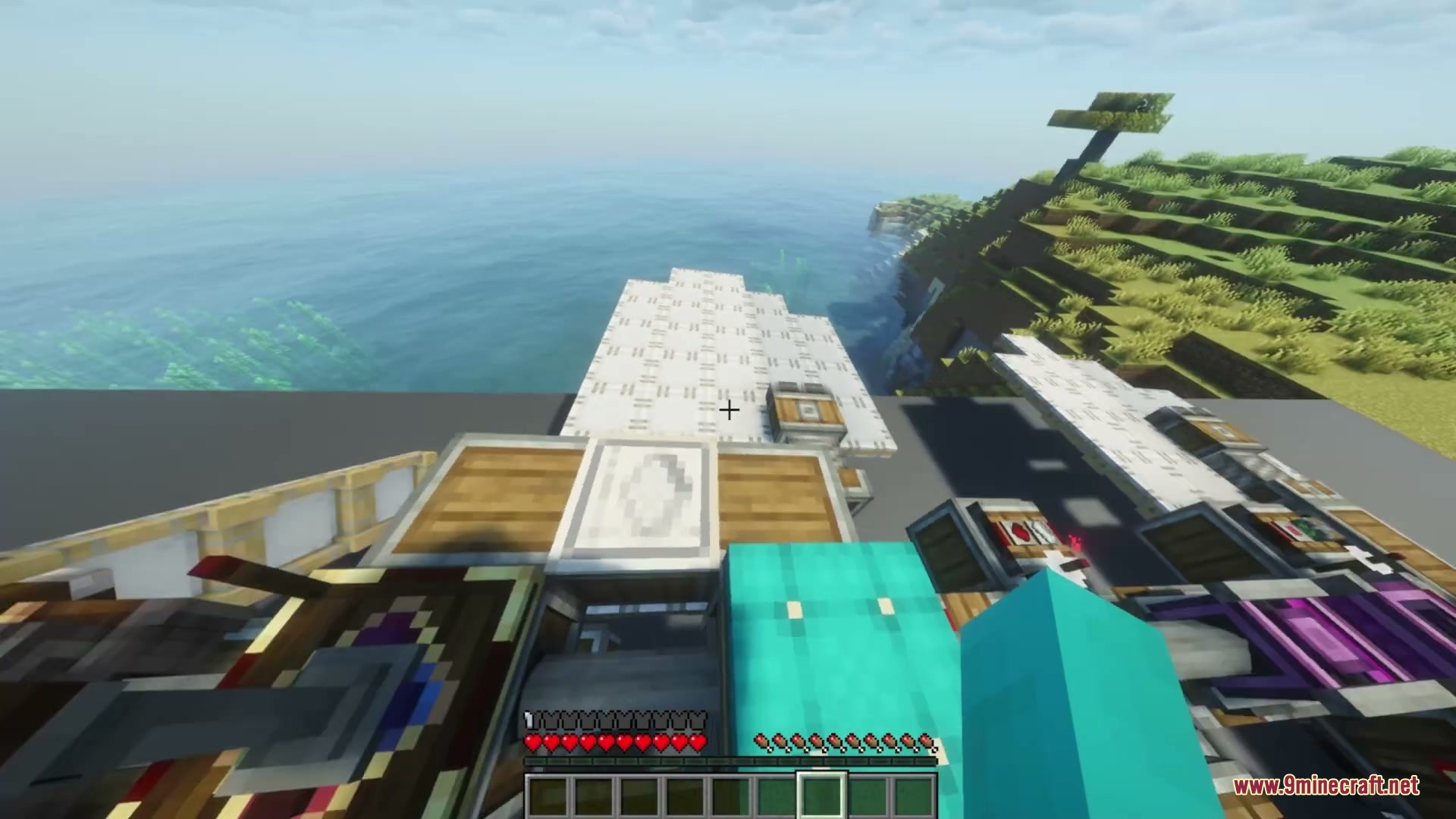
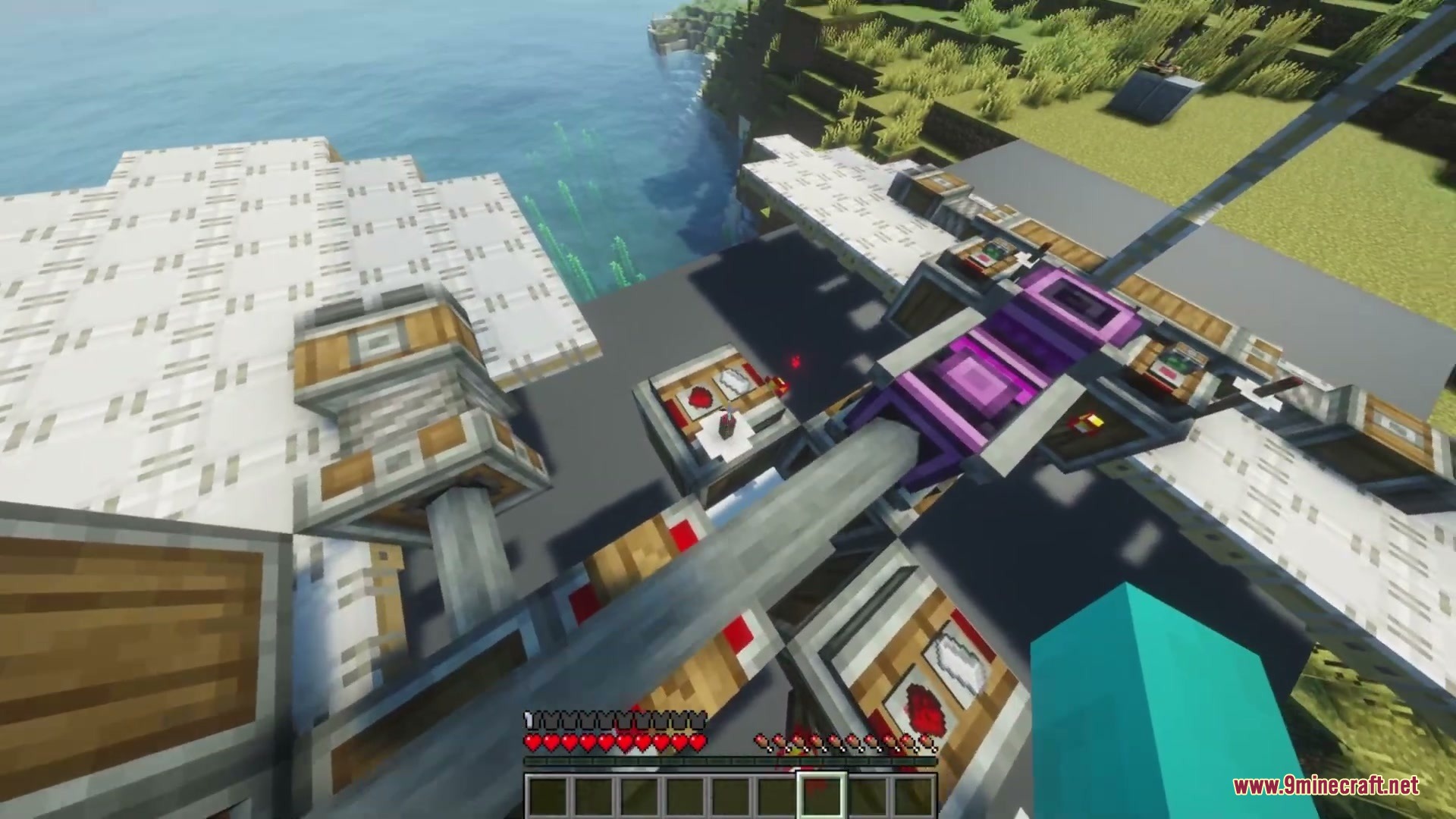
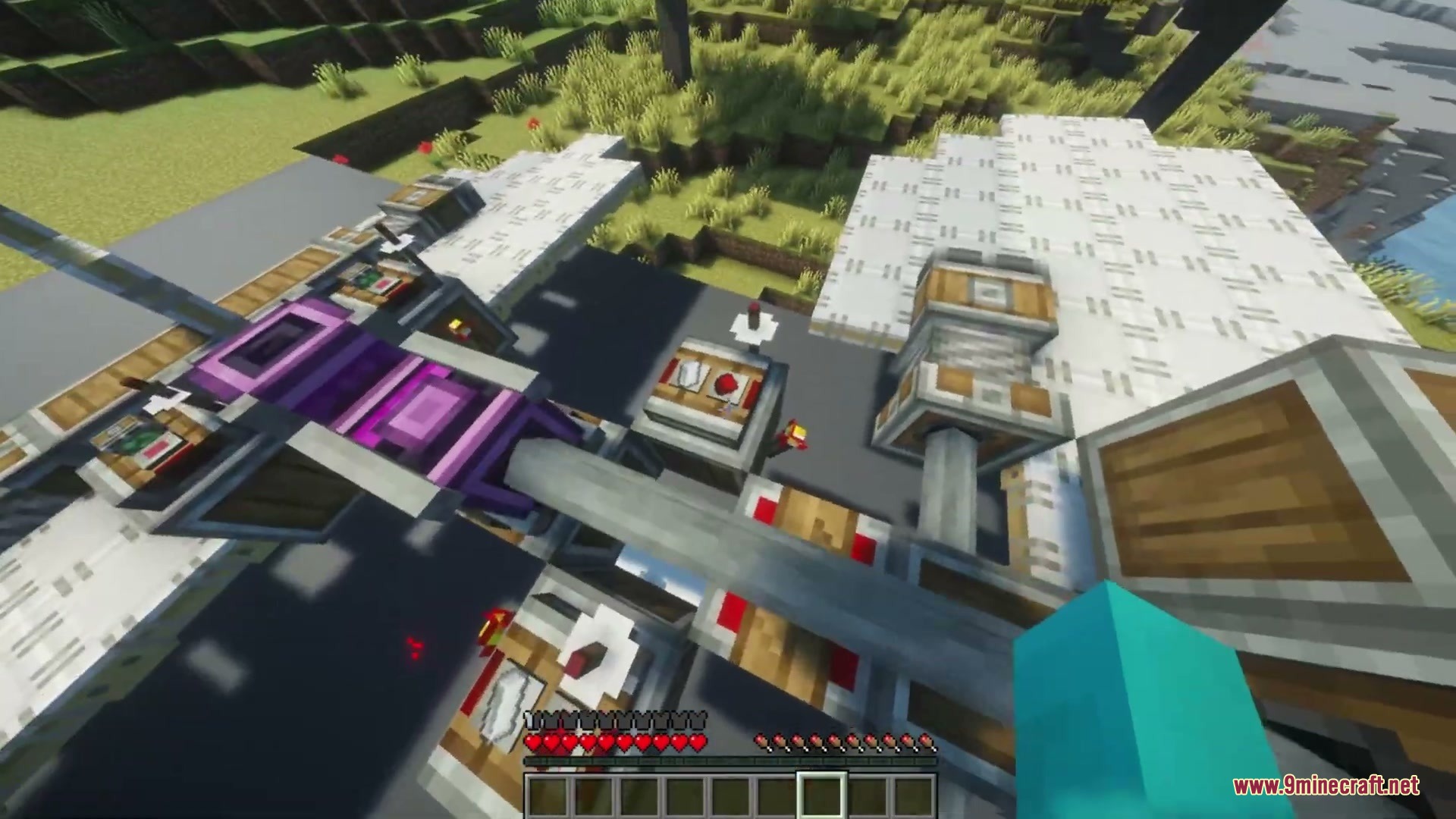
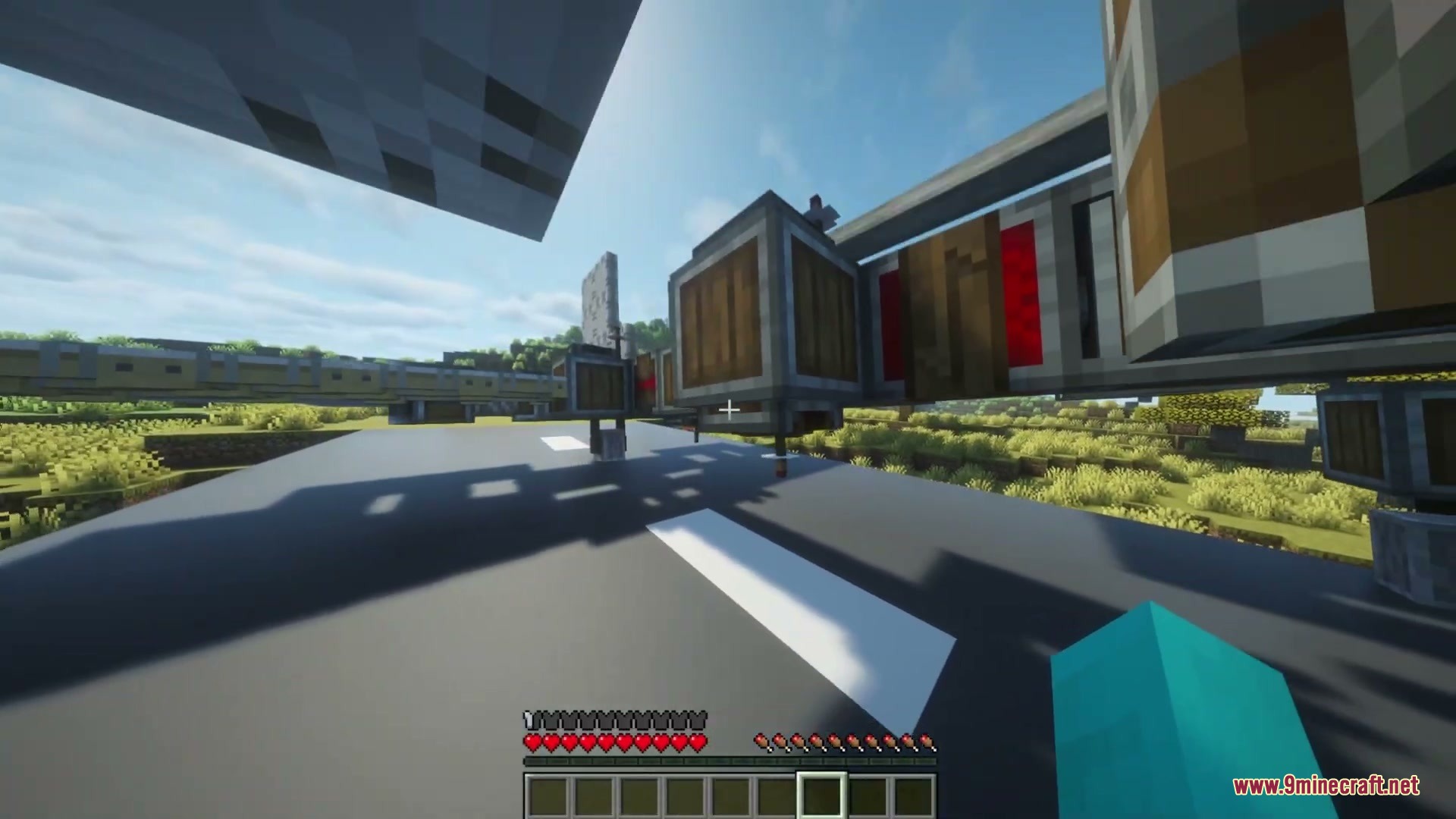
- Modular Desk: Gives you a blank console where you can snap on different steering wheels, levers, and buttons to build a real cockpit.
- Shows a helpful text box when you look at a gyroscope, telling you if your ship is steady or needs more power to stay flat.
- Changes how stiff the gyroscope holds your ship when you power it with redstone, letting you tilt and turn before leveling out again.
- Displays a small steering picture on your screen so you always know which way you pull the controls.
- Connects the joystick to other parts of your ship wirelessly using redstone link frequencies.
- Allows you to fly using your keyboard instead of the mouse, with an option to snap the controls back to the center automatically.
- Accepts redstone signals into the joystick to lock it in place so your ship keeps flying in one direction while you walk around.
Available Control Modules:
- Steering wheels for turning your ship left and right.
- Flight yokes to pull up and dive down like an airplane.
- Throttle quadrants to speed up or slow down your main engines.
- Simple buttons and levers for extra redstone actions like dropping cargo.
How to Use:
- Place a Gyroscope on your ship and attach a spinning shaft to it to give it rotational power.
- Look at the Gyroscope to see if it says “Level”. If it says “Unstable”, add more spinning speed or place more Gyroscopes on the ship.
- Put a redstone signal next to the Gyroscope if you want to turn off the auto-leveling so you can tilt your ship up and down.
- Set down a Modular Controller desk block to start building your pilot seat.
- Click different control pieces like a Steering Wheel or Throttle onto the desk to attach them.
- Open the Joystick menu to set your wireless redstone frequencies so the controls connect to your ship’s engines.
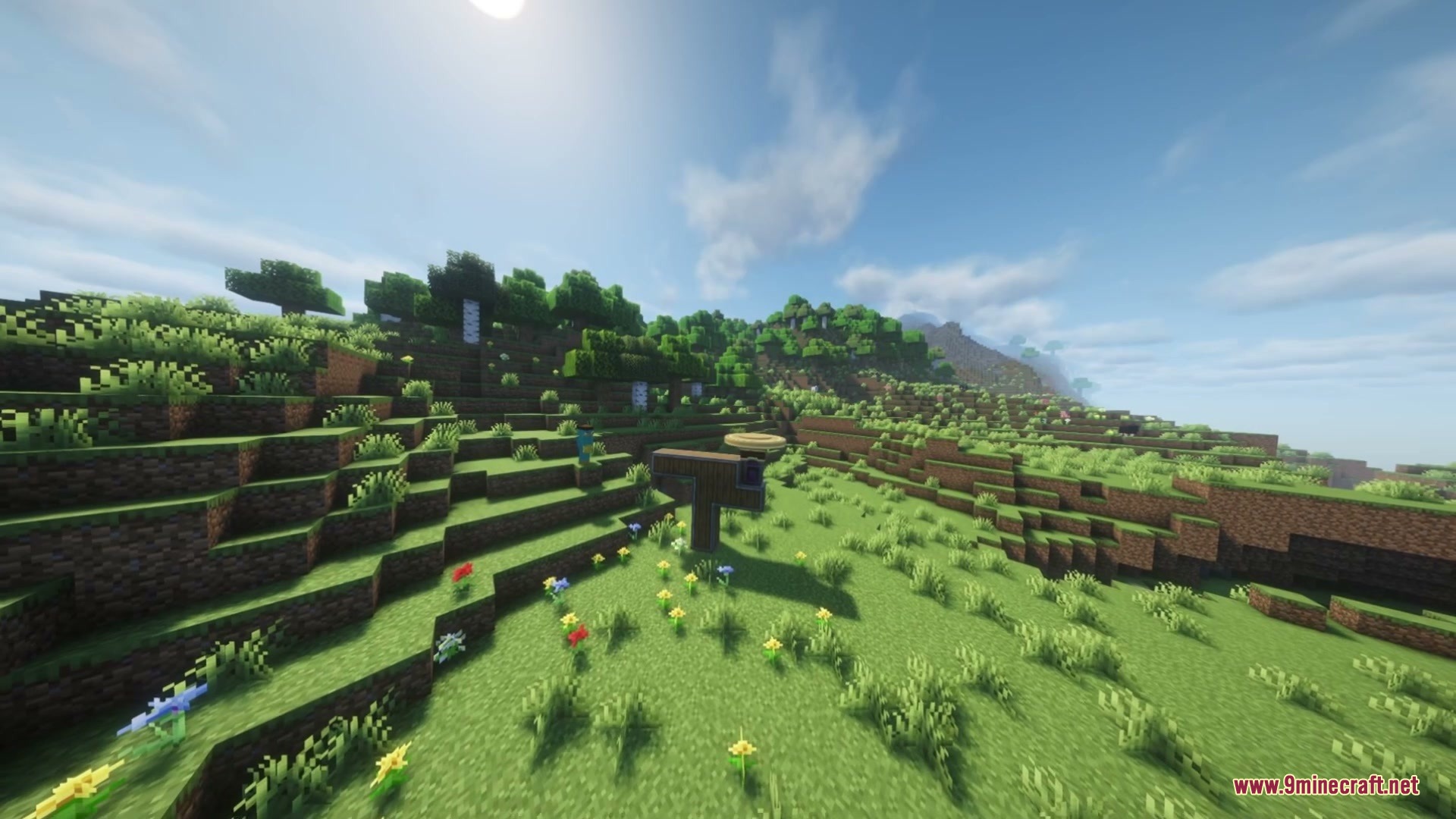
Screenshots:
How to Install:
New to Minecraft? Follow our step-by-step guide to install Mods on your PC.View Guide
Requirements:
 NeoForge Required
Create Required
 Experimental Settings Disabler Mod Required
Create: Aeronautics Required
Create Aeroworks Mod Download Links
For Minecraft 1.21.1, 1.21
Click to rate this post!
[Total: 0 Average: 0]
You May Also Like


This post has no comments yet. Be the first — your comment will appear here.