


Auroral Mod (26.1.2, 1.21.1) – Brings Magical Aurora Borealis

 0
0 

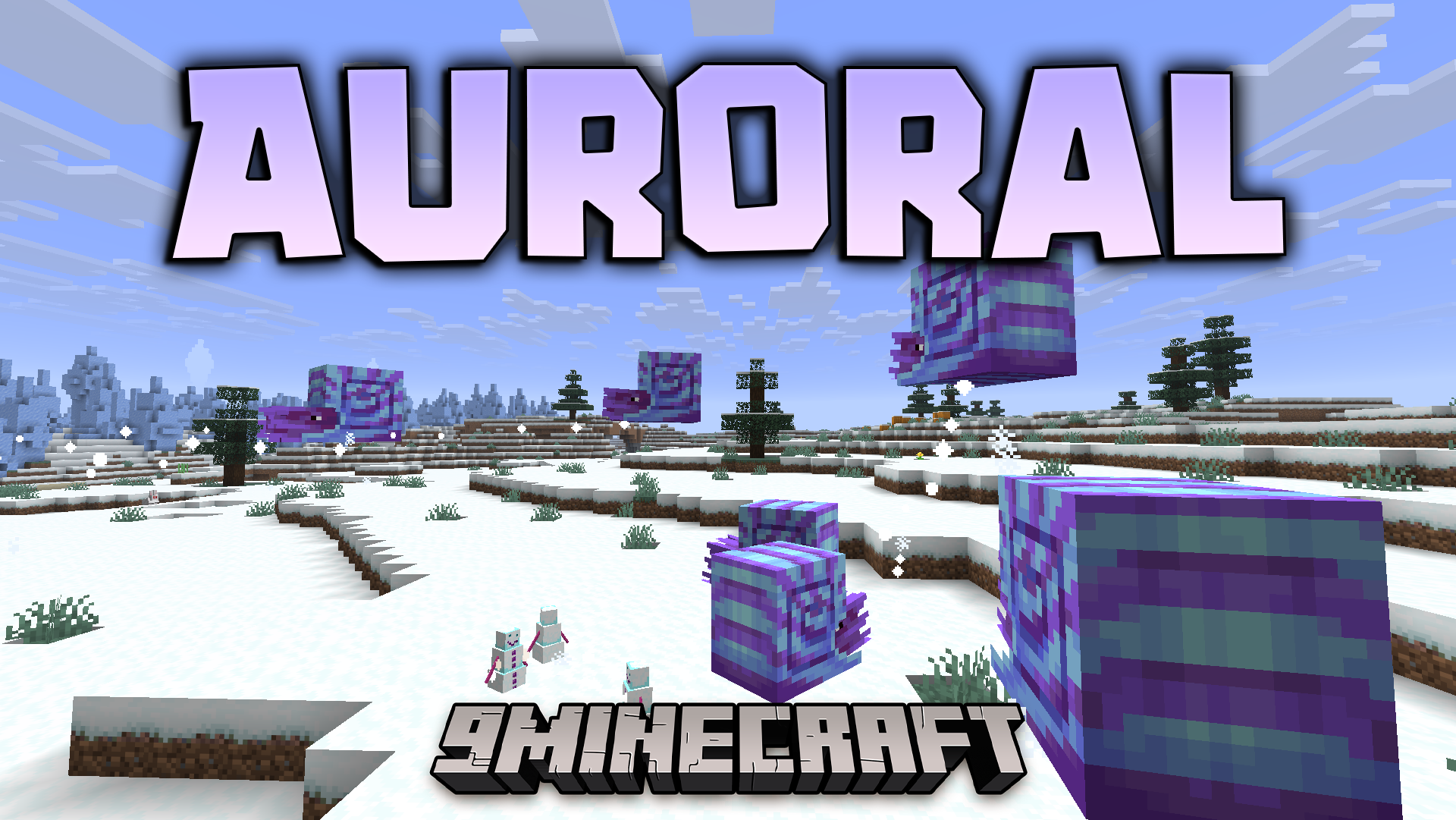
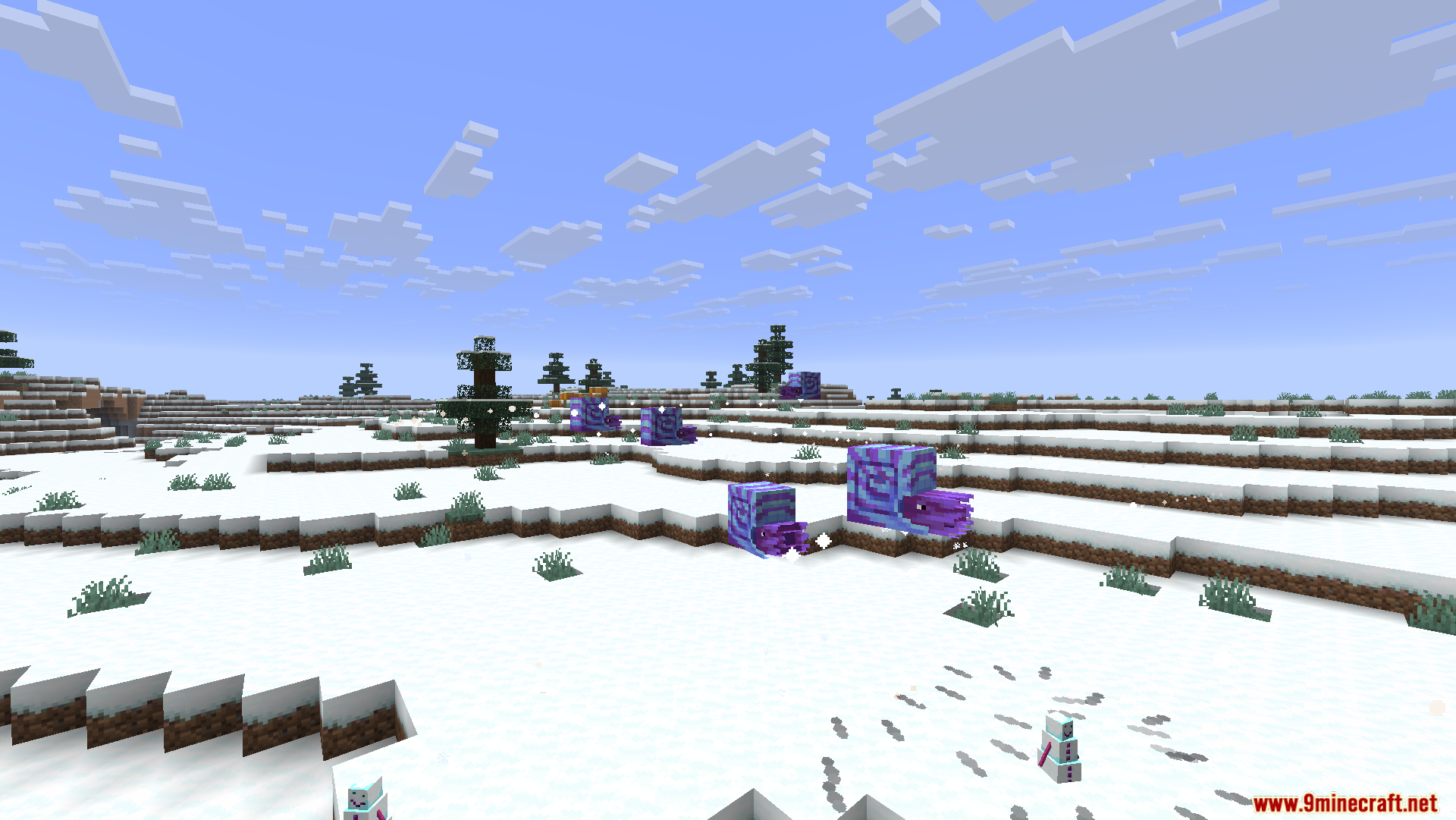
Auroral Mod turns cold snowy areas into magical places filled with new items and powers. When the glowing lights appear in the night sky, you can collect special liquid to make strong tools and armor. You can even brew potions without ever going to the Nether. It gives you fun new pets, tasty winter foods, and glowing blocks to light up your base. This mod makes surviving in the cold much more fun for everyone.
Features:
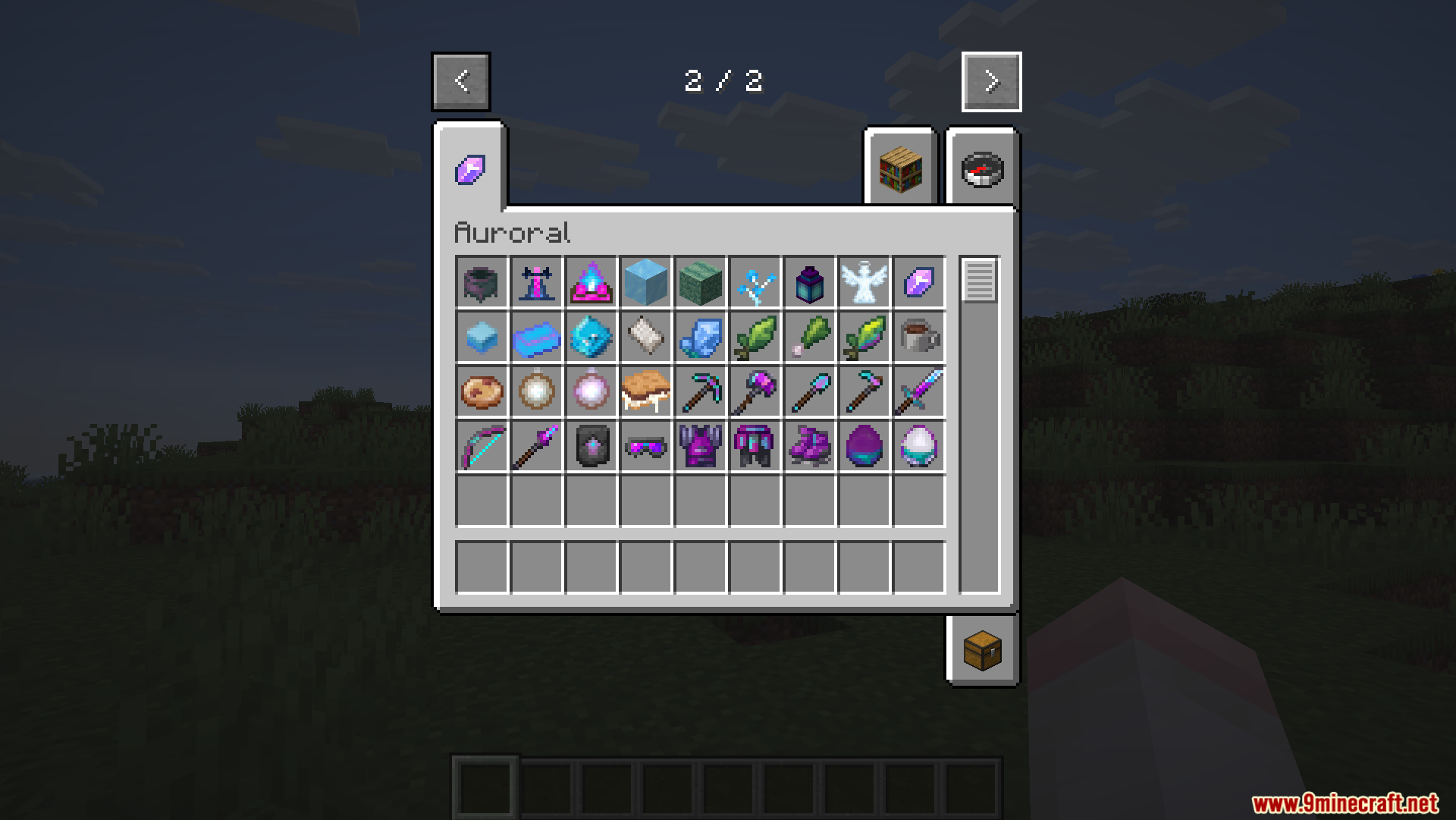
- The Aurora Event: Special glowing lights appear in the night sky over cold areas to trigger magic effects.
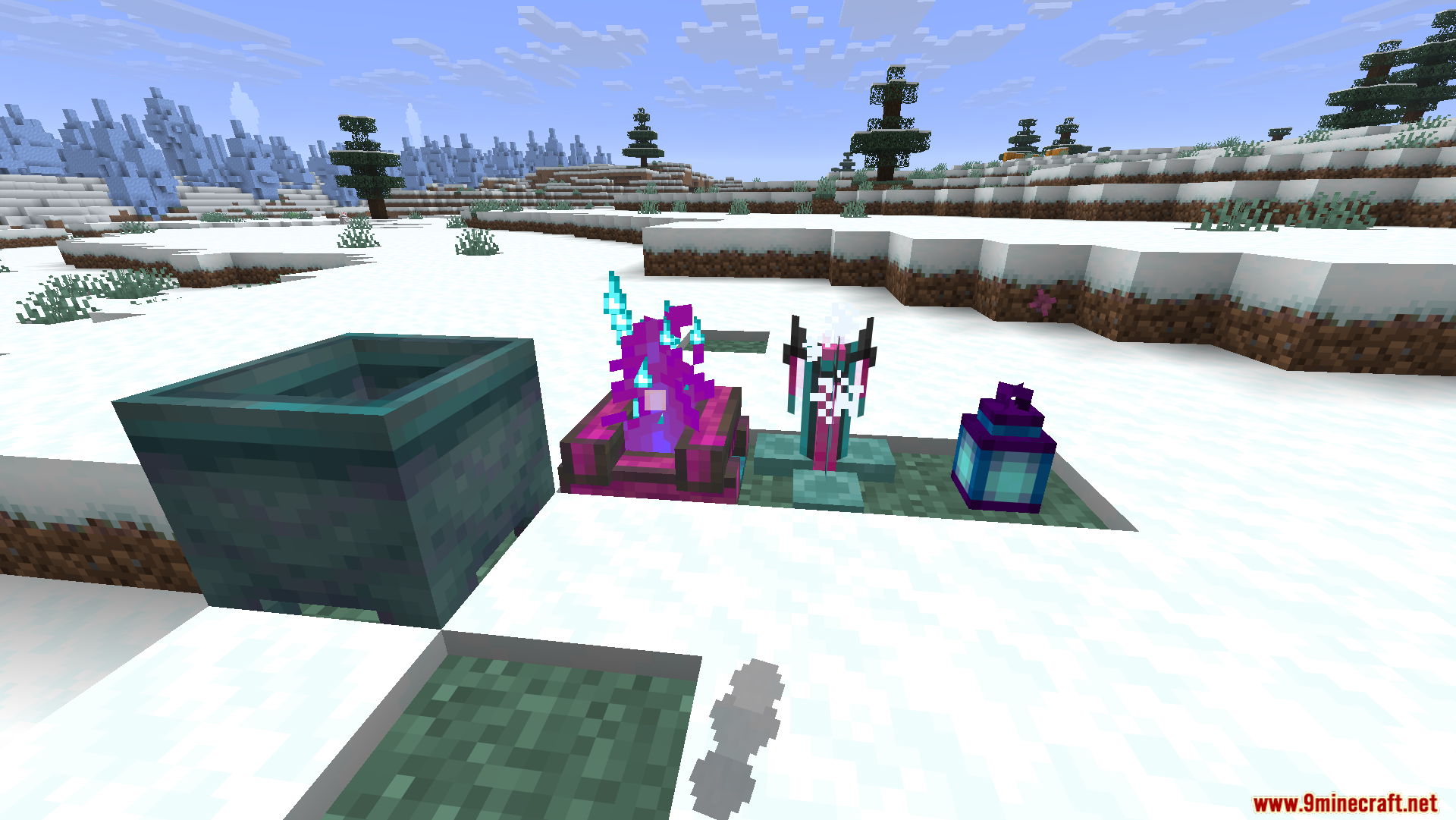
- Glacial Basin Crafting: Place this block under the sky to collect Liquid Aura during the light show and make new items.
- Nether-Free Brewing: Use a Cold Brewing Stand with snowballs and Frozen Petals to make potions without leaving the overworld.
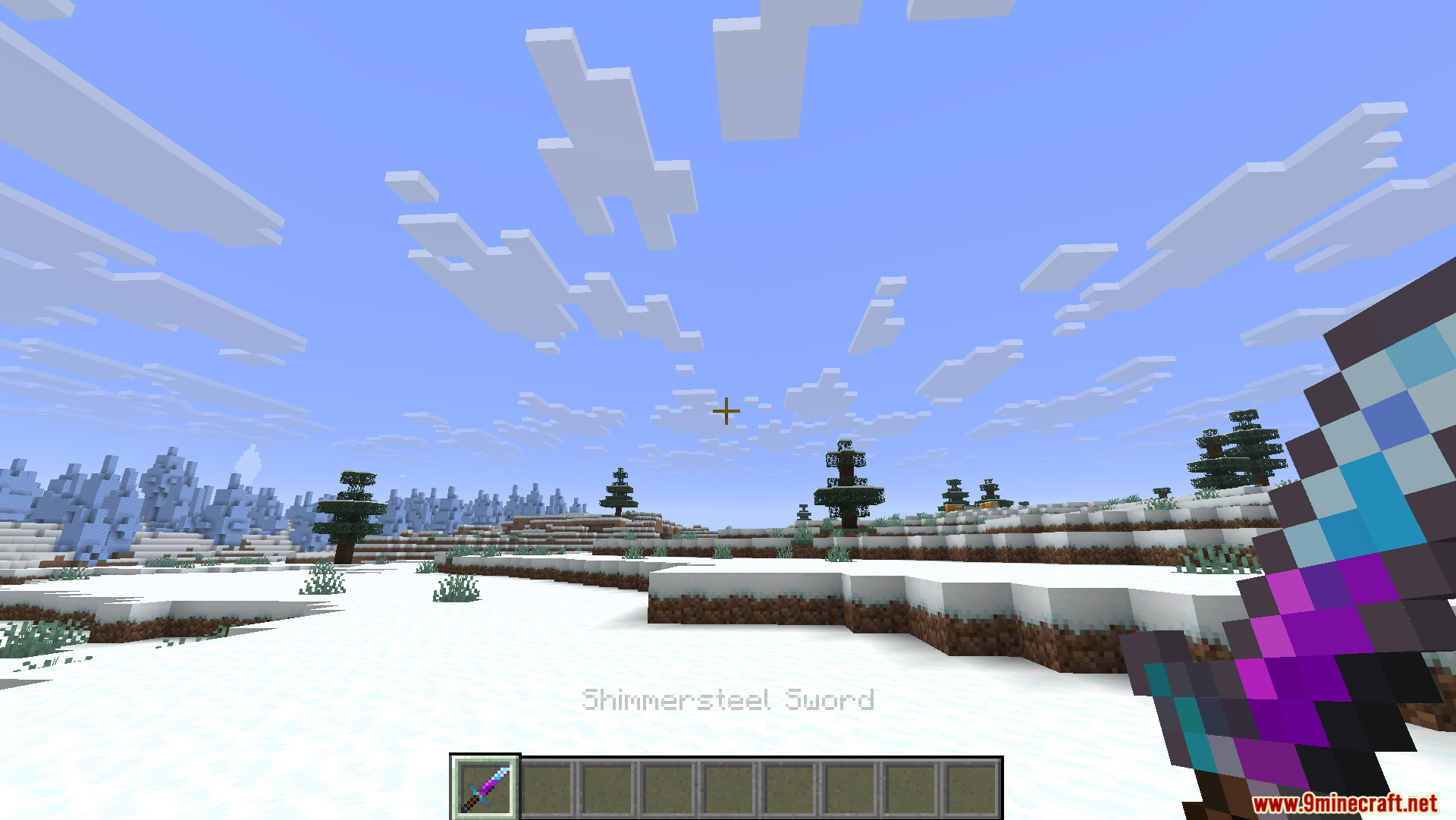
- Shimmersteel Tools: Upgrade iron tools to get special powers, like a pickaxe that gives extra gems or a shovel with silk touch.
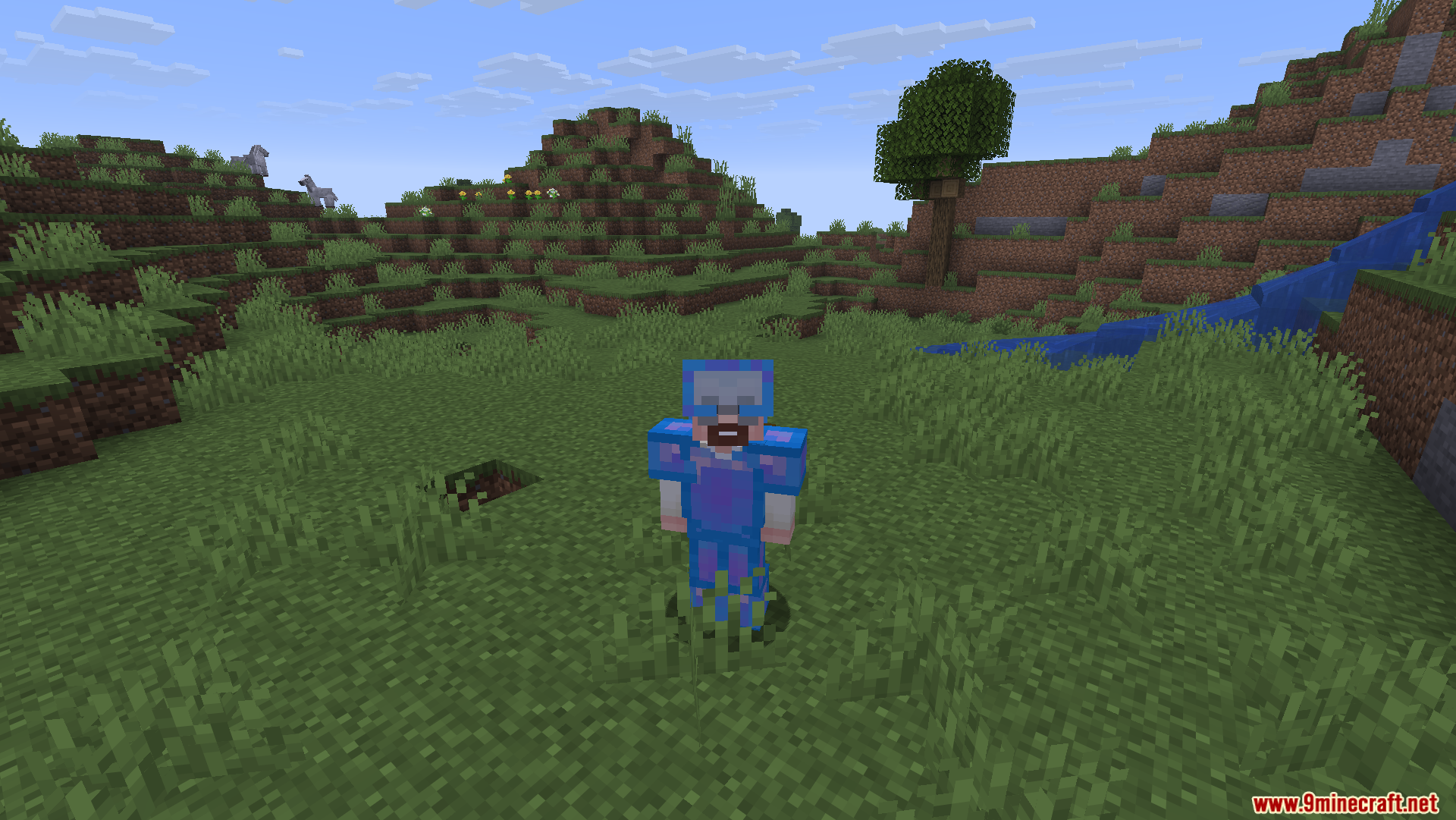
- Shimmerweave Armor: Wear special clothes to see bad mobs through walls, put out fires quickly, or skate fast on ice.
- Self-Repairing Gear: Your Shimmersteel items from the Auroral Mod will slowly fix themselves when the glowing lights are in the sky.
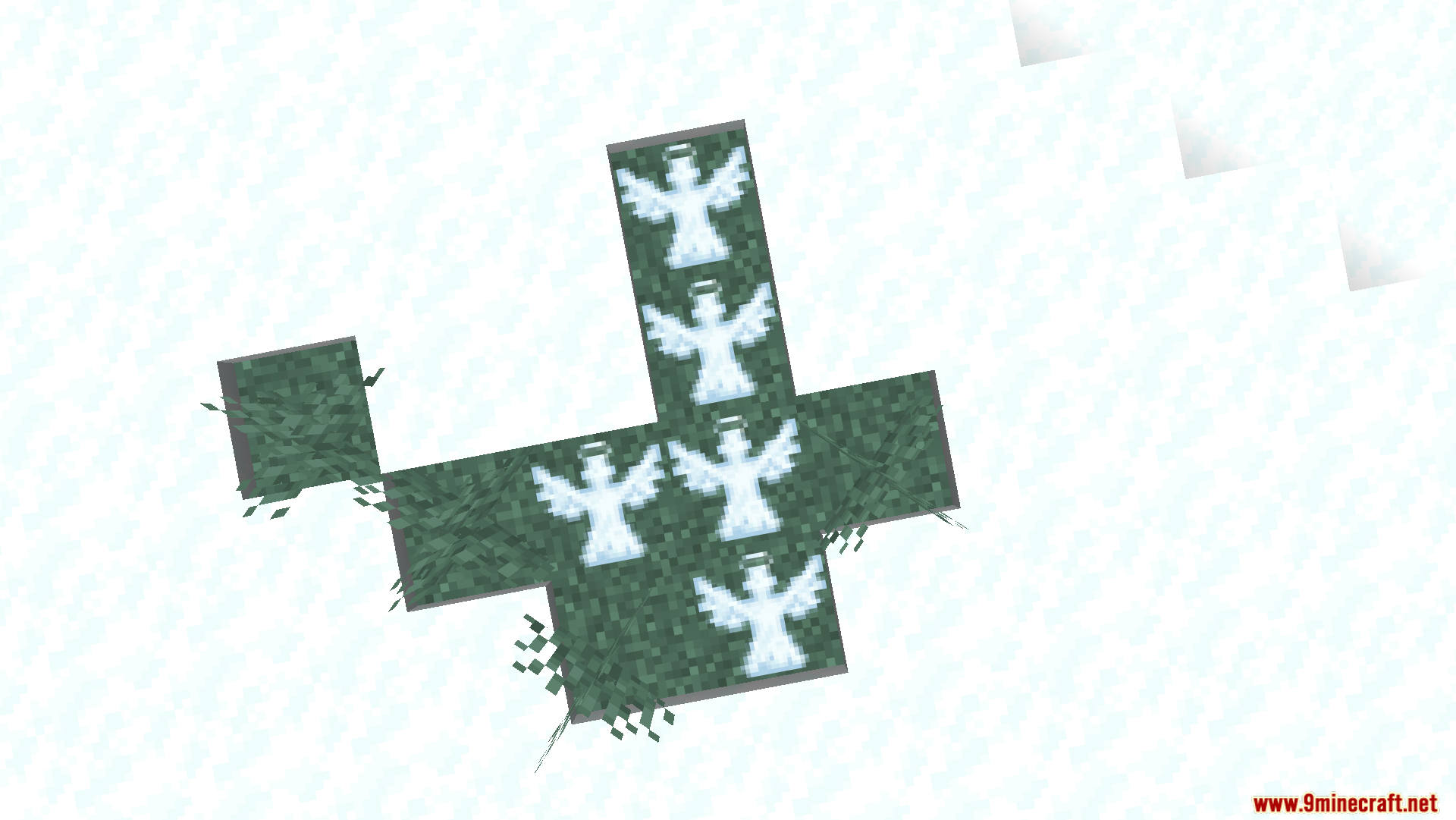
- Aurora Blooms: Beautiful magic flowers that only grow on snow blocks during the night event and disappear by morning.
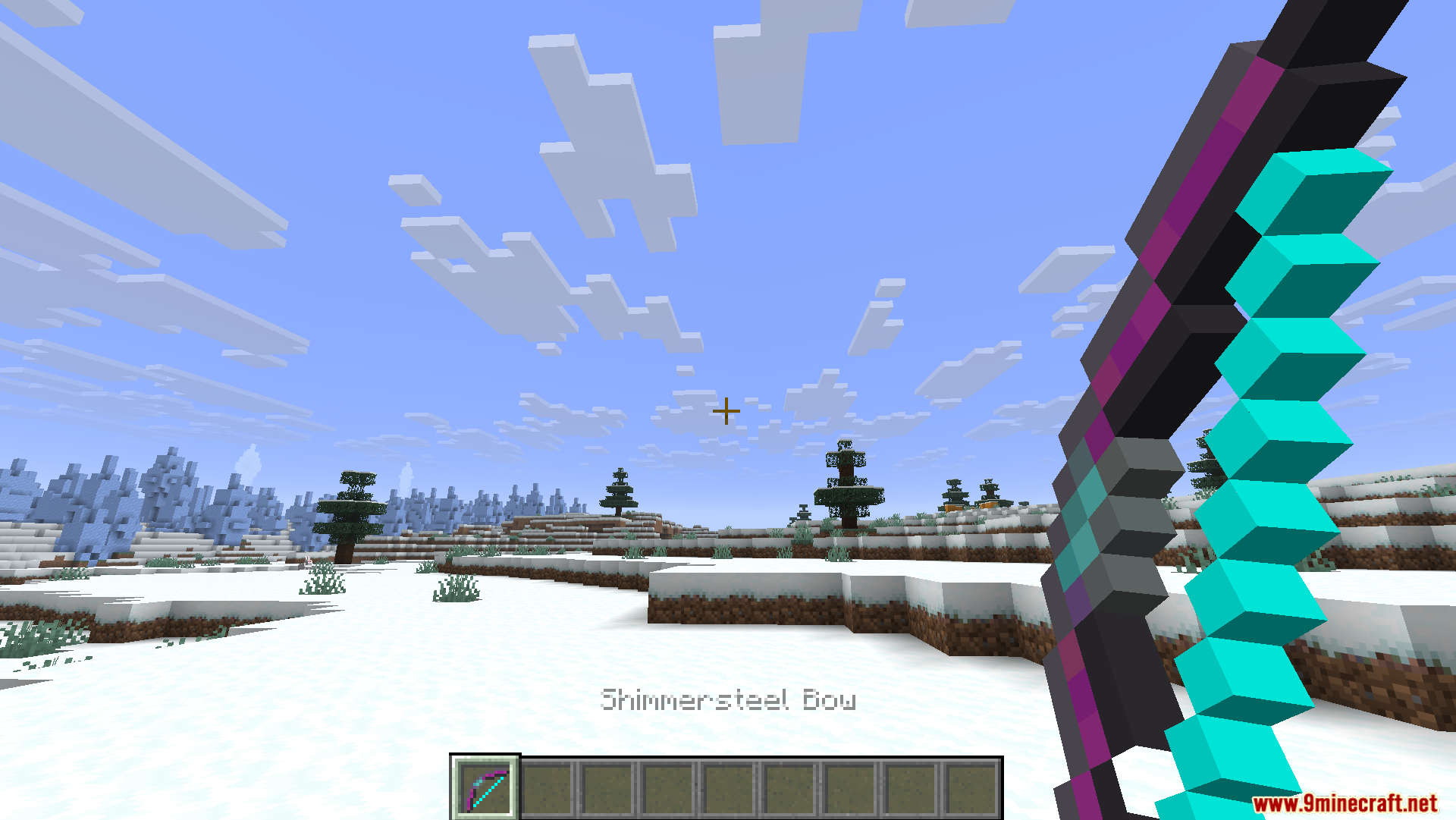
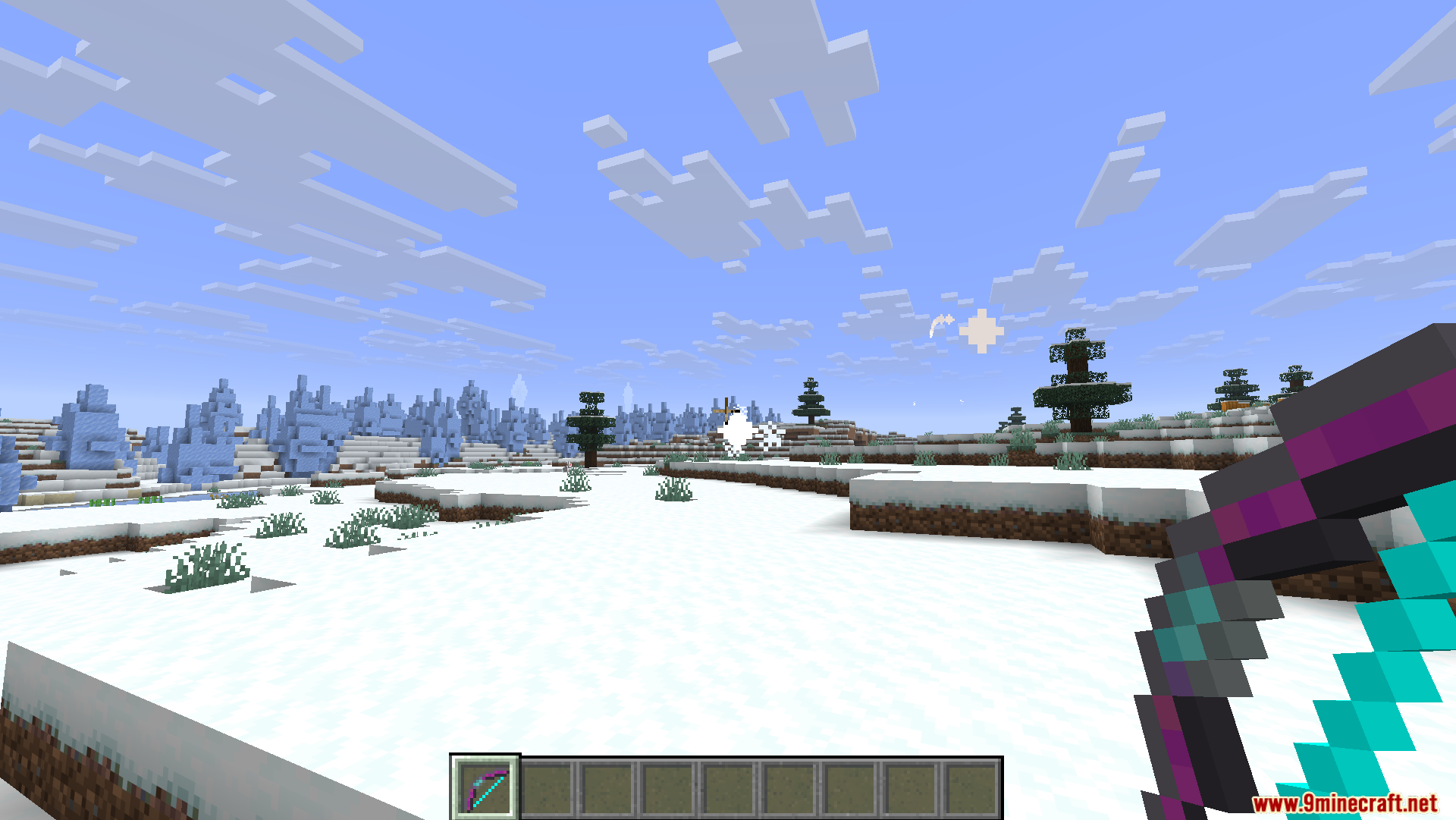
- Special Weapons: Fight with a sword that slows enemies down, a spear you can throw, or a bow that shoots stars using snowballs.
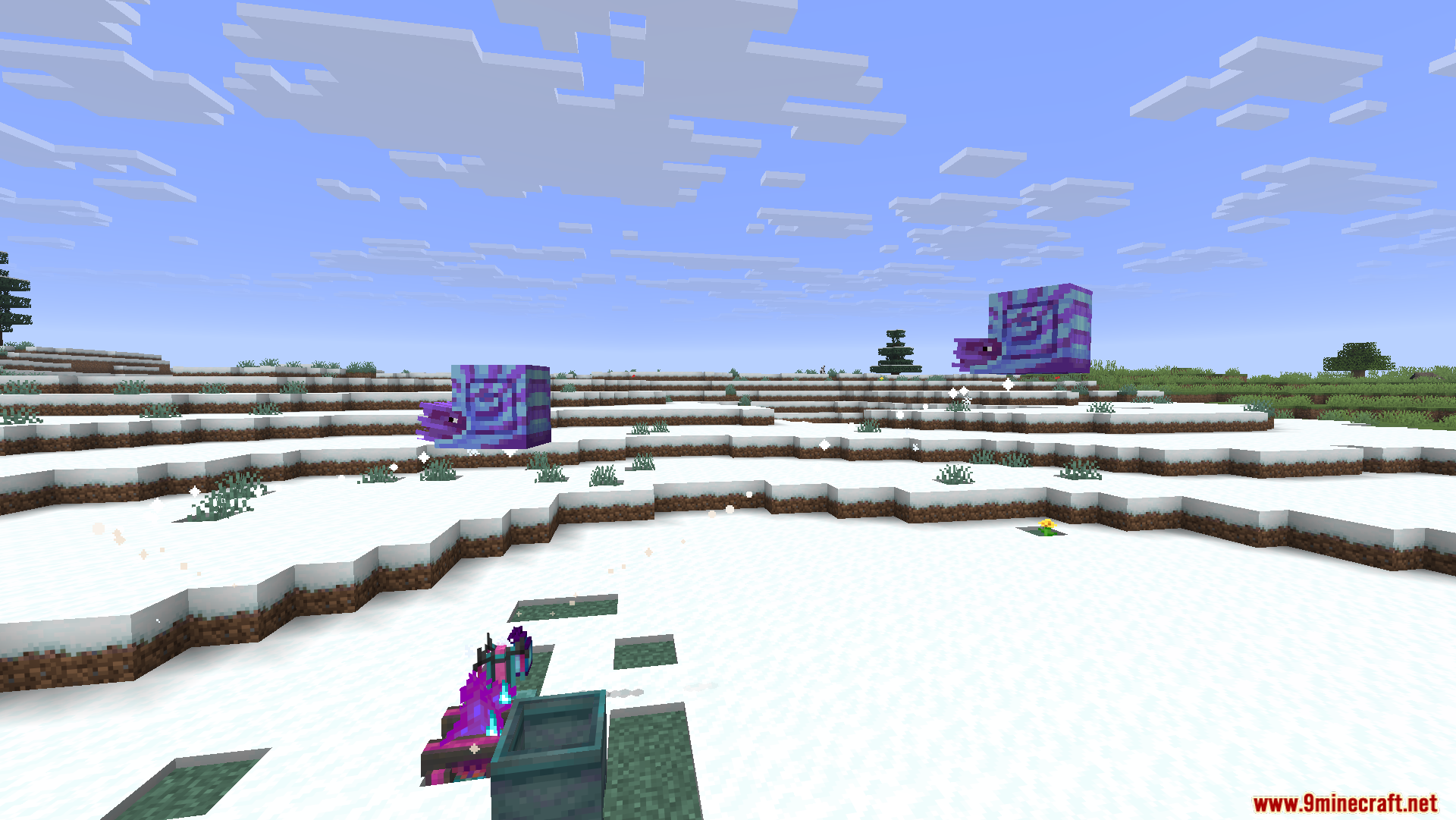
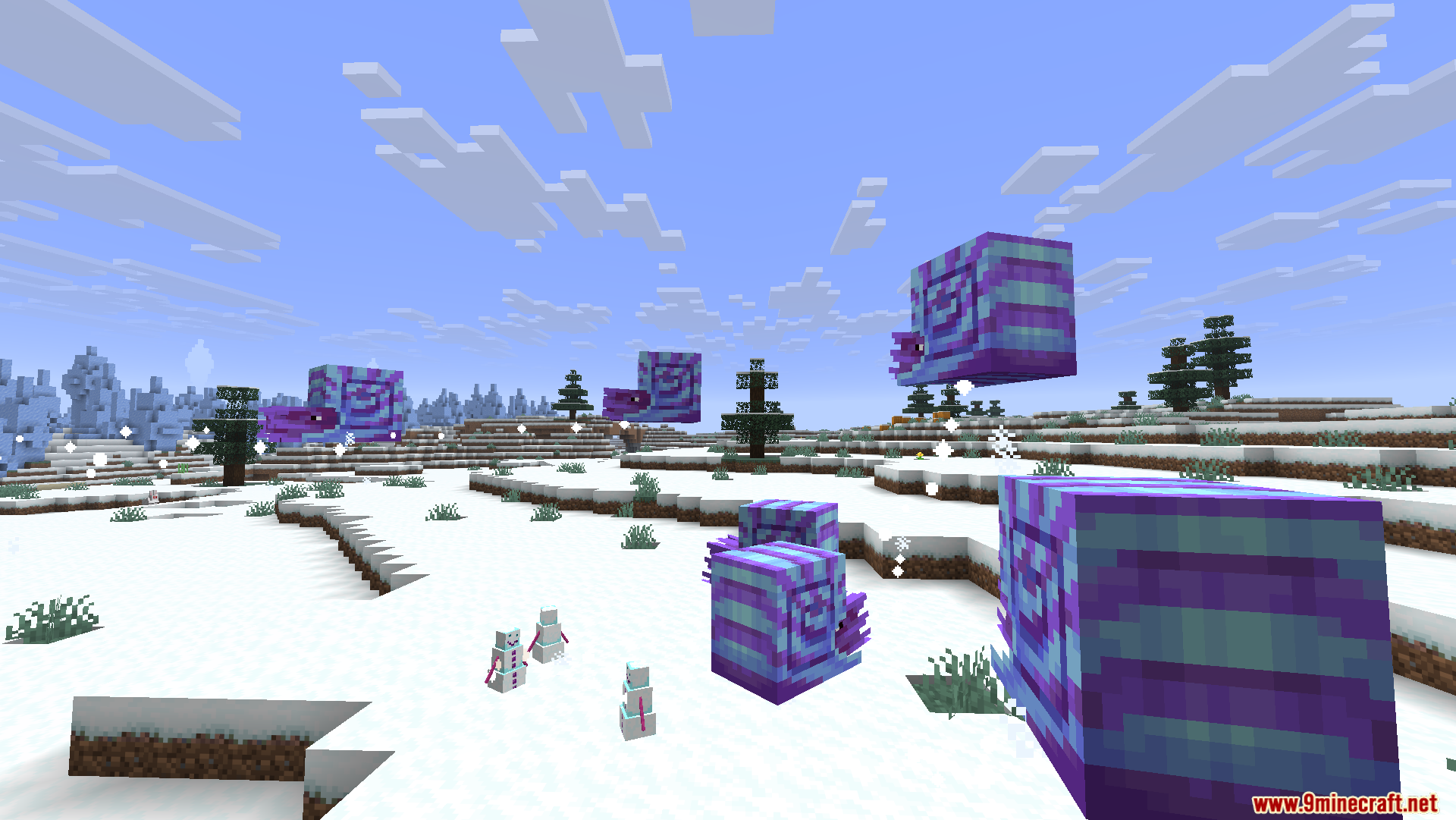
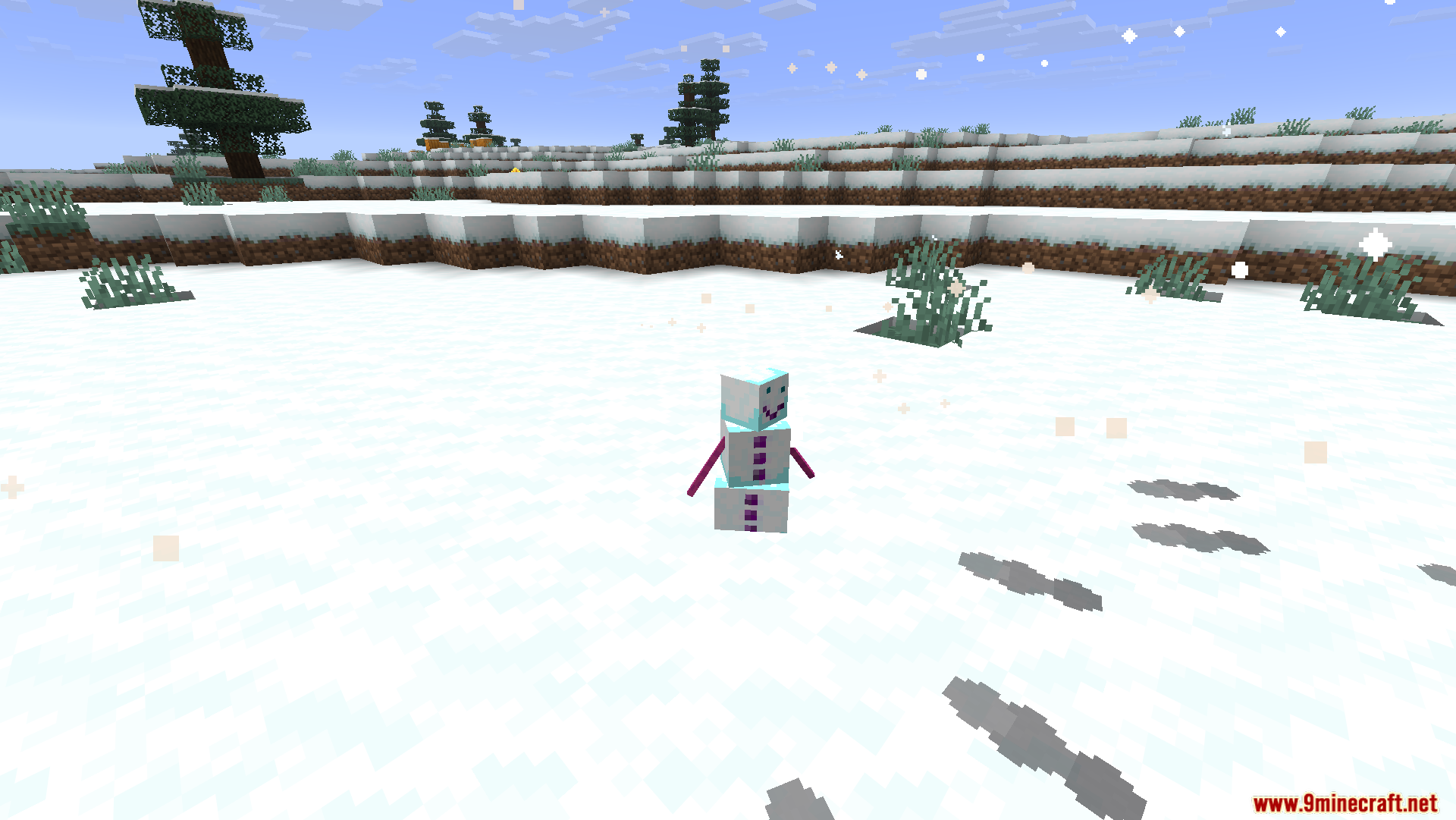
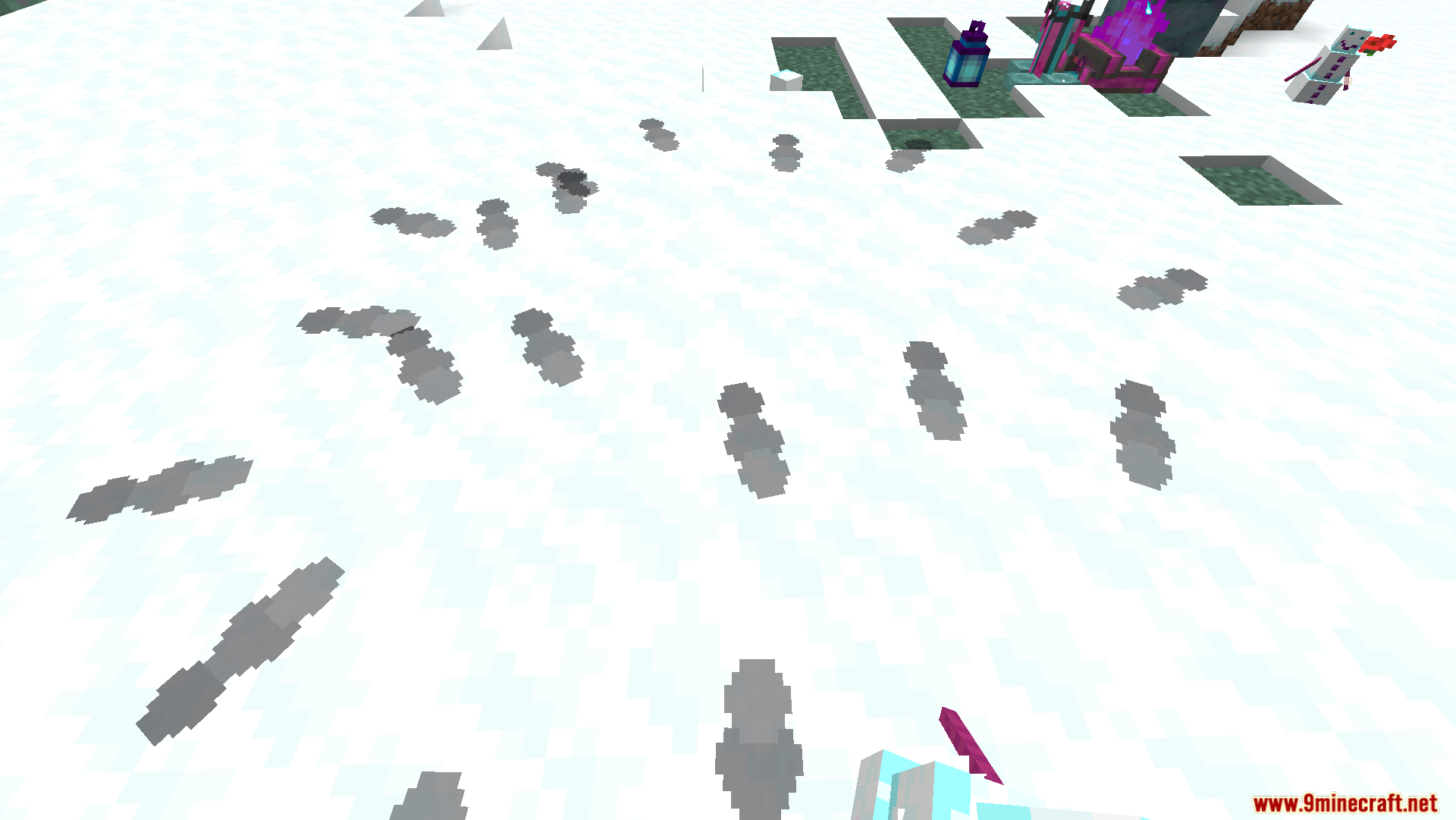
- Auroral Snowlette Pet: Use an Aurora Shard on a Snow Golem to get a tiny, glowing pet that follows you and heals when you throw snowballs at it.
- Hearthwood Logs: A special wood block that burns for seven days and keeps you safe from freezing.
- Shimmering Ice: A glowing ice block that waters your plants and never melts away.
- Aurora Lanterns: Carry this light to keep the scary Darkness effect away from you.
- Winter Foods: Eat Glow Leeks to see in the dark, or enjoy Frosted Cookies and Hot Cocoa for fun effects.
How to Use:
- Find a cold snowy area like frozen peaks or snowy plains.
- Make a Glacial Basin using stone, blue ice, and iron.
- Place the basin outside under the open sky and wait for the glowing lights at night.
- Pick Frozen Petals from the magic flowers that grow on the snow.
- Put items into the basin to change them, like turning Unrefined Shimmersteel into strong ingots.
- Take your new ingots to a Smithing Table to upgrade your iron gear.
Screenshots:
How to Install:
New to Minecraft? Follow our step-by-step guide to install Mods on your PC.View Guide
Requirements:

Auroral Mod Download Links
For Minecraft 26.1.2, 26.1.1, 26.1
For Minecraft 1.21.11
For Minecraft 1.21.1, 1.21
Click to rate this post!
[Total: 1 Average: 5]
You May Also Like


This post has no comments yet. Be the first — your comment will appear here.