
Create: Trading Floor Mod (1.21.1, 1.20.1) – Never Trade with Villagers
 2,737
 0


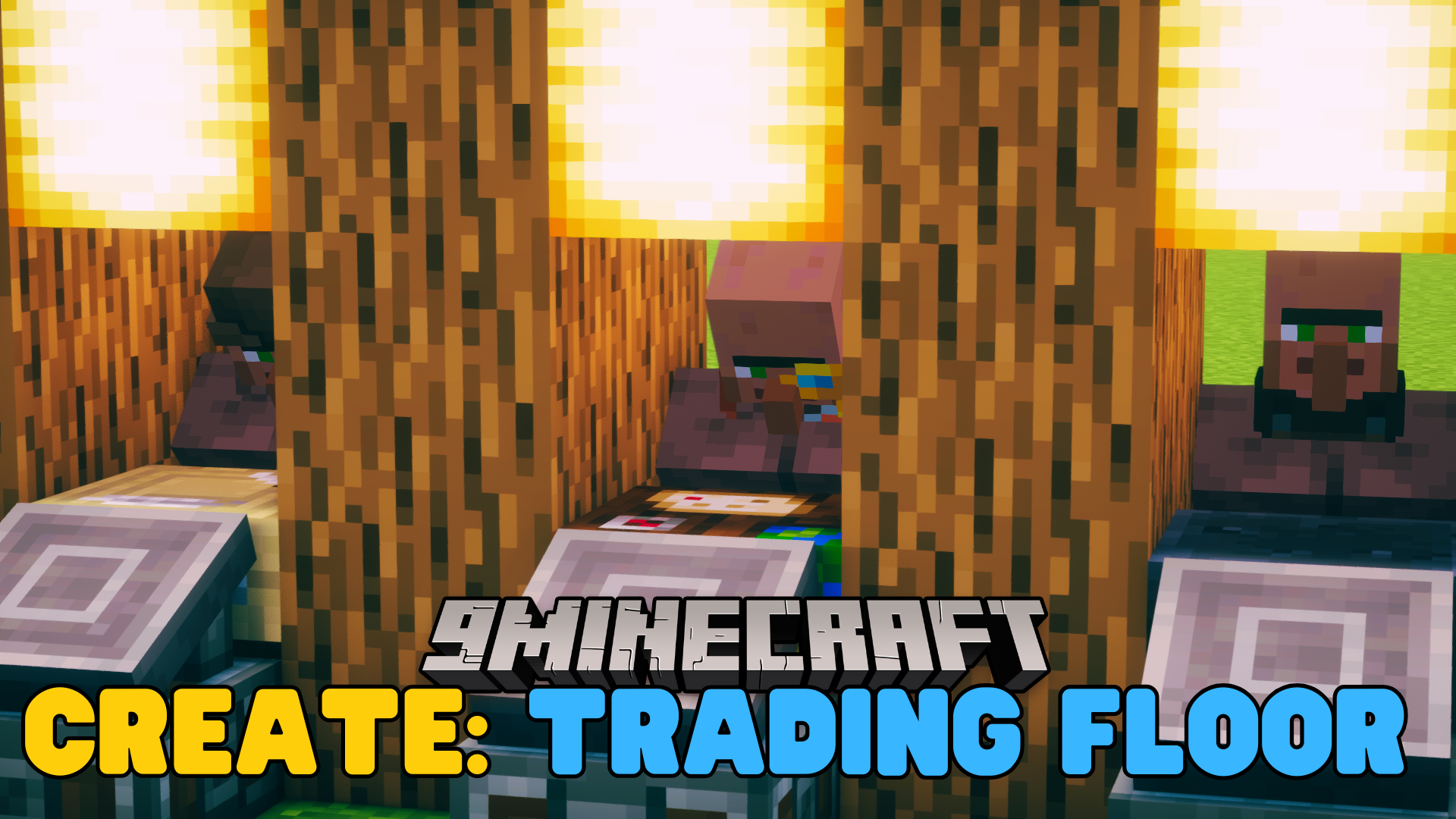
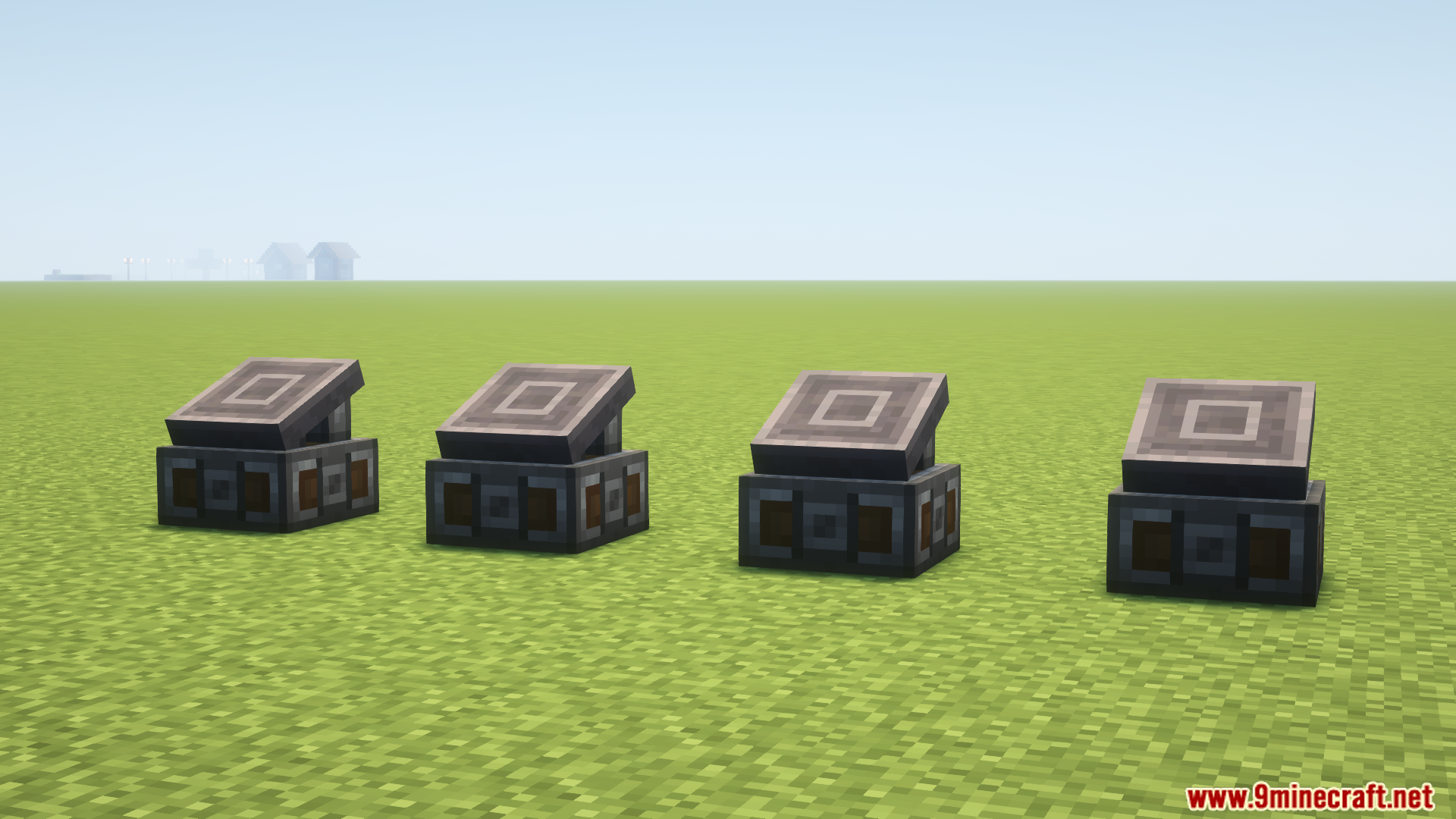
Create: Trading Floor Mod adds the Trading Depot block for the Create mod to automate villager trades. This mod lets villagers run trades on their own all day inside your setup. The block works with goggles, display links, belts, chutes, and filters to move items in and out with ease. It also comes with two Ponder scenes so you can see how the setup works.
Features:
- Adds the Trading Depot block to automate villager trading all day inside Create.
- Works with goggles, display links, belts, chutes, and filters so you can link trades to your machines.
- Includes two Ponder scenes that show how to set up and run the Trading Depot.
- Keeps every villager trade final with a strict no-refund rule.
- Handles villager work complaints on its own so you do not have to step in.
How to Use:
- Place a Trading Depot block next to a villager stall so the villager can trade with it.
- Connect belts, chutes, and filters to the depot to move items in and out on their own.
- Add display links and wear goggles to check the trading status at any time.
- Send the items the villager needs into the depot so trades keep running all day.
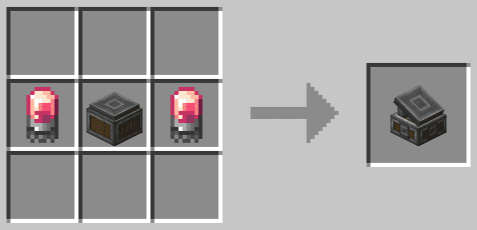
Crafting Recipes:
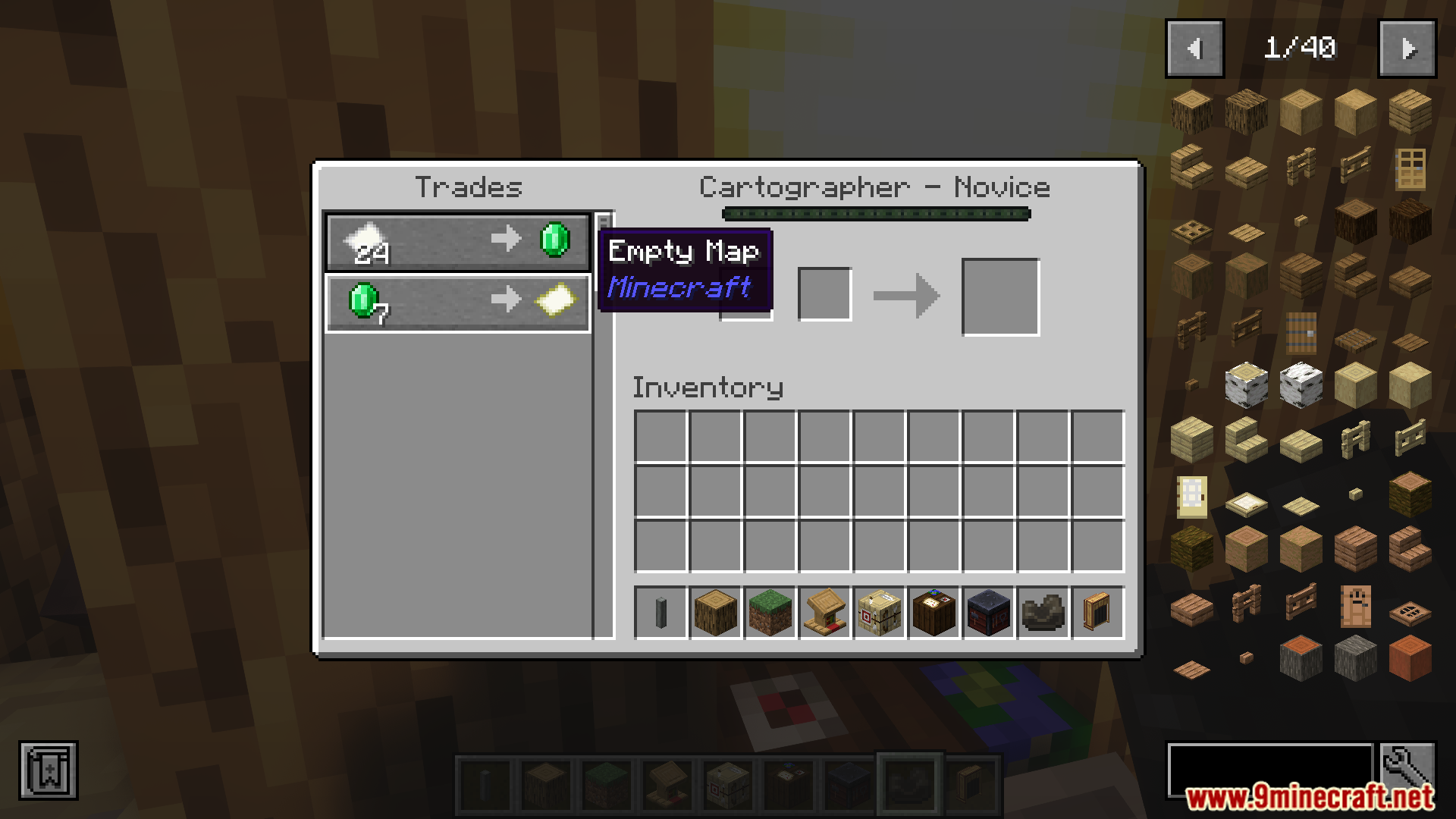
Screenshots:
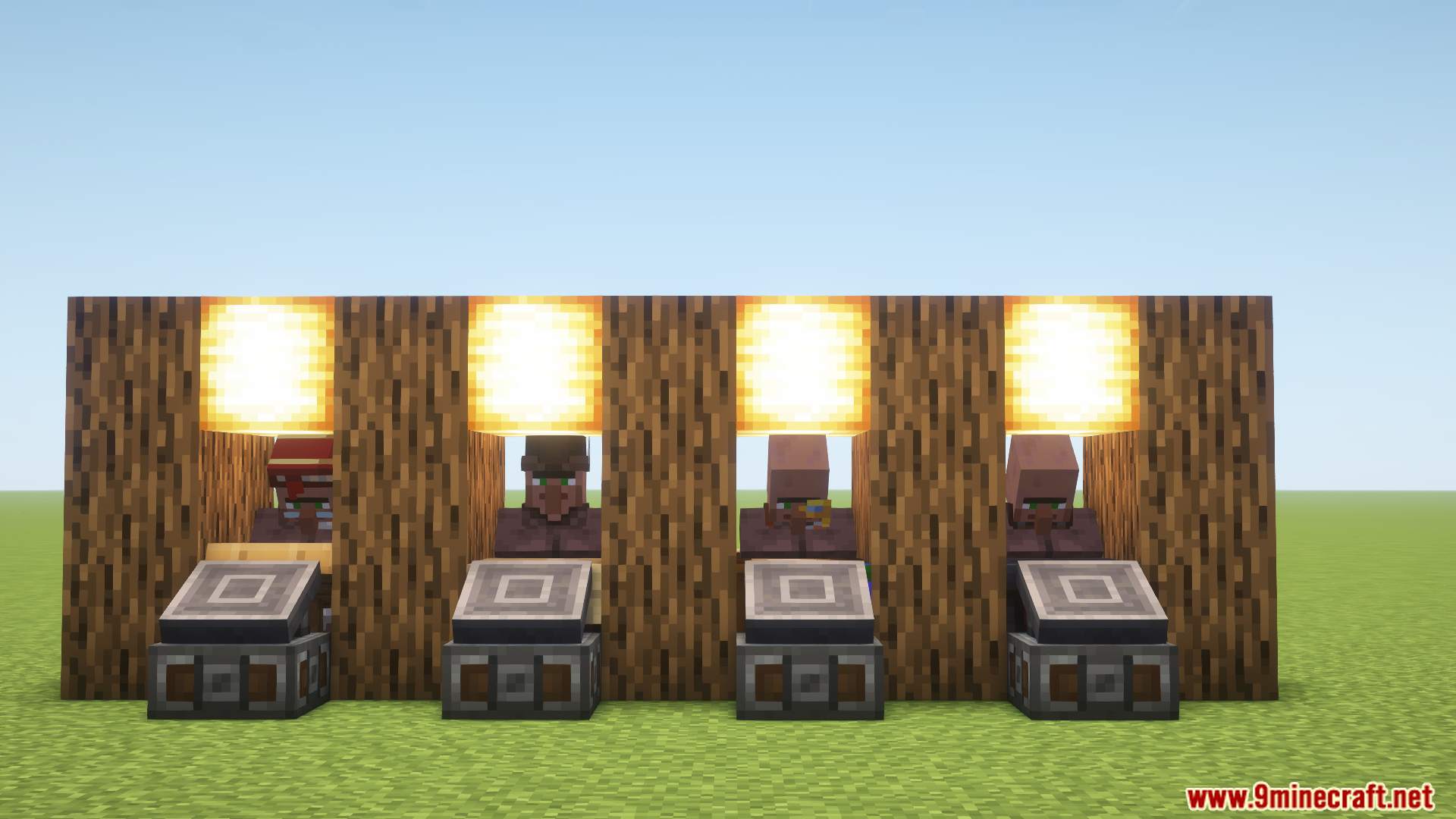
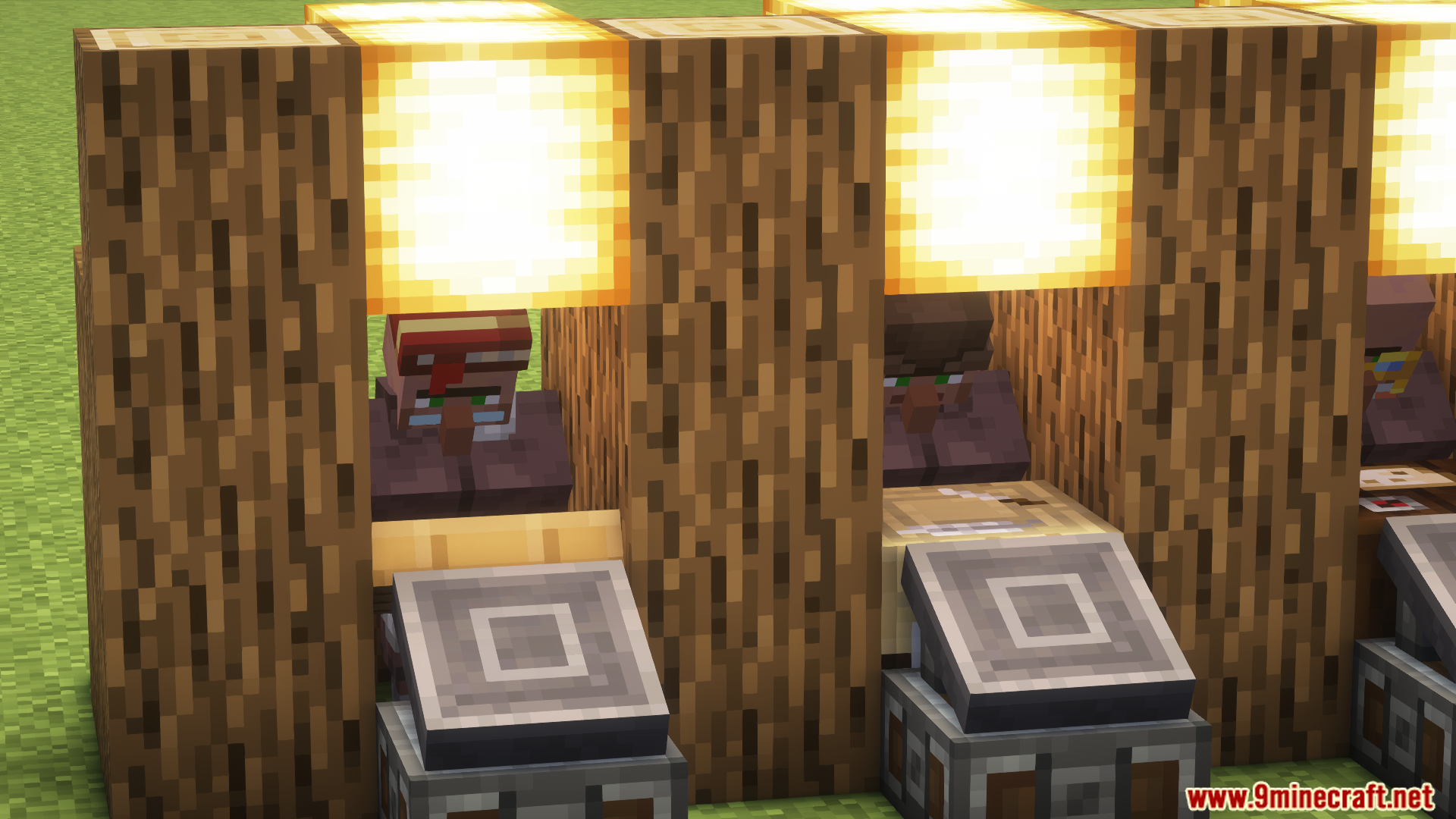
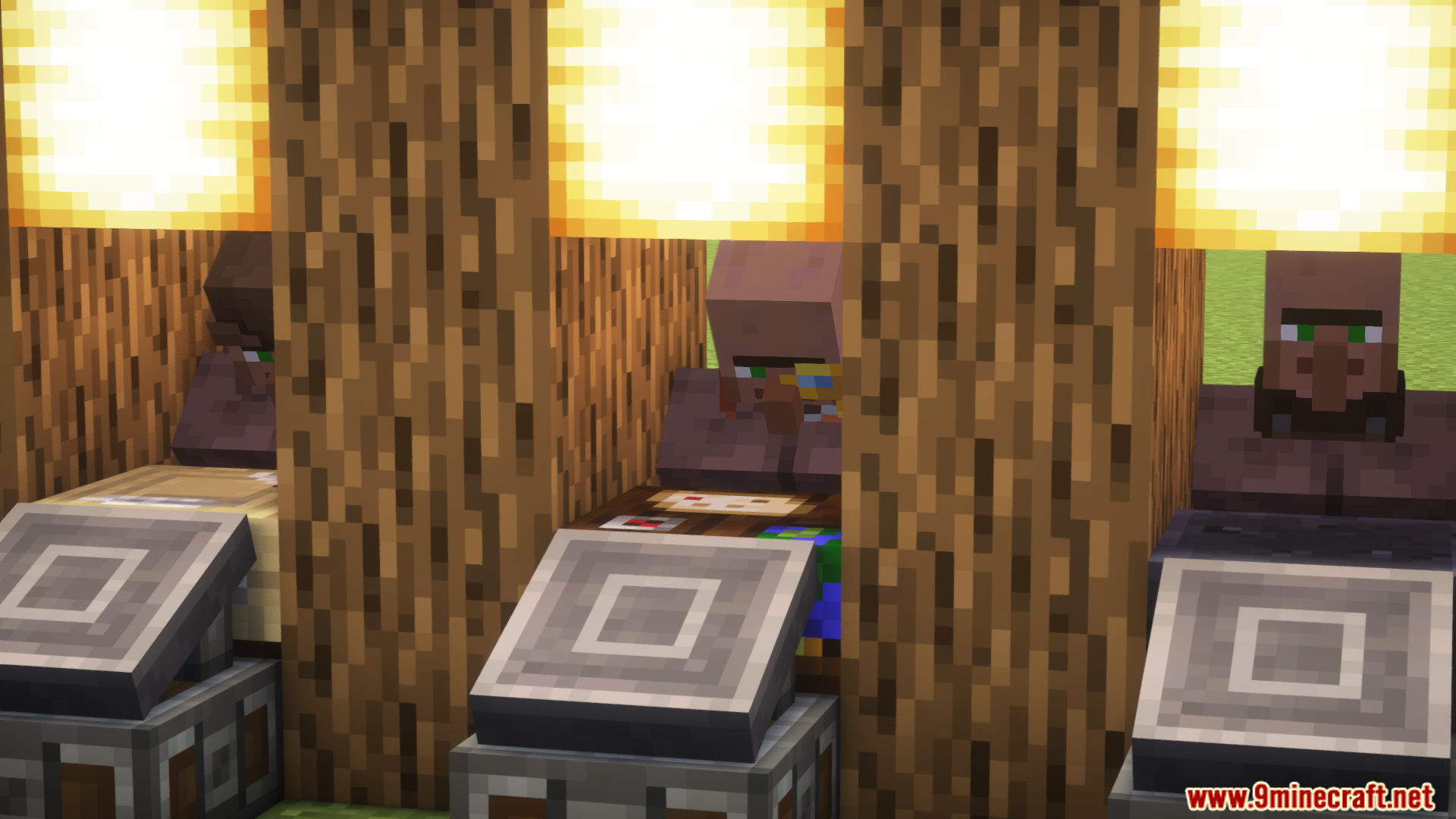
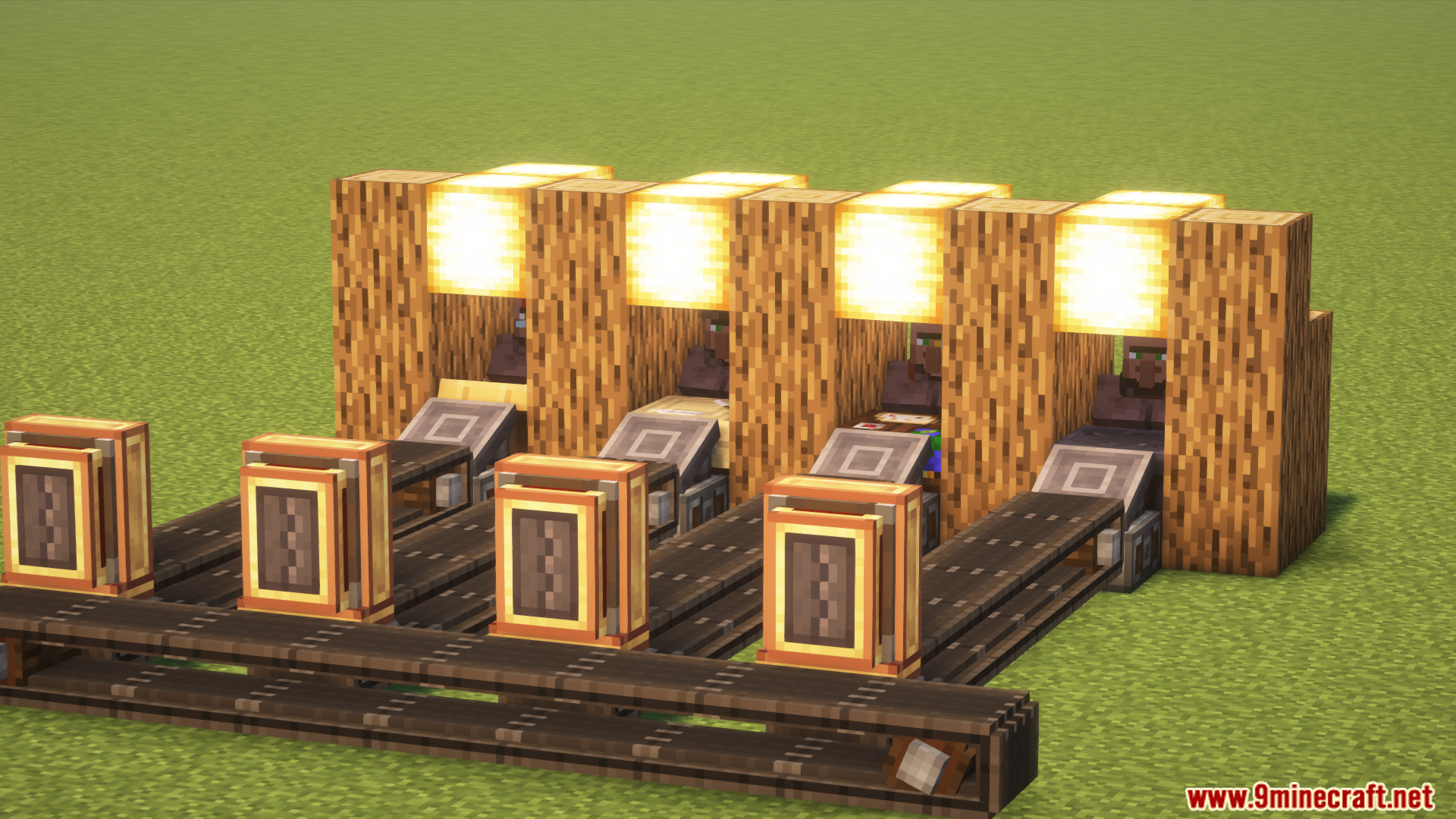
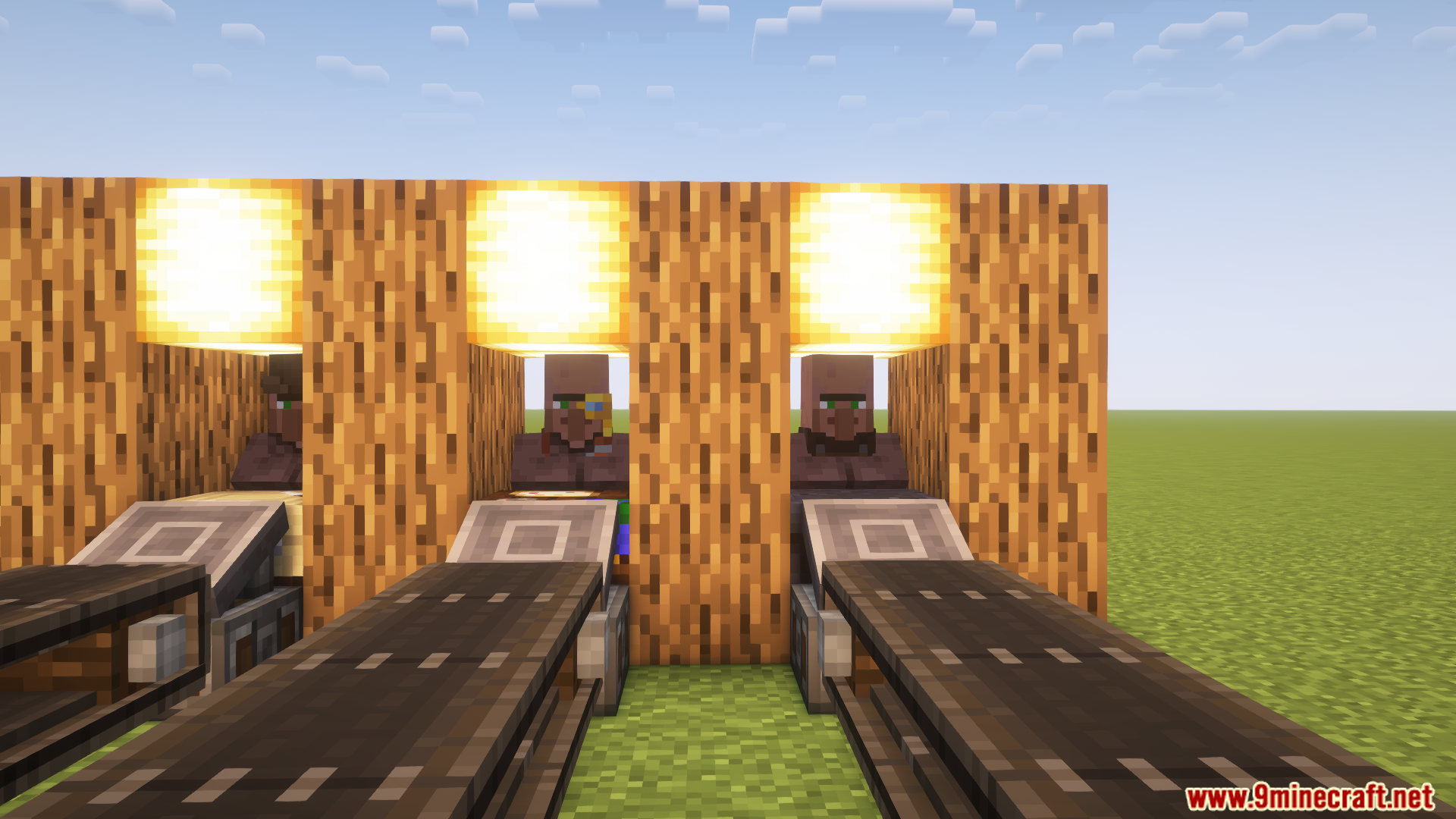
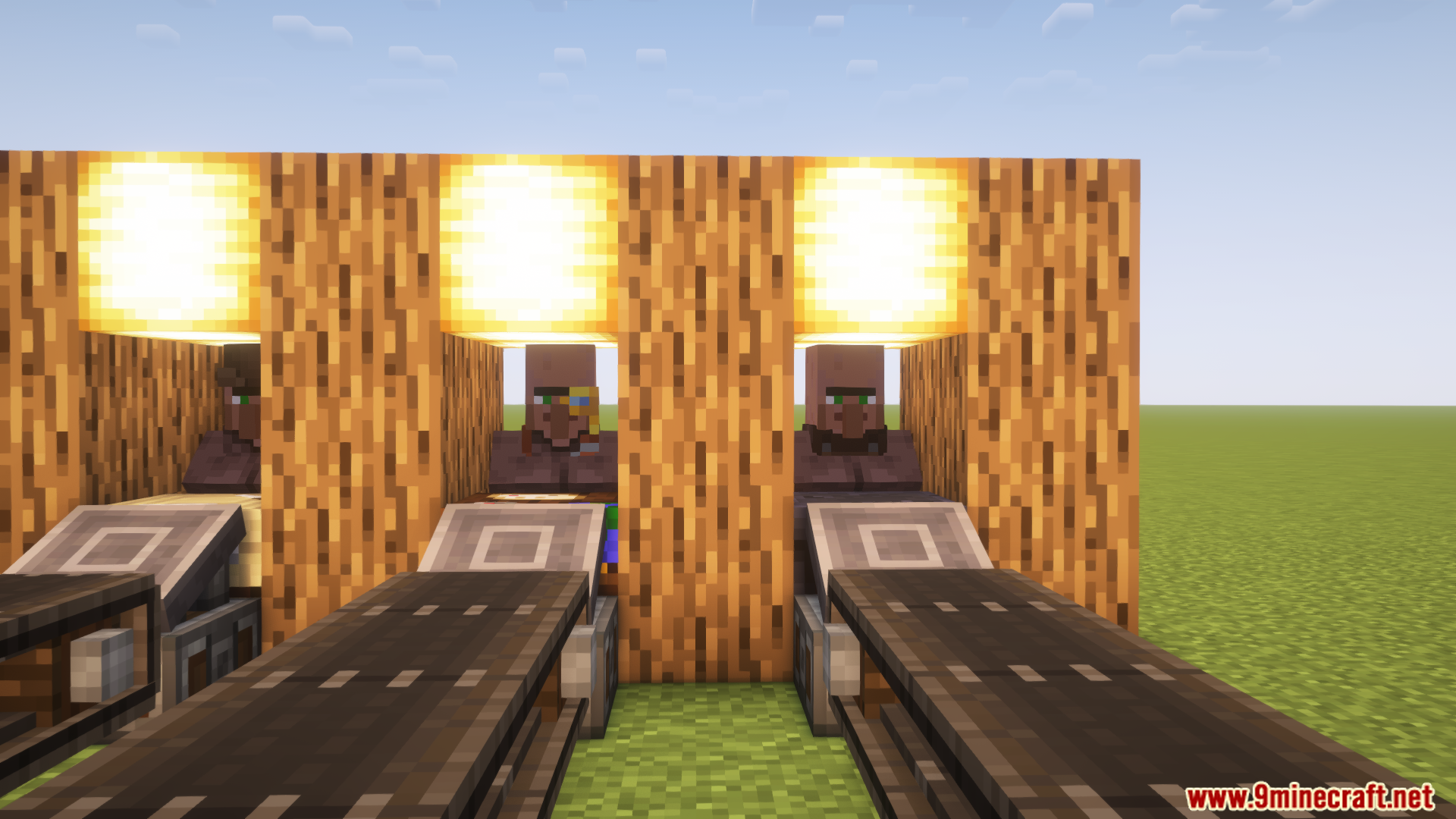
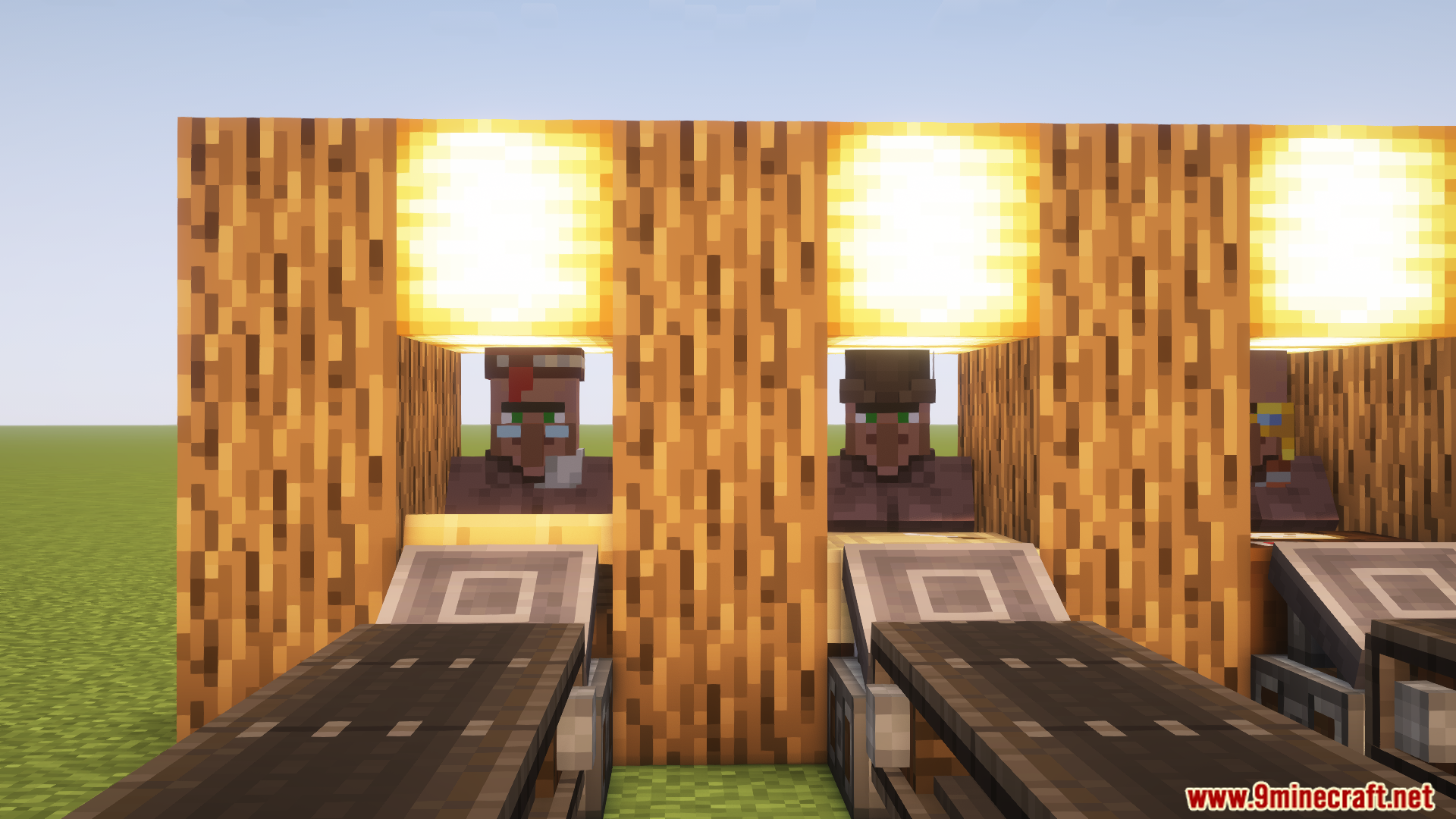
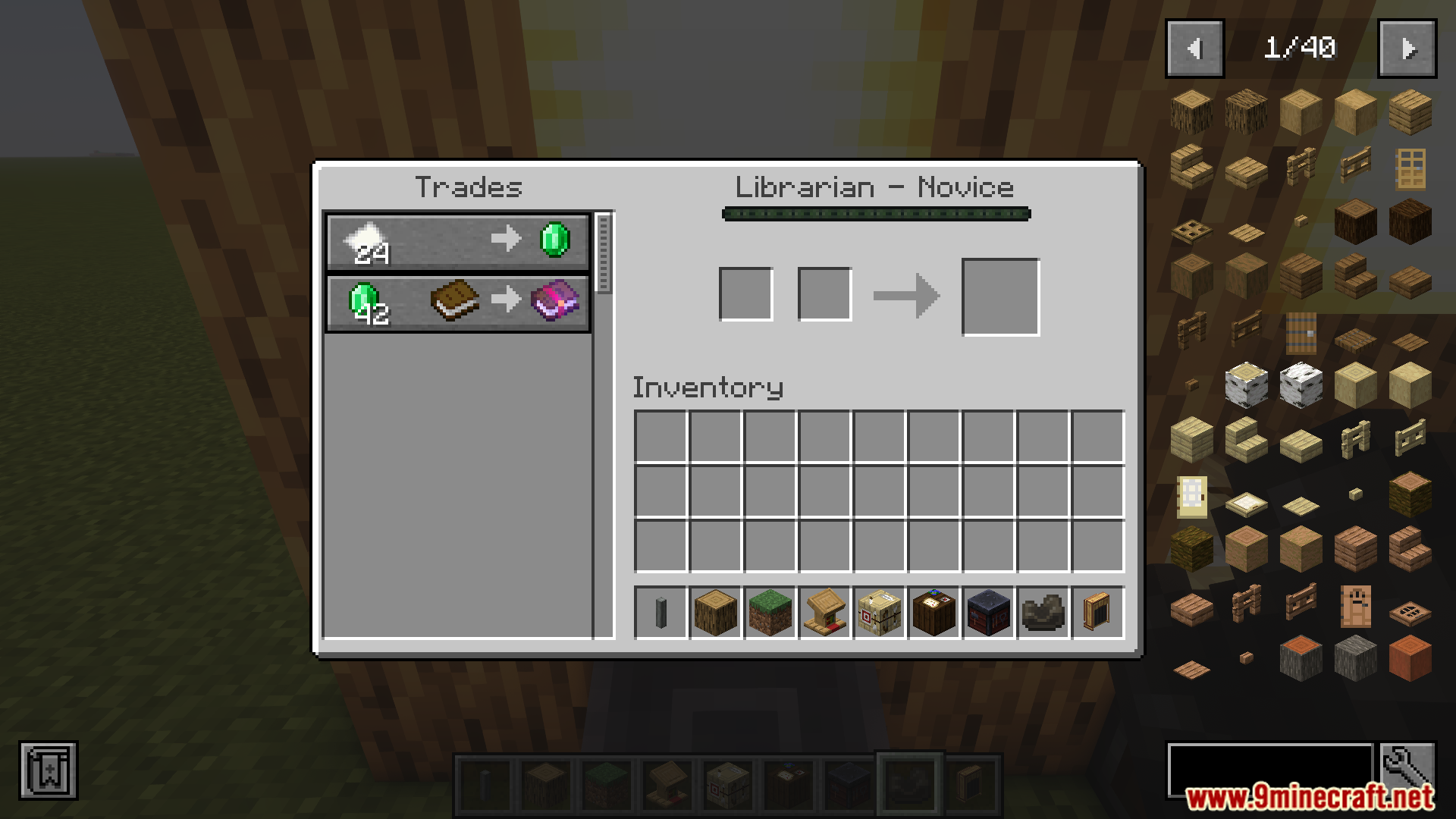
How to Install:
New to Minecraft? Follow our step-by-step guide to install Mods on your PC.View Guide
Requirements:

Create: Trading Floor Mod Download Links
For Minecraft 1.21.1, 1.21
NeoForge Version: Download from Server 1 – Download from Server 2
For Minecraft 1.20.1
Forge Version: Download from Server 1 – Download from Server 2
Fabric Version: Download from Server 1 – Download from Server 2
For Minecraft 1.19.2
Forge Version: Download from Server 1 – Download from Server 2
Fabric Version: Download from Server 1 – Download from Server 2
How do you handle updating your mods when a new Minecraft version drops?
33 responses · See the full results →
You May Also Like
Picked for this page
 Roots Classic Mod (26.3, 1.20.1) – Simple Magic Mod
 Create Crafts and Additions Mod (1.21.1, 1.20.1) – Electrifying the Create Mod
 More Berries Mod (26.3, 1.20.1) – New Berry Bushes
 All Arrows Infinity Fix Mod (26.3, 1.21.1) – Using “Infinity” with All Arrows
 Improved Pillager Outpost Mod (26.3, 1.20.1) – Overhauled Structure
 Spice Of Fabric Mod (26.1.2, 1.20.1) – Food Containers
 Quantrum Client Mod (1.21.11) – Finds Hidden Bases and Stashes
 Custom Biome Saplings Mod (26.1.1, 1.20.1) – Renewable Modded Trees
 FokusAPI Mod (1.21.11, 1.20.1) – Library For ScadeBlock’s Mod
 Prickle Mod (26.3, 1.21.1) – Lightweight JSON-Based Config System
 Current Game Music Track Mod (26.3, 1.20.1) – Identify In-Game Music
 Frostbyte’s Maximum Mobility Mod (26.3, 1.20.1) – Smooth Movement For Minecraft
Most viewed in Mods over the last 7 days
 Ala Industrial Mod (26.3) – Run Electric Power Grids and Automated Factories
 PleasureCraft Mod (26.3, 1.21.1) – Jenny Mod Remake for Fabric
 Jennycraft Mod (26.3, 1.20.1) – Virtual Girlfriend in Minecraft
 Fapcraft Mod (26.3, 1.12.2) – Comprehensive and Detailed Content
 Jenny Mod (Fapcraft) Official Complete Guide – How to use, Tutorial
 BangCraft Mod (1.20.1) – Jenny, Ellie and Elliot
 Fabric Loader (26.3, 1.20.1) – Fabric Installer for All Minecraft Versions
 The Shooting Star Demo Mod (26.3, 1.20.1) – Vaporize Terrain From Orbit
 Meteor Client Mod (26.3, 1.20.1) – Xray, HUD, Fly
 OptiFine HD (26.3, 1.20.1) – Run Faster, FPS Boost, Shaders Support
 Aristois Client Mod (1.21.4, 1.20.1) – World Class Minecraft Utility
 Prestige Client Mod (1.21.11, 1.21.4) – Powerful Ghost Features for Crystal & Sword PvP
More from Mods
 No XP Anvils Mod (26.3, 1.20.1) – Repair And Enchant Without XP
 Naruto Shippuden Mod (26.3, 1.16.5) – Immerse Yourself in The World of Ninja
 Araxer’s Bestiary Mod (26.3, 1.20.1) – Build an In-Game Encyclopedia of Every Mob
 Villagers Plus Mod (26.3, 1.20.1) – Expanded Villager Types and Villages
 Ore Excavation 9minecraft Mod (26.3) – Mine Ores and Chop Trees in a Single Swing
 Dirigo Mod (26.1.2, 1.21.1) – Walk Across Nether Lava Seas and Automate Animal
 HandLib Mod (26.3, 1.21.1) – Keep Your Multiplayer World Stable
 Happy Ghasts Boost Mod (26.1.2, 1.20.1) – Fly Across Vast Distances at Top Speed
 LiquidBounce Client Mod (26.3, 1.20.1) – LiquidLauncher, A Free Client
 Create Hand Made Mod (1.21.1) – Craft Create Recipes By Hand in Your Workshop
 Seed Map for Xaero Mod (26.1) – See Rare Biomes and Dungeons Before You Travel
 MCPersist Mod (26.3) – Keep Your World Online for Friends Even After Logging Off

This post has no comments yet. Be the first — your comment will appear here.