
CTM Overhaul Model – Brings Connected 3D Textures to Slabs and Pillars
 3
 0


CTM Overhaul Model adds connected textures to blocks in newer versions of Minecraft. As a forked port of CTM Overhaul, this pack ships with 1034 texture files and 7 custom 3D models. It updates the appearance of double slabs, purpur pillars, and glass panes when placed next to each other. The pack also includes 7 Blockbench source models for anyone who wants to inspect or edit the block shapes.

Features:
- Connected Textures: Includes 1034 texture files that link blocks together visually when placed side by side.
- Custom 3D Models: Packs 7 custom 3D models alongside 7 editable Blockbench source files.
- Updates double slabs using the custom
cube_double_slabmodel. - Refreshes purpur pillars across vertical and horizontal axes with the
purpur_pillar,purpur_pillar_x, andpurpur_pillar_zmodels. - Changes how glass panes connect using the
template_glass_pane_post,template_glass_pane_side, andtemplate_glass_pane_side_altmodels.
How to Use:
- Move the downloaded pack into your Minecraft resourcepacks folder and activate it in the Resource Packs menu.
- Grab Purpur Pillars from the Creative inventory or find them in End Cities, then place them upright and sideways along the X and Z axes to see the
purpur_pillar,purpur_pillar_x, andpurpur_pillar_zmodels connect. - Stack two slabs together to form a full block and check out the updated
cube_double_slabmodel and connected textures. - Craft Glass Panes from glass blocks and place them in a line or corner to watch the
template_glass_pane_post,template_glass_pane_side, andtemplate_glass_pane_side_altmodels link together cleanly. - Open the included source files in Blockbench if you want to view or edit any of the 7 custom models outside the game.
Requirements:
- Blockbench, only if you want to edit the included source models
Screenshots:


CTM Overhaul Model Download Links
Click to rate this post!
[Total: 0 Average: 0]
You May Also Like
Picked for this page
 Bare Bones X Model – Brings Simple 3D Foliage and Modded Block Visuals
 New Faithful Overlays Model – Brings Smooth Grass and Path Transitions
 Quadral Model – Brings Vivid Colors and 31 Custom 3D Models to Vanilla
 Pixel-Tree Model – Transforms Everyday Vanilla Blocks with Detailed 3D Shapes
 Gui’s Better Vanilla Model – Brings Animated 3D Torches and Plants
 Goose’s Leaves Model – Transforms Flat Leaves Into Bushy 3D Foliage
 Brush & Juice Model – Brings Animated 3D Redstone and Mechanical Blocks
 The Original Work Programmer Art Model – Brings Classic Retro Visuals and Models
 Visible String Model – Transforms Faint Tripwire Into Clear 3D Lines
 Caelesti Flora Model – Transforms Flat Vanilla Plants Into Detailed 3D Greenery
 Connected Texture Model – Brings Borderless Glass Panes and Glowing 3D Ores
 STAR21 Model – Brings the Class 952 Shinkansen Bullet Train to MTR4 Tracks
Most viewed in Models over the last 7 days
 Jenny Mod Skin Pack Mega Collection – 310+ Characters
 The Most Complete Collection of Jenny Mod Resources – Models, Animations, Structures,…
 Albedo Rework Jenny Mod Model
 750 Models Addon for Yes Steve Model Mod
 Galath Rework Model – Custom Girl for PleasureCraft Mod
 Power Model – Custom Girl for PleasureCraft Mod
 Pomni Jenny Mod Model
 Femboy Ellie Rework Jenny Mod Model
 Ram Model – Custom Girl for PleasureCraft Mod
 100+ Custom Animations For Jenny Mod
 Ellie Rework Jenny Mod Model
 Steve (Jenny & Zoey) Pack Jenny Mod Model
More from Models
 Artisanal Nether Bricks Model – Upgrades Nether Fortresses with Custom 3D Blocks
 British Rail Class 80X IET Series Model – Brings Modern British Passenger Trains
 British Rail Class 158 Express Sprinter Model – Adds UK Passenger Trains
 Realistic Ores 3D Model – Transforms Flat Ore Blocks Into Raised Cave Gems
 Manchester Metrolink Bombardier M5000 Model – Adds Light Rail Transit Trams
 Enhanced Grass Model – Brings Organic 3D Plant Variants to Overworld Biomes
 WoKFlows Model – Brings 128x Visuals, Bushy Foliage, and Animated Blocks
 Kiru X Bunji Model – Brings Pink PvP Visuals and 3D Blocks to Worlds
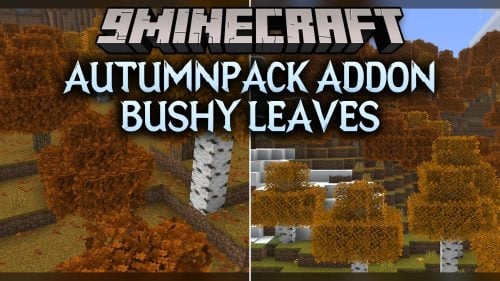 AutumnPack Addon Bushy Leaves Model – Brings Fuller 3D Foliage to Trees
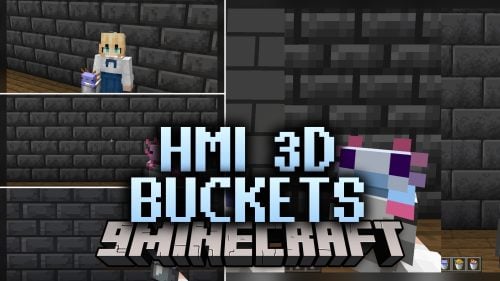 HMI 3D Buckets Model – Turns Flat Vanilla Buckets Into Animated 3D Containers
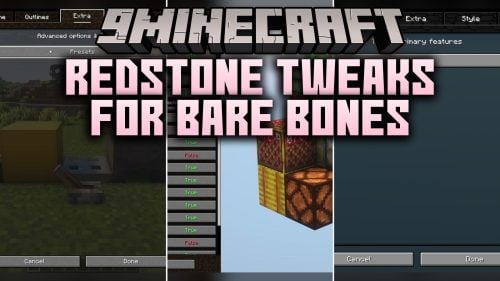 Redstone Tweaks For Bare Bones Model – Brings Clear 3D Signal States
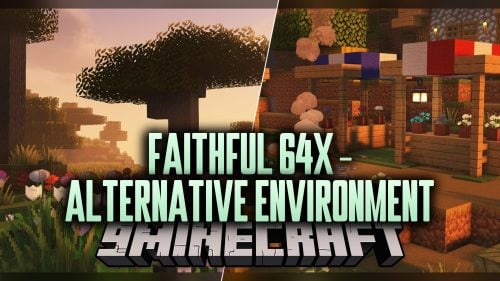 Faithful 64x – Brings Animated 3D Variations to Blocks and Mobs

This post has no comments yet. Be the first — your comment will appear here.