


Dark Client (26.1.2) – Load Hidden Combat and Utility Modules Instantly
 203
203
 0
0

🌐 Read this article in your language! Choose your preferred language below.
Or pick the one you like:
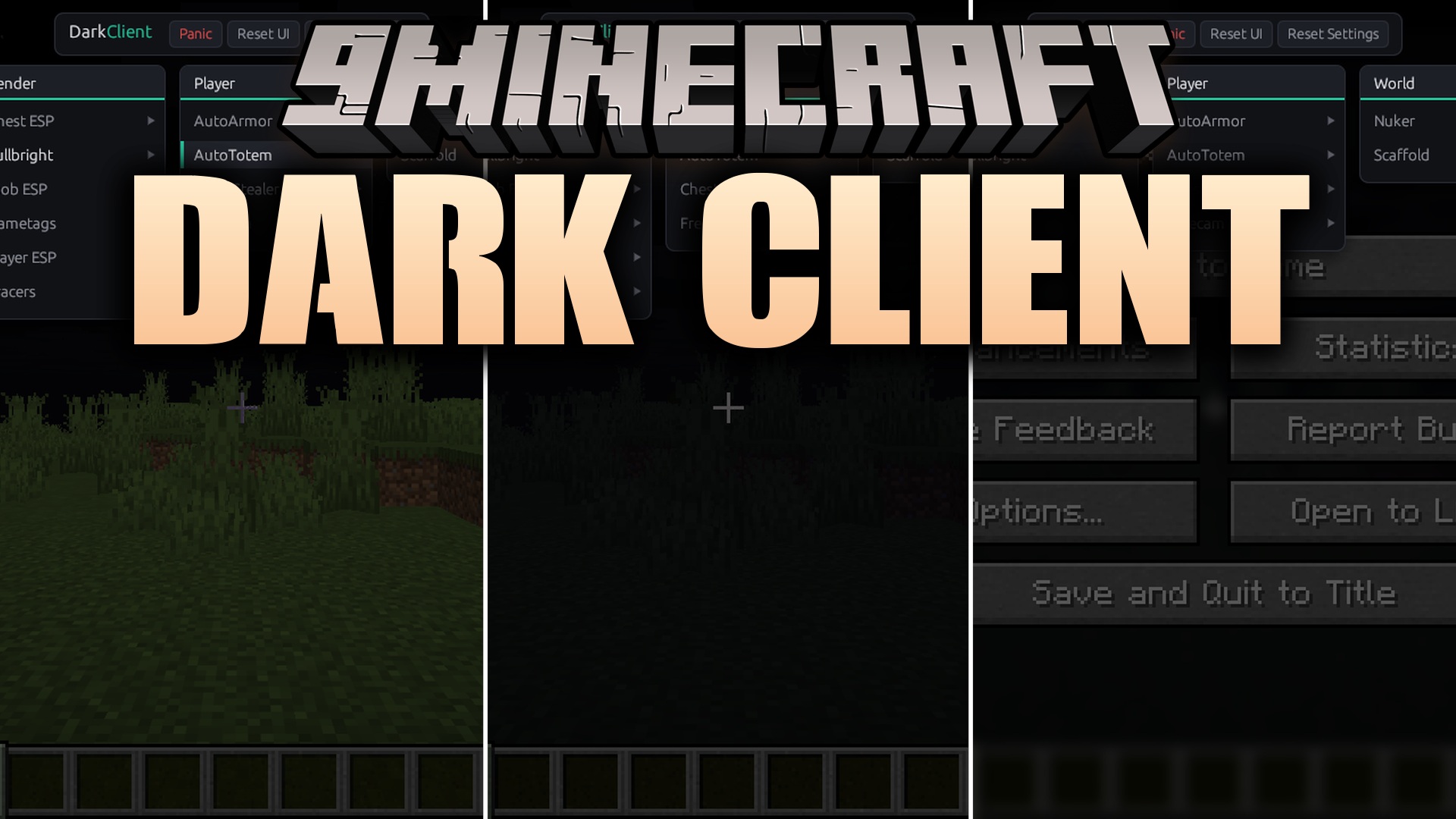
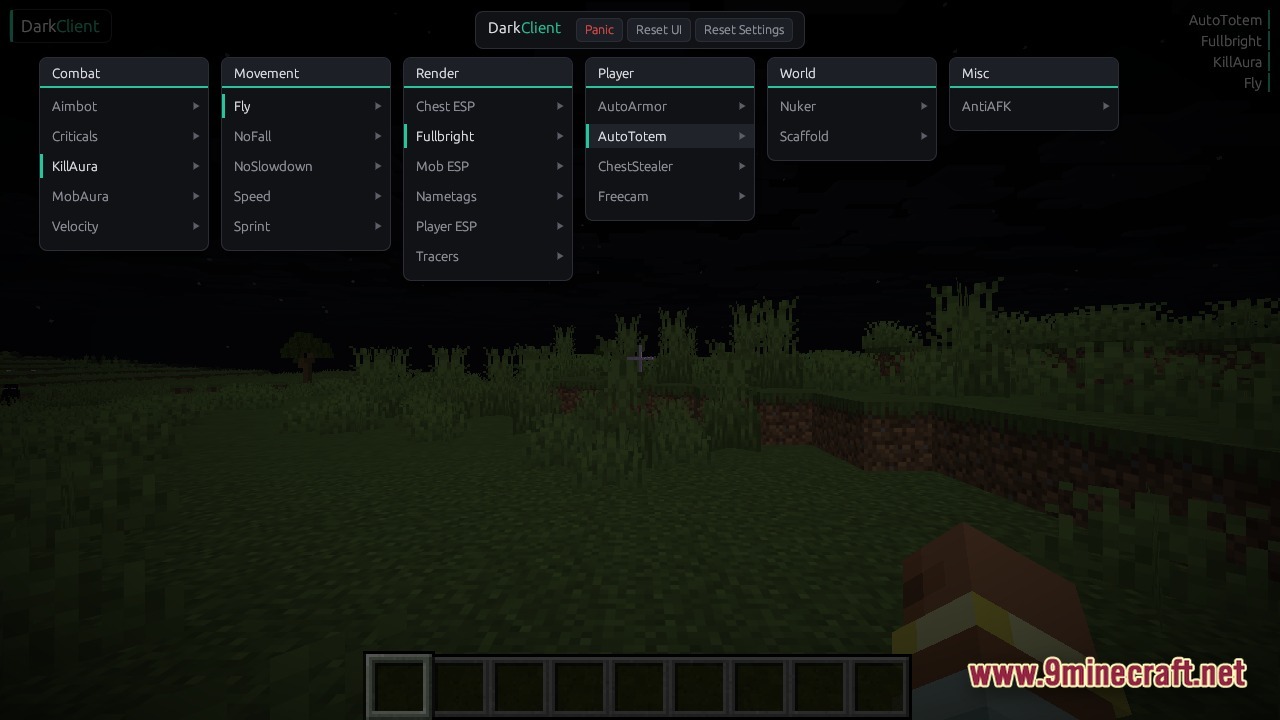
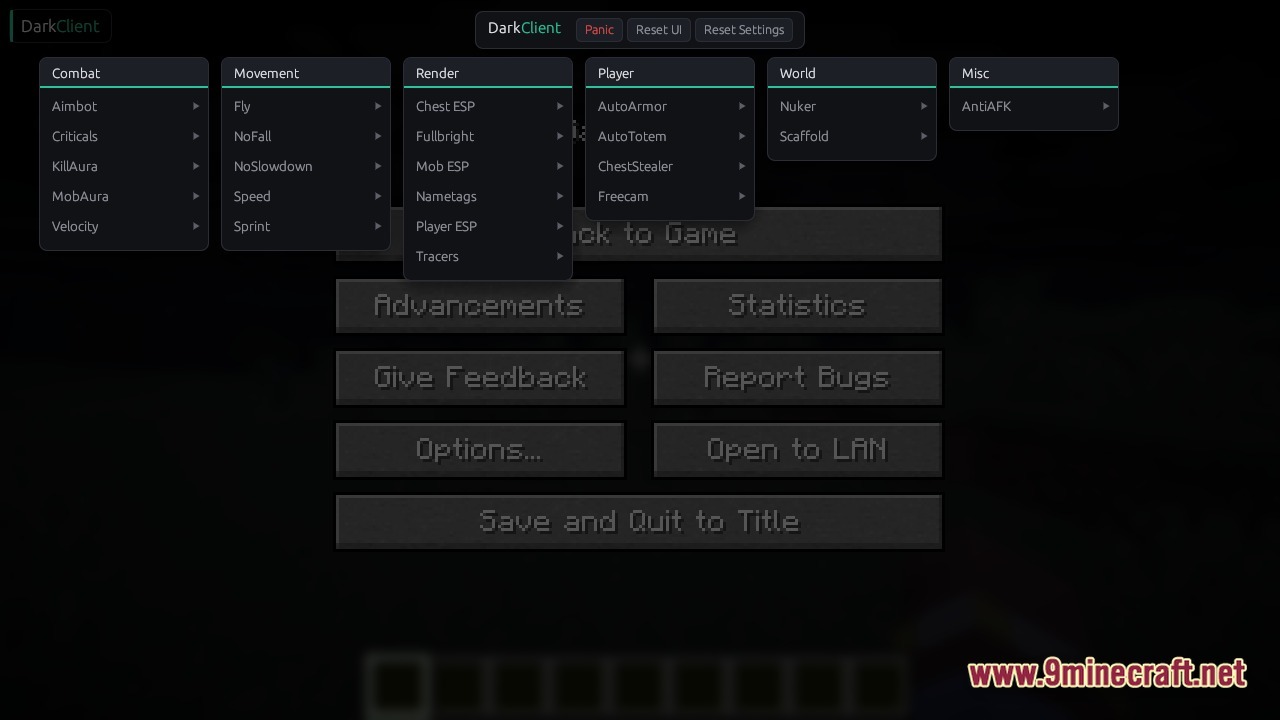
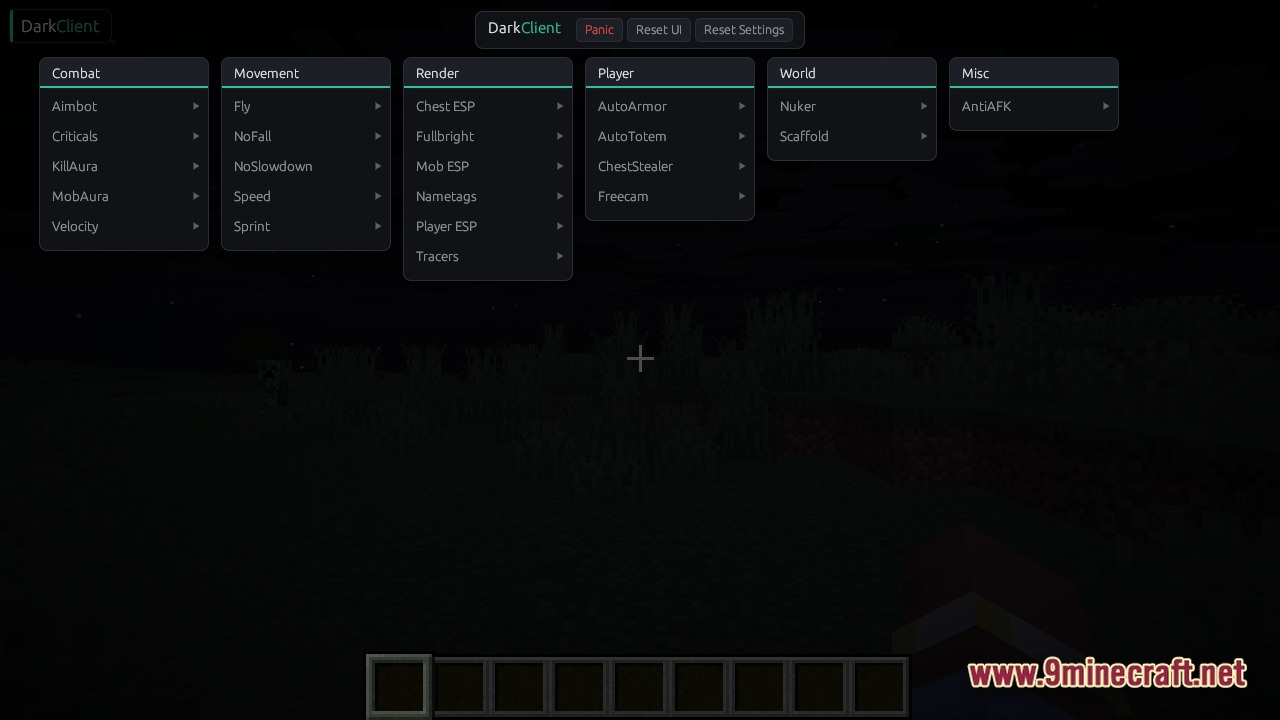
Dark Client brings a collection of visual tools and utility modules to your game. This client runs directly alongside your normal launcher and loads its menus into the active game process without requiring a restart. You get instant access to a custom interface where you can toggle options for combat, movement, and world interaction. It works across different game versions and loaders. The menu stays hidden until you need it, keeping your screen clean while you play.
Features:
- Loads into the game instantly without forcing you to restart your launcher.
- Saves your custom keybinds, active modules, and menu layout for your next session.
- Hooks directly into the network pipeline to stop knockback and fall damage.
- Runs on multiple operating systems including Windows and Linux.
- Adapts to different game versions automatically through a smart mapping system.
Combat Modules:
- Adds automatic targeting to help you land hits on nearby enemies.
- Forces critical hits on every strike to maximize your damage output.
- Stops all incoming knockback so you stand your ground during fights.
Movement Modules:
- Lets you fly freely around the map without creative mode.
- Prevents all fall damage when you drop from high places.
- Removes the slowdown effect when you eat or use items while walking.
Render Modules:
- Highlights chests, players, and mobs through solid walls.
- Lights up pitch-black caves so you never need torches.
- Draws tracer lines from your screen to other players in the area.
How to Use:
- Keep the injector file and the two client library files together in the same folder.
- Start your game normally and wait until you reach the main menu.
- Run the injector as an administrator, click the Scan button to find your game, and click Inject.
- Load into a single-player world or multiplayer server.
- Press Right Shift to open the custom menu and turn on your preferred modules.
Screenshots:
Dark Client Download Links
For Minecraft 26.1.2
Click to rate this post!
[Total: 3 Average: 4.3]
You May Also Like


This post has no comments yet. Be the first — your comment will appear here.