
Debrand Mod (1.21.4, 1.20.1) – Hide Modded Text for Clean Menus

 0


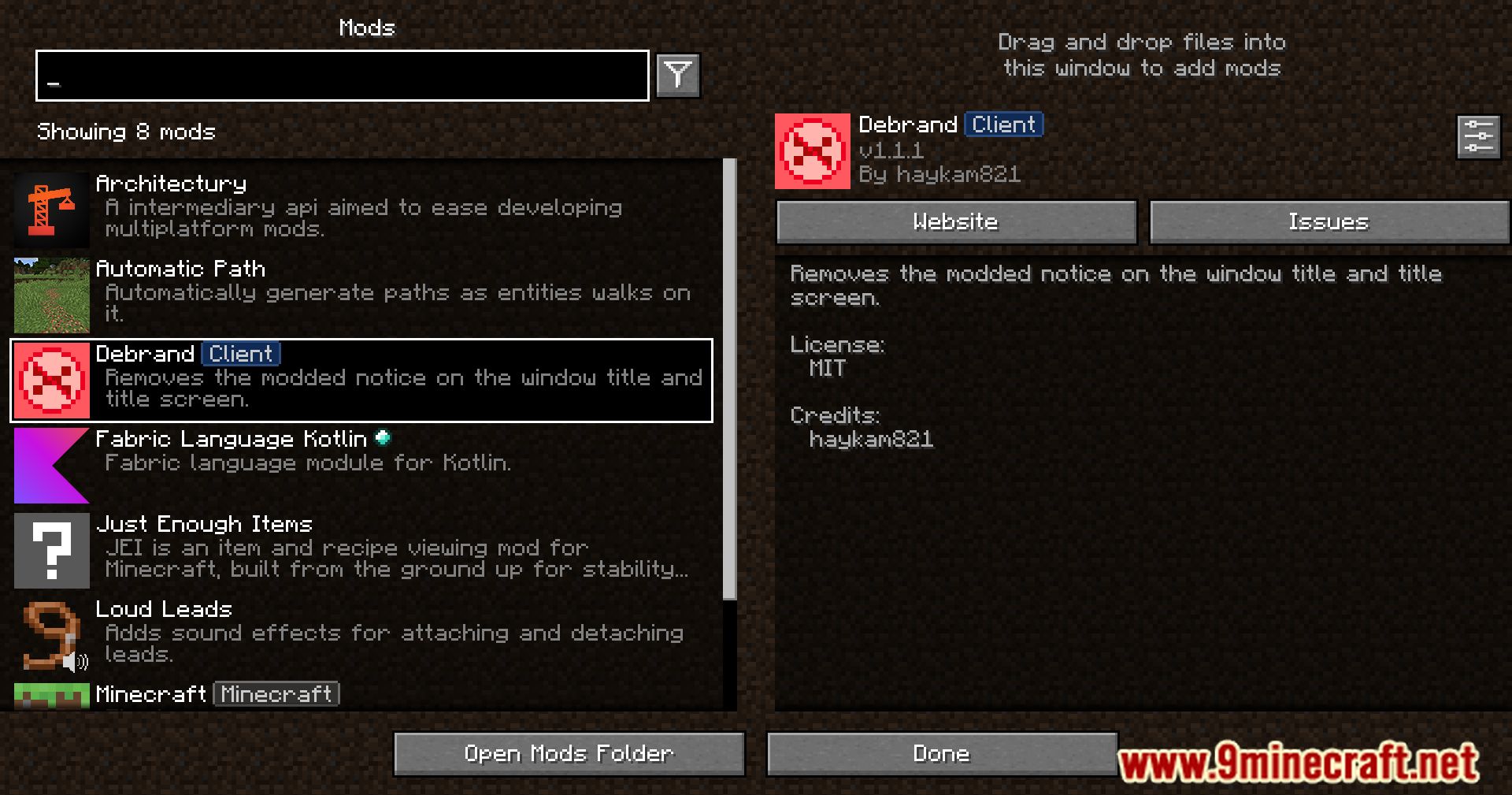
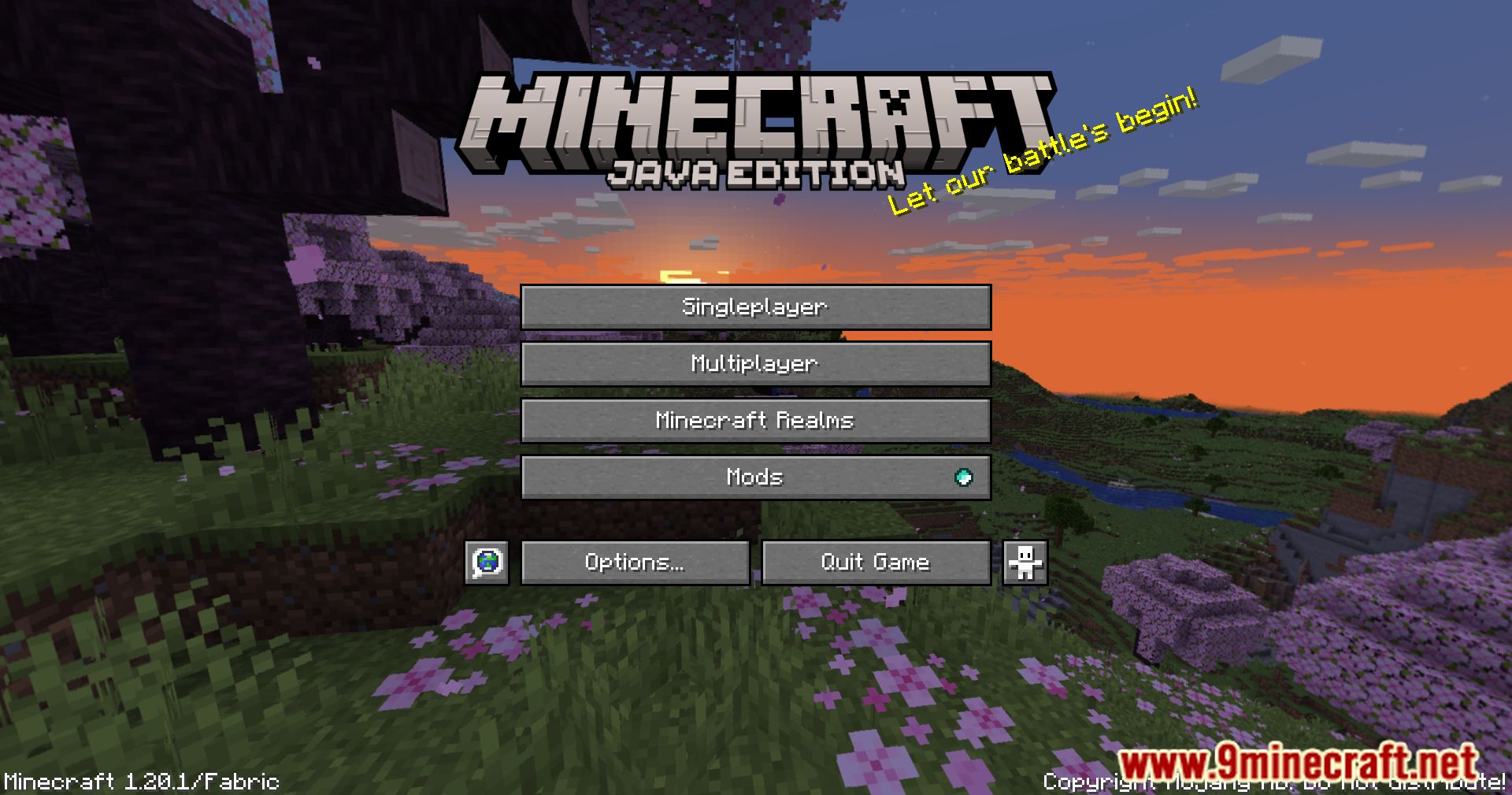
Debrand Mod removes the modded notice on the window title and title screen. It gives the game a clean look by hiding all branding signs that show the game uses mods.

Features:
- Removes modded notices and branding text from the game window title.
- Cleans up the main title screen so it looks like the vanilla game.
- Hides every individual modded indication by default.
- Allows players to configure each brand indication to be visible or hidden.
Screenshots:




How to Install:
New to Minecraft? Follow our step-by-step guide to install Mods on your PC.View Guide
Debrand Mod Download Links
Other Version:
Show More
For Minecraft 1.20.5
Fabric version: Download from Server 1 – Download from Server 2
For All Versions from Minecraft 1.18.1 to Minecraft 1.20.2
Fabric version: Download from Server 1 – Download from Server 2
For All Versions from Minecraft 1.18.1 to Minecraft 1.20.4
Fabric version: Download from Server 1 – Download from Server 2
For Minecraft 1.20.6
Fabric version: Download from Server 1 – Download from Server 2
For Minecraft 1.21.1, 1.21
Fabric version: Download from Server 1 – Download from Server 2
For Minecraft 1.21.3, 1.21.2
Fabric version: Download from Server 1 – Download from Server 2
For Minecraft 1.21.4
Fabric version: Download from Server 1 – Download from Server 2
You May Also Like
Picked for this page
 Tree Harvester Mod (26.3, 1.20.1) – Auto-Planting Tree Chopper
 Stray Spawn Mod (26.3, 1.20.1) – Spawn Strays Naturally
 MagicLib Mod (1.21.10, 1.20.1) – To Beat Magic with Magic
 Librarian Trade Finder Mod (26.1.2, 1.20.1) – Auto Reroll Trade Librarian
 Cristel Lib Mod (26.3, 1.20.1) – Easy Structure Config
 VsnGamer’s Elevator Mod (1.21.11, 1.20.1) – Rise To New Heights
 Skin Overrides Mod (26.3, 1.20.1) – Instantly Change Skins and Capes on Screen
 Benched Mod (26.3, 1.20.1) – Now You Can Craft Picnic Benches
 Entity View Distance Mod (26.3, 1.20.1) – Control How Far Away You Can See Entities
 Player Locator Plus Mod (26.2, 1.20.1) – Track Down Friends or Foes
 XXL Packets Mod (26.3, 1.20.1) – Raising The Packet Size Limit
 Piglin Names Mod (26.3, 1.20.1) – Piglins Are Now Named
Most viewed in Mods over the last 7 days
 Ala Industrial Mod (26.3) – Run Electric Power Grids and Automated Factories
 PleasureCraft Mod (26.3, 1.21.1) – Jenny Mod Remake for Fabric
 Jennycraft Mod (26.3, 1.20.1) – Virtual Girlfriend in Minecraft
 Fapcraft Mod (26.3, 1.12.2) – Comprehensive and Detailed Content
 Jenny Mod (Fapcraft) Official Complete Guide – How to use, Tutorial
 BangCraft Mod (1.20.1) – Jenny, Ellie and Elliot
 Fabric Loader (26.3, 1.20.1) – Fabric Installer for All Minecraft Versions
 Meteor Client Mod (26.3, 1.20.1) – Xray, HUD, Fly
 The Shooting Star Demo Mod (26.3, 1.20.1) – Vaporize Terrain From Orbit
 OptiFine HD (26.3, 1.20.1) – Run Faster, FPS Boost, Shaders Support
 Aristois Client Mod (1.21.4, 1.20.1) – World Class Minecraft Utility
 SchnurriTV Mod (1.12.2) – Characters and Features
More from Mods
 Villagers Plus Mod (26.3, 1.20.1) – Expanded Villager Types and Villages
 Ore Excavation 9minecraft Mod (26.3) – Mine Ores and Chop Trees in a Single Swing
 Dirigo Mod (26.1.2, 1.21.1) – Walk Across Nether Lava Seas and Automate Animal
 HandLib Mod (26.3, 1.21.1) – Keep Your Multiplayer World Stable
 Happy Ghasts Boost Mod (26.1.2, 1.20.1) – Fly Across Vast Distances at Top Speed
 LiquidBounce Client Mod (26.3, 1.20.1) – LiquidLauncher, A Free Client
 Create Hand Made Mod (1.21.1) – Craft Create Recipes By Hand in Your Workshop
 Seed Map for Xaero Mod (26.1) – See Rare Biomes and Dungeons Before You Travel
 MCPersist Mod (26.3) – Keep Your World Online for Friends Even After Logging Off
 Minecraft Java MCP Server Mod (1.21.11) – Command Your World Through External AI Tools
 Arcanism Mod (26.2) – Build Magic Factories and Program Custom Spells
 Archangel Client Mod (1.21.11) – Master Every PvP Duel with Clean Screen Stats

This post has no comments yet. Be the first — your comment will appear here.