


Digital Lens Feed Mod (1.21.1) – Project Live Computer Data on Wearable HUD
 2
2
 0
0

🌐 Read this article in your language! Choose your preferred language below.
Or pick the one you like:
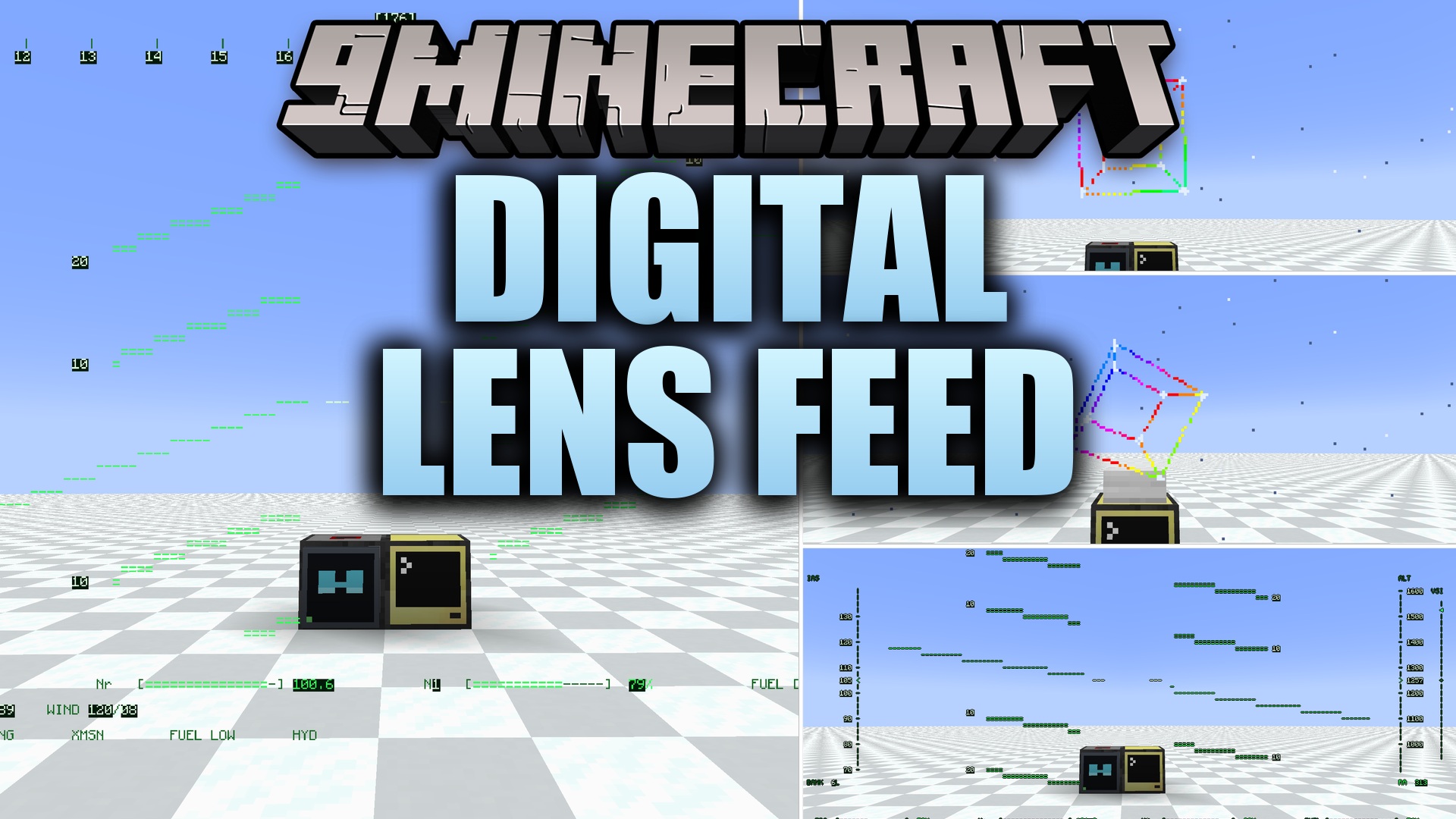
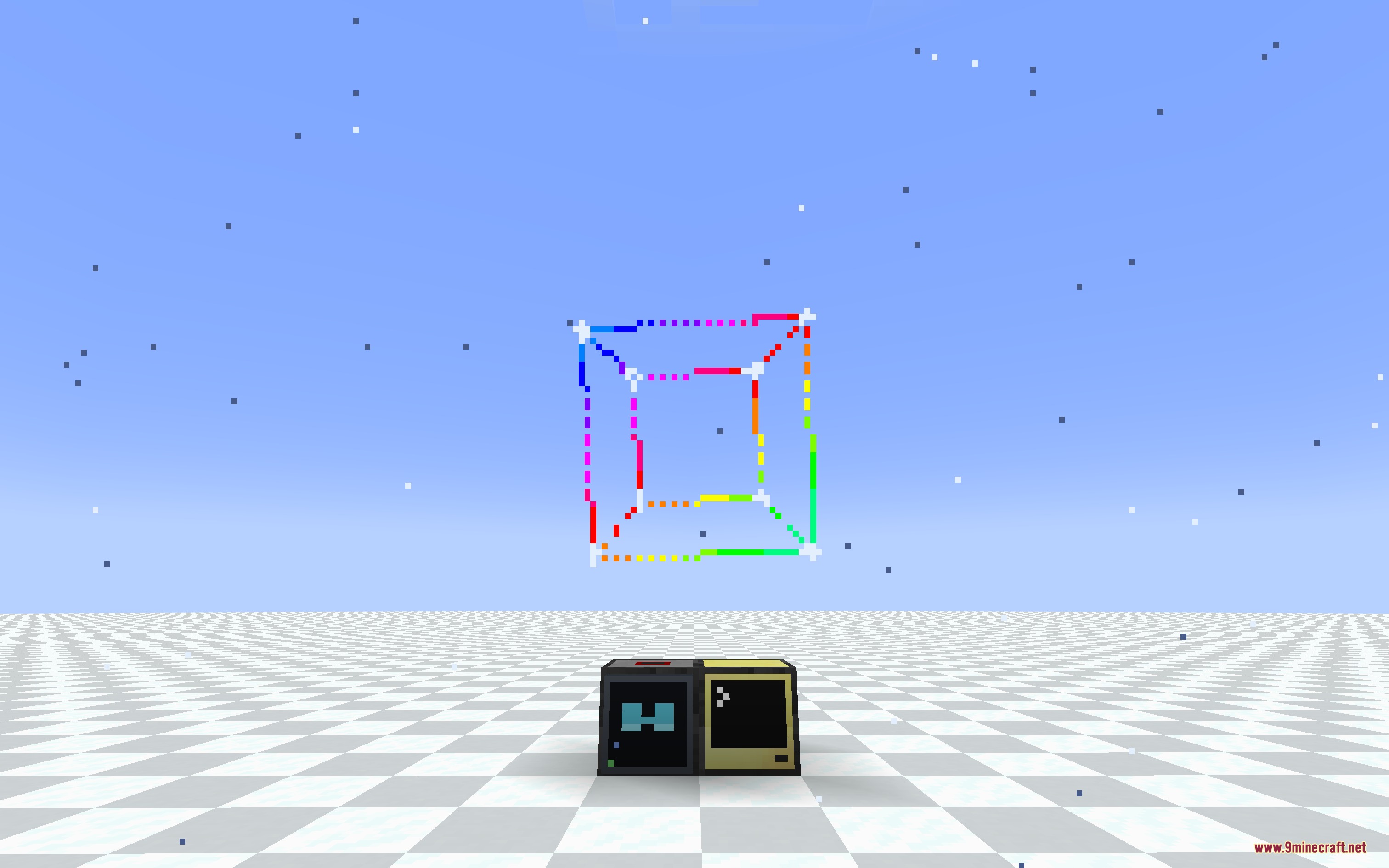
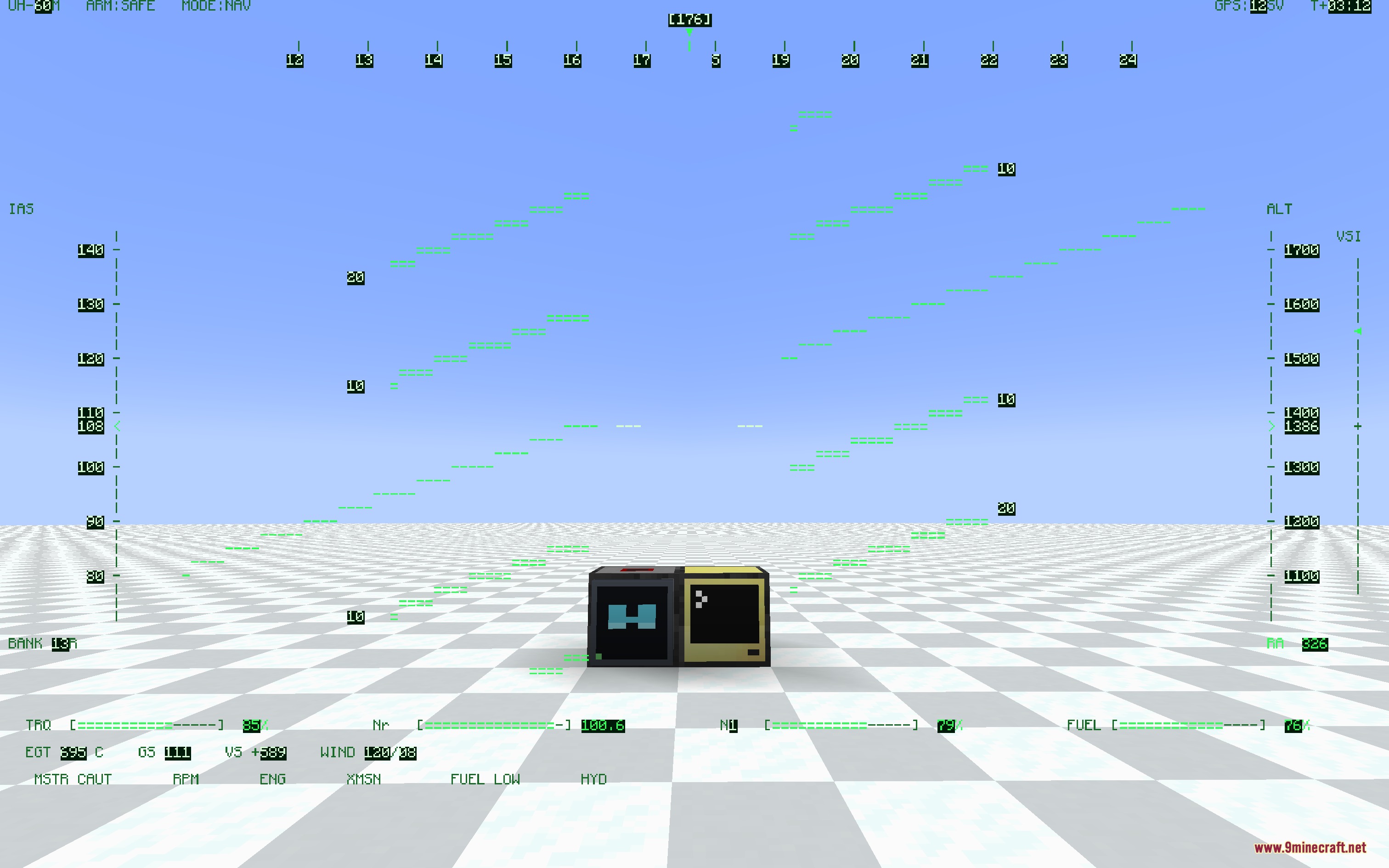
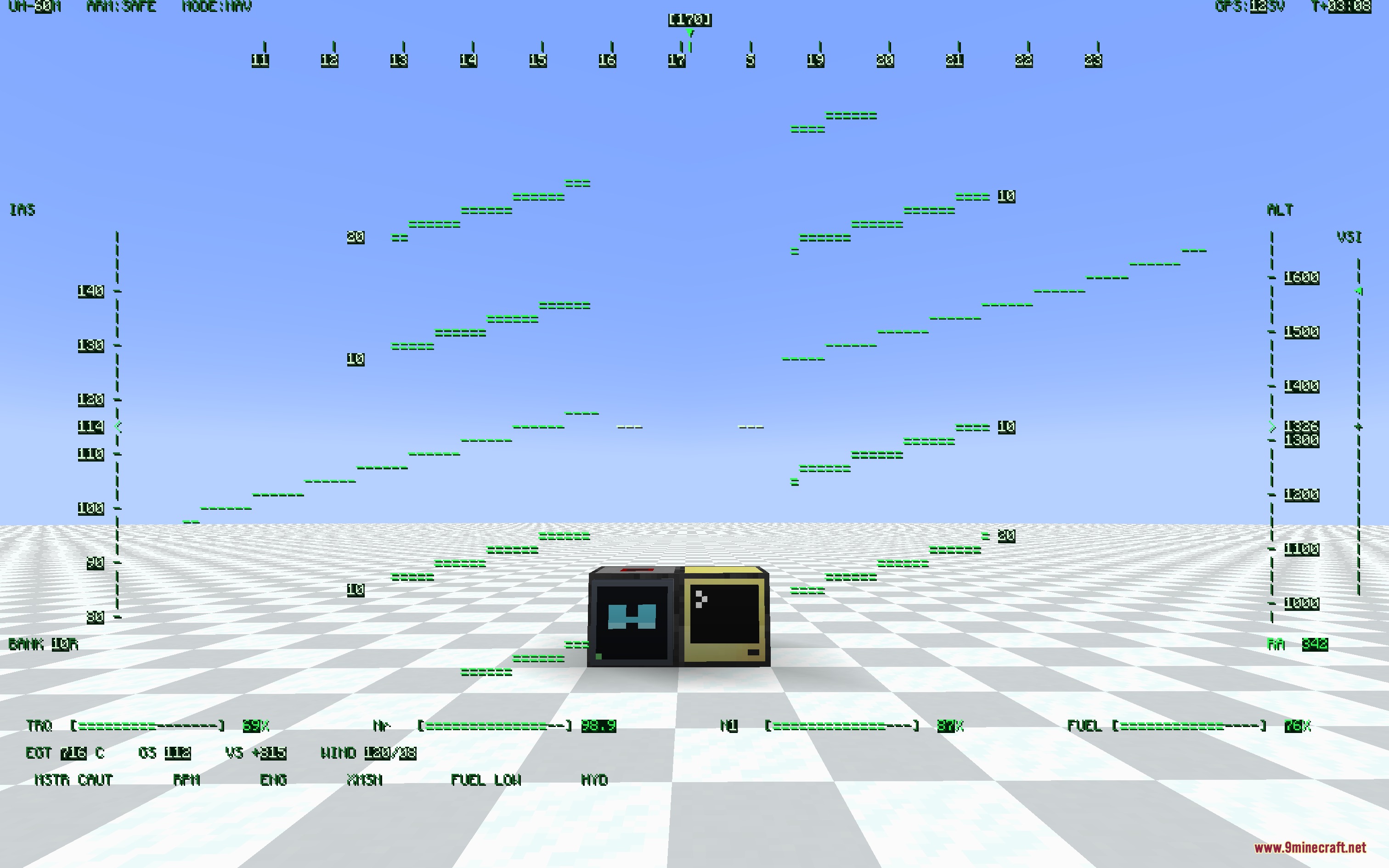
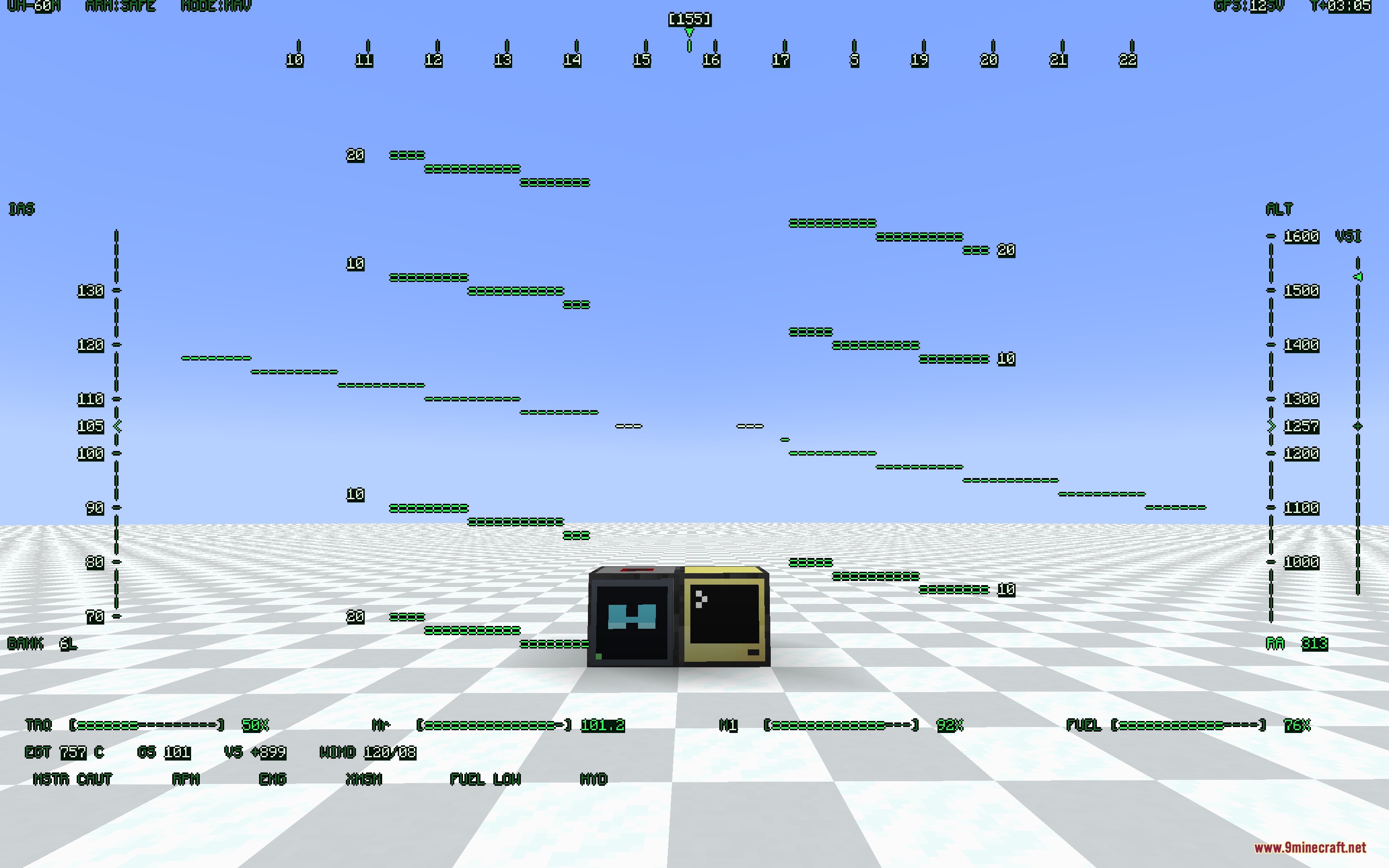
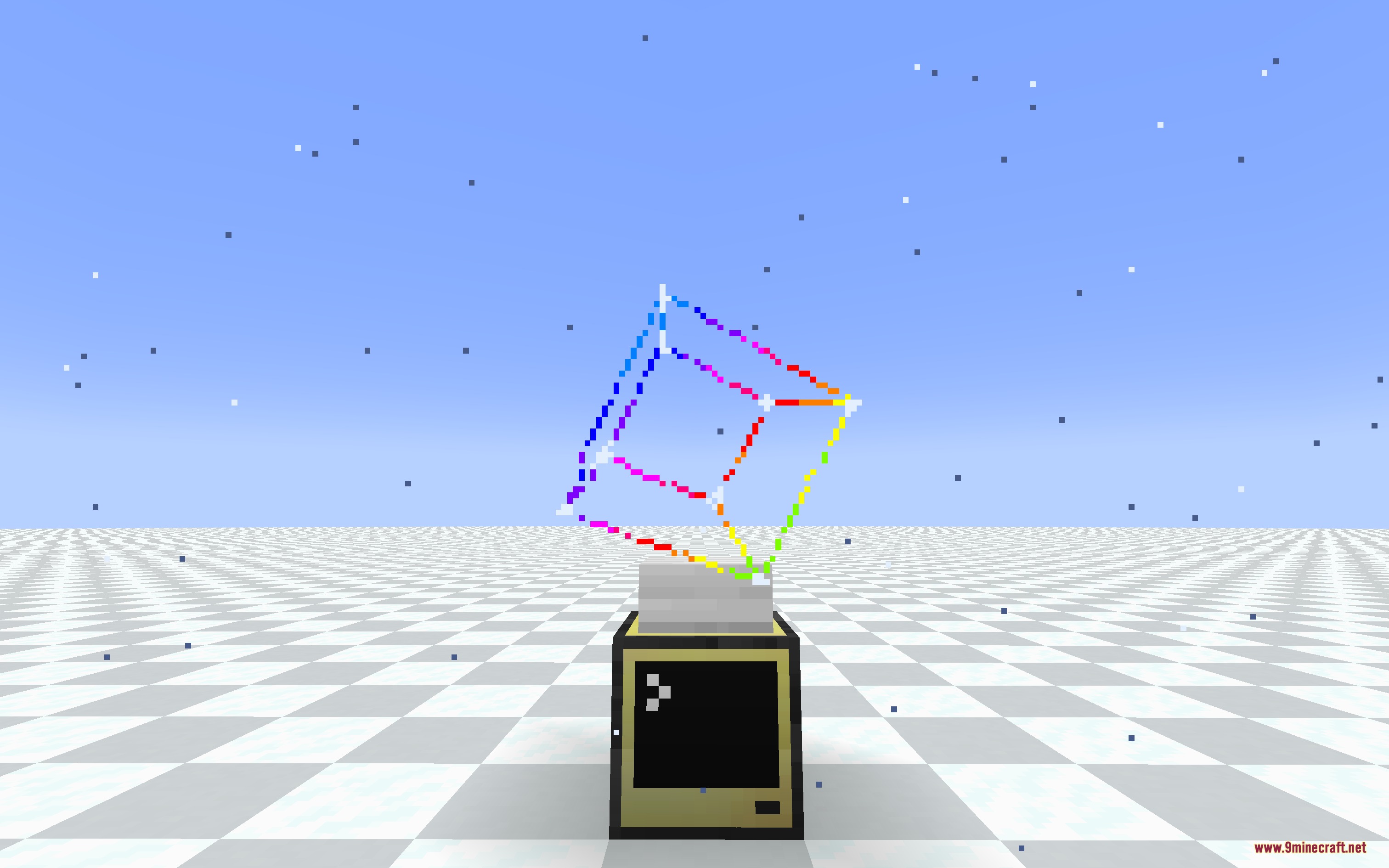
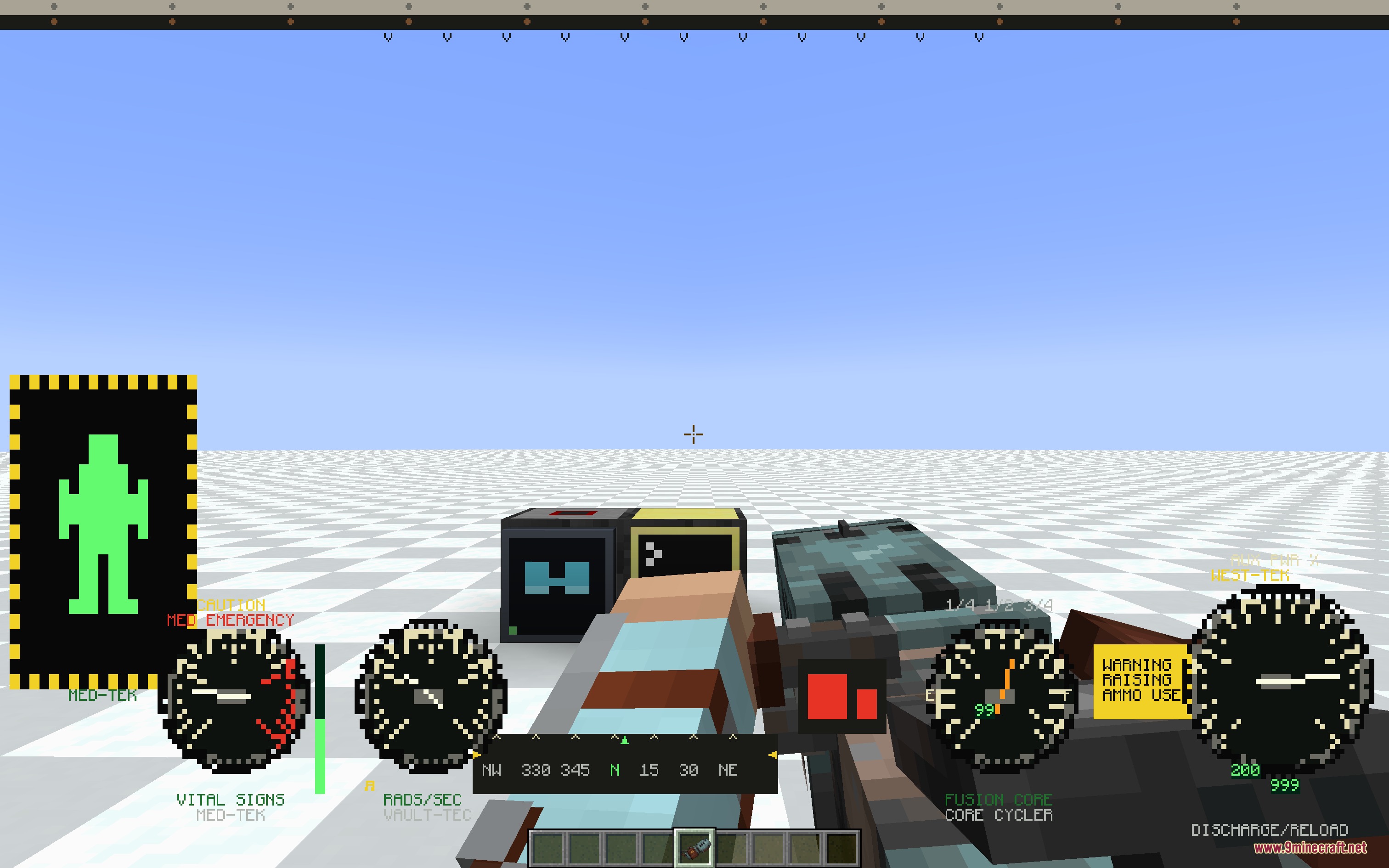
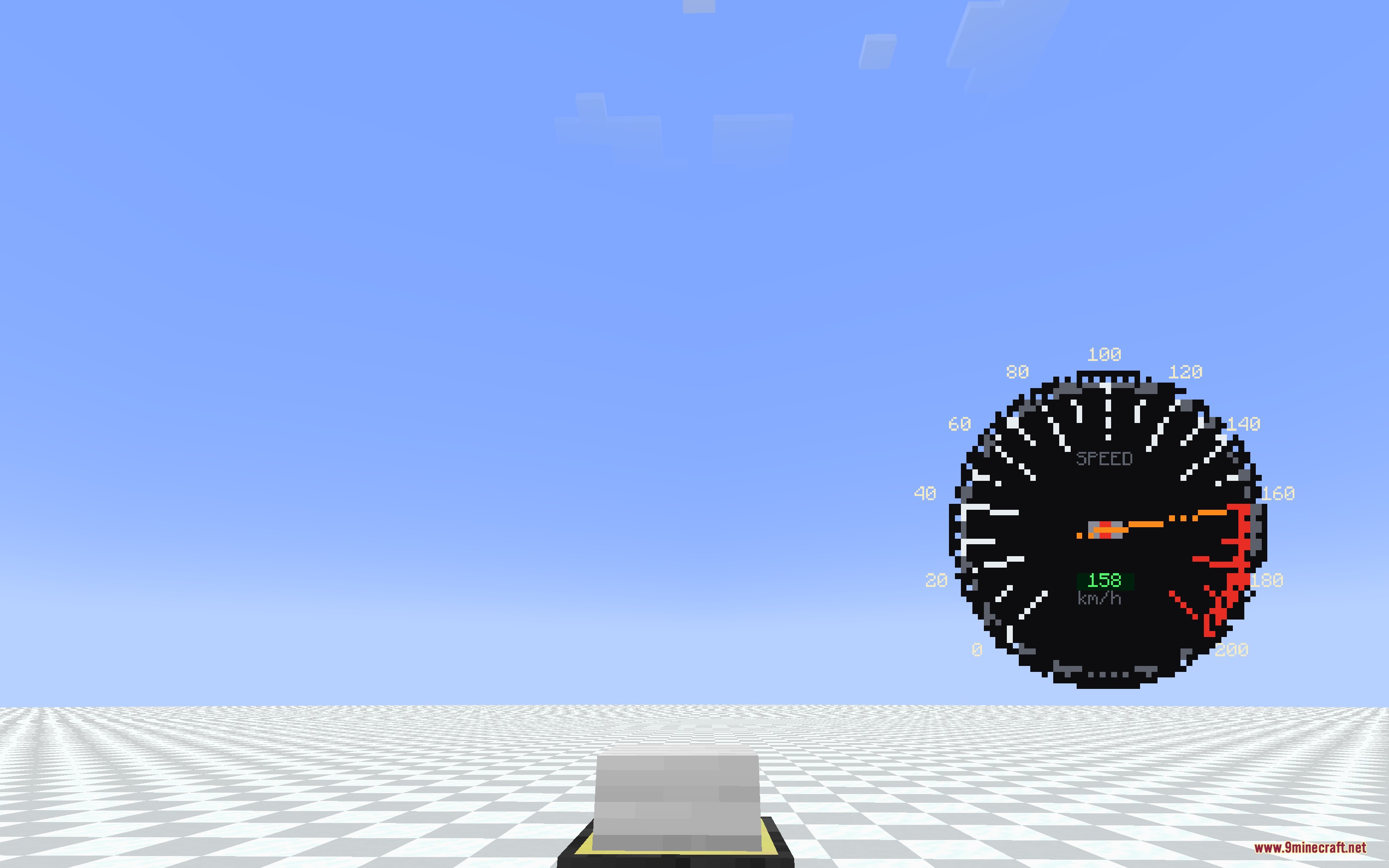
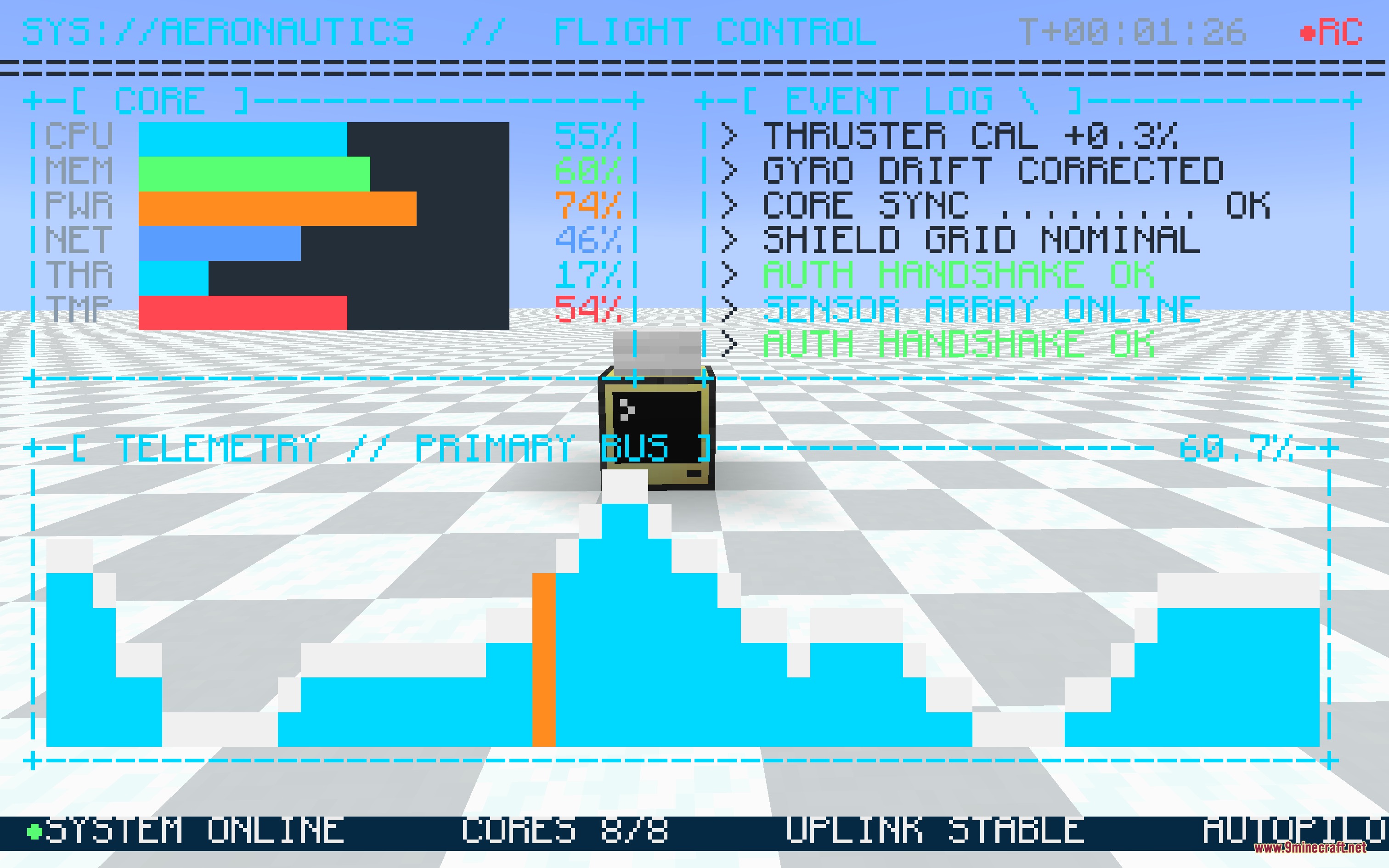
Digital Lens Feed Mod extends CC: Tweaked with wearable heads-up displays. This mod lets you project computer screens straight onto your vision using a pair of glasses and a modem. You can display custom text, coordinates, alerts, and live base data while exploring the world.
Features:
- Turns any computer terminal output into a heads-up display that floats across your screen.
- Offers transparent backgrounds so text and UI elements overlay cleanly without blocking your view.
- Reuses standard ComputerCraft monitor commands with full character set and box-drawing support.
- Lets multiple players link their eyewear to a single modem to share team status feeds.
- Mounts to any block face including floors, walls, and ceilings.
- Upgrades pocket computers so you can carry your custom interfaces anywhere.
- Combines with ender modems into a single pocket upgrade for cross-dimension connections.
- Includes quick resolution scaling to adjust character size and screen layout.
Configuration:
hudWidth: sets the default grid width in characters.hudHeight: sets the default grid height in characters.maxRangeBlocks: sets the maximum block distance between the player and the modem.allowPocketHudEnderCraft: controls whether the pocket HUD ender modem recipe is active.hudEnabled: switches the on-screen display on or off.hudFit: chooses how the terminal fits or stretches across your display.textShadow: changes the text outline and shadow style.textShadowLayer: sets whether text shadows draw over or under background boxes.fastGlyphRendering: speeds up rendering when using large display sizes.
How to Use:
- Place a HUD Modem on any block face and connect it to your computer setup.
- Hold the HUD Glasses in your hand and right-click the modem to link them.
- Equip the HUD Glasses into your helmet slot or accessory slot.
- Run your monitor program on the computer to draw data straight onto your display.
- Press H at any time to hide or show your active screen feed.
Screenshots:
How to Install:
New to Minecraft? Follow our step-by-step guide to install Mods on your PC.View Guide
Requirements:


Digital Lens Feed Mod Download Links
For Minecraft 1.21.1, 1.21
Click to rate this post!
[Total: 0 Average: 0]
You May Also Like


This post has no comments yet. Be the first — your comment will appear here.