
Document Your Mod Mod (1.12.2, 1.12) – Learn Mod Mechanics Directly Inside JEI
 208
 0


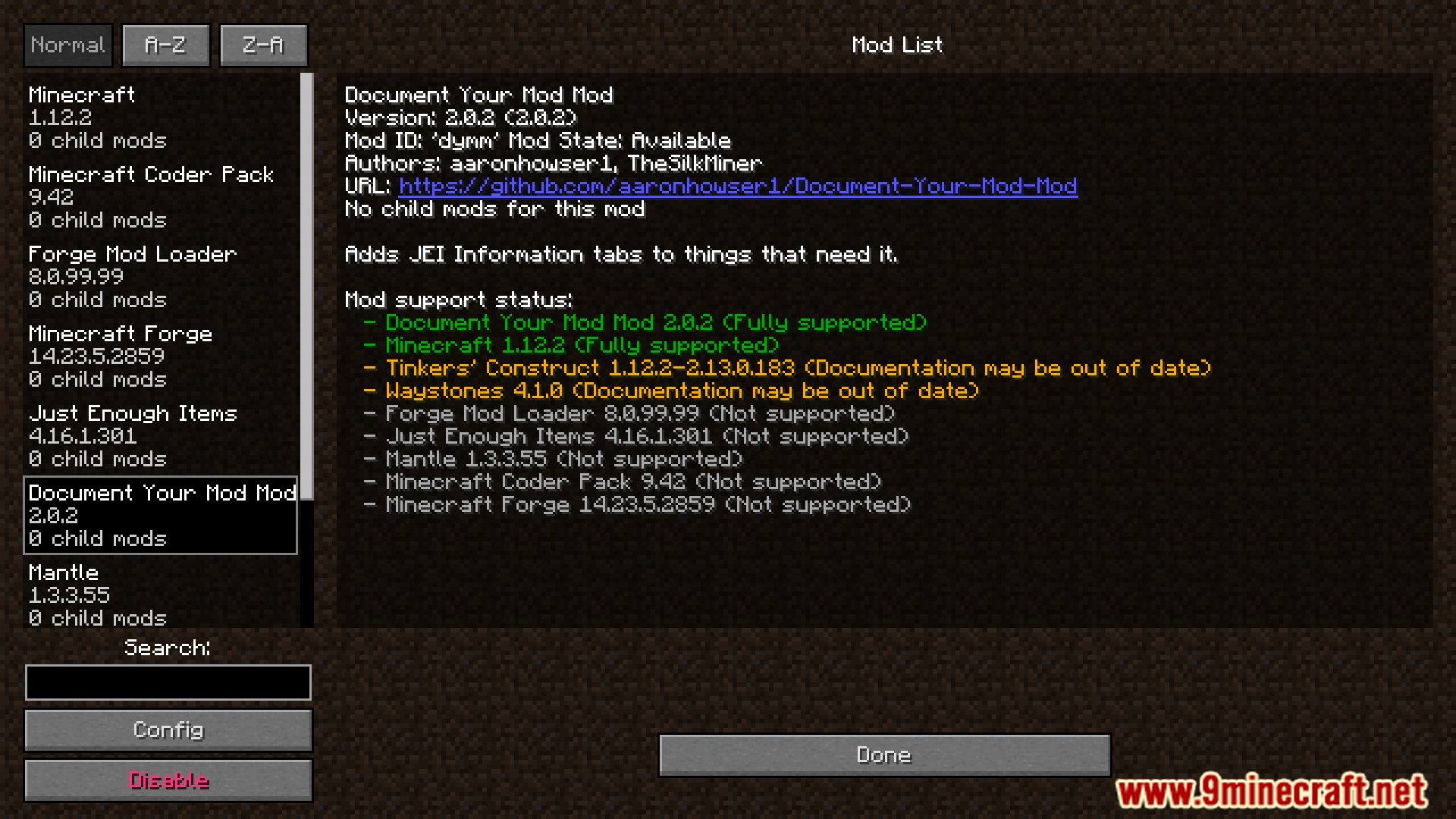
Document Your Mod Mod adds in-game information tabs to JEI for items and blocks that need extra explanation. Each tab gives you a short description so you can see what an item or block does right inside the JEI menu. This mod covers popular mods like Quark, Twilight Forest, Tinkers Construct, Refined Storage, and Waystone. It also gives each supported mod its own config option so you can turn off any tabs you do not want to see.
The list of mods that are currently supported:
Waystone Mod
Features:
- Adds helpful information tabs to the JEI interface for items and blocks that lack built-in descriptions.
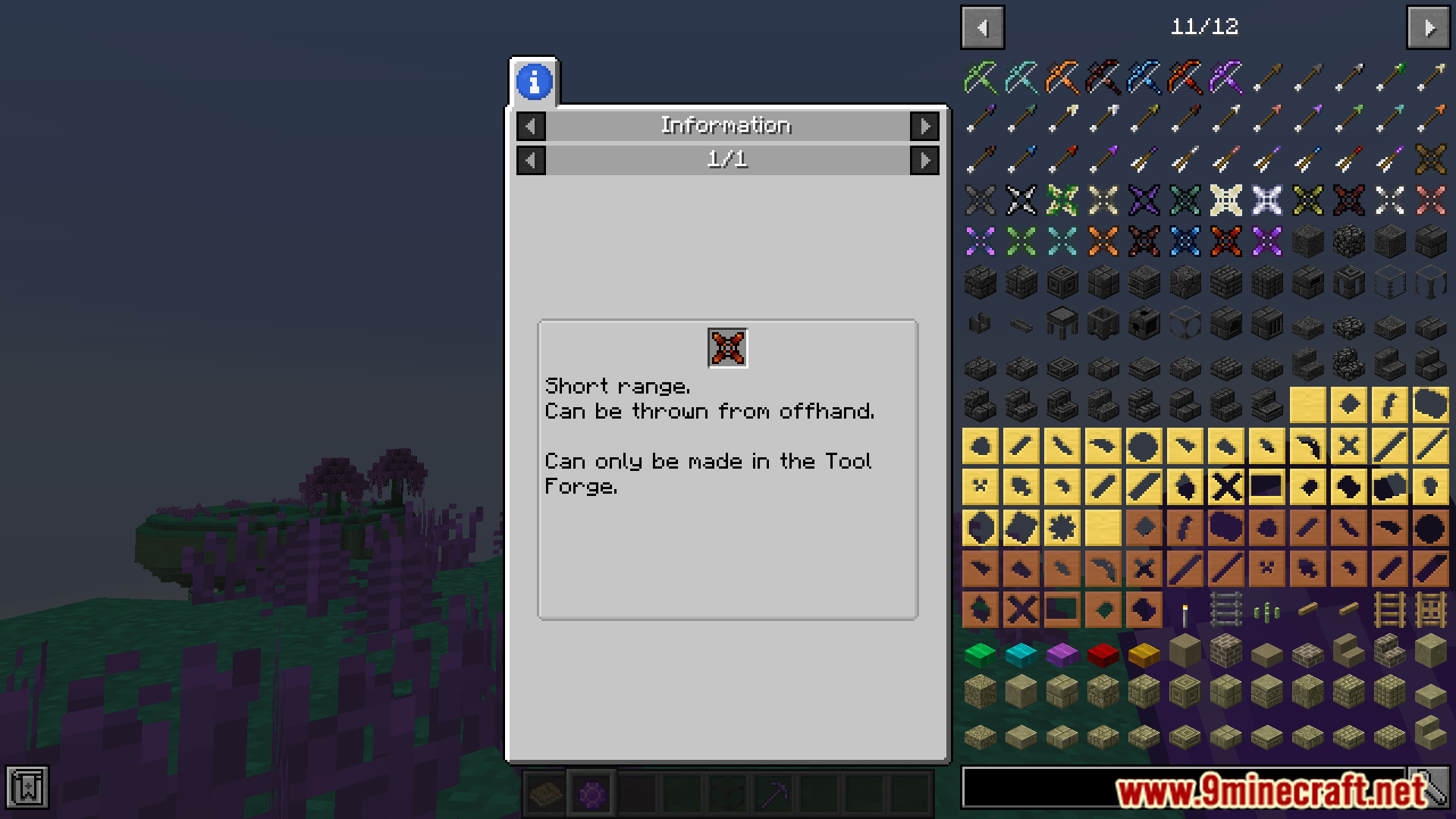
- Shows one or two short paragraphs in each tab so you can read item and block details right inside Minecraft.
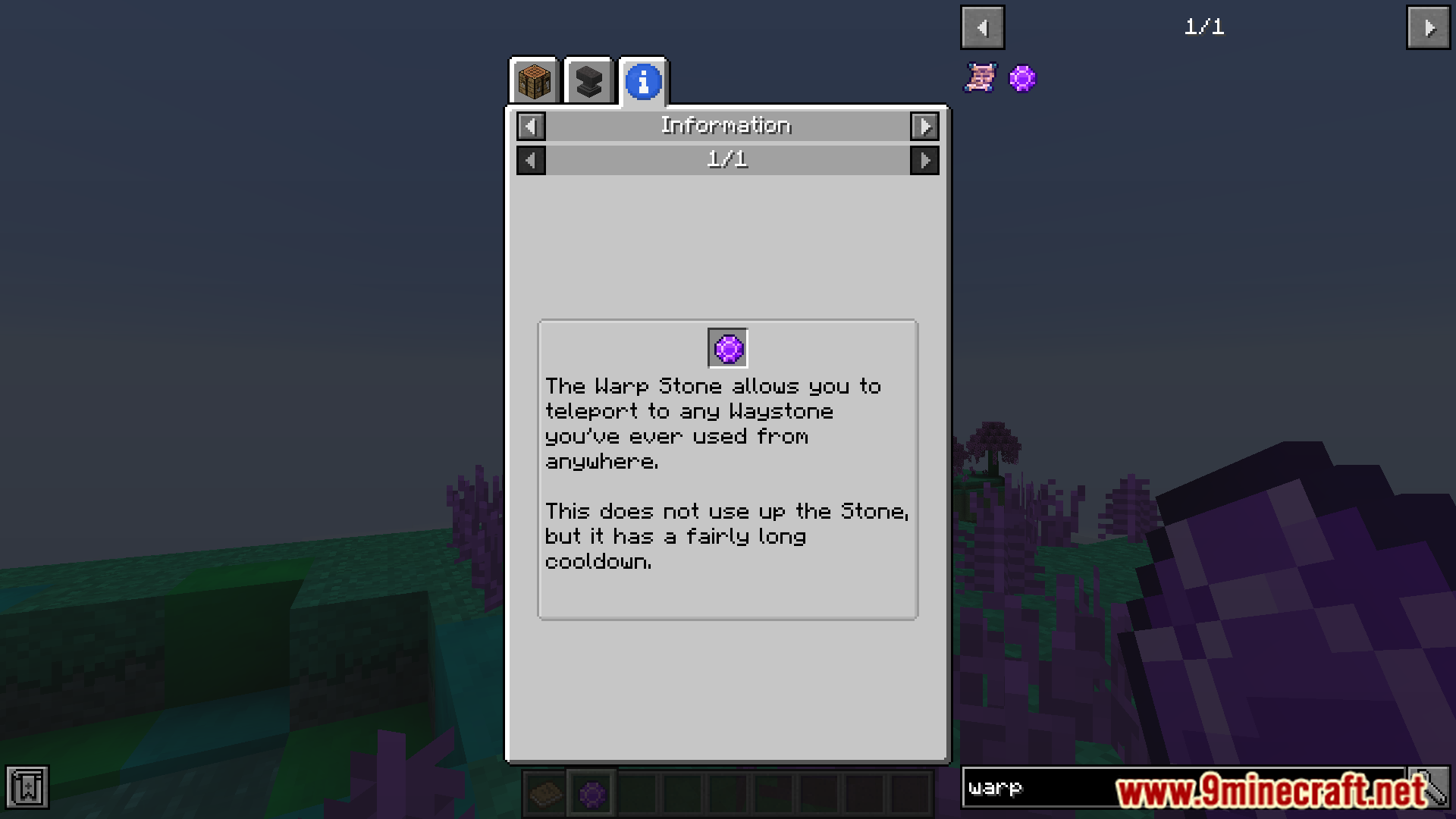
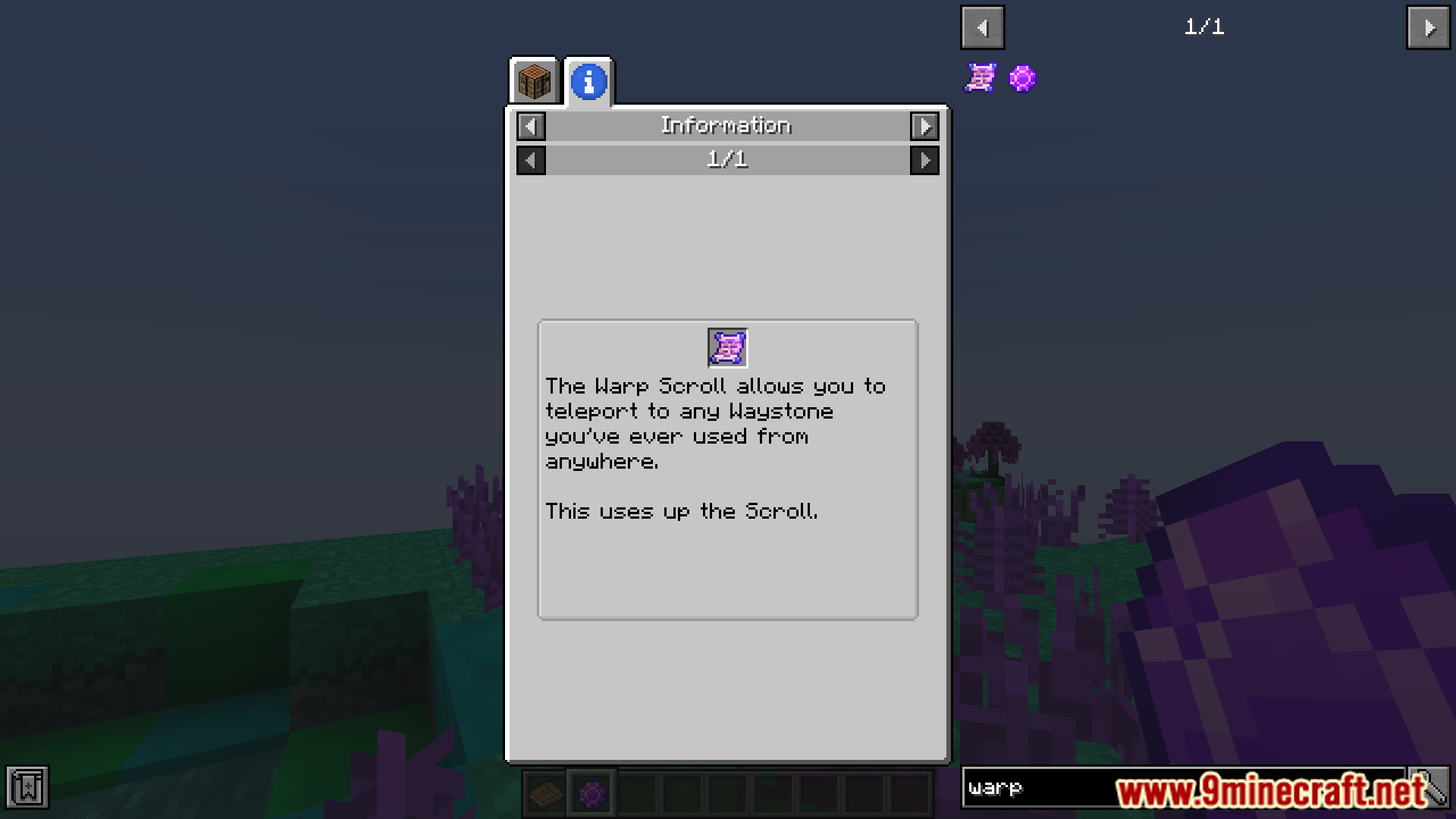
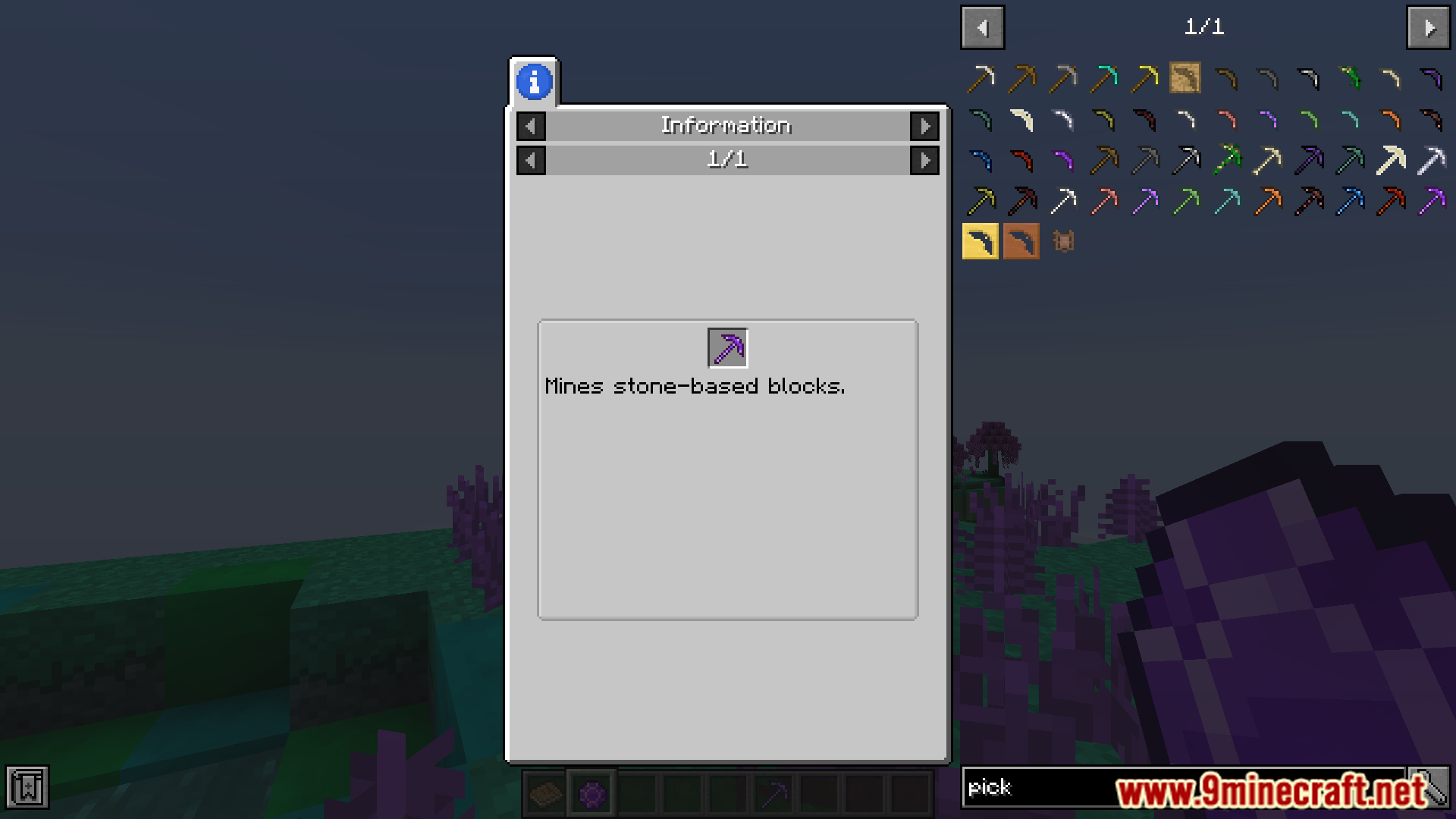
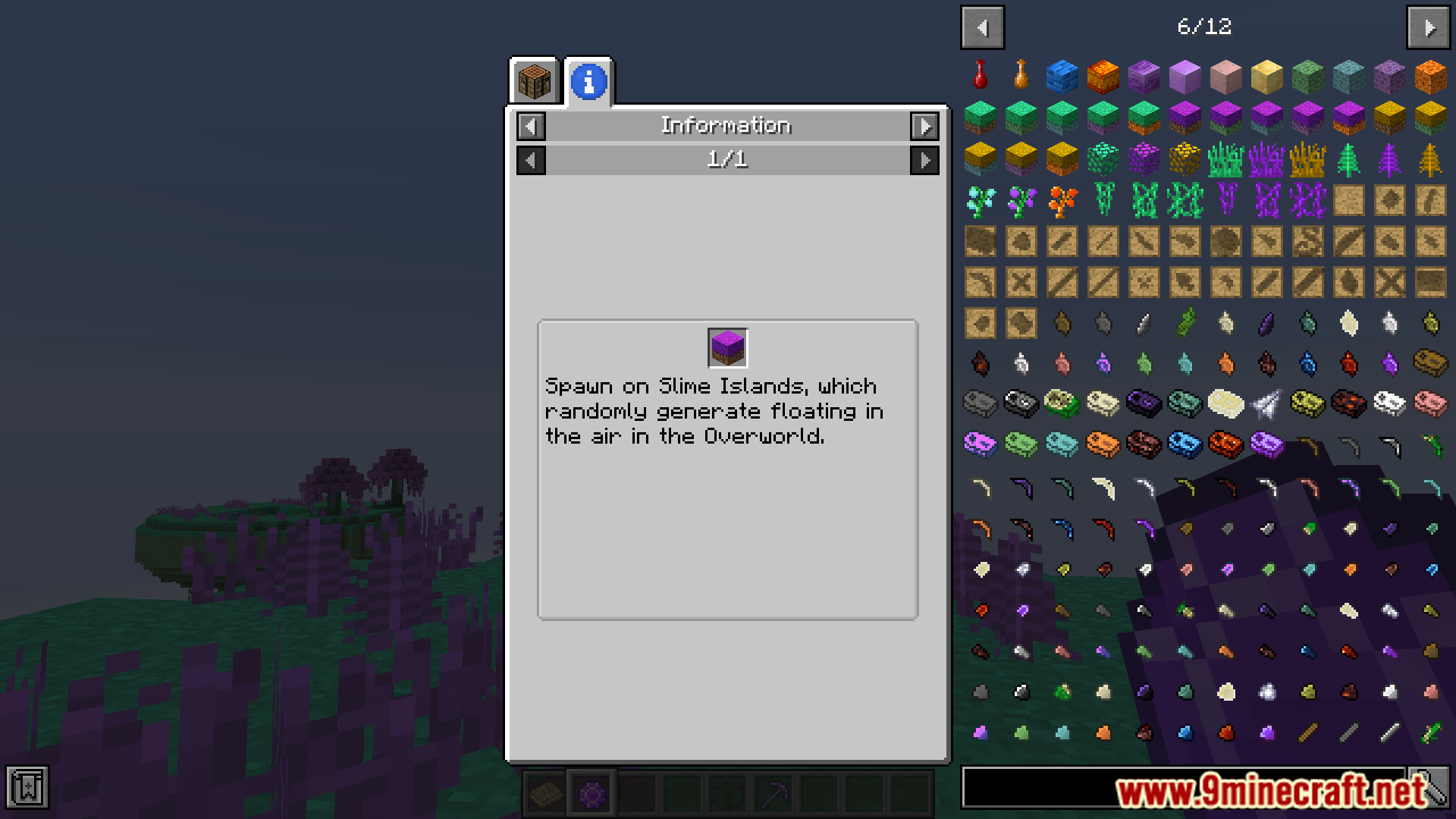
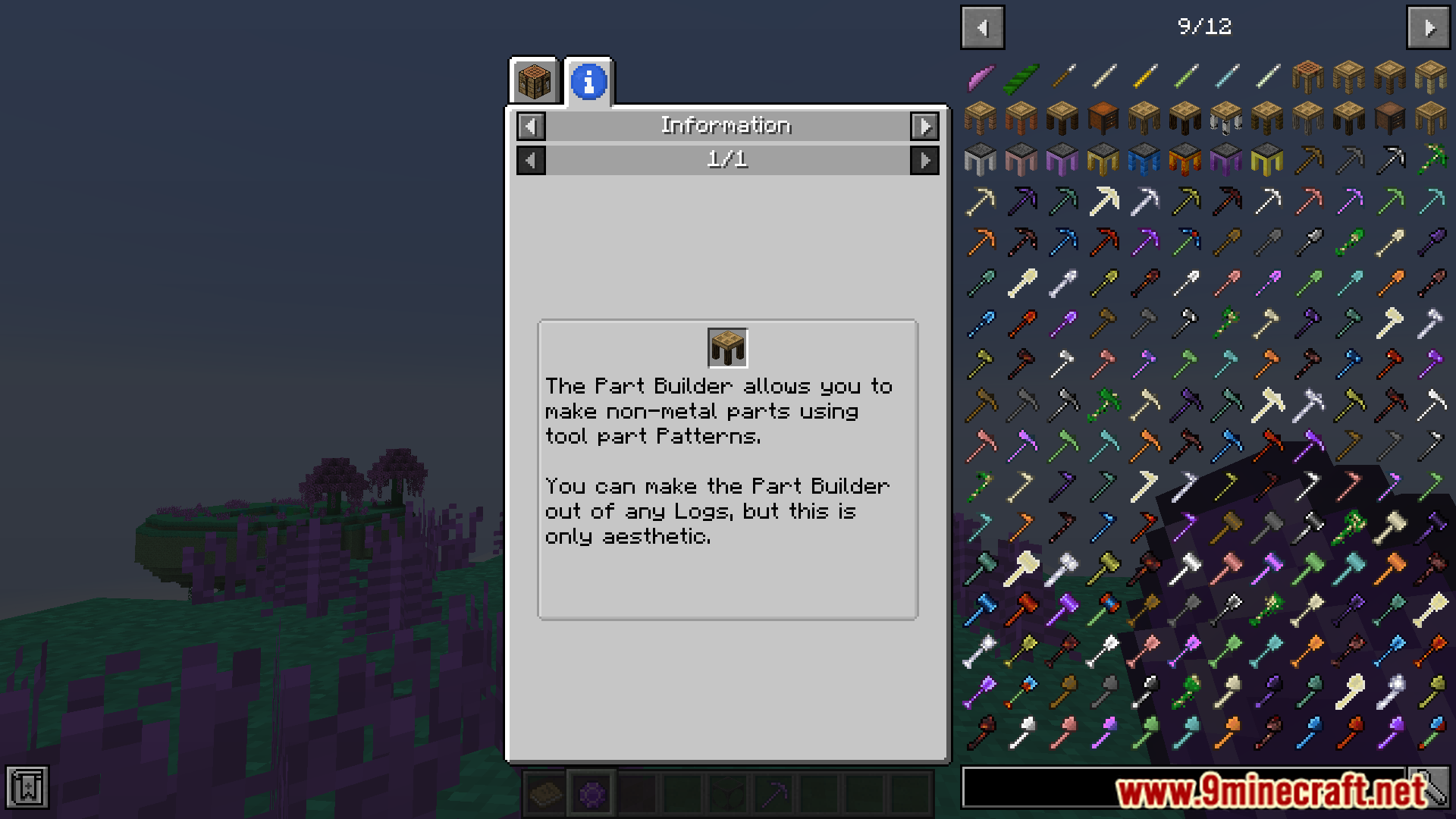
- Explains specific items, blocks, and features from supported mods, such as Warp Stones and Warp Scrolls from Waystone or pickaxes, slime islands, and the part builder block from Tinkers Construct.
- Includes a separate config option for every supported mod so you can disable its tabs if you prefer a cleaner JEI menu.
- Keeps Quark’s vanilla tweaks separate from the main Quark entries so you can control them on their own.
Supported Mods:
- Quark
- Twilight Forest
- Tinkers Construct
- Refined Storage
- Refined Storage Addons
- Nature’s Compass
- Iron Chests
- Waystone
Screenshots:
How to Install:
New to Minecraft? Follow our step-by-step guide to install Mods on your PC.View Guide
Document Your Mod Mod Download Links
For Minecraft 1.12.2, 1.12
Forge Version: Download from Server 1 – Download from Server 2
Which item and recipe viewer mod do you prefer to have in your game?
28 responses · See the full results →
You May Also Like
Picked for this page
 Just Zoom Mod (26.3, 1.20.1) – Enhance Zoom with Advanced Customization
 Belgie’s Mo’ Villagers Mod (26.3, 1.20.1) – New Villager Professions
 Bloxy’s Structures Mod (1.21.4, 1.20.1) – More Structures with 4 New Bossfights
 Simply No Shading Mod (26.2, 1.20.1) – Uniform Brightness Across All Blocks
 Always Sprint Mod (26.3, 1.20.1) – Sprinting Is Always On
 Sleep Sooner Mod (26.3, 1.20.1) – Early Sleep Activation
 Axolotl Buckets Mod (26.3, 1.20.1) – Show The Color and Age of Axolotls
 TaCZ Weapons and Tactics Mod (1.20.1) – Adds Tactical Guns And Attachments
 Trident Craft Mod (26.3, 1.20.1) – Craft Tridents With Ease
 Tinkers Thinking Mod (1.20.1, 1.19.2) – Rediscover Old and New Tool Crafting
 Epic Bow Mod (1.20.1, 1.20) – Bow Combo Utility
 Cobblemon Poke Stops Mod (1.21.1) – Heal Your Cobblemon Team Without Going Home
Most viewed in Mods over the last 7 days
 Ala Industrial Mod (26.3) – Run Electric Power Grids and Automated Factories
 PleasureCraft Mod (26.3, 1.21.1) – Jenny Mod Remake for Fabric
 Jennycraft Mod (26.3, 1.20.1) – Virtual Girlfriend in Minecraft
 Fapcraft Mod (26.3, 1.12.2) – Comprehensive and Detailed Content
 Jenny Mod (Fapcraft) Official Complete Guide – How to use, Tutorial
 BangCraft Mod (1.20.1) – Jenny, Ellie and Elliot
 Fabric Loader (26.3, 1.20.1) – Fabric Installer for All Minecraft Versions
 Meteor Client Mod (26.3, 1.20.1) – Xray, HUD, Fly
 OptiFine HD (26.3, 1.20.1) – Run Faster, FPS Boost, Shaders Support
 The Shooting Star Demo Mod (26.3, 1.20.1) – Vaporize Terrain From Orbit
 Aristois Client Mod (1.21.4, 1.20.1) – World Class Minecraft Utility
 SchnurriTV Mod (1.12.2) – Characters and Features
More from Mods
 Shade & Saturation Slider Mod (26.2, 1.21.11) – Make Every Biome Vibrant
 Cataclysm X Yung’s Better Nether Fortresses Compat Mod (1.21.1, 1.20.1)
 Patchouli 9minecraft Mod (26.3) – Read Mod Guides Without Leaving Minecraft
 Paintings ++ 9minecraft Mod (26.3) – Pick the Exact Painting You Want
 owo-lib 9minecraft Mod (26.3) – Run Your Favorite Mods Without Errors
 Moonlight 9minecraft Lib (26.3, 26.2) – Run Complex Mods Without Errors
 Load My Tags 9minecraft Mod (26.3) – Mix Mods Without Breaking Recipes
 Kambrik 9minecraft Mod (26.3) – Run Kotlin Mods Without Game Lag
 Fast Paintings 9minecraft Mod (26.3, 26.2) – Place Wall Art Exactly Where You Want It
 Bonsai Trees 9minecraft Mod (26.3, 26.2) – Automate Wood Farming in Tiny Pots
 Enhanced Block Entities 9minecraft Mod (26.3) – Build Lag-Free Storage Rooms
 Better Nether 9minecraft Mod (26.3, 26.2) – Survive Forever in the Nether

This post has no comments yet. Be the first — your comment will appear here.