


Easiest Item Duplication Glitch in Minecraft Java 1.21.11 – Duplicate Anything in Seconds
 2,012
2,012
 0
0
 December 30, 2025
This glitch lets you duplicate any item in Minecraft Java Edition 1.21.11 singleplayer by using a barrel and deliberately crashing the game. When done correctly with a world backup, the items remain both in your hotbar and in the barrel, creating instant duplicates.

Full Guide:
This glitch allows you to duplicate any item in singleplayer Survival using a barrel and intentionally crashing the game. It works reliably if you backup your world before attempting.
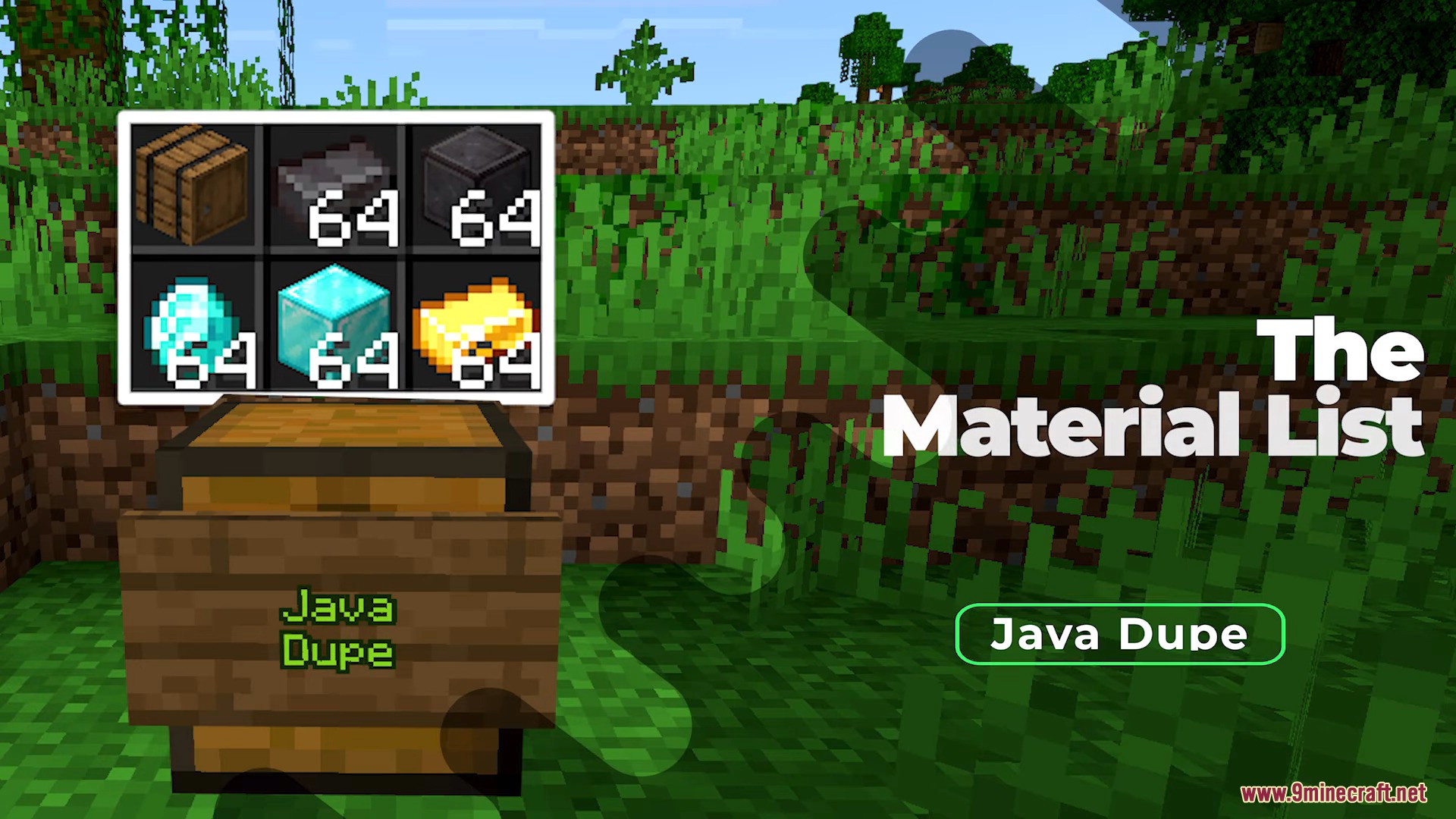
Required Materials:
1Barrel- Any item you want to duplicate (place in your hotbar)
Steps to perform the glitch:
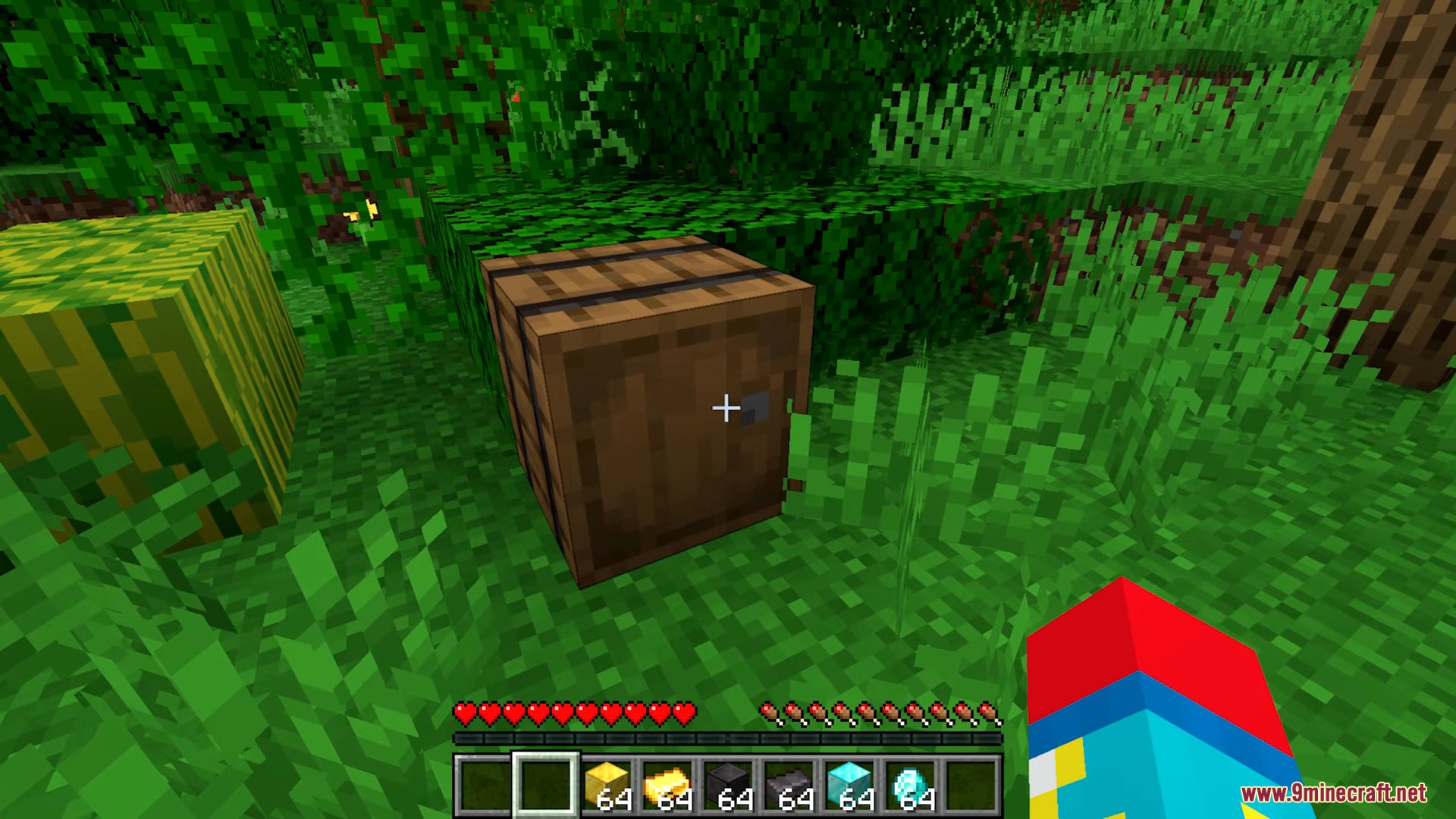
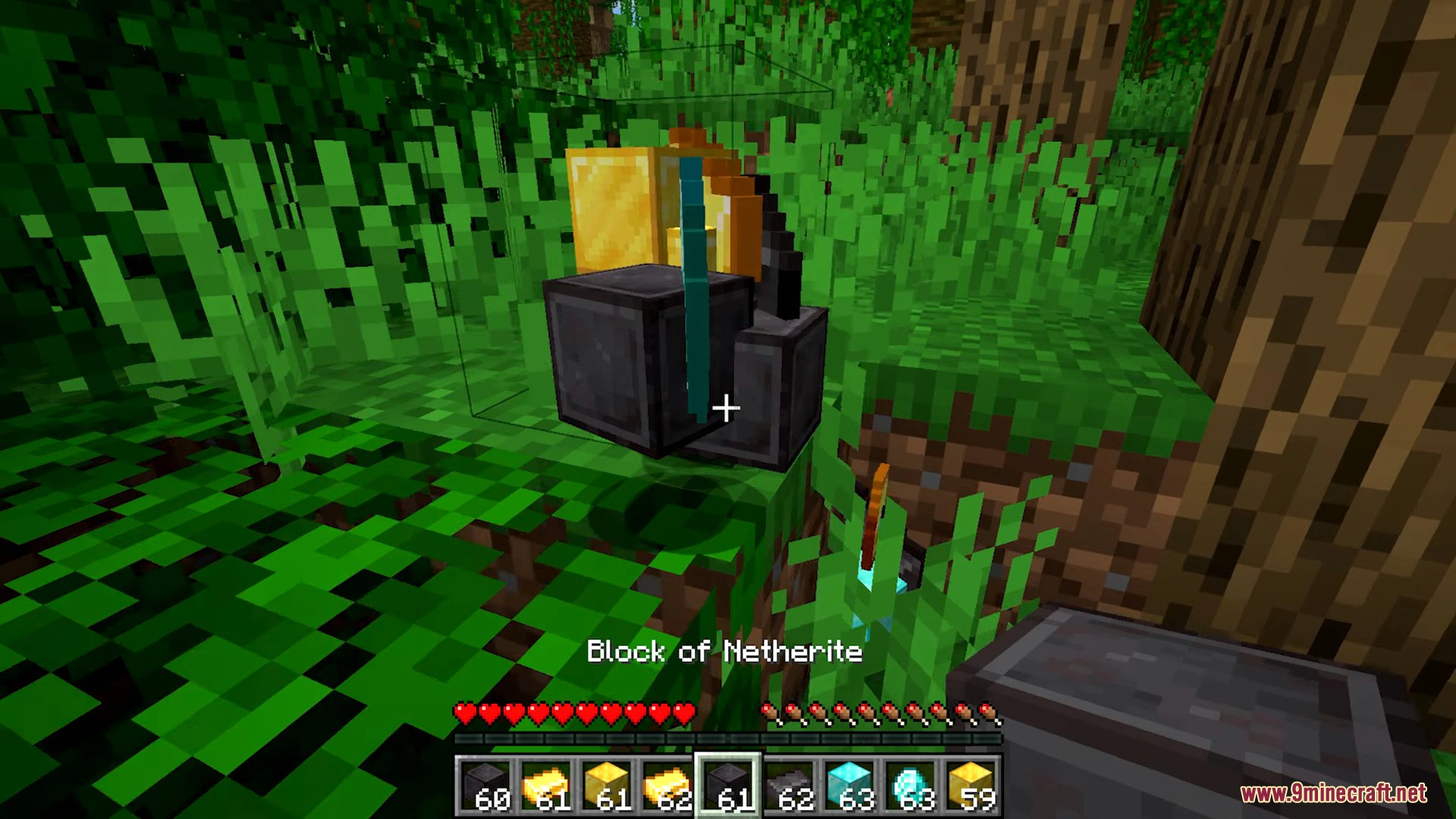
- Place the Barrel on the ground and keep the item in your hotbar.
- Backup your world:
- Save & Quit to the main menu
- Edit world → Copy World
- Re-enter the world (backup or original).
- Open Options → Video Settings:
- Set Max Framerate to minimum (
1-3 FPS) - Set Render Distance, Simulation Distance, and Biome Blend to maximum (32 chunks)
- Set Max Framerate to minimum (
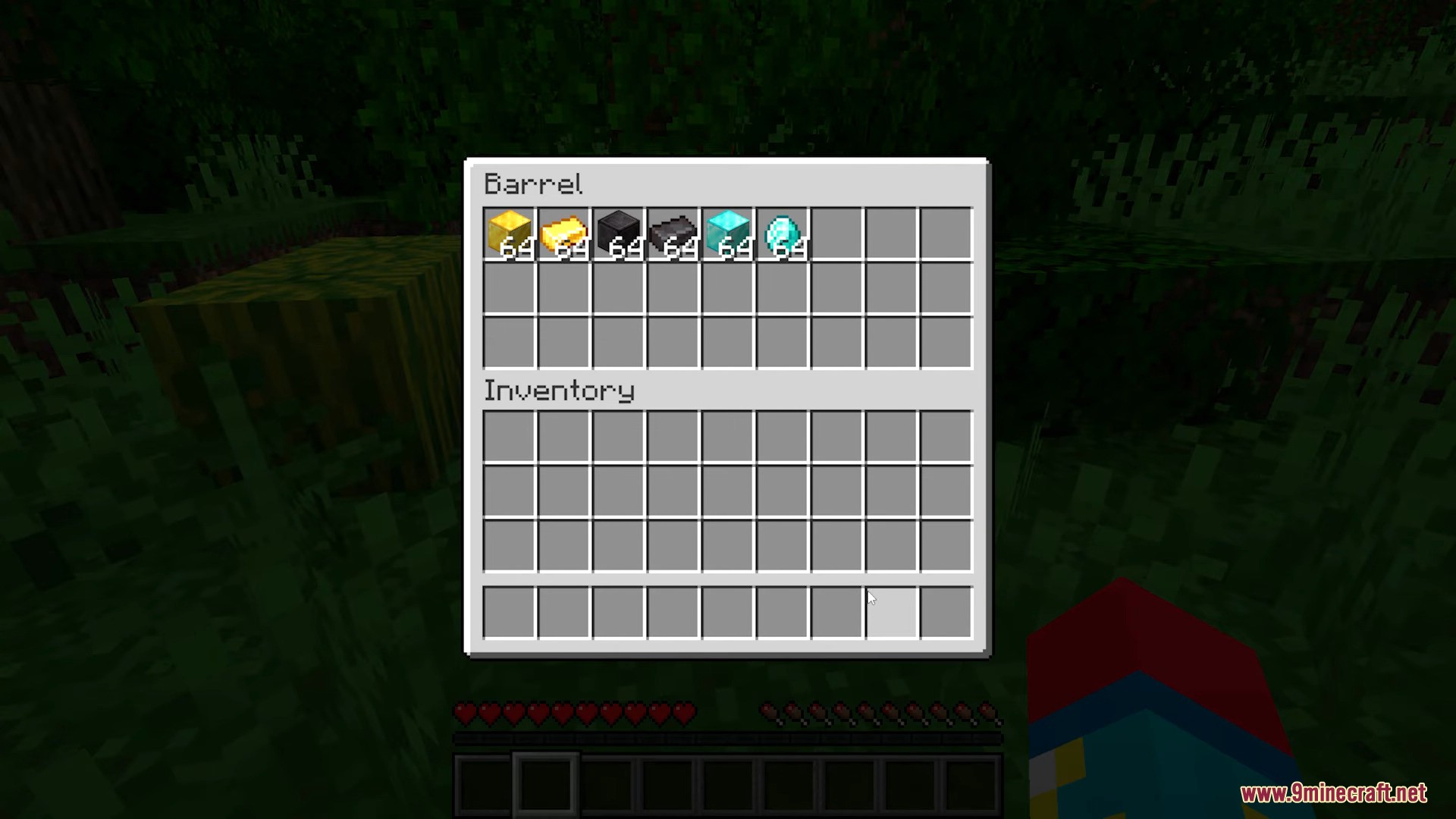
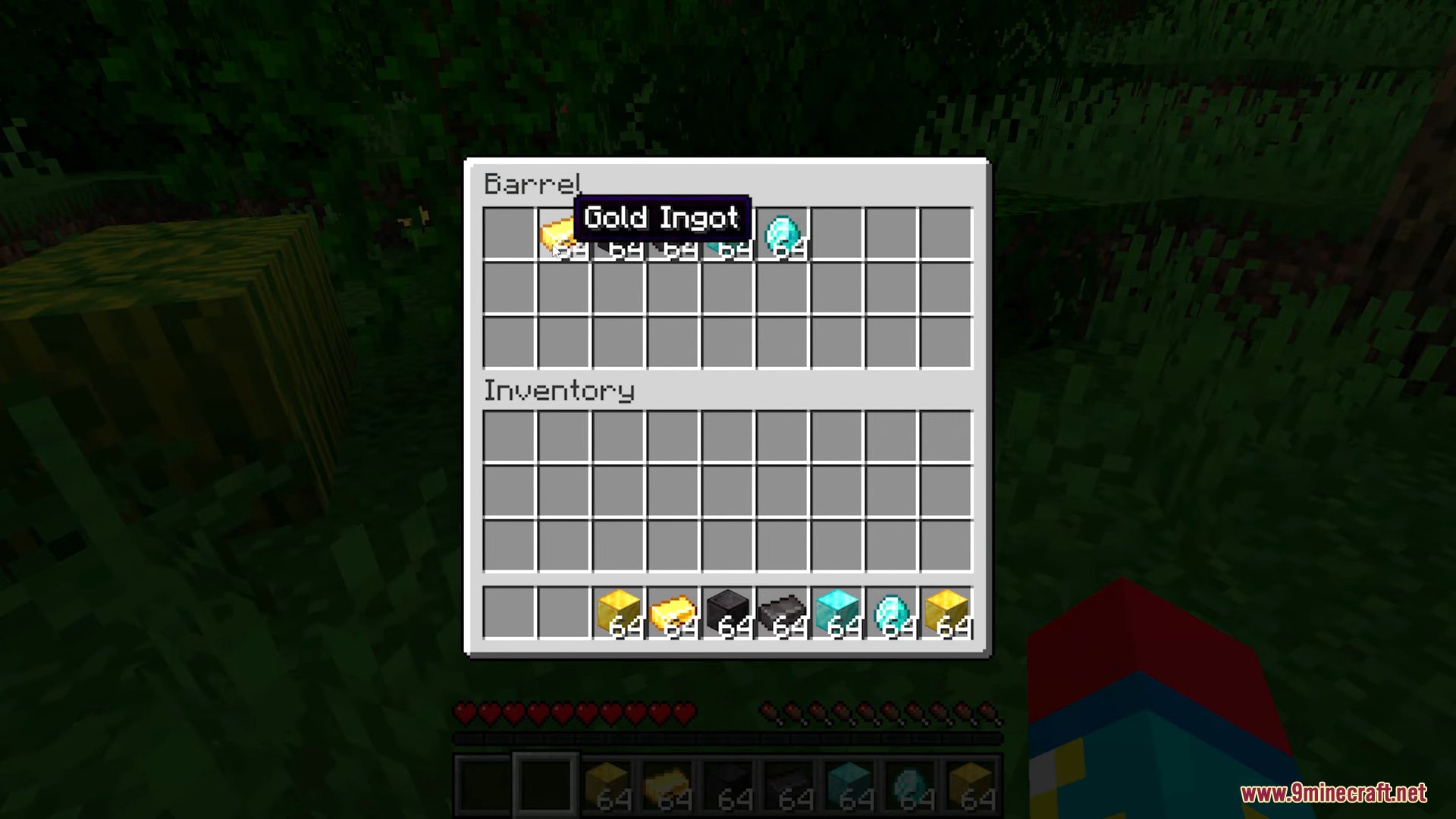
- Return to the game, open the Barrel, and place all hotbar items inside.
- Immediately force crash the game:
- On PC: open Task Manager (
Ctrl + Shift + Esc) and end process"OpenJDK Platform Binary"(or Java/Minecraft process)
- On PC: open Task Manager (
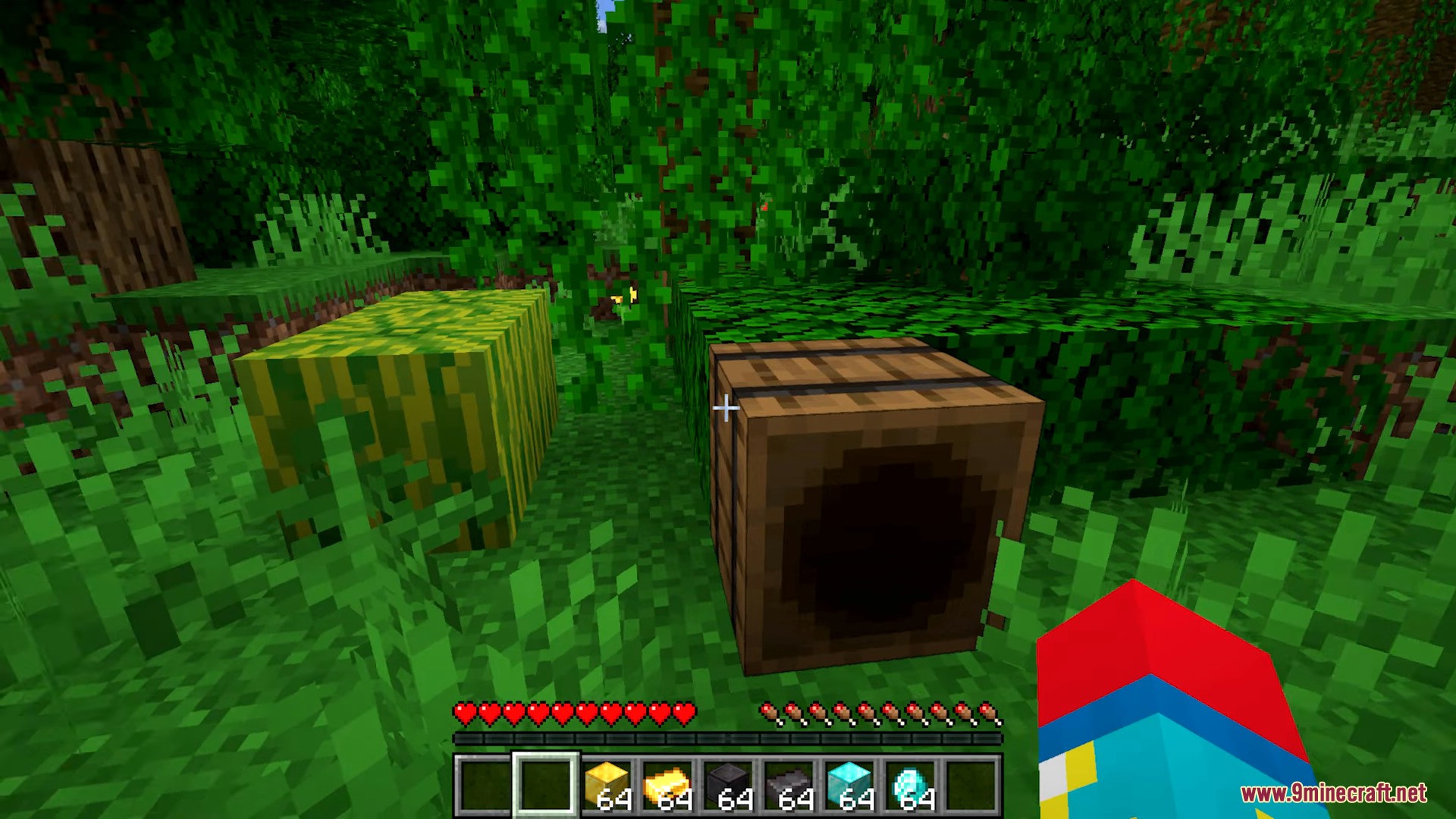
- Restart Minecraft and enter the world.
Result: The items remain both in your hotbar and inside the barrel, successfully duplicated.
Important Notes:
- This only works in singleplayer. It does not work on servers or Realms.
- High risk of world corruption if not backed up. Restore from backup if it fails.
- After duplicating, reset video settings to normal.
- If duplication fails, adjust the timing or increase game lag.
Screenshots:
Click to rate this post!
[Total: 2 Average: 4.5]













