
Energy Meters Mod (1.12.2) – Prevent Base Power Surges
 413
 0


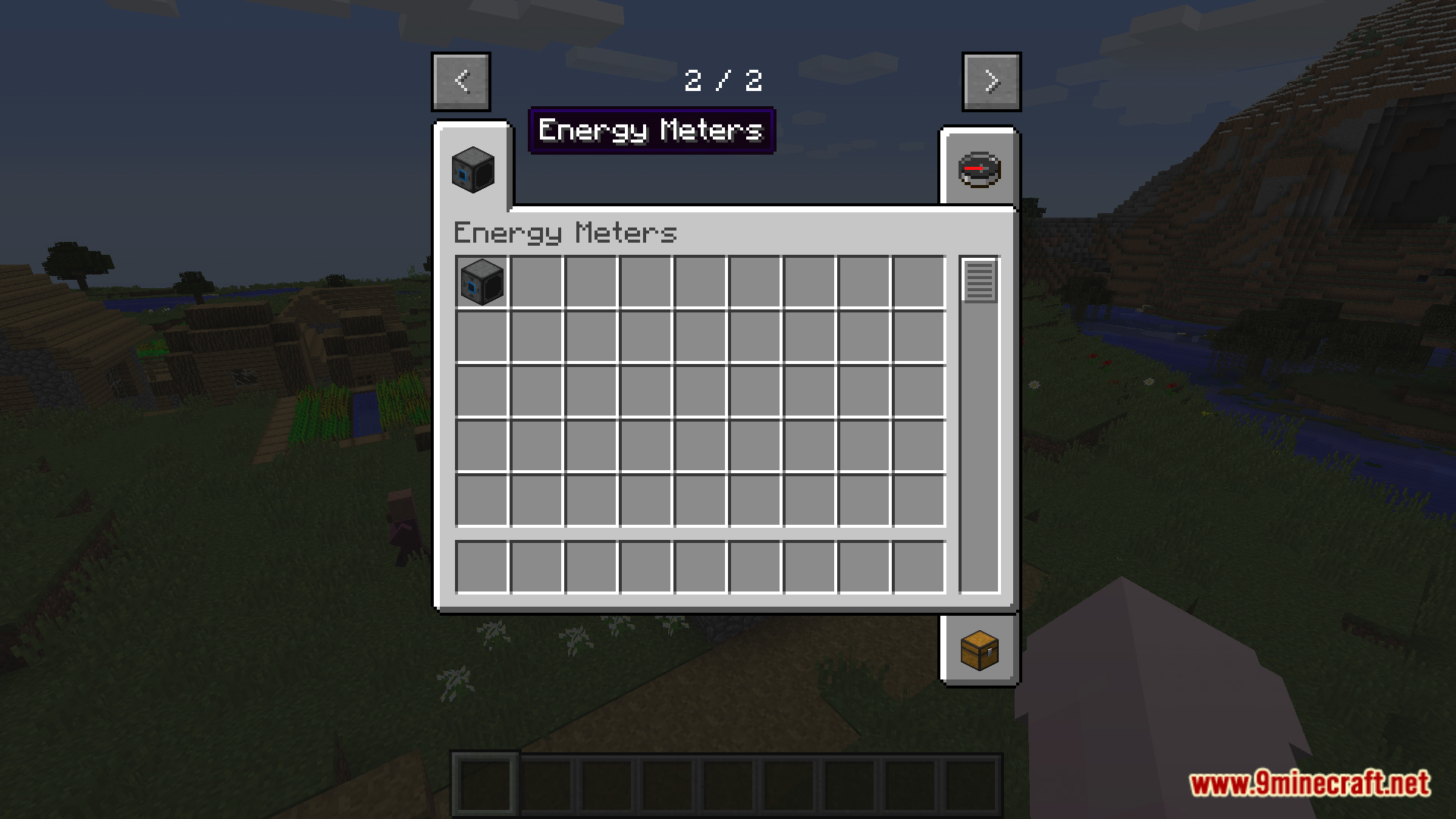
Energy Meters Mod adds blocks that measure and limit how much power moves through your cables. This mod comes with 3 types for Forge Energy (FE), Minecraft Joule (MJ), and Energy Unit (EU) networks, and it works with tech mods like the Thermal series, Ender IO, Immersive Engineering, Mekanism, BuildCraft, and IndustrialCraft 2. You can check live transfer rates, cap energy flow on supported cables, and connect these blocks to ComputerCraft or OpenComputers through a Lua API. The MJ and EU blocks only show up when BuildCraft or IndustrialCraft 2 is installed.
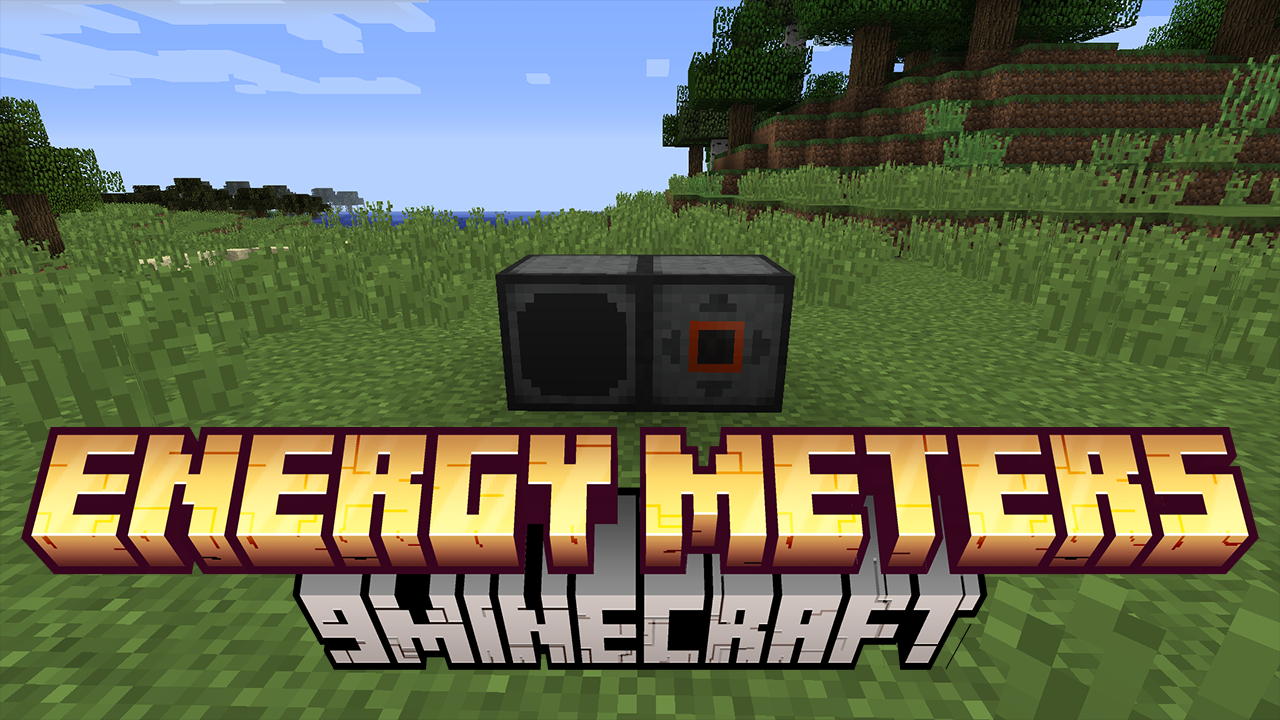
Features:
- Measures and limits how much power flows through different cable types so you can manage your networks with ease.
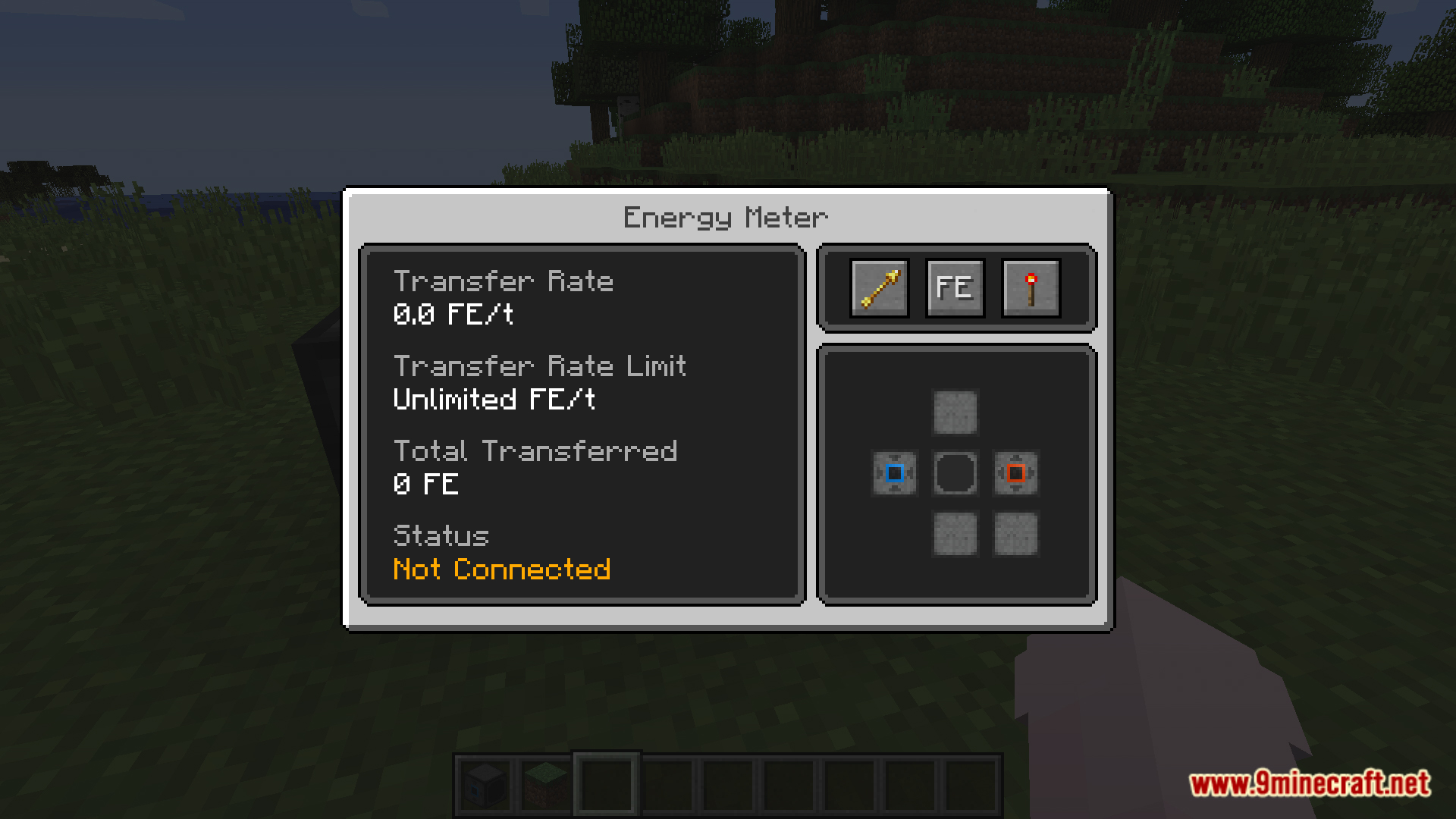
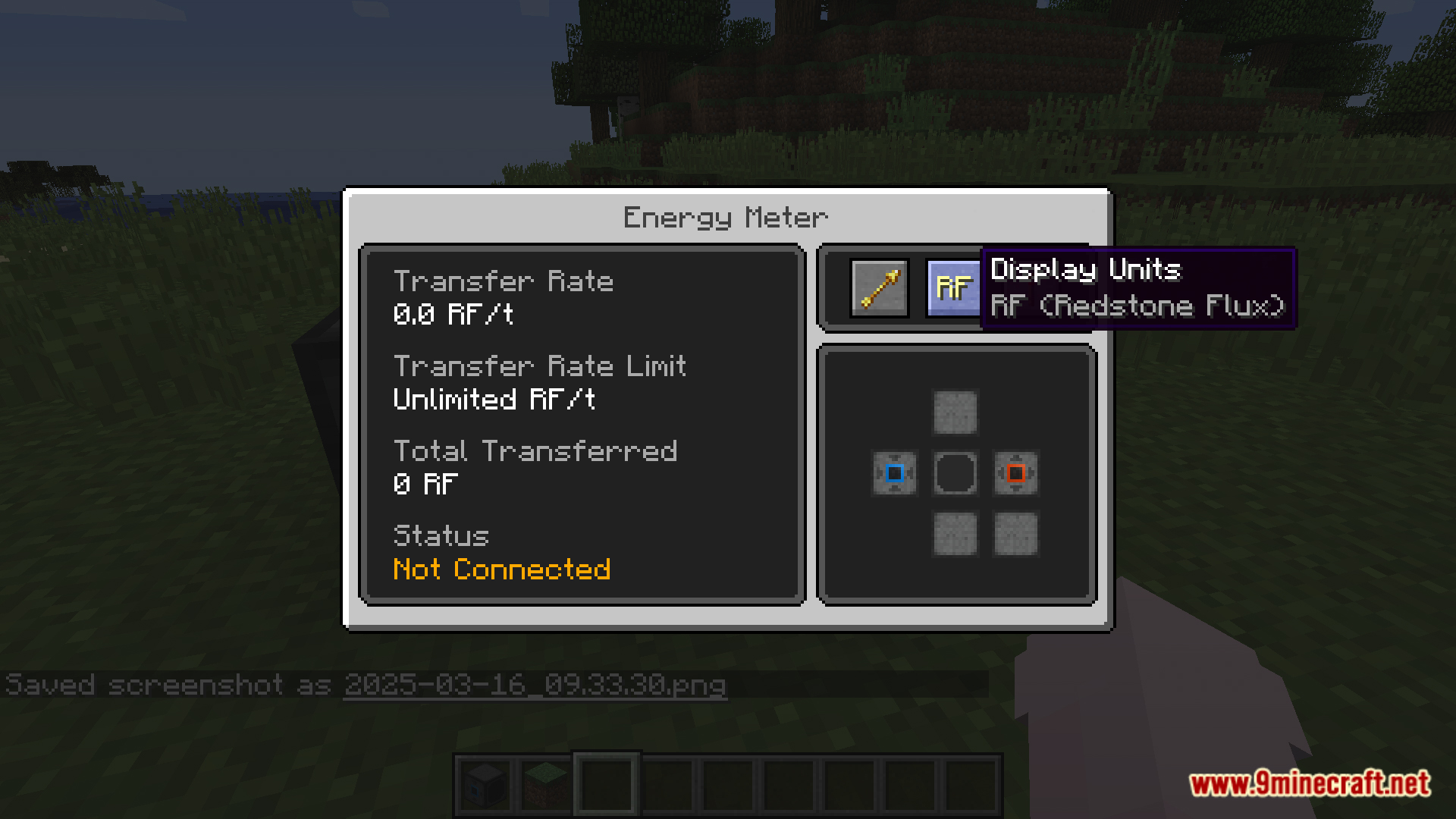
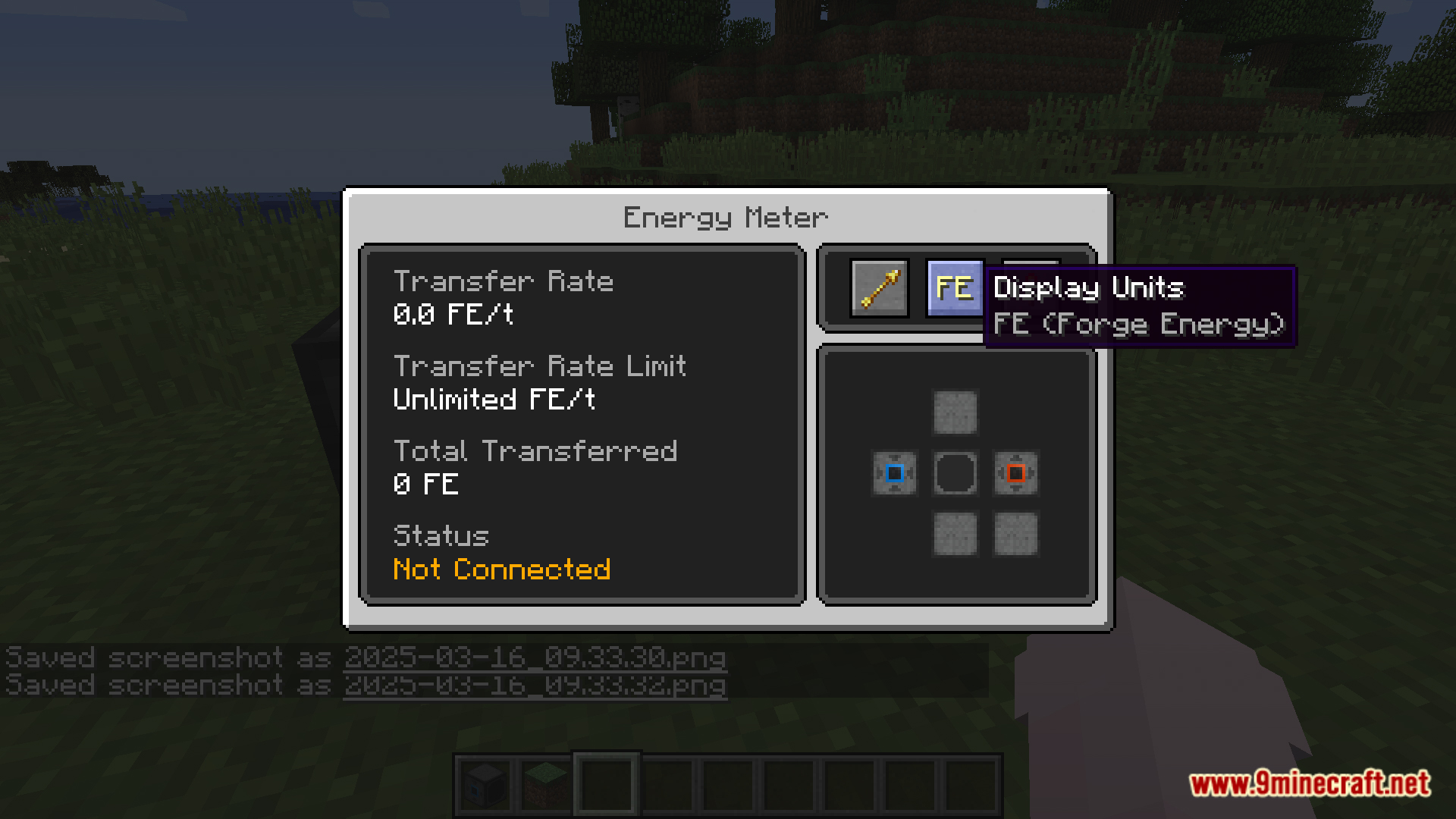
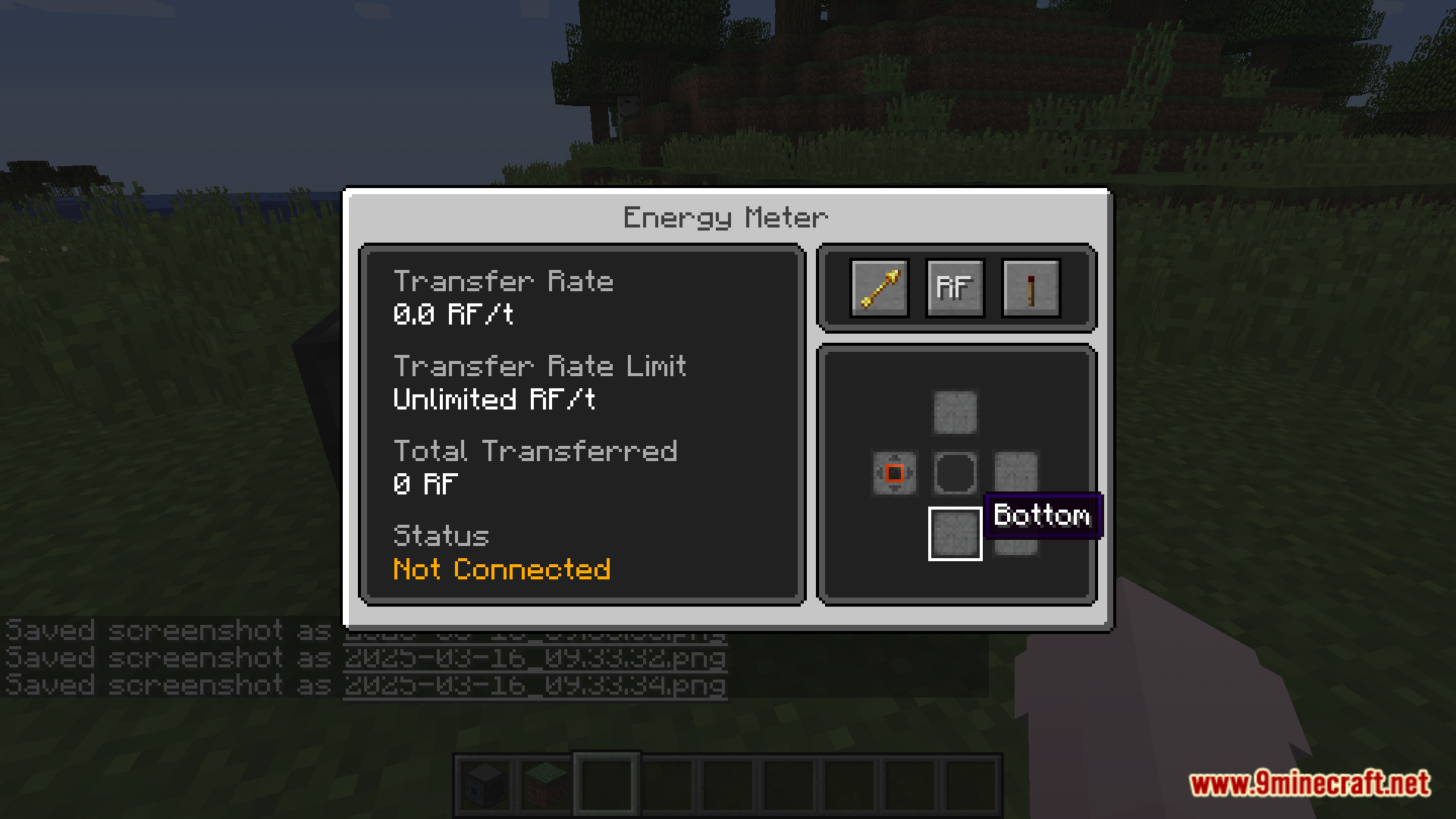
- Opens an in-game menu that displays live transfer rates, energy stats, and current power status, with options to switch display units like RF or FE and adjust side or front screen settings.
- Includes a Lua API so ComputerCraft and OpenComputers can connect to and work with the blocks.
Meter Types:
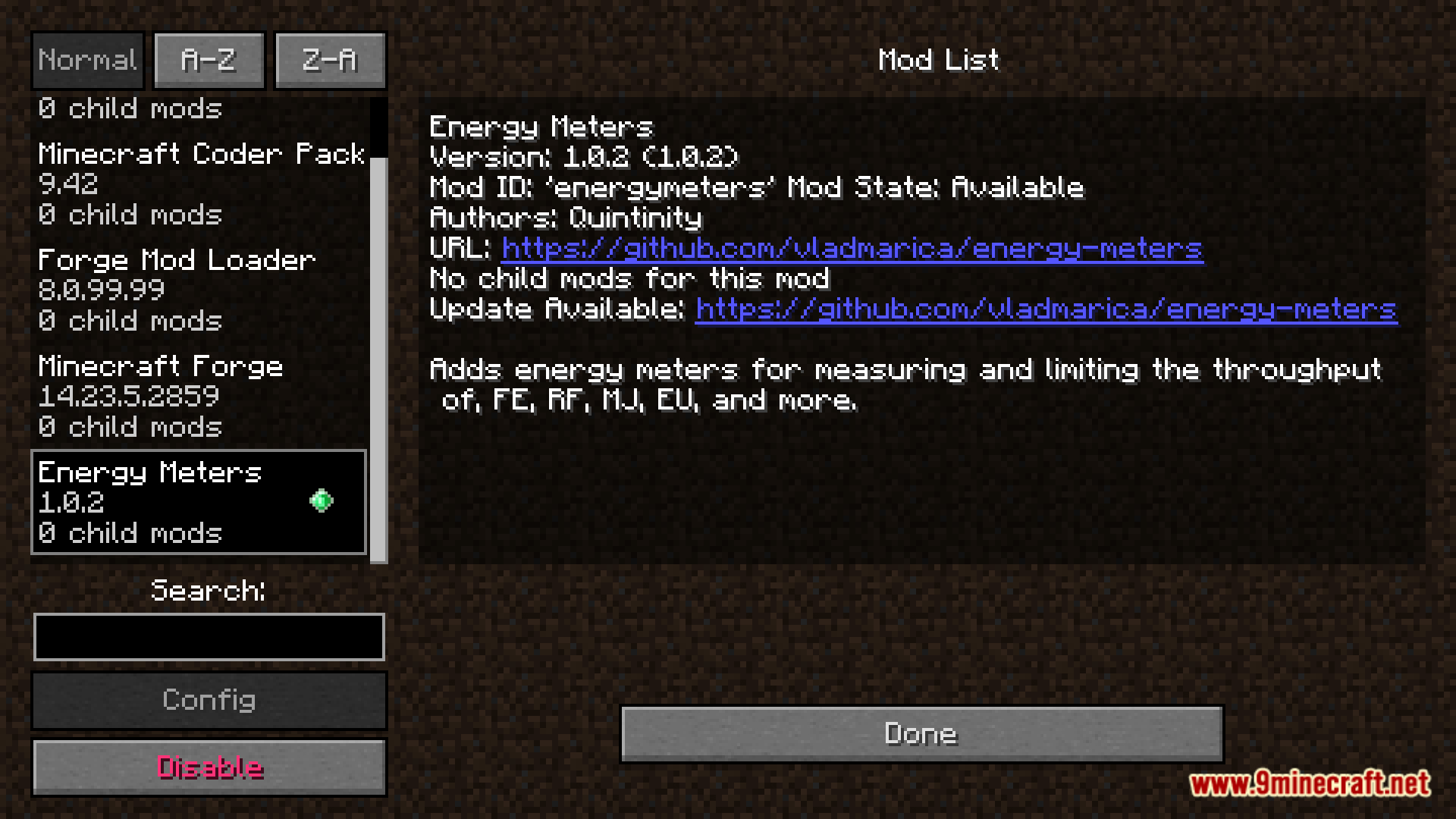
- The FE Meter works with almost all Forge Energy systems, including Redstone Flux (RF) from the Thermal series and other mods, Micro Infinities (μI) from Ender IO, Immersive Flux (IF) from Immersive Engineering, and Mekanism Universal Cables.
- The MJ Meter works with the Minecraft Joule (MJ) power system from BuildCraft and only shows up when BuildCraft is installed.
- The EU Meter works with Energy Units (EU) from IndustrialCraft 2 (IC2) and only shows up when IC2 is installed. When the IC2 Classic profile is active, its crafting recipe uses Refined Iron instead of Iron Plates, and you cannot set a power limit on it because of how the IC2 EU system works.
How to Use:
- Make sure BuildCraft is active if you want the MJ Meter, or IndustrialCraft 2 if you want the EU Meter, because those blocks only show up when their matching mod is installed.
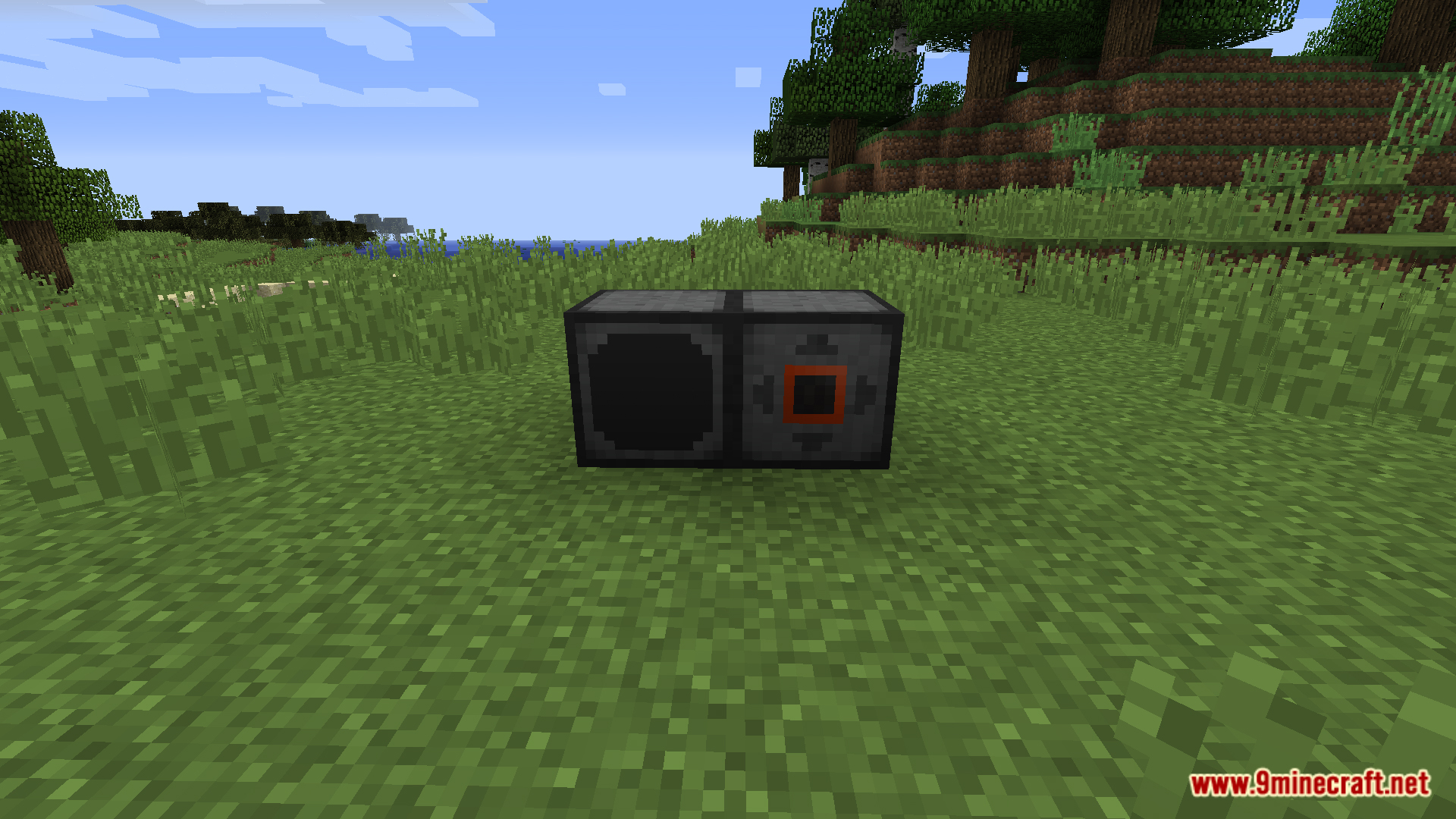
- Craft the meter block for your power system and place it along your cable line so power flows through it.
- Open the block menu to check live transfer rates, power stats, and status; from this menu, you can also switch display units like RF or FE and change side or front screen settings.
- Set a power limit inside the menu to cap how much energy moves through your cables on supported blocks, noting that the EU Meter cannot set a limit because of how the IC2 EU system works.
- Connect the block to ComputerCraft or OpenComputers if you want to interact with it through the Lua API.
Screenshots:
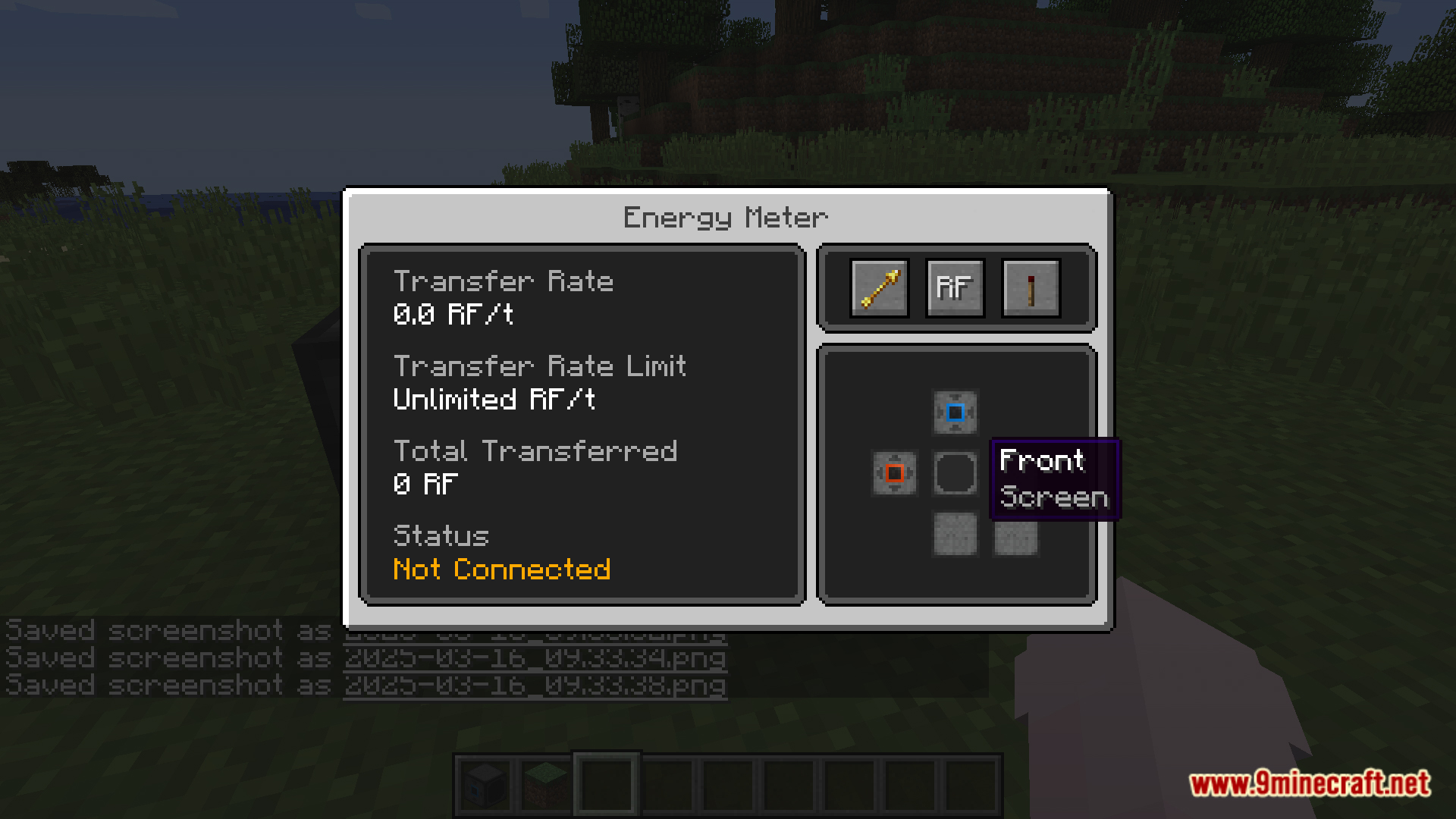
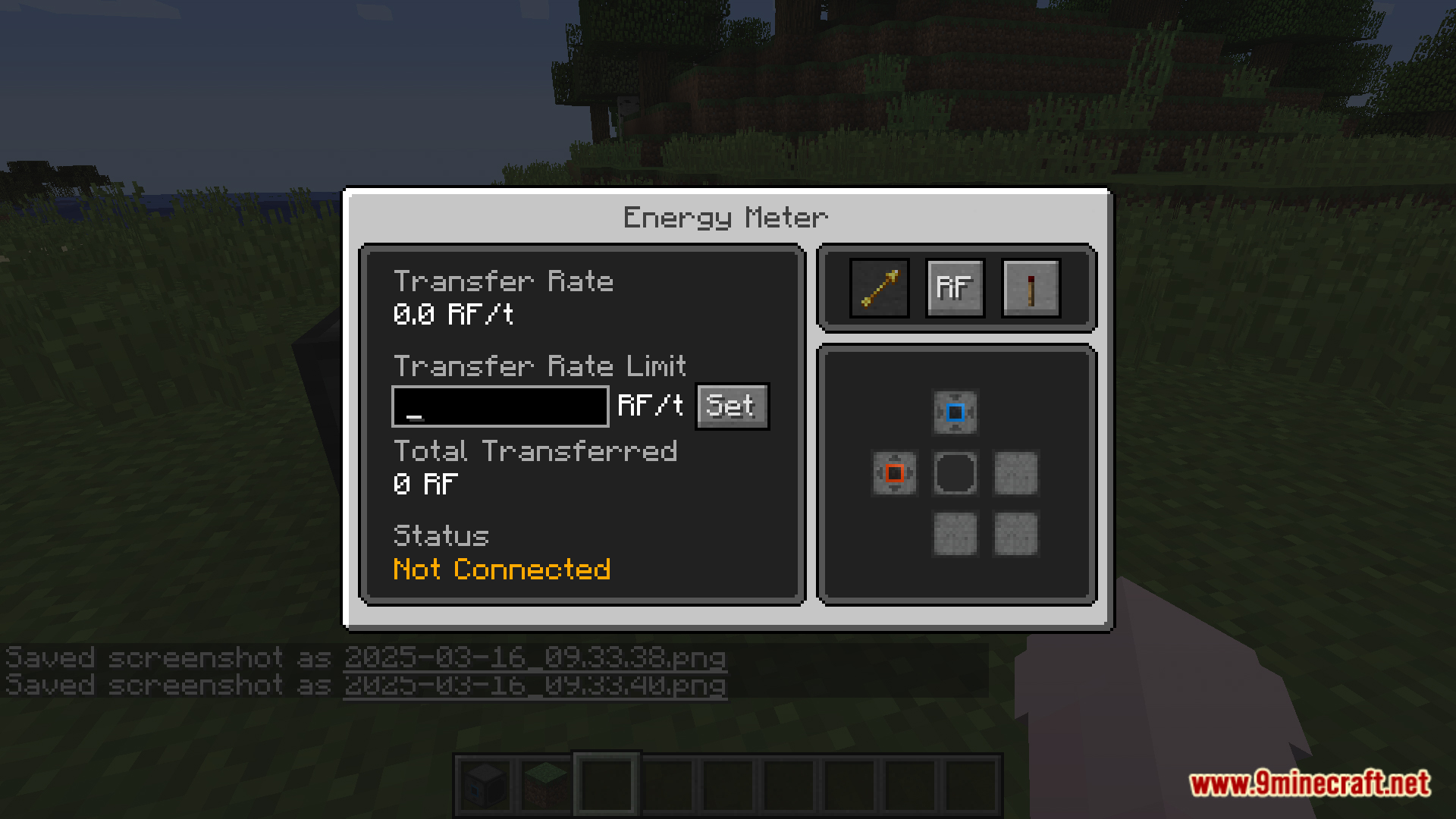
How to Install:
New to Minecraft? Follow our step-by-step guide to install Mods on your PC.View Guide
Energy Meters Mod Download Links
For Minecraft 1.12.2
Forge version: Download from Server 1 – Download from Server 2
If you rent a paid server to play modded Minecraft with friends, how do you usually set it up?
22 responses · See the full results →
You May Also Like
Picked for this page
 Corail Tombstone Mod (26.2, 1.20.1) – Never Lose Your Items Again
 Potion Rings Mod (26.3, 1.21.1) – Simple Bauble Rings with Potion Effects
 Stacks Are Stacks Mod (26.3, 1.20.1) – Increases Stack Size For All Items To 64
 G4mespeed Mod (26.3, 1.20.1) – Advanced Tick Rate Control
 Pickaxe Effective Light Source Blocks Mod (26.3, 1.20.1) – Faster Using Pickaxes
 FPS Overlay Mod (26.2, 1.20.1) – Displays FPS on the Screen
 End Villager Outpost Mod (26.3, 1.20.1) – Trading Outpost Expansion
 XiaoXue’s Delta Force Mod (1.20.1) – Stockpile Military Gear And Rare Treasures
 MiscTweaks Mod (26.3, 1.20.1) – Customize Minecraft Experience
 Peculiar Primordials Mod (1.20.1, 1.20) – Forgotten Beasts
 Ares HUD Mod (1.20.1, 1.20) – Customizable HUD Design
 Trowels Fork Mod (1.20.4, 1.20.1) – Trowel For Random Block Placement
Most viewed in Mods over the last 7 days
 Ala Industrial Mod (26.3) – Run Electric Power Grids and Automated Factories
 PleasureCraft Mod (26.3, 1.21.1) – Jenny Mod Remake for Fabric
 Jennycraft Mod (26.3, 1.20.1) – Virtual Girlfriend in Minecraft
 Fapcraft Mod (26.3, 1.12.2) – Comprehensive and Detailed Content
 Jenny Mod (Fapcraft) Official Complete Guide – How to use, Tutorial
 BangCraft Mod (1.20.1) – Jenny, Ellie and Elliot
 Fabric Loader (26.3, 1.20.1) – Fabric Installer for All Minecraft Versions
 Meteor Client Mod (26.3, 1.20.1) – Xray, HUD, Fly
 The Shooting Star Demo Mod (26.3, 1.20.1) – Vaporize Terrain From Orbit
 OptiFine HD (26.3, 1.20.1) – Run Faster, FPS Boost, Shaders Support
 Aristois Client Mod (1.21.4, 1.20.1) – World Class Minecraft Utility
 Prestige Client Mod (1.21.11, 1.21.4) – Powerful Ghost Features for Crystal & Sword PvP
More from Mods
 Alex’s Caves Continued Mod (26.3, 1.20.1) – Conquer Six Massive Underground
 Anvil Uses Mod (26.3, 1.20.1) – Track Item Anvil Usage
 Animal Info Mod (26.3, 1.21.11) – Quick Stats For Your Animals
 Timber Tales Dynamic Tree System Mod (26.3, 1.20.1) – Watch Entire Trees Topple
 Gabou’s Libs Mod (26.3, 1.20.1) – Keep Custom Weather and Survival Mods Stable
 /Sit Mod (26.3, 1.21.1) – Make The Player Sit Down
 Arcane Redstone Dial Mod (26.3, 1.20.1) – Trigger Commands and Shortcuts
 The Graveyard Mod (26.3, 1.20.1) – Cemeteries in Minecraft
 Enhanced Overlay Mod (26.3, 1.21.11) – Remove Screen Clutter
 Flint Mod (1.21.11) – Run DiamondFire Community Addons Without Crashing
 Not Just Sandwich Mod (26.3, 1.20.1) – Edibles, Sandwiches
 Waddles Mod (26.3, 1.20.1) – Make Icy Biomes Feel Alive

This post has no comments yet. Be the first — your comment will appear here.