
Exposure Catalog Mod (1.21.1, 1.20.1) – Organize Your In-Game Photo Gallery
 421
 0


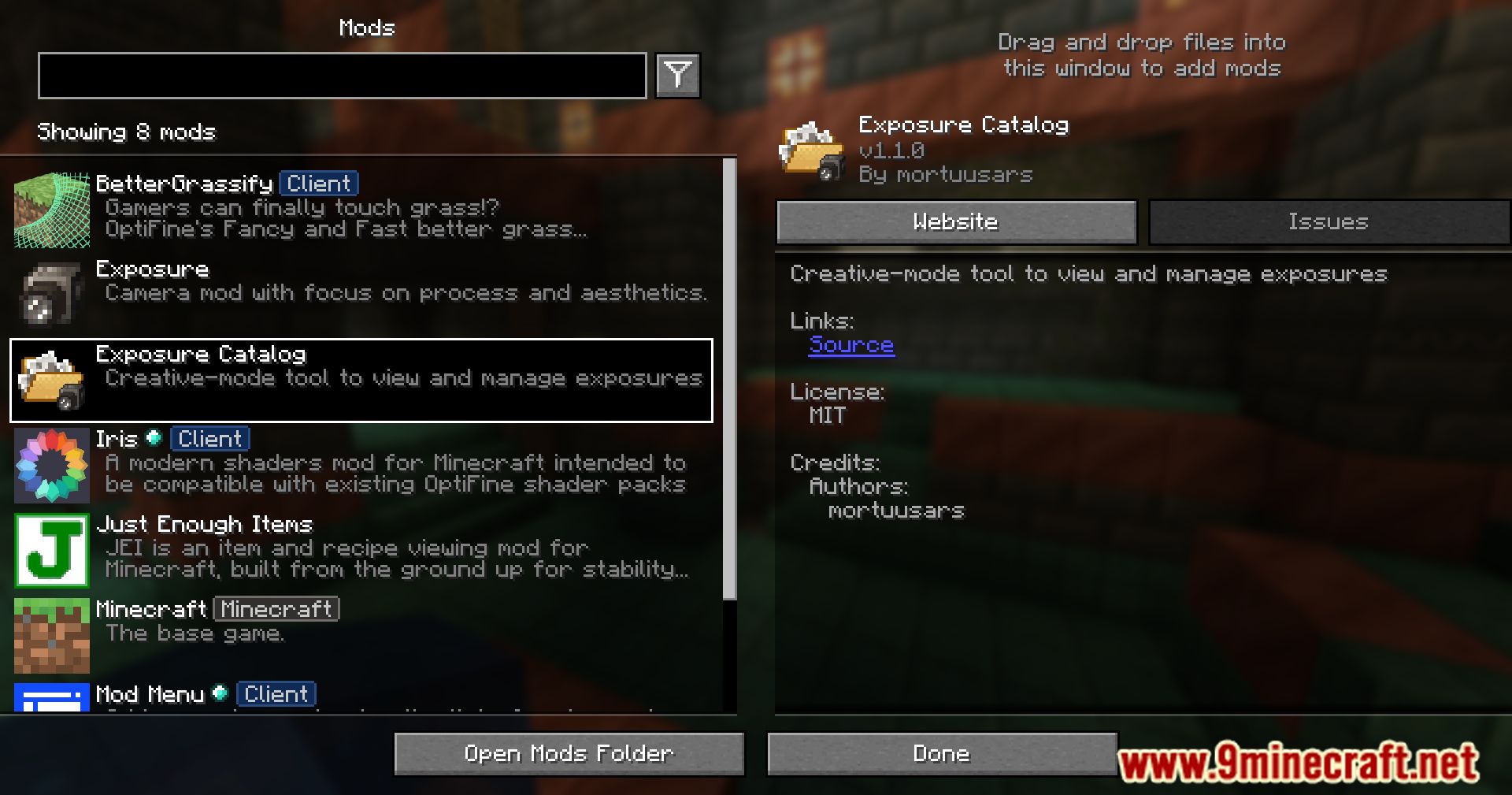
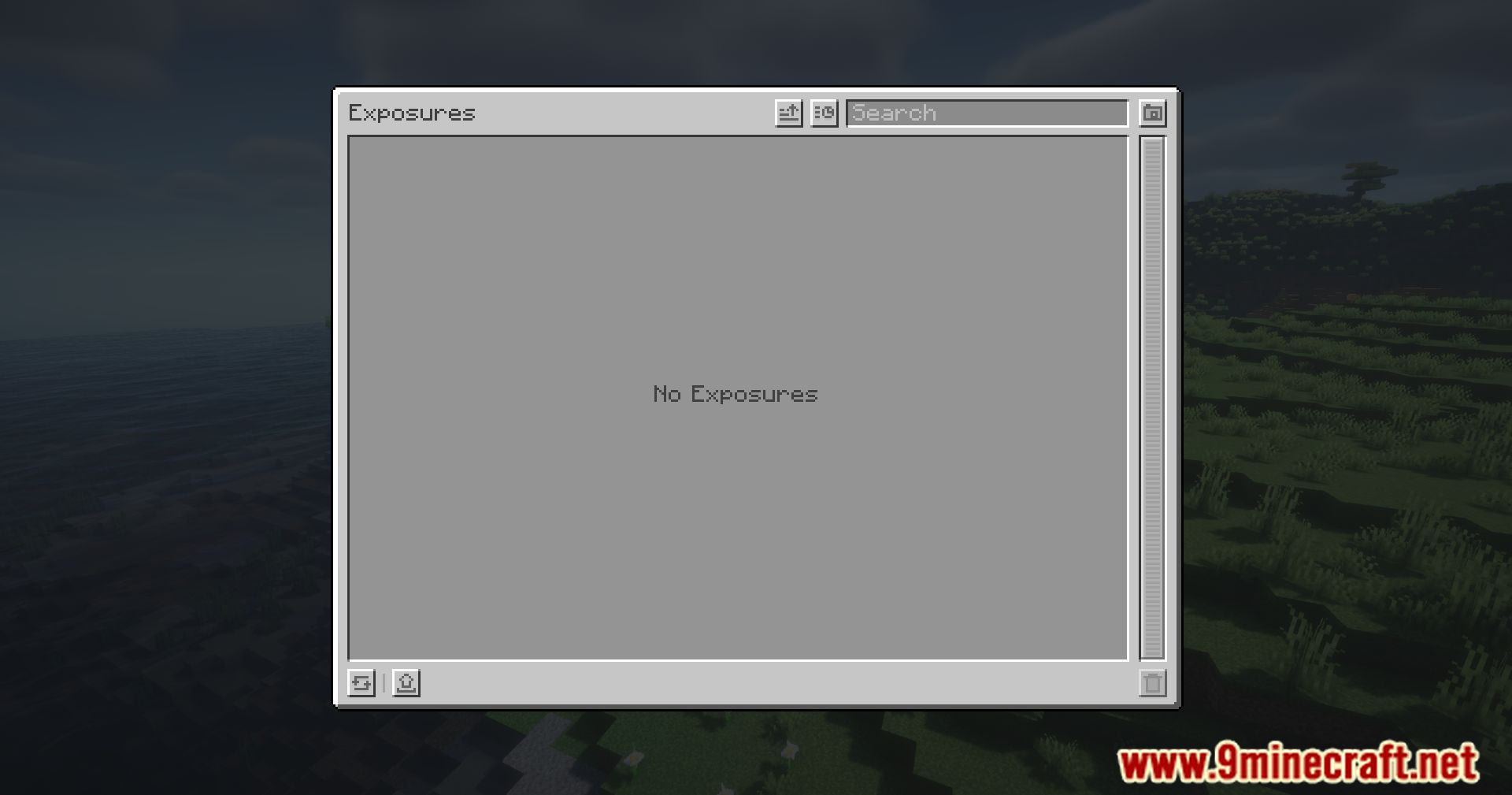
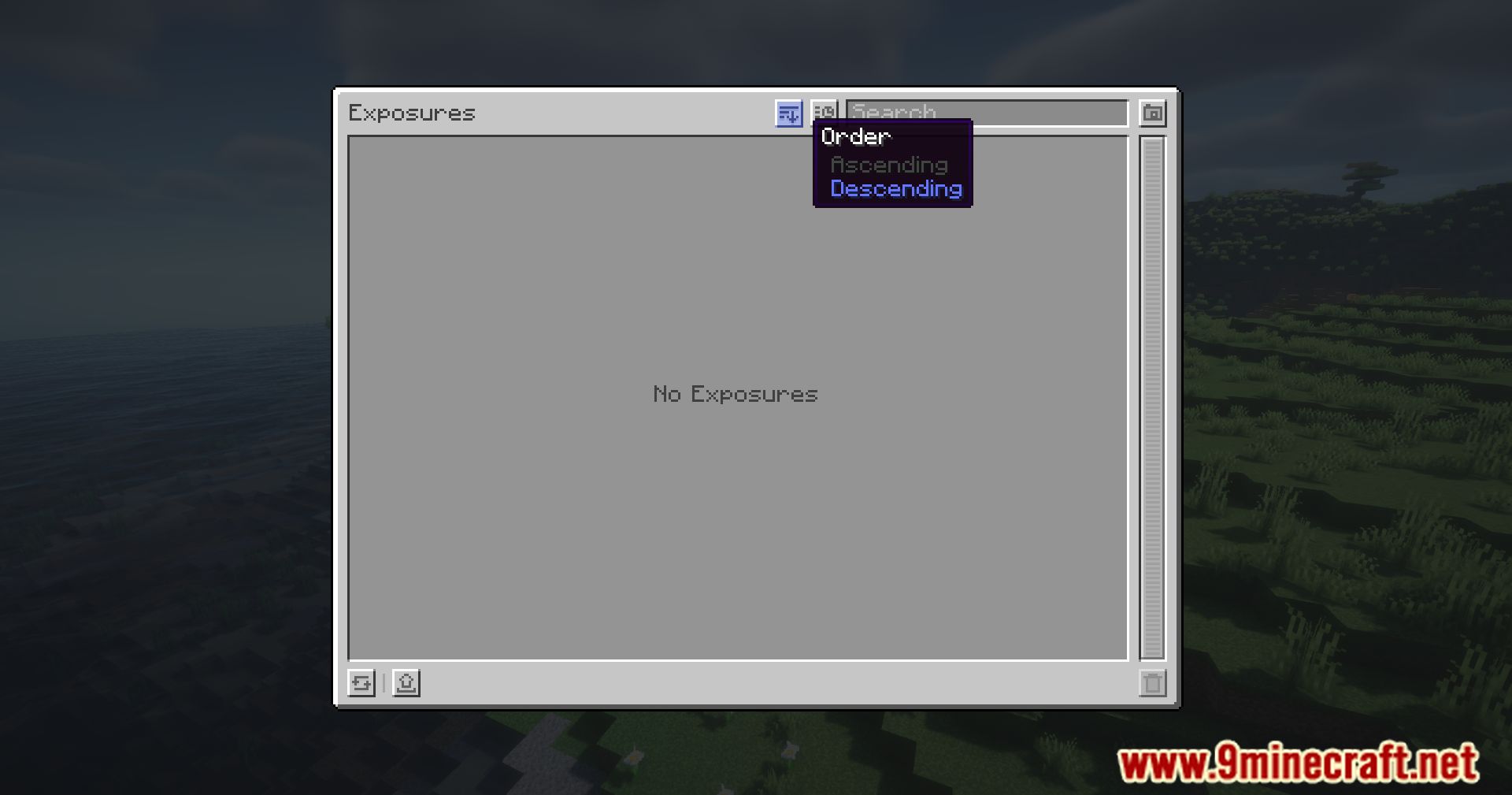
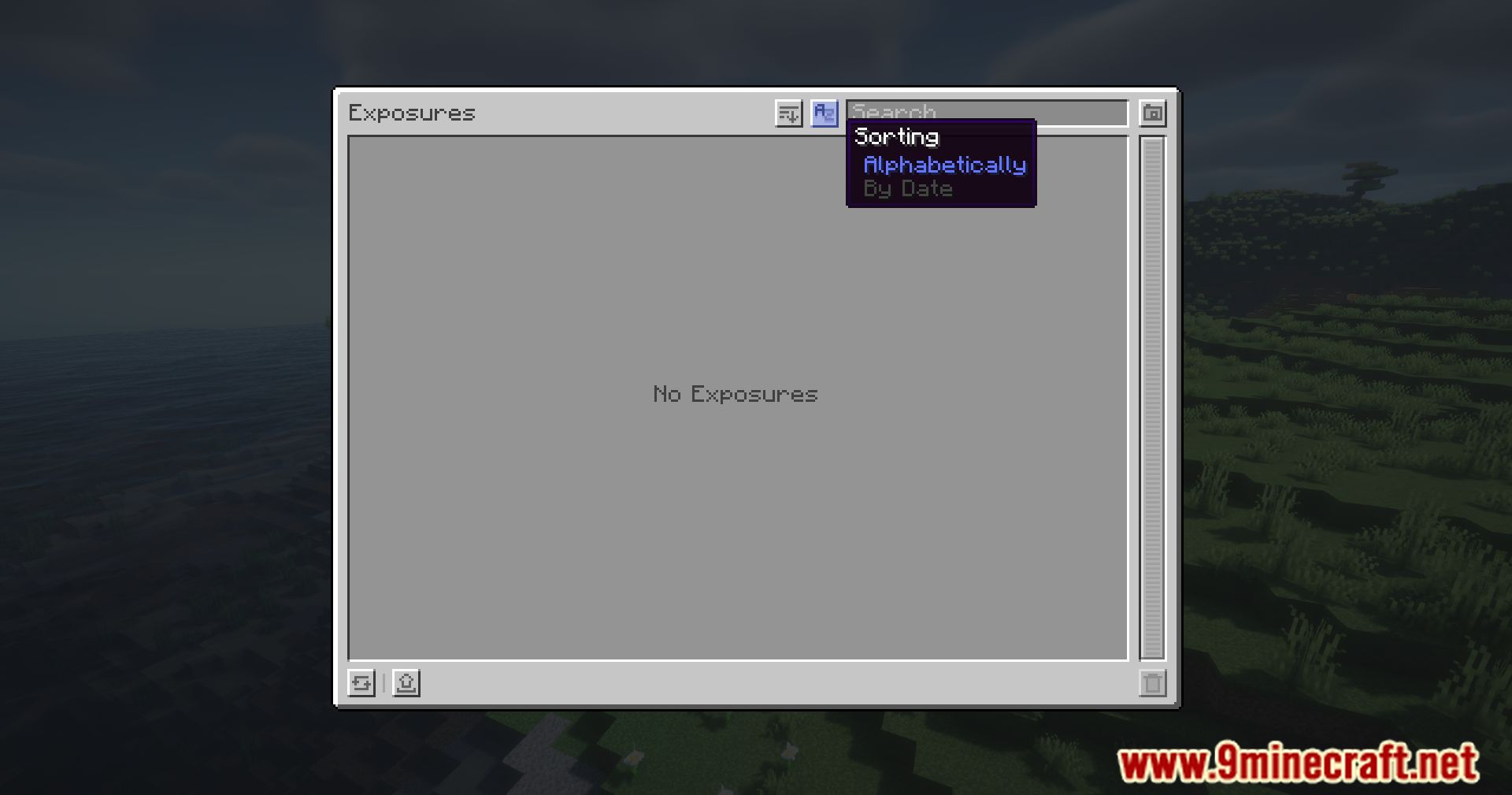
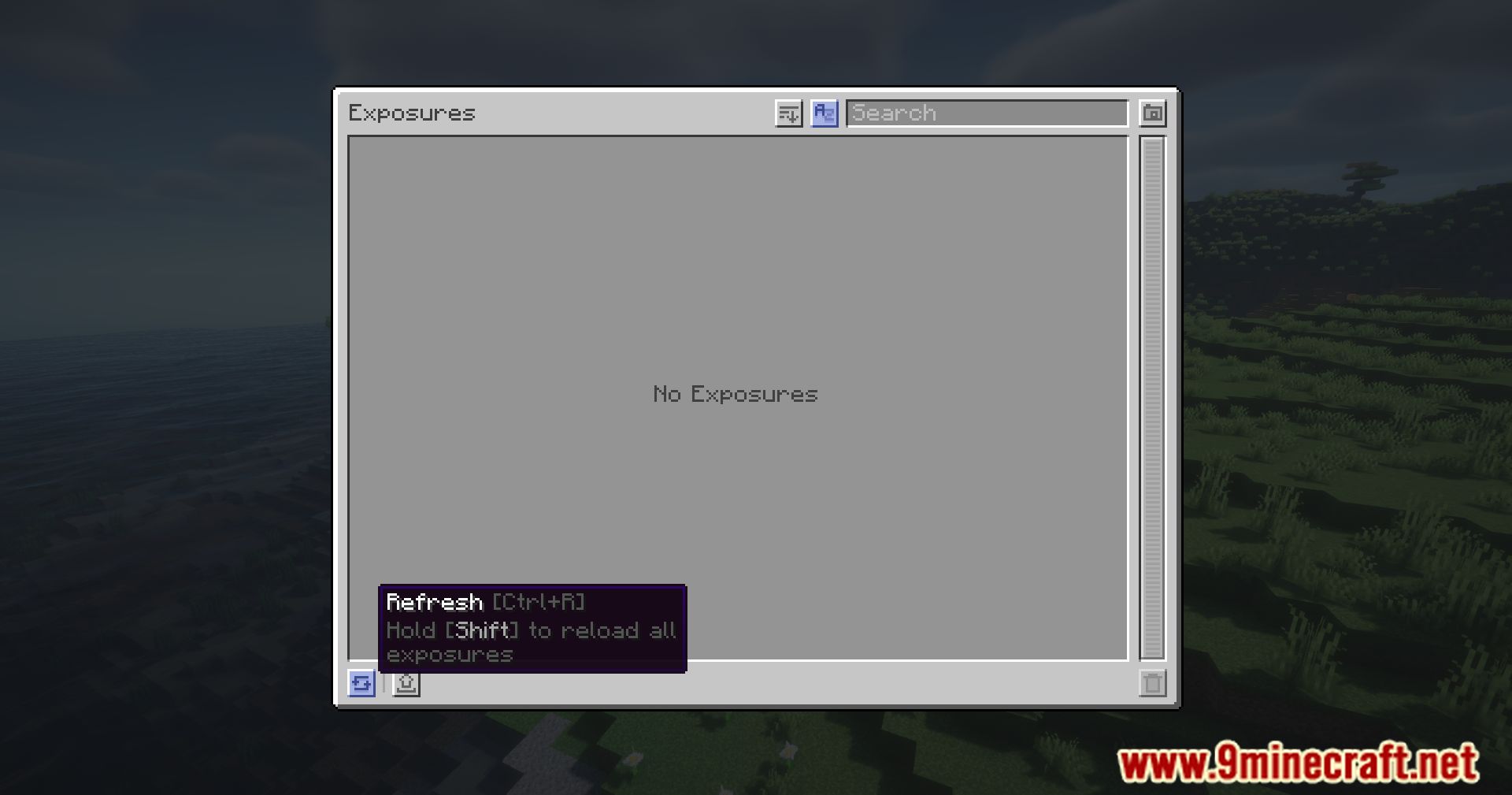
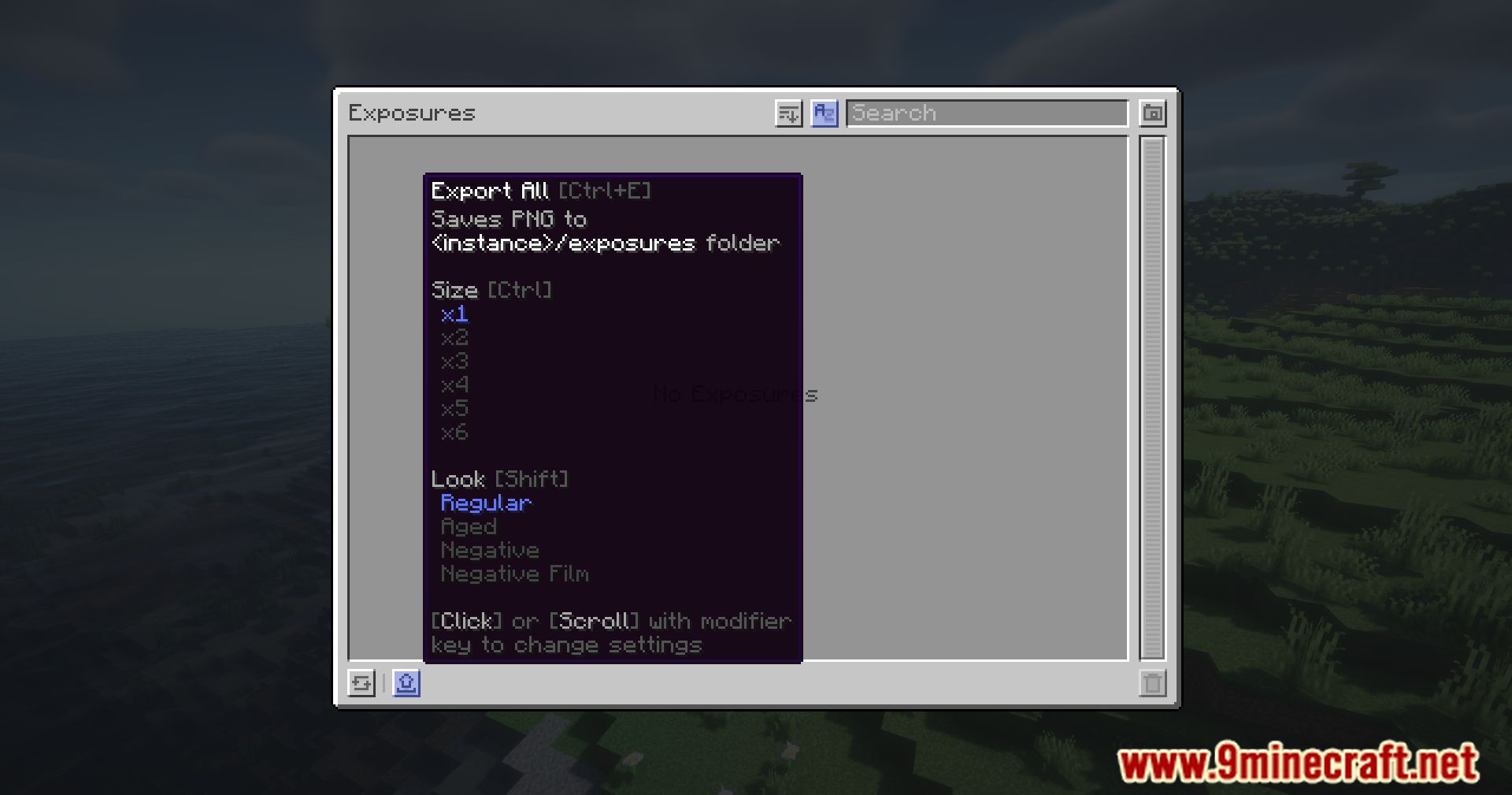
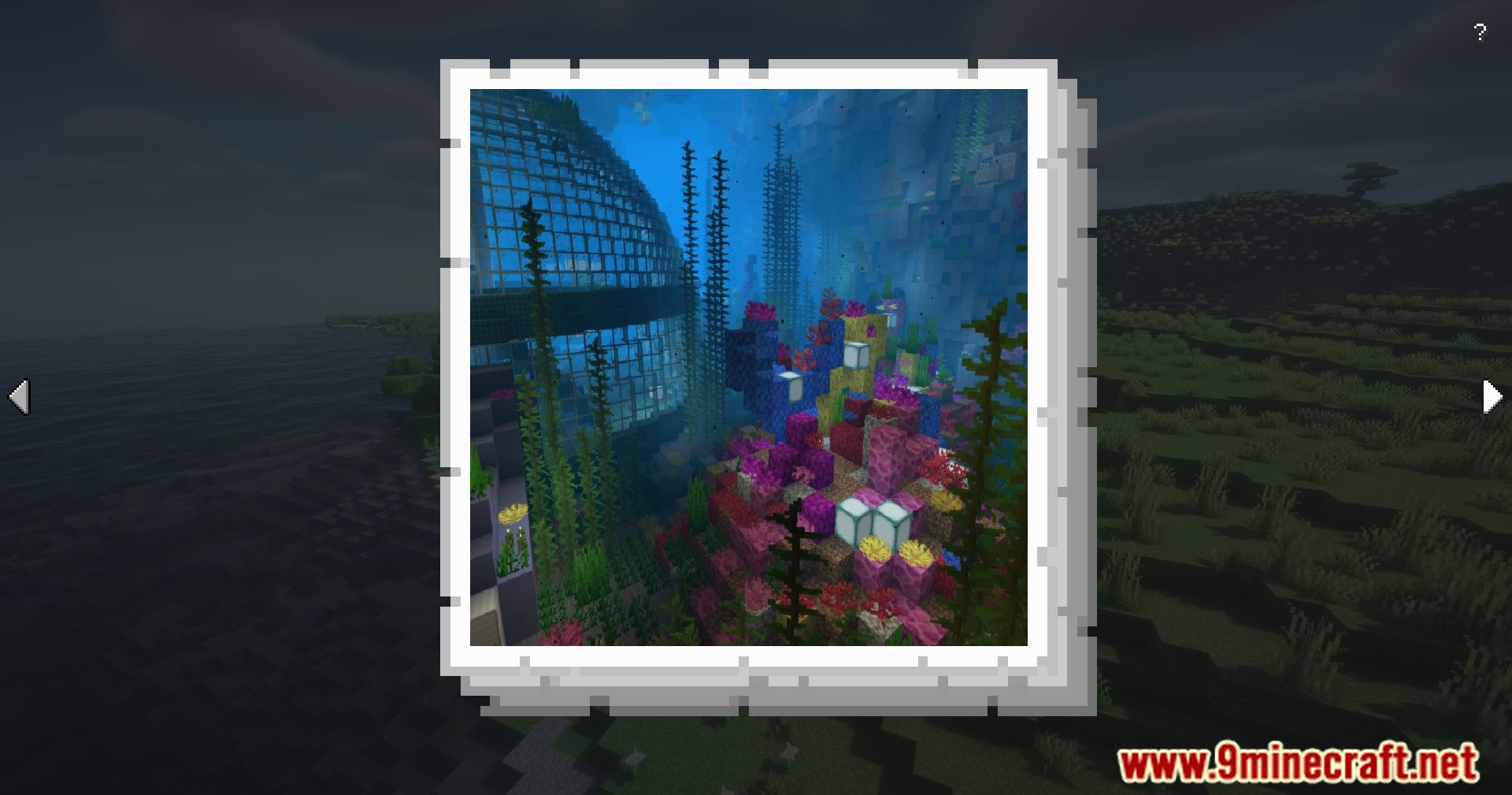
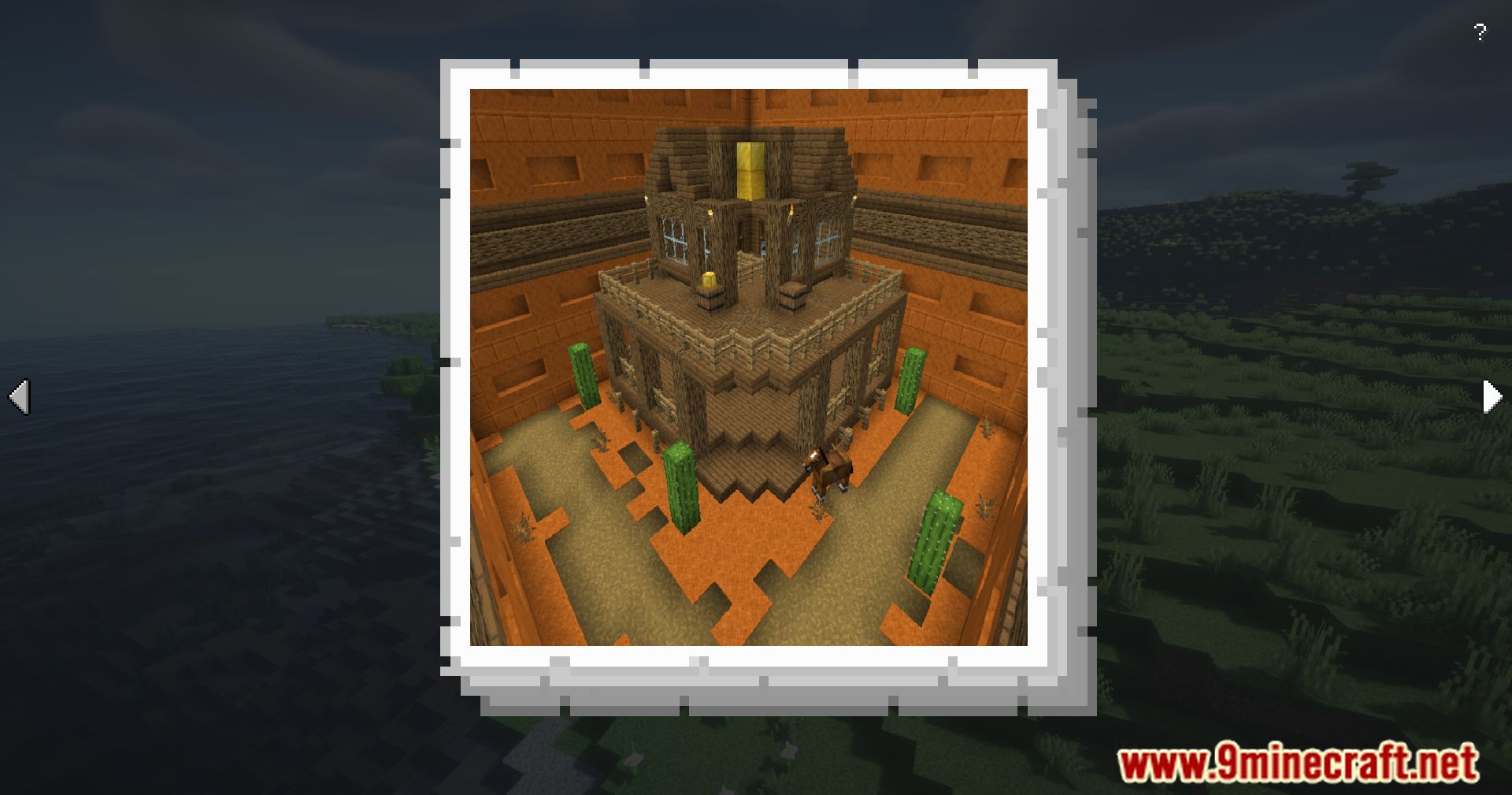
Exposure Catalog Mod adds a catalog menu for Exposure so you can view, export, and delete saved exposures in your current world. This addon works as a Creative-mode tool and opens its menu through a single command. It also includes a textures mode that lets you browse all loaded textures from Minecraft, mods, and resource packs. You need this addon on both the client and server, and its command needs level 3 permissions or cheats turned on in singleplayer.
Features:
- Adds a simple menu where you can view every saved exposure stored in your current world.
- Lets you export saved exposures or delete the ones you no longer want.
- Includes a textures mode so you can look through all loaded textures from Minecraft, mods, and resource packs.
- Works as a Creative-mode tool for Exposure on both the client and server.
Commands:
/exposure catalog: opens the catalog menu to view, export, or delete all exposures saved in your current world (needs level 3 permissions or cheats turned on in singleplayer).
How to Use:
- Make sure Exposure and this addon are active on both your client and server, and check that you have level 3 permissions or cheats enabled in singleplayer.
- Open chat and type
/exposure catalogto bring up the catalog menu. - Pick any saved exposure from your current world in the menu to view, export, or delete it.
- Switch to the textures mode inside the menu to browse all loaded textures from Minecraft, mods, and resource packs.
Screenshots:
How to Install:
New to Minecraft? Follow our step-by-step guide to install Mods on your PC.View Guide
Requirements:
Exposure Catalog Mod Download Links
For Minecraft 1.21.1, 1.21
Fabric Version: Download from Server 1 – Download from Server 2
NeoForge Version: Download from Server 1 – Download from Server 2
For Minecraft 1.20.1
Forge/NeoForge Version: Download from Server 1 – Download from Server 2
Fabric/Quilt Version: Download from Server 1 – Download from Server 2
How do you feel about quest books in modpacks?
28 responses · See the full results →
You May Also Like
Picked for this page
 Crystals Overhauled Mod (26.3, 1.20.1) – A Minecraft Mod Revolution
 Inventory Management Mod (26.3, 1.20.1) – Sorting, Transferring, Stacking
 Mob Lassos Mod (26.3, 1.20.1) – Gotta Catch ‘Em All
 VeinMiner Companion Mod (26.3, 1.20.1) – Client-side VeinMiner Visual Helper
 Pick Block Pro Mod (1.21.3, 1.20.1) – Creative Builder Utility Mod
 Actually Harvest Mod (26.3, 1.20.1) – Customizable Harvesting Mechanics
 Sprint Indicator Mod (26.3, 1.20.1) – Simple UI Element Showing
 Spell Checker Mod (26.2, 1.20.1) – Communicate Clearly
 Integrated Scripting Mod (26.3, 1.20.1) – Advanced Automation Made Simple
 Wither Cage Fix Mod (26.3, 1.20.1) – Fixes Wither Memory Bug
 Snowball and Egg Knockback Mod (26.3, 1.20.1) – Knockback Effect For More Projectiles
 FTB Quest Localizer Mod (1.20.4, 1.19.2) – Play Quest Modpacks in Your Language
Most viewed in Mods over the last 7 days
 Ala Industrial Mod (26.3) – Run Electric Power Grids and Automated Factories
 PleasureCraft Mod (26.3, 1.21.1) – Jenny Mod Remake for Fabric
 Jennycraft Mod (26.3, 1.20.1) – Virtual Girlfriend in Minecraft
 Fapcraft Mod (26.3, 1.12.2) – Comprehensive and Detailed Content
 Jenny Mod (Fapcraft) Official Complete Guide – How to use, Tutorial
 BangCraft Mod (1.20.1) – Jenny, Ellie and Elliot
 Fabric Loader (26.3, 1.20.1) – Fabric Installer for All Minecraft Versions
 Meteor Client Mod (26.3, 1.20.1) – Xray, HUD, Fly
 The Shooting Star Demo Mod (26.3, 1.20.1) – Vaporize Terrain From Orbit
 OptiFine HD (26.3, 1.20.1) – Run Faster, FPS Boost, Shaders Support
 Aristois Client Mod (1.21.4, 1.20.1) – World Class Minecraft Utility
 Prestige Client Mod (1.21.11, 1.21.4) – Powerful Ghost Features for Crystal & Sword PvP
More from Mods
 LARP Client Mod (1.21.11) – Dominate Crystal PvP on Anarchy Servers
 Berlin Client Mod (1.21.11) – Hunt Stashes and Win Crystal Fights
 Kaleidoscope Cookery Refabricated Mod (26.3, 1.20.1) – Cook Hearty Meals
 Minecraft MusicBox Mod (1.21.12) – Play Your Favorite Songs While Mining and Building
 Legacy Wavey Capes Mod (1.8.9) – Watch Your Cape Flow Naturally While Sprinting
 Warrior Cats Events Mod (1.21.1, 1.20.1) – Live As a Wild Clan Cat
 Apex Enchantment Freedom Mod (26.3) – Stack Conflicting Enchantments
 Tensura GUI Mod (1.21.1) – Track Your Fantasy Skills and Race Evolutions
 Remnants Roguelite Dungeons Mod (26.3, 1.20.1) – Risk It All in Procedural
 Lib Lib Lib Mod (26.3, 1.20.1) – Keep Your Favorite Modpacks Running Smooth
 Cinematic Interactions Mod (26.3, 1.20.1) – Watch Your Hands Work
 Macro Keybinds Mod (26.3, 1.20.1) – Macro Creation, Keybind Execution

This post has no comments yet. Be the first — your comment will appear here.