
Fantasy Armor Mod (26.3, 1.20.1) – Forge Mythic Armor with Set Bonuses



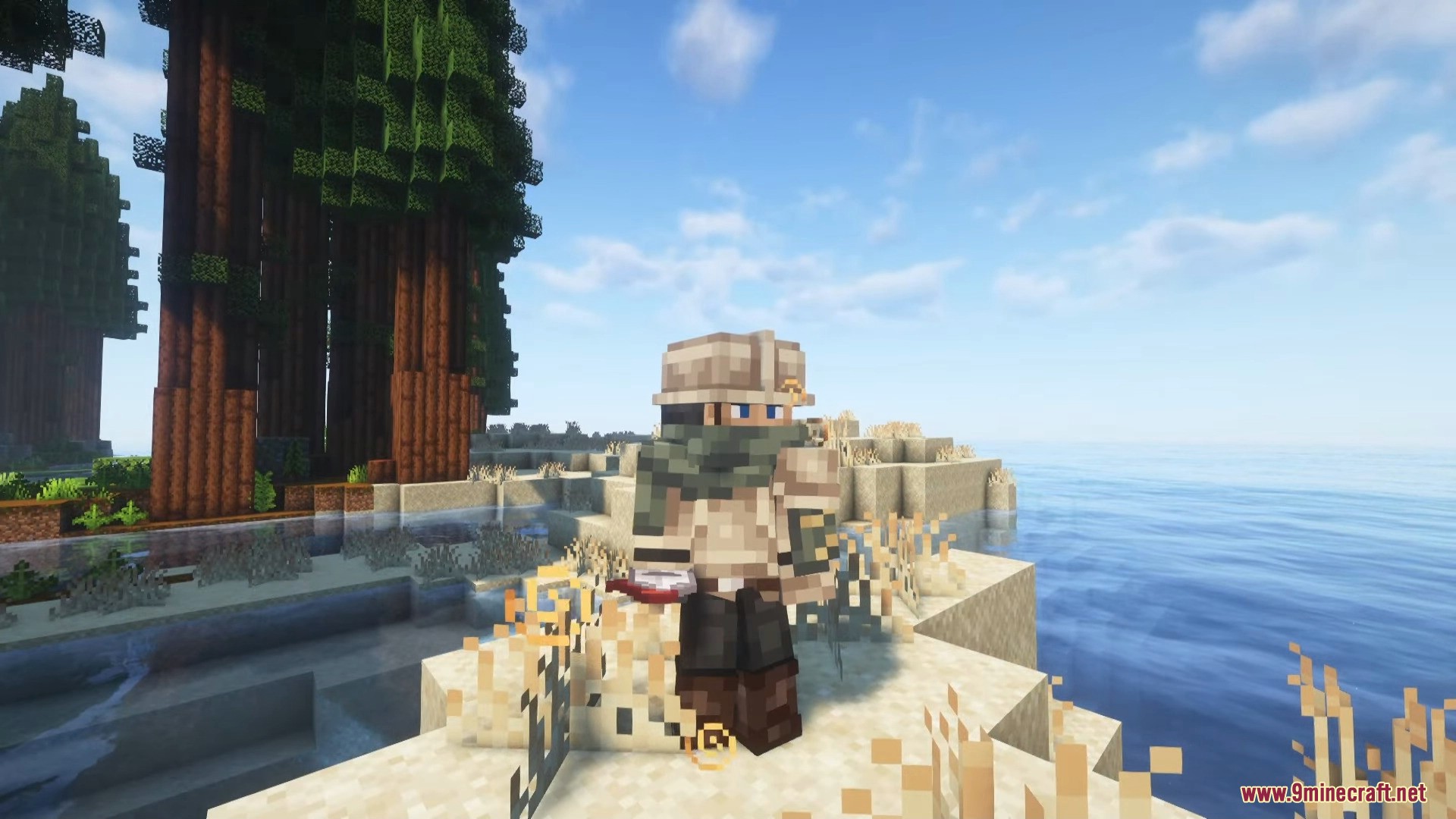
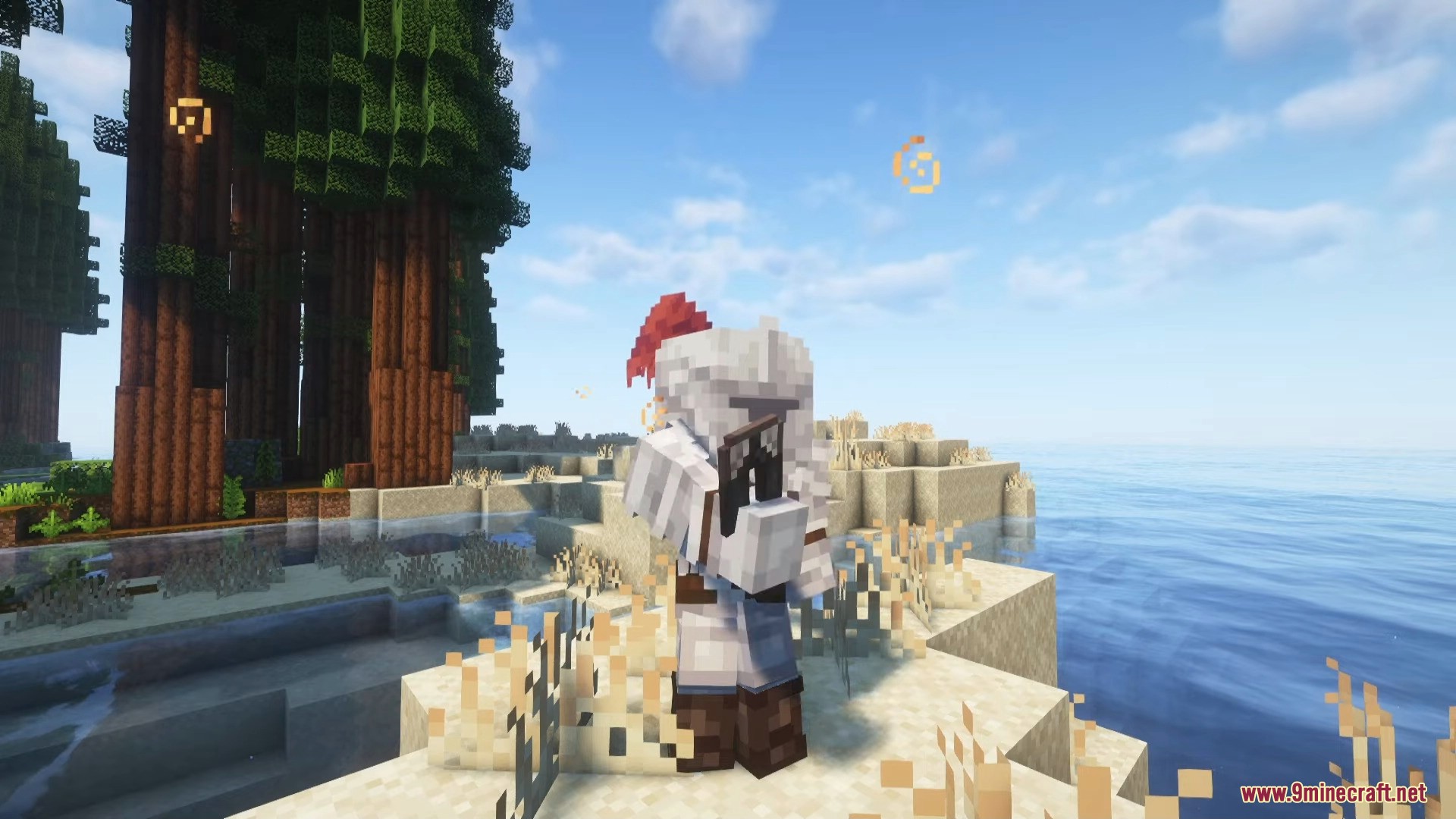
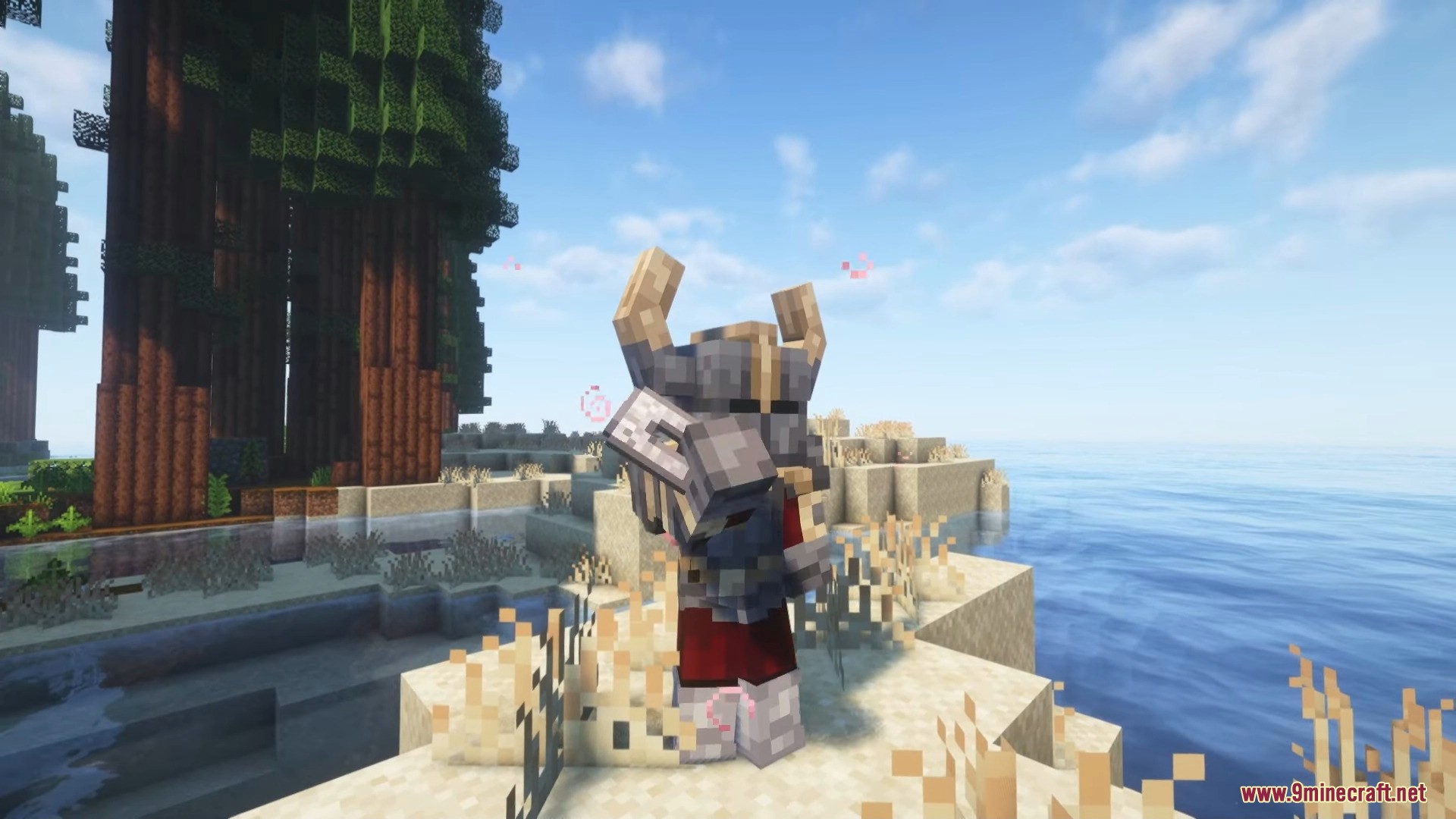
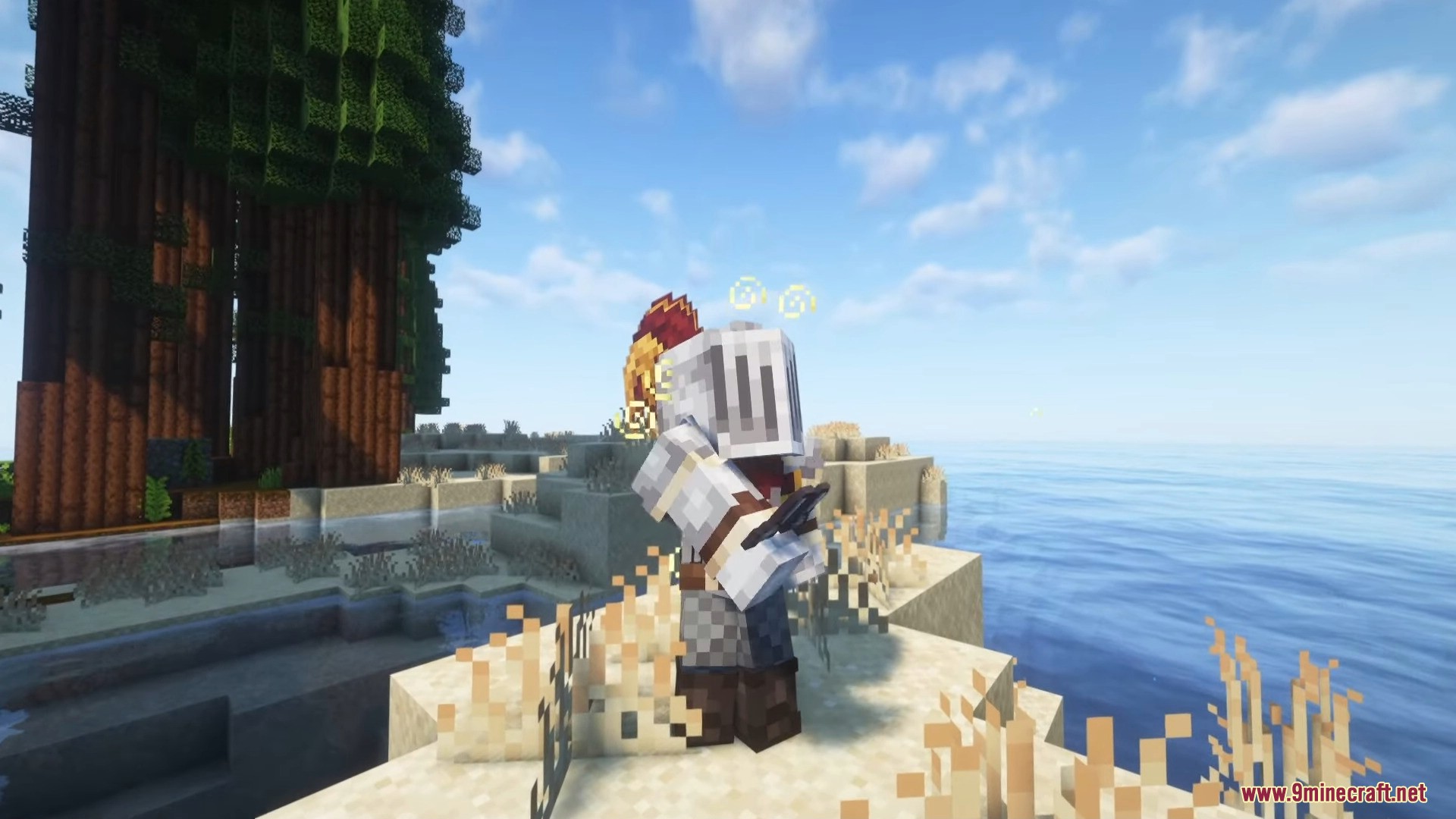
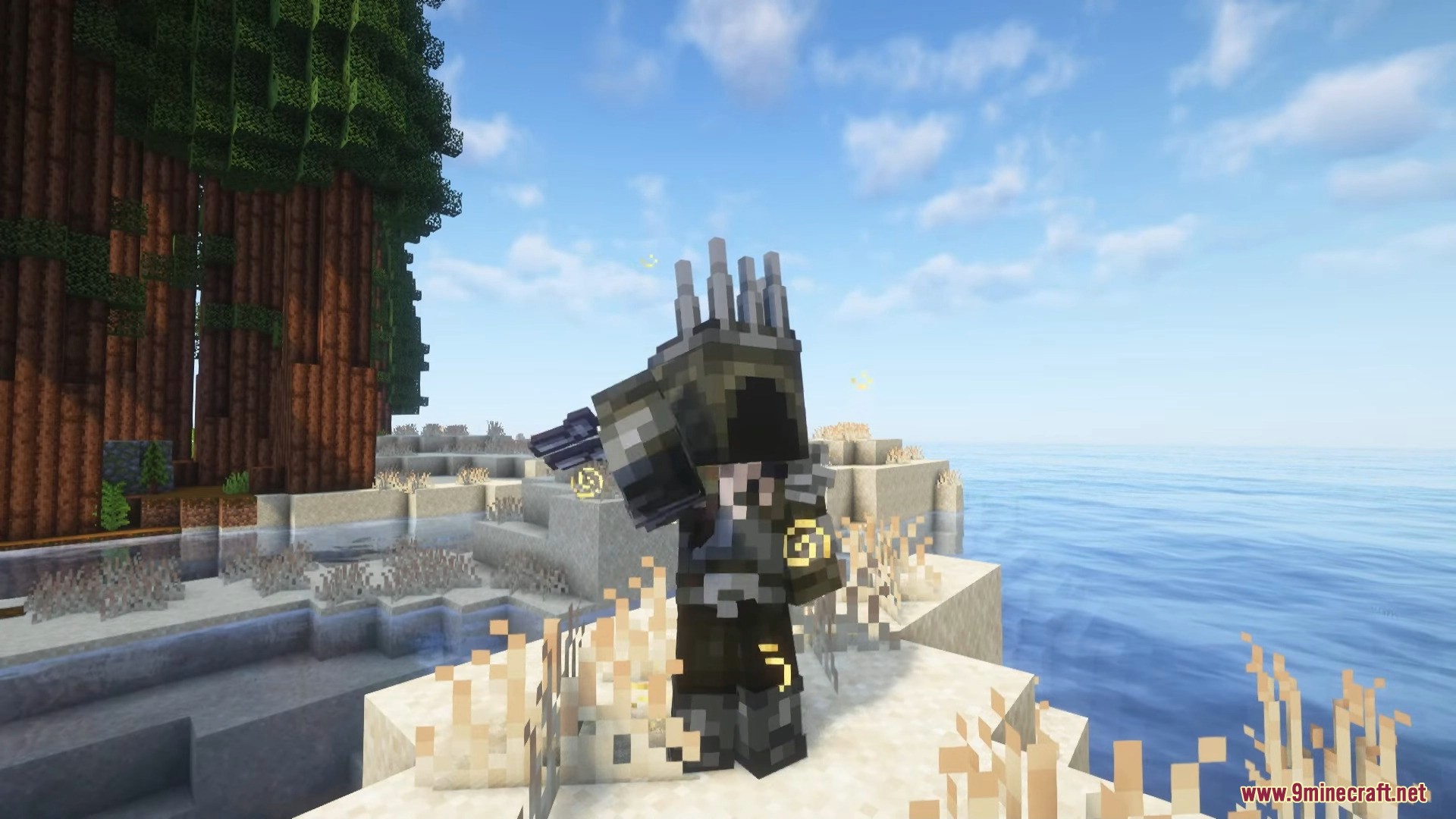
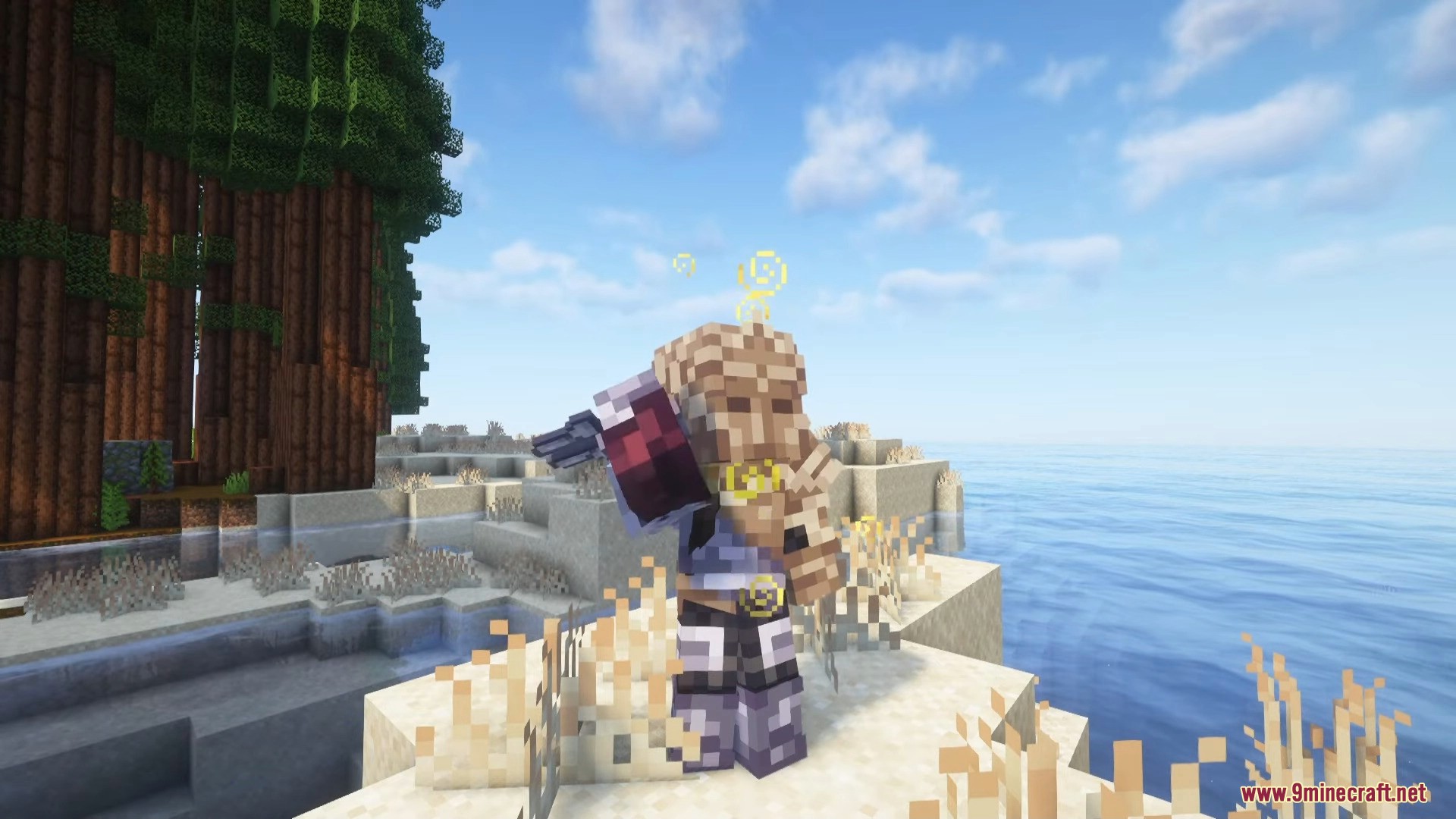
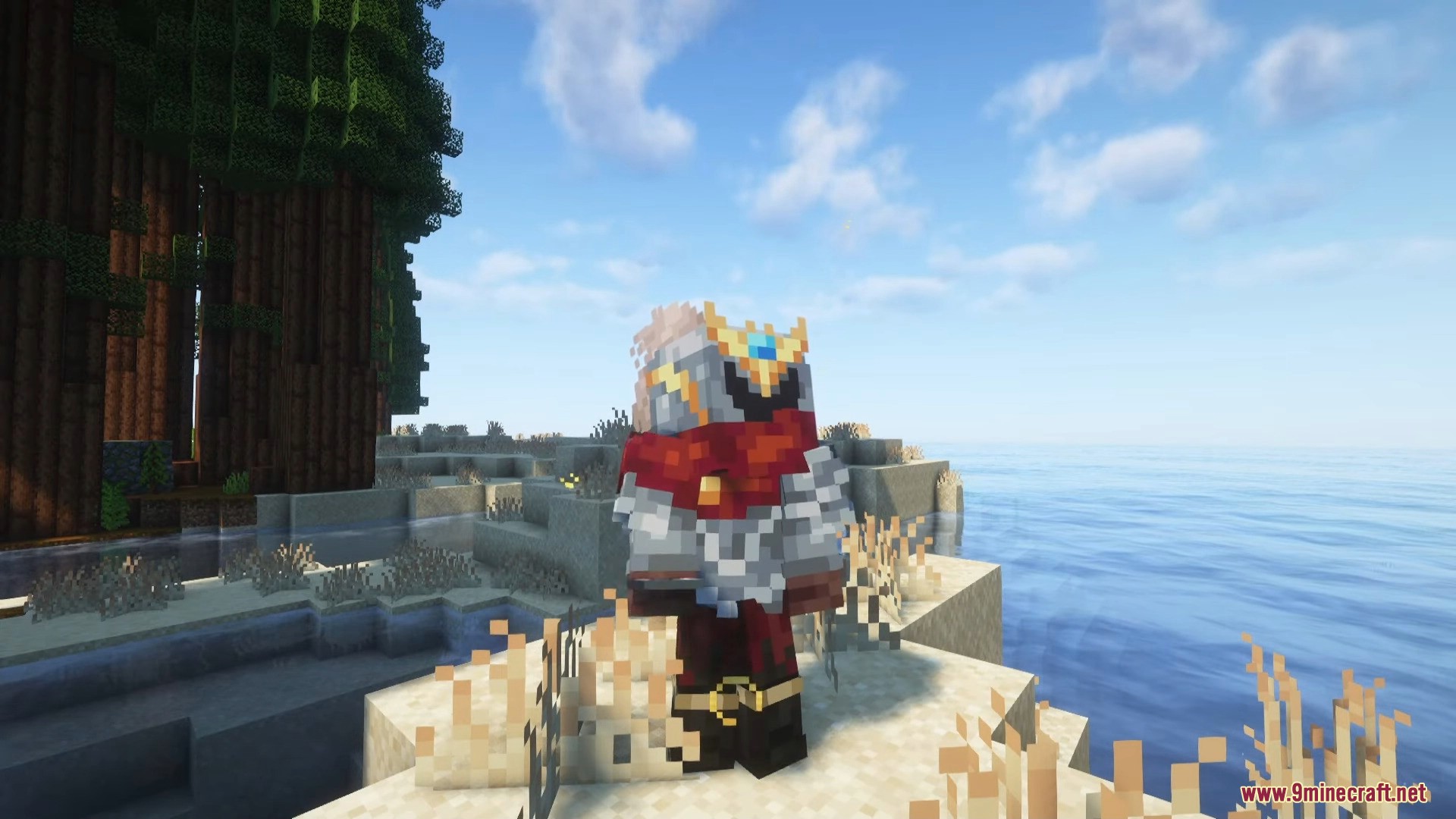
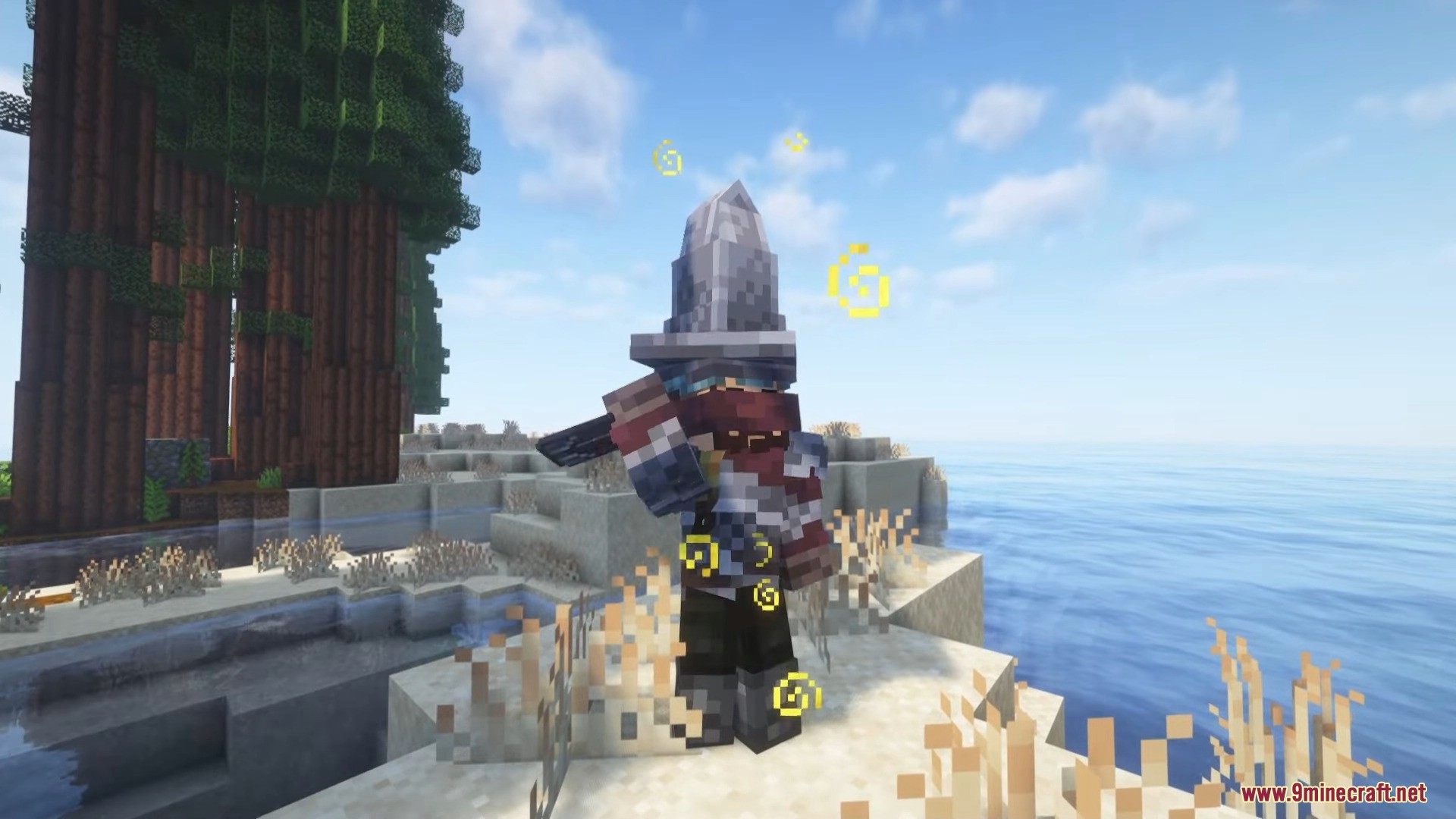
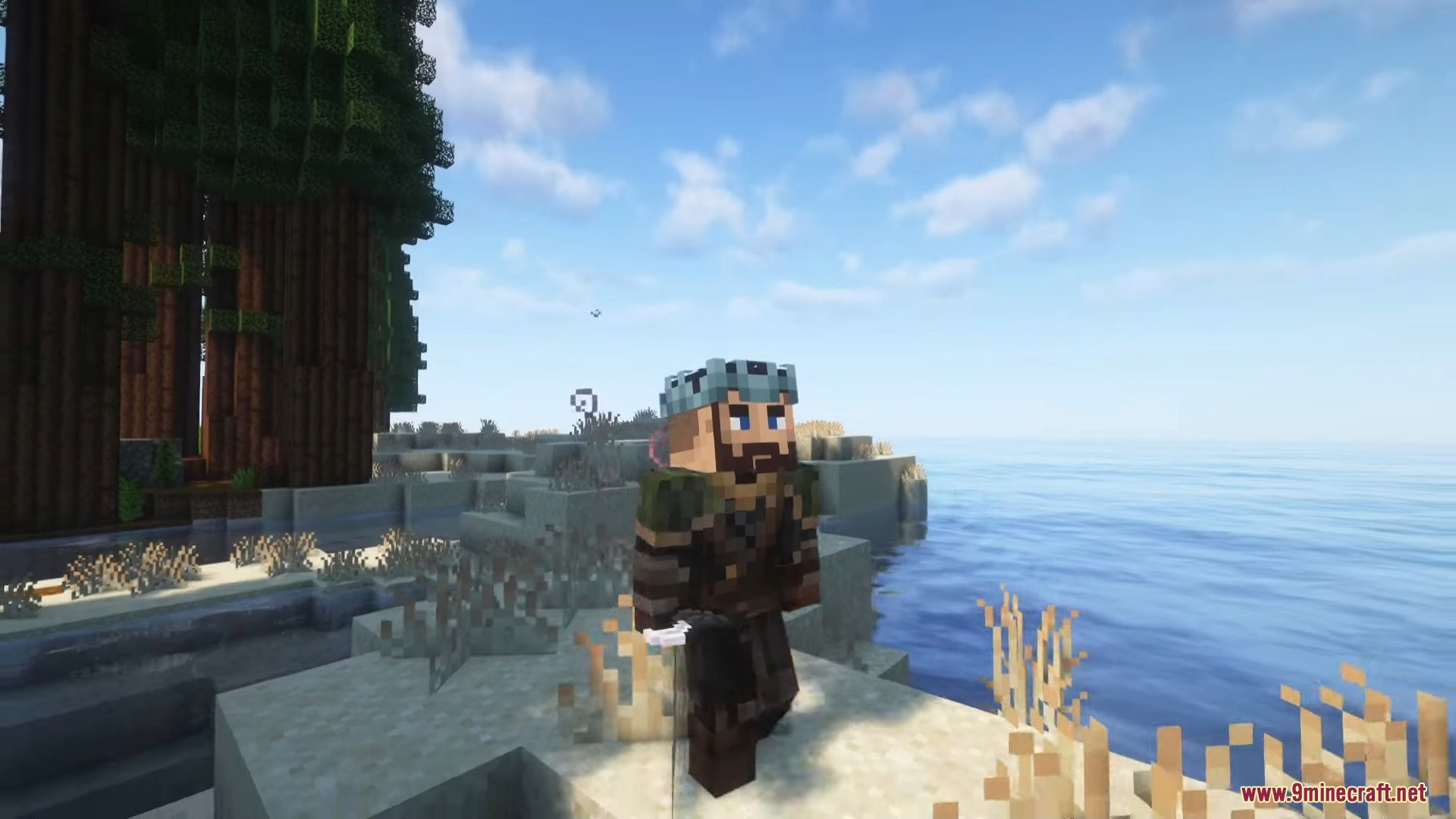
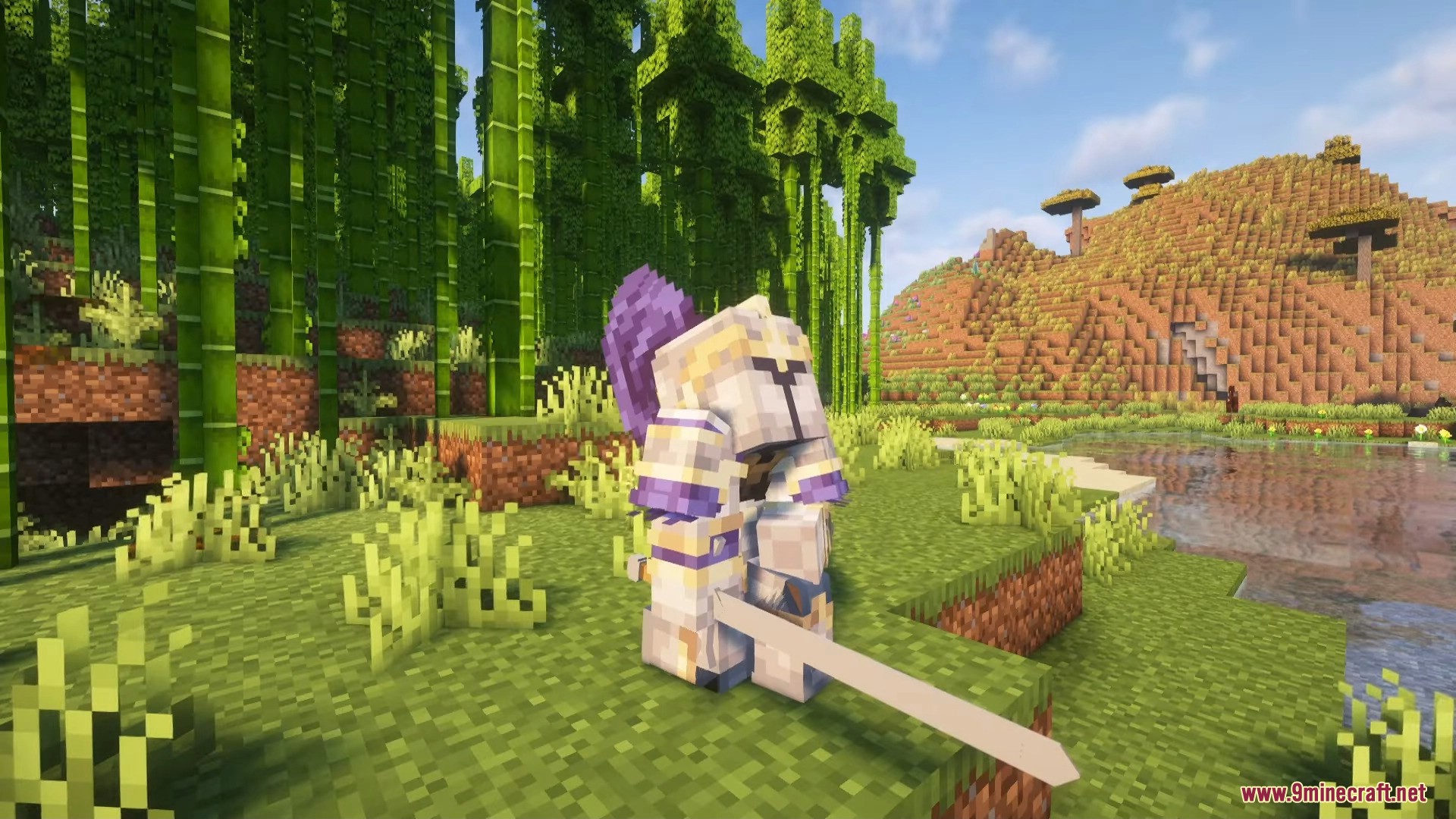
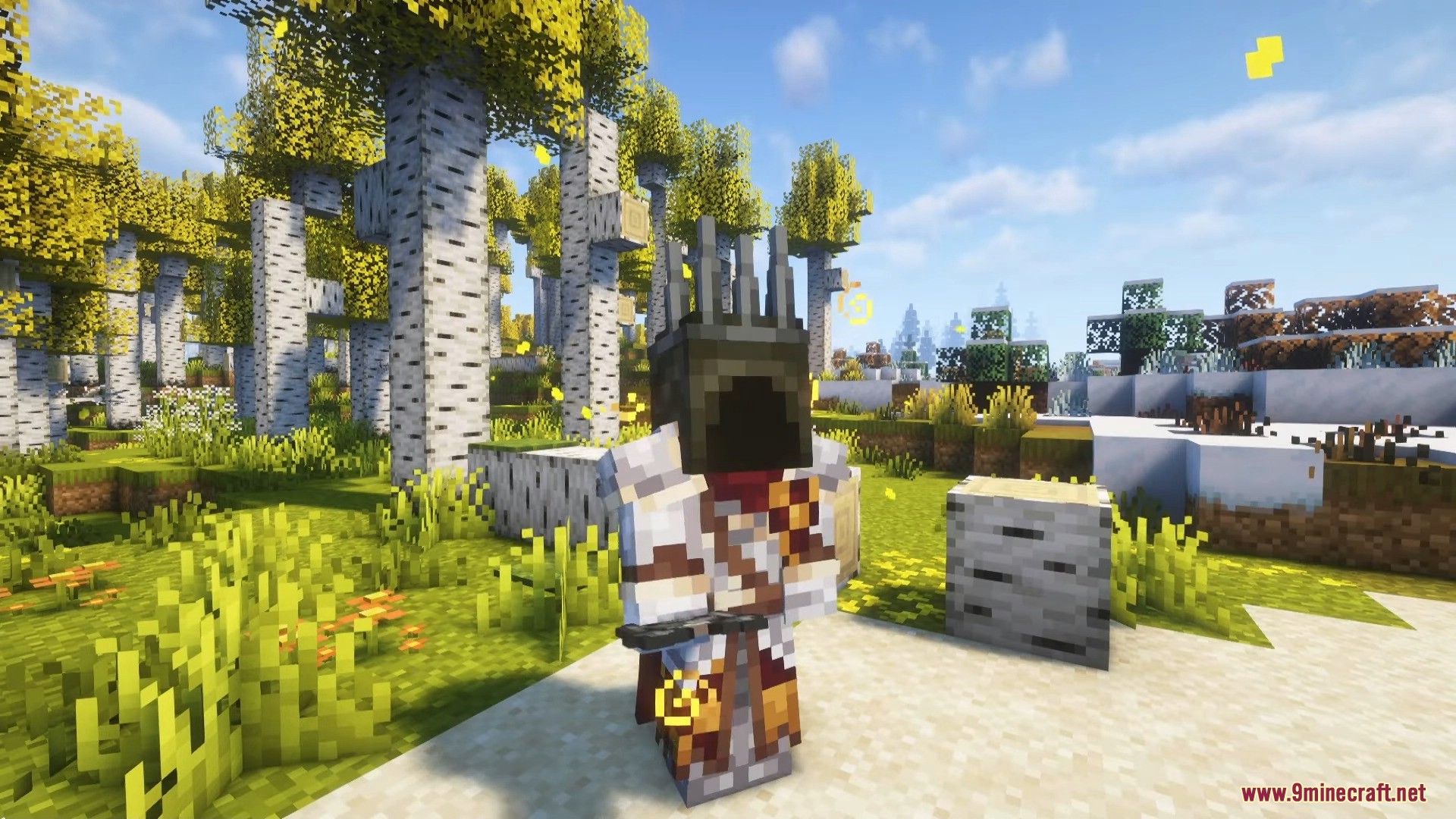
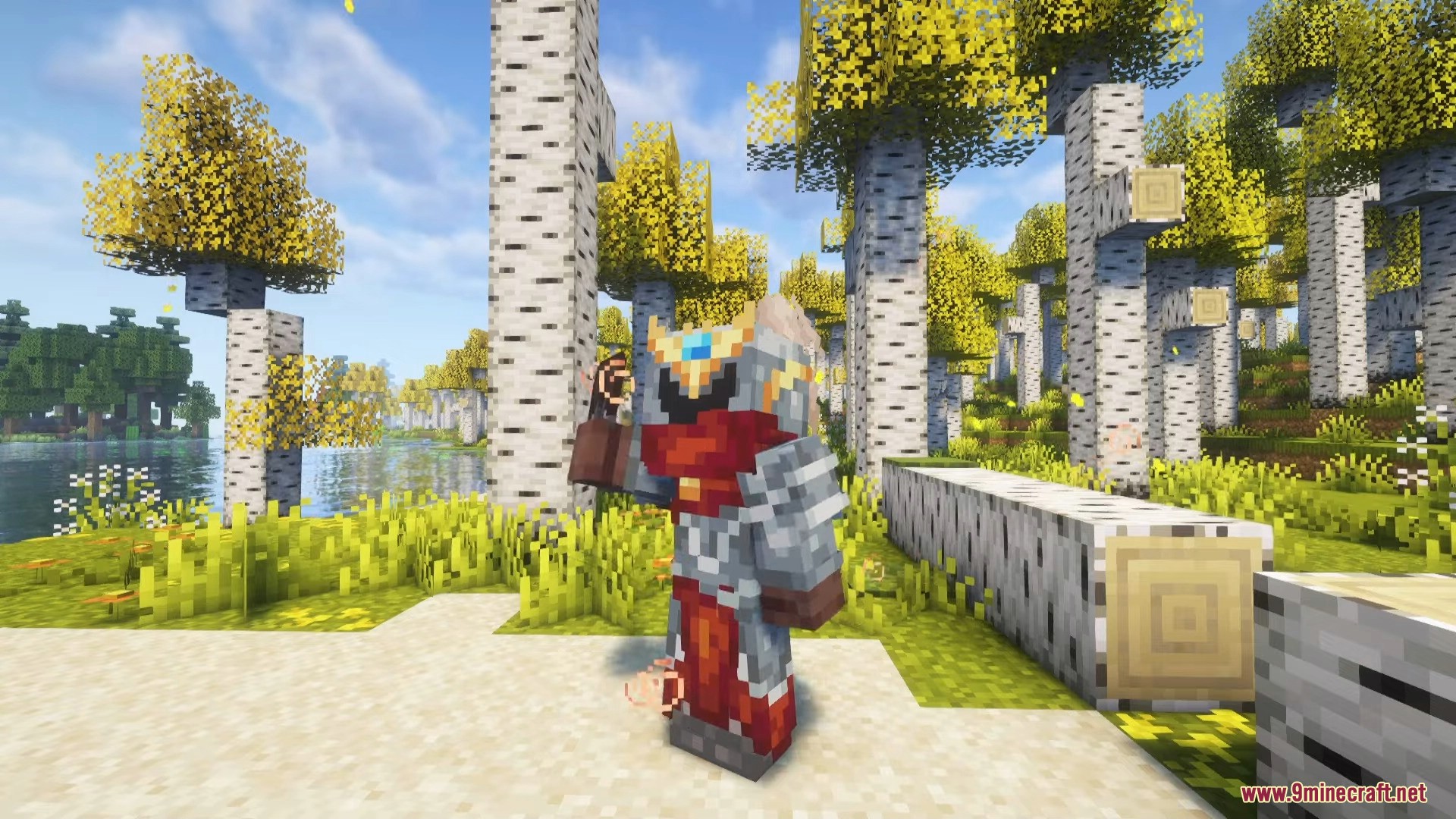
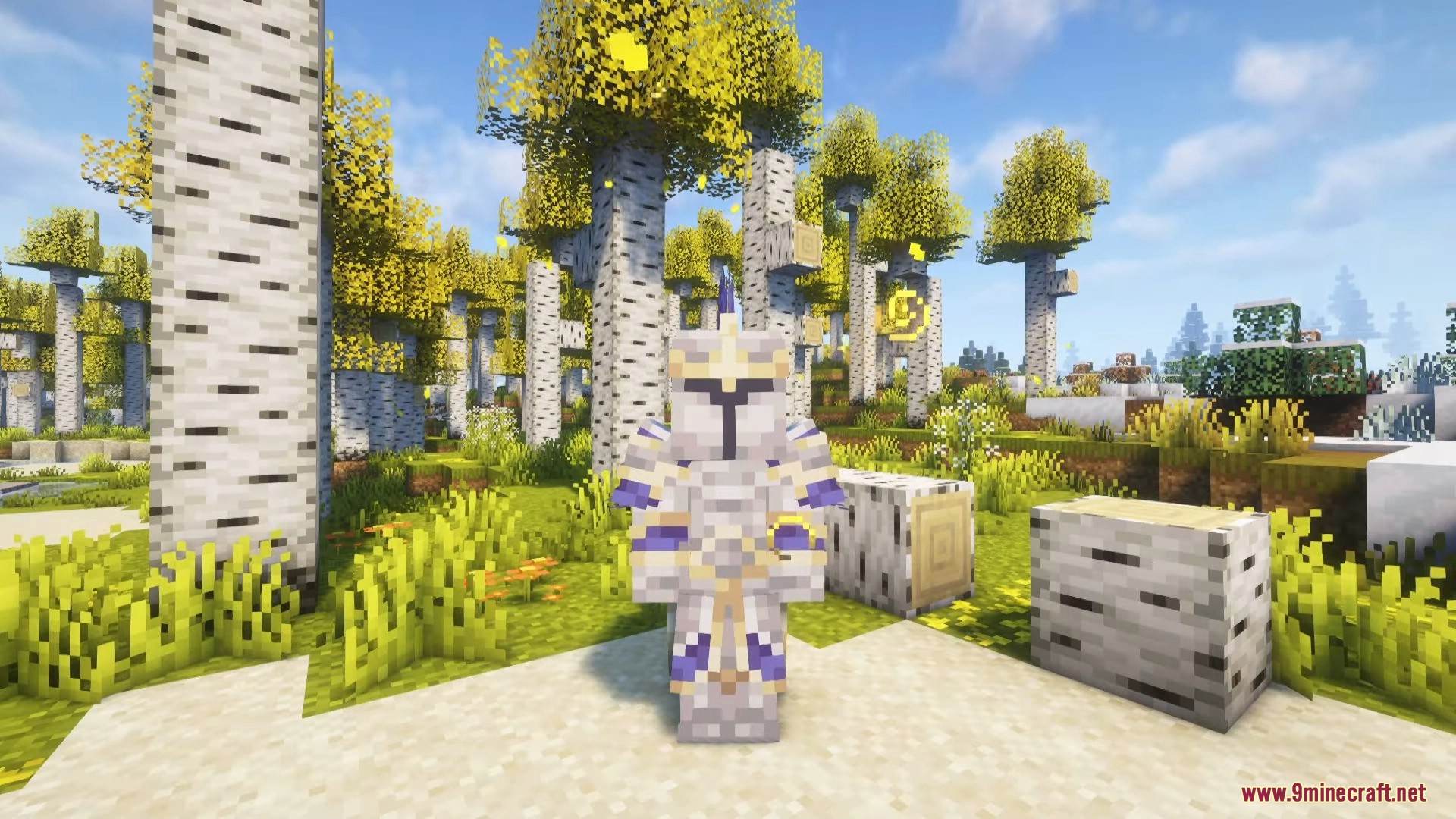
Fantasy Armor Mod adds custom 3D armor sets in a medieval fantasy style that you can craft in survival mode. Many of these sets match the weapons from Fantasy Weapons, so both mods pair well together. Wearing a full armor set gives you unique status effects and extra bonus stats. You craft each piece by upgrading netherite armor with Moon Crystals, and you can adjust stats, effects, and visual settings through config files. This mod needs GeckoLib on all loaders, plus Fabric API and Cloth Config on Fabric. It does not work with Optifine, while Oculus and Rubidium work as alternatives.
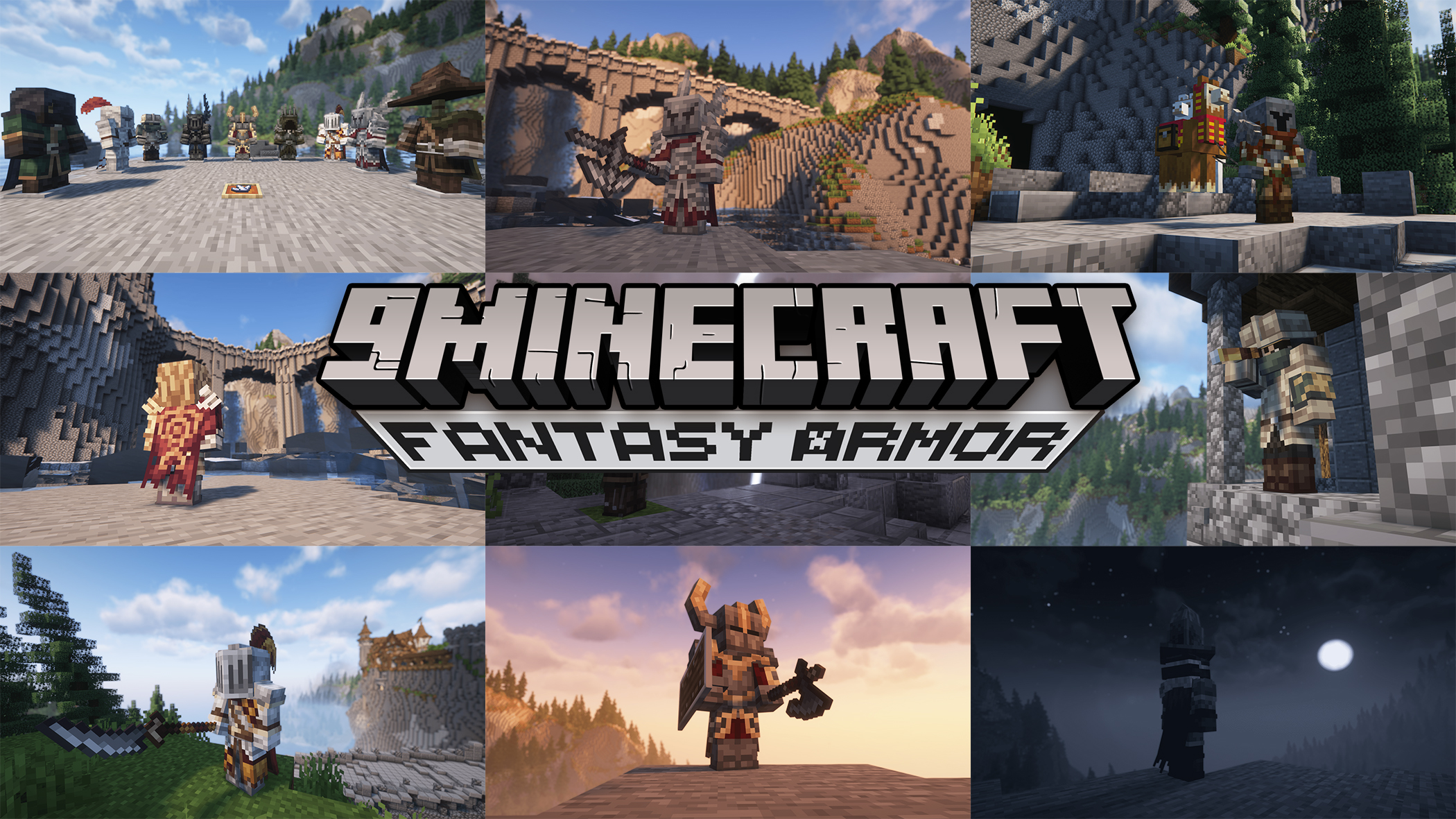
Fantasy Armor Mod – Video Showcase
Features:
- Adds survival-craftable armor sets with custom 3D models in a medieval fantasy style.
- Matches the look of weapons from Fantasy Weapons so you can build matching gear across both mods.
- Gives you unique full-set status effects and bonus stats when you wear a complete armor set.
- Adds Moon Crystals, crafted from glow ink sacs and an amethyst shard on a crafting table, so you can upgrade netherite armor at a smithing table.
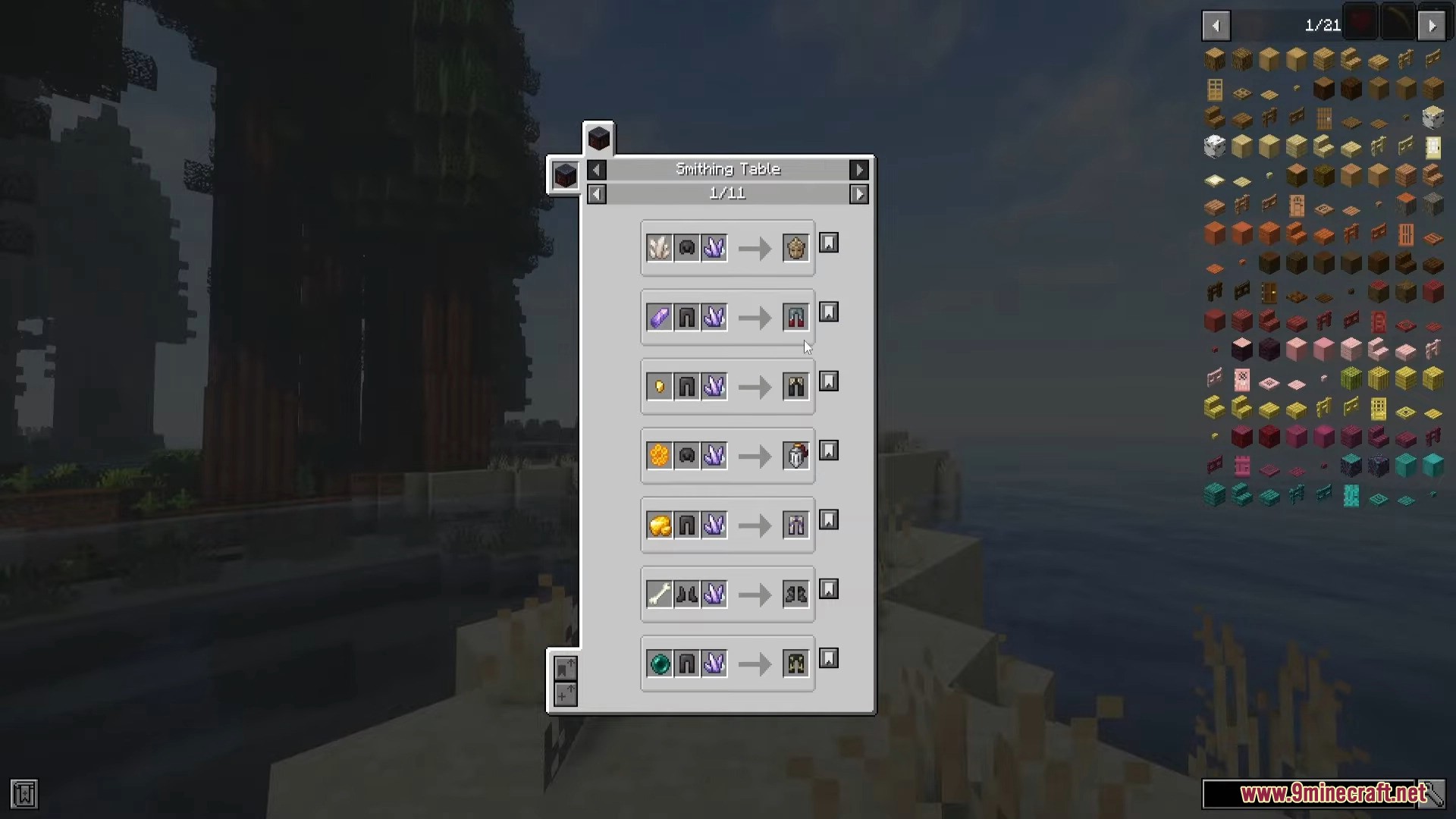
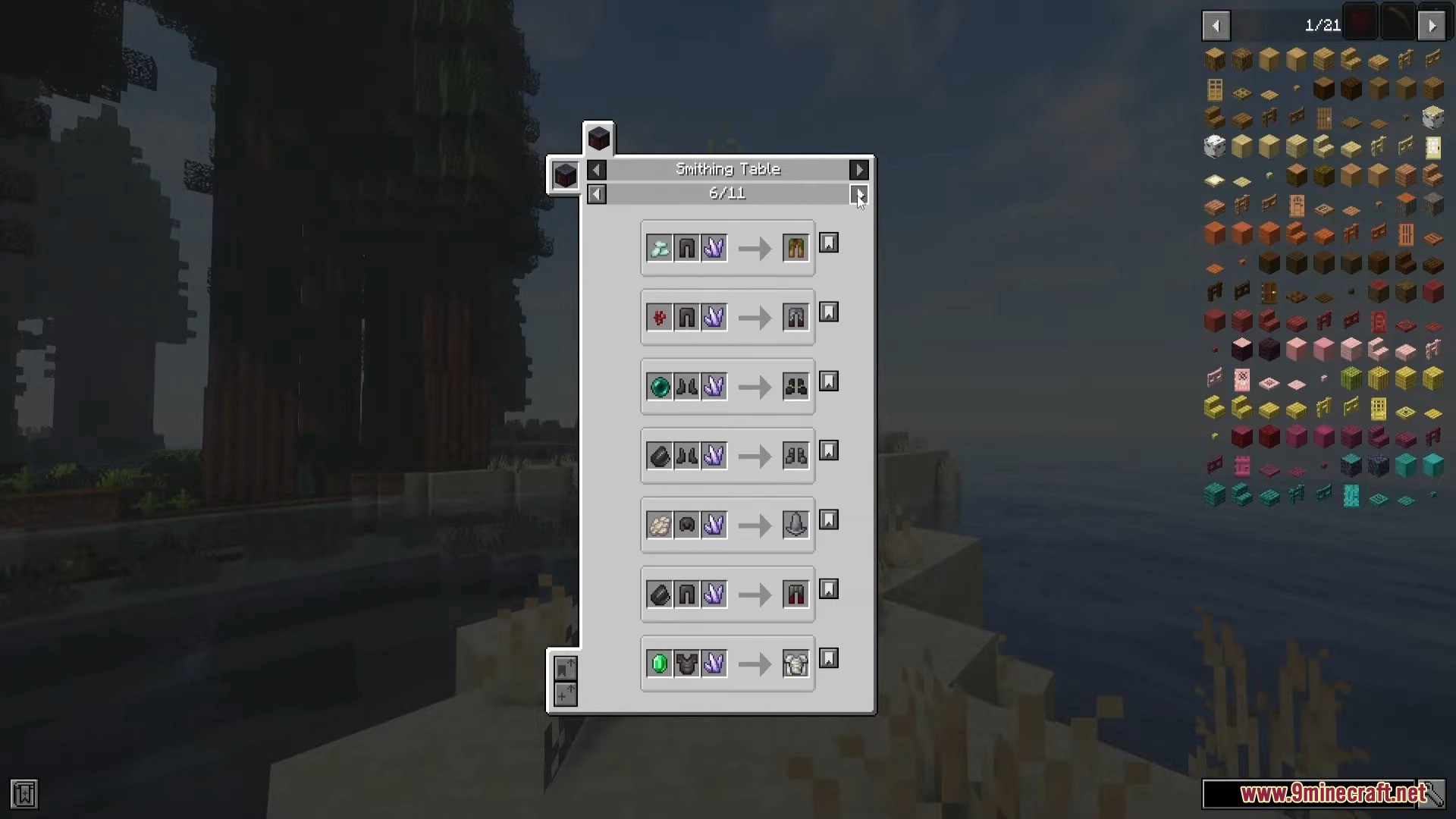
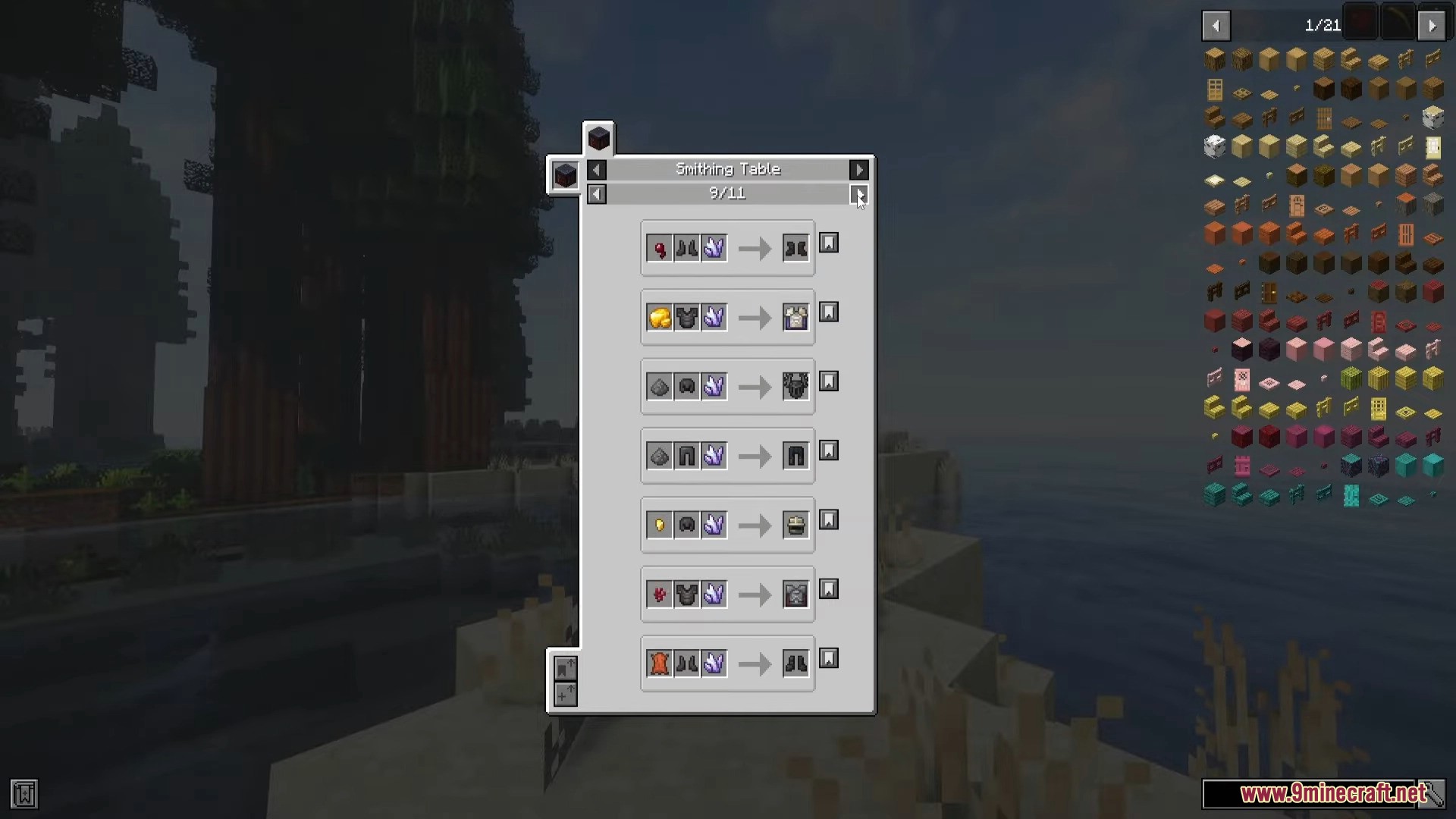
- Works with JEI so you can check all armor recipes in-game, including custom recipes changed by modpacks.
- Lets you turn set effects, bonus modifiers, and durability on or off in config files.
- Lets you change each piece’s armor, toughness, knockback resistance, movement speed, max health, attack damage, attack speed, luck, and durability.
- Lets you customize full-set effect IDs, durations, levels, effect particles, status-effect icons, and the effect refresh threshold.
- Includes visual settings for armor descriptions, capes, description line length on Fabric, and an Epic Fight cape option on Forge and NeoForge.
- Works in custom modpacks, data packs, and resource packs.
Configuration:
All config paths start from your Minecraft instance folder (the folder with mods) or your dedicated server folder. Custom launchers may use a separate instance folder instead of .minecraft.
Gameplay Config Locations:
- Forge:
saves/world/serverconfig/in singleplayer, orworld/serverconfig/on a dedicated server. - NeoForge (through Minecraft 26.2):
config/, and a file with the same name inworld/serverconfig/overrides it for that world. - NeoForge (Minecraft 26.3):
config/, and a file with the same name inworld/syncedconfig/overrides it for that world. - Fabric:
config/.
Forge and NeoForge Config Files:
fantasy_armor-server.toml: turns set effects, bonus modifiers, and durability on or off, and adjusts effect particles, status-effect icons, and the effect refresh threshold.fantasy_armor-armor_attributes.toml: sets each piece’s armor, toughness, knockback resistance, movement speed, max health, attack damage, attack speed, luck, and durability.fantasy_armor-armor_effects.toml: sets each armor set’s full-set effects, including effect IDs, durations, and levels.config/fantasy_armor-client.toml: controls client visuals, including armor descriptions, capes, and the Epic Fight cape option.
Fabric Config Files:
config/fantasy_armor-common.json: controls general gameplay and visual settings, including effects, bonus modifiers, durability, capes, descriptions, and description line length in characters.config/fantasy_armor-attributes.json: sets attributes and durability for each armor piece.config/fantasy_armor-effects.json: sets full-set effects, durations, and levels.
How to Use:
- Get a set of netherite armor first, since you need it as the base gear to make the custom sets.
- Put glow ink sacs and an amethyst shard on a crafting table to craft Moon Crystals.
- Open a smithing table and combine a netherite armor piece with a Moon Crystal to upgrade it into a custom piece.
- Check JEI in-game to see the rest of the armor recipes, since modpacks may change how items are crafted.
- Wear all pieces of a matching set to activate its unique status effects and bonus stats.
- Edit the config files for your mod loader if you want to adjust armor stats, full-set effects, descriptions, or capes.
Screenshots:
How to Install:
New to Minecraft? Follow our step-by-step guide to install Mods on your PC.View Guide
Requirements:



Fantasy Armor Mod Download Links
For Minecraft 26.3
For Minecraft 26.2
For Minecraft 26.1.2, 26.1.1, 26.1
For Minecraft 1.21.11
For Minecraft 1.21.10, 1.21.9
For Minecraft 1.21.1, 1.21
For Minecraft
1.20.4,
1.20.3,
1.20.2
All Versions Covered
1.20.4
1.20.3
1.20.2
1.20.1
1.20
For Minecraft 1.20.1, 1.20
For Minecraft 1.19.4

1 Comment
 What do you think?
Your opinion means a lot - we'd love to hear from you.
You May Also Like
Picked for this page
 Another Furniture Mod (1.21.1, 1.20.1) – Decorating Your Home
 Silk Mod (26.3, 1.20.1) – Kotlin Minecraft API
 MineMenu Mod (26.1.2, 1.20.1) – Make Your Life Easier
 Plain Grinder Mod (1.21.1, 1.20.1) – Grind Up Ores Into Dust
 EntityXray Mod (26.3, 1.21.1) – See Through Walls All Mobs And Players
 Atmosfera Mod (26.3, 1.20.1) – Atmospheric Sounds
 Hud Compass Mod (26.1.2, 1.20.1) – Find Your Way in The World
 Potion Counter Mod (26.3, 1.20.1) – Potion Display Overlay
 Foggy Pale Garden Mod (1.21.11, 1.20.1) – Adds Fog to the Pale Garden Biome
 Dense Flowers Mod (26.3, 1.20.1) – Makes Flower Fields Look Better
 Wooden To Stone Tools Upgrades Mod (26.3, 1.20.1) – Tool Upgradation Feature
 Fwa Mod (26.3, 1.20.1) – Adds Animations To Blocks
Most viewed in Mods over the last 7 days
 Ala Industrial Mod (26.3) – Run Electric Power Grids and Automated Factories
 PleasureCraft Mod (26.3, 1.21.1) – Jenny Mod Remake for Fabric
 Jennycraft Mod (26.3, 1.20.1) – Virtual Girlfriend in Minecraft
 Fapcraft Mod (26.3, 1.12.2) – Comprehensive and Detailed Content
 Jenny Mod (Fapcraft) Official Complete Guide – How to use, Tutorial
 BangCraft Mod (1.20.1) – Jenny, Ellie and Elliot
 Fabric Loader (26.3, 1.20.1) – Fabric Installer for All Minecraft Versions
 The Shooting Star Demo Mod (26.3, 1.20.1) – Vaporize Terrain From Orbit
 Meteor Client Mod (26.3, 1.20.1) – Xray, HUD, Fly
 OptiFine HD (26.3, 1.20.1) – Run Faster, FPS Boost, Shaders Support
 Aristois Client Mod (1.21.4, 1.20.1) – World Class Minecraft Utility
 Prestige Client Mod (1.21.11, 1.21.4) – Powerful Ghost Features for Crystal & Sword PvP
More from Mods
 Passthrough Signs Mod (26.3, 1.20.1) – Right-Click Through Wall Signs
 Packing Tape Mod (26.3, 1.20.1) – Move Chests, Machines
 No XP Anvils Mod (26.3, 1.20.1) – Repair And Enchant Without XP
 Naruto Shippuden Mod (26.3, 1.16.5) – Immerse Yourself in The World of Ninja
 Araxer’s Bestiary Mod (26.3, 1.20.1) – Build an In-Game Encyclopedia of Every Mob
 Villagers Plus Mod (26.3, 1.20.1) – Expanded Villager Types and Villages
 Ore Excavation 9minecraft Mod (26.3) – Mine Ores and Chop Trees in a Single Swing
 Dirigo Mod (26.1.2, 1.21.1) – Walk Across Nether Lava Seas and Automate Animal
 HandLib Mod (26.3, 1.21.1) – Keep Your Multiplayer World Stable
 Happy Ghasts Boost Mod (26.1.2, 1.20.1) – Fly Across Vast Distances at Top Speed
 LiquidBounce Client Mod (26.3, 1.20.1) – LiquidLauncher, A Free Client
 Create Hand Made Mod (1.21.1) – Craft Create Recipes By Hand in Your Workshop

Cool
Very