


Default World Generator Mod (1.12.2, 1.11.2) – Laging Magsimula sa Tamang Mundo
 515
515
 0
0

Ang Default World Generator Mod ay hinahayaan ang mga modpack creator na mag-set ng default world type para sa mga bagong laro. Nakakatulong ito para masiguradong magsisimula ang mga player sa tamang world generation settings para sa isang modpack. Kahit may napiling default, pwede pa ring pumili ang mga player ng ibang world type maliban na lang kung naka-lock ang option na ito.
Features:
- Mag-set ng default world generator para sa mga bagong single-player at server worlds.
- Gumawa ng maraming world generation presets na pwedeng pagpilian ng mga player.
- I-lock ang world type at seed para hindi mabago.
- Awtomatikong mag-run ng commands, gaya ng pag-set ng gamerules, kapag nagsimula ang bagong mundo.
- Magdagdag ng custom data packs para isama ang mga bagay tulad ng unique loot tables o structures.
- I-force ang bonus chest na maging on o off.
- I-manage ang lahat ng settings sa pamamagitan ng in-game configuration menu.
Paano Gamitin:
Para i-configure ang mod, sundin ang mga step na ito mula sa main menu:
- I-launch ang Minecraft at pumunta sa title screen.
- I-click ang Mods button.
- Piliin ang Default World Generator mula sa listahan.
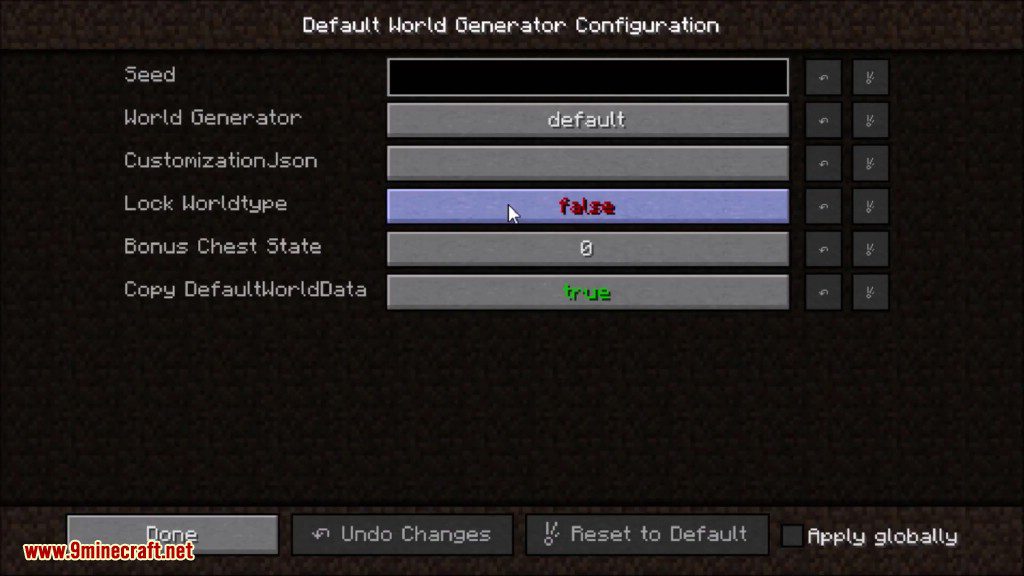
- I-click ang Configure button para buksan ang settings screen.
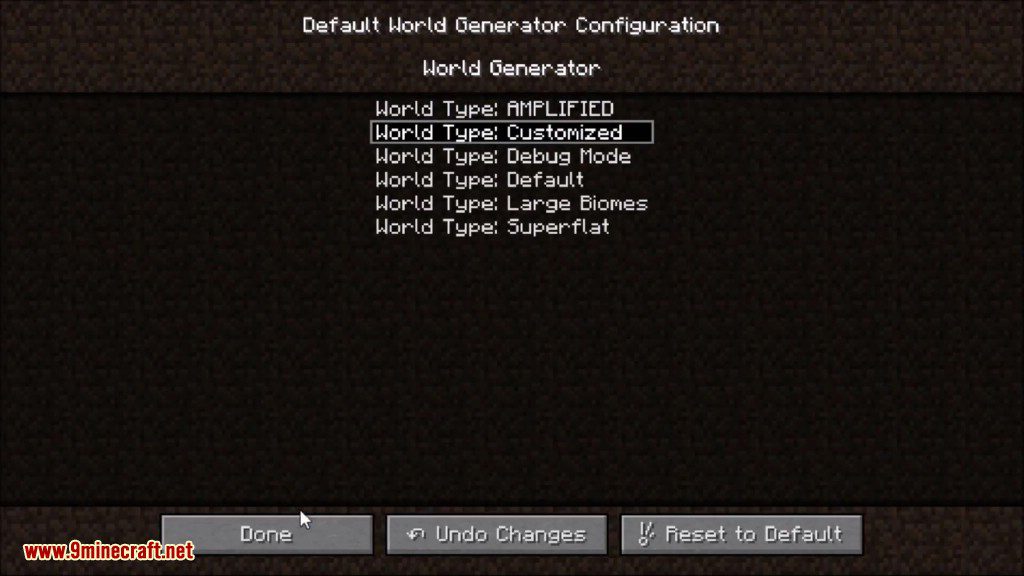
Sa loob ng menu na ito, pwede kang gumawa at mag-manage ng iba’t ibang world presets. Pwede kang mag-set ng options para sa bawat preset, gaya ng:
- Pagpili ng specific na world generator.
- Pag-set ng default seed.
- Pag-lock ng world type para hindi ito mapalitan.
- Pag-enable o pag-disable ng bonus chest.
- Pagdagdag ng custom data packs at initial commands.
Configuration:
I-install ang mod sa iyong mods folder, siguraduhing naka-install din ang mod na nagbibigay ng iyong world generator. I-launch ang minecraft, kapag loaded na ay i-close ito at i-edit ang defaultworldgenerator.cfg file na nasa iyong config folder. Kung alam mo ang pangalan ng generator, palitan lang ang default ng pangalan nito.
Screenshots:
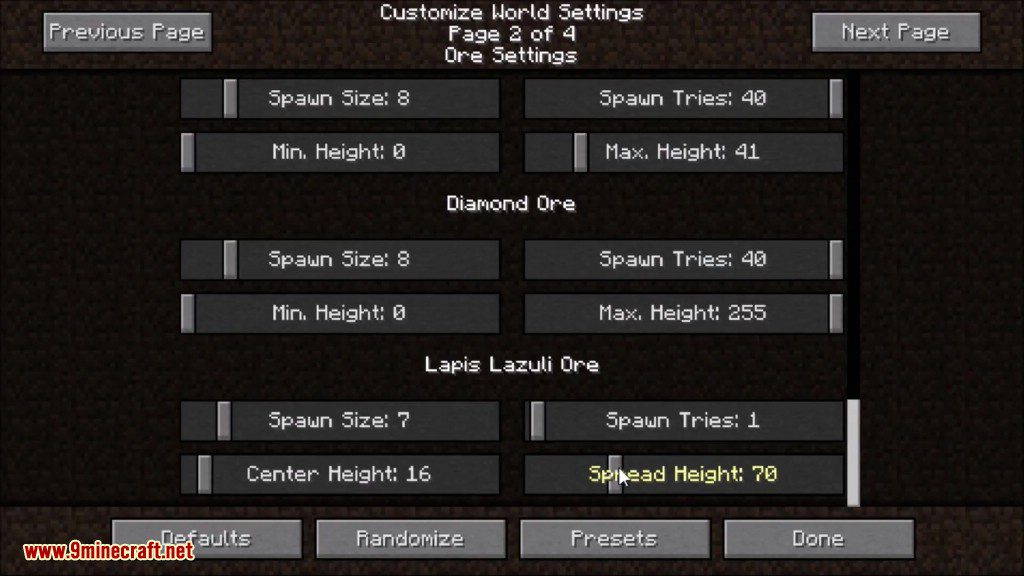
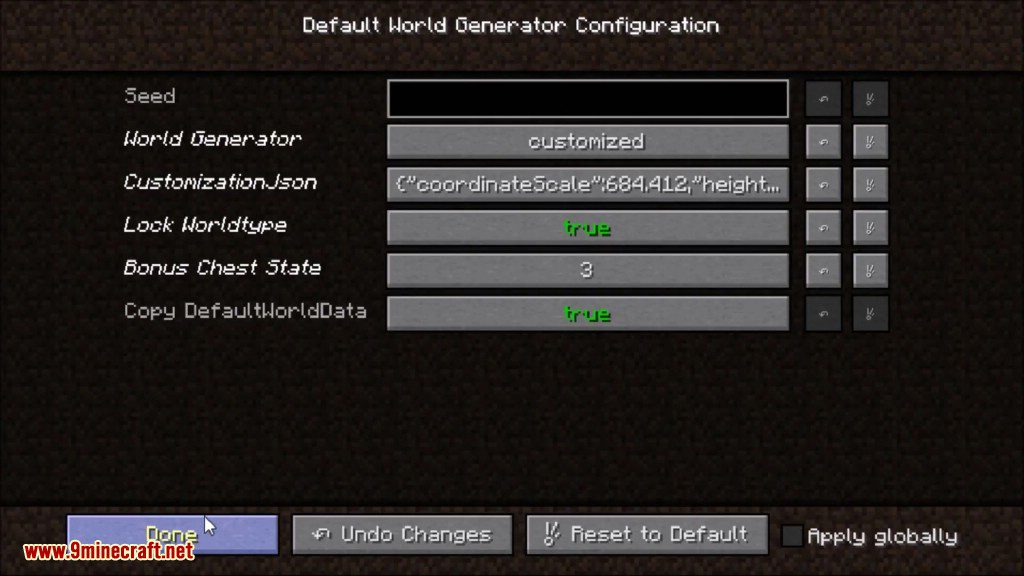
Paano I-install:
Default World Generator Mod Download Links
Para sa Minecraft 1.7.10
Para sa Minecraft 1.8.9
Para sa Minecraft 1.10.2, 1.9.4
Para sa Minecraft 1.11.2
Para sa Minecraft 1.12.2, 1.12.1, 1.12
Baka Magustuhan Mo Rin

Wala pang komento ang post na ito. Maging una — lalabas dito ang iyong komento.