


Default World Generator Mod (1.12.2, 1.11.2) – Always Start with the Right World
 506
506
 0
0

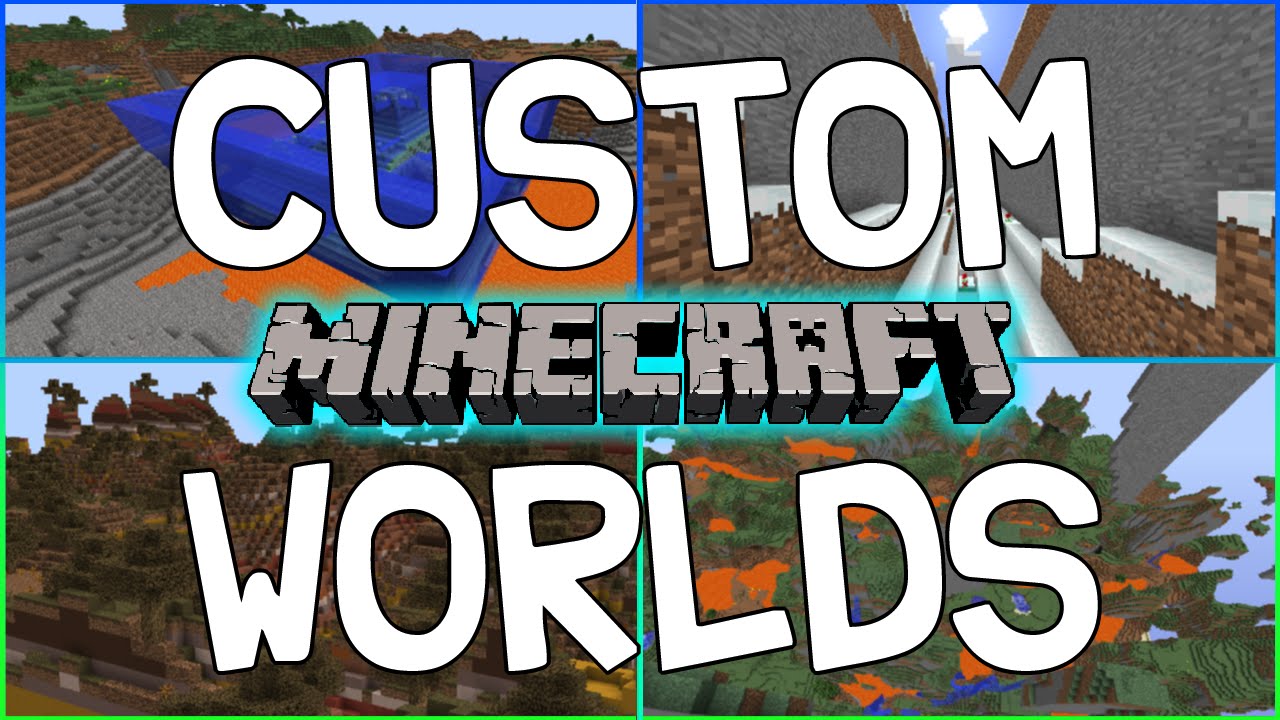
Default World Generator Mod lets modpack creators set a default world type for new games. This helps ensure players start with the correct world generation settings for a modpack. While a default is chosen, players can still select a different world type unless the option is locked.
Features:
- Set a default world generator for new single-player and server worlds.
- Create multiple world generation presets for players to choose from.
- Lock the world type and seed to prevent changes.
- Automatically run commands, like setting gamerules, when a new world starts.
- Add custom data packs to include things like unique loot tables or structures.
- Force the bonus chest to be on or off.
- Manage all settings through an in-game configuration menu.
How to Use:
To configure the mod, follow these steps from the main menu:
- Launch Minecraft and go to the title screen.
- Click on the Mods button.
- Select Default World Generator from the list.
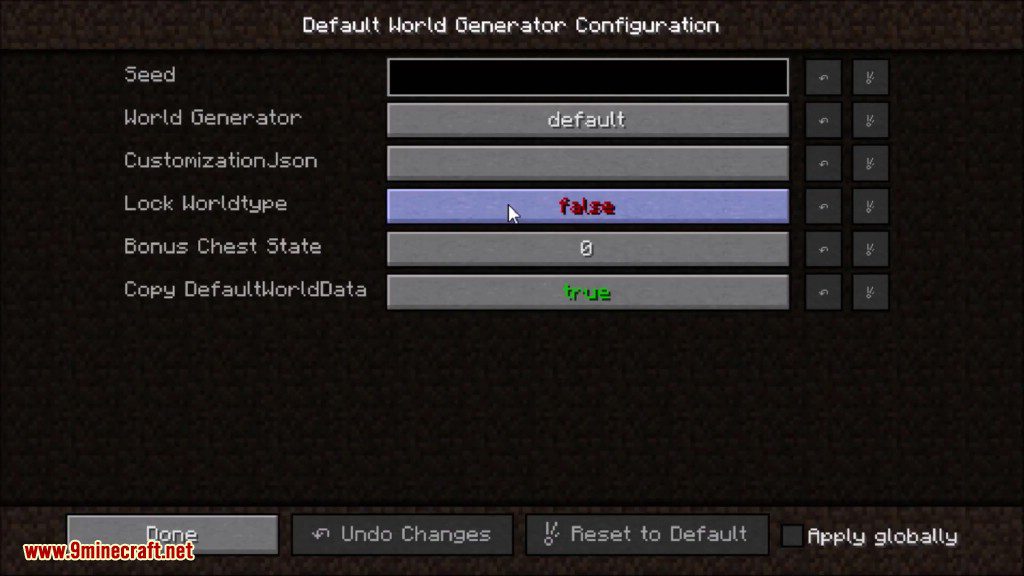
- Click the Configure button to open the settings screen.
Inside this menu, you can create and manage different world presets. You can set options for each preset, such as:
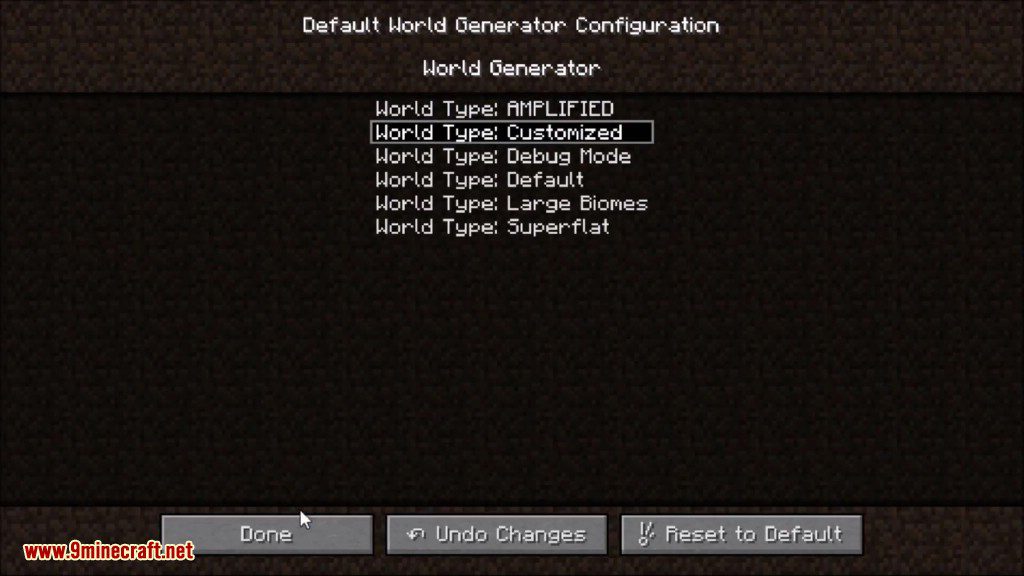
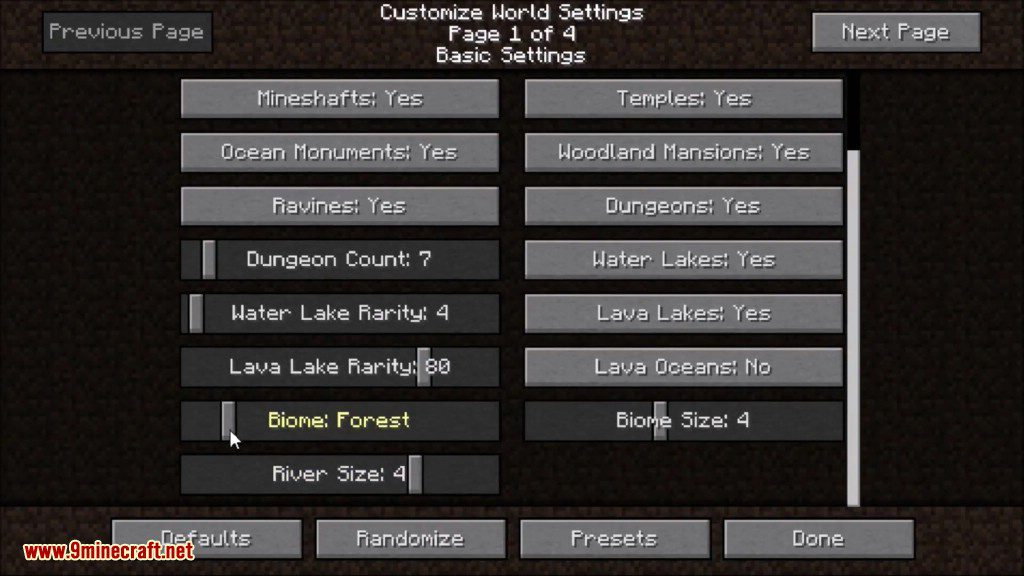
- Choosing a specific world generator.
- Setting a default seed.
- Locking the world type so it cannot be changed.
- Enabling or disabling the bonus chest.
- Adding custom data packs and initial commands.
Configuration:
Install the mod into your mods folder, make sure the mod that provides your world generator is also installed. Launch minecraft, once it is loaded close minecraft and edit the defaultworldgenerator.cfg file that is in your config folder. If you know the name of the generator, just replace default with the name.
Screenshots:
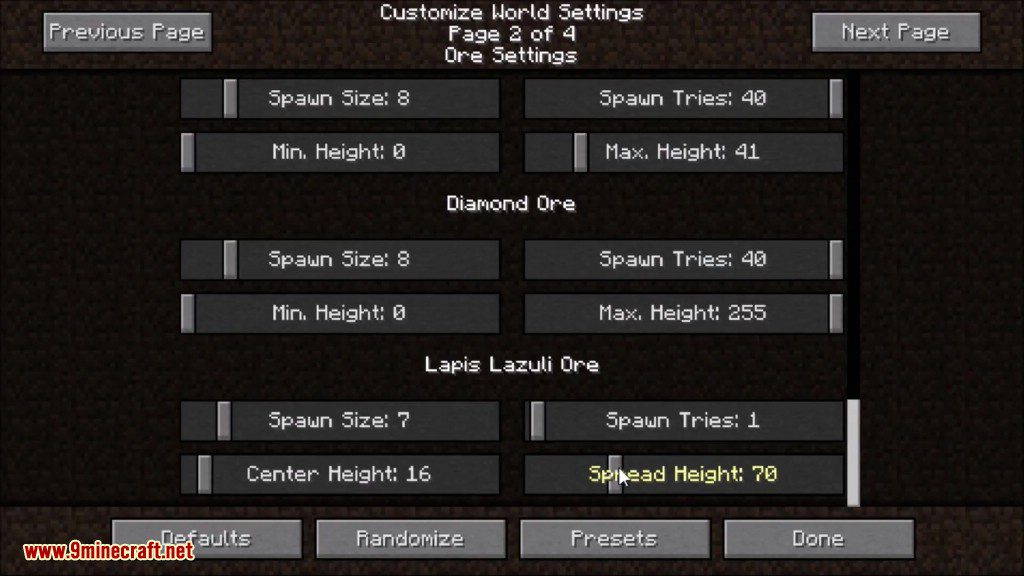
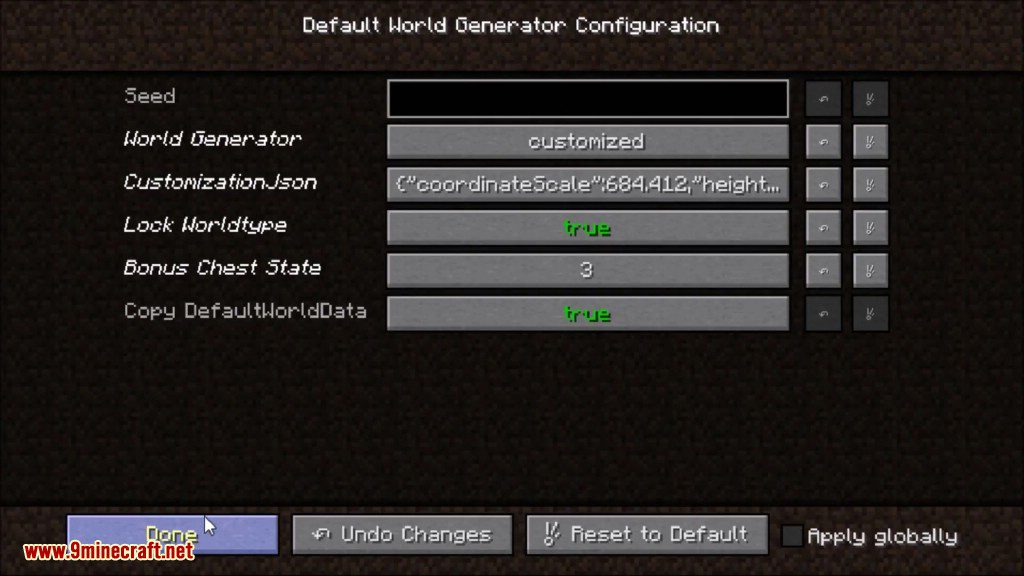
How to Install:
New to Minecraft? Follow our step-by-step guide to install Mods on your PC.View Guide
Default World Generator Mod Download Links
For Minecraft 1.7.10
For Minecraft 1.8.9
For Minecraft 1.10.2, 1.9.4
For Minecraft 1.11.2
For Minecraft 1.12.2, 1.12.1, 1.12
You May Also Like




This post has no comments yet. Be the first — your comment will appear here.