


Pop Up Mod (1.21.1, 1.20.1) – Magdagdag ng mga On-Screen Story Events
 85
85
 0
0


🌐 Binabasa mo ang artikulong ito sa Filipino. Gusto mong magpalit?
📖 Basahin sa Ingles (orihinal)O pumili ng gusto mo:
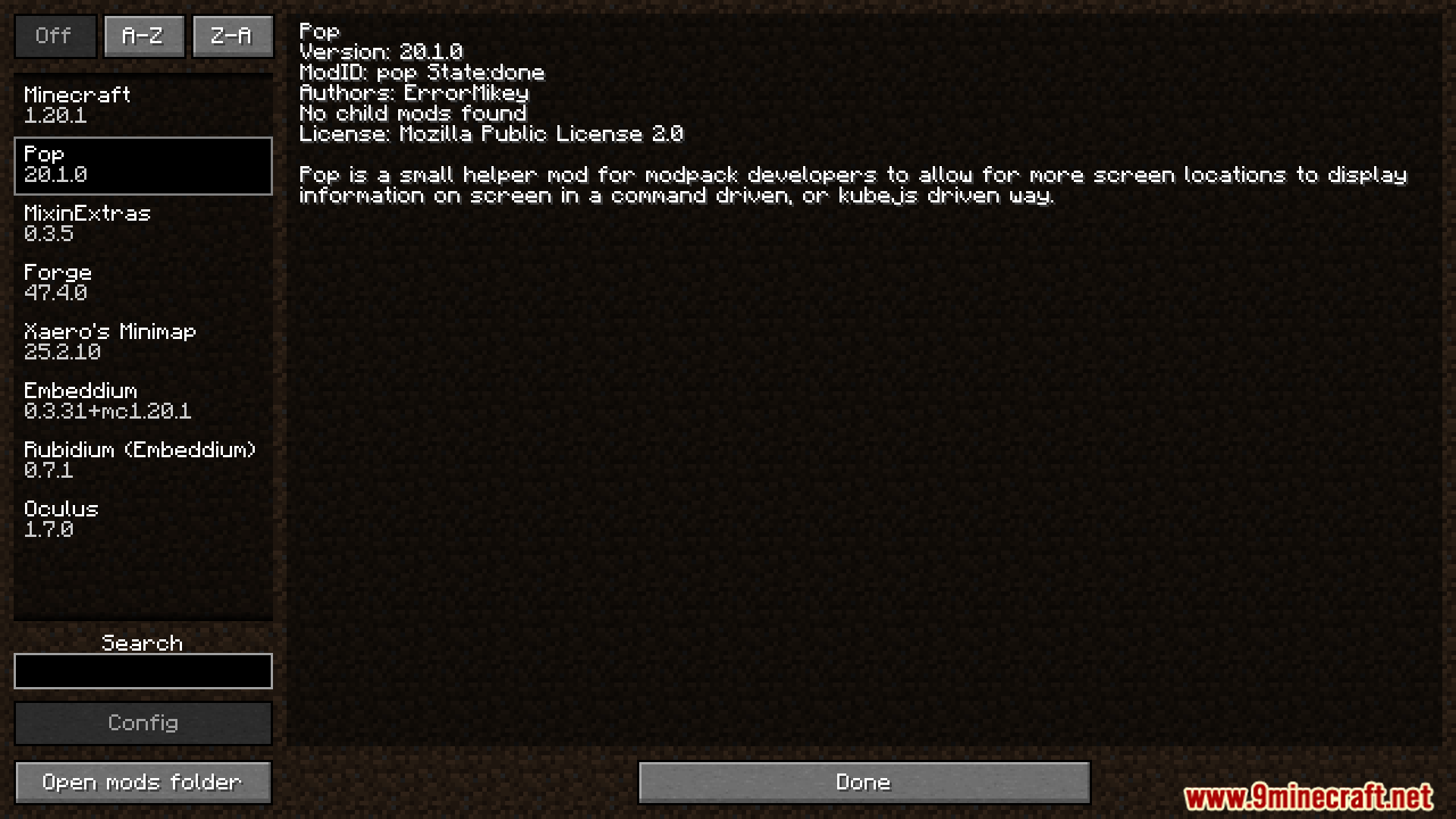
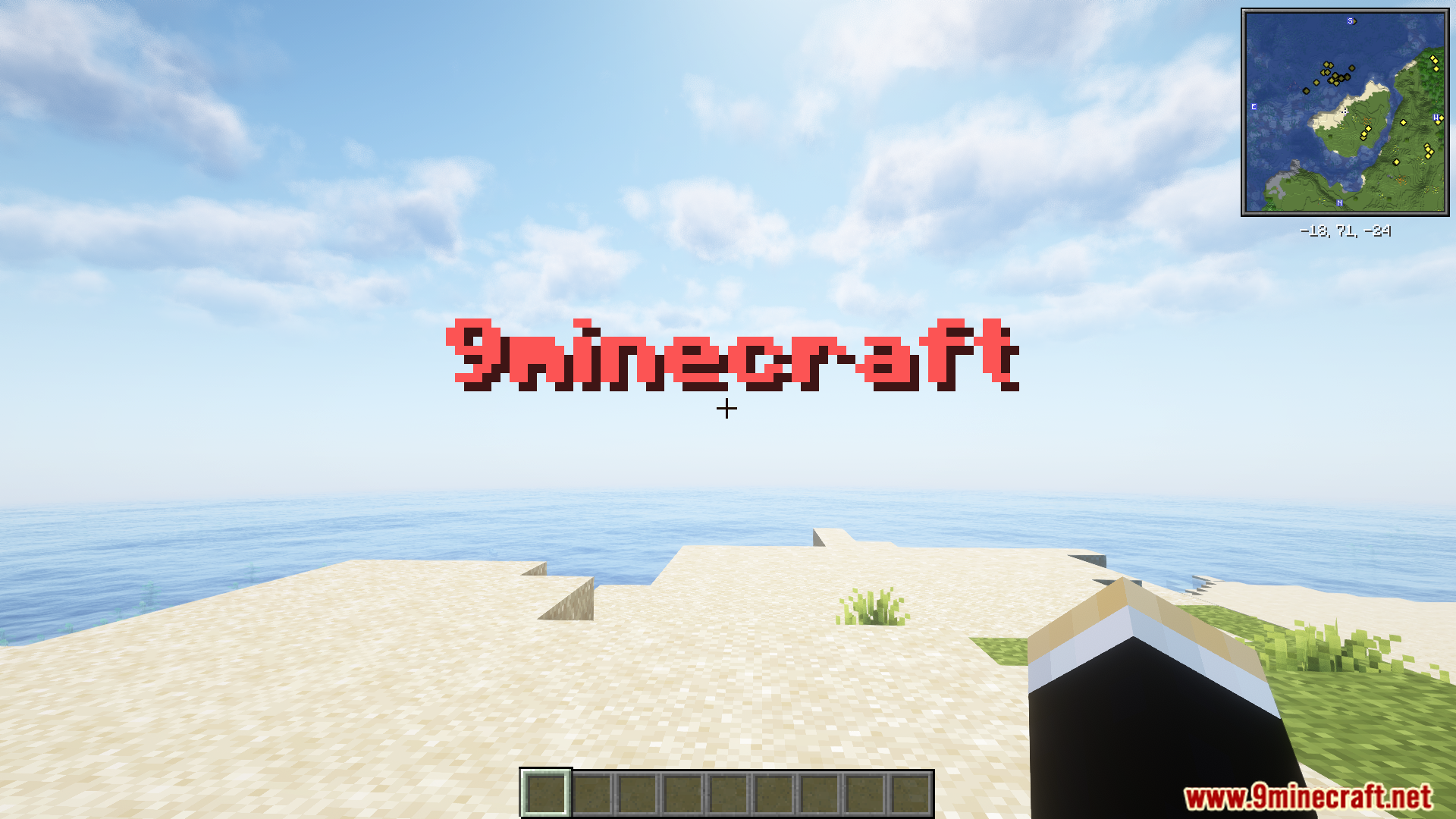
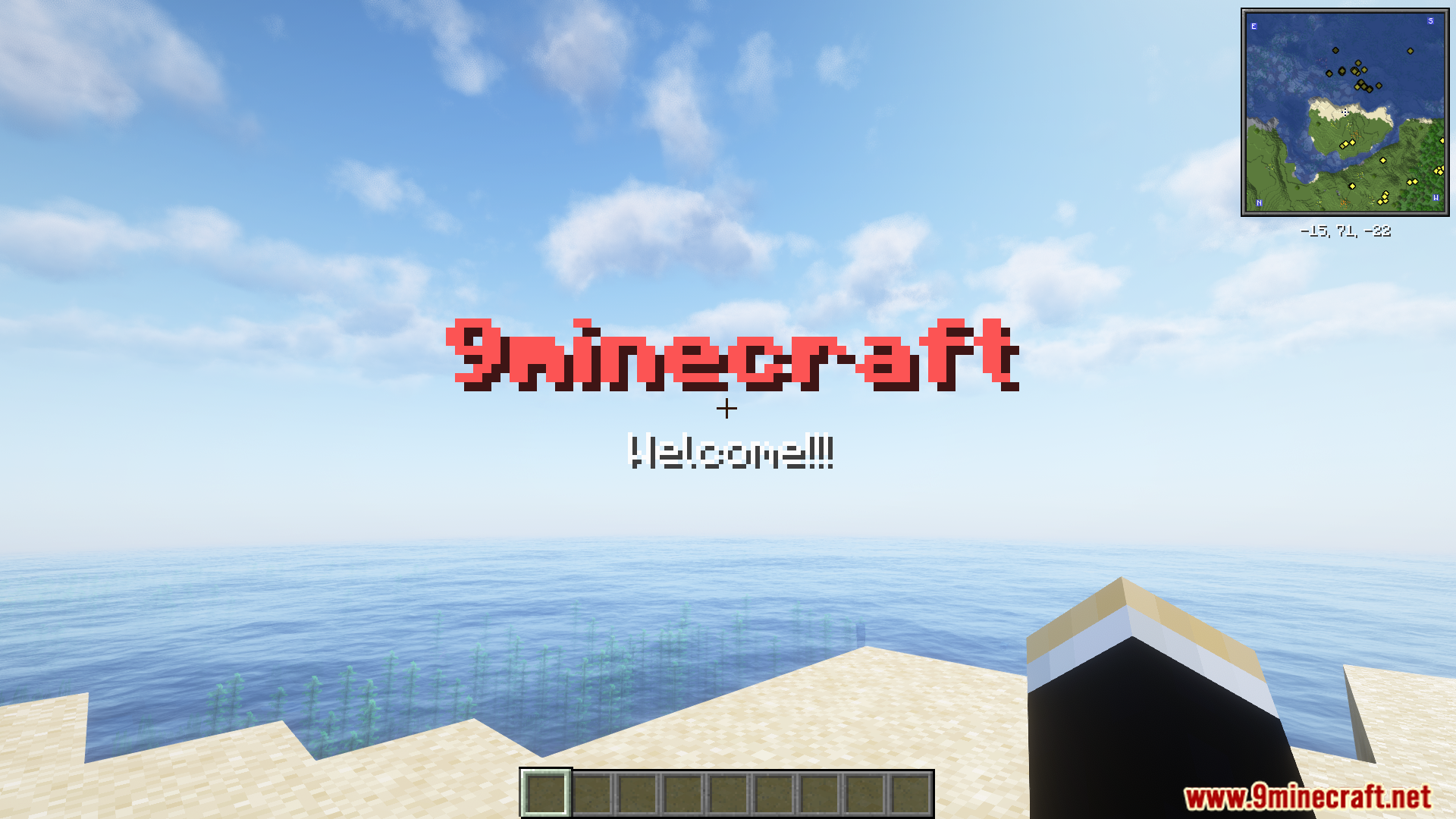
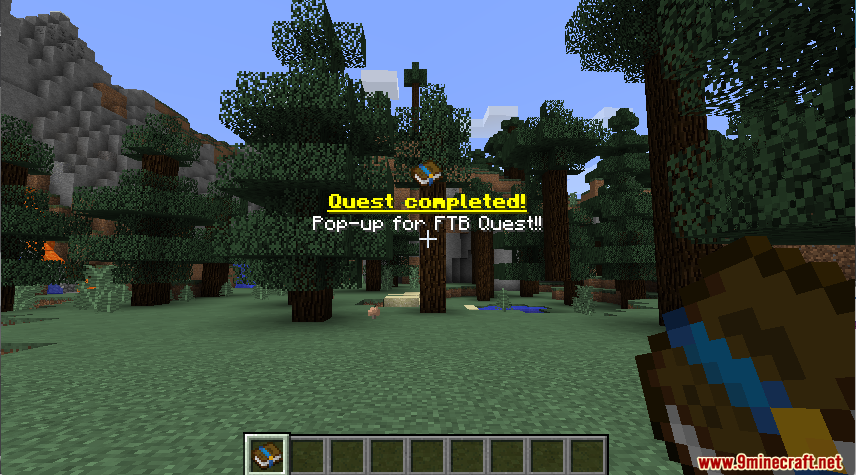
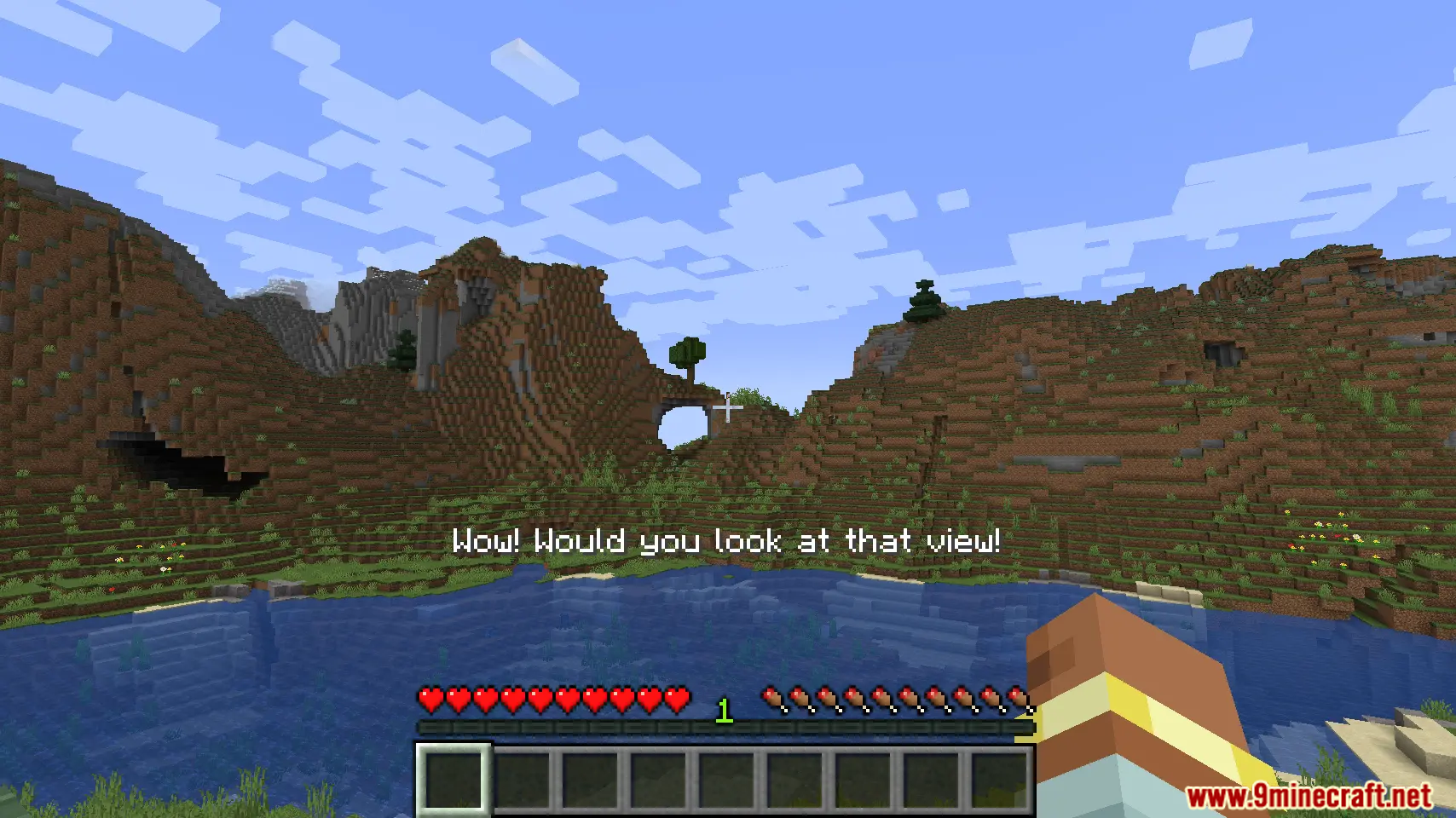
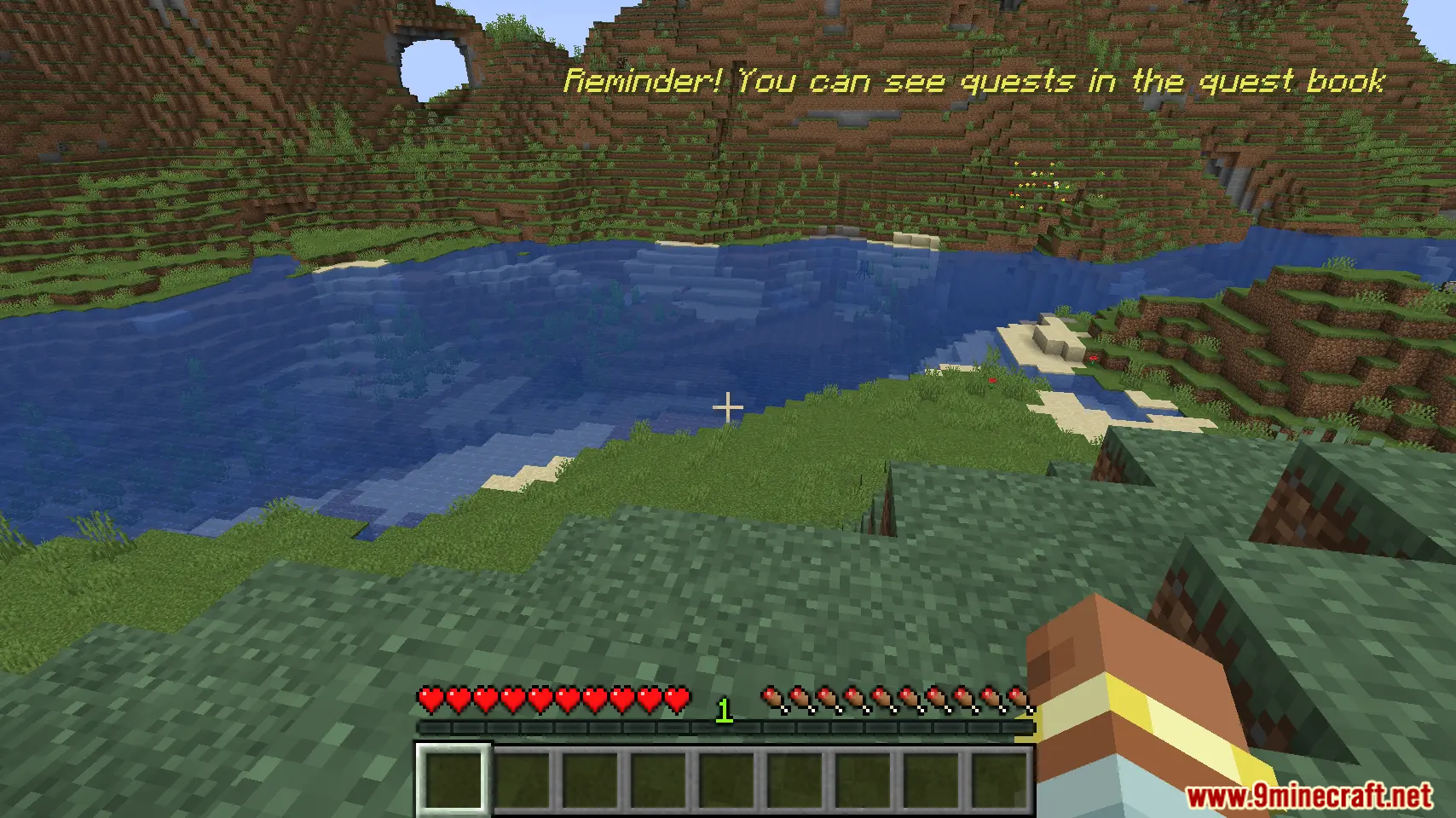
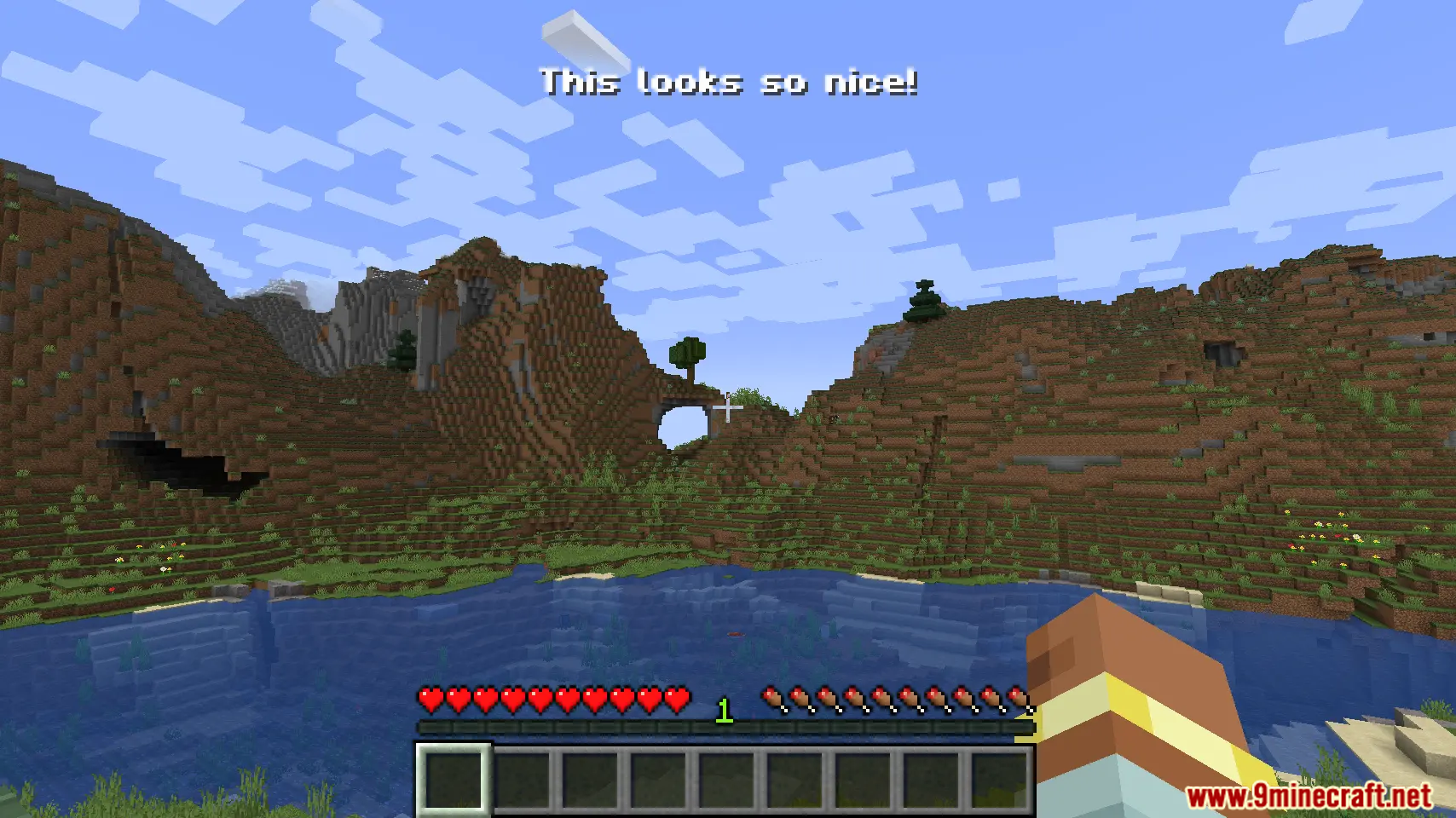
Ang Pop Up Mod ay nagbibigay-daan sa mga modpack maker na magpakita ng custom text sa screen. Maaari kang gumamit ng mga simpleng command o KubeJS scripting para gumawa ng mga pop-up message. Pinapayagan ka ng mod na ito na maglagay ng text sa iba’t ibang parte ng screen at sumusuporta sa maraming wika. Swak na swak ito para sa pagpapakita ng mga quest update o special notifications sa iyong laro.
Features:
- Magpakita ng custom information sa screen gamit ang simpleng command.
- Suportado ang mga translation, kaya pwedeng ipakita ang mga message sa iba’t ibang wika.
- Pumili mula sa iba’t ibang screen locations kung saan ilalagay ang iyong text.
- Gumagana sa KubeJS para sa mas advanced at scripted na mga pop-up.
Commands:
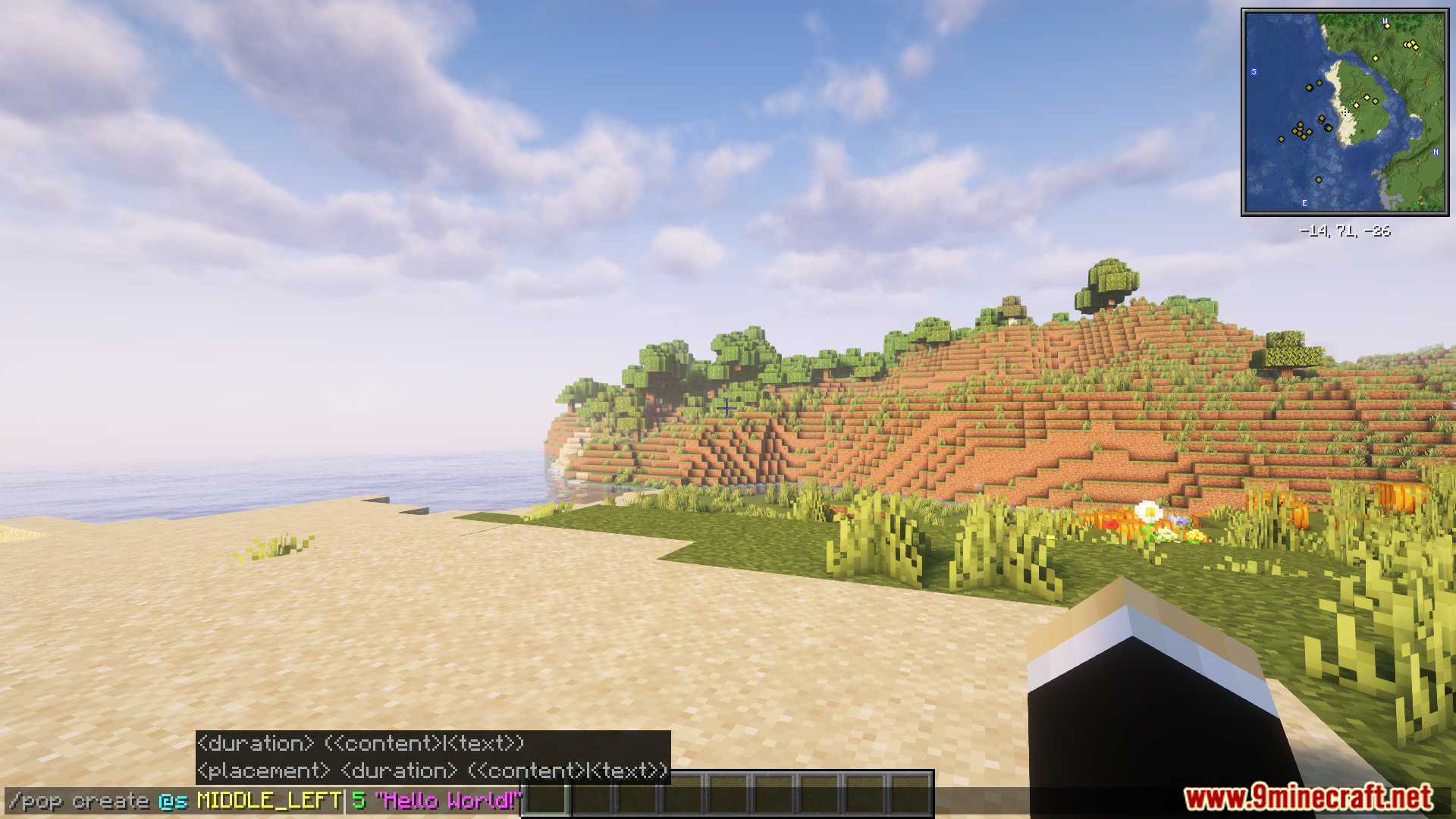
Maaari kang gumawa ng pop-up message gamit ang /pop command. Narito ang isang halimbawa:
/pop create @s MIDDLE_LEFT "Hello World!"
Para sa mas advanced na paggamit, ang mod ay maaaring kontrolin gamit ang KubeJS. Narito ang isang halimbawa ng script:
// server.js
const PopBuilder = java.load('pro.mikey.mods.pop.PopBuilder');
const Placement = java.load('pro.mikey.mods.pop.data.Placement'); // Optional
const pop = PopBuilder.create()
    .duration(5)
    .content({ text: "Hello World!" })
    .placement("middle_left") // Or  .placement(Placement.MIDDLE_LEFT)

// You can now either build it and get a PopData object or directly send it to the player
// If you're on the server
pop.sendToPlayer(player);

// If you're on the client
pop.display()
Paano Gamitin:
- I-run ang laro nang naka-install ang mod.
- Gamitin ang
/popcommand in-game para gumawa ng bagong pop-up message. - Bilang alternatibo, maaari mong gamitin ang KubeJS para ma-access at ma-manage ang pop-up system.
Screenshots:
Paano I-install:
Pop Up Mod Download Links
Para sa Minecraft 1.21.1, 1.21
Forge version: Download mula sa Server 1 – Download mula sa Server 2
Para sa Minecraft 1.20.1, 1.20
Forge version: Download mula sa Server 1 – Download mula sa Server 2
I-click para i-rate ang post na ito!
[Total: 2 Average: 5]
Baka Magustuhan Mo Rin


Wala pang komento ang post na ito. Maging una — lalabas dito ang iyong komento.