


What’s That Slot? Mod (1.21.5, 1.20.1) – Kabisaduhin ang Anumang Modded Machine

 0
0 

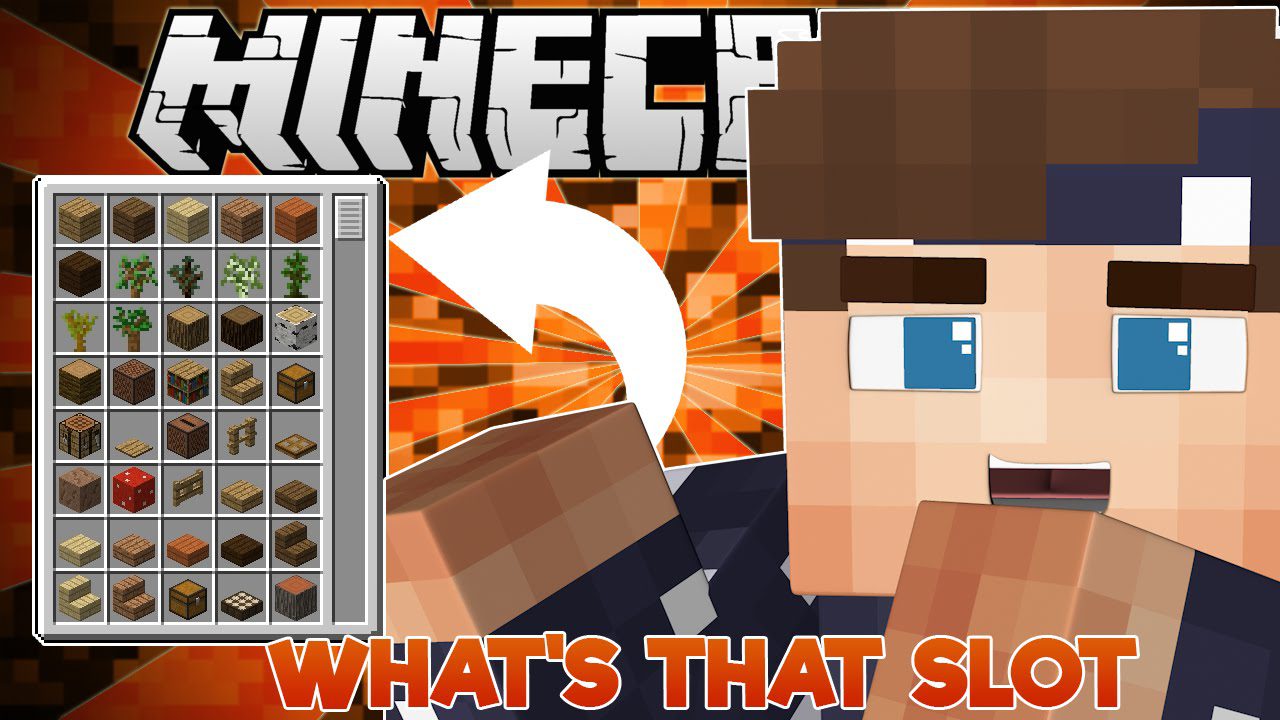
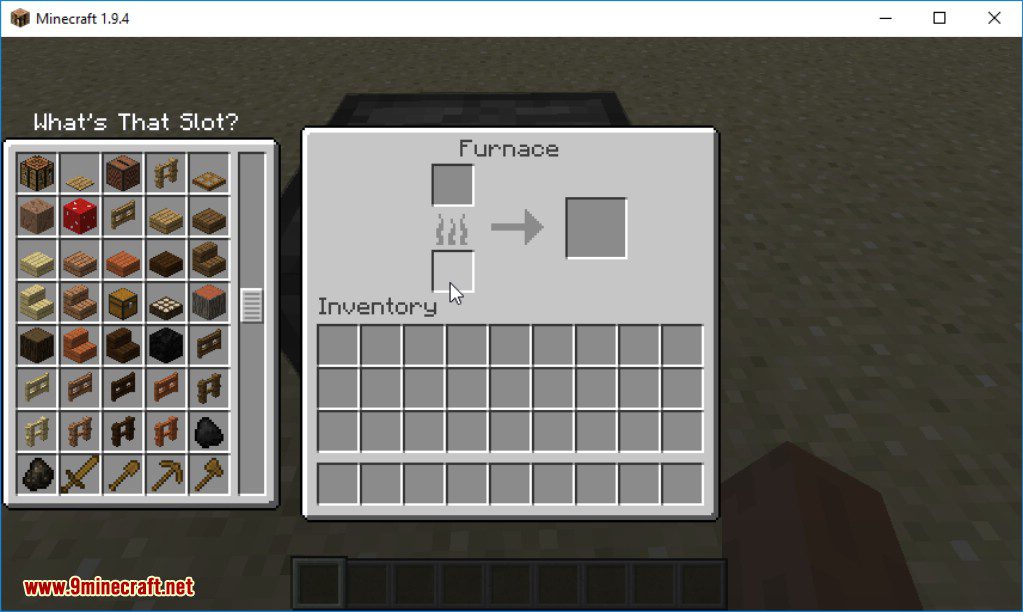
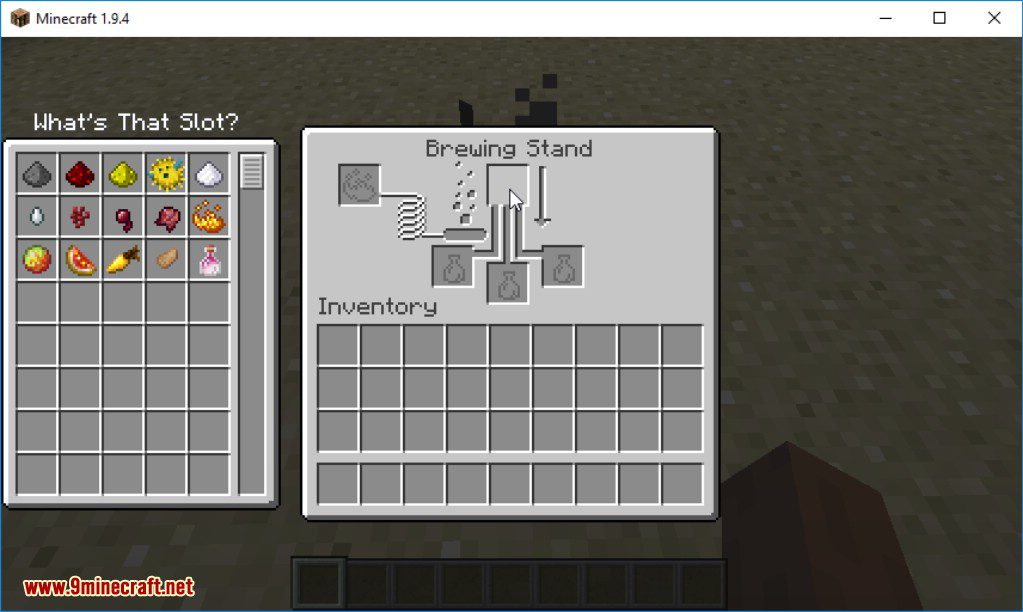
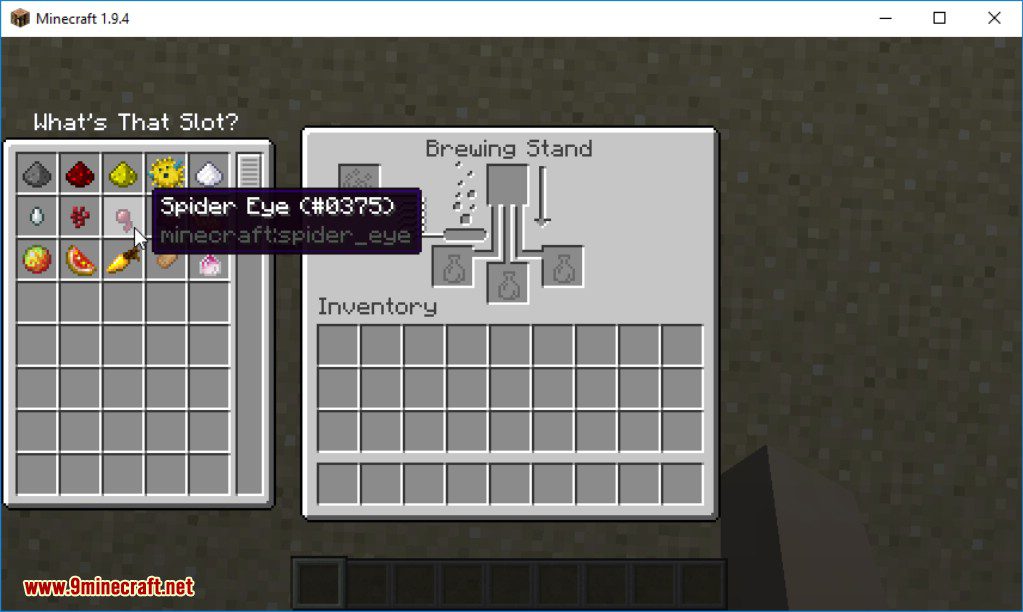
Ang What’s That Slot? Mod ay tumutulong sa iyo na malaman kung aling mga item ang maaaring ilagay sa anumang inventory slot. Kapag naglalaro gamit ang maraming mod, maaaring mahirap malaman kung ano ang dapat ilagay sa isang espesyal na makina. Nilulutas ito ng mod na ito sa pamamagitan ng pagpapakita sa iyo ng listahan ng lahat ng valid na item kapag pinindot mo ang isang key.
Mga Tampok:
- Tingnan ang buong listahan ng mga item na kasya sa anumang slot sa isang GUI.
- Gumagana nang maayos sa modded Minecraft na may mga custom na makina at interface.
- Mabilis na ilipat ang isang compatible na item mula sa iyong inventory sa pamamagitan ng pag-click dito sa pop-up window.
- Maaari mong gamitin ang mod na ito sa mga server kahit na naka-install lang ito sa iyong game client.
Paano Gamitin:
- Itapat ang iyong mouse sa anumang item slot sa isang inventory o makina.
- Pindutin at ituloy ang pagpindot sa Left-Alt key. May lalabas na window na nagpapakita ng lahat ng compatible na item.
- Para ilipat ang isang item sa slot, i-click lamang ito sa bagong window.
Mga Screenshot:
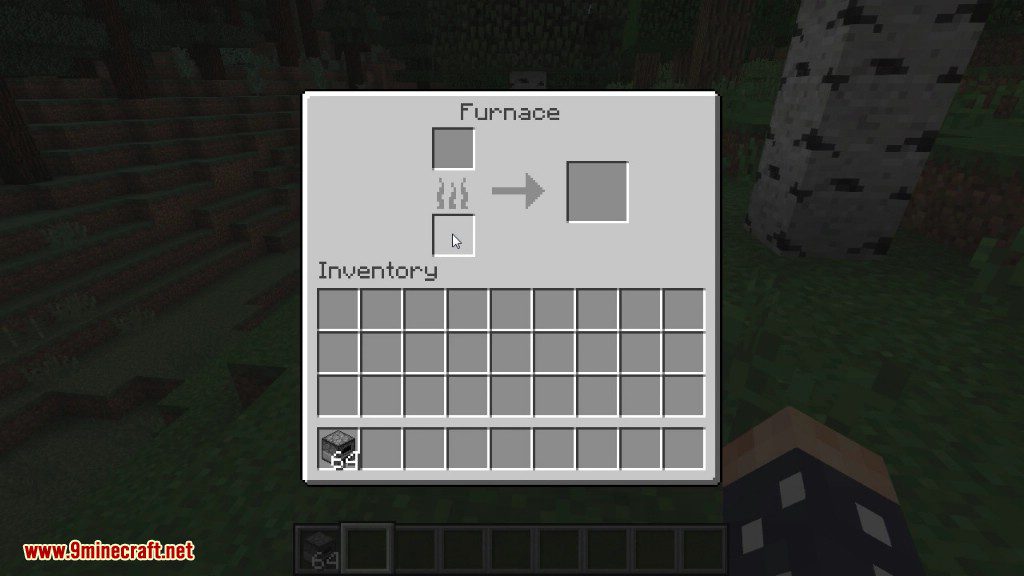
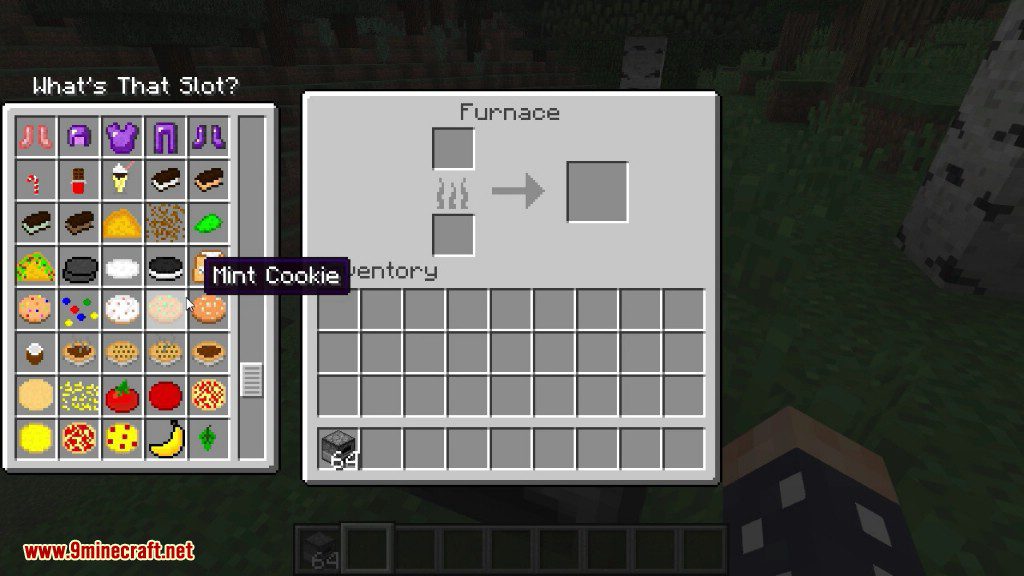
Paano I-install:
Mga Kailangan:
Mga Download Link para sa What's That Slot? Mod
Para sa Minecraft 1.12.2, 1.12.1, 1.12
Forge version: I-download mula sa Server 1
Para sa Minecraft 1.18.1
Forge version: I-download mula sa Server 1
Fabric version: I-download mula sa Server 1
Para sa Minecraft 1.18.2
Forge version: I-download mula sa Server 1 –
Fabric version: I-download mula sa Server 1
Para sa Minecraft 1.19
Forge version: I-download mula sa Server 1
Fabric version: I-download mula sa Server 1
Para sa Minecraft 1.19.2
Forge version: I-download mula sa Server 2
Fabric version: I-download mula sa Server 2
Para sa Minecraft 1.19.3
Forge version: I-download mula sa Server 1 – I-download mula sa Server 2
Fabric version: I-download mula sa Server 1 – I-download mula sa Server 2
Para sa Minecraft 1.19.4
Forge version: I-download mula sa Server 1 – I-download mula sa Server 2
Fabric version: I-download mula sa Server 1 – I-download mula sa Server 2
Para sa Minecraft 1.20.1
Forge version: I-download mula sa Server 1 – I-download mula sa Server 2
Fabric version: I-download mula sa Server 1 – I-download mula sa Server 2
Para sa Minecraft 1.20.4
Forge version: I-download mula sa Server 1 – I-download mula sa Server 2
NeoForge version: I-download mula sa Server 1 – I-download mula sa Server 2
Fabric version: I-download mula sa Server 1 – I-download mula sa Server 2
Para sa Minecraft 1.21.1, 1.21
Forge version: I-download mula sa Server 1 – I-download mula sa Server 2
NeoForge version: I-download mula sa Server 1 – I-download mula sa Server 2
Fabric version: I-download mula sa Server 1 – I-download mula sa Server 2
Para sa Minecraft 1.21.4
NeoForge version: I-download mula sa Server 1 – I-download mula sa Server 2
Fabric version: I-download mula sa Server 1 – I-download mula sa Server 2
Para sa Minecraft 1.21.5
NeoForge version: I-download mula sa Server 1 – I-download mula sa Server 2
Fabric version: I-download mula sa Server 1 – I-download mula sa Server 2
Baka Magustuhan Mo Rin


Wala pang komento ang post na ito. Maging una — lalabas dito ang iyong komento.