Floppi’s Enhancer Pack (v26, 1.21) – MCPE/Bedrock

 0
0  November 7, 2025
Floppi’s Enhancer Pack (v26, 1.21) improves performance and interface without lag. This pack tweaks many elements such as interface display, transparency, visual effects and particles, making the game run smoothly.
Features:
- Allows you to export the world while in it.
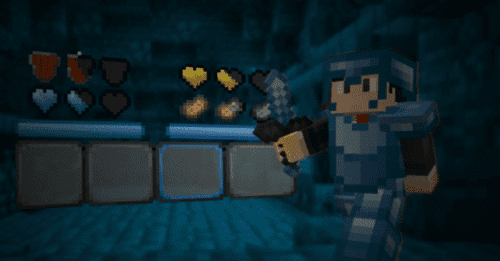
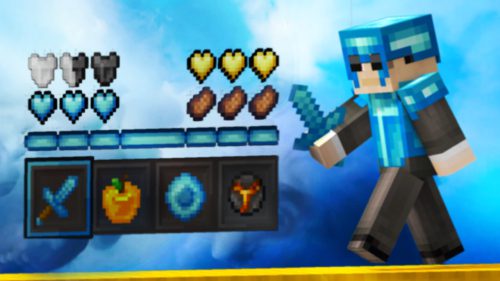
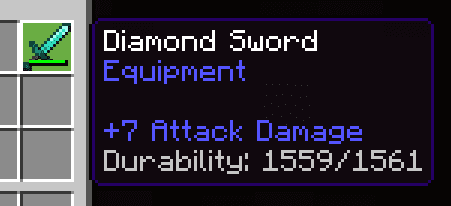
- Shows armor and tool durability.
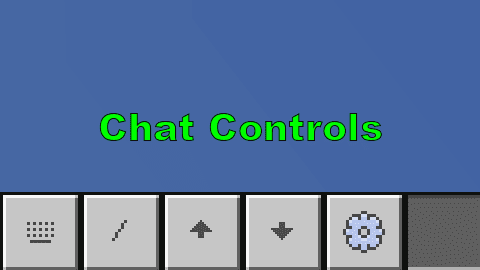
- Chat window background is transparent and has a button to toggle messages forward or backward.
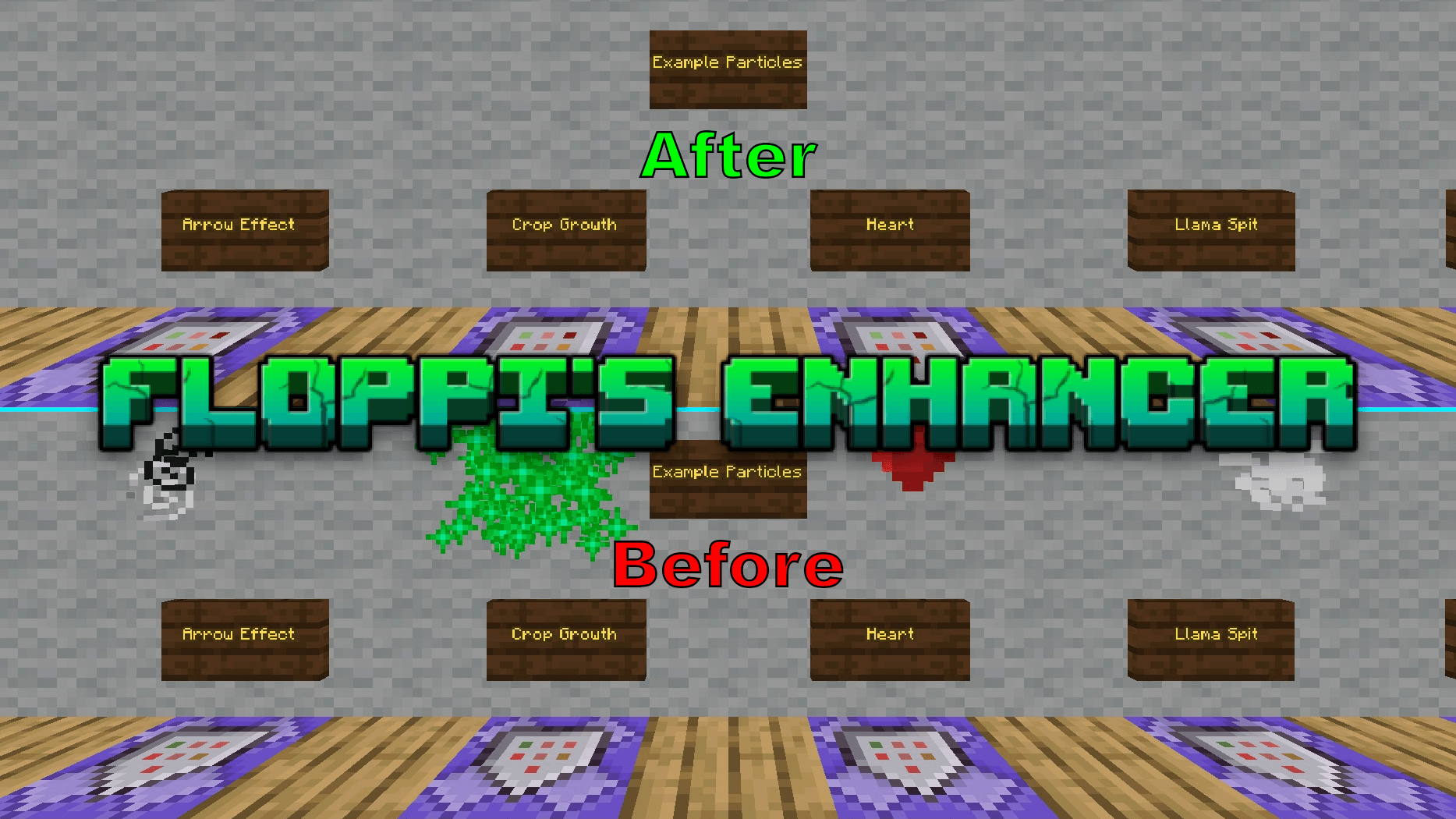
- Disables all particle effects except dragon and Warden effects.
- Disables animations of all blocks.
- Disables rain and snow effects.
- Removes random text on the main screen.
- Keeps vision stable when there is fog in all dimensions.
- Increases visibility when in lava.
- Makes water transparent to make it easier to see objects below.
- Lowers the shield position in first-person view for a wider view.
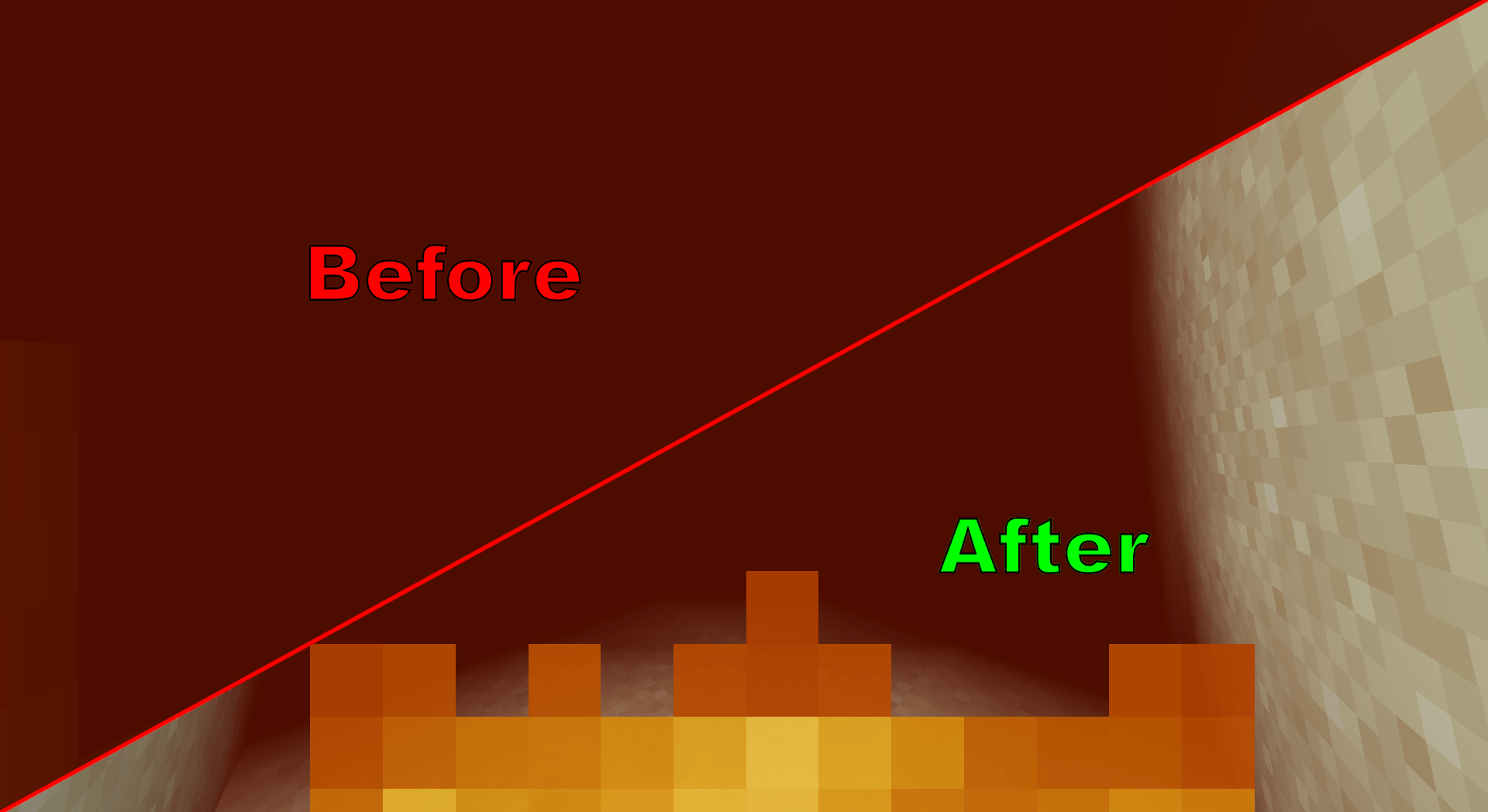
- Reduces the height of the fire effect to make it easier to see when on fire.
- Optimized the layout of the location bar and the date counter to be cleaner.
- Removed extra space between buttons and tabs in the settings.
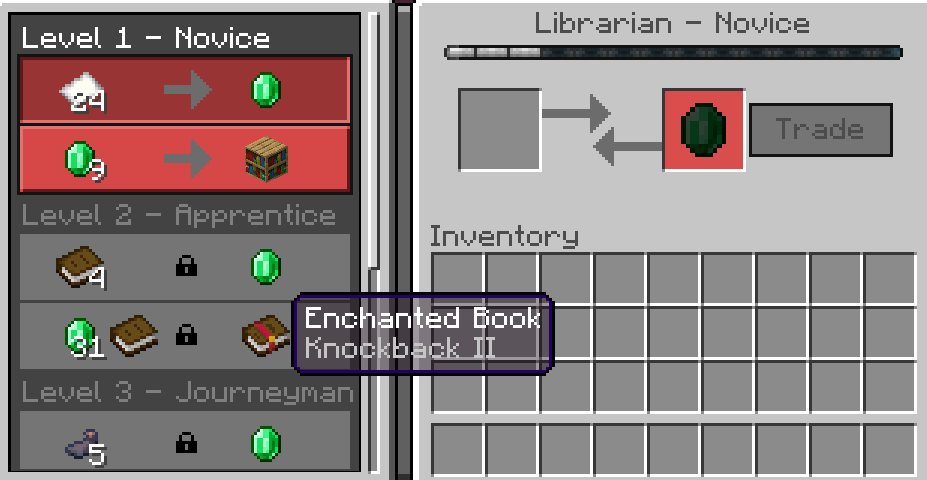
- Made the item tooltip transparent to see the object behind it.
- Added a frame sync option in the video settings.
- Moved the video settings button to the top of the settings interface.
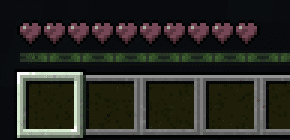
- Made the heart icon clearer when wither effect is applied.
Screenshots:
How to install:
How To Install Mod / Addon on Minecraft PE
How To Install Texture Packs on Minecraft PE
How To Install Map on Minecraft PE
Floppi’s Enhancer Pack (v26, 1.21) Download Links
For Minecraft PE/Bedrock 1.21
mcpack: Download from Server 1 – Download from Server 2
Click to rate this post!
[Total: 0 Average: 0]
You May Also Like