
Flowing Fluids Mod (26.3, 1.20.1) – Build Realistic Aqueducts with Finite Water

 0


Flowing Fluids Mod brings realistic liquid physics to Minecraft and makes water, lava, and most modded fluids finite. This mod lets liquids spread outward, run down slopes, level out in pools, and pump upward with pistons. It adds new water management rules where farmland, breeding animals, and filling bottles drain water levels, while Ocean, River, and Swamp biomes refill over time. You also get dozens of settings for flow behavior, visuals, performance, and special support for Create mod pipes and water wheels. The mod uses standard vanilla fluid rendering so shaders keep working, and you can turn it off or remove it at any time without breaking your world. It is only required on the server side, though having it on both the server and client unlocks every visual option and avoids small sync issues when you use buckets.
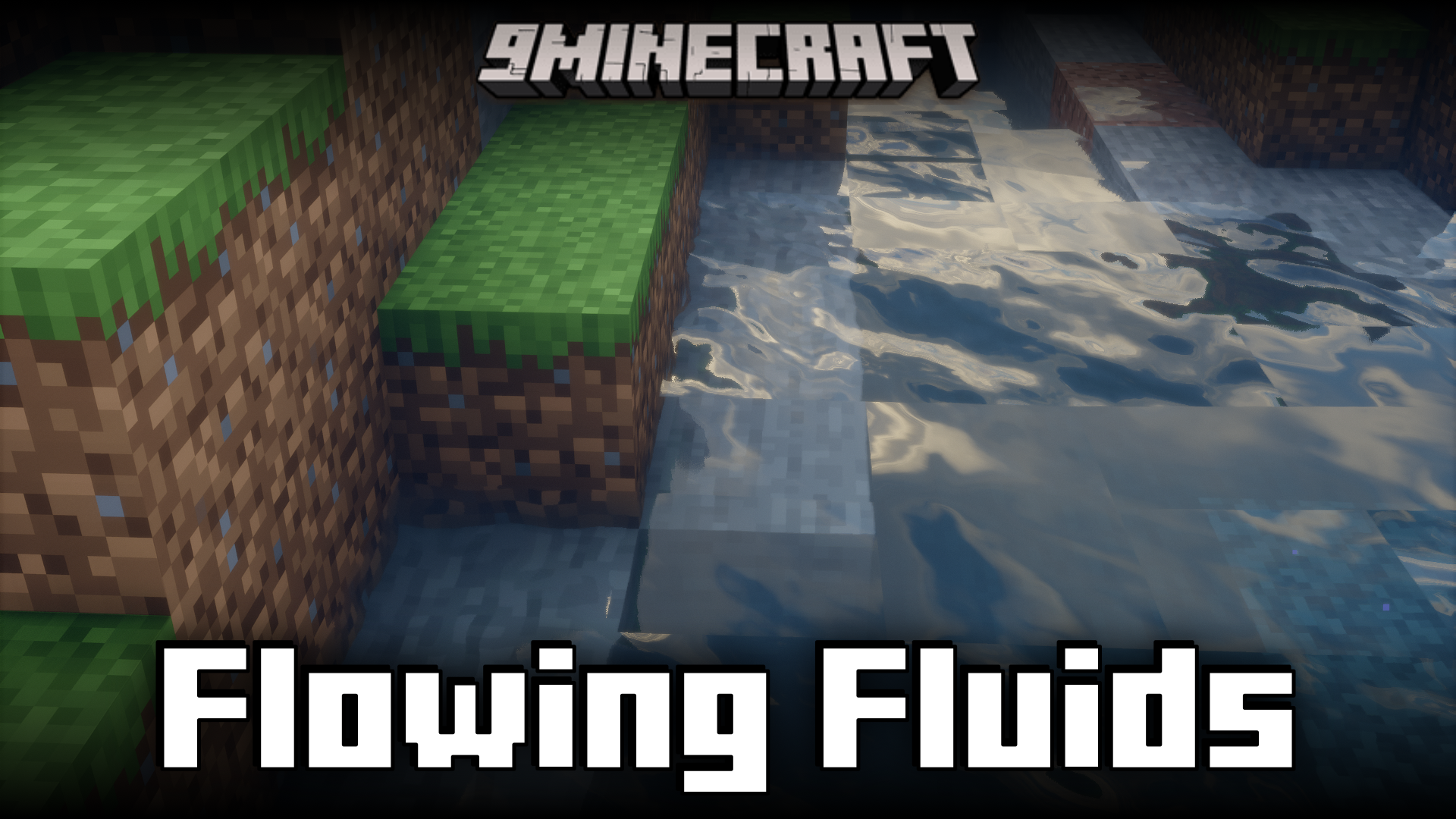
Flowing Fluids Mod – Video Showcase
Features:
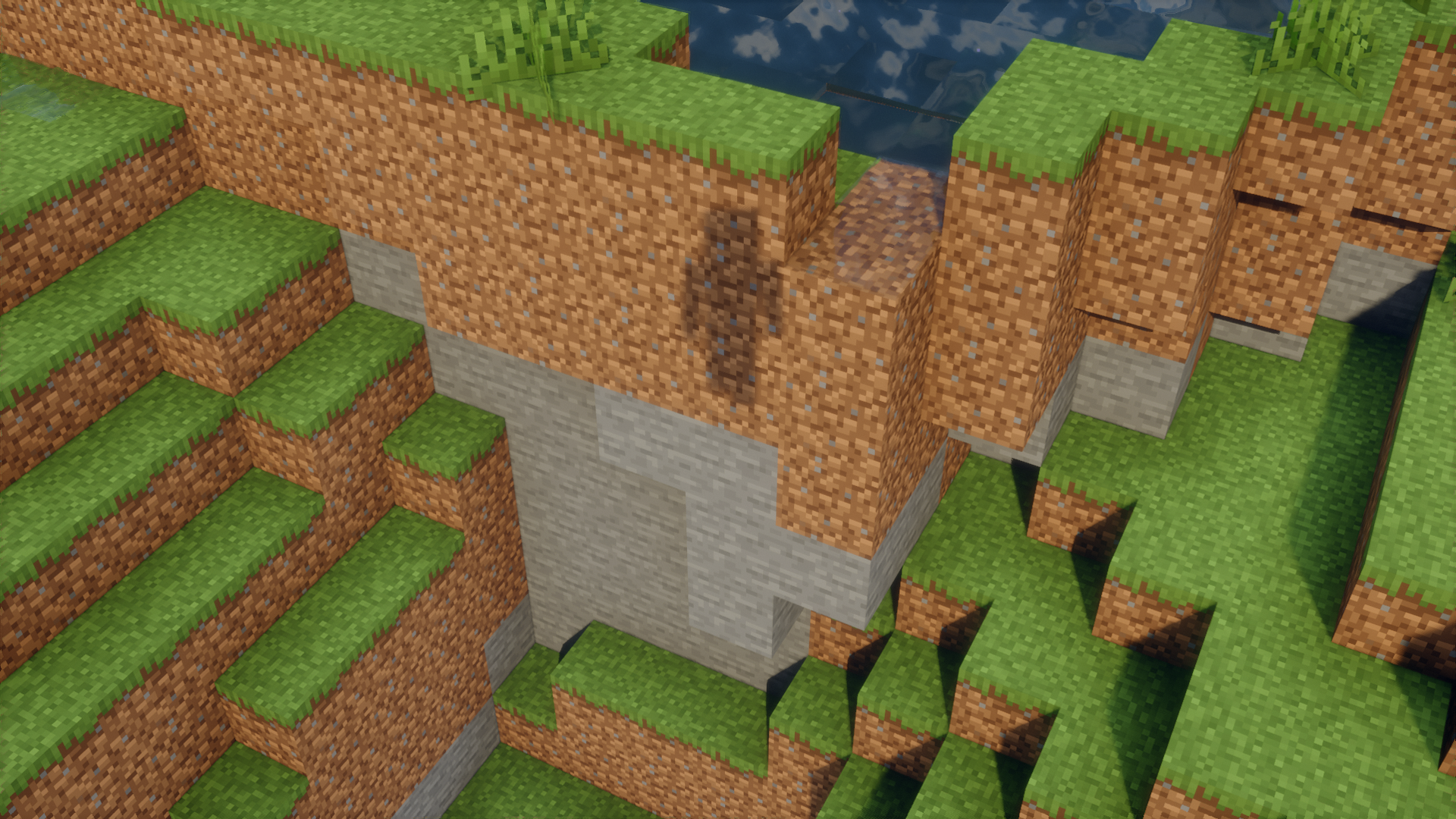
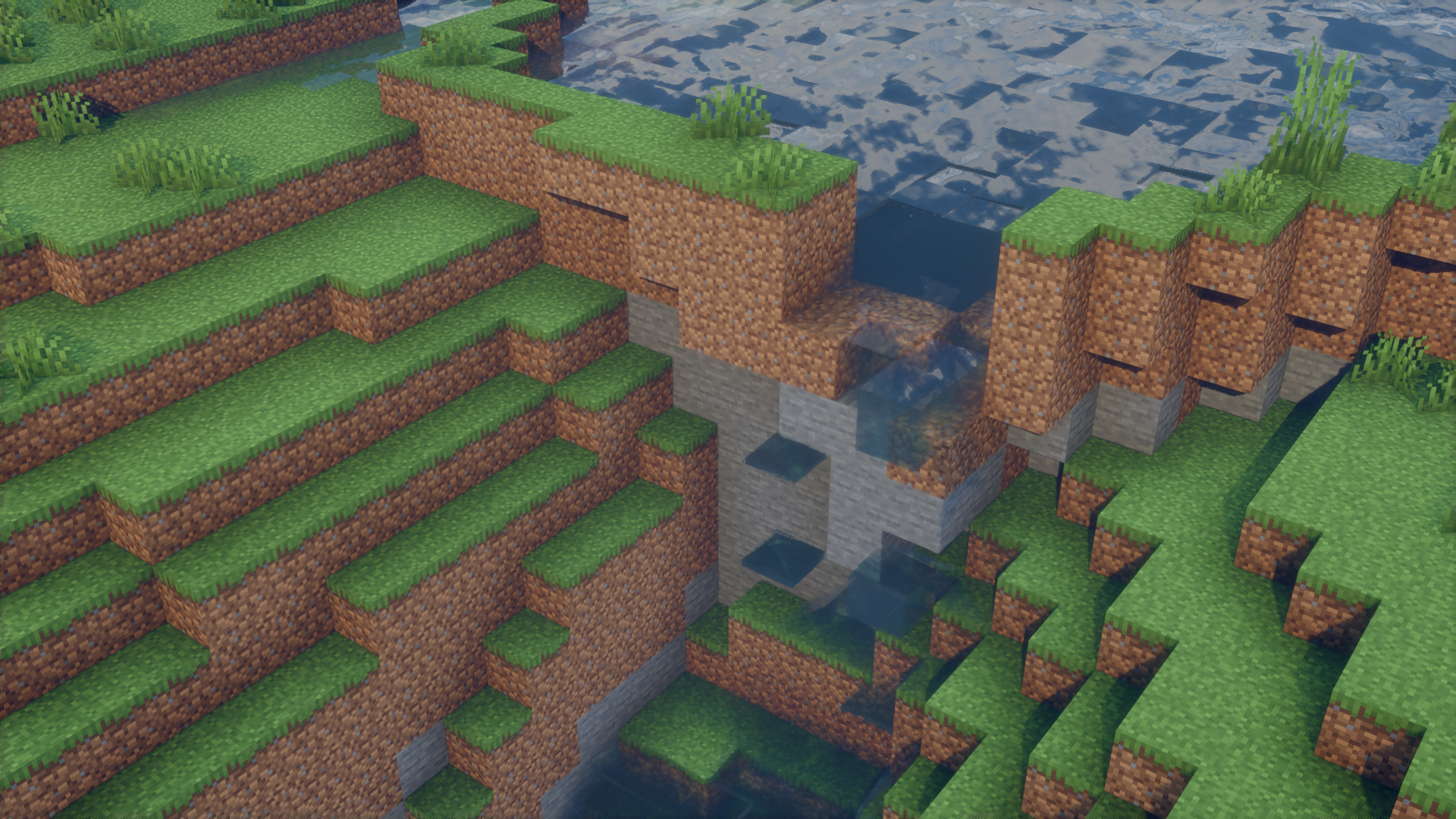
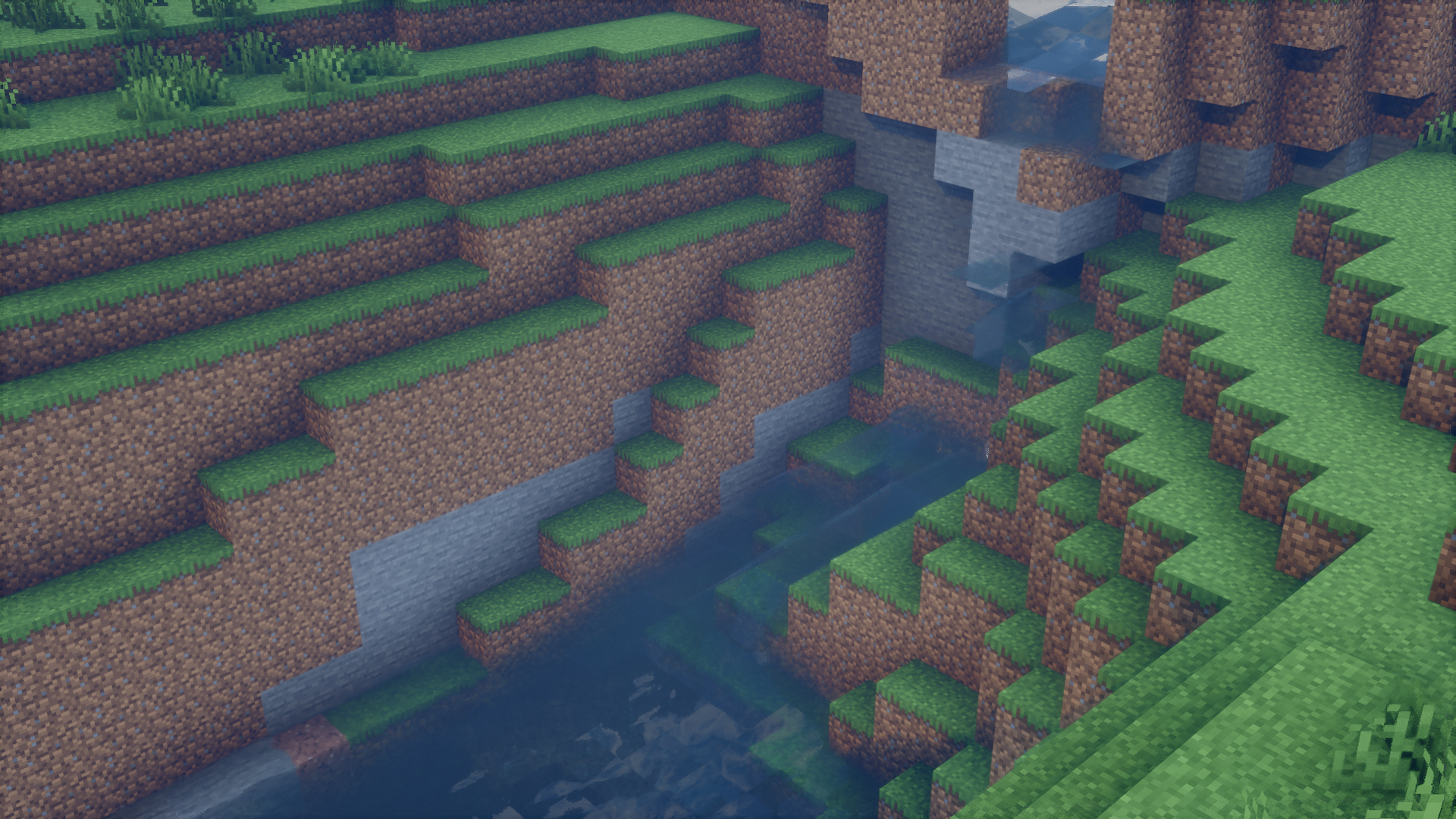
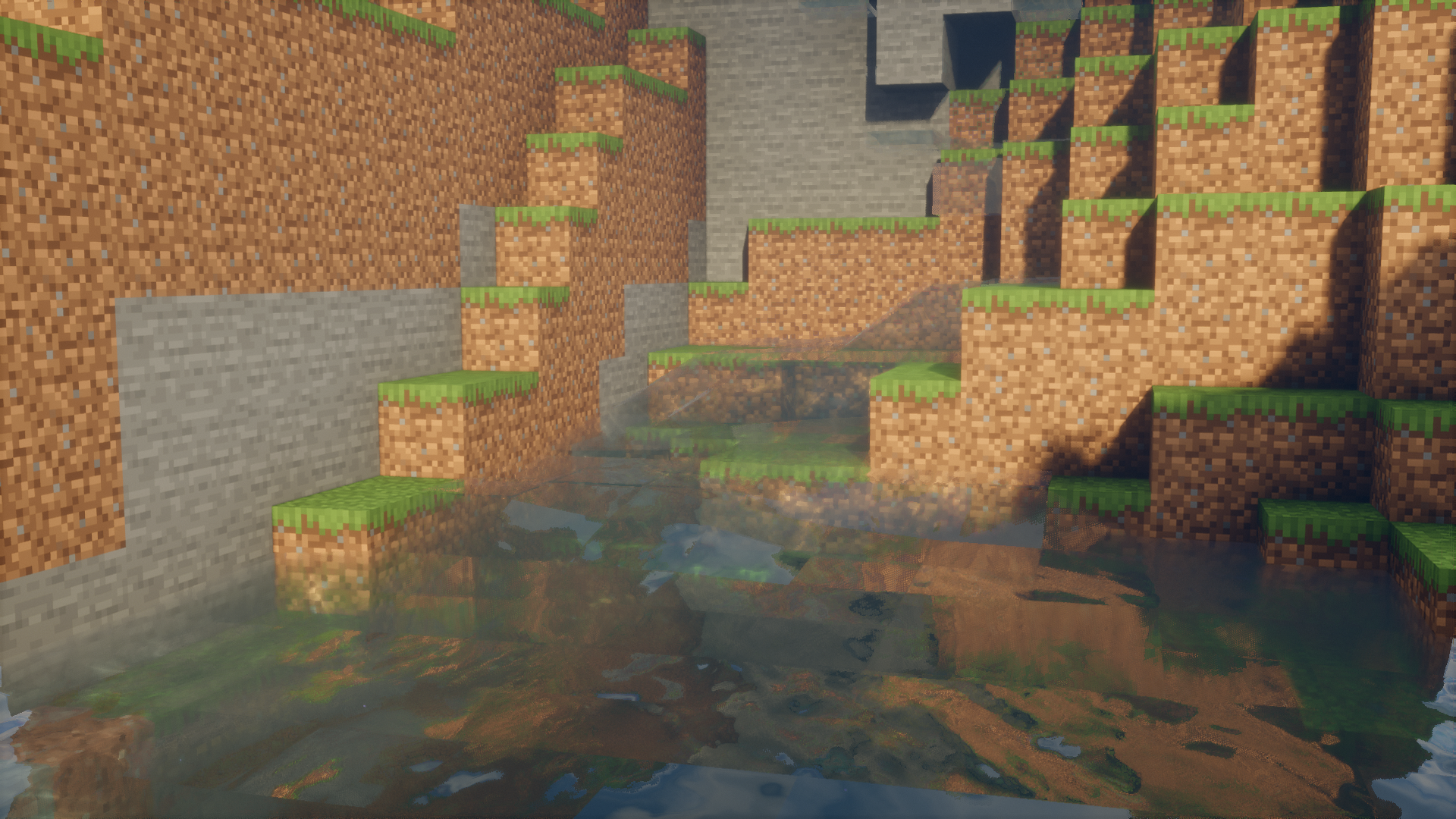
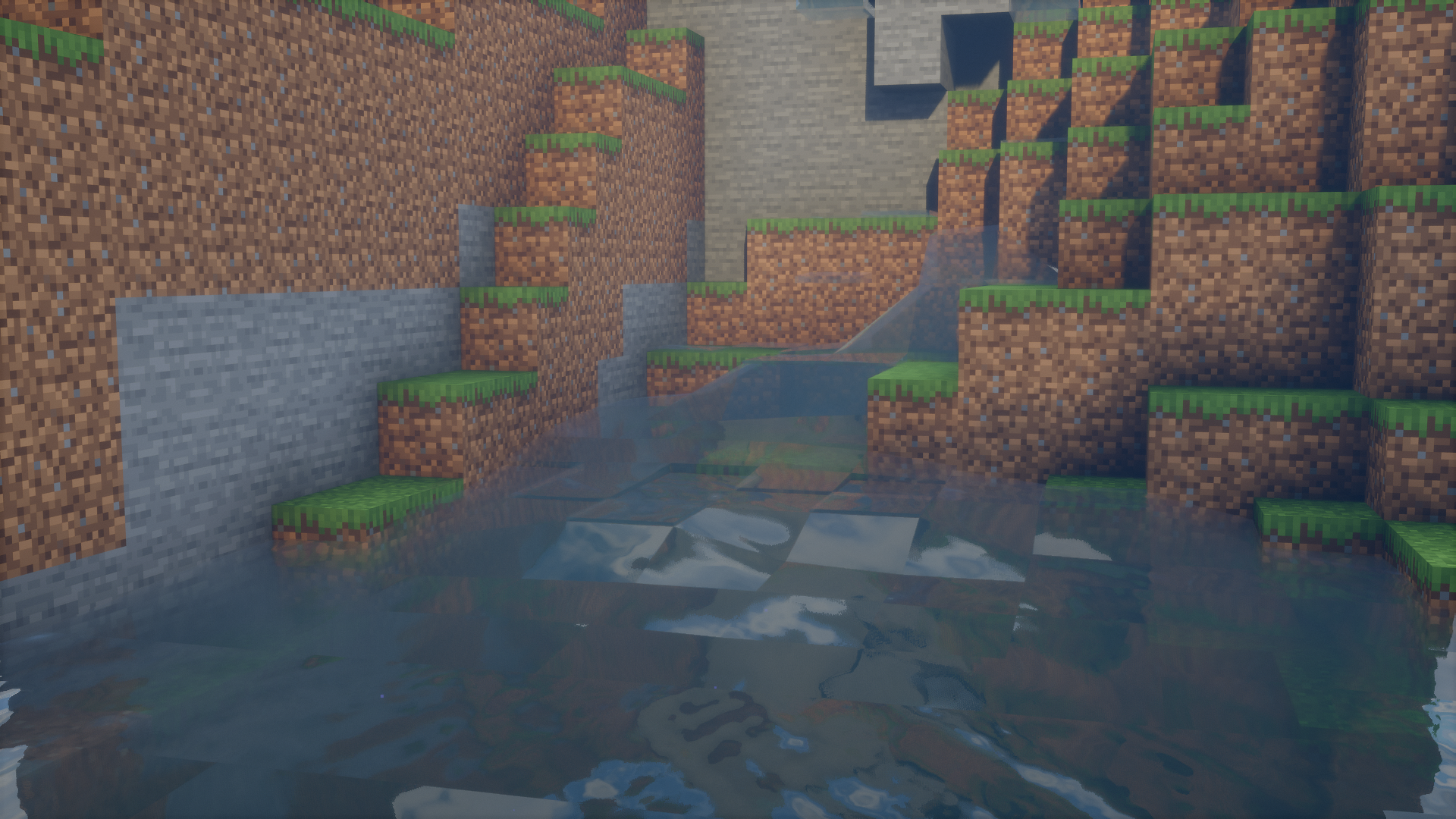
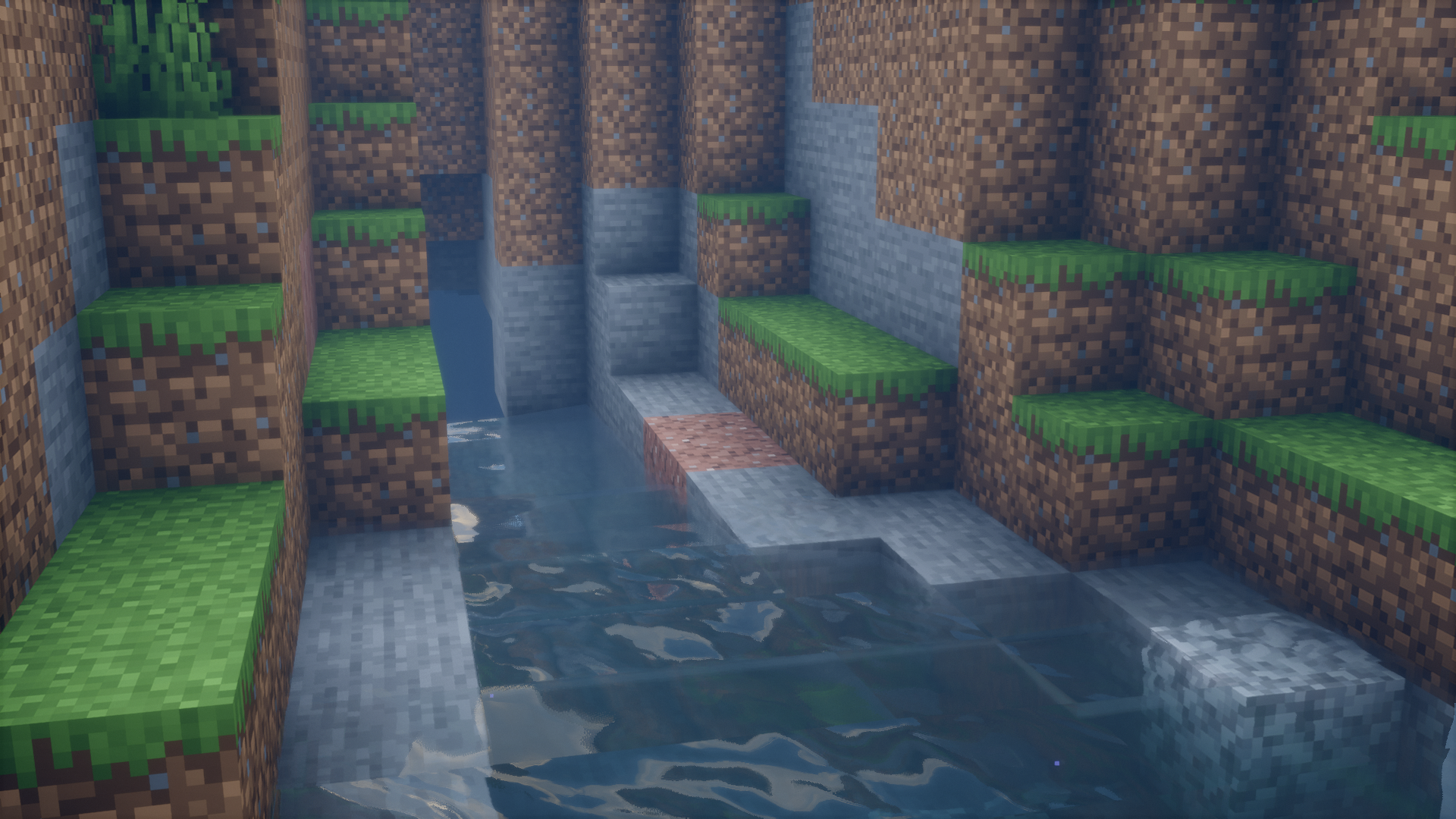
- Realistic Fluid Physics: Water, lava, and most modded liquids spread outward, run down slopes, and level out into pools so you can build aqueducts or flood areas.
- Finite Water and Lava: Liquids flow until they run out or hit a block, so placing two water blocks no longer creates an infinite water source.
- Piston Pumps: Pistons can move fluids and pump them upward automatically.
- Precise Buckets: Buckets pick up between 1 and 8 levels of fluid and let you place down exact amounts.
- Shader and World Safety: Uses normal vanilla fluid rendering so shaders work, and lets you disable or remove this mod at any time without breaking your world.
- Displaces fluids when you place blocks inside them so no liquid is lost, meaning you clear extra water with sponges, drains, or evaporation instead.
- Lets Ocean, River, and Swamp biomes act as infinite water sources with a limited refill speed, so fast draining can still empty them temporarily.
- Absorbs non-full water that flows back into Ocean, River, or Swamp biomes at sea level, with refill and absorption behavior adjustable in settings.
- Saves full 8-level fluids as vanilla source blocks and 1-7 level fluids as vanilla flowing blocks so they clear away cleanly if you return to vanilla.
- Checks newly generated chunks and plugs up exposed fluids so oceans do not drain into caves right after loading, while offering settings to tune server performance.
- Works with most modded fluids and lets you blacklist specific modded fluids that have special properties.
- Runs on the server side alone if needed, though having it on both the server and client enables visual options and prevents minor client sync issues when using buckets.
Water Consumption, Evaporation, and Refill:
- Farmland has a configurable chance to drain 1 level of water when it hydrates.
- Breeding animals have a configurable chance to need and consume 1 level of nearby water within 8 blocks.
- Filling a glass bottle uses 2 to 3 water levels.
- Small level 1 water puddles slowly evaporate in the Overworld.
- Any water evaporates quickly in the Nether.
- Non-full water blocks (levels 1-7) slowly refill when exposed to rain.
- Non-full water blocks (levels 1-7) slowly refill in Ocean, River, and Swamp biomes when below sea level and exposed to skylight.
Visual and Flow Options:
- Hides the flowing texture that normally appears on fluids with height differences (enabled by default).
- Changes the height at which full fluid blocks render and affect players or mobs.
- Stops minimum-level fluids from flowing over edges if you prefer cleaner ledges.
- Adjusts how far fluids spread and how strongly they try to level out inside pools.
Create Mod Compatibility (v0.5 Fabric, v0.6 Forge and NeoForge):
- Create Pipes and Hose Pulleys move fluids finitely by default, with an option to make pipes treat all fluids as infinite sources.
- Some Create fluid interactions only work properly with full 8-level source blocks.
- Create Water Wheels spin normally with a constant flow of fluid, and also spin without flow in River biomes near sea level by default.
- Five Water Wheel requirement modes let you choose constant flow (
flow), constant flow or water in a River biome near sea level (flow_or_river, default), any fluid block (fluid), full 8-level fluid blocks only (full_fluid), or always spinning (always). - Four opposite-spin options (
flow_or_river_opposite_spin,fluid_opposite_spin,full_fluid_opposite_spin, andalways_opposite_spin) reverse the spin direction for modes that do not require constant flow.
Commands:
/flowing_fluids settings: opens and changes settings for performance, flowing behavior, gameplay elements, and visuals./flowing_fluids help: shows help information for the mod commands./flowing_fluids settings ignored_fluids add <fluid_name>: blacklists a modded fluid so it does not use fluid physics./flowing_fluids settings enable_mod on|off: turns the mod on or off at any time without breaking your world./flowing_fluids settings appearance flowing_texture: hides or shows the flowing texture on fluids with height differences (hidden by default)./flowing_fluids settings behaviour fluid_height: changes the height at which full fluid blocks render and affect players or mobs./flowing_fluids settings behaviour flow_over_edges: toggles whether minimum-level fluids can flow over block edges./flowing_fluids create_compat pipes infinite_pipe_fluid_source on|off: makes Create mod pipes treat all fluids as infinite sources or keep them finite./flowing_fluids create_compat water_wheel_requirements <option>: changes Create mod Water Wheel rules usingflow,flow_or_river(default),fluid,full_fluid,always, or the opposite-spin options (flow_or_river_opposite_spin,fluid_opposite_spin,full_fluid_opposite_spin,always_opposite_spin).
How to Use:
- Run Flowing Fluids Mod on the server side, and also add it to the client side to get all visual options and smooth bucket interaction without minor sync glitches.
- Collect water from Ocean, River, or Swamp biomes instead of making two-block infinite water pools; these biomes slowly refill, though pumping too fast can still drain them.
- Use buckets to pick up 1 to 8 levels of fluid and place down exact amounts when filling pools, aqueducts, or farms.
- Plan extra water near crops and animal pens because hydrating farmland can use 1 water level, breeding animals can consume 1 level within 8 blocks, and filling bottles drains 2 to 3 levels.
- Place pistons next to pools to push and pump fluids upward automatically, or dig channels to guide water or lava into new areas.
- Remove unwanted water with sponges, drains, or natural evaporation instead of placing blocks on top, since placed blocks displace liquids rather than deleting them.
- Type
/flowing_fluids settingsin chat to tweak flow distance, pool leveling, evaporation, refill rates, visuals, and performance, or use/flowing_fluids helpif you need command help. - Blacklist any modded fluid you want to keep in vanilla mode with
/flowing_fluids settings ignored_fluids add <fluid_name>, or disable the mod at any time with/flowing_fluids settings enable_mod off. - When playing with the Create mod, use full 8-level source blocks for reliable machine setups, and customize pipes or Water Wheels with
/flowing_fluids create_compat pipes infinite_pipe_fluid_source on|offand/flowing_fluids create_compat water_wheel_requirements <option>.
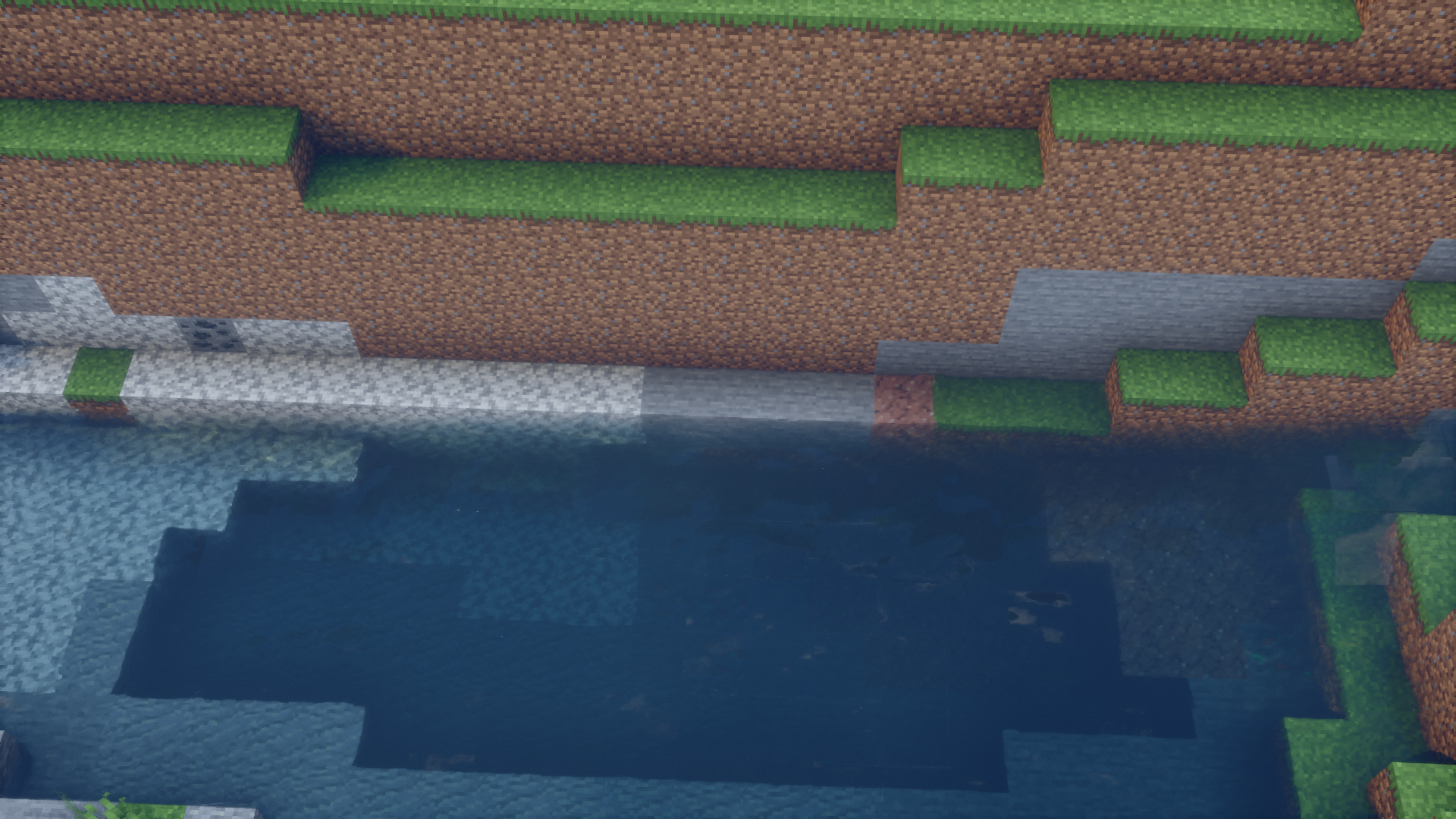
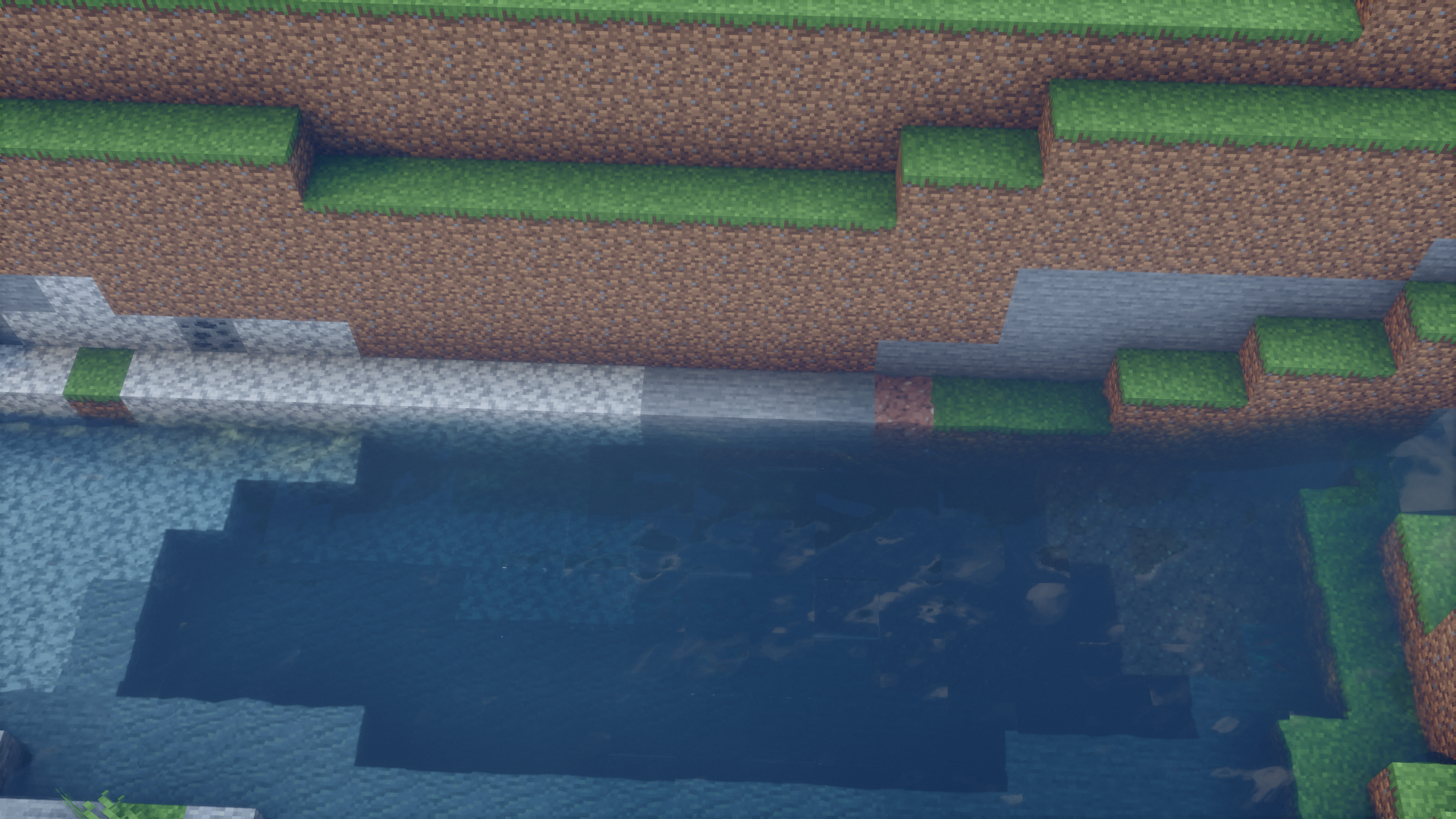
Screenshots:
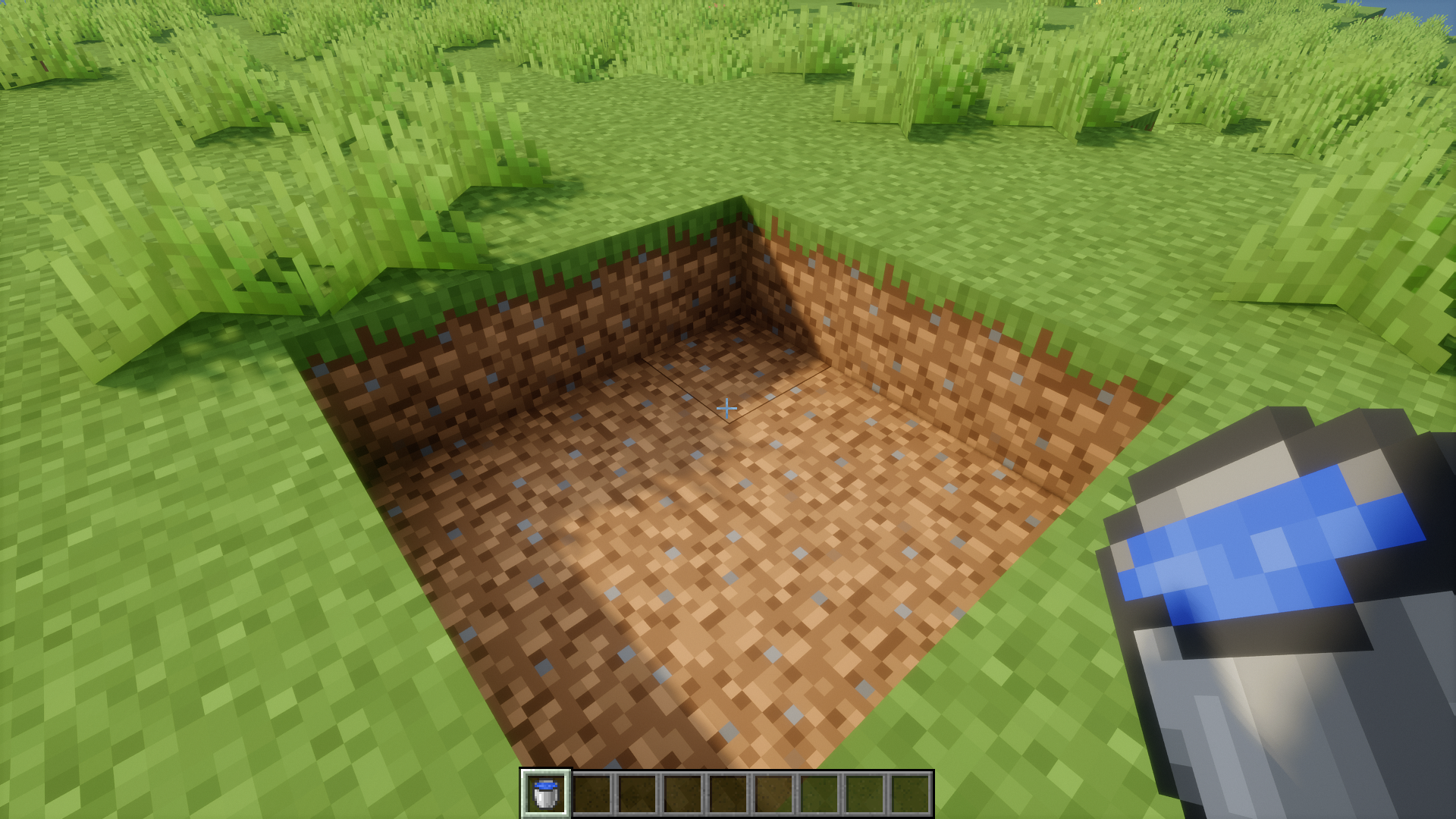
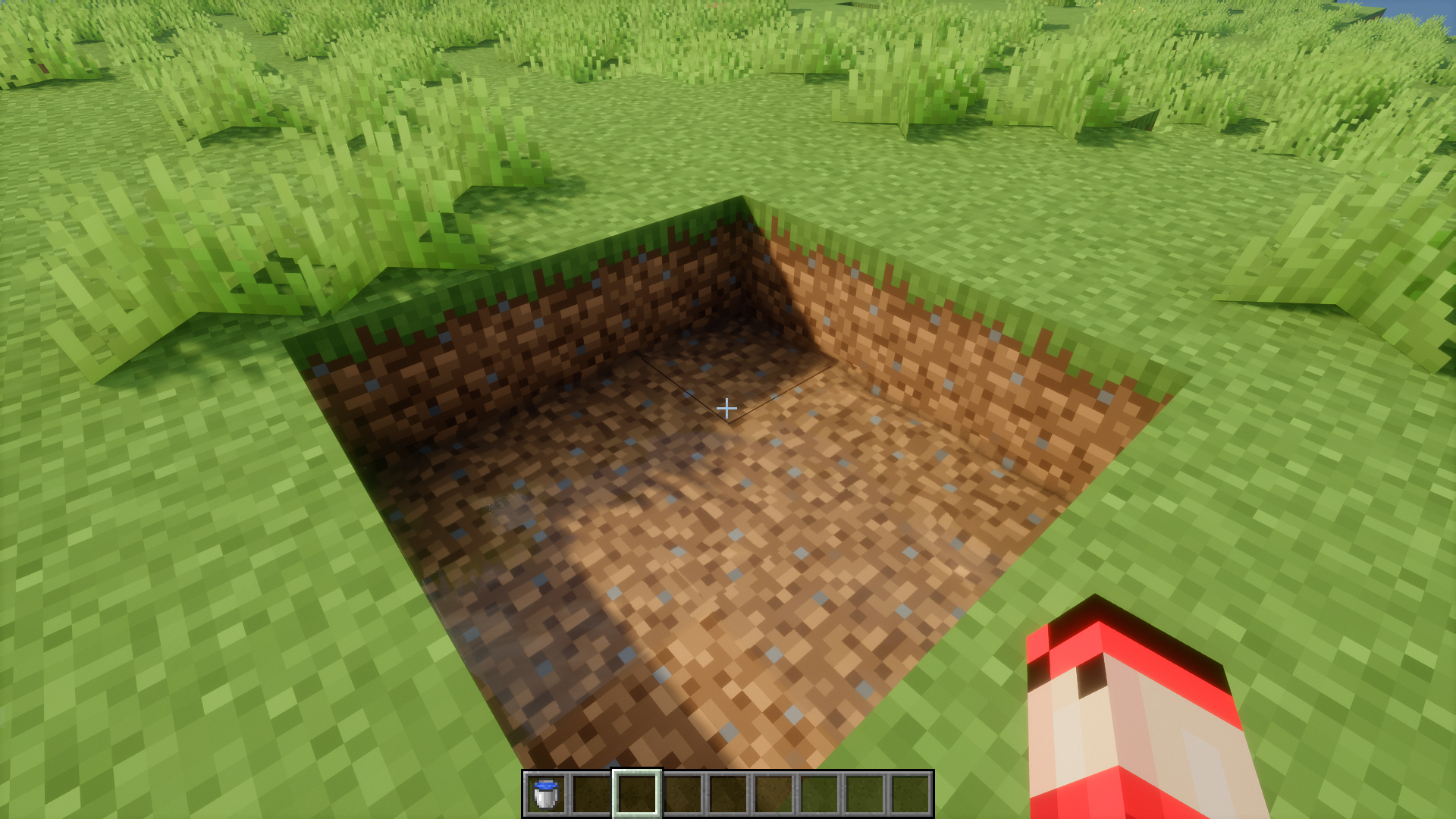
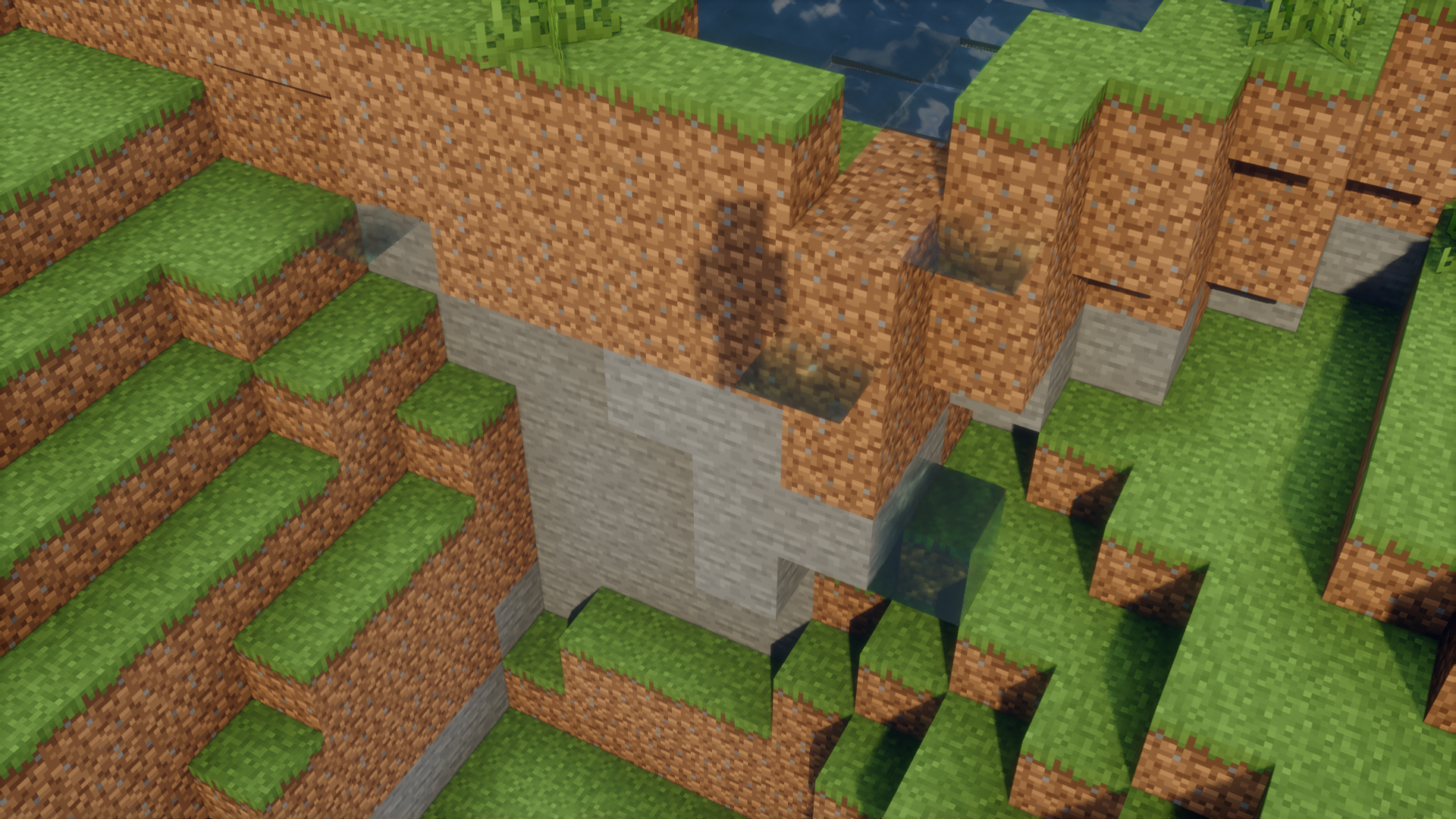
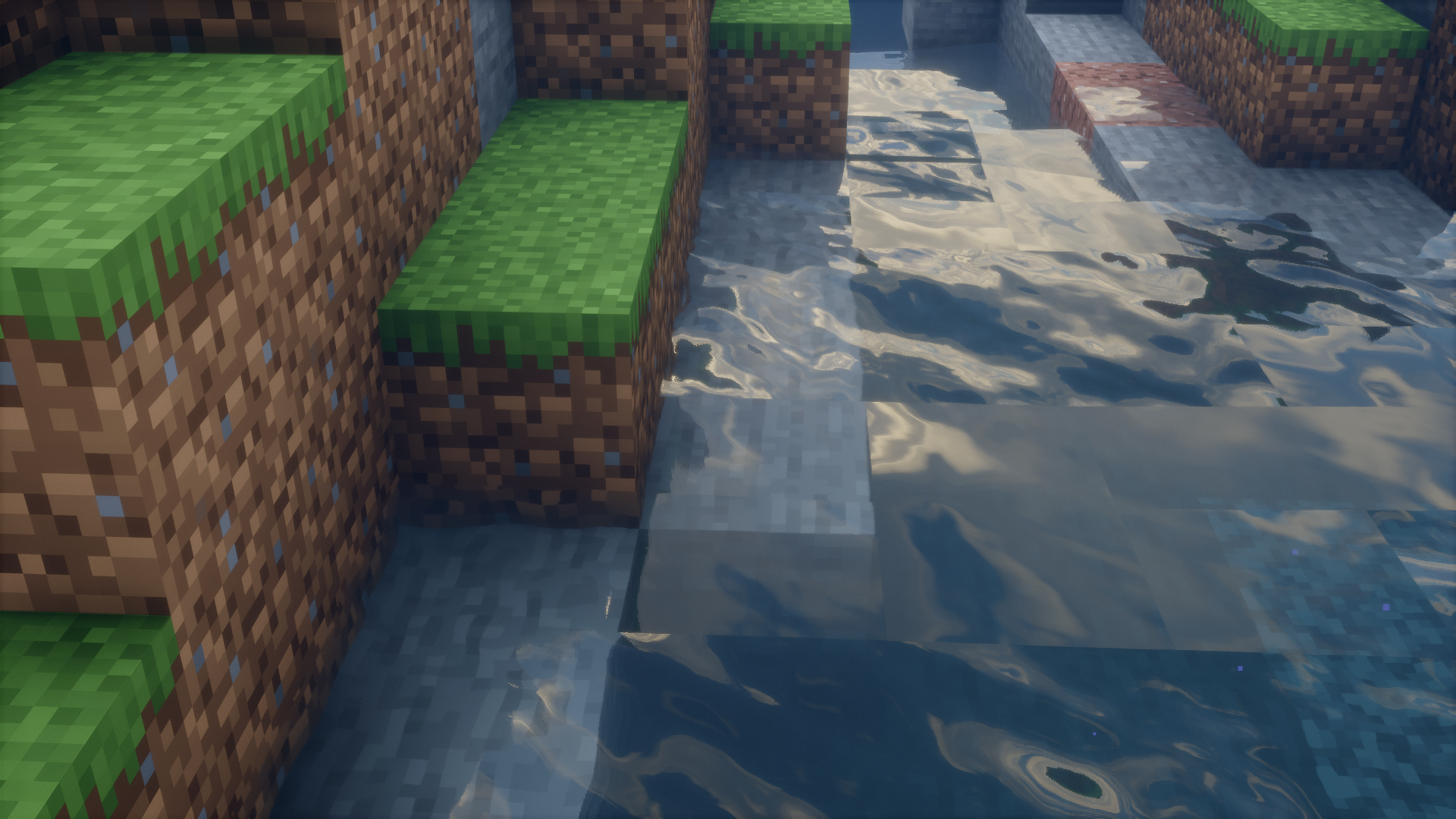
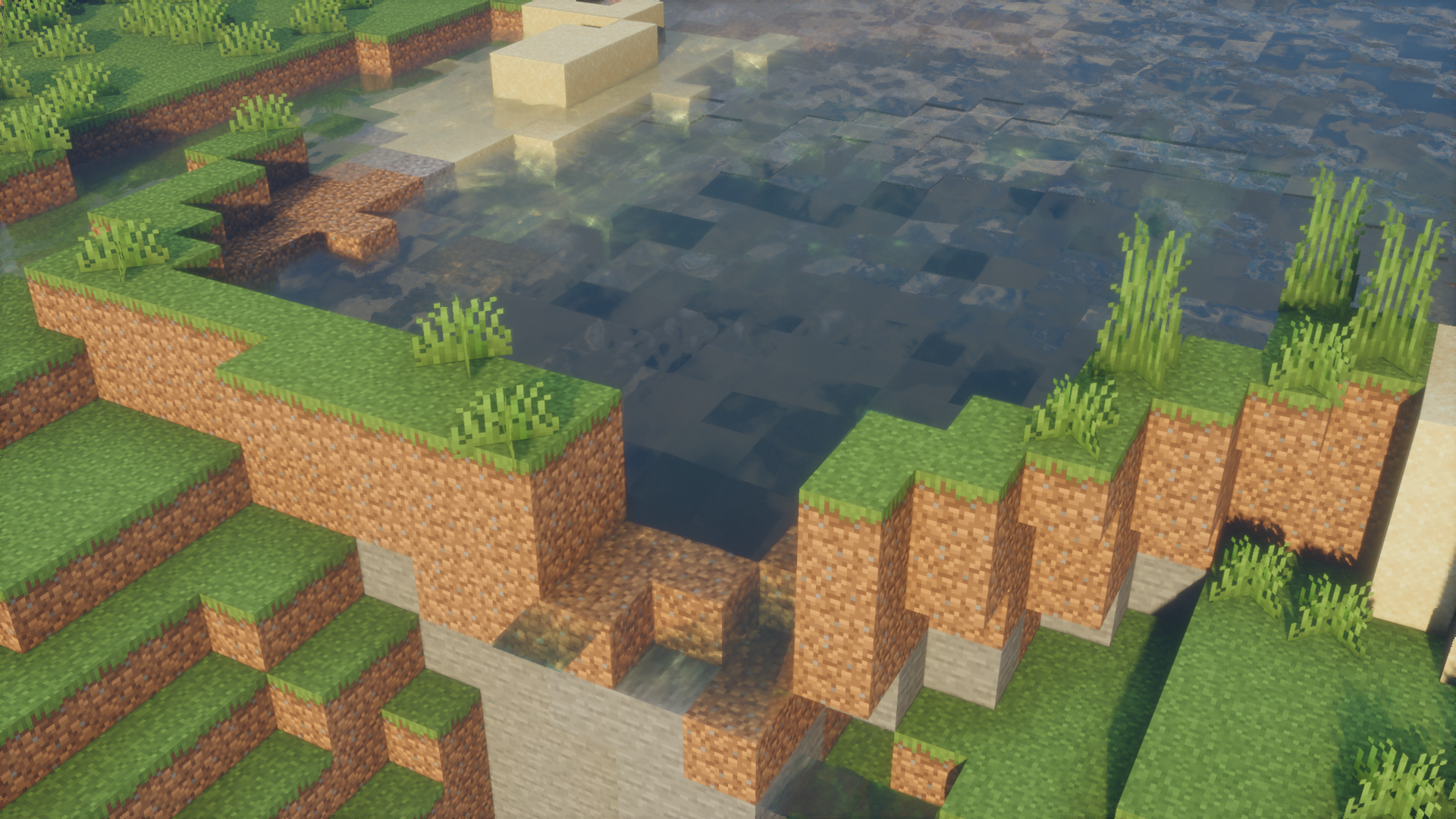
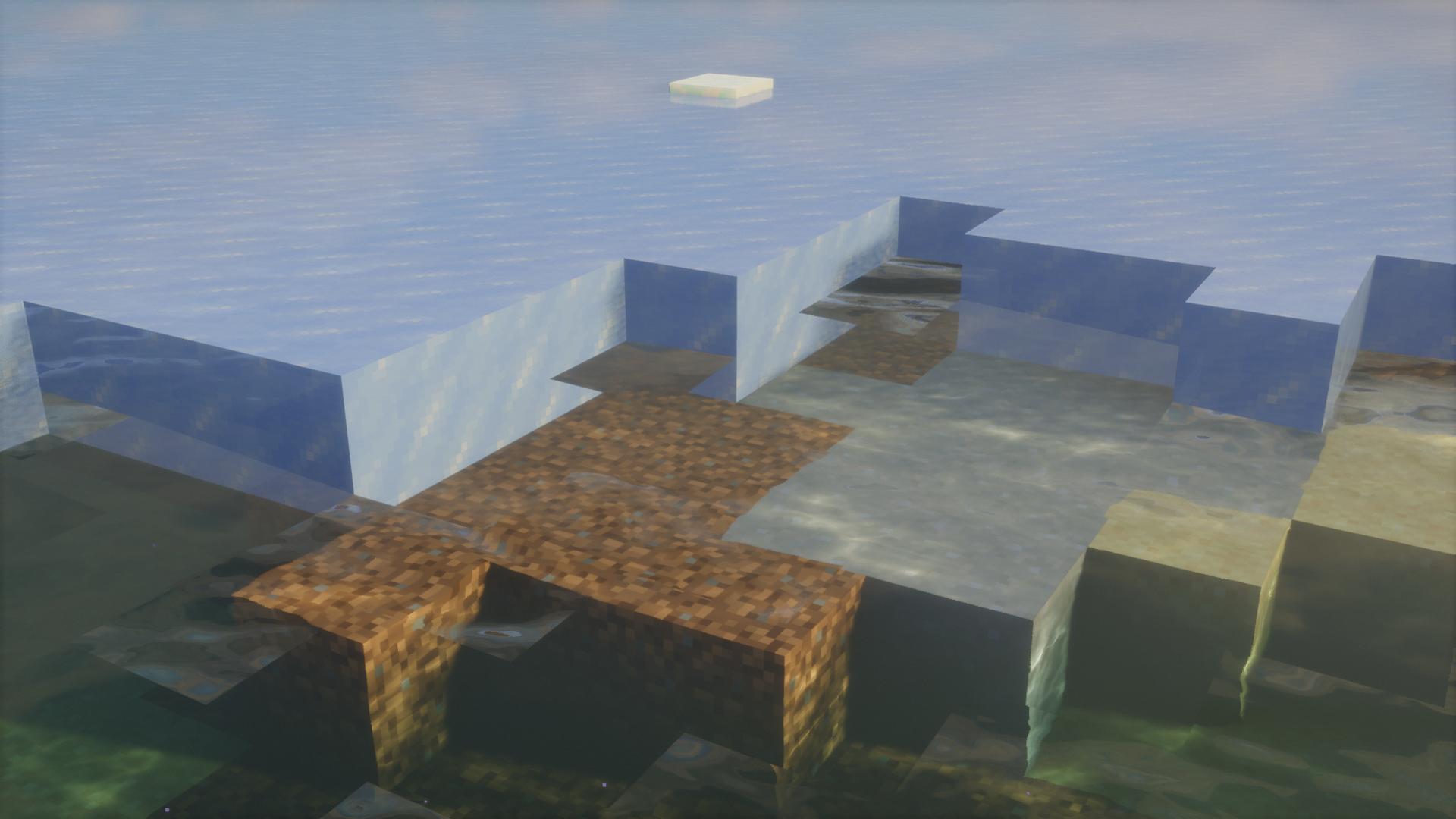
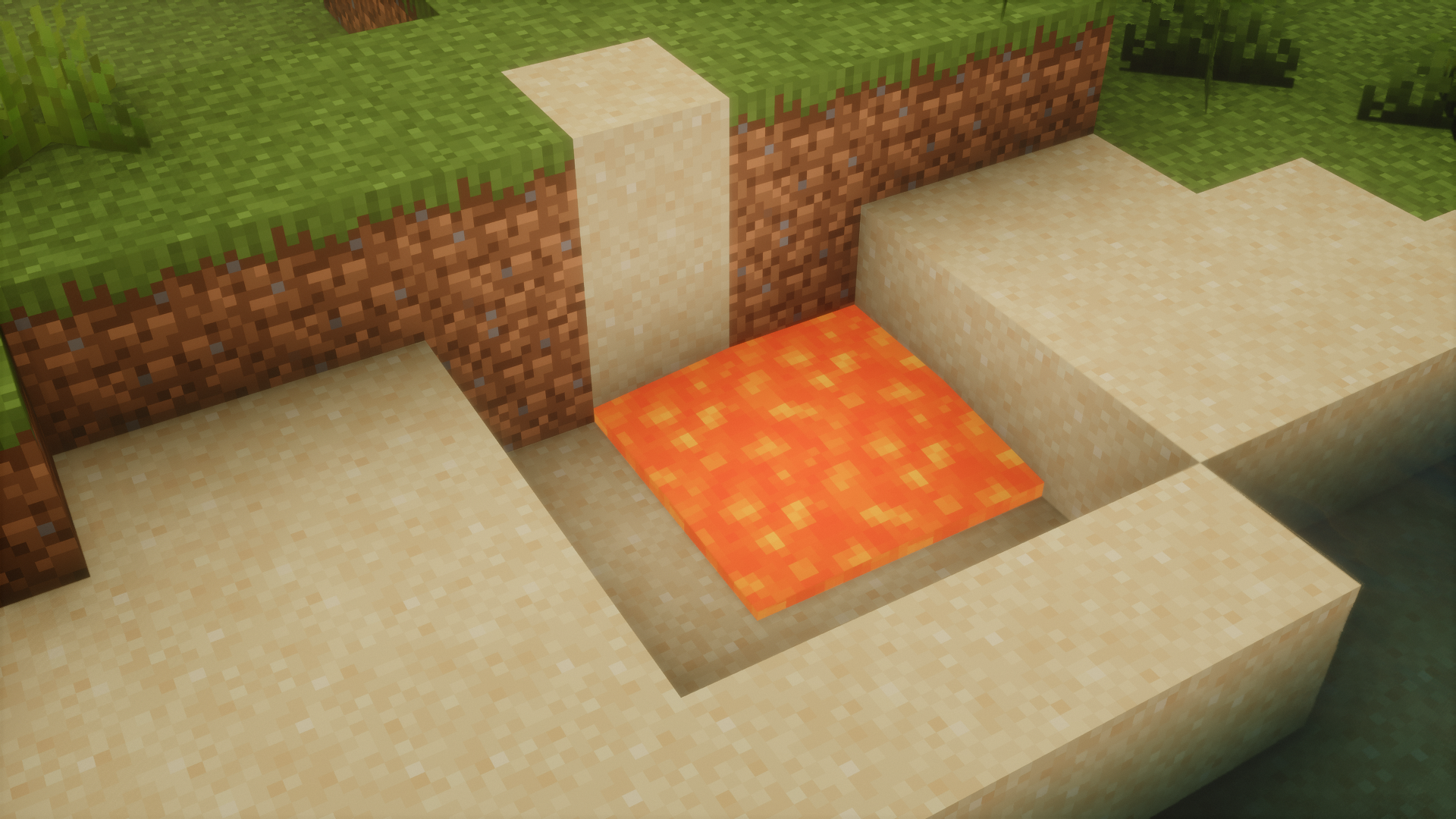
How to Install:
New to Minecraft? Follow our step-by-step guide to install Mods on your PC.View Guide
Requirements:




Flowing Fluids Mod Download Links
For Minecraft 26.3
For Minecraft 26.2
For Minecraft 26.1.2, 26.1.1, 26.1
For Minecraft 1.21.11
For Minecraft 1.21.10, 1.21.9
For Minecraft 1.21.8, 1.21.7, 1.21.6
For Minecraft 1.21.5
For Minecraft 1.21.4
For Minecraft 1.21.3, 1.21.2
For Minecraft 1.21.1, 1.21
For Minecraft 1.20.1, 1.20
You May Also Like
Picked for this page
 Mermod (1.21.11, 1.20.1) – Transform Into a Mermaid
 TelePastries Mod (26.1.2, 1.20.1) – Travel Through Dimensions by Pastries
 OpenBlocks Elevator Mod (26.3, 1.20.1) – Fastest Elevator Ever
 Simple Health Indicator Mod (26.3, 1.20.1) – Displays Others’ Health
 Camerapture Mod (26.3, 1.20.1) – Capture Your Minecraft Memories
 Ouch! Mod (26.3, 1.21.1) – Damage Indicator
 Bocchium Mod (1.21.1, 1.20.1) – Performance-Boosting Rendering
 Toggle Subtitles Mod (26.3, 1.20.1) – Turn Subtitles ON/OFF Using Keybinds
 Just Another Grass Seed Mod (26.1.1, 1.20.1) – JAGS Mod
 End Villager Outpost Mod (26.3, 1.20.1) – Trading Outpost Expansion
 Chalk Colorful Addon Mod (26.2, 1.20.1) – A Wide Range Of Colored Chalks
 Netherited Mod (26.3, 1.21.1) – Keep Your Gear Safe From Fire And Lava
Most viewed in Mods over the last 7 days
 Ala Industrial Mod (26.3) – Run Electric Power Grids and Automated Factories
 PleasureCraft Mod (26.3, 1.21.1) – Jenny Mod Remake for Fabric
 Jennycraft Mod (26.3, 1.20.1) – Virtual Girlfriend in Minecraft
 Fapcraft Mod (26.3, 1.12.2) – Comprehensive and Detailed Content
 Jenny Mod (Fapcraft) Official Complete Guide – How to use, Tutorial
 BangCraft Mod (1.20.1) – Jenny, Ellie and Elliot
 Fabric Loader (26.3, 1.20.1) – Fabric Installer for All Minecraft Versions
 The Shooting Star Demo Mod (26.3, 1.20.1) – Vaporize Terrain From Orbit
 Meteor Client Mod (26.3, 1.20.1) – Xray, HUD, Fly
 OptiFine HD (26.3, 1.20.1) – Run Faster, FPS Boost, Shaders Support
 Aristois Client Mod (1.21.4, 1.20.1) – World Class Minecraft Utility
 Prestige Client Mod (1.21.11, 1.21.4) – Powerful Ghost Features for Crystal & Sword PvP
More from Mods
 Bard RPG Series Plus by Fichte Mod (1.21.1, 1.20.1) – Buff Allies in Combat
 Fabric Gui ImGui Mod (26.3, 1.21.11) – Clean Custom Menus and In-Game Control
 Multi Item Lib Mod (1.20.1) – Wield Custom Gear with Flawless Hand Animations
 Universe3090 Mod (1.20.1) – Survive Corrupted Dimensions Filled
 Wireless Automate Mod (1.21.1) – Automate Base Logistics Without Messy Pipes
 Vaskars Opus Faction War Quests & Bosses Mod (1.21.11, 1.20.1)
 Multitools and More Mod (26.3, 1.20.1) – Clear Your Hotbar and Travel
 Luxium Let There Be Light Mod (1.20.1) – Stunning Lighting on Low-End Computers
 Soulscraft Tarnished Legacy Mod (1.21.1) – Hunt Relics to Forge Dark Fantasy
 Fetzi’s Displays Mod (26.1.2, 1.20.1) – Turn Rare Gear and Weapons
 Primal Plushies Paleo Pals Mod (1.21.1, 1.20.1) – Decorate Your Base
 Ipla Mod (26.3, 1.20.1) – Showcase Your Favorite Items

This post has no comments yet. Be the first — your comment will appear here.