
Fluidlogged Mod (1.20.1, 1.19.2) – Submerge Any Block Freely

 0


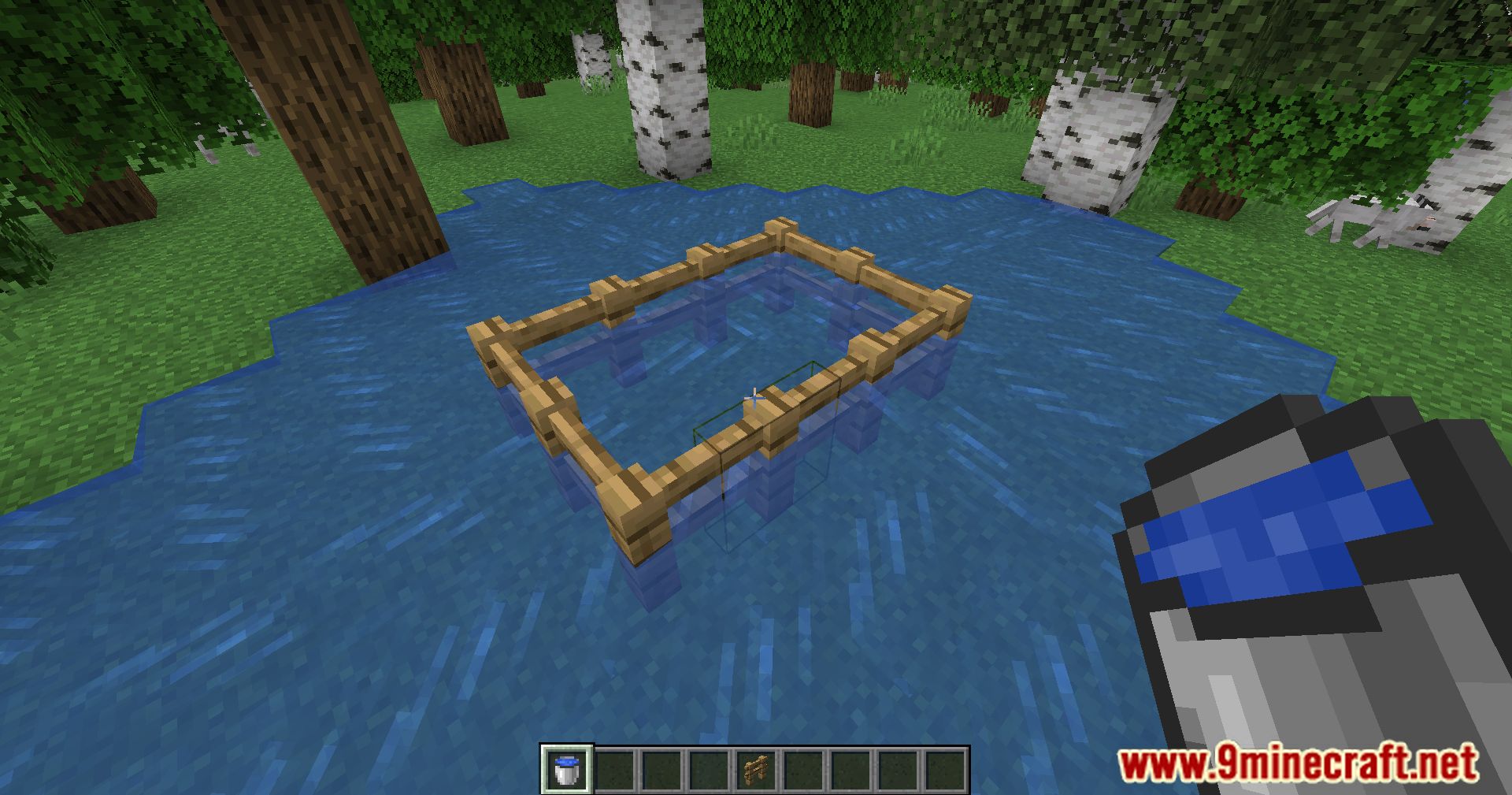
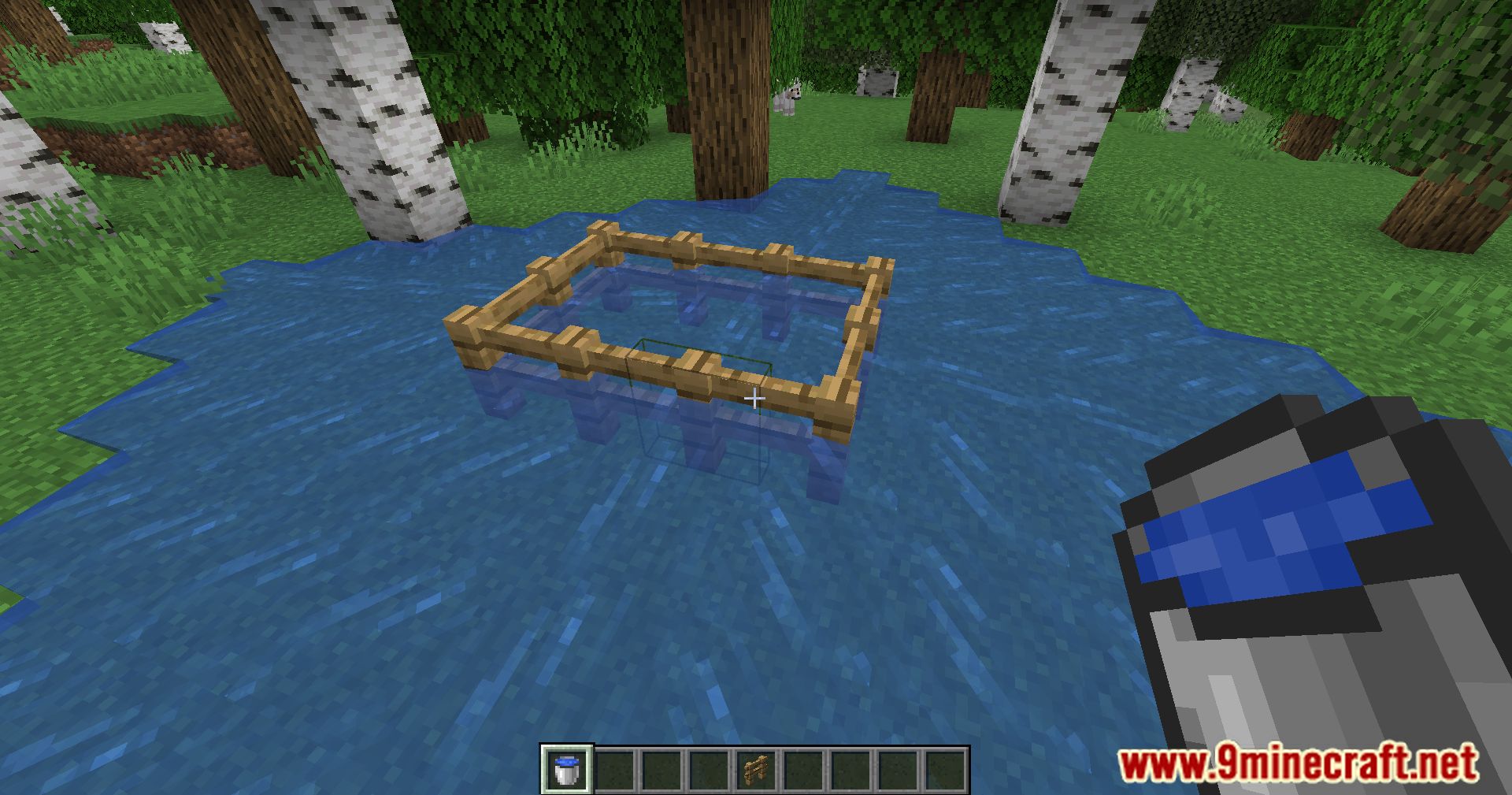
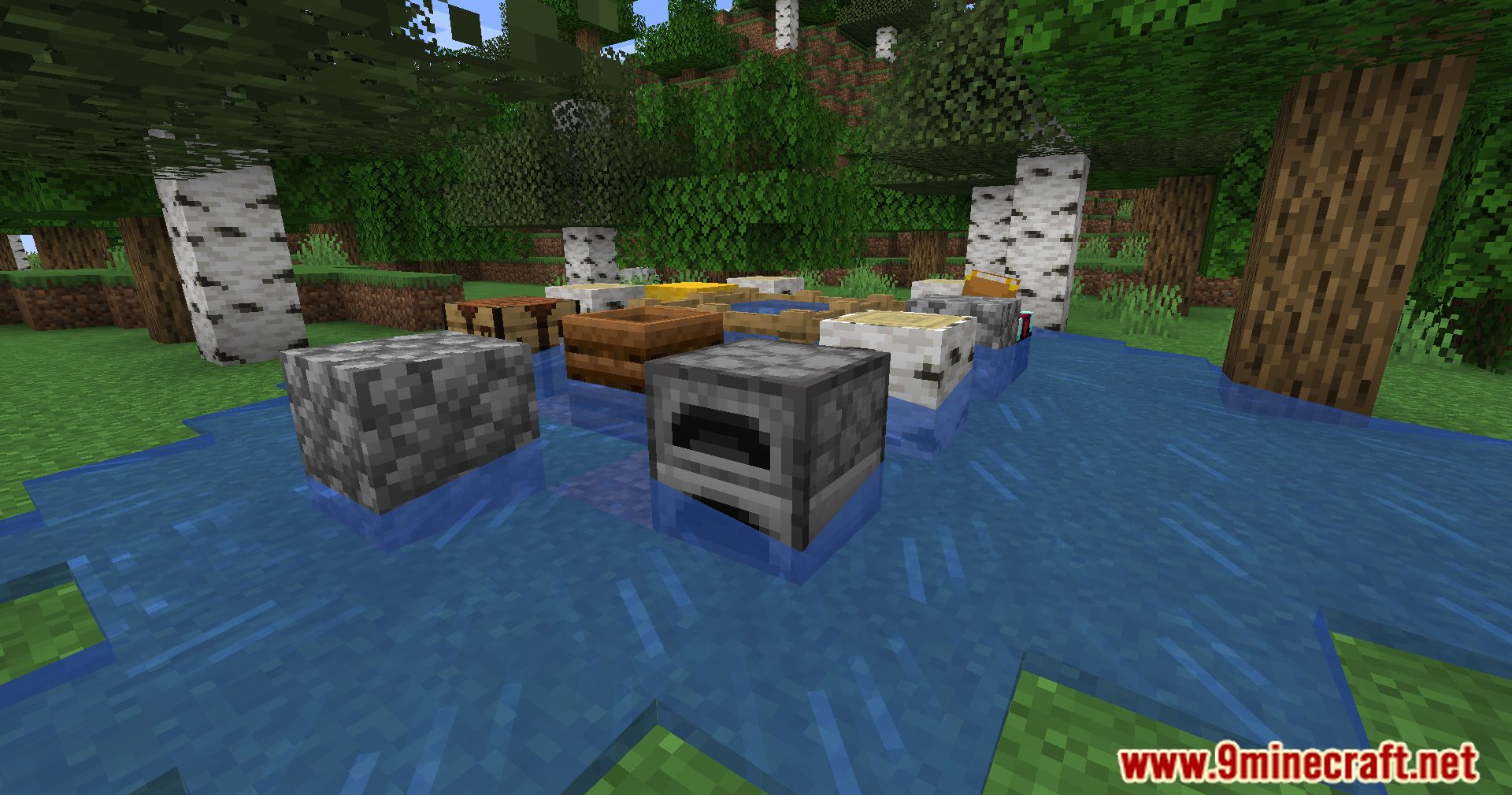
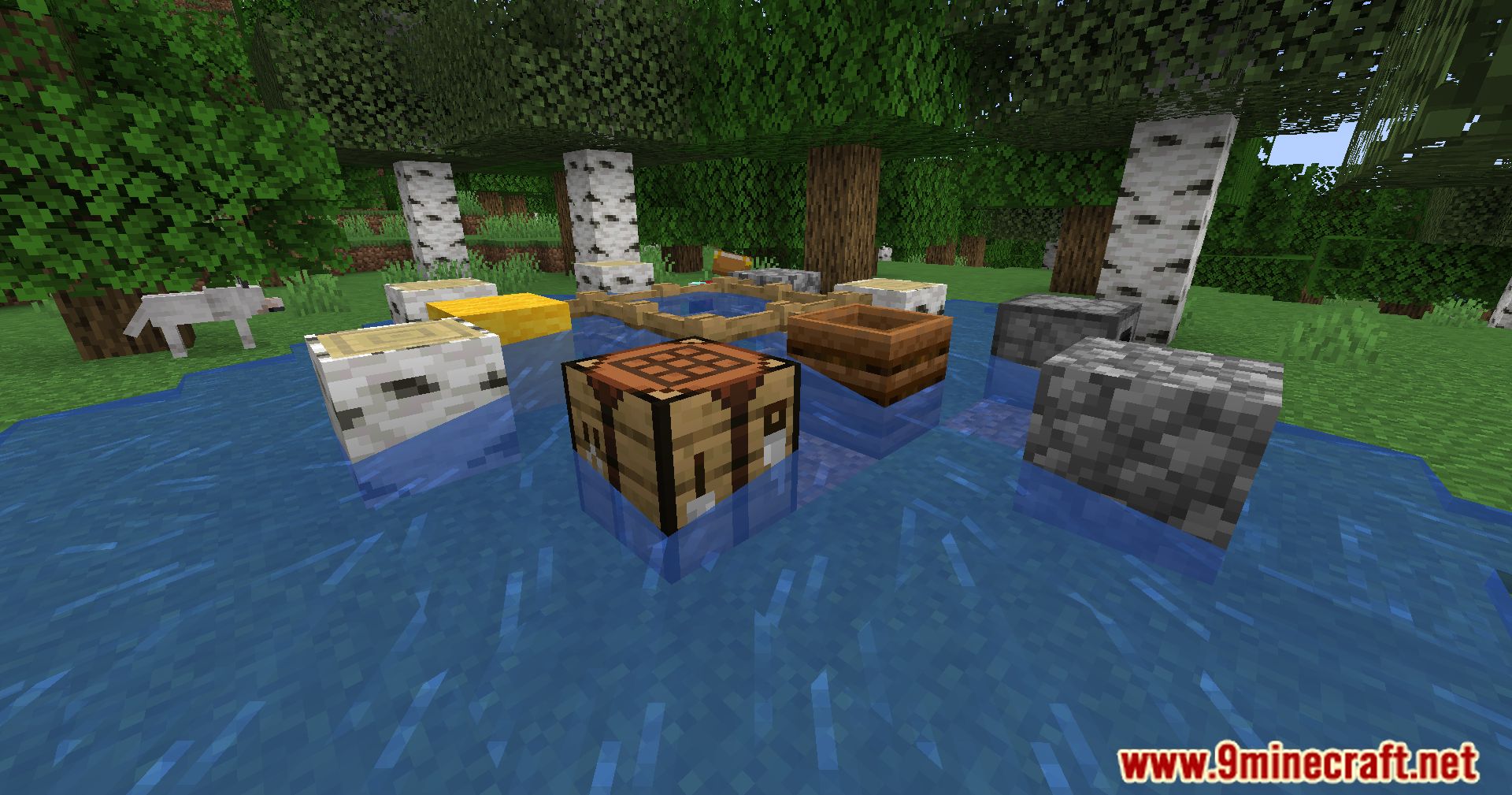
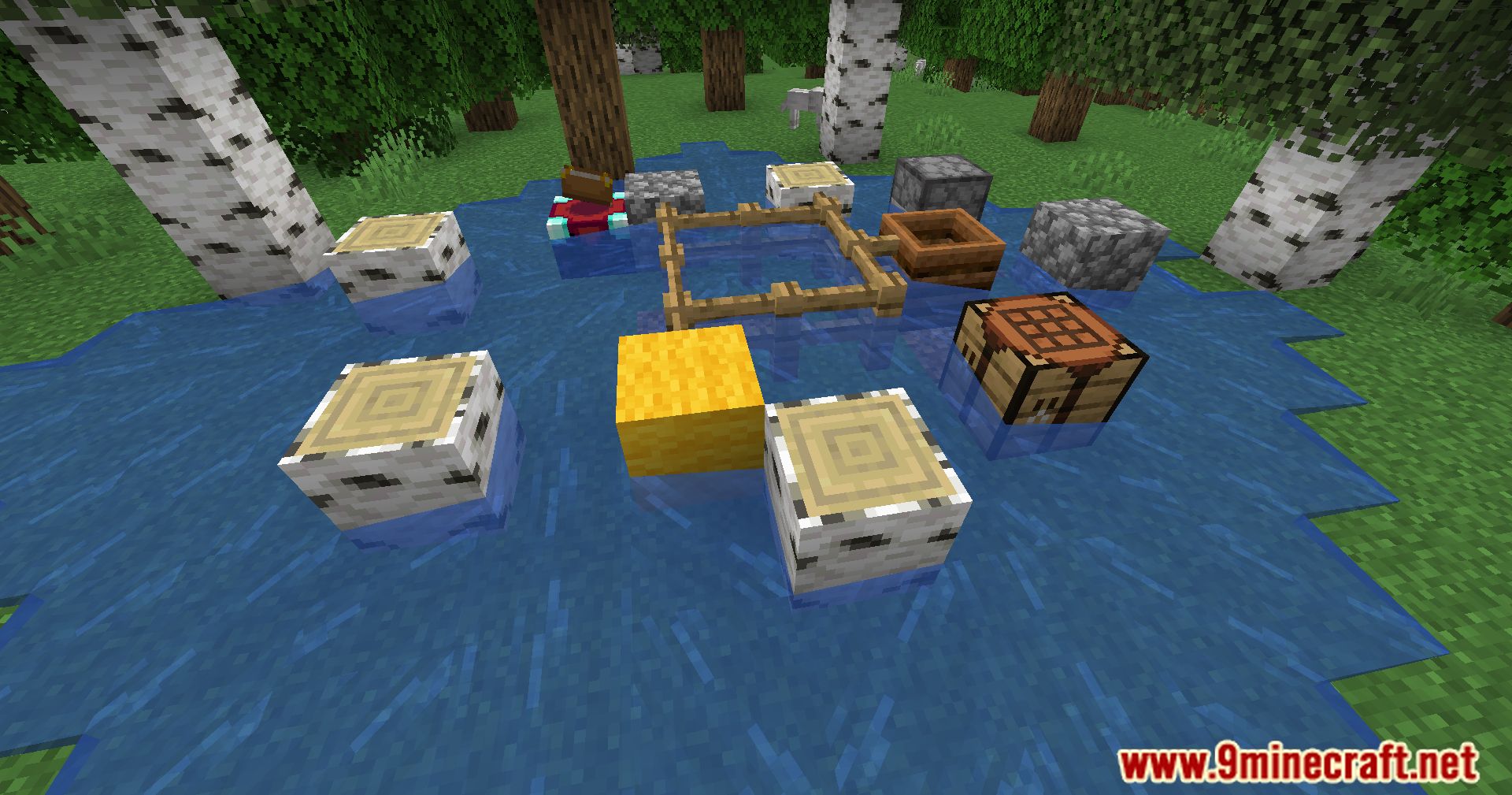
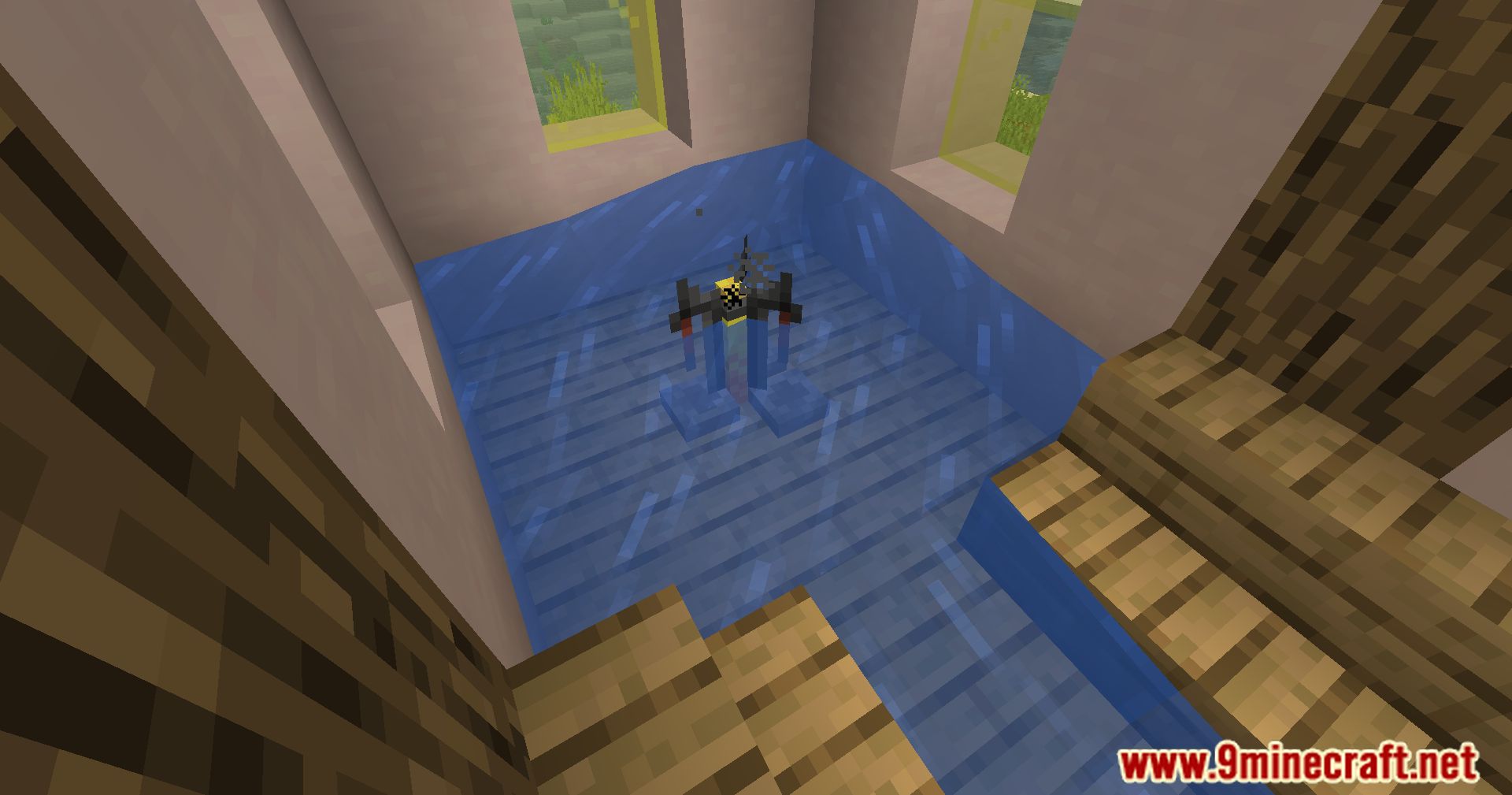
Fluidlogged Mod lets any block hold any fluid and allows fluids to pass through blocks. This mod separates fluids from all blockstates in each chunk, which improves startup time and lowers memory use when many mods run together. Many non-waterloggable blocks work with fluids by default, and you can adjust settings like fluids passing through blocks anytime in the config menu. On Fabric, it requires YetAnotherConfigLib and Fabric API, and you can also use it in modpacks.
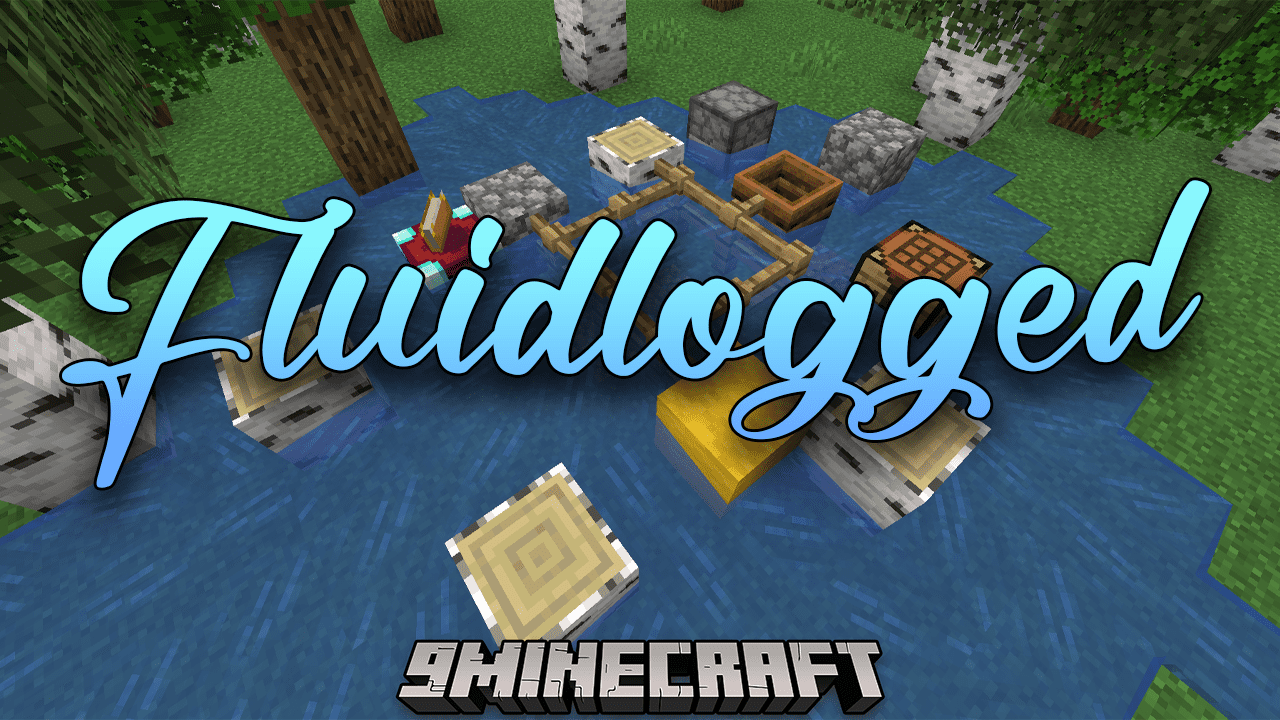
Features:
- Lets any block become waterlogged with any fluid.
- Allows fluids to pass through blocks.
- Makes many normally non-waterloggable blocks work with fluids by default.
- Separates fluids from all blockstates in each chunk to improve startup time and save memory when many mods are installed.
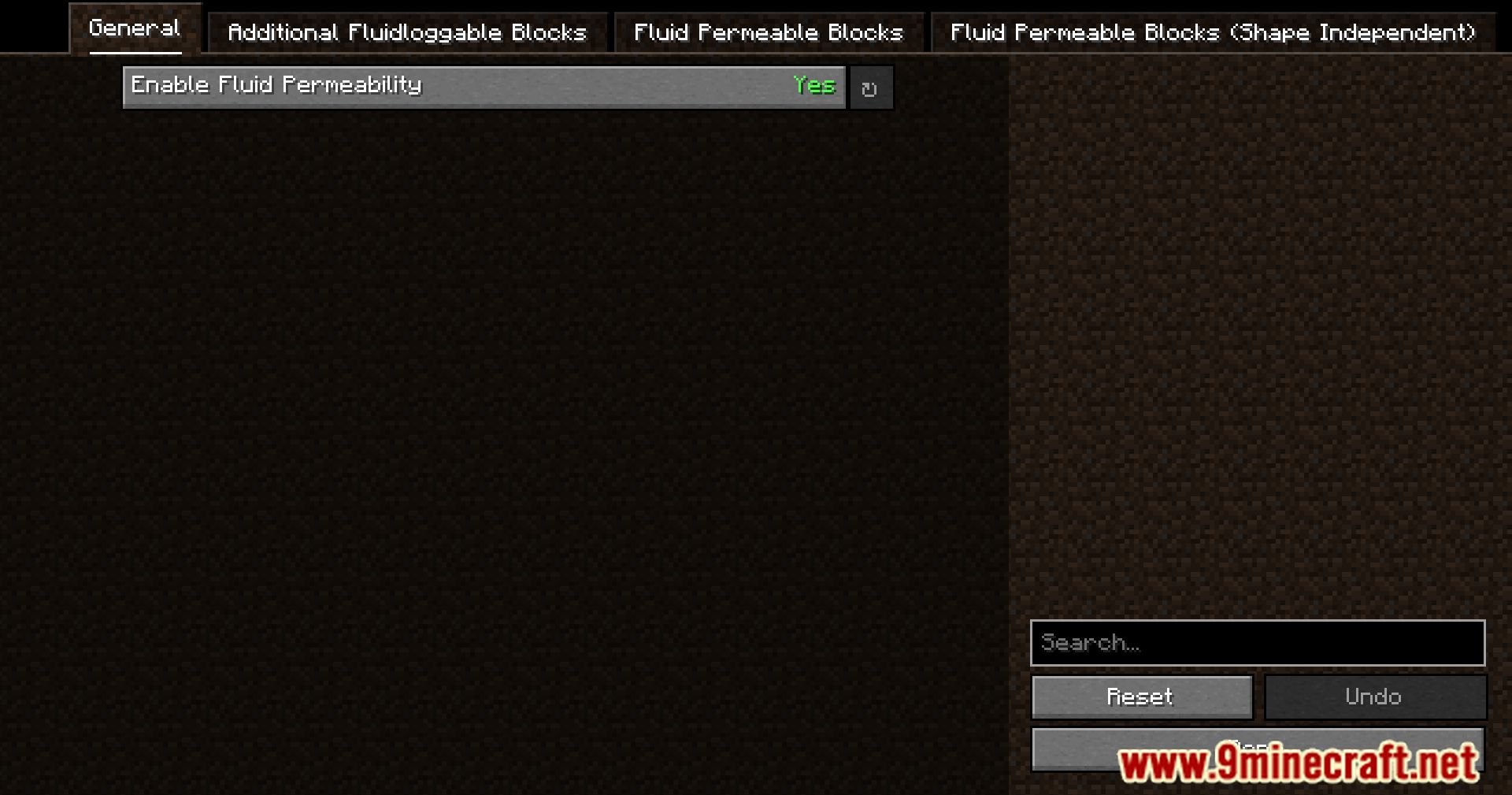
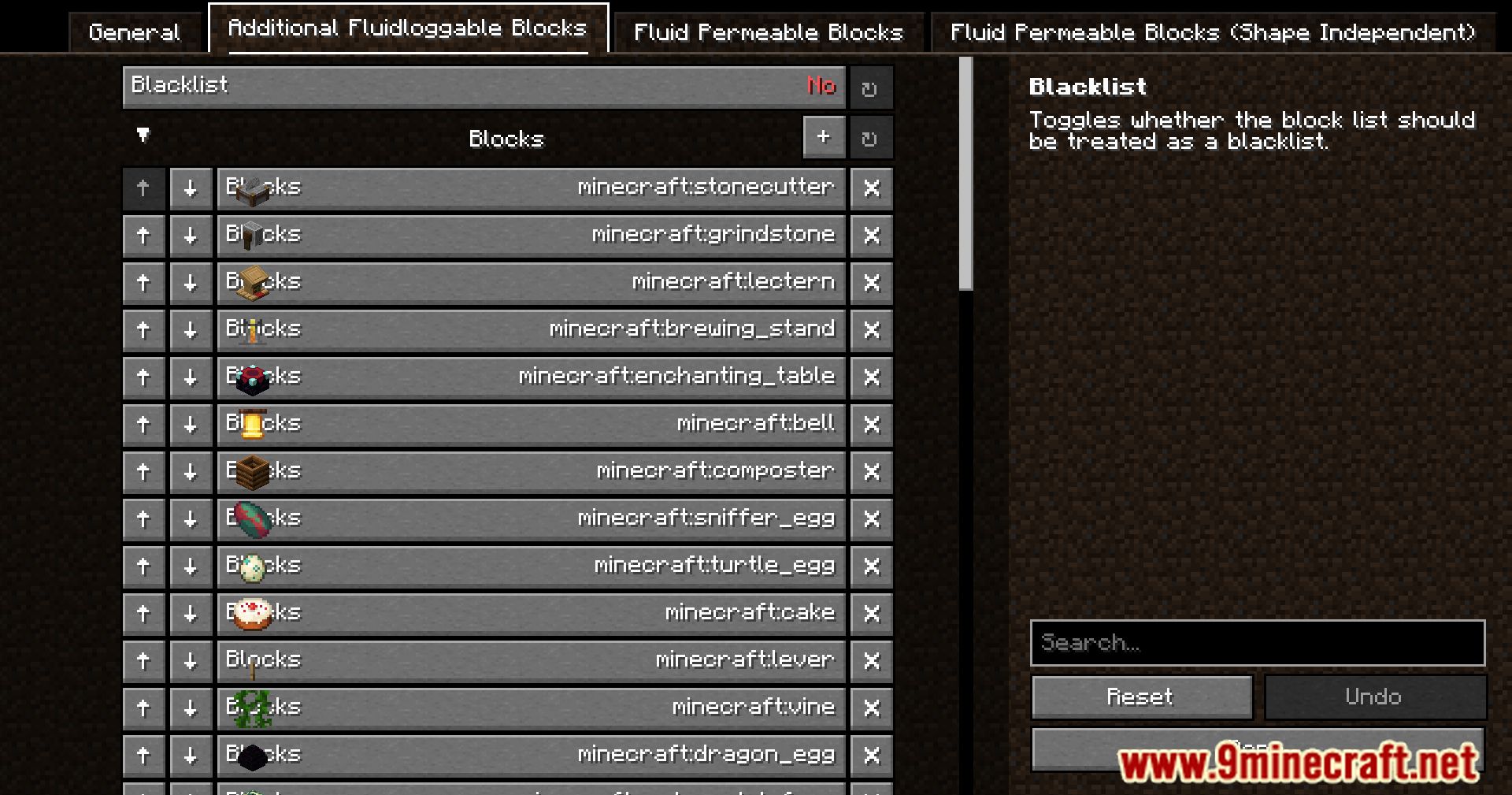
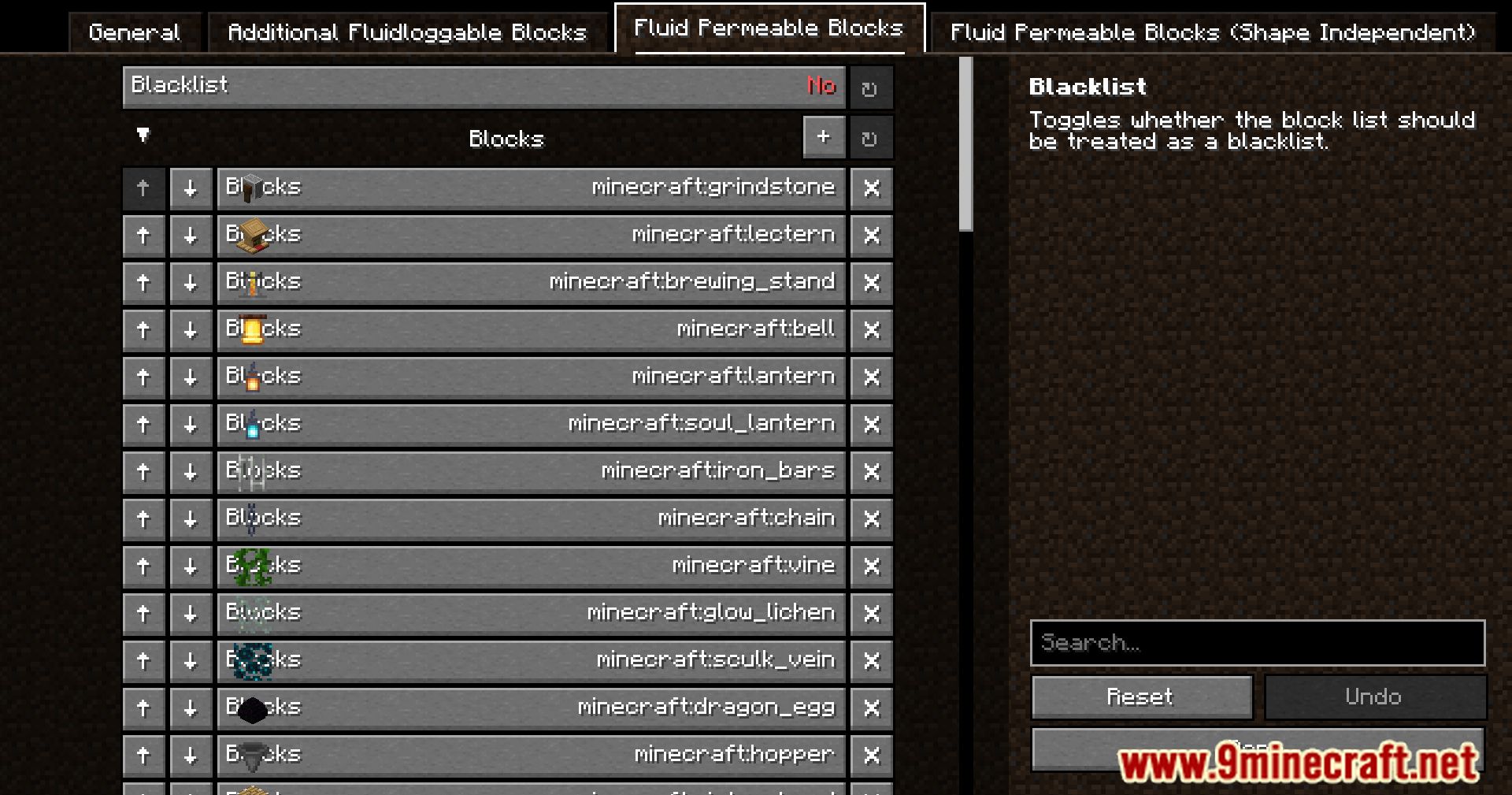
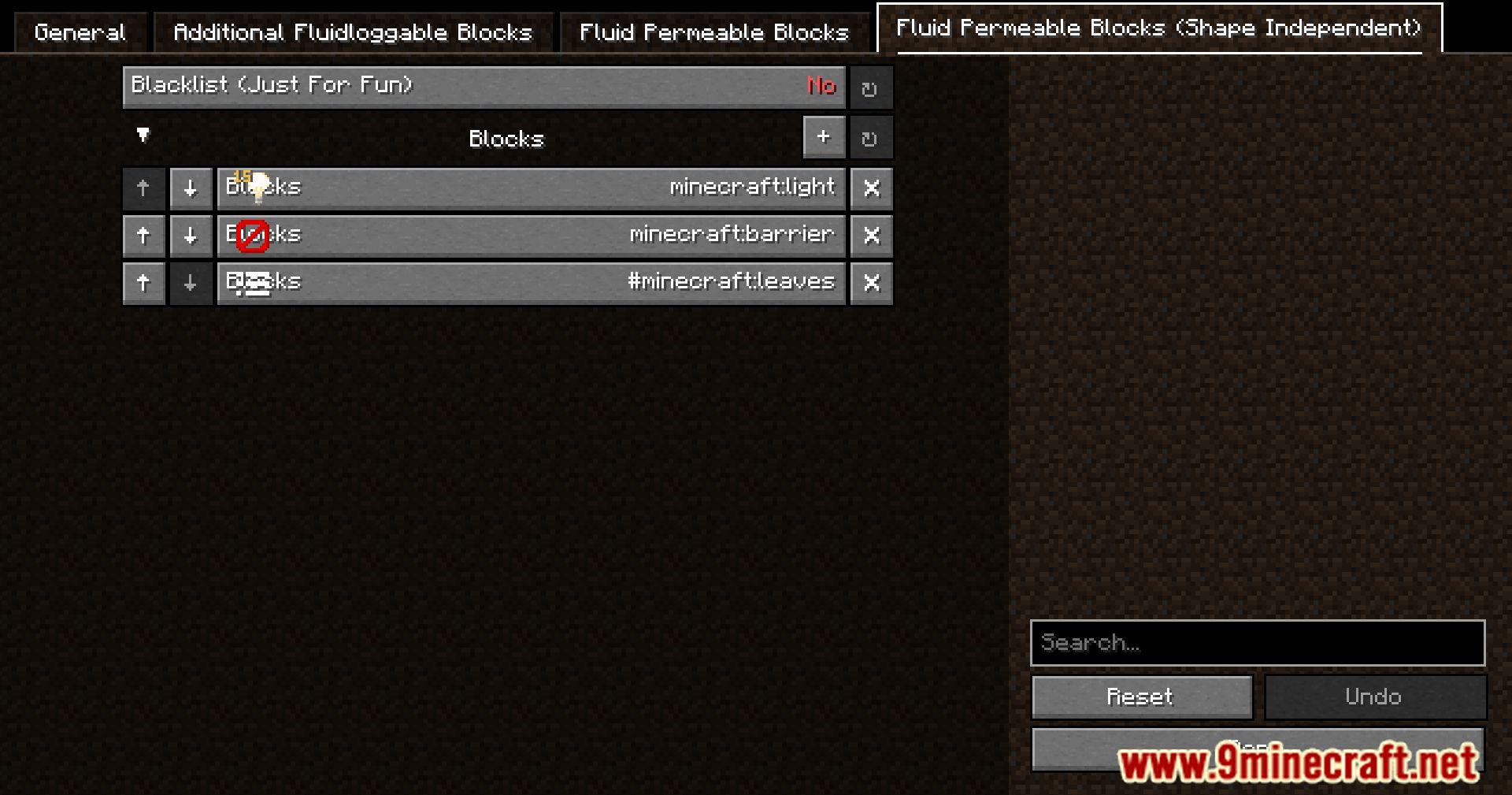
- Lets you change settings in the config menu, including general options, block blacklists, fluid permeable block lists, and turning off fluids passing through blocks.
- Applies config changes immediately in your world.
Commands:
/setfluid: places fluids in any block without updating the config.
How to Use:
- Back up any worlds you care about before playing, since this mod interacts with chunk saving and loading.
- Make sure YetAnotherConfigLib and Fabric API are loaded with this mod if you play on Fabric.
- Place fluids into many normally non-waterloggable blocks right away, since they work with fluids by default.
- Open the in-game config menu to change general options, block blacklists, fluid permeable block lists, or turn off fluids passing through blocks; all changes apply immediately in your world.
- Type
/setfluidin chat to place fluids inside any block without updating the config.
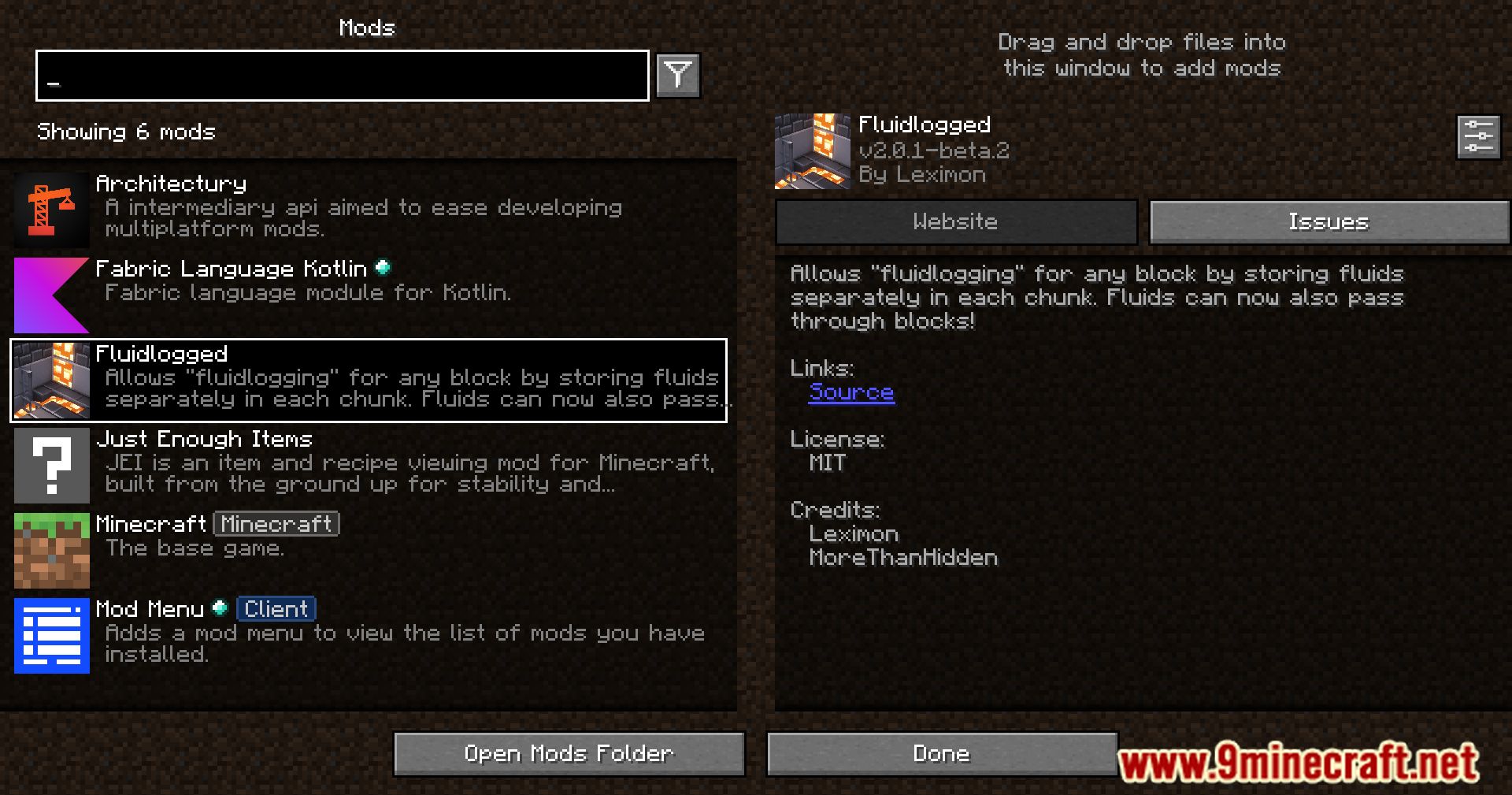
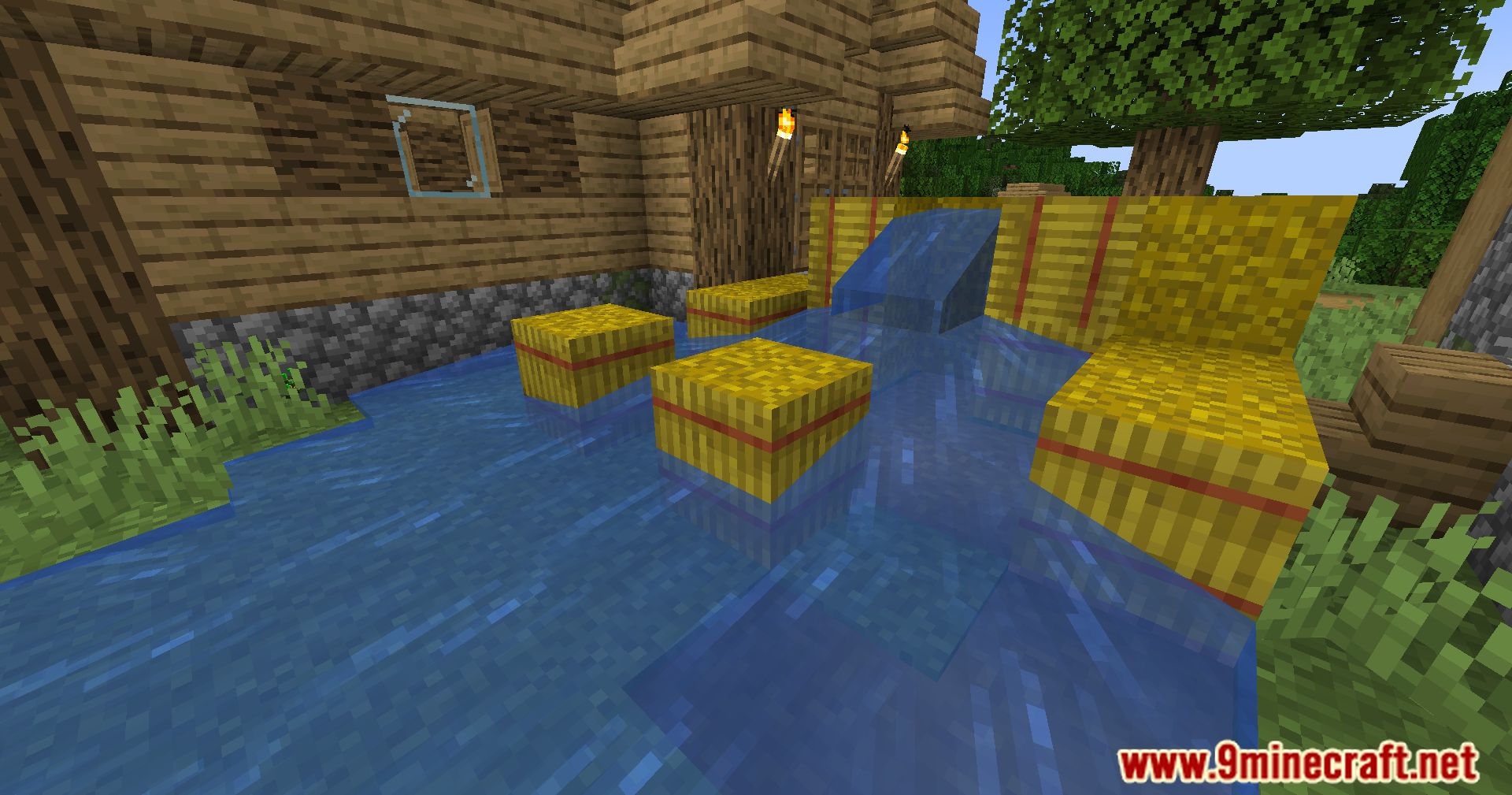
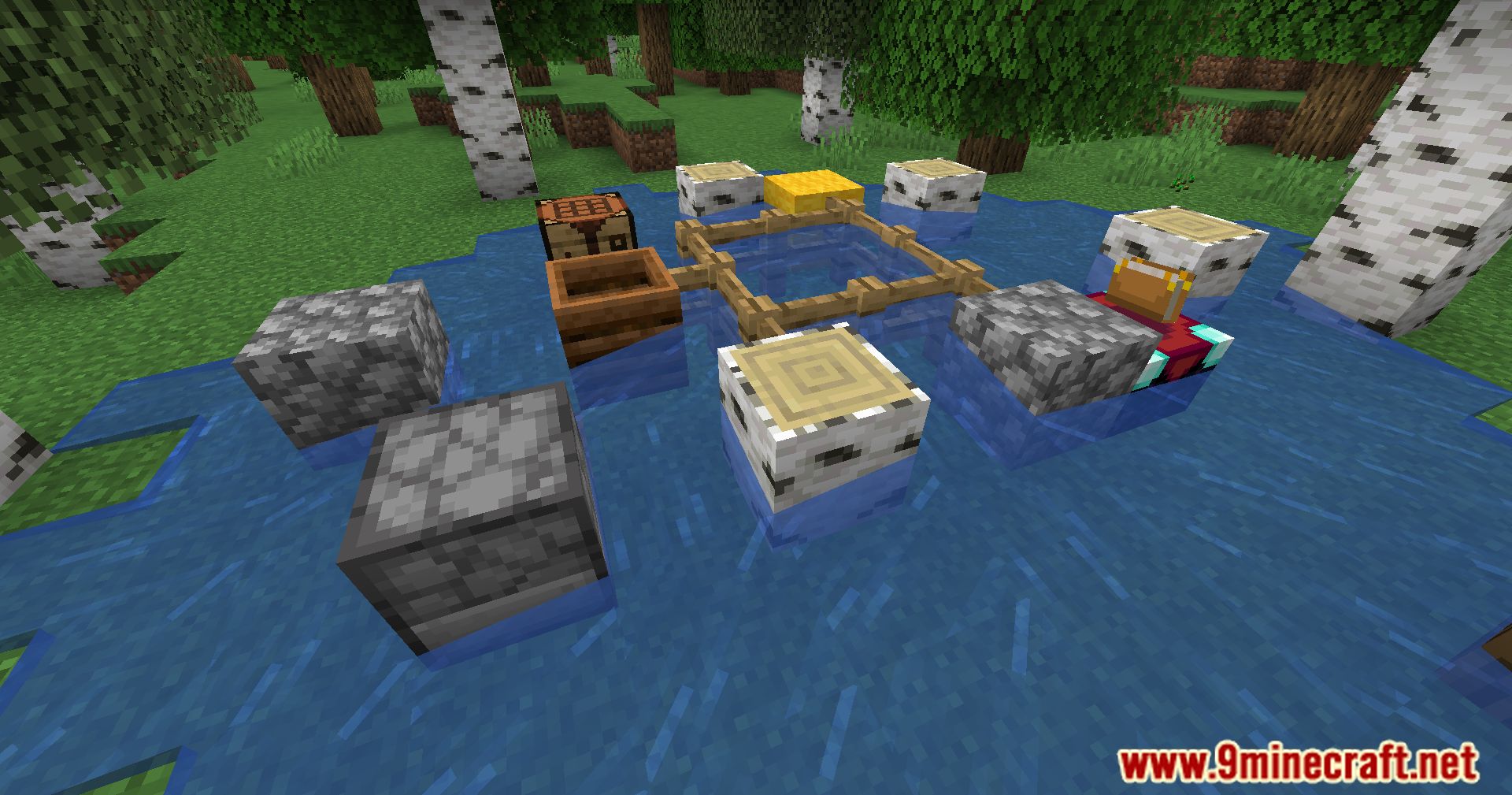
Screenshots:
How to Install:
New to Minecraft? Follow our step-by-step guide to install Mods on your PC.View Guide
Requirements:

Fluidlogged Mod Download Links
For Minecraft 1.20.1
Forge Version: Download from Server 1 – Download from Server 2
Fabric Version: Download from Server 1 – Download from Server 2
For Minecraft 1.19.3
Forge Version: Download from Server 1 – Download from Server 2
Fabric Version: Download from Server 1 – Download from Server 2
For Minecraft 1.19.2, 1.19.1, 1.19
Forge Version: Download from Server 1 – Download from Server 2
Fabric Version: Download from Server 1 – Download from Server 2
For Minecraft 1.18.2, 1.18.1
Forge Version: Download from Server 1 – Download from Server 2
Fabric Version: Download from Server 1 – Download from Server 2
What is the longest real-time wait you will tolerate for a heavily modded game to load to the main menu?
53 responses · See the full results →
You May Also Like
Picked for this page
 Iron Chests Mod (26.3, 1.20.1) – Finally Organize Your Loot
 ShayBox’s Durability101 Mod (26.1, 1.20.1) – Durability Tracking & Management
 Hooked Mod 1.12.2 (Terraria Style Hooks, Grappling Hooks) (1.21.1)
 Building Wands Mod (26.2, 1.20.1) – Wands for Construction
 Mystical Agriculture Mod (26.1.2, 1.20.1) – Grow Diamonds From a Seed
 Tschipcraft’s Dynamic Lights Mod (26.2, 1.20.1) – Server-Side Dynamic Lighting
 Extended AE Mod (26.1.2, 1.20.1) – Some QoL Contents for AE2
 Saplanting Mod (26.3, 1.20.1) – Automatically Plant Saps That Were Dropped
 Chat Patches Mod (26.3, 1.20.1) – Experience Enhanced Chatting
 Progressive Ender Eyes Mod (26.3, 1.20.1) – Eye of Ender Is Not Easy to Craft Anymore
 Underlay Mod (26.3, 1.20.1) – Build Beneath The Block
 FiltPick Mod (1.21.11, 1.20.1) – Only Pick Up What You Need
Most viewed in Mods over the last 7 days
 Ala Industrial Mod (26.3) – Run Electric Power Grids and Automated Factories
 PleasureCraft Mod (26.3, 1.21.1) – Jenny Mod Remake for Fabric
 Jennycraft Mod (26.3, 1.20.1) – Virtual Girlfriend in Minecraft
 Fapcraft Mod (26.3, 1.12.2) – Comprehensive and Detailed Content
 Jenny Mod (Fapcraft) Official Complete Guide – How to use, Tutorial
 BangCraft Mod (1.20.1) – Jenny, Ellie and Elliot
 Fabric Loader (26.3, 1.20.1) – Fabric Installer for All Minecraft Versions
 Meteor Client Mod (26.3, 1.20.1) – Xray, HUD, Fly
 The Shooting Star Demo Mod (26.3, 1.20.1) – Vaporize Terrain From Orbit
 OptiFine HD (26.3, 1.20.1) – Run Faster, FPS Boost, Shaders Support
 Aristois Client Mod (1.21.4, 1.20.1) – World Class Minecraft Utility
 SchnurriTV Mod (1.12.2) – Characters and Features
More from Mods
 Fast Paintings 9minecraft Mod (26.3, 26.2) – Place Wall Art Exactly Where You Want It
 Bonsai Trees 9minecraft Mod (26.3, 26.2) – Automate Wood Farming in Tiny Pots
 Enhanced Block Entities 9minecraft Mod (26.3) – Build Lag-Free Storage Rooms
 Better Nether 9minecraft Mod (26.3, 26.2) – Survive Forever in the Nether
 BCLib 9minecraft Mod (26.3, 26.2) – Power Custom Nether and End Overhauls
 ForgedLoaderAPI Mod (1.19.2, 1.18.2) – Bring Ported Fabric Creations
 Shield System Mod (1.21.1) – Tank Heavy Monster Hits Without Losing Hearts
 Shin’s Tensura Race Models Mod (1.19.2) – Play As Unique 3D Anime Race
 Offgrid Mod (26.3, 1.20.1) – Furnish Compact Interiors Without Strict Grid
 Tempest Almanac Iron’s Spells ‘n Spellbooks Mod (1.21.1, 1.20.1)
 Chat Guides Mod (26.3, 1.21.11) – Never Memorize Complex Server Commands Again
 TRMT Reimagined the Roads More Travelled Mod (26.3, 1.20.1)

This post has no comments yet. Be the first — your comment will appear here.