
FZMM Mod (26.2, 1.20.1) – Build Custom Statues and Player Heads

 0


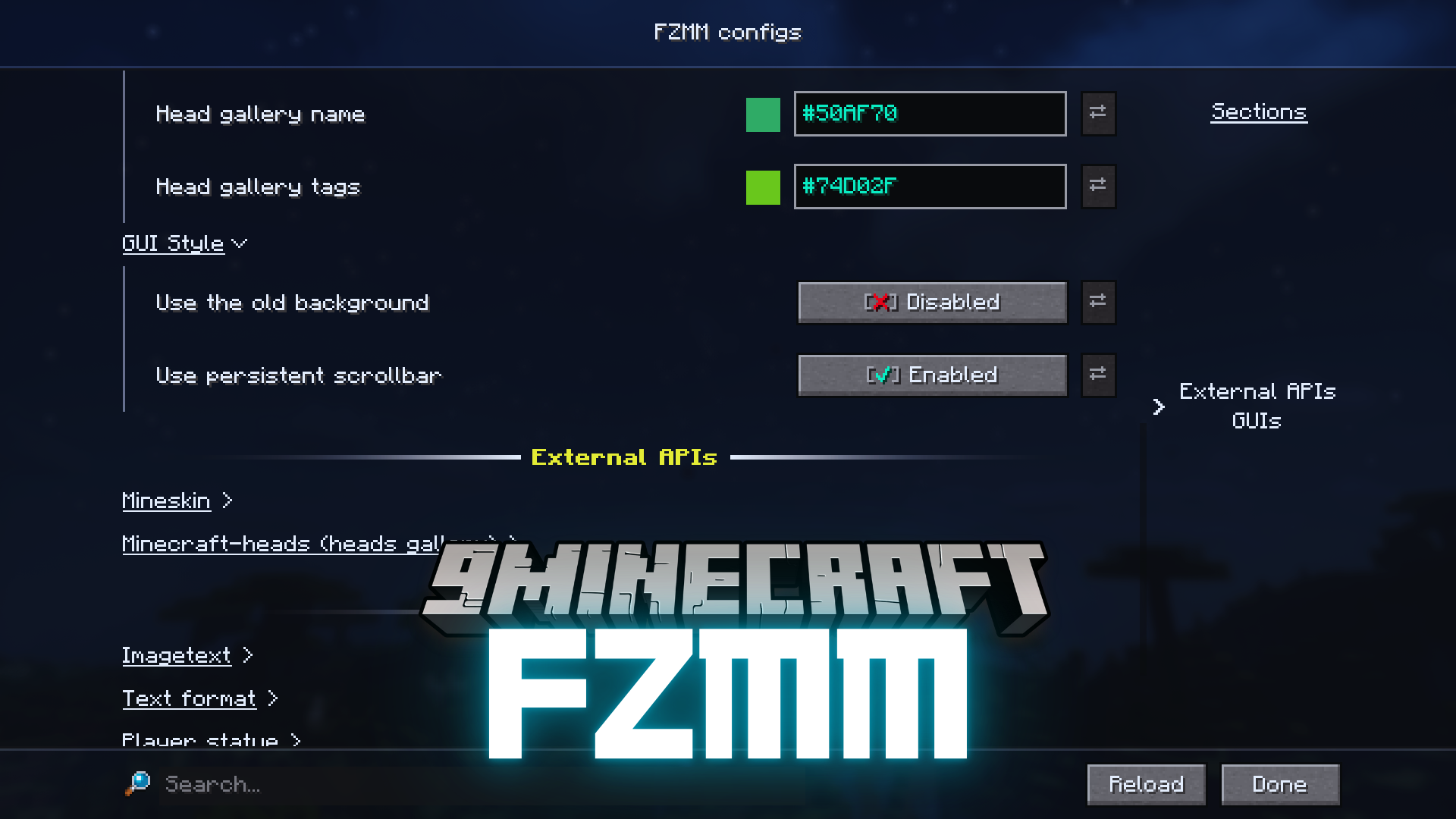
FZMM Mod simplifies editing and creating NBT data for items in creative mode. It brings a powerful head generator for customizing character skins and accessories, along with many useful tools for creative builders.
Features:
- Facilitates editing and creating NBT data for items while playing in creative mode.
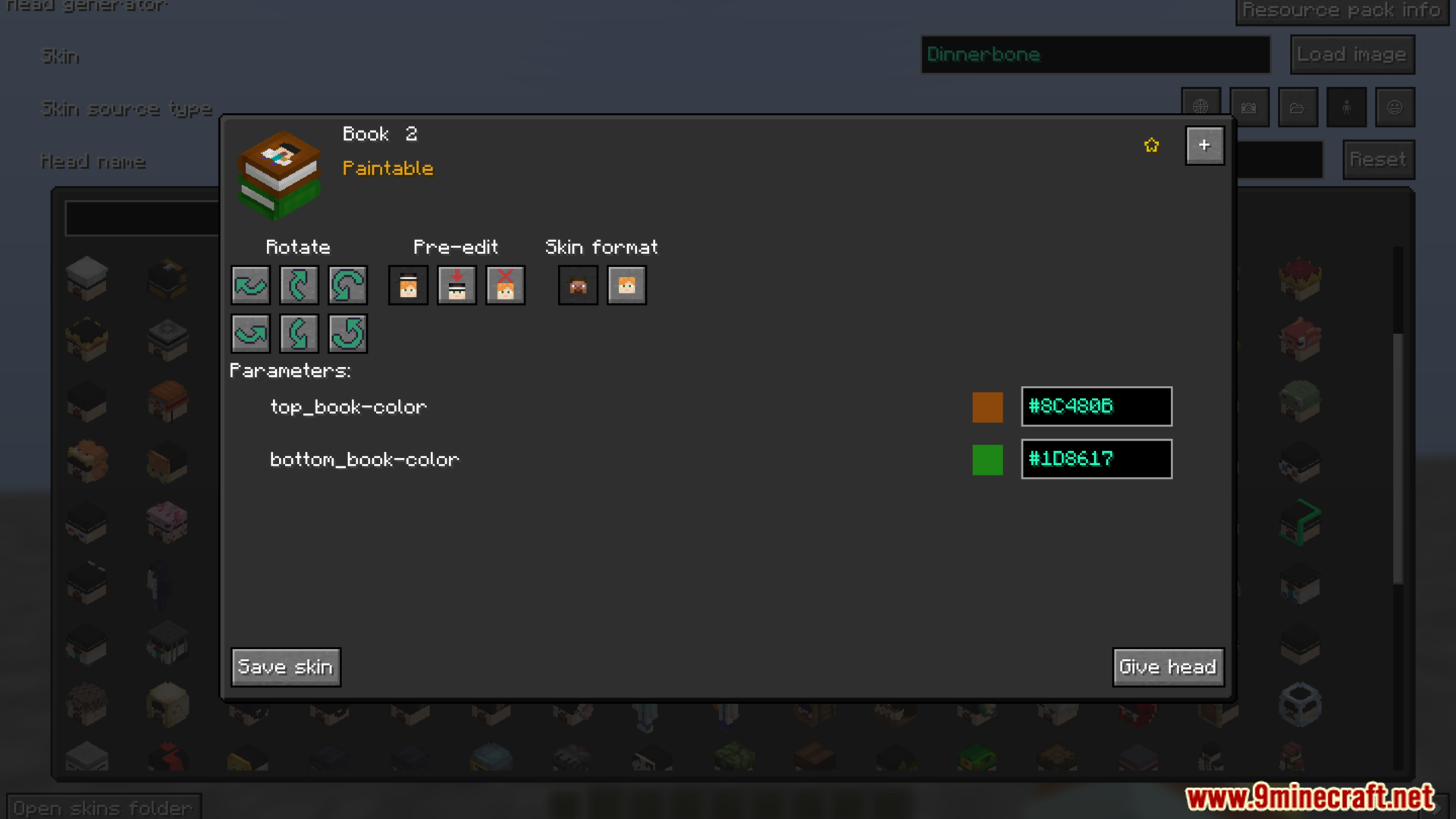
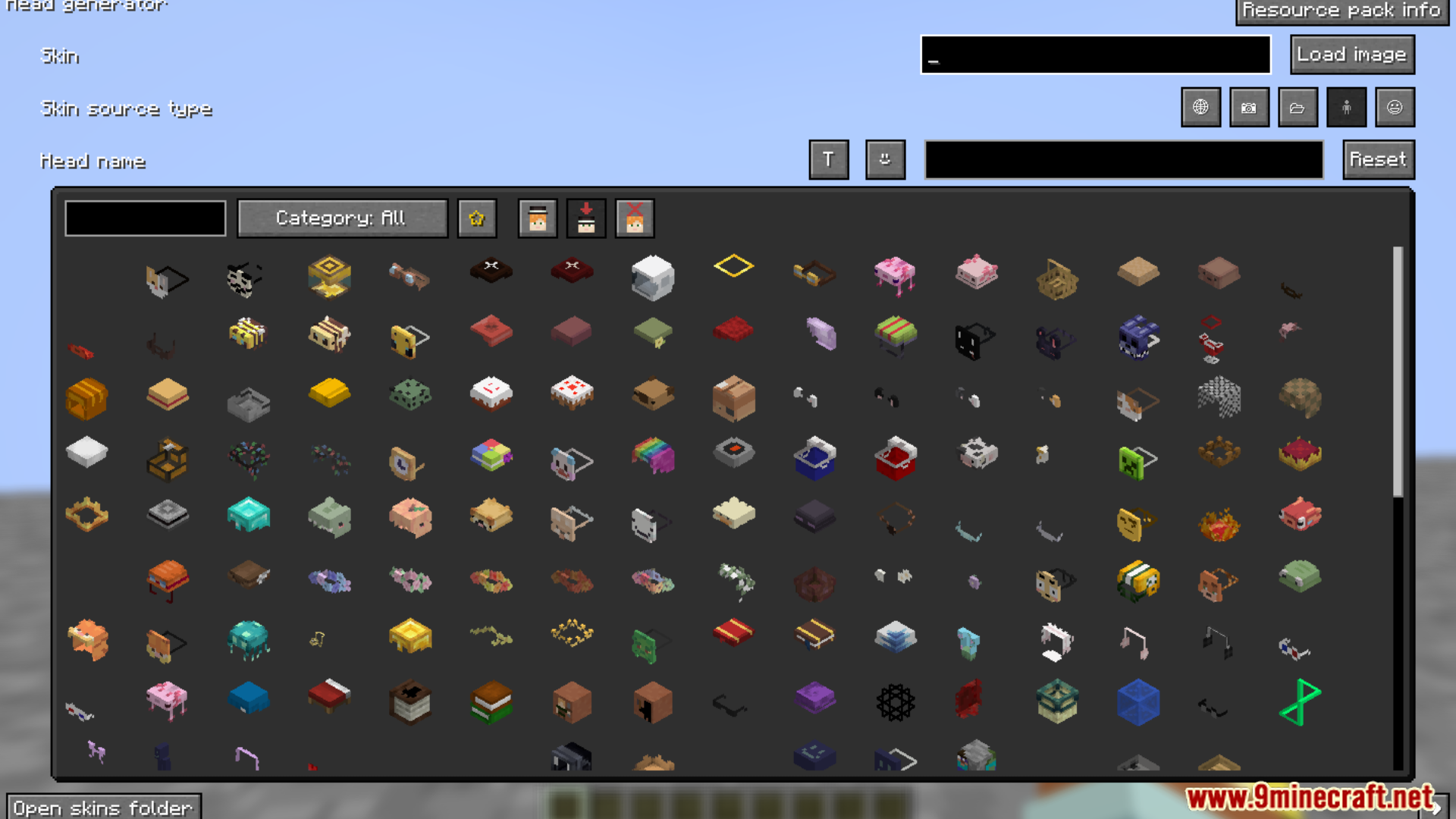
- Includes a head generator to add accessories like glasses, hats, masks, and beards to skins.
- Transforms character skins into plushies, figurines, or pixel art for book covers.
- Includes a default resource pack with 230 texture heads and 50 model heads.
- Generates colorful character images for lore, book pages, holograms, signs, and text displays using Imagetext.
- Formats text easily with simple styles, gradients, rainbows, and placeholders.
- Builds player statues using 26 invisible armor stands holding heads together.
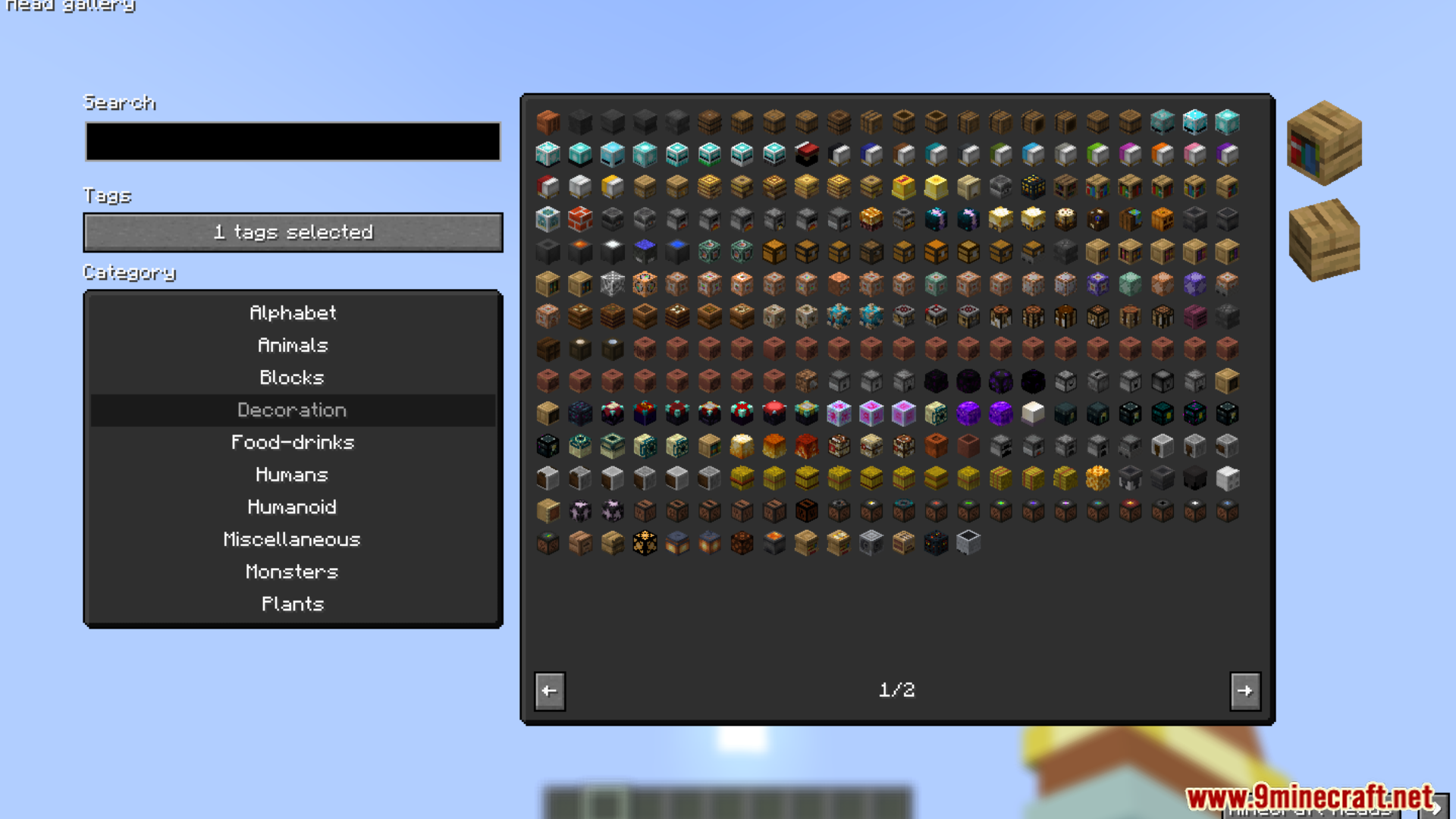
- Provides a head gallery containing over 50,000 custom player heads.
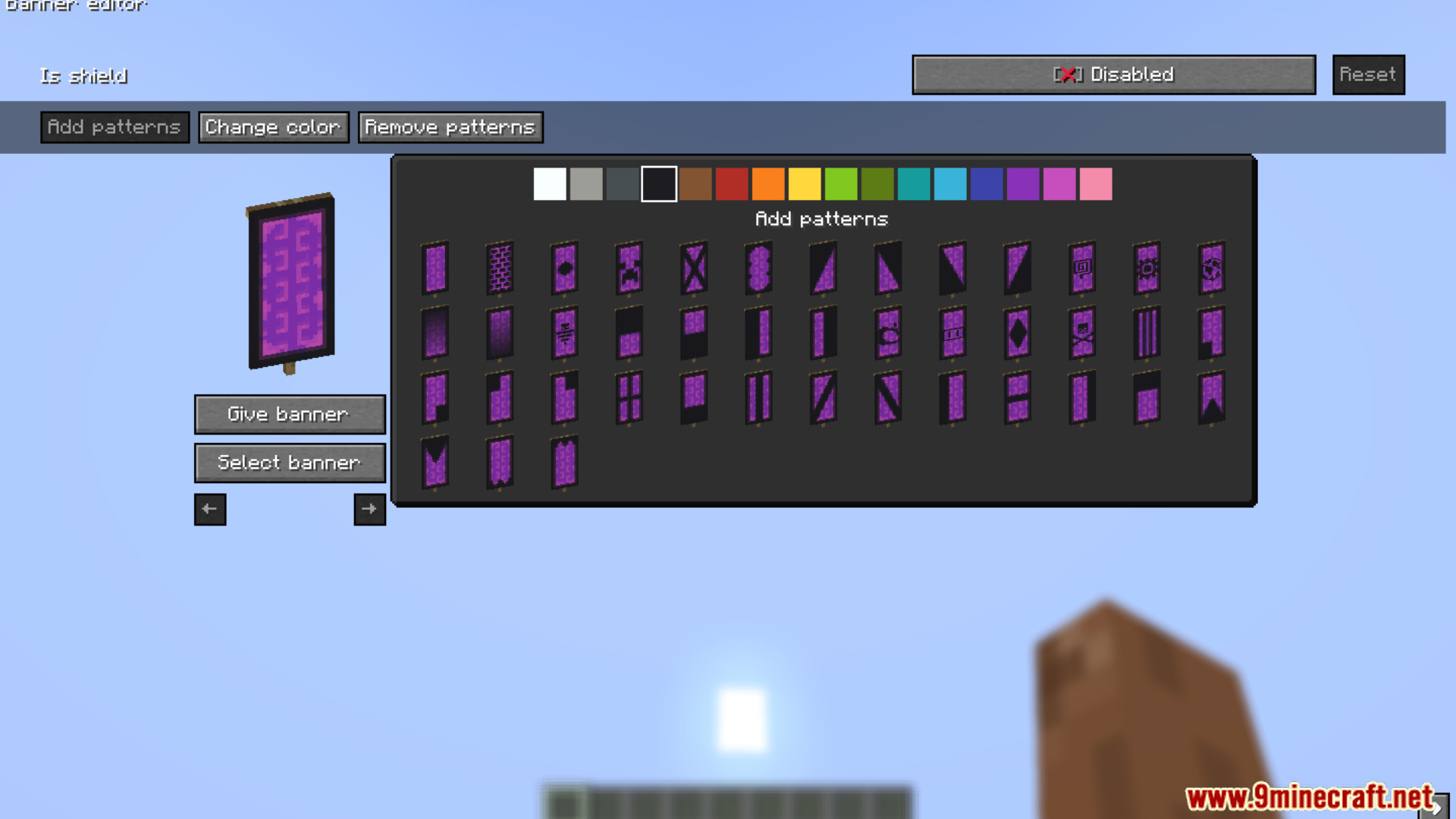
- Simplifies banner creation with a convenient editor to preview patterns, change colors, and remove designs.
- Encrypts book text with translations that can be decrypted using resource packs.
- Provides operator utilities like armor stands with arms, invisible item frames, light states, and spawn eggs without requiring operator status.
- Adds items with block states that modify properties when placed in the world.
- Features loot chests that give random items and different odds every time you open them.
Commands:
/fzmm: opens client-side commands and options for the mod.
How to Use:
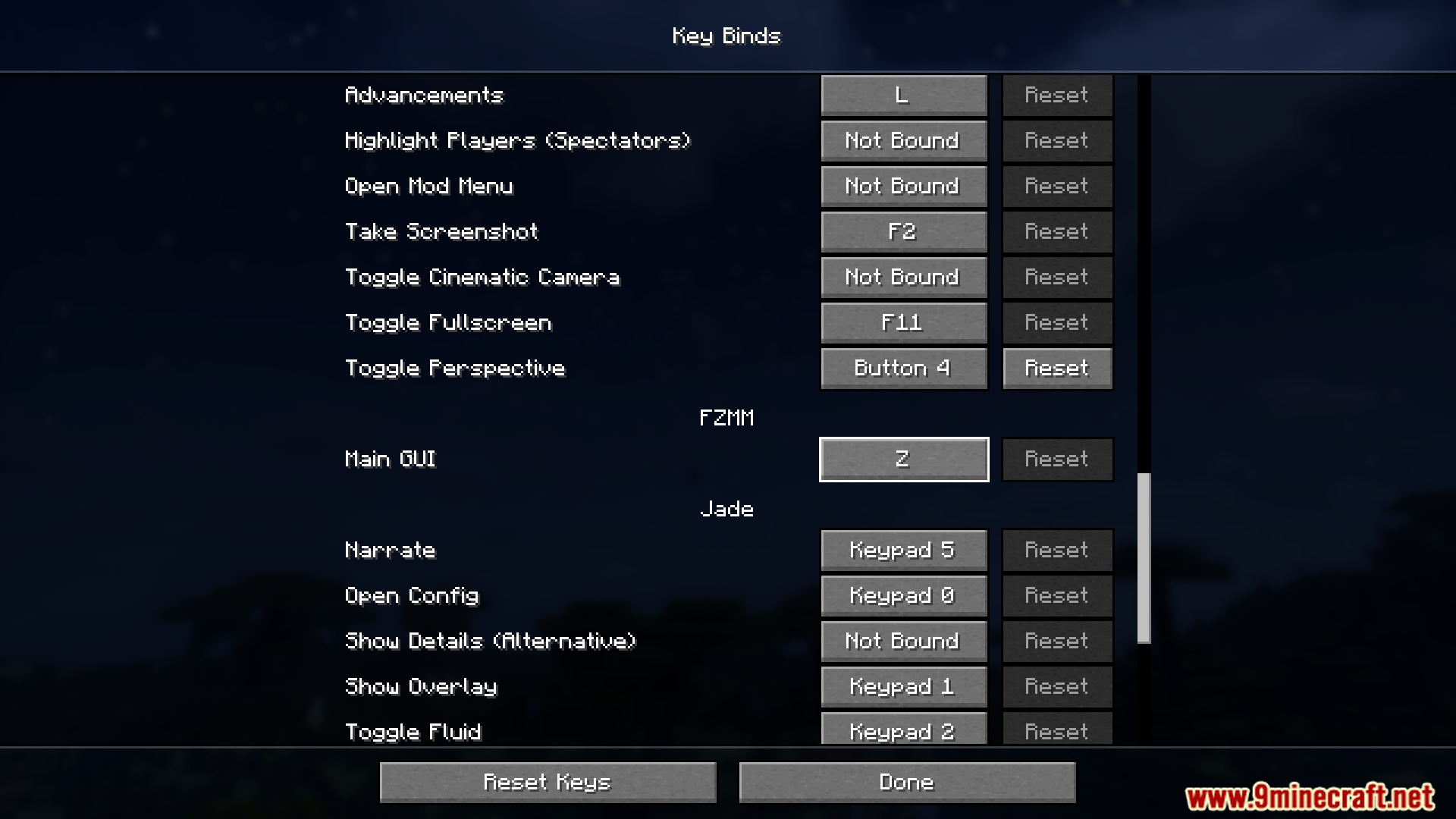
- Press the Z key on your keyboard to open the mod menu in-game.
- Change the keybind in the game controls menu if needed.
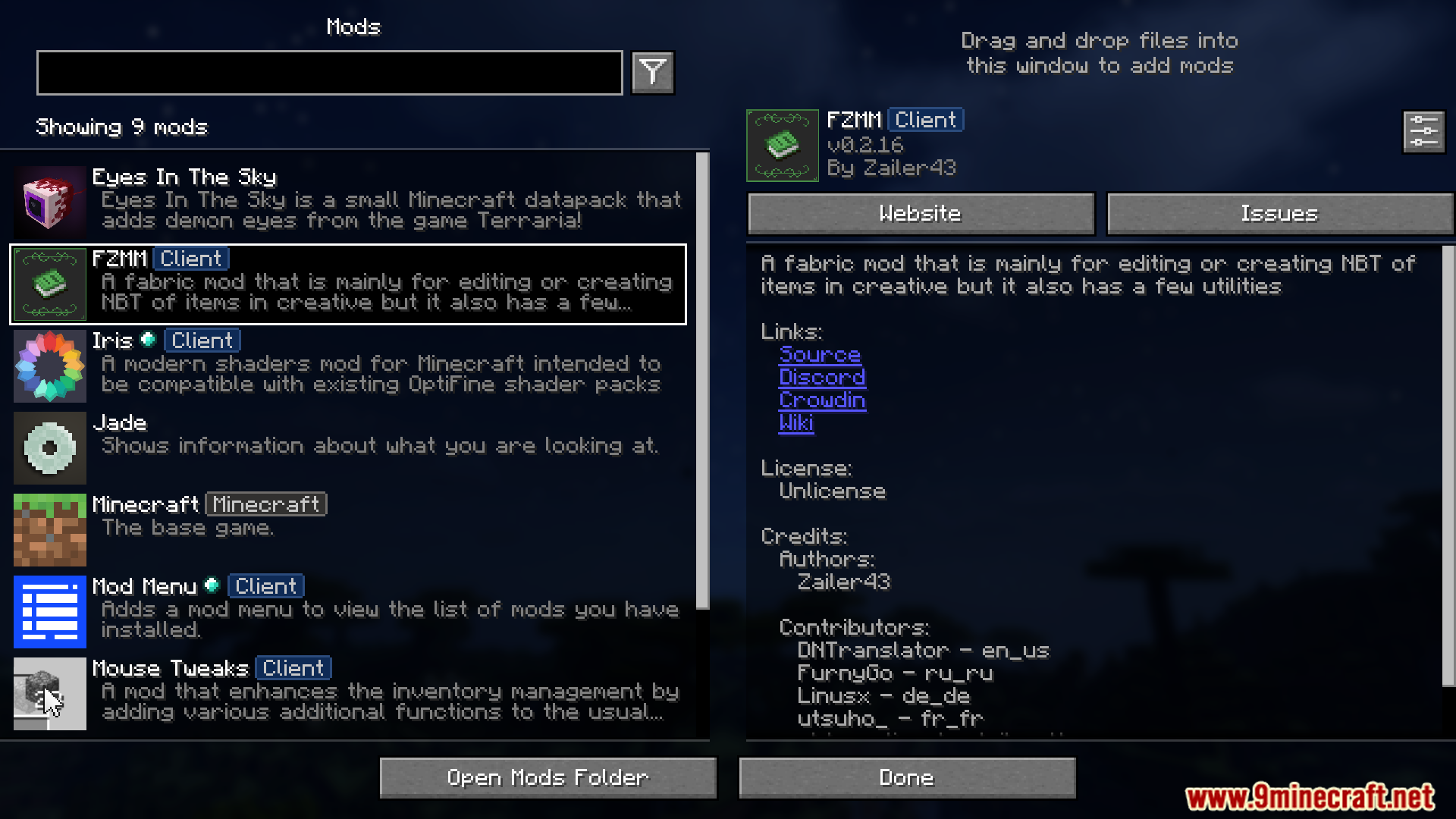
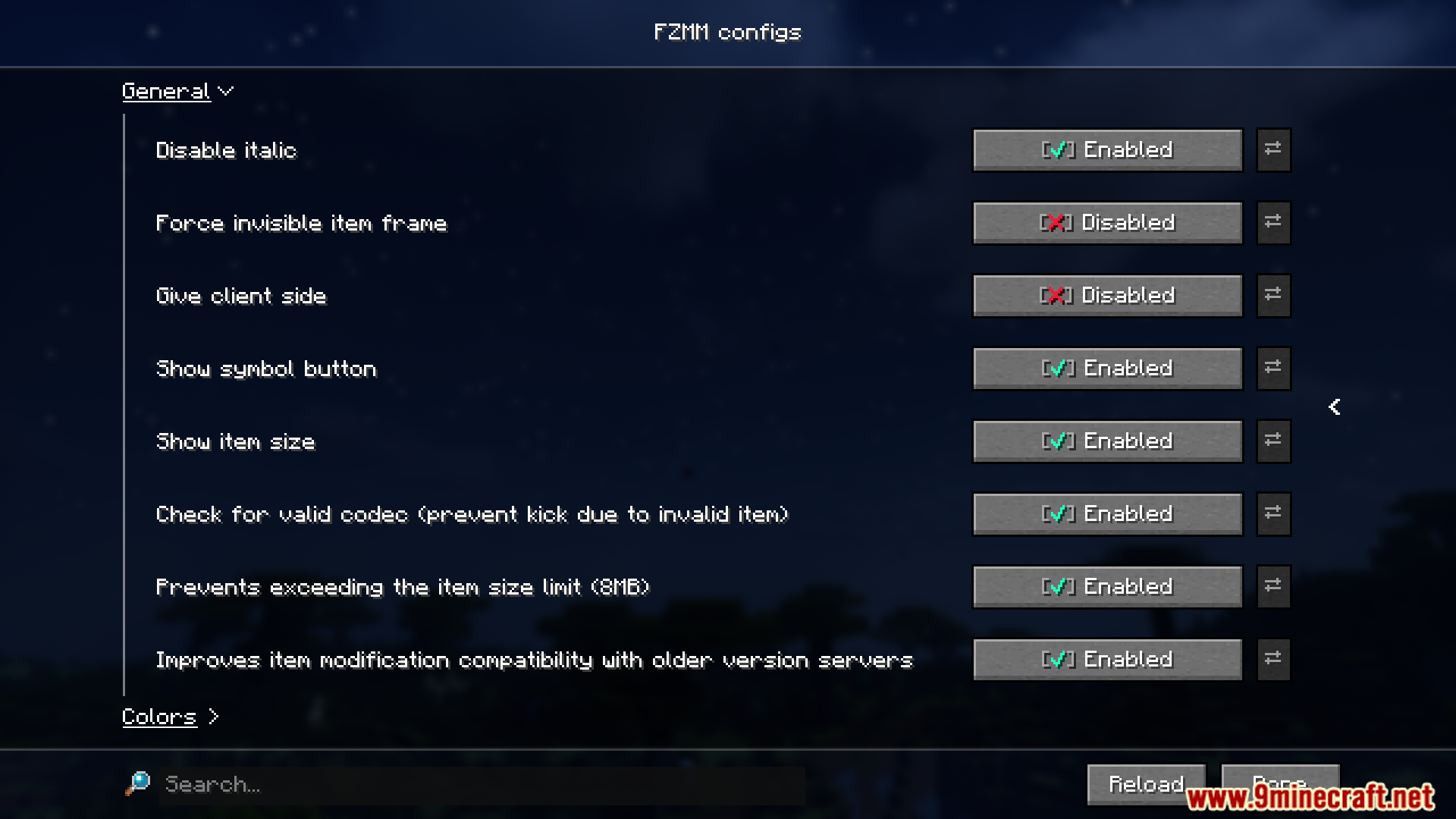
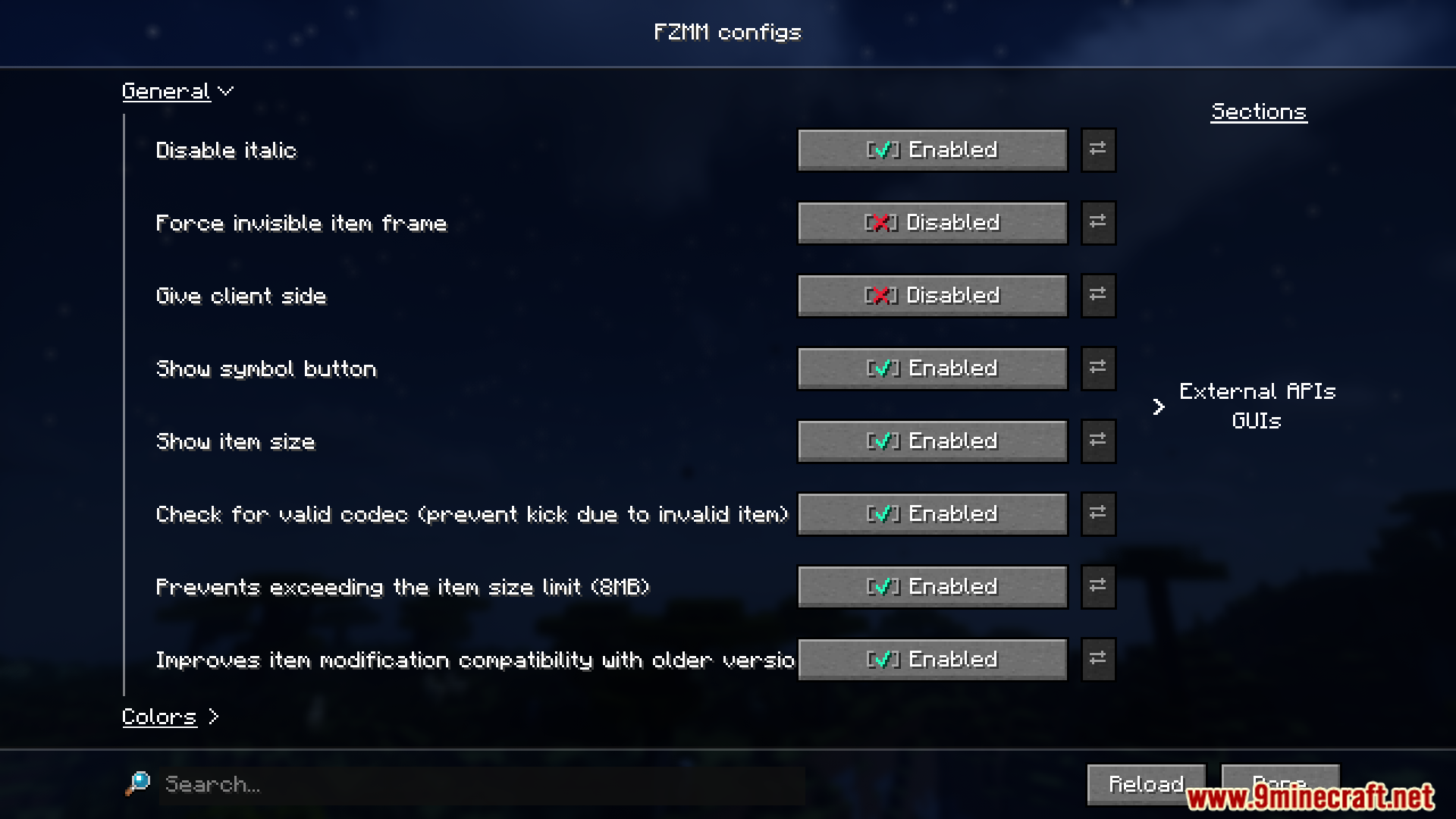
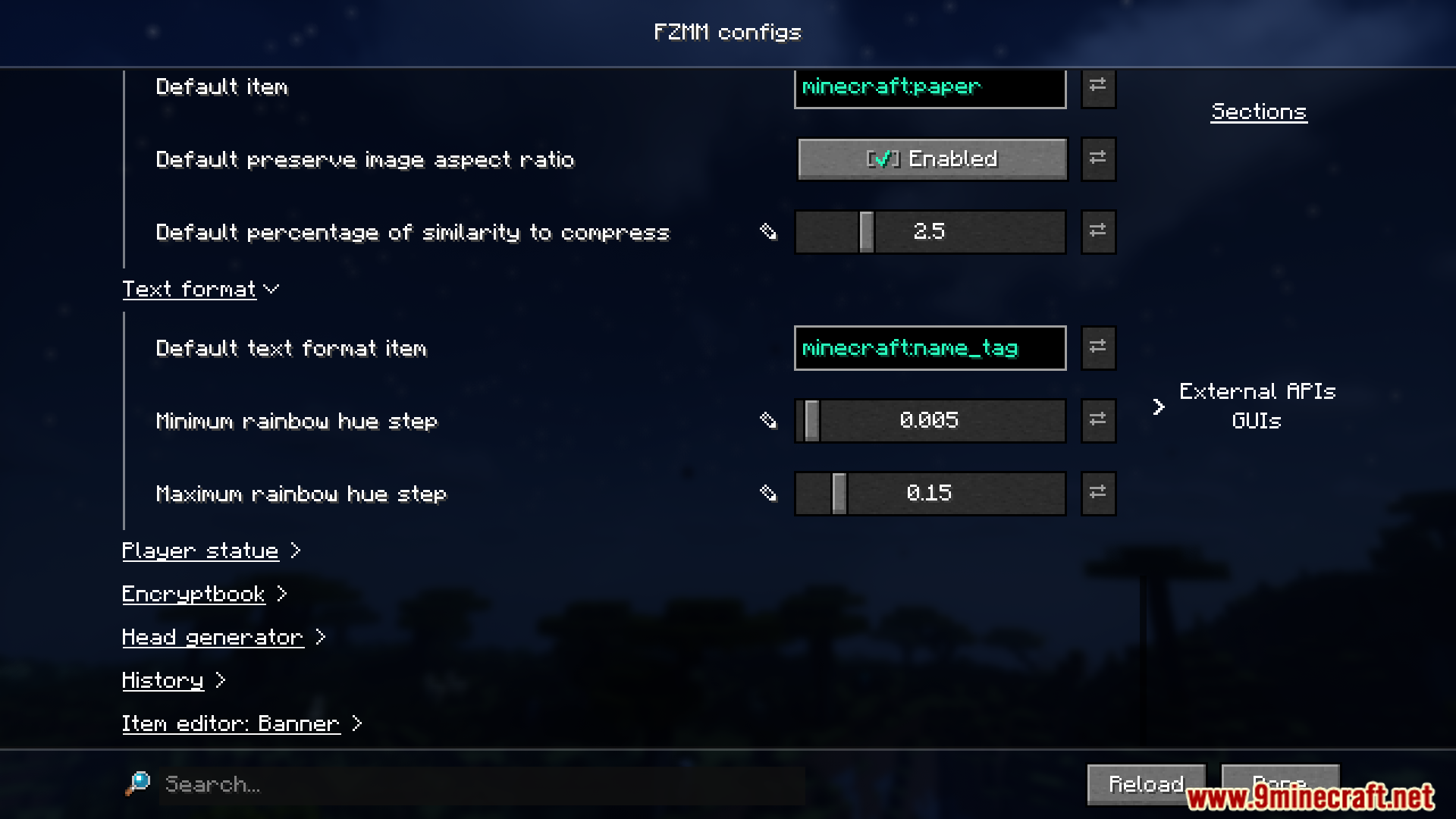
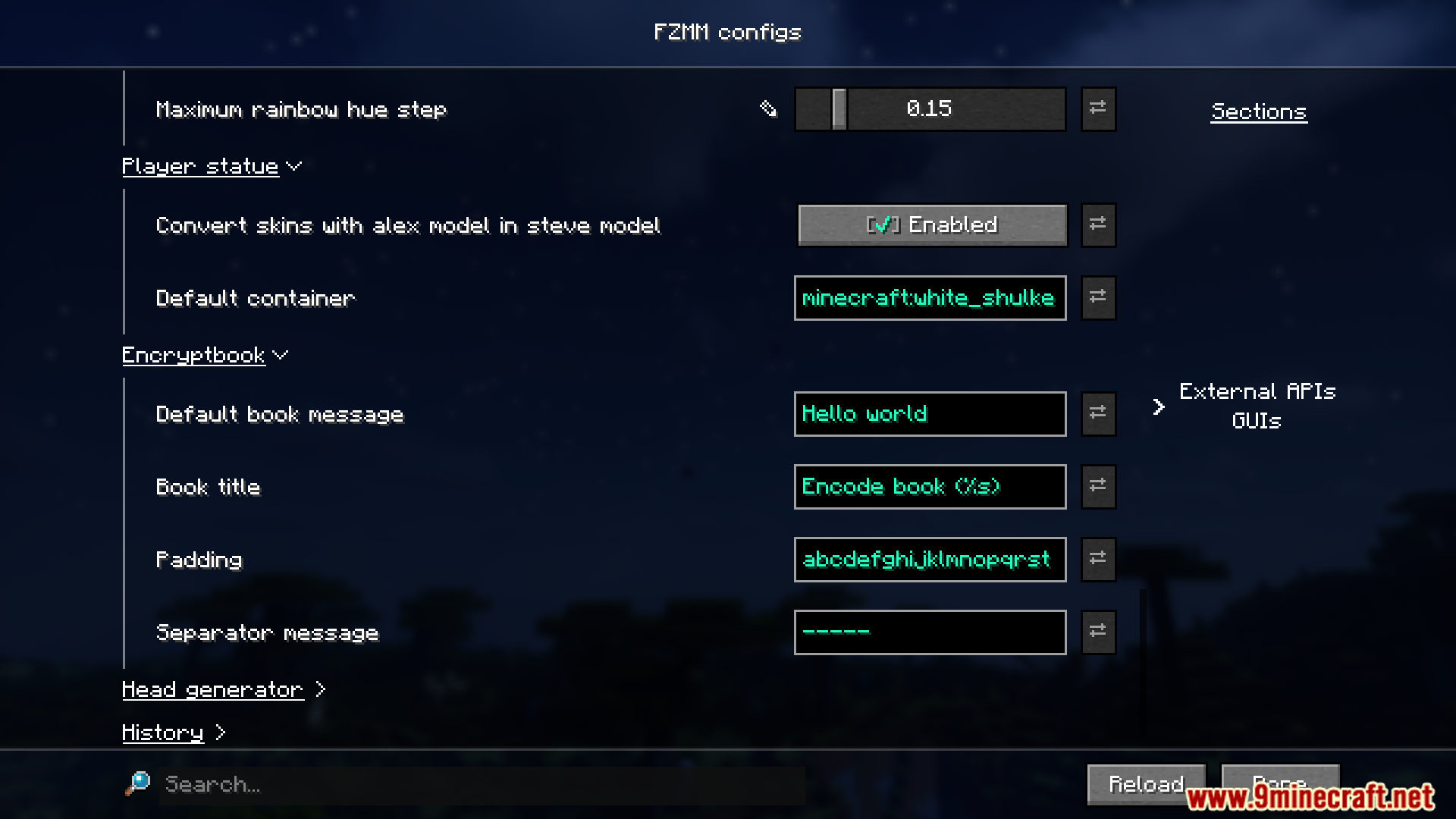
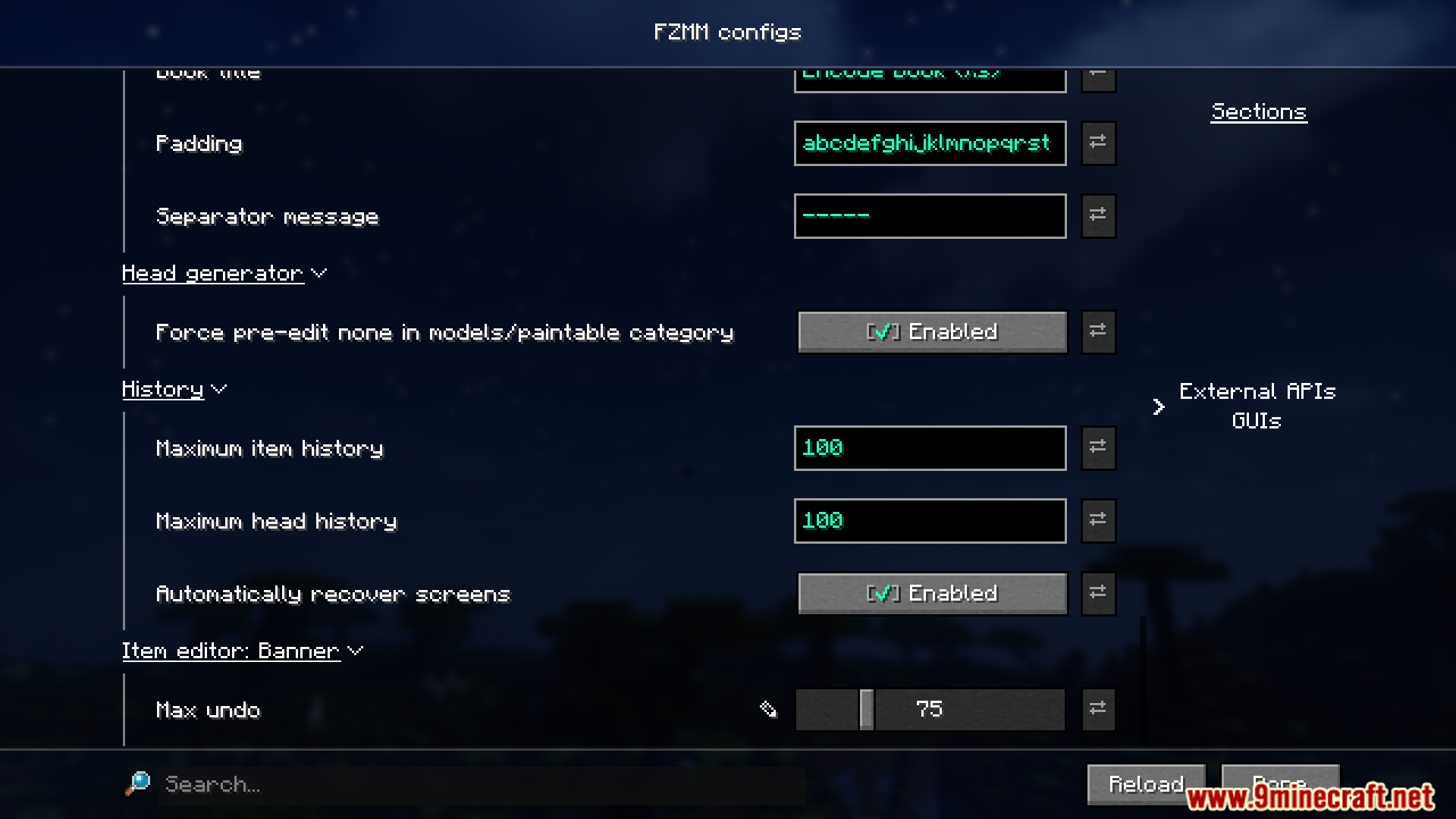
Screenshots:
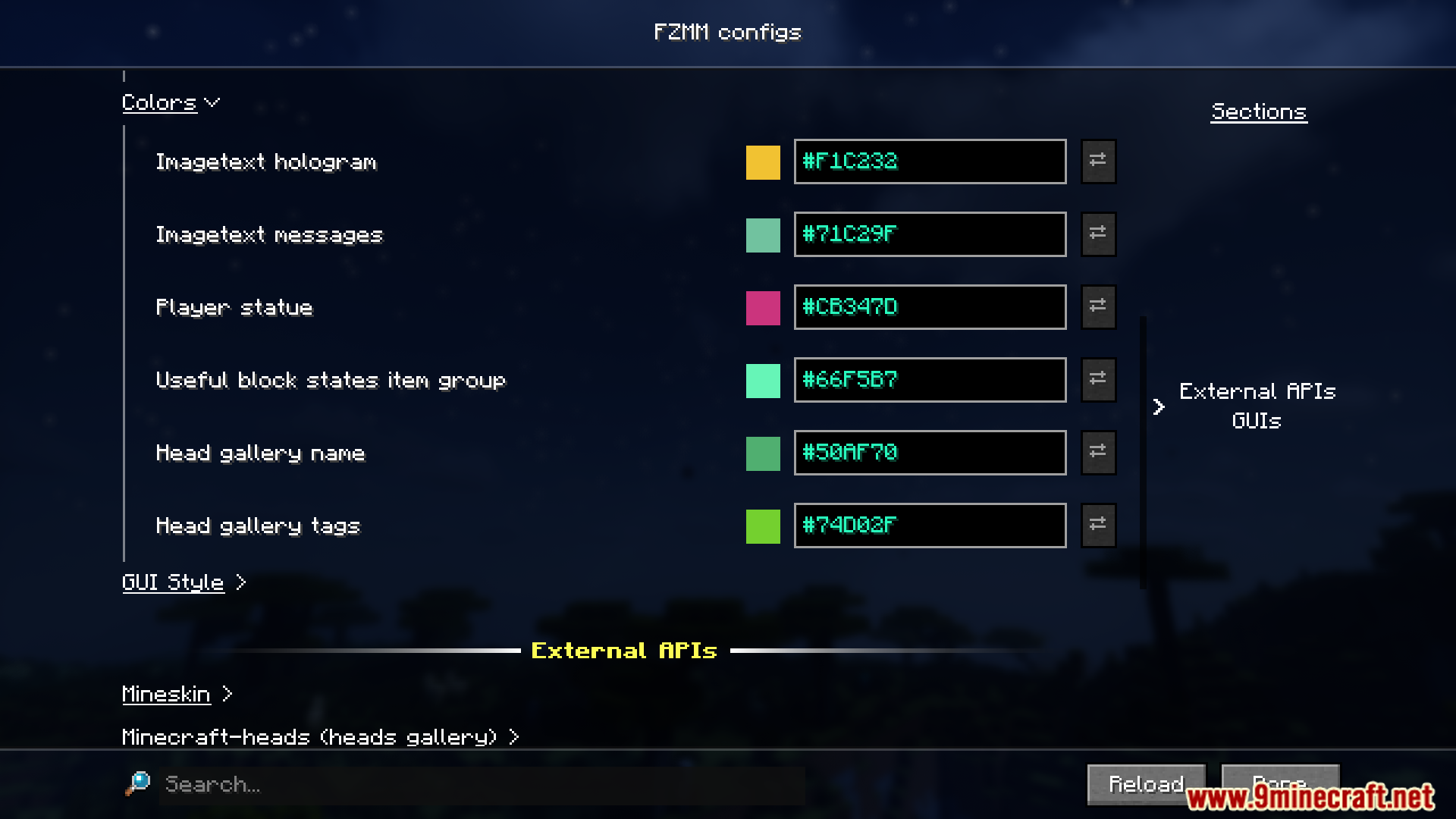
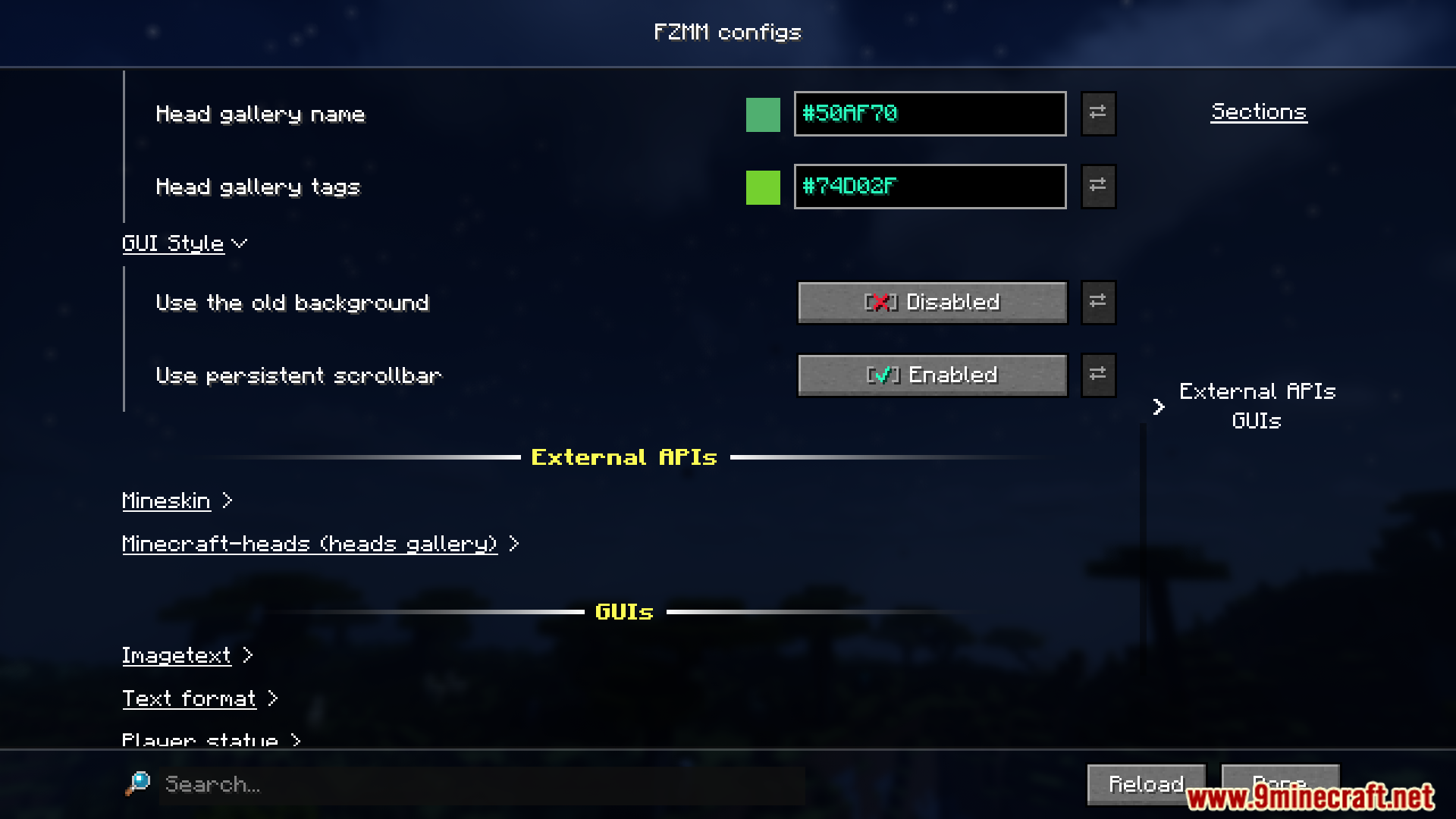
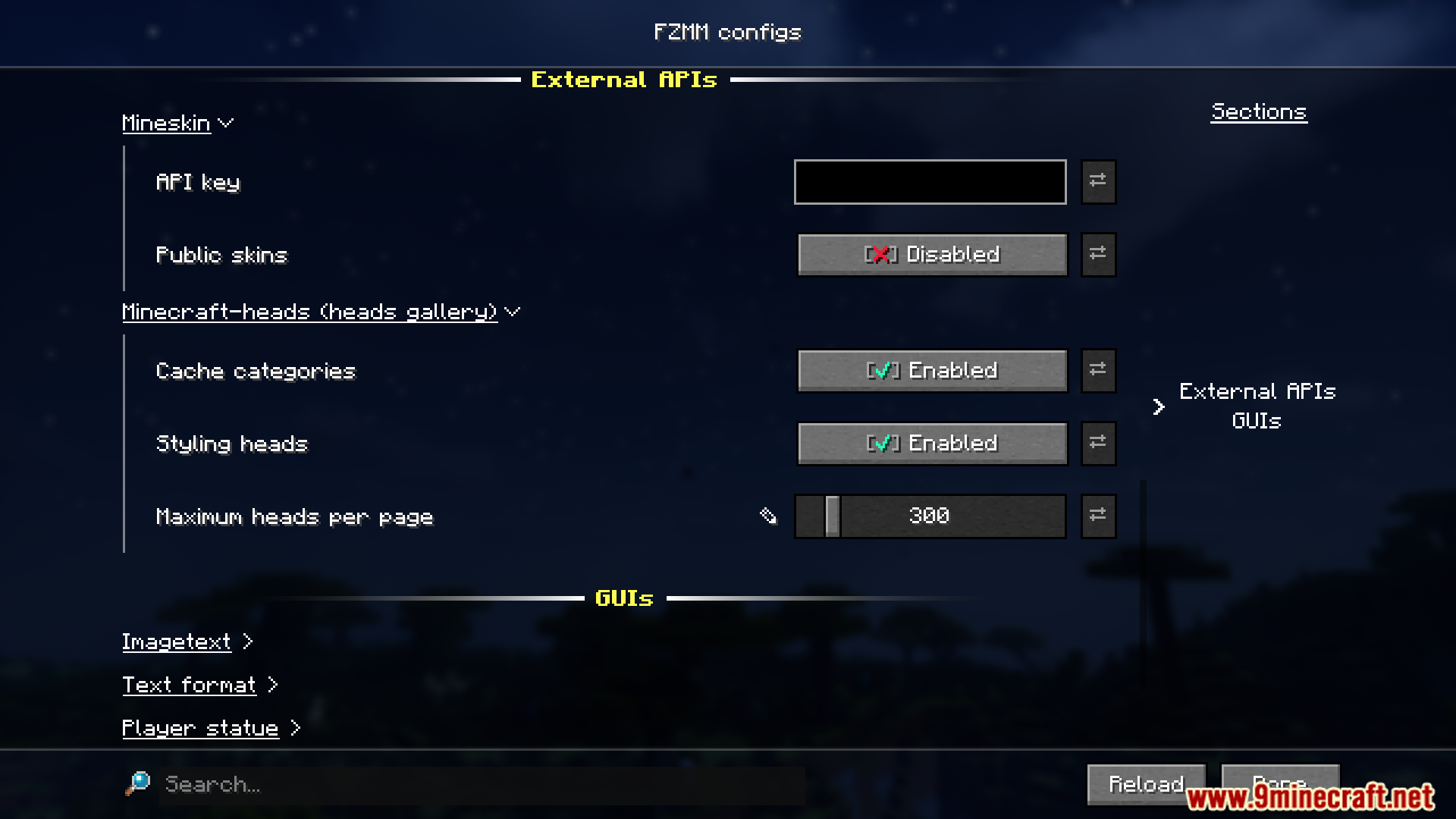
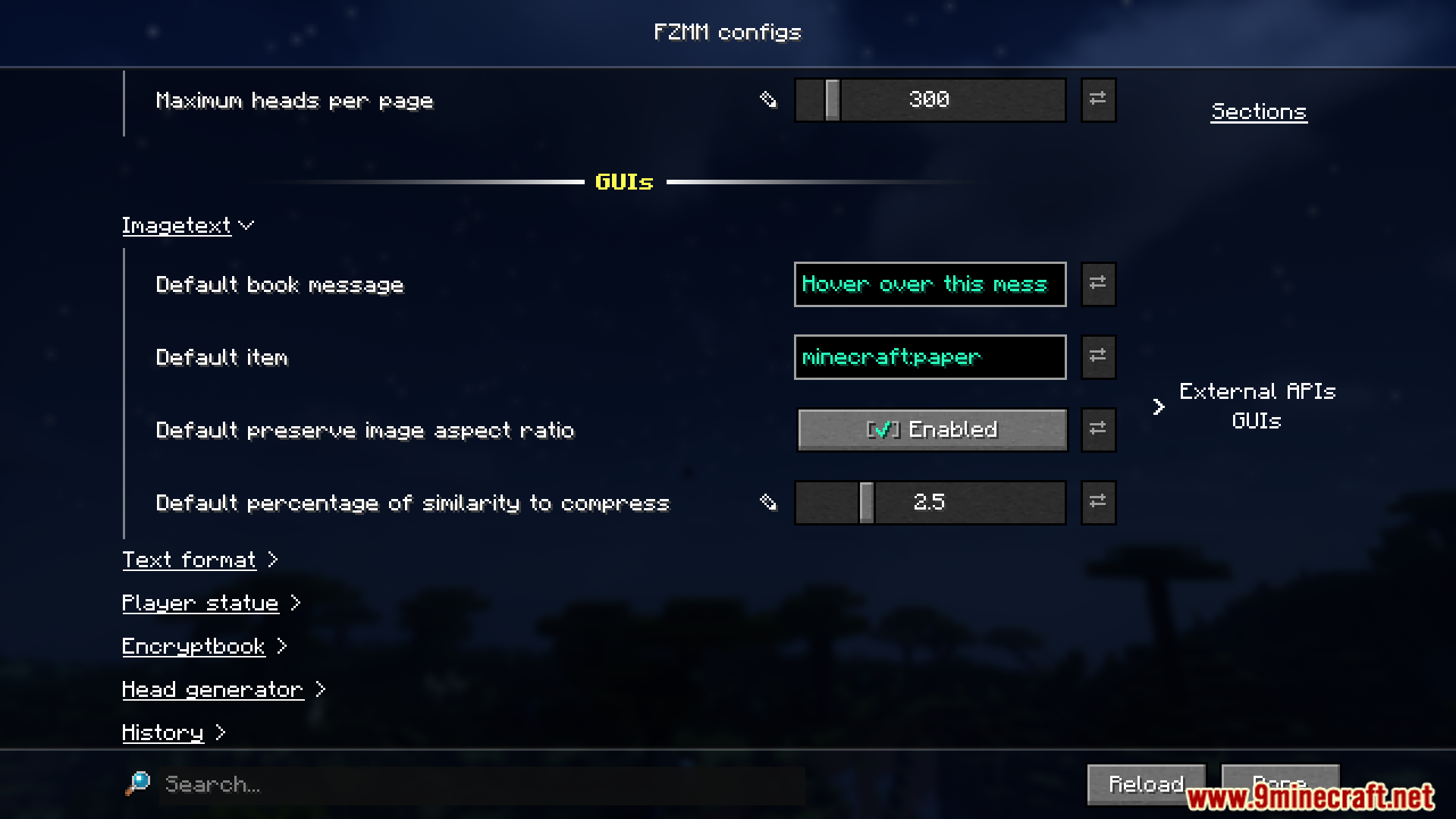
How to Install:
New to Minecraft? Follow our step-by-step guide to install Mods on your PC.View Guide
Requirements:


FZMM Mod Download Links
For Minecraft 26.2
For Minecraft 26.1.2, 26.1.1, 26.1
For Minecraft 1.21.11
For Minecraft 1.21.10, 1.21.9
For Minecraft 1.21.8, 1.21.7, 1.21.6
For Minecraft 1.21.5
For Minecraft 1.21.4
For Minecraft 1.21.3, 1.21.2
For Minecraft 1.21.1, 1.21
For Minecraft 1.20.6
For Minecraft 1.20.4
For Minecraft 1.20.2
For Minecraft 1.20.1, 1.20
For Minecraft 1.19.4
For Minecraft 1.19.3
For Minecraft 1.19.2
Click to rate this post!
[Total: 0 Average: 0]
You May Also Like
Picked for this page
 Dimensional Painting Mod (26.2, 1.20.1) – Paintings, Decorative, Travel
 Player Tracking Mod (26.3, 1.20.1) – Find And Raid
 Tree Timber Mod (26.3, 1.21.1) – Smarter Logging
 DnT Stronghold Overhaul Mod (26.3, 1.20.1) – Over 400 New Rooms
 Mini Effects Mod (26.1.2, 1.20.1) – Minimize The Effect HUD
 Spice of Life Onion Mod (26.3, 1.20.1) – Encourages Dietary Variety
 Random Sheep Colours Mod (26.3, 1.20.1) – Random Wool Colors
 Integrated Circuit Mod (26.3, 1.20.1) – Compact Your Redstone Circuitry
 Server Resourcepack Checker Mod (26.3, 1.20.1) – Join And Leave Servers Swiftly
 Awesome 3D Mace Mod (26.2, 1.21.1) – Makes Maces Three Dimensional
 NoRollback Mod (26.3, 1.20.1) – Removes Up to 99% of Minecraft Rollbacks
 Jobs Plus Remastered Mod (1.21.11, 1.20.1) – Earn XP, Coins And Power-Ups
Most viewed in Mods over the last 7 days
 Ala Industrial Mod (26.3) – Run Electric Power Grids and Automated Factories
 PleasureCraft Mod (26.3, 1.21.1) – Jenny Mod Remake for Fabric
 Jennycraft Mod (26.3, 1.20.1) – Virtual Girlfriend in Minecraft
 Fapcraft Mod (26.3, 1.12.2) – Comprehensive and Detailed Content
 Jenny Mod (Fapcraft) Official Complete Guide – How to use, Tutorial
 BangCraft Mod (1.20.1) – Jenny, Ellie and Elliot
 Fabric Loader (26.3, 1.20.1) – Fabric Installer for All Minecraft Versions
 Meteor Client Mod (26.3, 1.20.1) – Xray, HUD, Fly
 OptiFine HD (26.3, 1.20.1) – Run Faster, FPS Boost, Shaders Support
 The Shooting Star Demo Mod (26.3, 1.20.1) – Vaporize Terrain From Orbit
 Aristois Client Mod (1.21.4, 1.20.1) – World Class Minecraft Utility
 SchnurriTV Mod (1.12.2) – Characters and Features
More from Mods
 Not Just Sandwich Mod (26.3, 1.20.1) – Edibles, Sandwiches
 Waddles Mod (26.3, 1.20.1) – Make Icy Biomes Feel Alive
 Artemis’ Thin Logs Mod (26.3, 1.20.1) – Build Custom Trees and Detailed Wood
 Asterion Mod (26.3, 1.20.1) – Survive Ancient Mazes and Slay the Legendary Minotaur
 Passthrough Signs Mod (26.3, 1.20.1) – Right-Click Through Wall Signs
 Packing Tape Mod (26.3, 1.20.1) – Move Chests, Machines
 No XP Anvils Mod (26.3, 1.20.1) – Repair And Enchant Without XP
 Naruto Shippuden Mod (26.3, 1.16.5) – Immerse Yourself in The World of Ninja
 Araxer’s Bestiary Mod (26.3, 1.20.1) – Build an In-Game Encyclopedia of Every Mob
 Villagers Plus Mod (26.3, 1.20.1) – Expanded Villager Types and Villages
 Ore Excavation 9minecraft Mod (26.3) – Mine Ores and Chop Trees in a Single Swing
 Dirigo Mod (26.1.2, 1.21.1) – Walk Across Nether Lava Seas and Automate Animal

This post has no comments yet. Be the first — your comment will appear here.