
Game Menu Remove GFARB Mod (1.20.6, 1.20.1) – Pause Without Any Clutter
 1,768
 0


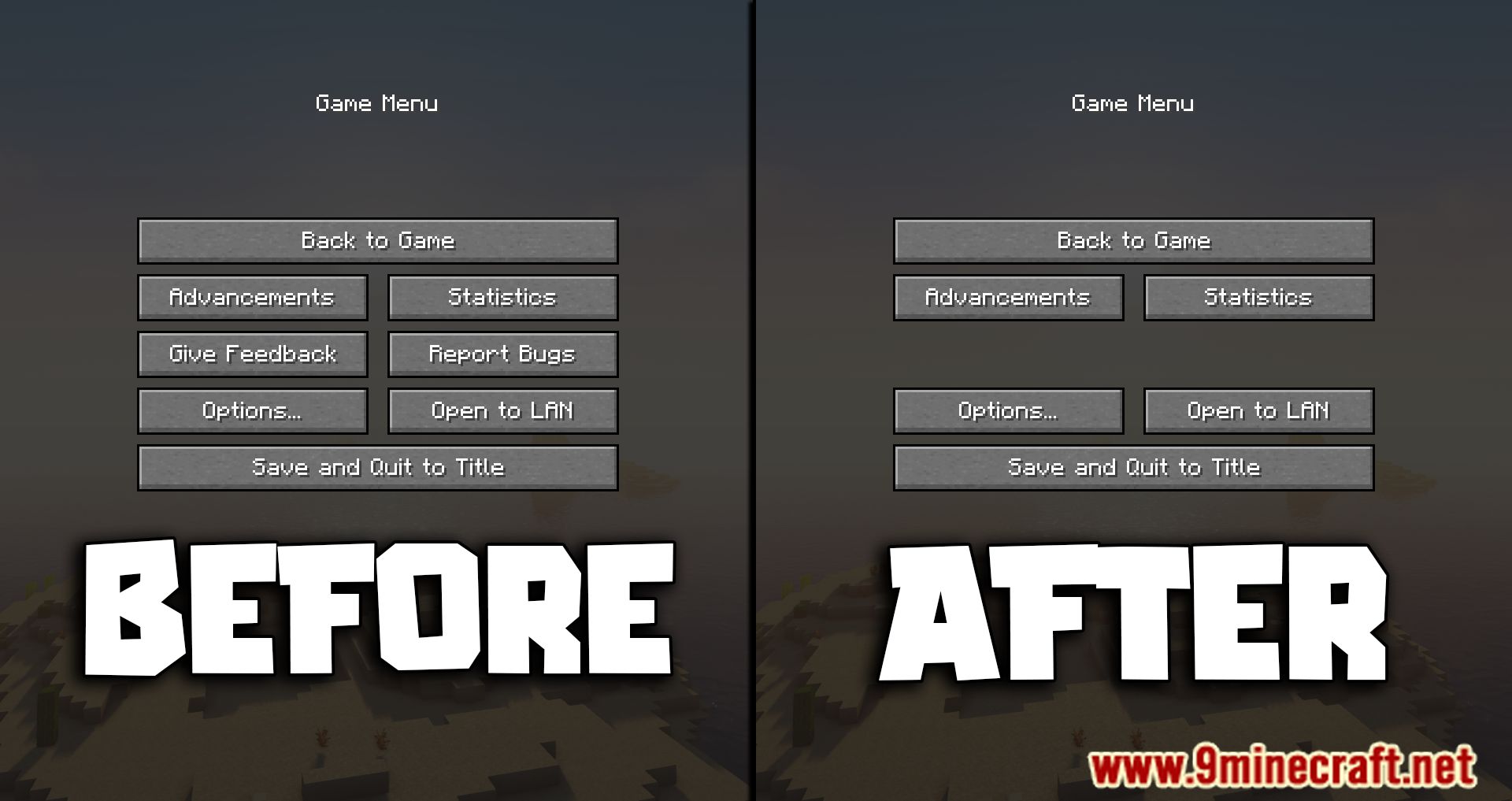
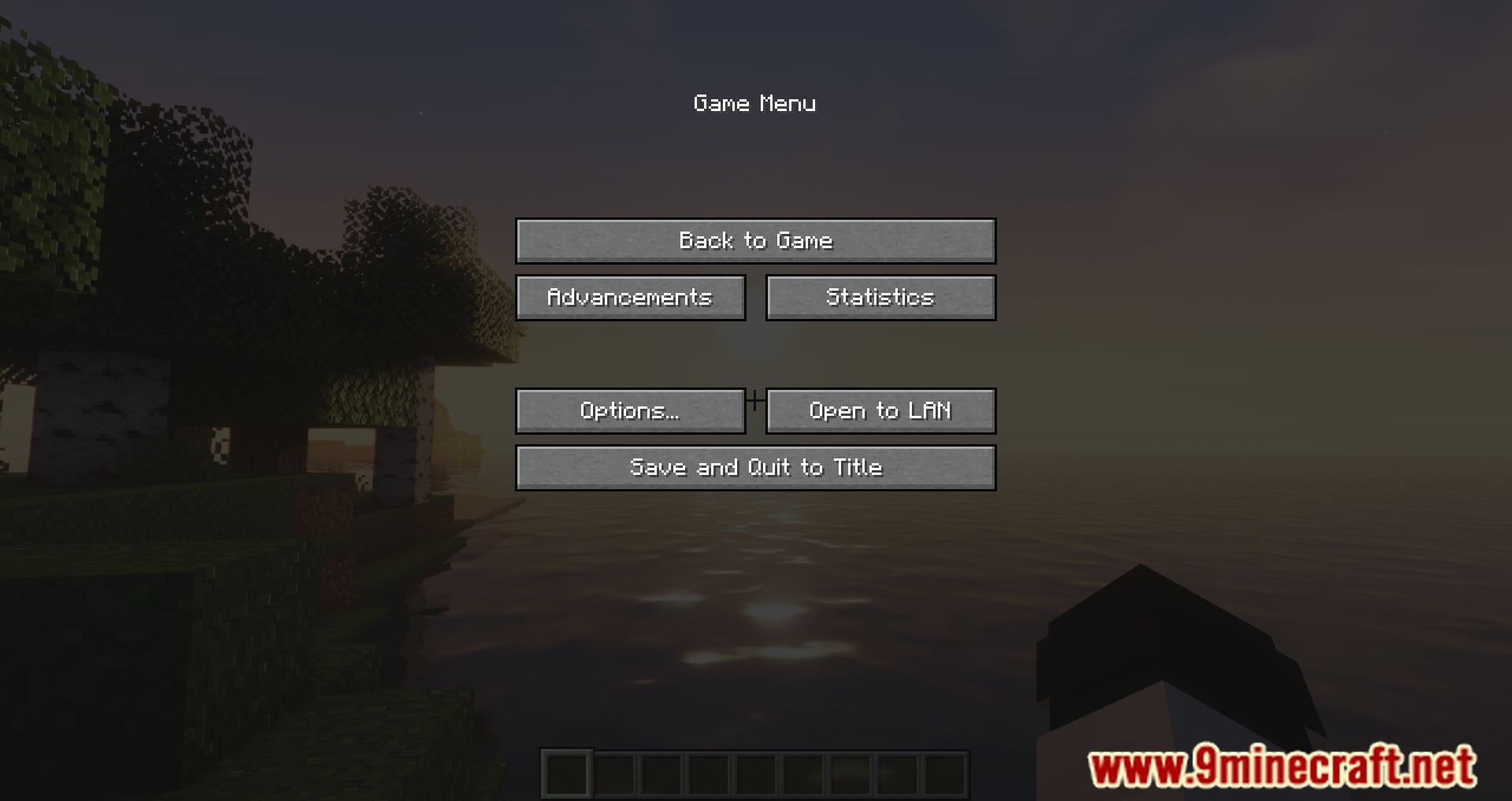
Game Menu Remove GFARB Mod removes the “Give Feedback” and “Report Bugs” buttons from the Minecraft game menu. This mod gives you a cleaner pause screen with fewer buttons in your way.
Features:
- Removes the “Give Feedback” button from the pause menu.
- Removes the “Report Bugs” button from the game menu screen.
- Makes the pause screen simpler and cleaner when you press pause.
- Keeps your normal gameplay and performance unchanged.
- Lets you include this mod freely in any modpack.
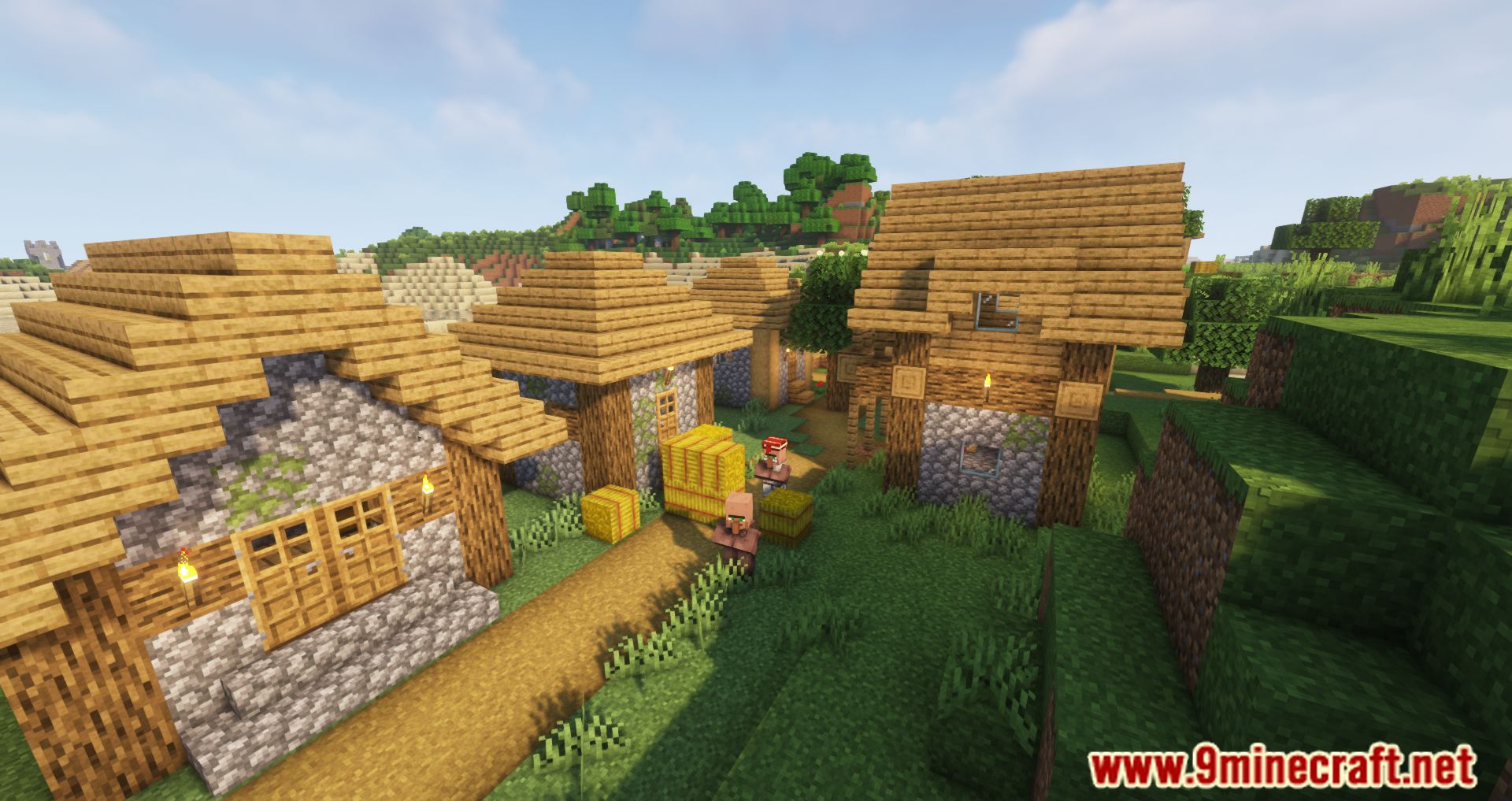
Screenshots:
How to Install:
New to Minecraft? Follow our step-by-step guide to install Mods on your PC.View Guide
Game Menu Remove GFARB Mod Download Links
For Minecraft 1.16.5
Forge Version: Download from Server 1
For Minecraft 1.17.1
Forge Version: Download from Server 1
For Minecraft 1.18.2, 1.18.1, 1.18
Forge Version: Download from Server 1
For Minecraft 1.19.2, 1.19.1, 1.19
Forge Version: Download from Server 1
For Minecraft 1.19.3
Forge version: Download from Server 1 – Download from Server 2
Fabric/Quilt version: Download from Server 1 – Download from Server 2
For Minecraft 1.19.4
Forge version: Download from Server 1 – Download from Server 2
Fabric/Quilt version: Download from Server 1 – Download from Server 2
For Minecraft 1.20.1, 1.20
Forge version: Download from Server 1 – Download from Server 2
Fabric/Quilt version: Download from Server 1 – Download from Server 2
For Minecraft 1.20.2
Forge version: Download from Server 1 – Download from Server 2
Fabric/Quilt version: Download from Server 1 – Download from Server 2
For Minecraft 1.20.4, 1.20.3
Forge version: Download from Server 1 – Download from Server 2
Fabric/Quilt version: Download from Server 1 – Download from Server 2
For Minecraft 1.20.5
Forge version: Download from Server 1 – Download from Server 2
Fabric/Quilt version: Download from Server 1 – Download from Server 2
For Minecraft 1.20.6
Forge version: Download from Server 1 – Download from Server 2
Fabric/Quilt version: Download from Server 1 – Download from Server 2
Have you ever financially supported a mod creator (via Patreon, Ko-fi, or donations)?
28 responses · See the full results →
You May Also Like
Picked for this page
 Iron Jetpacks Mod (26.1.2, 1.20.1) – Fully Customizable FE Powered Jetpacks
 Simple Voice Chat Mod (26.3, 1.20.1) – Hear Players Around You
 Hooked Mod 1.12.2 (Terraria Style Hooks, Grappling Hooks) (1.21.1)
 Crawl Mod (1.21.11, 1.20.1) – Smart Moving Returns
 Better Beds Mod (26.1.2, 1.20.1) – Change the Renderer of Bed
 Better Tridents Mod (26.3, 1.20.1) – Destroy Everything
 Everlasting Abilities Mod (26.3, 1.20.1) – Discover Abilities That Stick
 Searchables Mod (26.3, 1.20.1) – Find Any Item in Modpacks
 Extra Thicc Packets Mod (26.3, 1.20.1) – Raising Packet Size
 Always Sprint Mod (26.3, 1.20.1) – Sprinting Is Always On
 The Fence Unleashed Mod (26.3, 1.20.1) – Prevents Mobs Passing Through Fence Gates
 Energy Meter Mod (1.21.1, 1.20.1) – Diagnose Your Power Grid
Most viewed in Mods over the last 7 days
 Ala Industrial Mod (26.3) – Run Electric Power Grids and Automated Factories
 PleasureCraft Mod (26.3, 1.21.1) – Jenny Mod Remake for Fabric
 Jennycraft Mod (26.3, 1.20.1) – Virtual Girlfriend in Minecraft
 Fapcraft Mod (26.3, 1.12.2) – Comprehensive and Detailed Content
 Jenny Mod (Fapcraft) Official Complete Guide – How to use, Tutorial
 BangCraft Mod (1.20.1) – Jenny, Ellie and Elliot
 Fabric Loader (26.3, 1.20.1) – Fabric Installer for All Minecraft Versions
 Meteor Client Mod (26.3, 1.20.1) – Xray, HUD, Fly
 The Shooting Star Demo Mod (26.3, 1.20.1) – Vaporize Terrain From Orbit
 OptiFine HD (26.3, 1.20.1) – Run Faster, FPS Boost, Shaders Support
 Aristois Client Mod (1.21.4, 1.20.1) – World Class Minecraft Utility
 SchnurriTV Mod (1.12.2) – Characters and Features
More from Mods
 Ipla Mod (26.3, 1.20.1) – Showcase Your Favorite Items
 MesdagPortLib Mod (1.20.1) – Run Modern Minecraft Mechanics on Older Versions
 Hellion’s API Mod (1.21.11, 1.21.1) – Play Hellion Series Addons Without Crashes
 Terrestria Mod (26.3, 1.20.1) – Highly Detailed Biomes
 Tre’s Tack Library Mod (1.20.1) – Outfit Your Horses with Fully Detailed Tack
 YDM’s coreX Library Mod (1.20.1) – Loot RPG Gear with Random Names
 Gunpowder Recipe Mod (26.3, 1.20.1) – Gunpowder is Craftable
 Villager Timetable Mod (26.3, 1.20.1) – Master Villager Schedules
 Artemis Laboratory Blocks Mod (26.3, 1.20.1) – Lab Blocks And Dynamic Decorations
 Ender Portal Stone Mod (1.22) – Fast Travel to Distant Biomes and Dungeons
 Chat Spellcheck Mod (26.2) – Never Send Embarrassing Typos to Friends Again
 NovaUtils Mod (26.1.2) – Locate Buried Ores and Inspect Chests Through Walls

This post has no comments yet. Be the first — your comment will appear here.