Hey Wiki Mod (1.21.11, 1.21.1) – In-Game Wiki Opener & Link Helper
 2,003
2,003
 0
0
 January 5, 2026
 Dianliang233
Hey Wiki Mod allows players to quickly open the wiki page of the block, item, or entity that the camera is aimed at, whether it is from the vanilla game or another mod.
Features:
Features
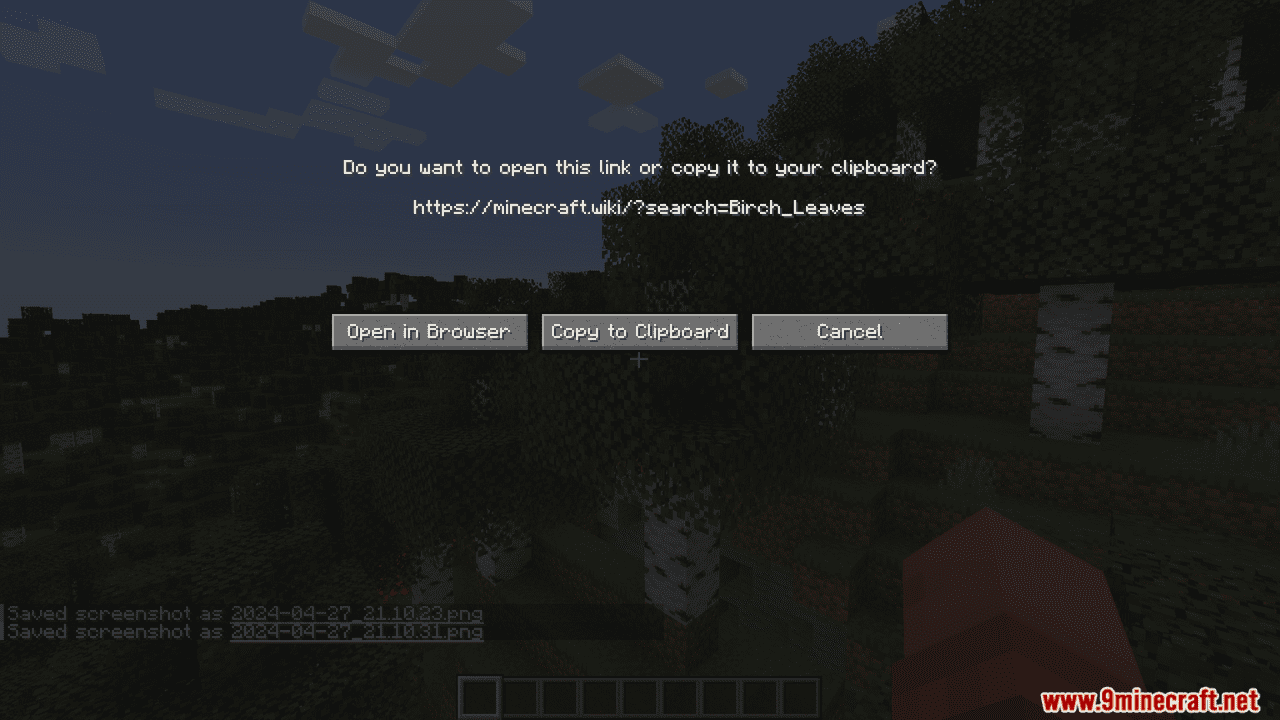
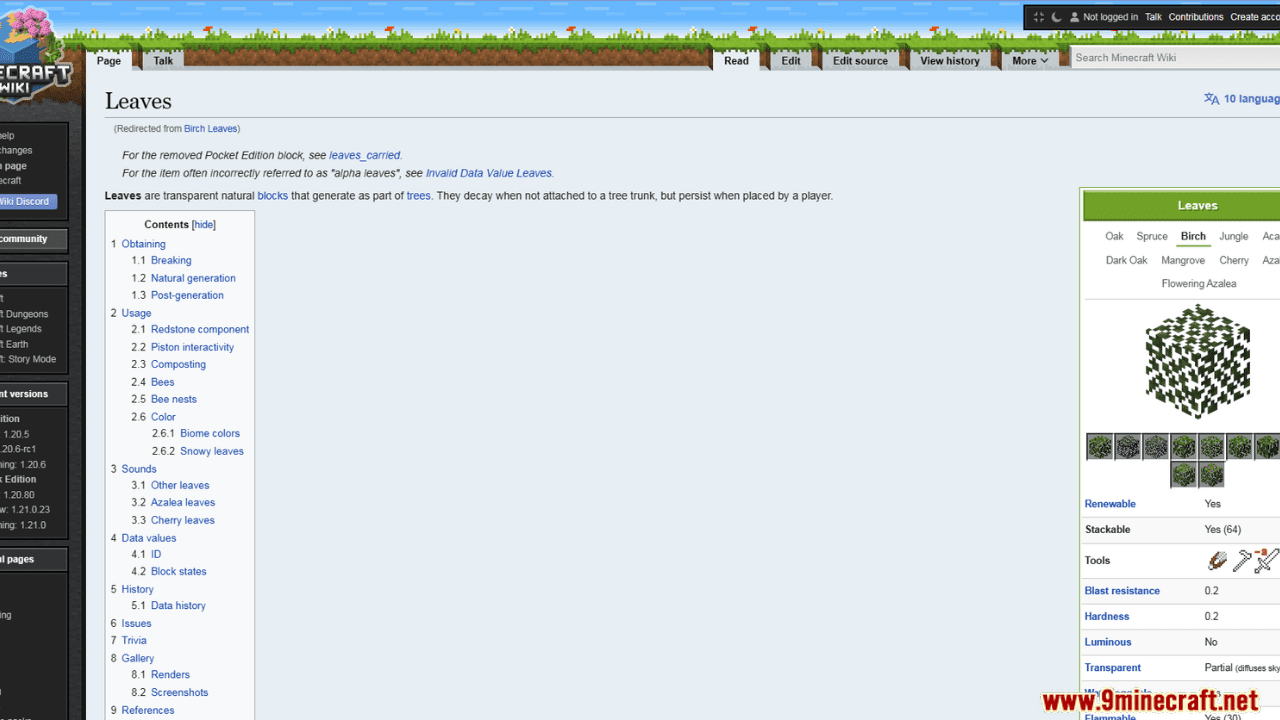
- Press H (customizable) to open the wiki page (Minecraft Wiki or the respective mod wiki) of the block/item/entity the crosshair is pointing at.
- Press Alt + H (or ⌥ Opt + H) to open the wiki page of the item in the main hand.
- Press B to open the wiki search screen and search for wiki pages.
- Supports special commands to quickly open related wiki pages.
- Supports [[wiki link]] syntax in chat to automatically convert into clickable links.
- Optional in-game browsing via MCBrowser and MCEF.
How to Use
- Install the mod (and required dependencies) from GitHub or Modrinth.
- Point at a block or entity with your crosshair, or hover over an item in your inventory.
- Press the keybind (default: H).
- In the popup screen, either confirm opening the page or copy the link to the clipboard.
Config Options (via Mod Menu or Menulogue on Fabric)
- Confirmation required before opening the wiki page (default: true).
- Preferred wiki language: defaults to current game language unless overridden.
- Chinese script toggle: switch between Simplified and Traditional Chinese.
- Keybind to open wiki: default is H.
- Reach distance: default is 5.2 blocks (creative-mode reach).
- Target fluid blocks: toggle whether fluids can be targeted (default: false).
Commands
- /imfeelinglucky [<namespace>] – Opens a random page in the specified wiki namespace.
Example: /imfeelinglucky minecraft - /wiki <pageName> – Opens the Minecraft Wiki page matching the given name.
Example: /wiki creeper
Alias: /whatis - /whatbiome – Opens the wiki page of the biome the player is currently in.
- /whatstructure – Opens the wiki page of the structure the player is currently in (singleplayer only).
- /whatcommand <command> – Opens the wiki page for the specified command.
Example: /whatcommand give
Alias: /whatcmd - /whatisthis – Opens the wiki page of the block/item/entity the player is currently aiming at.
- /whatisthisitem – Opens the wiki page of the item in the main hand.
/whatisthisitem offhand – Same, but for the offhand.
Chat Wiki Links
- Messages using [[wiki link]] syntax are automatically replaced with clickable links.
- Interwiki and language prefixes are supported, for example:
- [[aether:The Aether]] – Aether Wiki page “The Aether”.
- [[en:enderman]] – English Minecraft Wiki page “enderman”.
- [[minecraft:en:enderman]] – Minecraft Wiki, English, page “enderman”.
Supported Wikis
- Minecraft Wiki
- Aether Wiki
- Mekanism Wiki
- The Twilight Forest Wiki
- Applied Energistics 2 Wiki
- Stardust Labs Wiki
- Create Wiki
- Voidscape Wiki
- Advent of Ascension Wiki
- Doggy Talents Next Wiki
- Endertech Infinity Wiki
- Marvel Superheroes Mod Wiki
- BlockFront Wiki
- Cobblemon Wiki
- Arthropod Phobia Expansions Wiki
Extending with Resource Packs
- Resource packs can register new wikis so they work with Hey Wiki.
- Create a JSON file in assets/<namespace>/wiki_family/ to define:
- Namespaces bound to the wiki family.
- Article URL pattern and optional search and random article URLs.
- Language rules (language code, main language, default in-game language, matching regex).
- Optional MediaWiki API URL, excerpt and search provider settings (including Algolia).
- Add a translation file in assets/<namespace>/lang/ to name the wiki family in-game.
Custom Items via Data Component / NBT
- Data packs and custom servers can define how custom items resolve to wiki pages using:
- heywiki:identifier – Custom identifier in the form <namespace>:<id>.
- heywiki:fallback_title – Optional fallback page title.
- heywiki:translation_key – Optional translation key used before the fallback title.
- These fields are stored in minecraft:custom_data on the item and work from 1.20.4+.
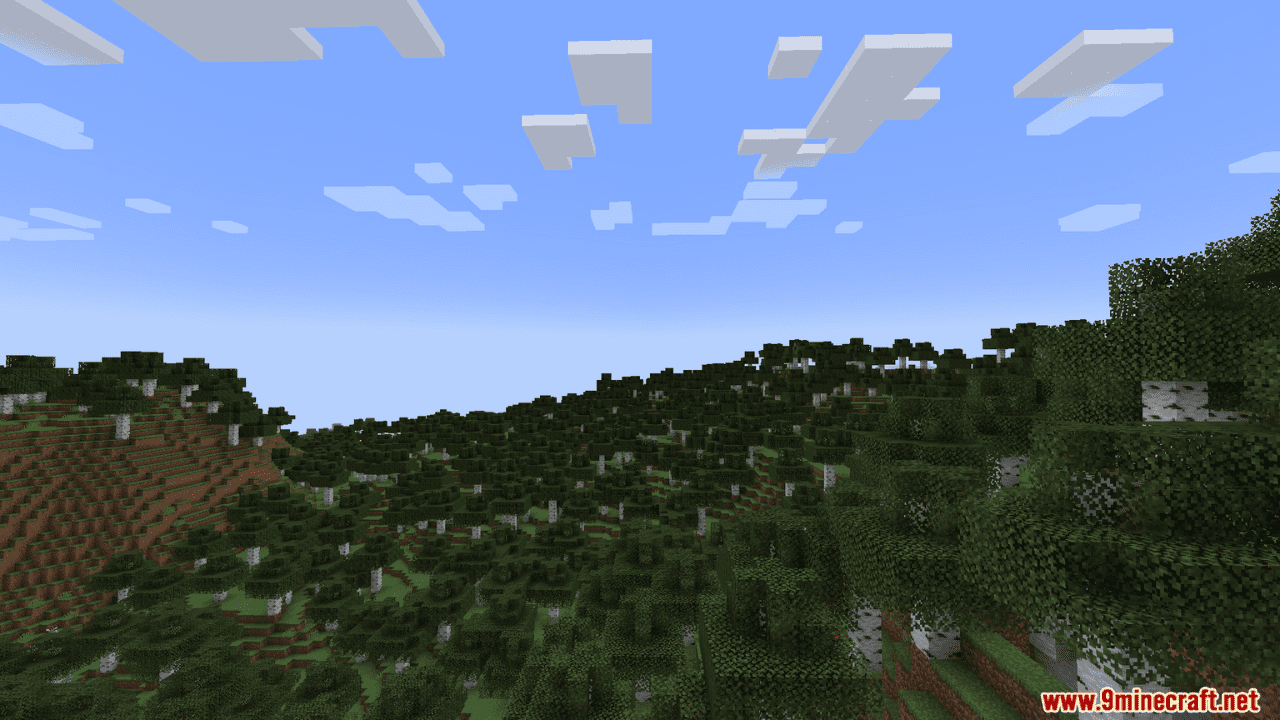
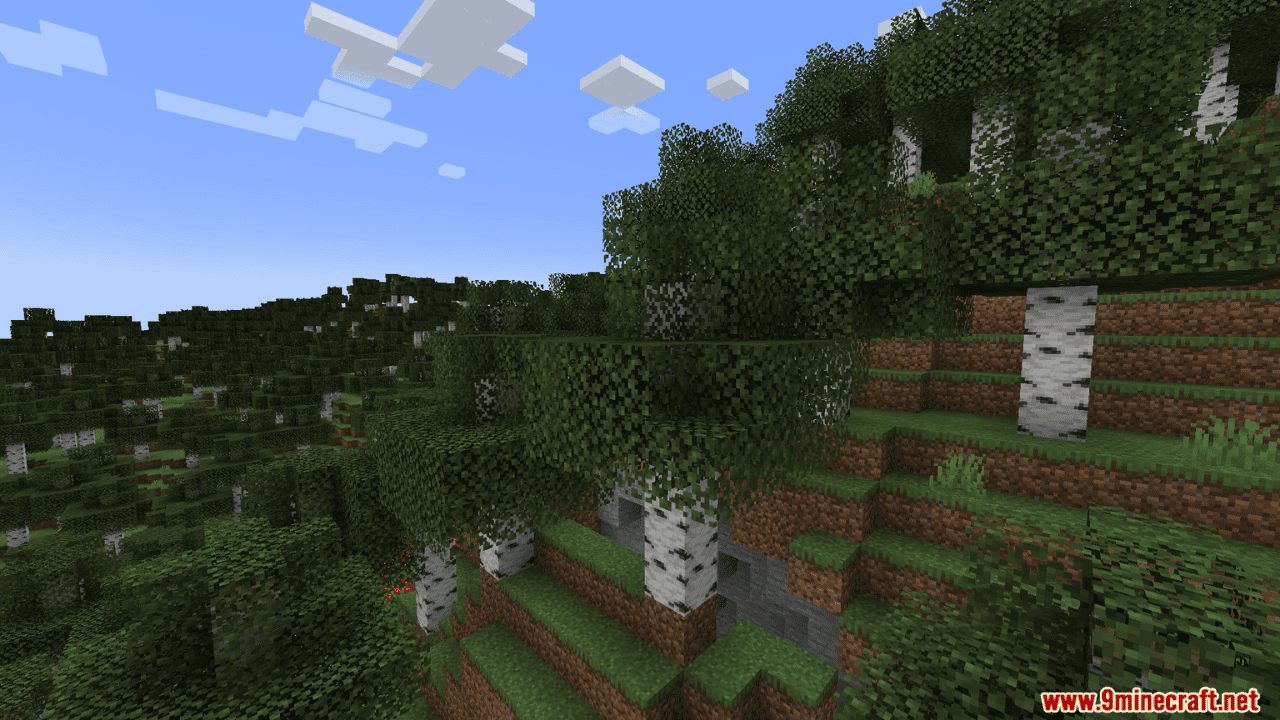
Screenshots:
Requires:
How to install:
Click the following link to view details: How to Install Mods for Minecraft Java Edition on PC: A Beginner Guide
Hey Wiki Mod Download Links
For Minecraft 1.20.4
Fabric Version: Download from Server 1 – Download from Server 2
NeoForge Version: Download from Server 1 – Download from Server 2
For Minecraft 1.20.5
Fabric Version: Download from Server 1 – Download from Server 2
NeoForge Version: Download from Server 1 – Download from Server 2
For Minecraft 1.20.6
Fabric Version: Download from Server 1 – Download from Server 2
NeoForge Version: Download from Server 1 – Download from Server 2
For Minecraft 1.21.1, 1.21
Fabric Version: Download from Server 1 – Download from Server 2
NeoForge Version: Download from Server 1 – Download from Server 2
For Minecraft 1.21.3
Fabric Version: Download from Server 1 – Download from Server 2
NeoForge Version: Download from Server 1 – Download from Server 2
For Minecraft 1.21.4
Fabric Version: Download from Server 1 – Download from Server 2
NeoForge Version: Download from Server 1 – Download from Server 2
For Minecraft 1.21.5
Fabric Version: Download from Server 1 – Download from Server 2
NeoForge Version: Download from Server 1 – Download from Server 2
For Minecraft 1.21.6
Fabric Version: Download from Server 1 – Download from Server 2
NeoForge Version: Download from Server 1 – Download from Server 2
For Minecraft 1.21.8, 1.21.7
Fabric Version: Download from Server 1 – Download from Server 2
NeoForge Version: Download from Server 1 – Download from Server 2
For Minecraft 1.21.10, 1.21.9
Fabric Version: Download from Server 1 – Download from Server 2
NeoForge Version: Download from Server 1 – Download from Server 2
For Minecraft 1.21.11
Fabric Version: Download from Server 1 – Download from Server 2
NeoForge Version: Download from Server 1 – Download from Server 2
You May Also Like