


Inventory Sorter (Configurable) Mod (1.20.1, 1.19.2) – अपना समय बचाएं

 0
0 

🌐 आप यह लेख हिन्दी में पढ़ रहे हैं। क्या बदलना चाहेंगे?
📖 अंग्रेज़ी मूल में पढ़ेंया अपनी पसंद की भाषा चुनें:
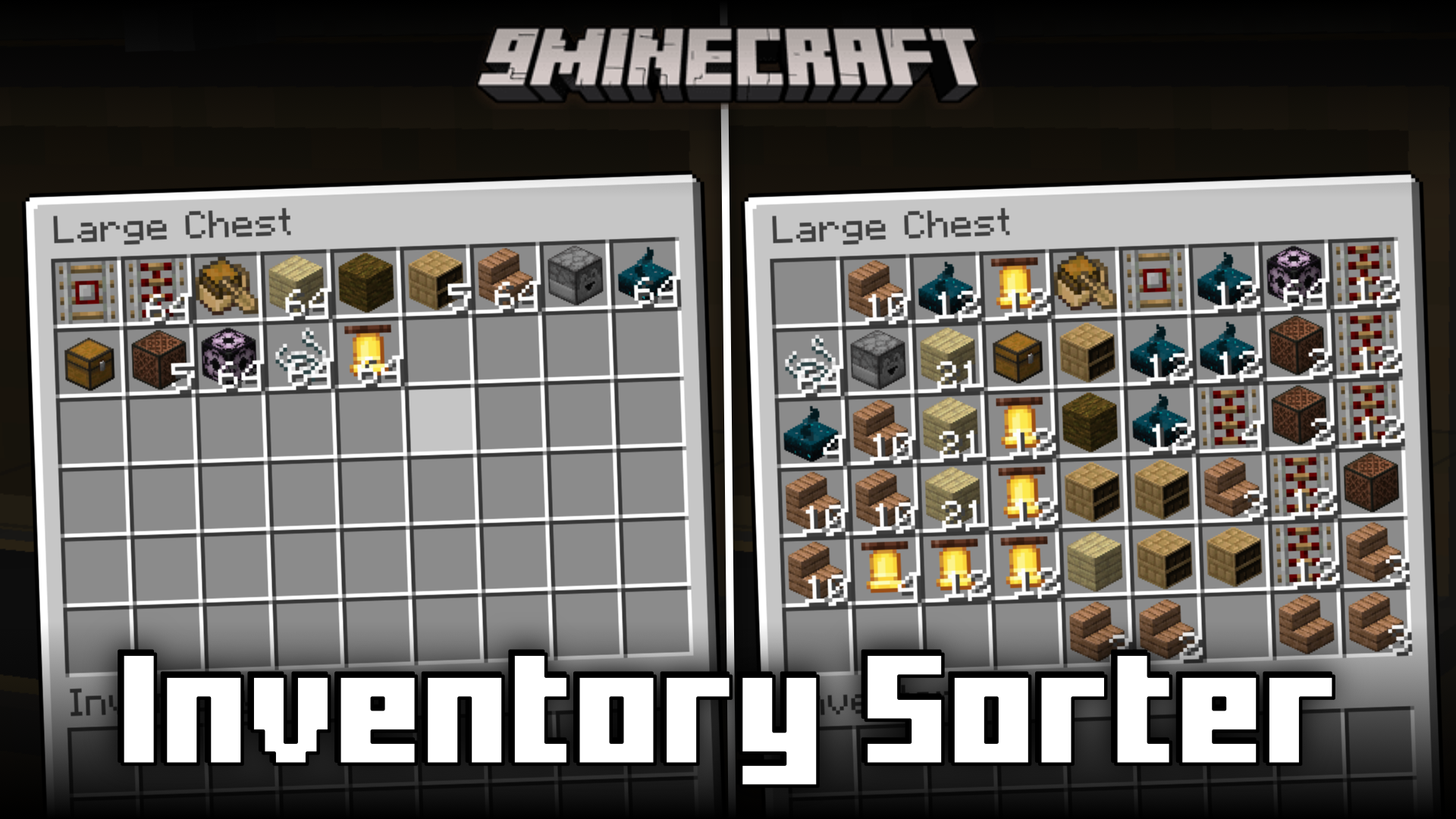
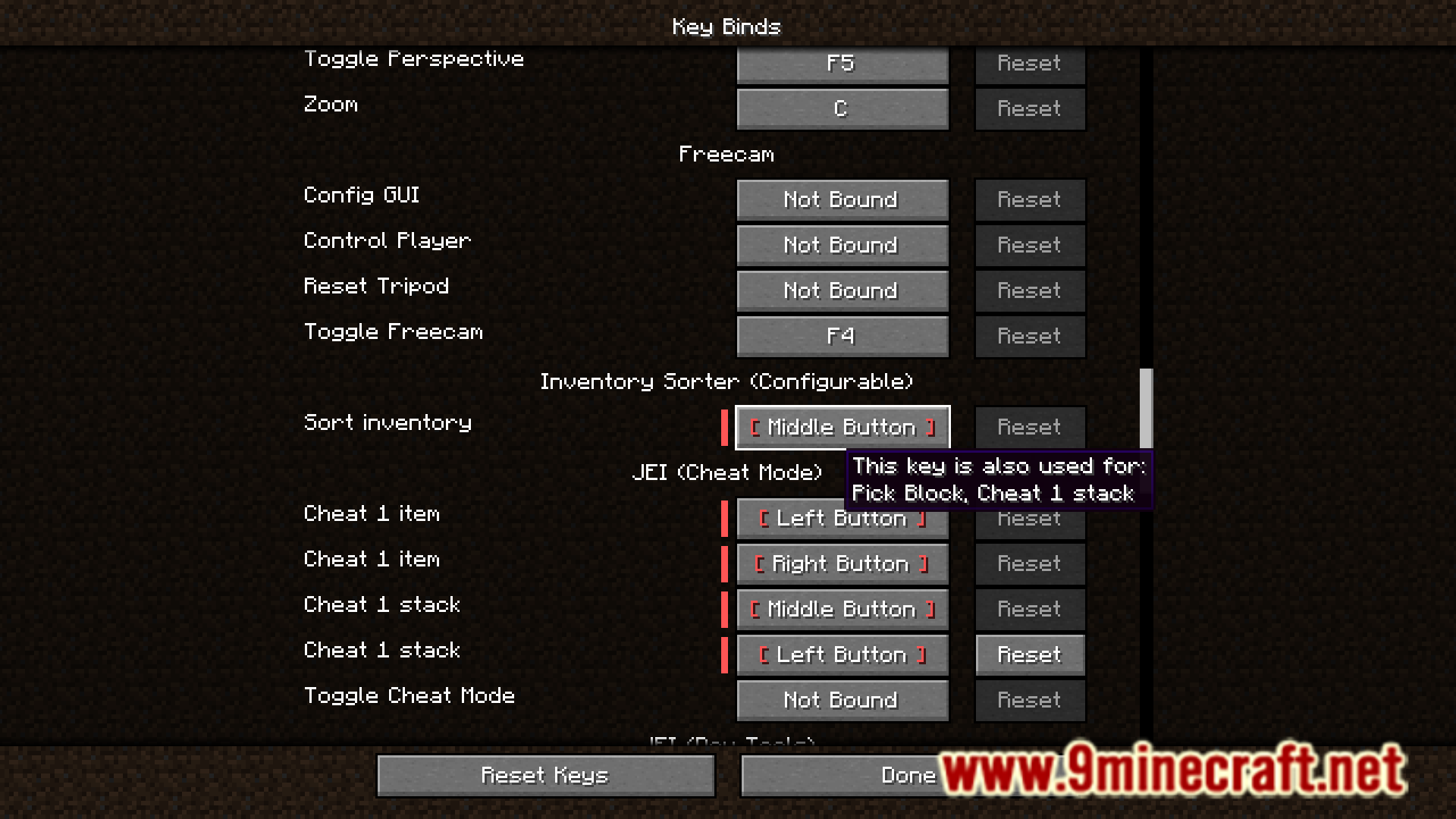
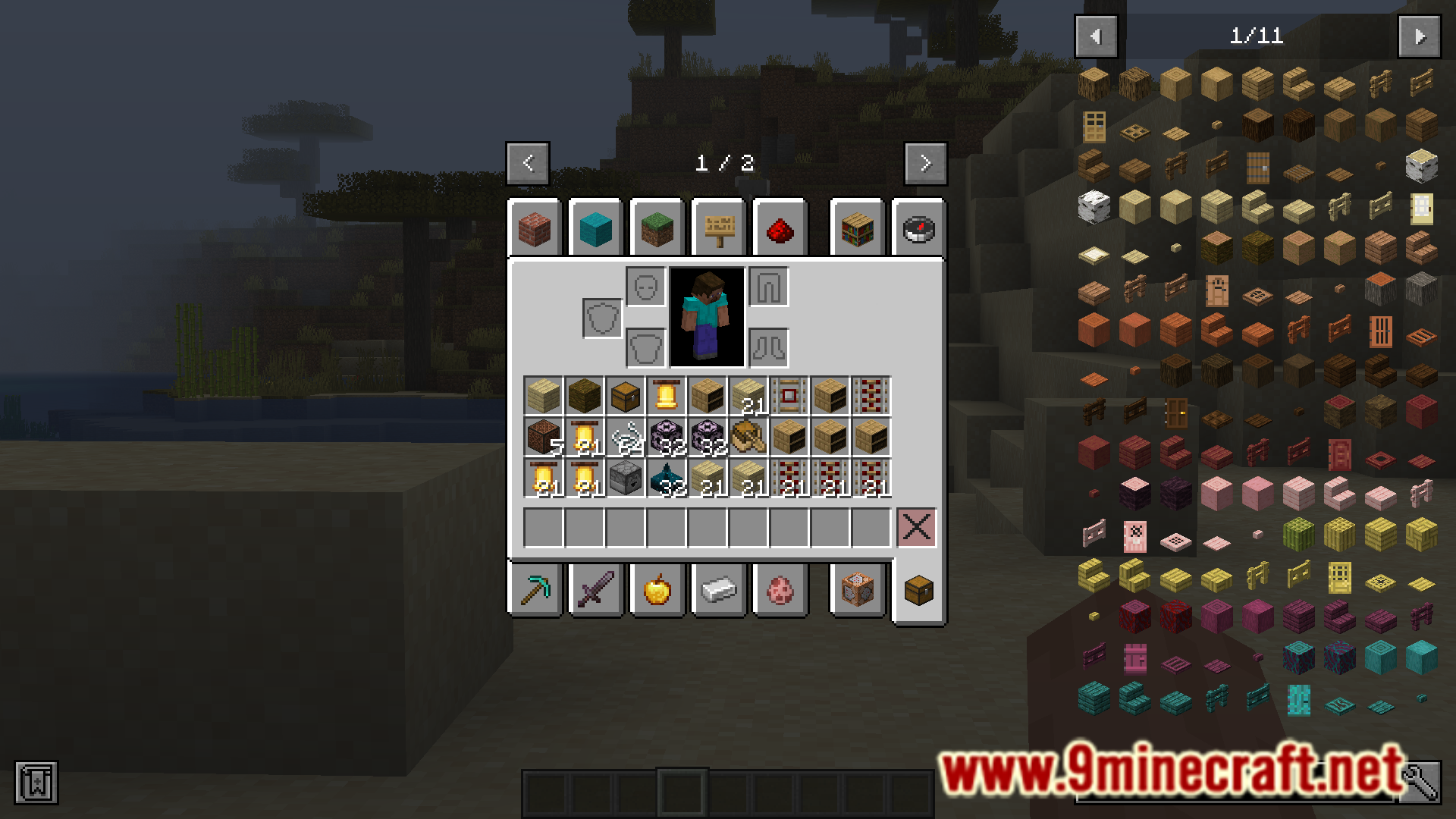
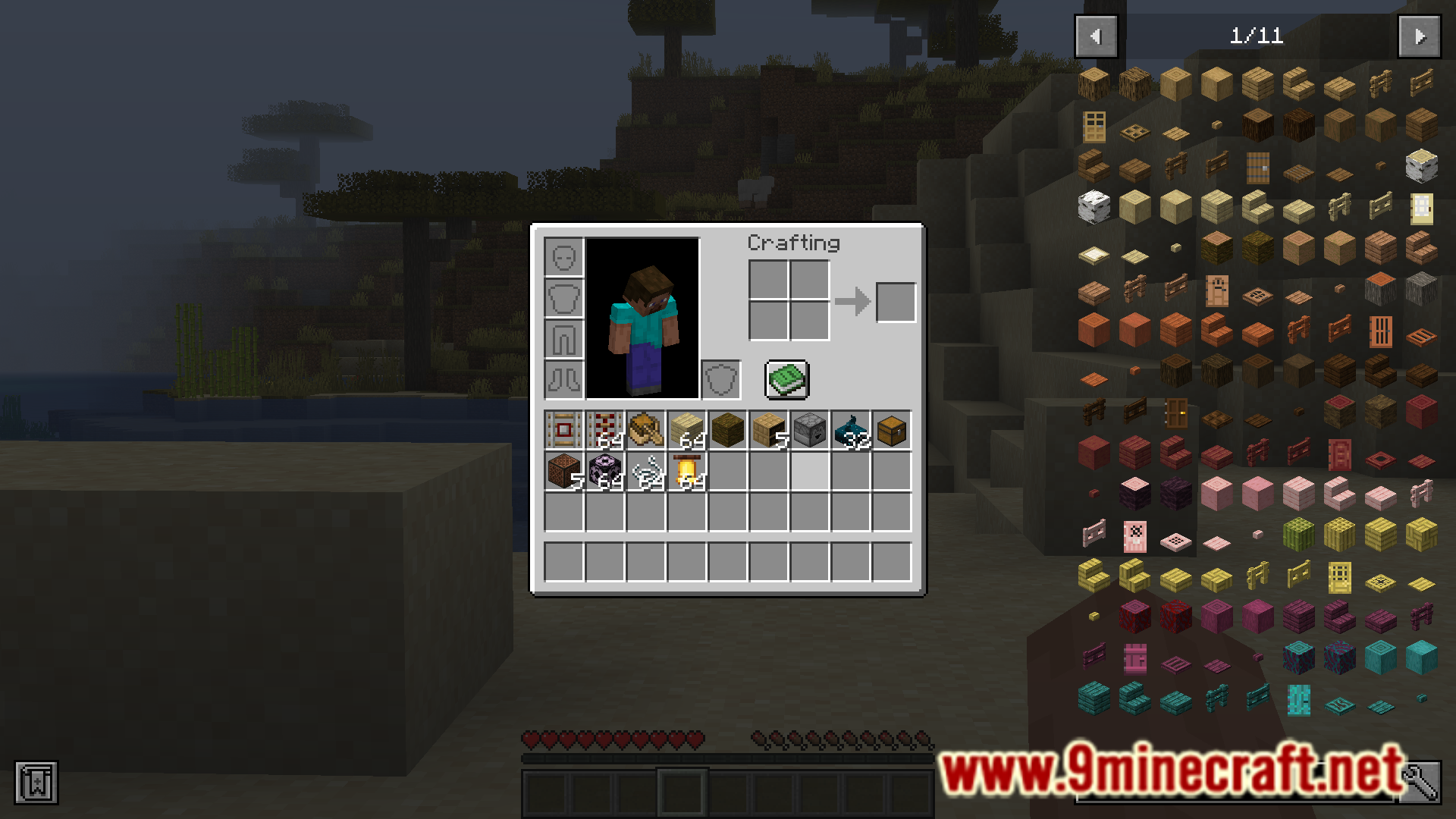
Inventory Sorter (Configurable) Mod आपको सिर्फ एक बटन दबाकर अपनी इन्वेंट्री को व्यवस्थित करने की सुविधा देता है। जब आप अपनी इन्वेंट्री या चेस्ट खोलते हैं, तो सभी आइटम्स को करीने से सजाने के लिए बस माउस का मिडिल बटन क्लिक करें। इस की (key) को सेटिंग्स में बदला जा सकता है। यह मोड आपकी पर्सनल इन्वेंट्री और चेस्ट जैसे किसी भी स्टोरेज ब्लॉक्स दोनों पर काम करता है।
Features:
- एक क्लिक के साथ चेस्ट और अन्य कंटेनरों सहित किसी भी इन्वेंट्री को सॉर्ट करता है।
- डिफ़ॉल्ट रूप से माउस के मिडिल बटन का उपयोग करता है, जिसे कीबाइंड सेटिंग्स में बदला जा सकता है।
- Quark स्टाइल, क्रिएटिव टैब, या आइटम के नाम जैसे विभिन्न सॉर्टिंग ऑर्डर्स में से चुनें।
- आपकी हॉटबार (hotbar) को सॉर्ट होने से रोकने का विकल्प शामिल है।
- गलती से आइटम्स डिलीट होने से रोकने के लिए एक फेलसेफ (failsafe) जोड़ता है, खासकर अन्य मोड्स द्वारा जोड़े गए स्लॉट्स में।
- उन मोड्स के साथ कम्पैटिबिलिटी की समस्याओं को ठीक करता है जो बड़े स्टैक साइज की अनुमति देते हैं।
How to Use:
- कोई इन्वेंट्री खोलें, जैसे कि आपकी प्लेयर इन्वेंट्री या चेस्ट।
- अंदर की हर चीज़ को सॉर्ट करने के लिए माउस का मिडिल बटन (या अपनी कस्टम की) दबाएं।
Configuration:
आप मोड की कॉन्फ़िग फ़ाइल में सॉर्टिंग मेथड को कस्टमाइज़ कर सकते हैं। उपलब्ध सॉर्ट ऑर्डर्स में शामिल हैं:
- Quark
- Creative Tab
- Raw Item ID
- Item Name
- Item Display Name
आइटम्स को पहले उनकी संख्या (count) के आधार पर सॉर्ट करने का विकल्प भी उपलब्ध है।
Screenshots:
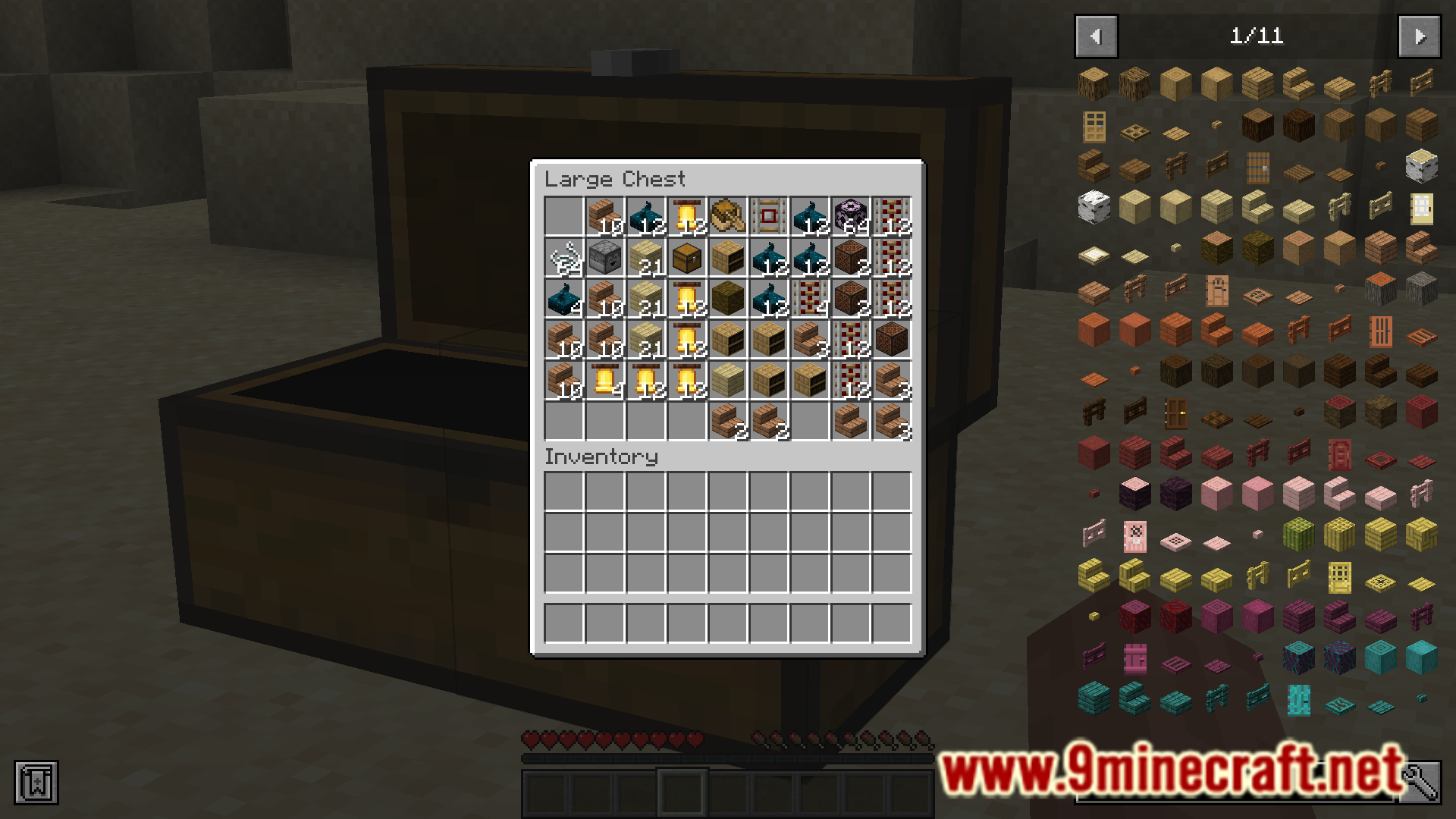
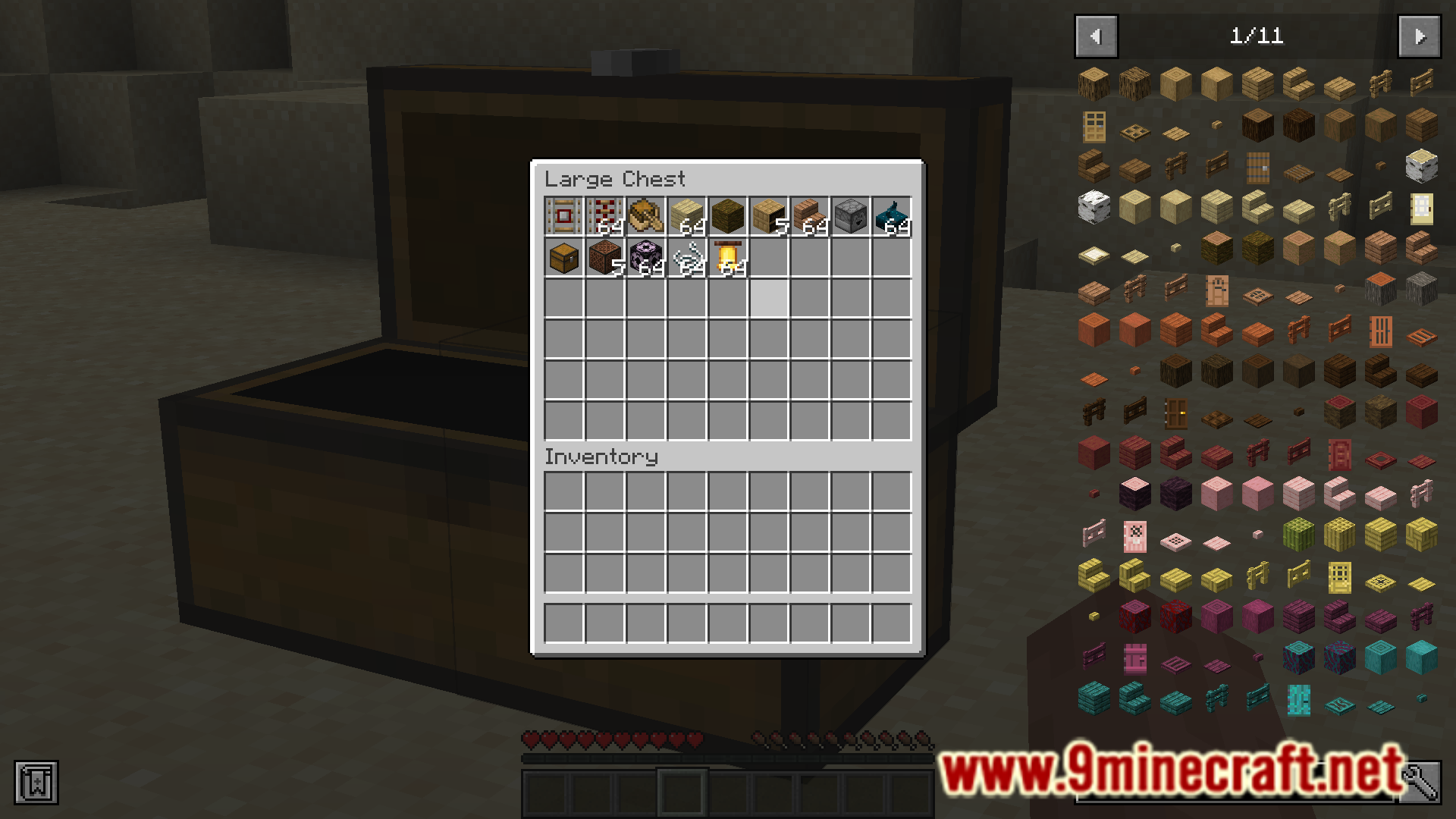
इंस्टॉल कैसे करें:
Inventory Sorter Configurable Mod Download Links
For Minecraft 1.20.1
Forge version: Download from Server 1 – Download from Server 2
For Minecraft 1.19.2
Forge version: Download from Server 1 – Download from Server 2
For Minecraft 1.18.2
Forge version: Download from Server 1 – Download from Server 2
इस पोस्ट को रेट करने के लिए क्लिक करें!
[Total: 0 Average: 0]
ये भी पसंद आ सकते हैं







इस पोस्ट पर अभी कोई टिप्पणी नहीं है। सबसे पहले बनें — आपकी टिप्पणी यहाँ दिखाई देगी।