


How to Install Mods for Minecraft Java Edition on PC: A Beginner Guide
 229,645
 69
69


🌐 Read this article in your language! Choose your preferred language below.
Or pick the one you like:
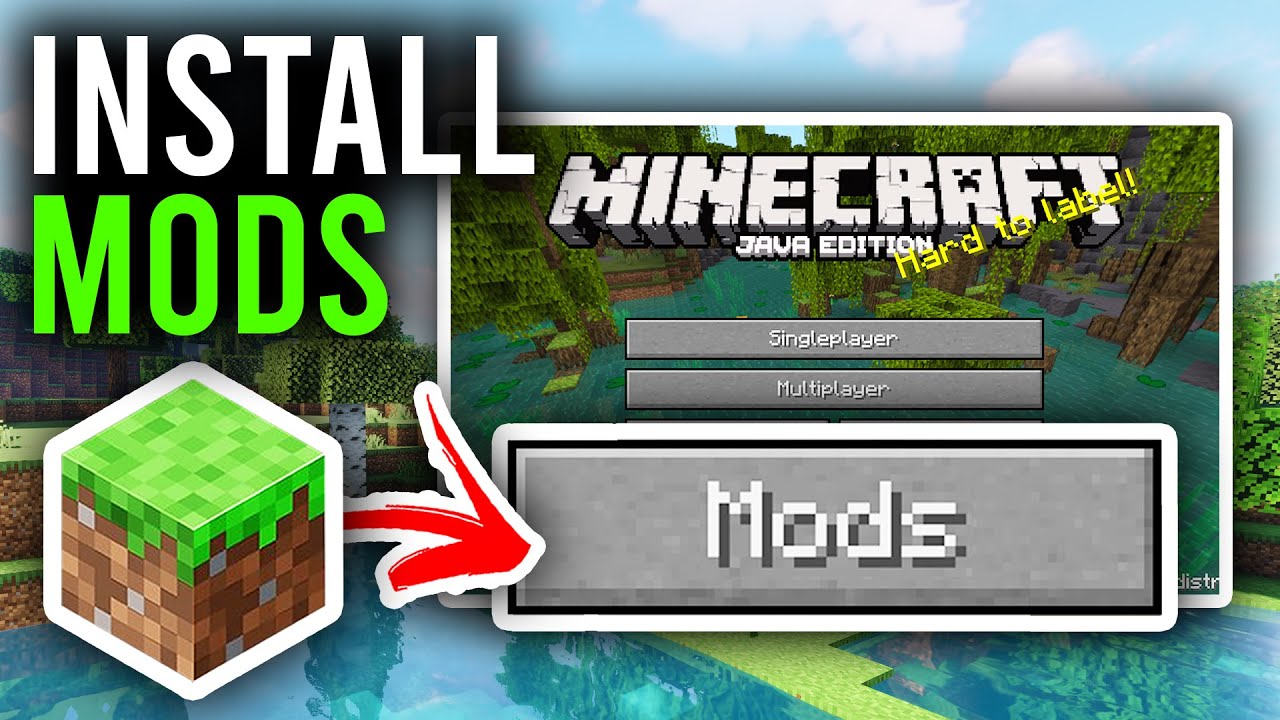
Mods are additional files that modify or add features to Minecraft. To install mods, you need a modloader like Forge, NeoForge, Fabric, or Quilt. Below is a simple, step-by-step guide.
1. Preparation Before Installing Mods
- Install Minecraft Officially: Ensure you have Minecraft Java Edition installed and have run the game at least once.
- Check Version: Determine the Minecraft version you want to play (Example 1.21.1, 1.20.1, 1.12.2,…). Mods and modloaders must match this version.
- Back Up Your World: Save your game worlds to avoid data loss. The world folder is usually located at
C:\Users\[Your Name]\AppData\Roaming\.minecraft\saves.
2. Choose and Install a Modloader
A modloader is software that helps Minecraft recognize and run mods. The four popular modloaders are Forge, NeoForge, Fabric, and Quilt. Each mod is only compatible with a specific modloader, so choose carefully.
3. Download and Install Mods
- Find Mods:
- Search for mods on https://www.9minecraft.net/category/minecraft-mods/
- Ensure the mod is compatible with your Minecraft version and modloader.
- Download Mods:
- Download the mod file (usually a
.jarfile). - Do not extract the mod file.
- Download the mod file (usually a
- Install Mods:
- Open the
.minecraftfolder (press Win + R, type%appdata%\.minecraft, and press Enter). - Find the
modsfolder. If it doesn’t exist, create a new folder namedmods. - Copy the mod file (
.jar) into themodsfolder.
- Open the
- Run the Game:
- Open the Minecraft Launcher and select the modloader version you installed.
- Run the game. If the mod is installed correctly, you’ll see changes in the game (Example new items, mod menus, etc.).
4. Important Notes
- Check Compatibility: Mods must match the modloader and Minecraft version. For example, Forge mods won’t work on Fabric.
- Install Additional APIs if Needed:
- For Fabric/Quilt, some mods require Fabric API. Download and place the Fabric API file in the
modsfolder like a regular mod.
- For Fabric/Quilt, some mods require Fabric API. Download and place the Fabric API file in the
- Troubleshooting Errors:
- If the game crashes, check if the mod/modloader versions match.
- Remove mods one by one from the
modsfolder to identify the problematic mod.
- Update Java: Ensure your computer has the latest version of Java installed, as Minecraft Java Edition and modloaders require Java to run.
Click to rate this post!
[Total: 818 Average: 4.1]


Oi muito bomMuito bom
3llllll f***377373ud
نبنيين
Ger aner
Ertt
يوتيوب
Attack of Titan mode
Opa
T8d6gyovujOLÁ professor eu gostaria muito que vocês fossem ISTALAR
AVARIAS
Mani krafAdoxmax
kksnkksnjjxksnjd
شكراً
Ugdhdsugehsidydgdhuuhbssb shsbsbsugddgsh
Çar
Hmong hello guys hi
10fidcjd