


How to Install Seeds for Minecraft Java Edition on PC: A Beginner Guide
 0
0
 0
0
 2 hours ago
 9Minecraft Team
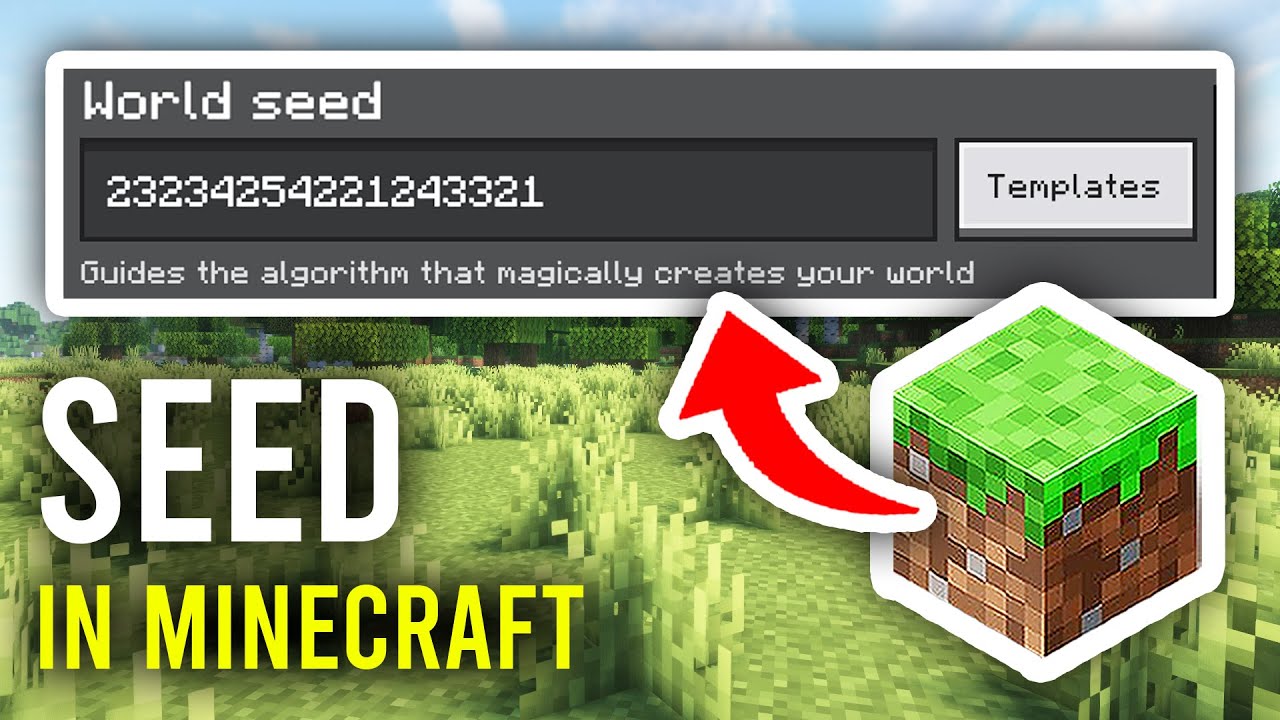
Seeds are codes that determine how your Minecraft world generates – including terrain, biomes, villages, temples, strongholds, and every structure. Using a seed lets you play the exact same world as someone else. No downloads or extra software needed. Below is a simple, step-by-step guide.
1. Understanding Seeds
- What Is a Seed? A seed is a number or text string (e.g.,
-1234567890orminecraft) that Minecraft uses as a starting point to generate a world. - Same Seed = Same World: If two players use the same seed on the same Minecraft version, they will get the identical world layout.
- No Installation Required: Seeds are not files – you simply type them in when creating a new world. No mods, no downloads.
- Version Matters: The same seed generates different worlds on different Minecraft versions. Always use the version specified with the seed.
2. Find a Seed
- Browse Seeds:
- Visit: https://www.9minecraft.net/category/minecraft-seeds/
- Popular seed types: Spawn near Village, Mushroom Island, All Biomes nearby, Speedrun Seeds, Beautiful Landscapes.
- Copy the Seed: Each seed page shows the seed number and the Minecraft version it was found on. Copy the seed code (e.g.,
4776164391216949839).
3. Use a Seed to Create a New World
- Select the Correct Version: Open the Minecraft Launcher → Go to Installations → Make sure you are using the same version listed on the seed page.
- Create a New World: Launch the game → Click Singleplayer → Create New World.
- Enter the Seed: Click “More World Options…” → In the “Seed for the World Generator” field, paste or type the seed code.
- Choose World Settings: Select your preferred Game Mode (Survival, Creative) and World Type (Default, Large Biomes, etc.). Leave World Type as Default unless the seed page says otherwise.
- Create the World: Click “Create New World”. Minecraft will generate the world using your seed. You will spawn in the exact same location as described on the seed page.
4. Find the Seed of an Existing World
If you are playing a world and want to know its seed:
- In Singleplayer: Press T to open chat → Type
/seed→ Press Enter. The seed will be displayed in chat. (Cheats must be enabled, or open to LAN with cheats ON.) - In Multiplayer: Ask the server admin, or type
/seedif you have permission. - Without Cheats: Go to Esc → Open to LAN → Allow Cheats: ON → Start LAN World. Then type
/seed. This is temporary and resets when you leave the world.
5. Important Notes
- Seeds Are Version-Specific: A seed from 1.18+ will generate a completely different world on 1.17 or older due to the terrain generation overhaul. Always match the version.
- Java vs Bedrock: Java Edition and Bedrock Edition use different world generation. The same seed will produce different worlds on each edition.
- Structures May Vary: While terrain and biomes are always the same, some structures (like villages or dungeons) may differ slightly between game updates within the same major version.
- Text Seeds: You can type any text as a seed (e.g.,
hello,minecraft). Minecraft converts it to a number internally. Both the text and its number produce the same world. - Blank Seed = Random: If you leave the seed field empty, Minecraft picks a random seed. Every new world you create without a seed will be unique.
Click to rate this post!
[Total: 0 Average: 0]













