


HQ Tiers Mod (26.2, 1.21.11) – Check Opponent Skill Tiers and Leaderboards

 0
0 

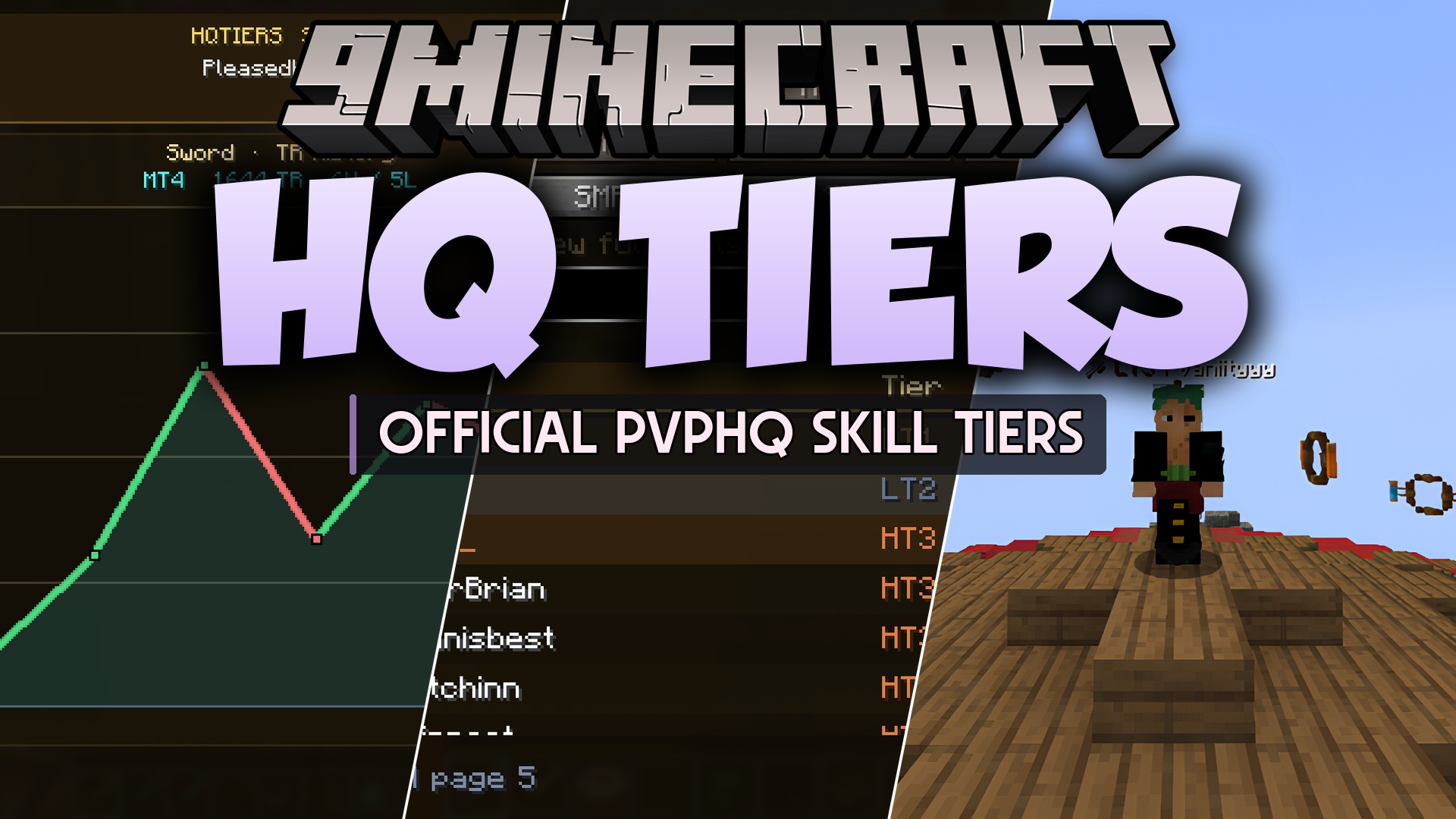
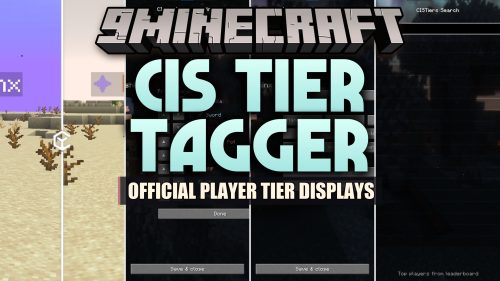
HQ Tiers Mod brings PvPHQ stats and competitive rankings straight to your screen. It shows skill tiers directly above player heads and inside the multiplayer player list. You can check leaderboard standings, view your win and loss records, and look up other players during matches without opening a web browser.
Features:
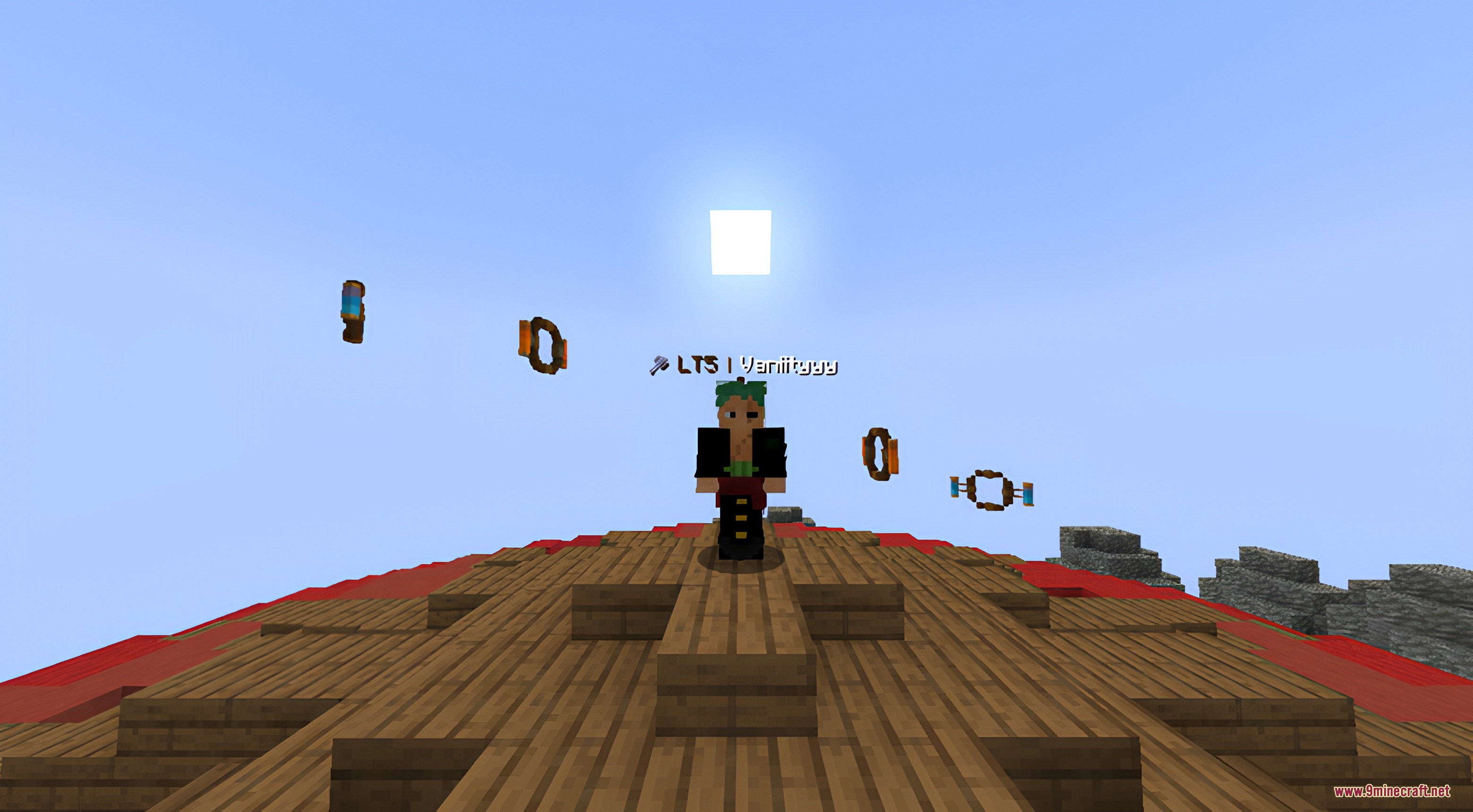
- Shows PvPHQ tier ratings on player nametags in matches.
- Displays player ranking badges directly in the tab list.
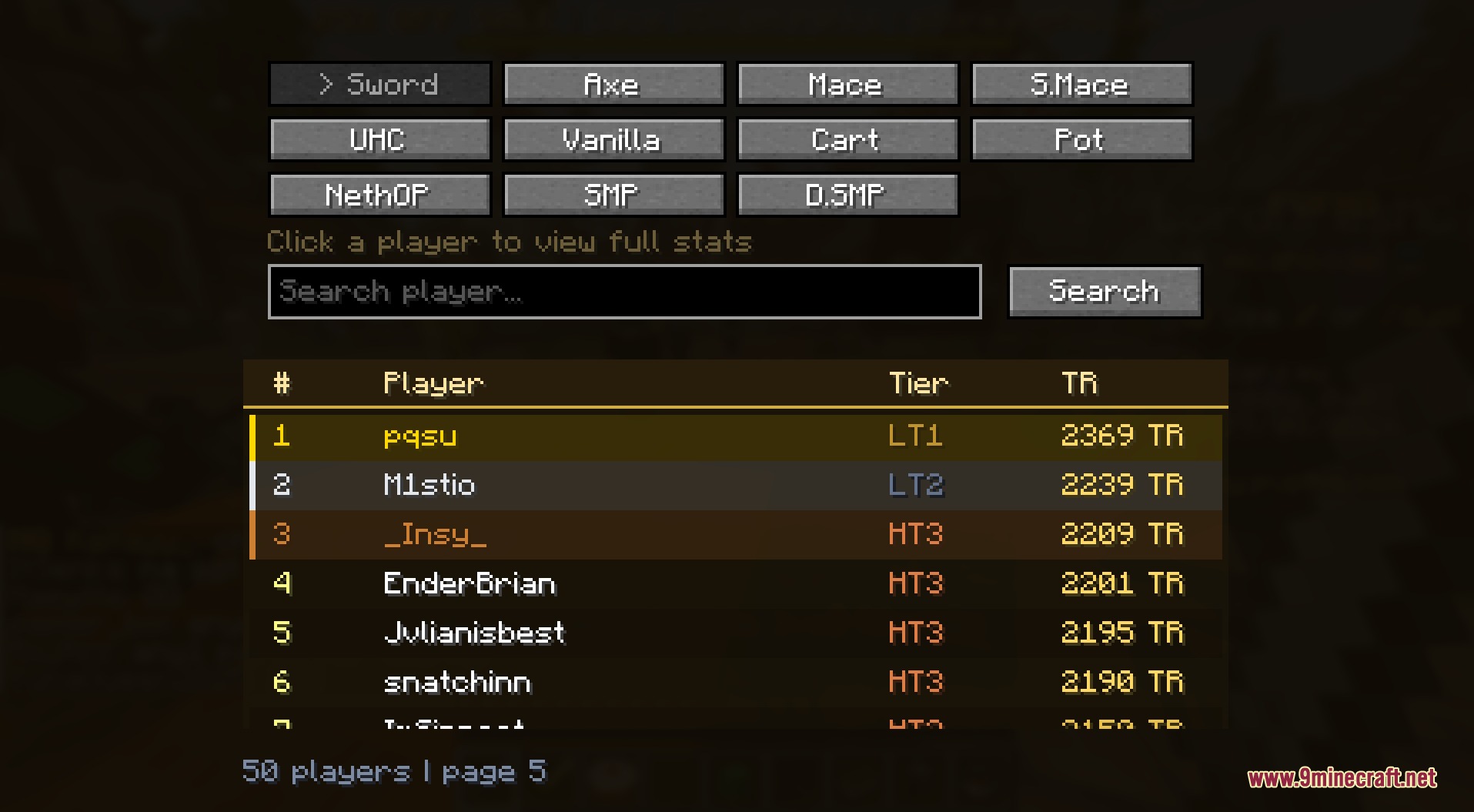
- Provides an in-game leaderboard to check top fighters across different game modes.
- Includes a search bar to look up specific players and view their profiles.
- Tracks match history with simple win and loss graphs.
- Lets you switch between individual ladder ratings or show highest tiers.
- Works client-side so you can use it on any supported server.
Commands:
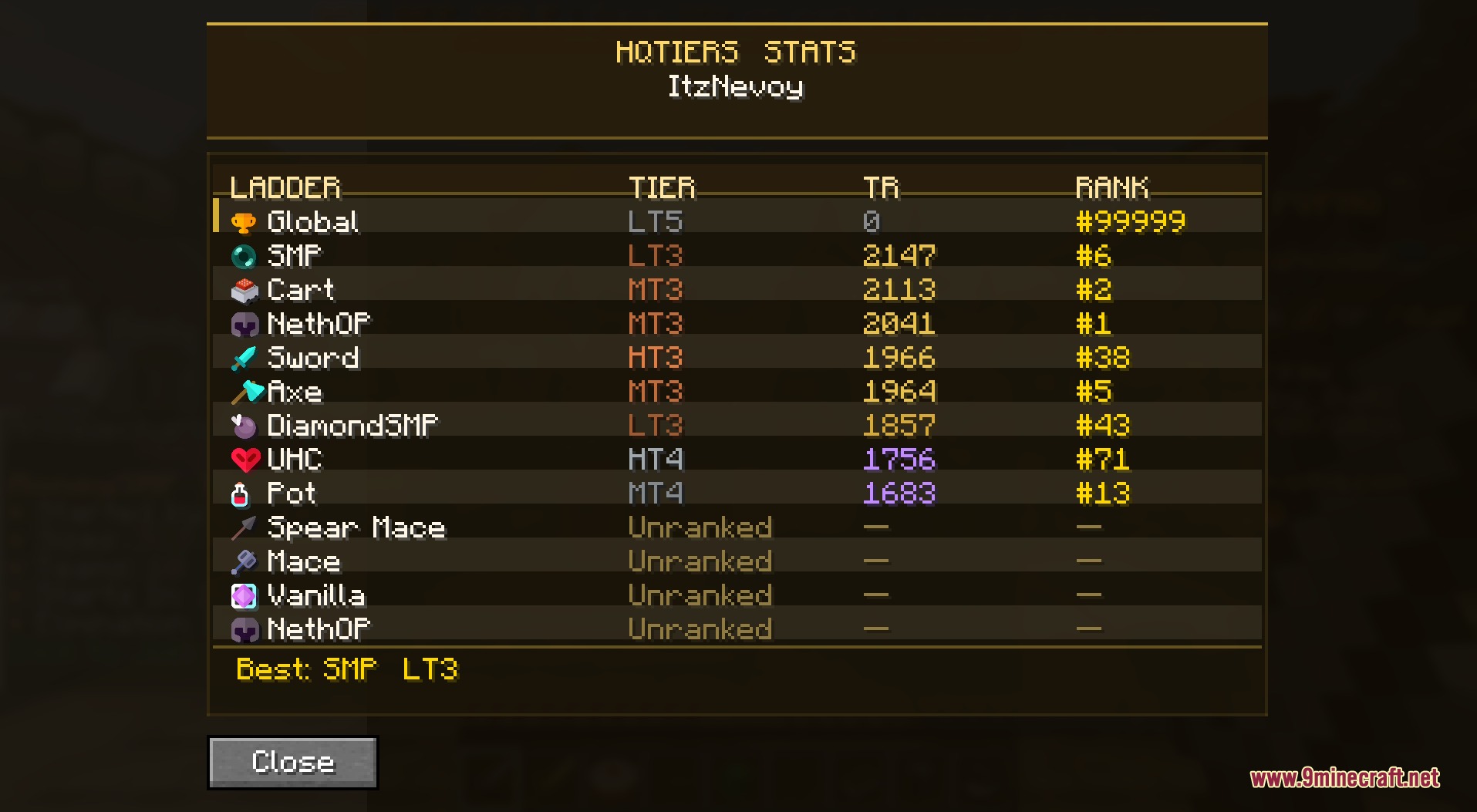
/hqtiers stats <ign>: looks up and displays the combat stats of the specified player.
How to Use:
- Press L to open the leaderboard menu.
- Press K to view your personal stats and rank history.
- Press the Left Arrow or Right Arrow keys to cycle through ladder gamemodes.
- Rebind any shortcut keys inside the game Controls menu if needed.
Screenshots:
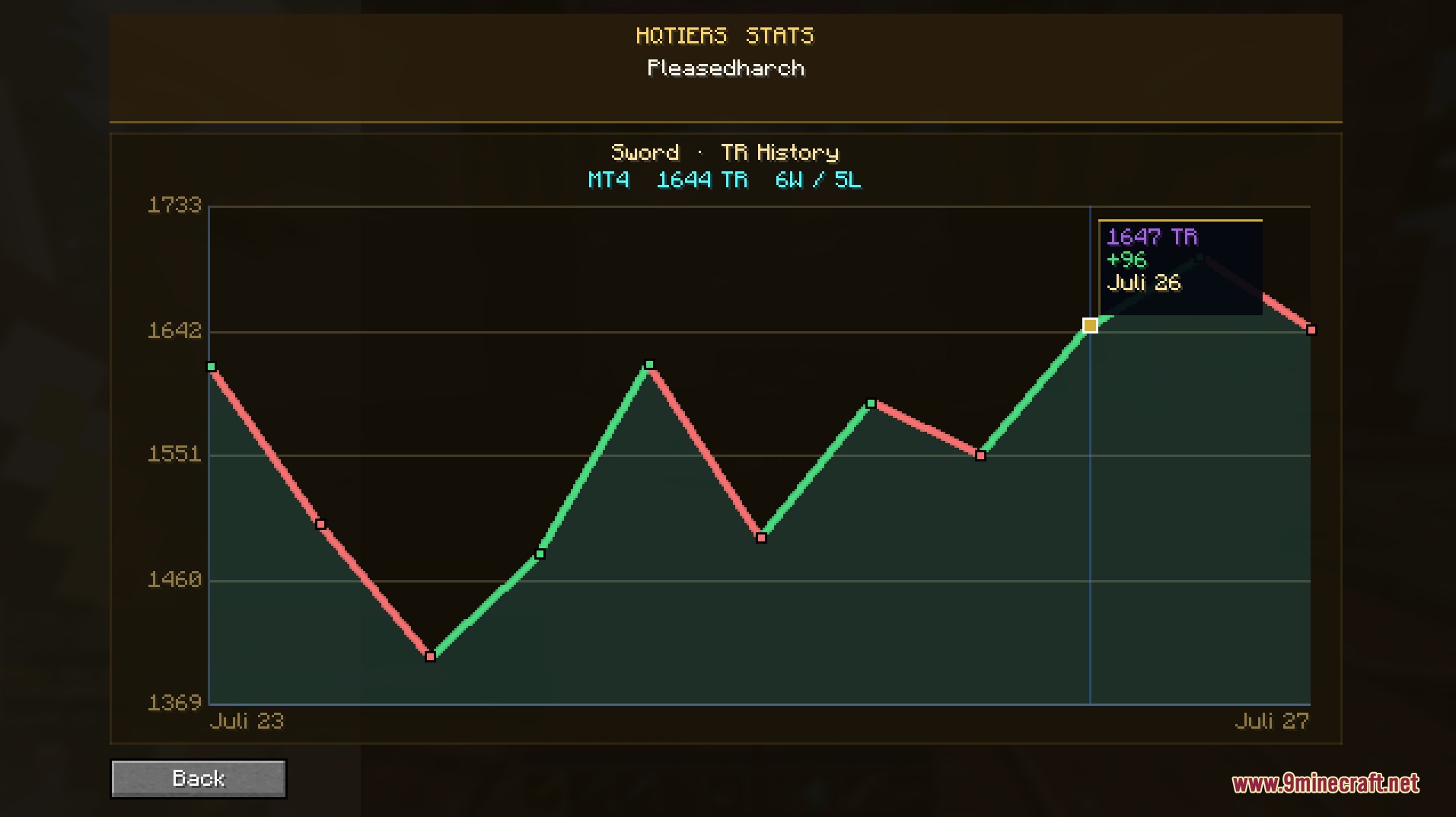
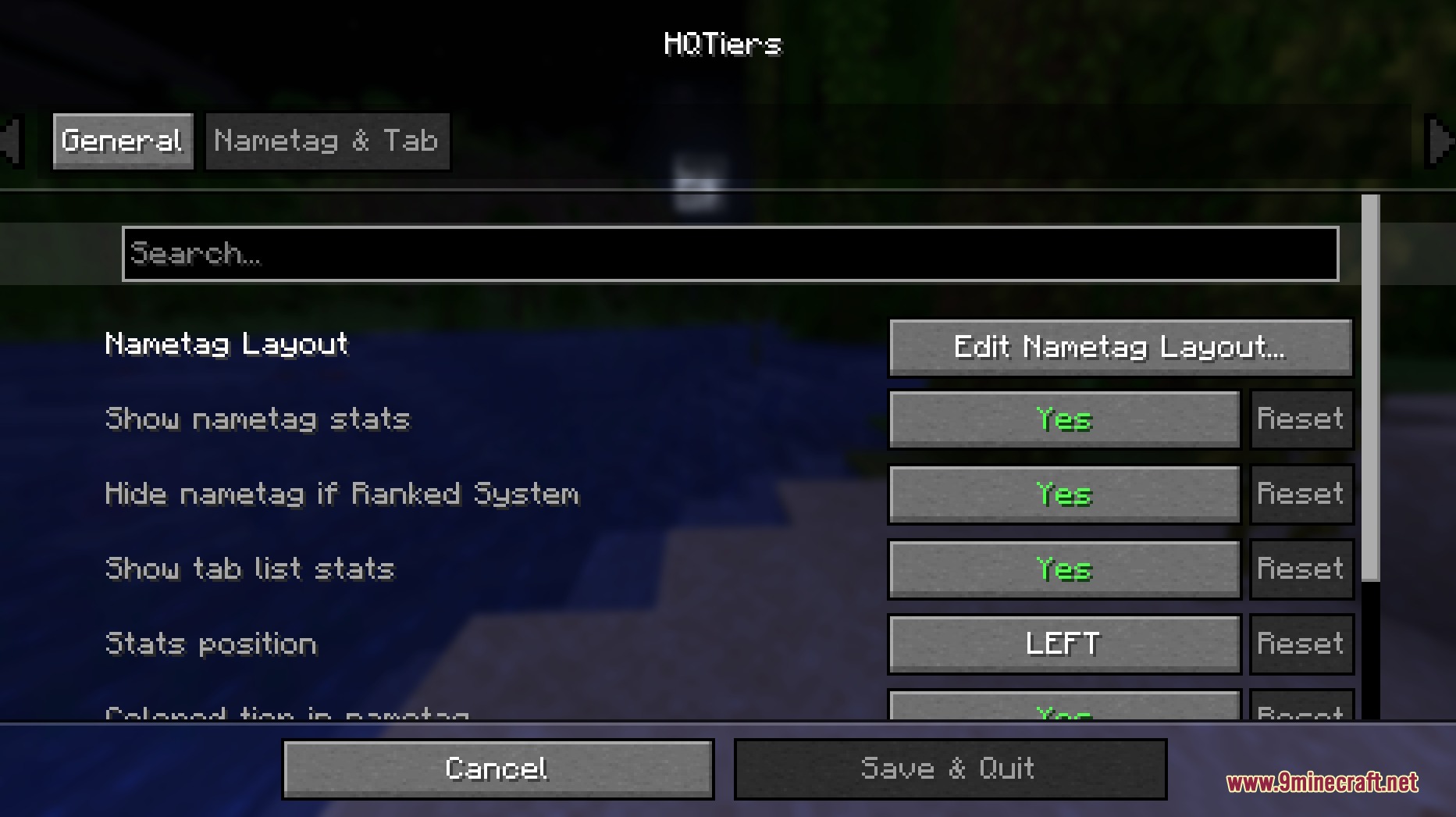
How to Install:
New to Minecraft? Follow our step-by-step guide to install Mods on your PC.View Guide
Requirements:




HQ Tiers Mod Download Links
For Minecraft 26.2
For Minecraft 26.1.2, 26.1.1, 26.1
For Minecraft 1.21.11
Click to rate this post!
[Total: 0 Average: 0]
You May Also Like












This post has no comments yet. Be the first — your comment will appear here.