
Hud Texts Mod (1.21.1, 1.20.1) – Keep Vital Stats in Sight

 0


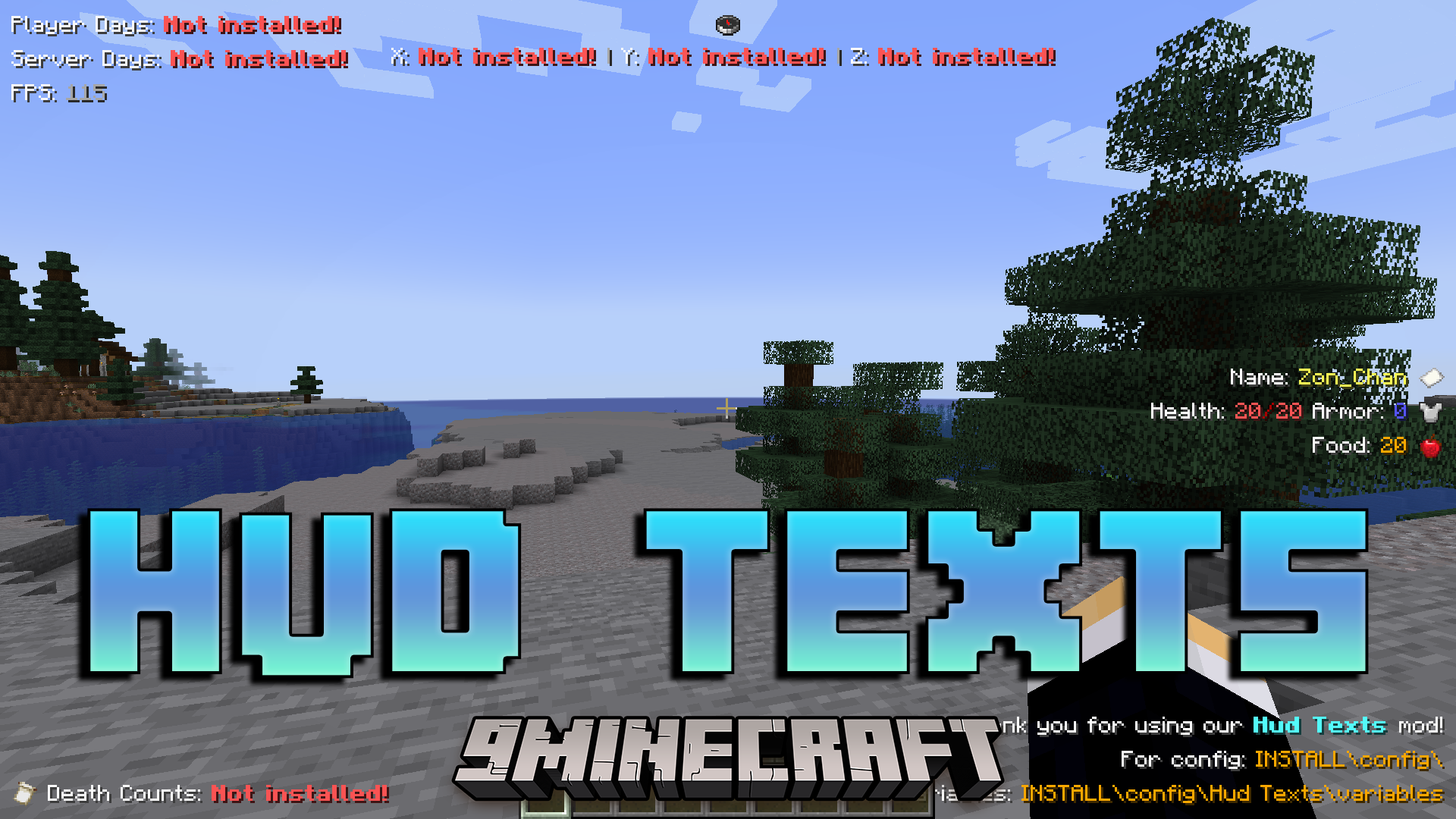
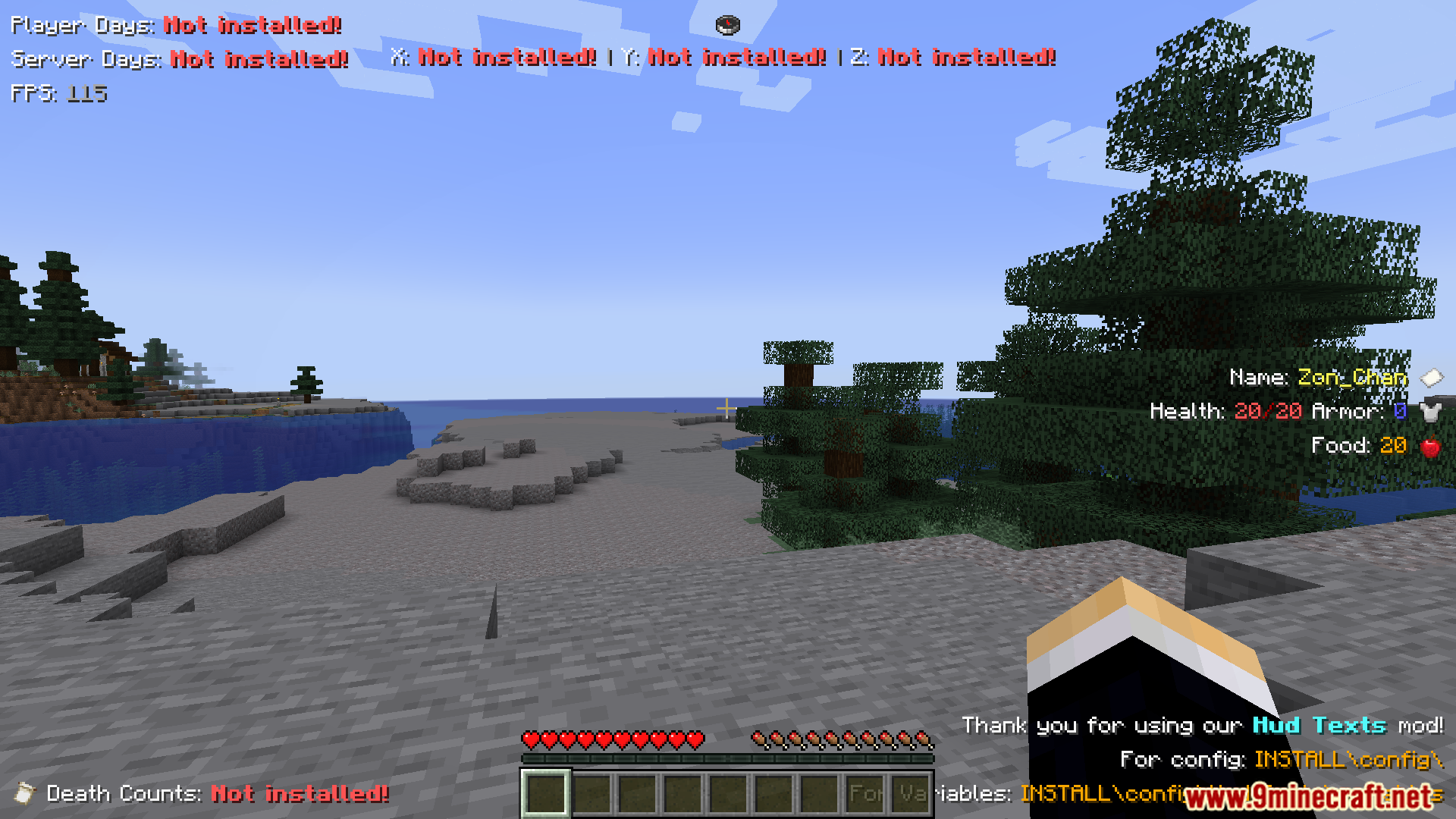
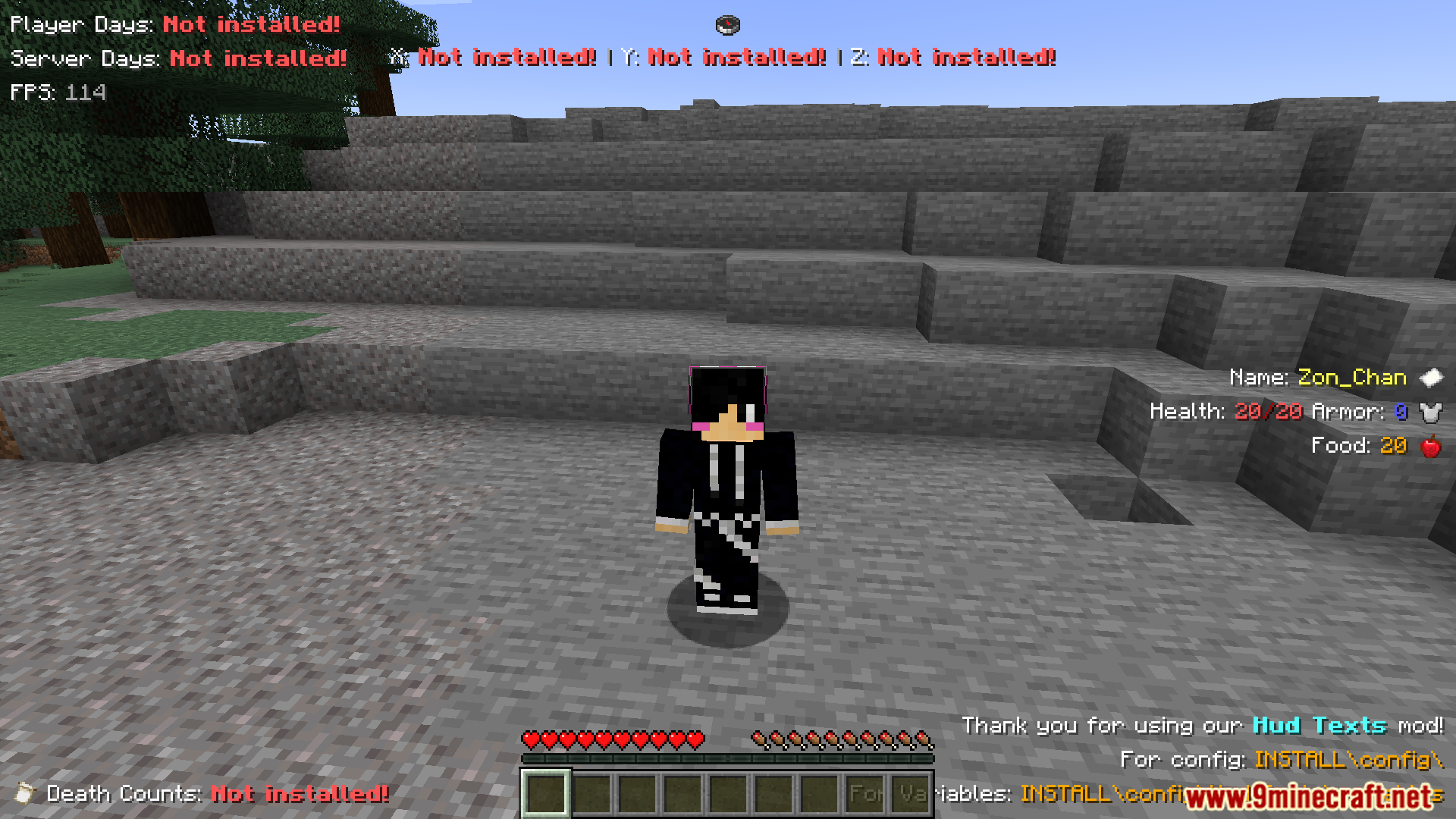
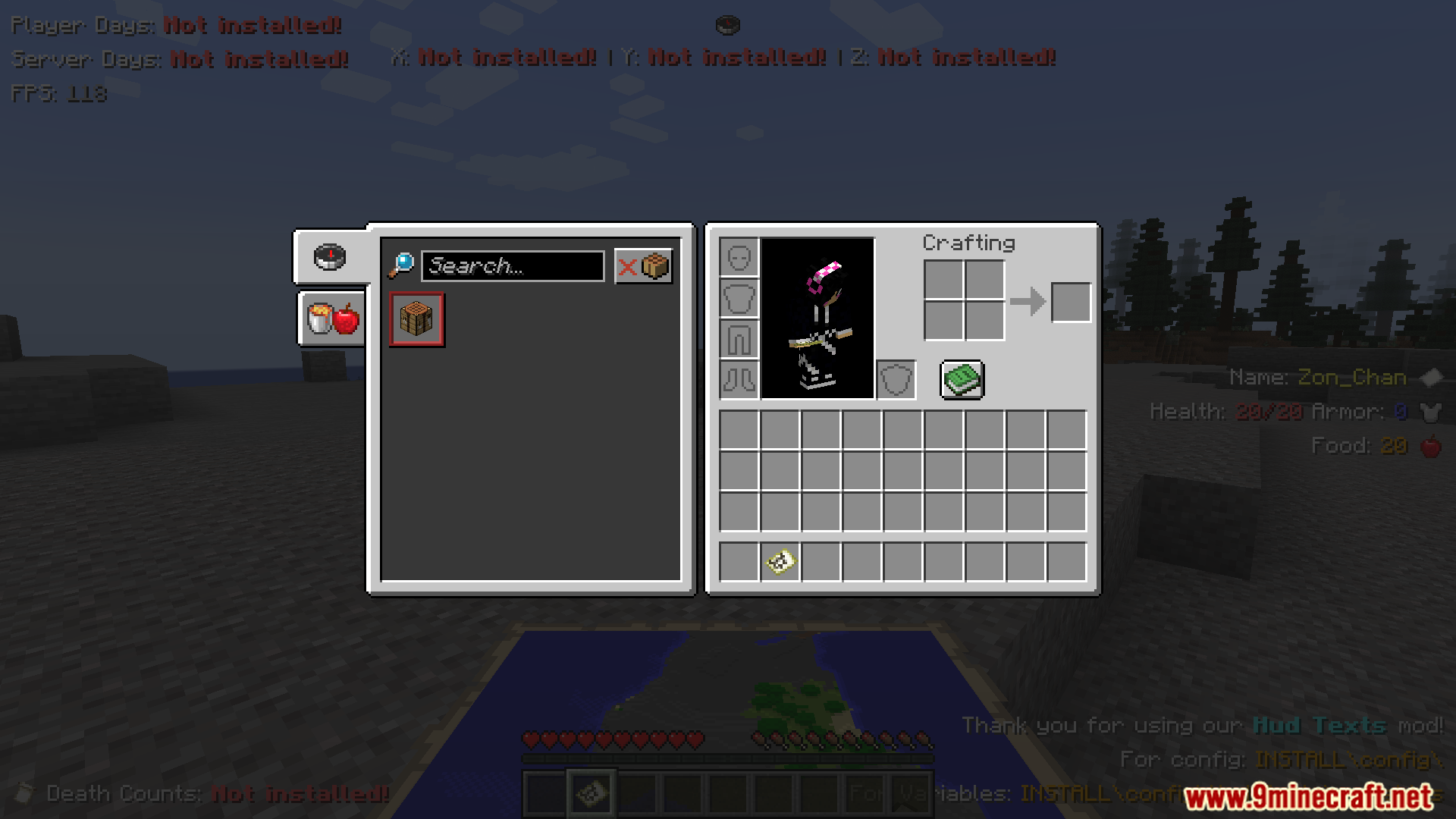
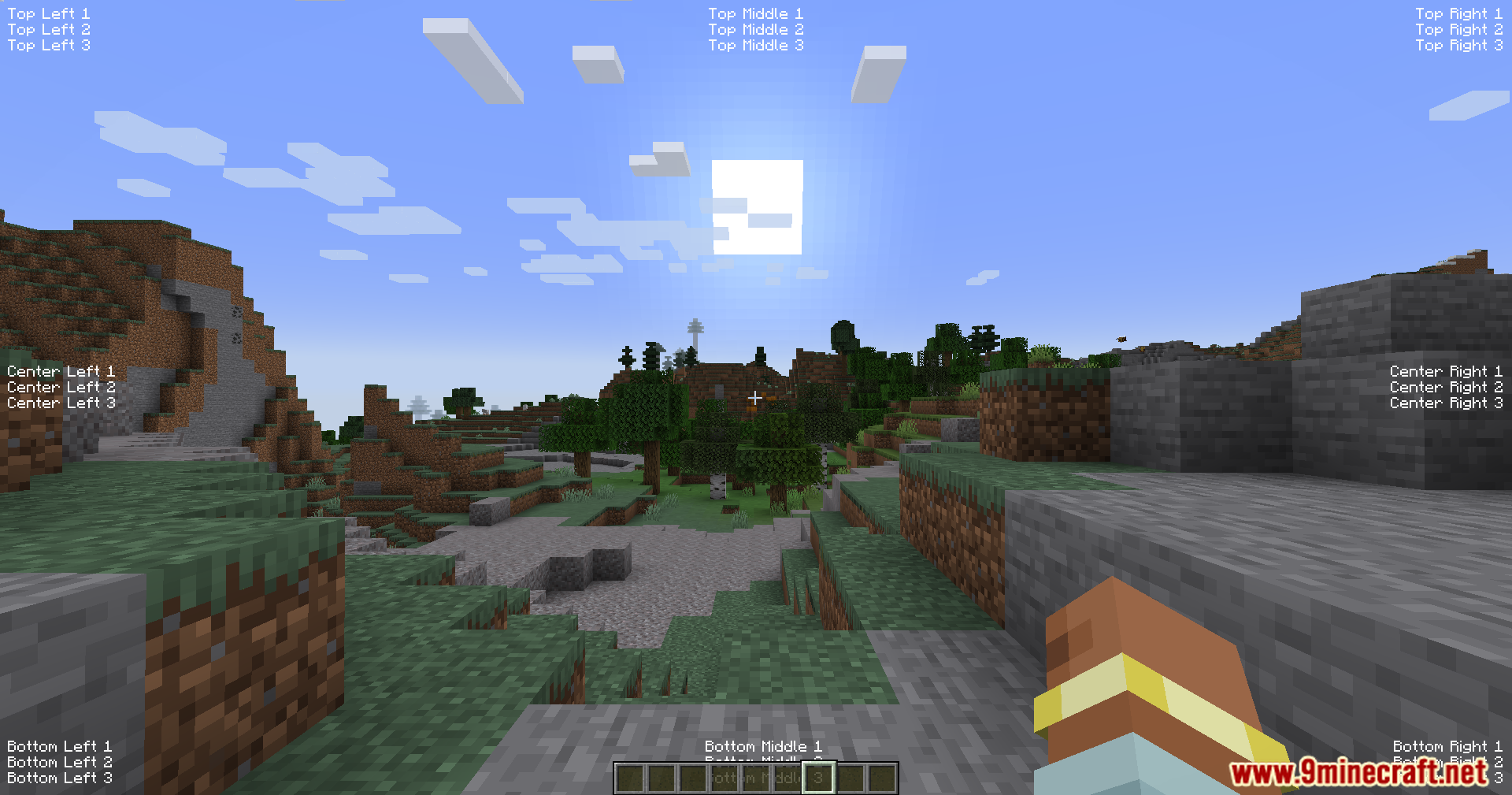
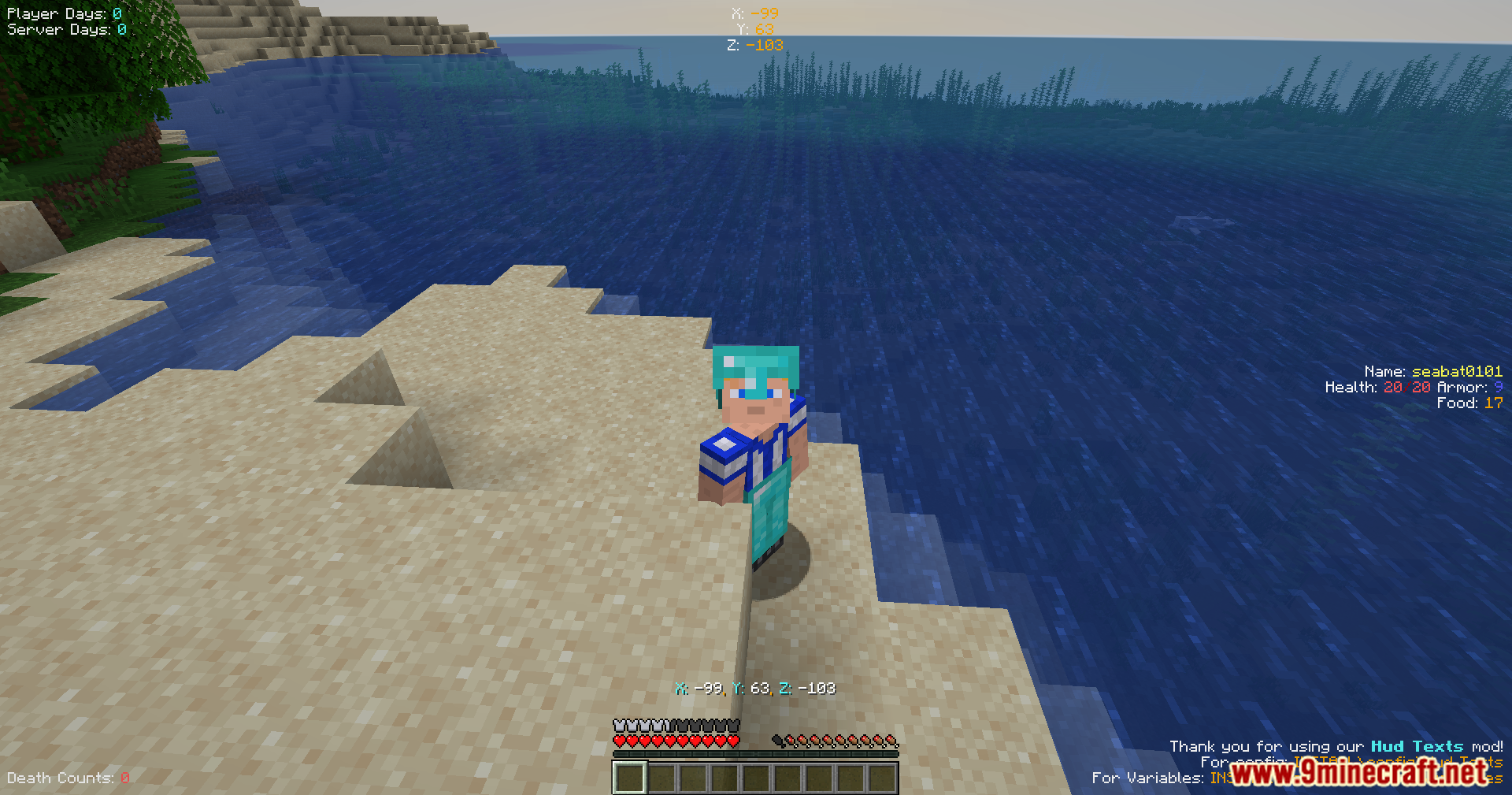
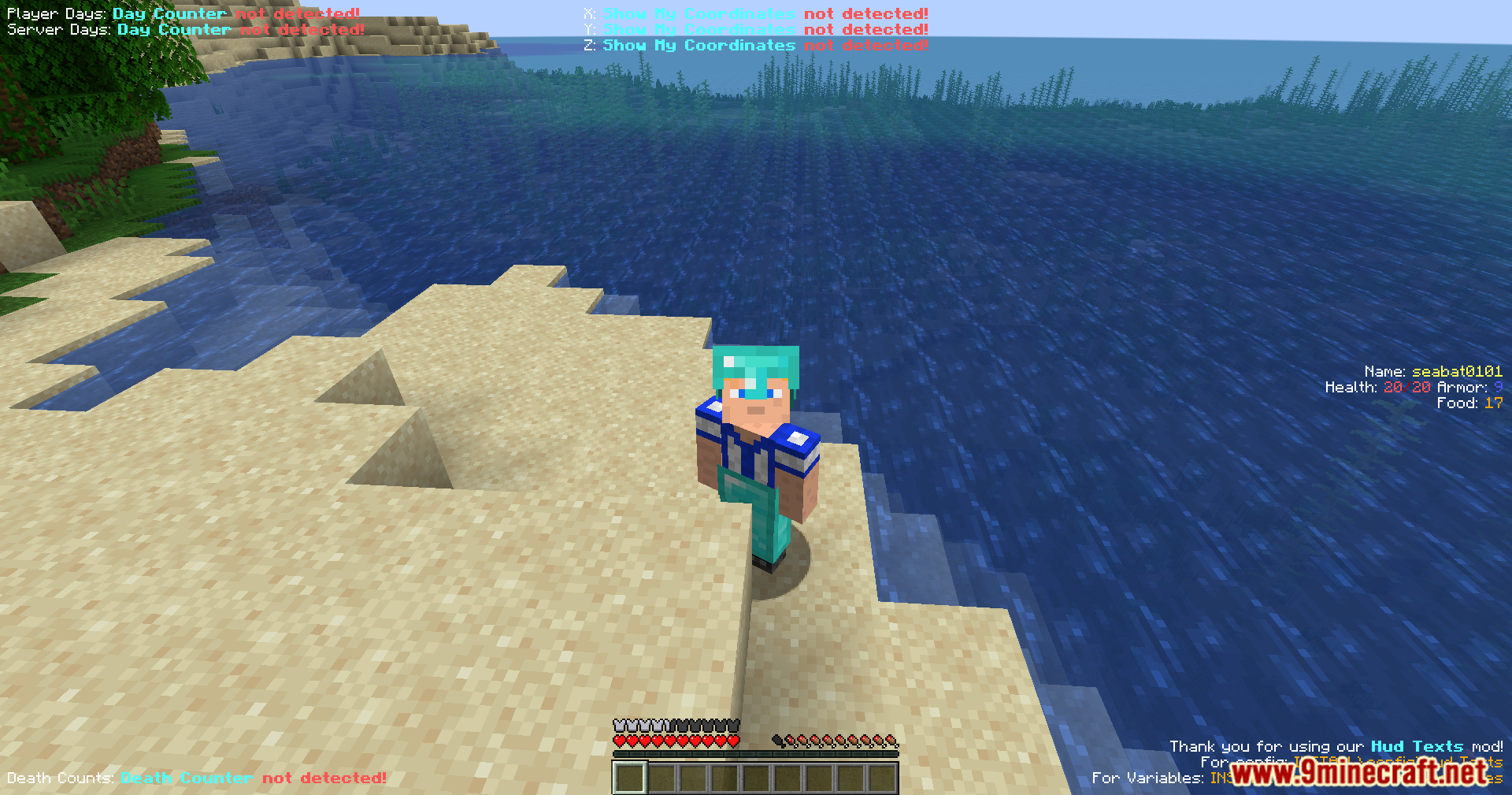
Hud Texts Mod lets you add custom text overlays to your game screen so you can check useful info as you play. You can style every line with custom colors, text formatting, icons, and screen positions. This mod comes with built-in variables for player, game, date, and weather details, along with mod variables for Day Counter, Death Counter, and Show My Coordinates. It also lets you show specific text only when you hold a chosen item or ride a chosen mob, and you can turn the display on or off with a button.
Features:
- Full HUD Customization: Personalize every text overlay on your screen to show the info you need as you play.
- Colors, Formatting, and Icons: Style your on-screen text with color codes, formatting options, and custom icons placed before each line, configurable per side.
- Item and Mount Triggers: Show specific text overlays only when you hold a chosen item or ride a chosen mob, with separate settings for each side.
- Lets you move and adjust the screen position of your overlays independently for each side.
- Includes built-in variables for Player, Game, Date, and Weather details.
- Supports mod variables for Day Counter, Death Counter, and Show My Coordinates.
- Provides a full list of available variables directly inside the config file.
- Refreshes your HUD automatically right after you edit the config file.
- Adds an in-game config menu starting from 1.21.8.
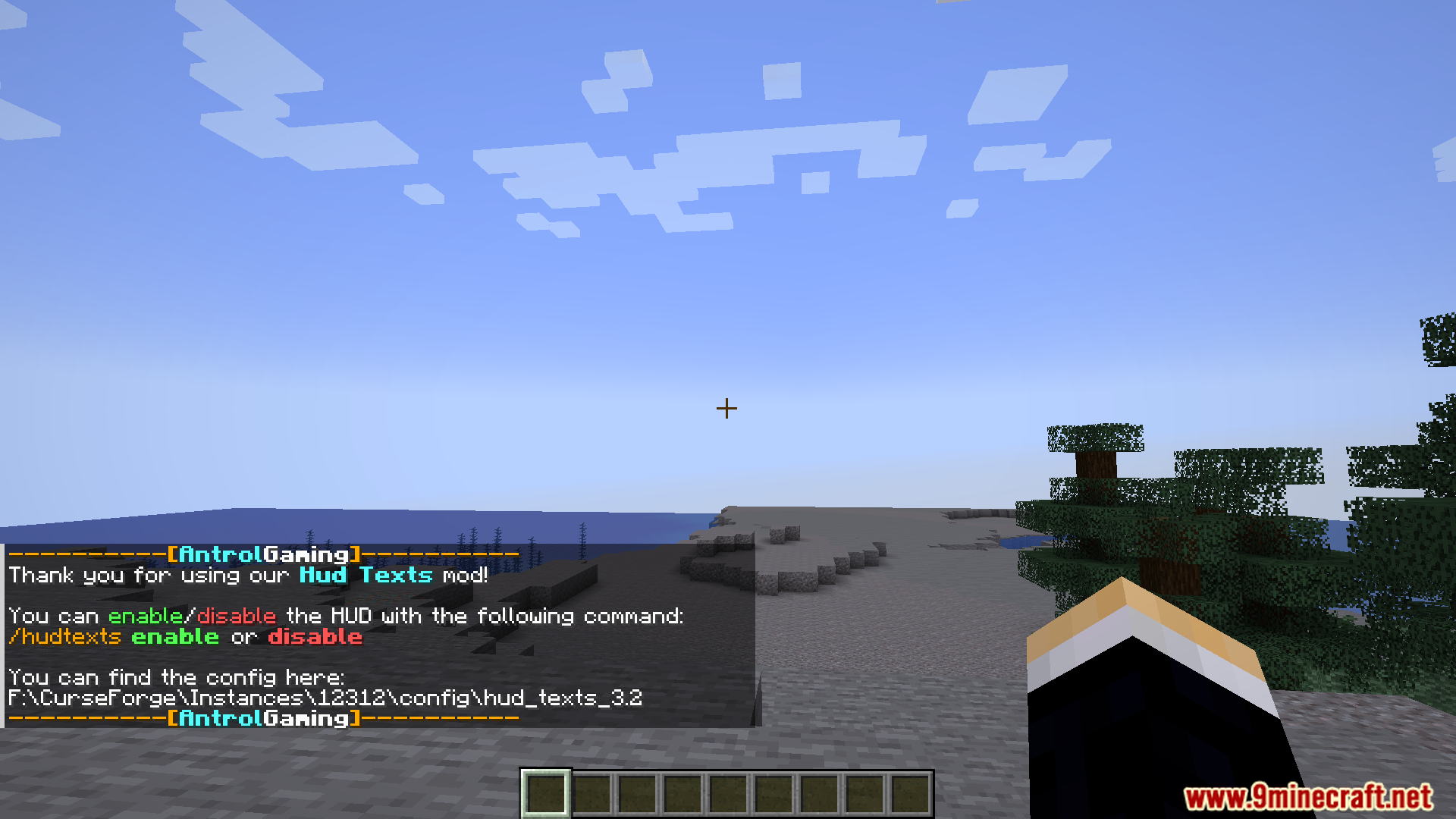
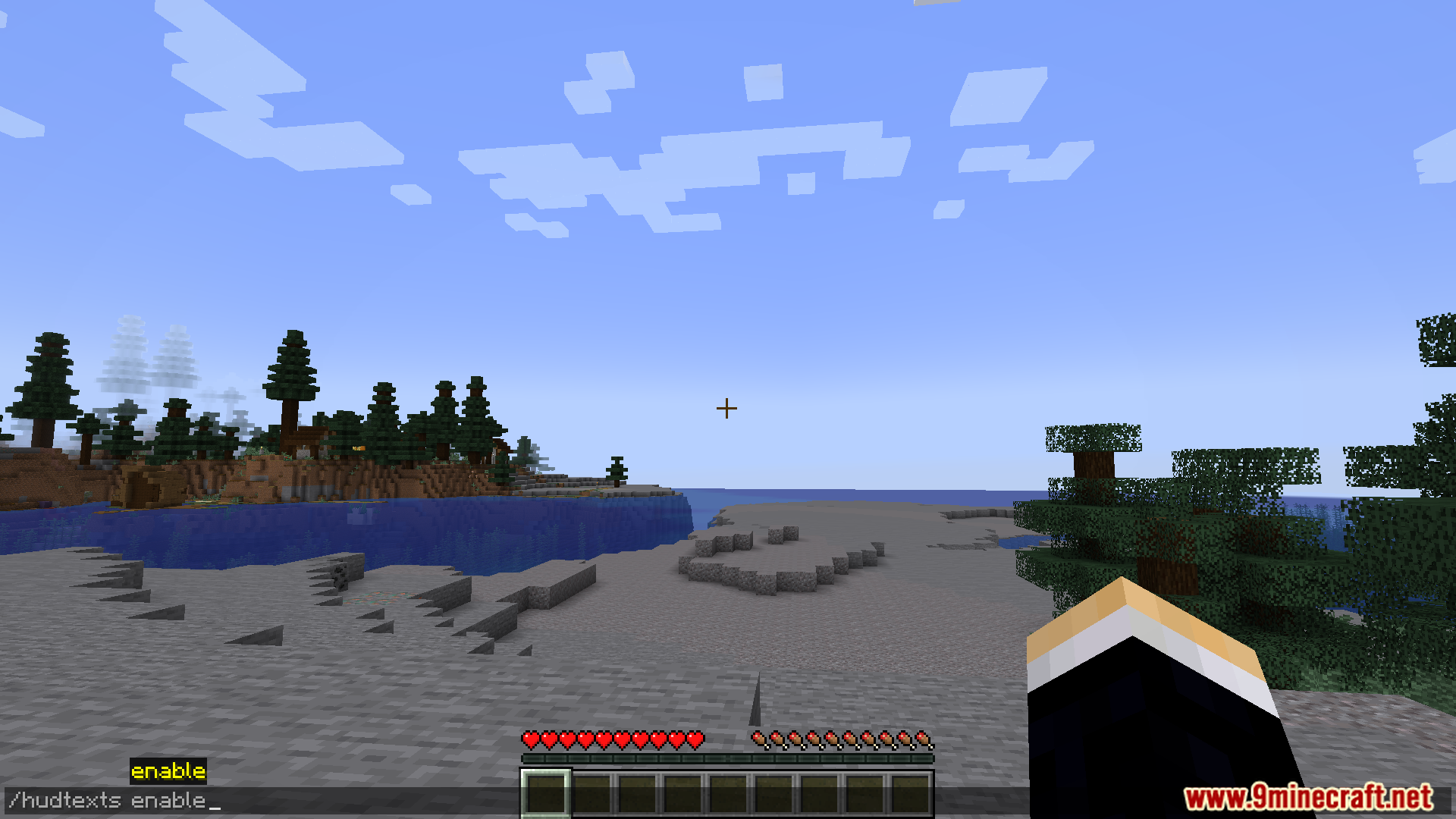
- Gives you a toggle button and commands to turn UI elements on or off quickly.
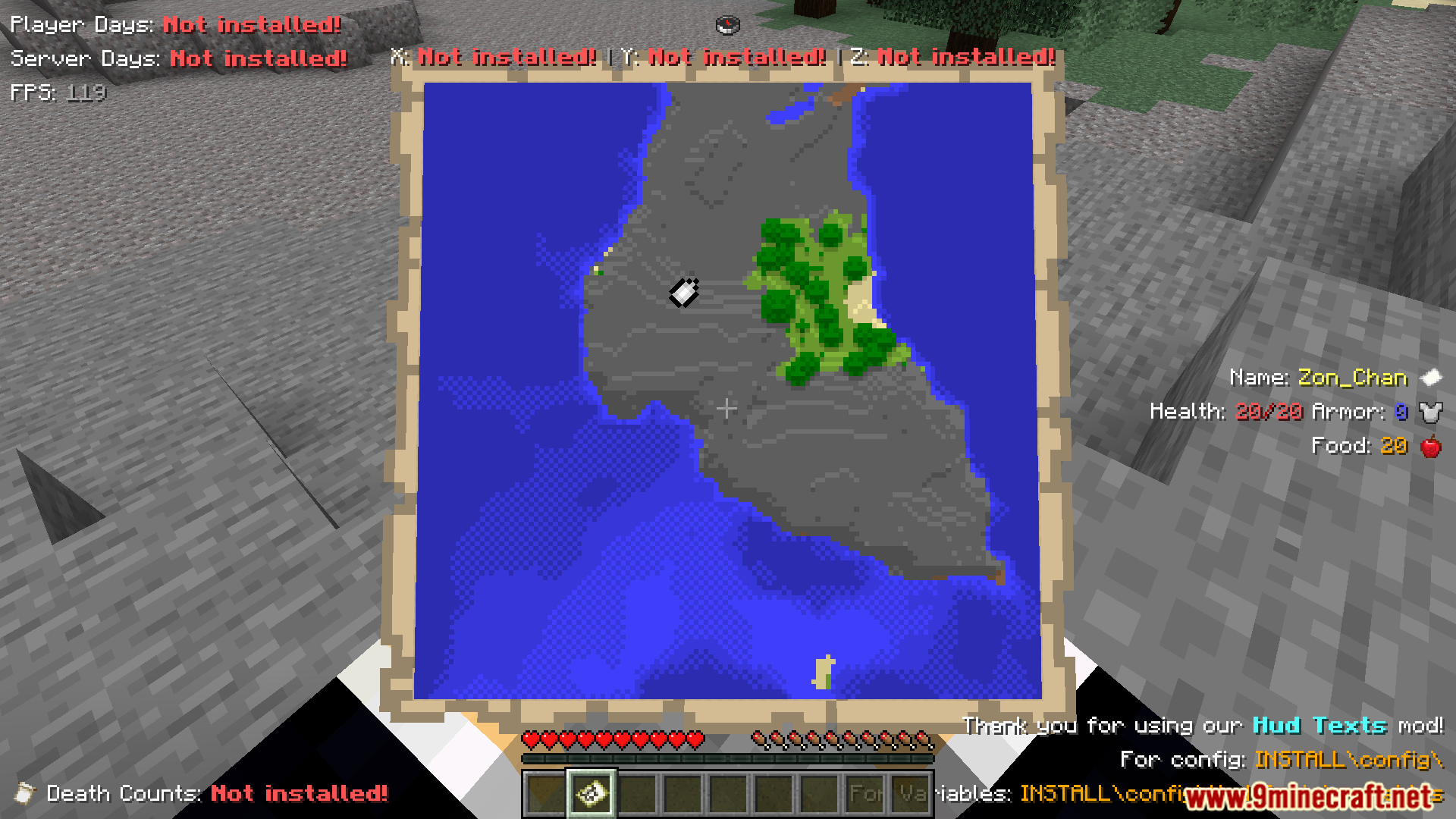
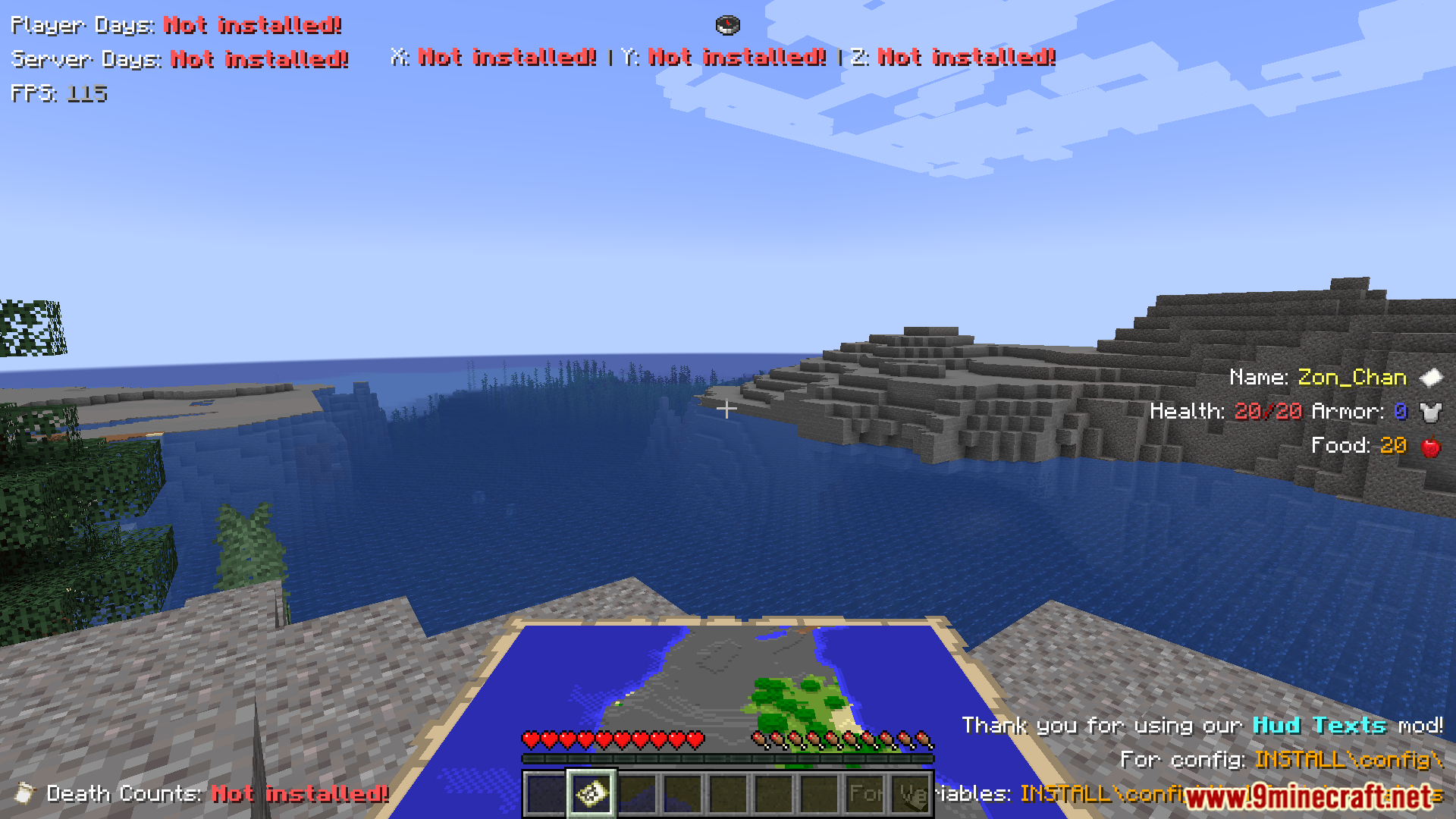
Screenshots:
How to Install:
New to Minecraft? Follow our step-by-step guide to install Mods on your PC.View Guide
Hud Texts Mod Download Links
For Minecraft 1.21.1, 1.21
NeoForge version: Download from Server 1 – Download from Server 2
For Minecraft 1.20.6
NeoForge version: Download from Server 1 – Download from Server 2
For Minecraft 1.20.4
NeoForge version: Download from Server 1 – Download from Server 2
For Minecraft 1.20.1, 1.20
Forge version: Download from Server 1 – Download from Server 2
For Minecraft 1.19.4
Forge version: Download from Server 1 – Download from Server 2
For Minecraft 1.19.2
Forge version: Download from Server 1 – Download from Server 2
If you rent a paid server to play modded Minecraft with friends, how do you usually set it up?
24 responses · See the full results →
You May Also Like
Picked for this page
 Veinminer Mod (26.2, 1.20.1) – Quick Mining
 Just Hammers Mod (26.3, 1.20.1) – Dig A Whole Mountain If You Want
 Reinforced Chests Mod (1.21.11, 1.20.1) – Levels Up Your Minecraft Storage Game
 Tschipcraft’s More Mobs Mod (26.3, 1.20.1) – Humanoid Mobs
 Bigger Sponge Absorption Radius Mod (26.3, 1.20.1) – Expanded Absorption Radius
 Diagonal Windows Mod (26.3, 1.20.1) – Place Glass Panes Diagonally with Ease
 Totem Tweaks Mod (26.2, 1.20.1) – Small Totem Pop and Extensive Customizability
 UniLib Mod (26.3, 1.20.1) – A Common Set of Utilities
 Dye All The Things Mod (26.3, 1.20.1) – Ultimate Armor Dyeing Mod
 Companions Dogfolk Mod (1.21.11, 1.20.1) – Cute Little Helpers
 Instant Feedback Mod (26.3, 1.21.11) – Features From Minecraft Feedback Forum
 Deus Ex Machina Reborn Mod (1.21.1, 1.20.1) – Bottle of Ambrosia And Boss-Specific Scaling
Most viewed in Mods over the last 7 days
 Ala Industrial Mod (26.3) – Run Electric Power Grids and Automated Factories
 PleasureCraft Mod (26.3, 1.21.1) – Jenny Mod Remake for Fabric
 Jennycraft Mod (26.3, 1.20.1) – Virtual Girlfriend in Minecraft
 Fapcraft Mod (26.3, 1.12.2) – Comprehensive and Detailed Content
 Jenny Mod (Fapcraft) Official Complete Guide – How to use, Tutorial
 BangCraft Mod (1.20.1) – Jenny, Ellie and Elliot
 Fabric Loader (26.3, 1.20.1) – Fabric Installer for All Minecraft Versions
 The Shooting Star Demo Mod (26.3, 1.20.1) – Vaporize Terrain From Orbit
 Meteor Client Mod (26.3, 1.20.1) – Xray, HUD, Fly
 OptiFine HD (26.3, 1.20.1) – Run Faster, FPS Boost, Shaders Support
 Aristois Client Mod (1.21.4, 1.20.1) – World Class Minecraft Utility
 Prestige Client Mod (1.21.11, 1.21.4) – Powerful Ghost Features for Crystal & Sword PvP
More from Mods
 Asterion Mod (26.3, 1.20.1) – Survive Ancient Mazes and Slay the Legendary Minotaur
 Passthrough Signs Mod (26.3, 1.20.1) – Right-Click Through Wall Signs
 Packing Tape Mod (26.3, 1.20.1) – Move Chests, Machines
 No XP Anvils Mod (26.3, 1.20.1) – Repair And Enchant Without XP
 Naruto Shippuden Mod (26.3, 1.16.5) – Immerse Yourself in The World of Ninja
 Araxer’s Bestiary Mod (26.3, 1.20.1) – Build an In-Game Encyclopedia of Every Mob
 Villagers Plus Mod (26.3, 1.20.1) – Expanded Villager Types and Villages
 Ore Excavation 9minecraft Mod (26.3) – Mine Ores and Chop Trees in a Single Swing
 Dirigo Mod (26.1.2, 1.21.1) – Walk Across Nether Lava Seas and Automate Animal
 HandLib Mod (26.3, 1.21.1) – Keep Your Multiplayer World Stable
 Happy Ghasts Boost Mod (26.1.2, 1.20.1) – Fly Across Vast Distances at Top Speed
 LiquidBounce Client Mod (26.3, 1.20.1) – LiquidLauncher, A Free Client

This post has no comments yet. Be the first — your comment will appear here.