
Immersive Machinery Mod (1.21.1, 1.20.1) – Tackle Base Chores with Rustic
 504
 0


Immersive Machinery Mod adds rustic machines that help you mine, move items, and automate tasks while staying close to the vanilla Minecraft style. This mod brings four machines into your world: the Copperfin submarine, the Tunnel Digger, the Redstone Sheep, and the Bamboo Bee drone. These machines let you explore underwater, dig through the ground, harvest grass and plants, and carry items across your base. You can view every crafting recipe with the built-in recipe book or with recipe mods like JEI.
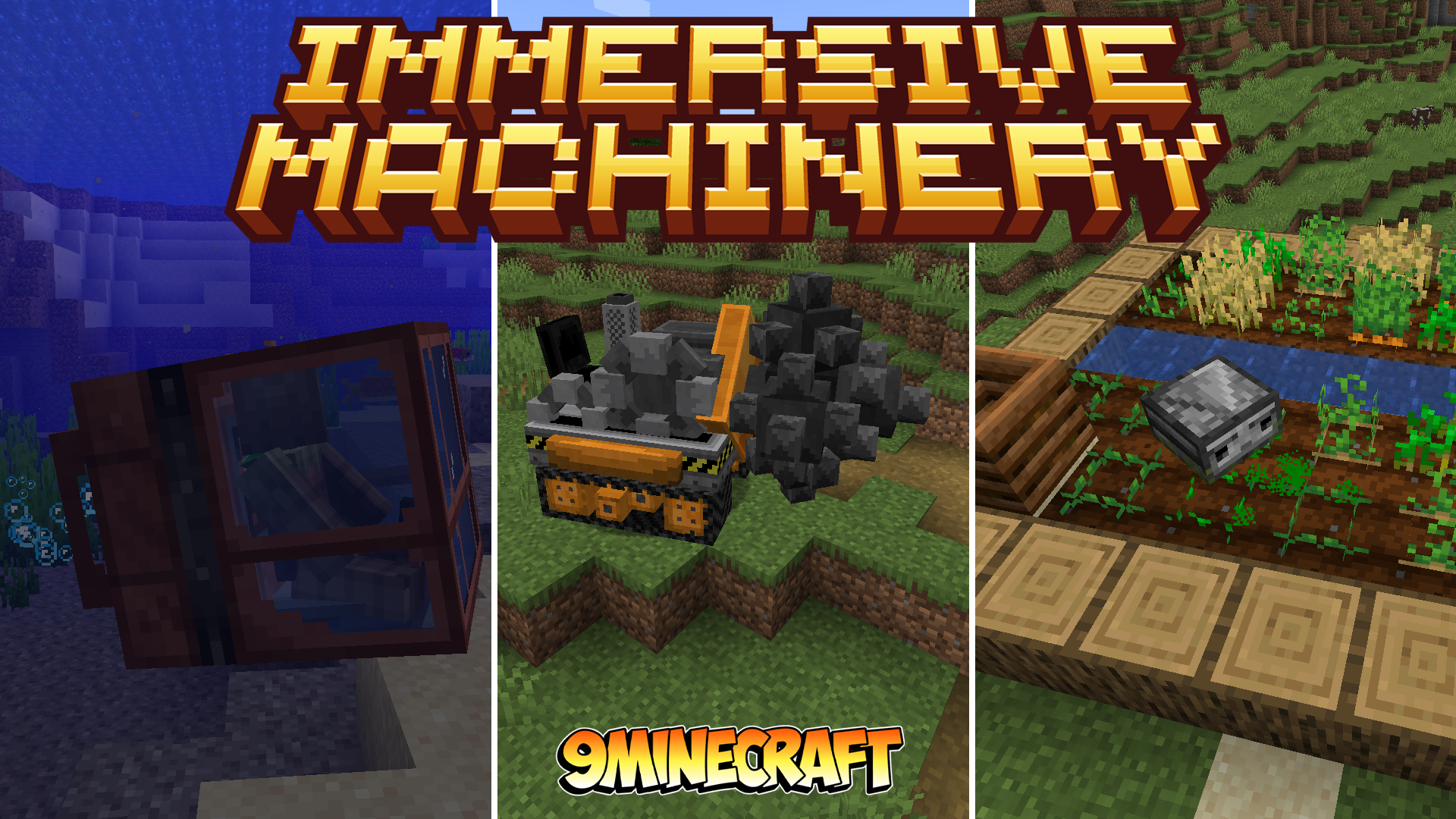
Immersive Machinery Mod – Video Showcase
Features:
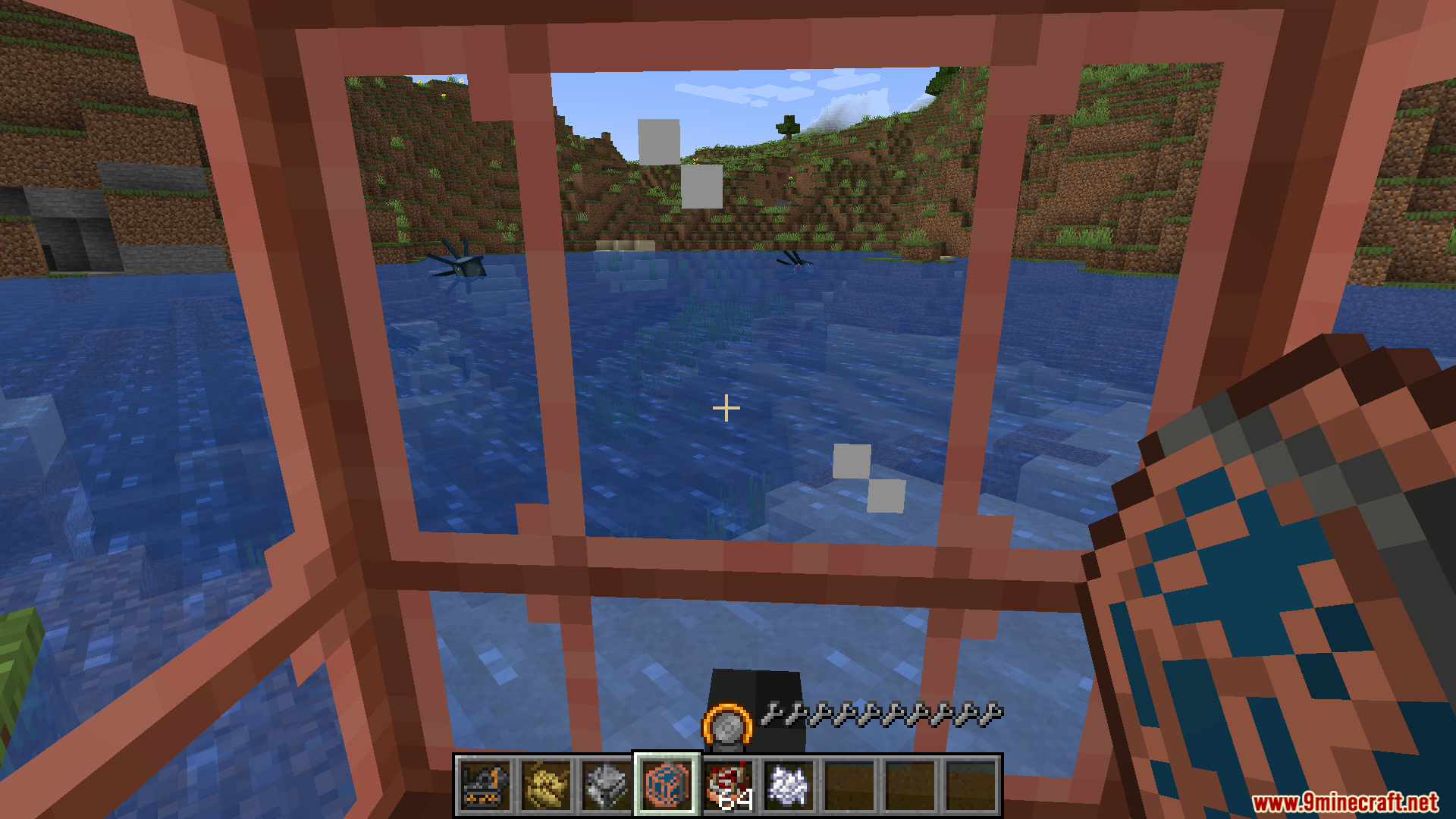
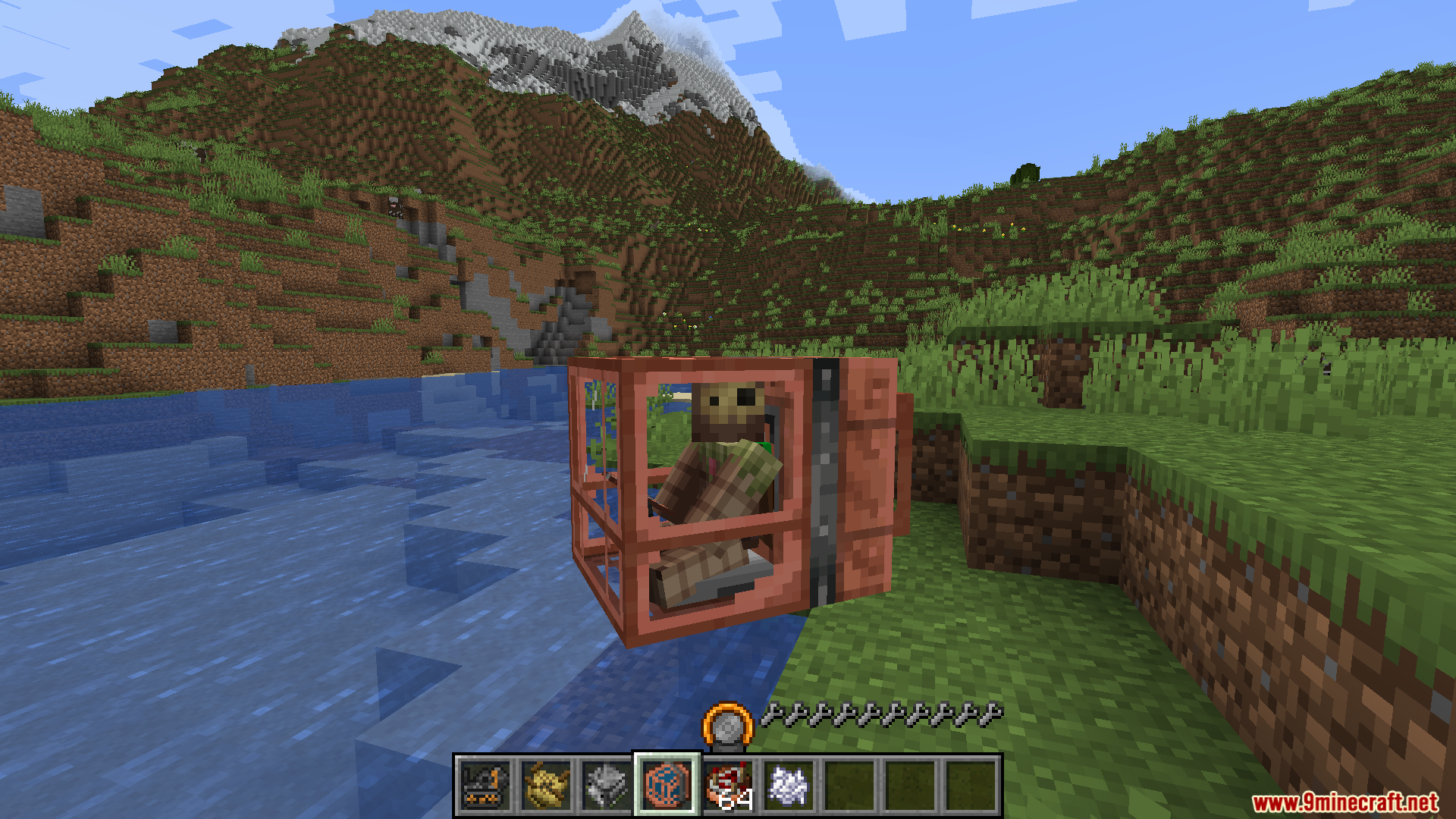
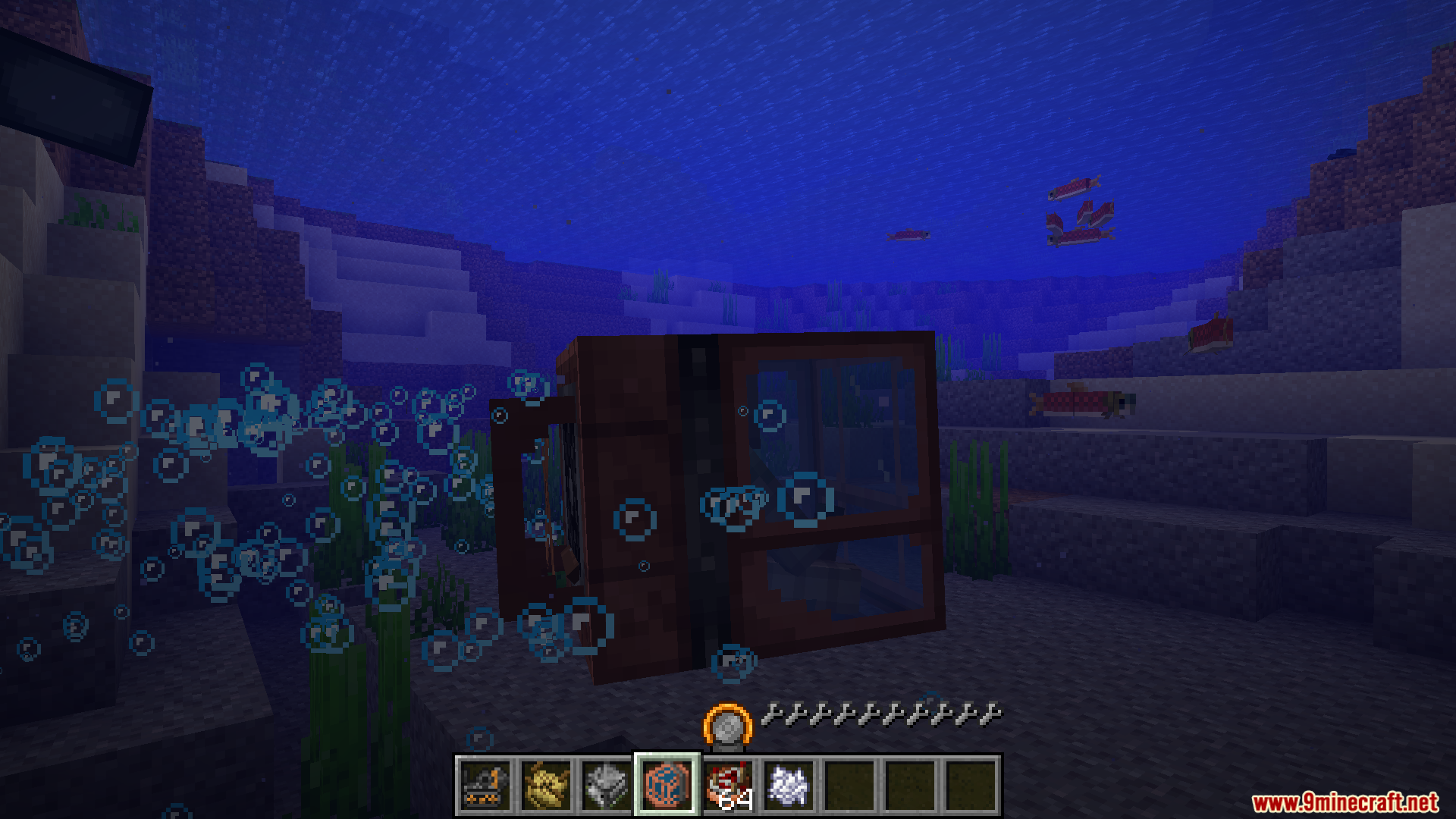
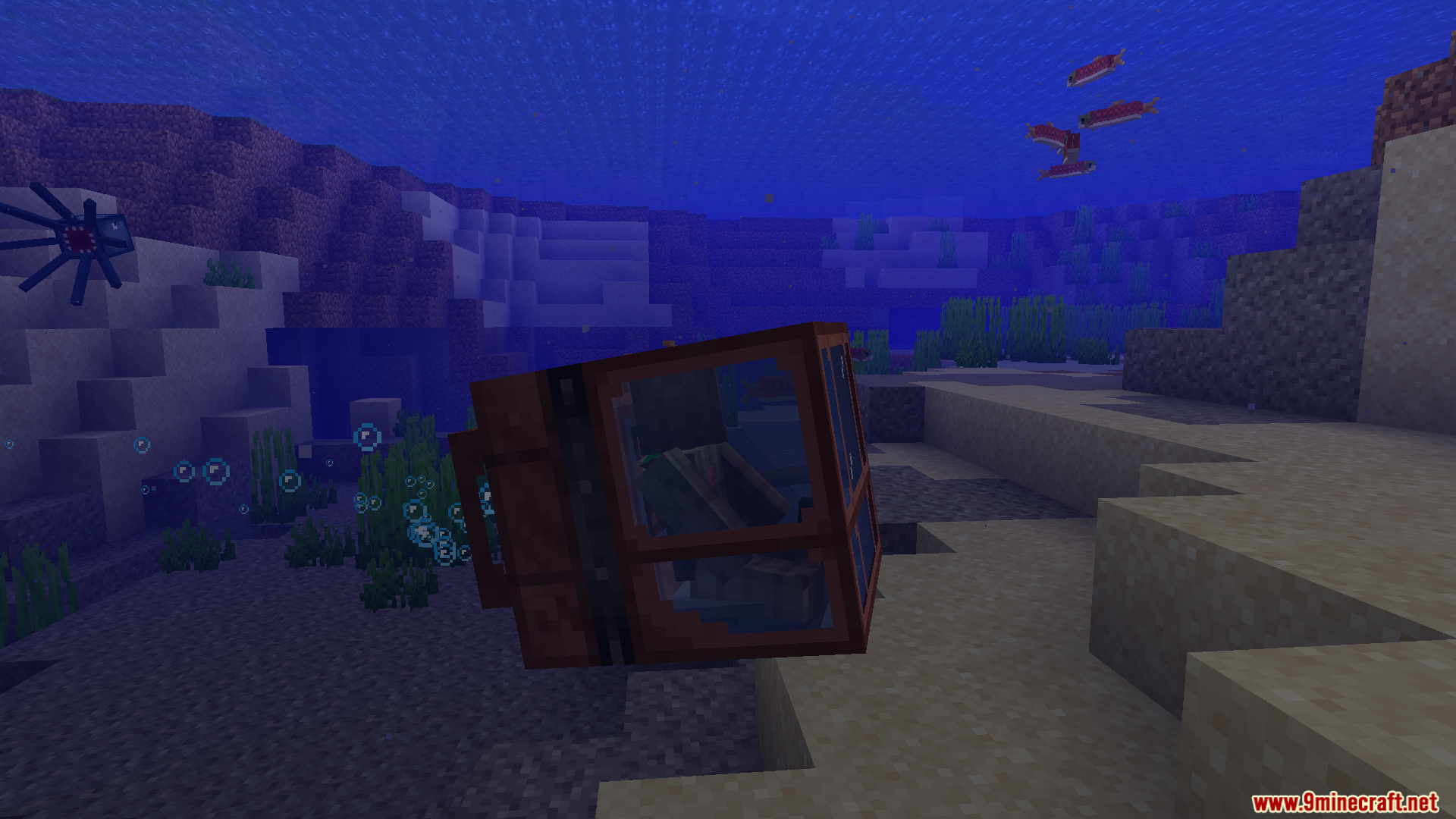
- Copperfin: Adds a small, easy-to-steer primitive submarine built for underwater exploration. Powered by a conduit, it provides an unlimited air supply, supports different upgrade modules, and has a built-in sonar (default key H) that highlights nearby mobs.
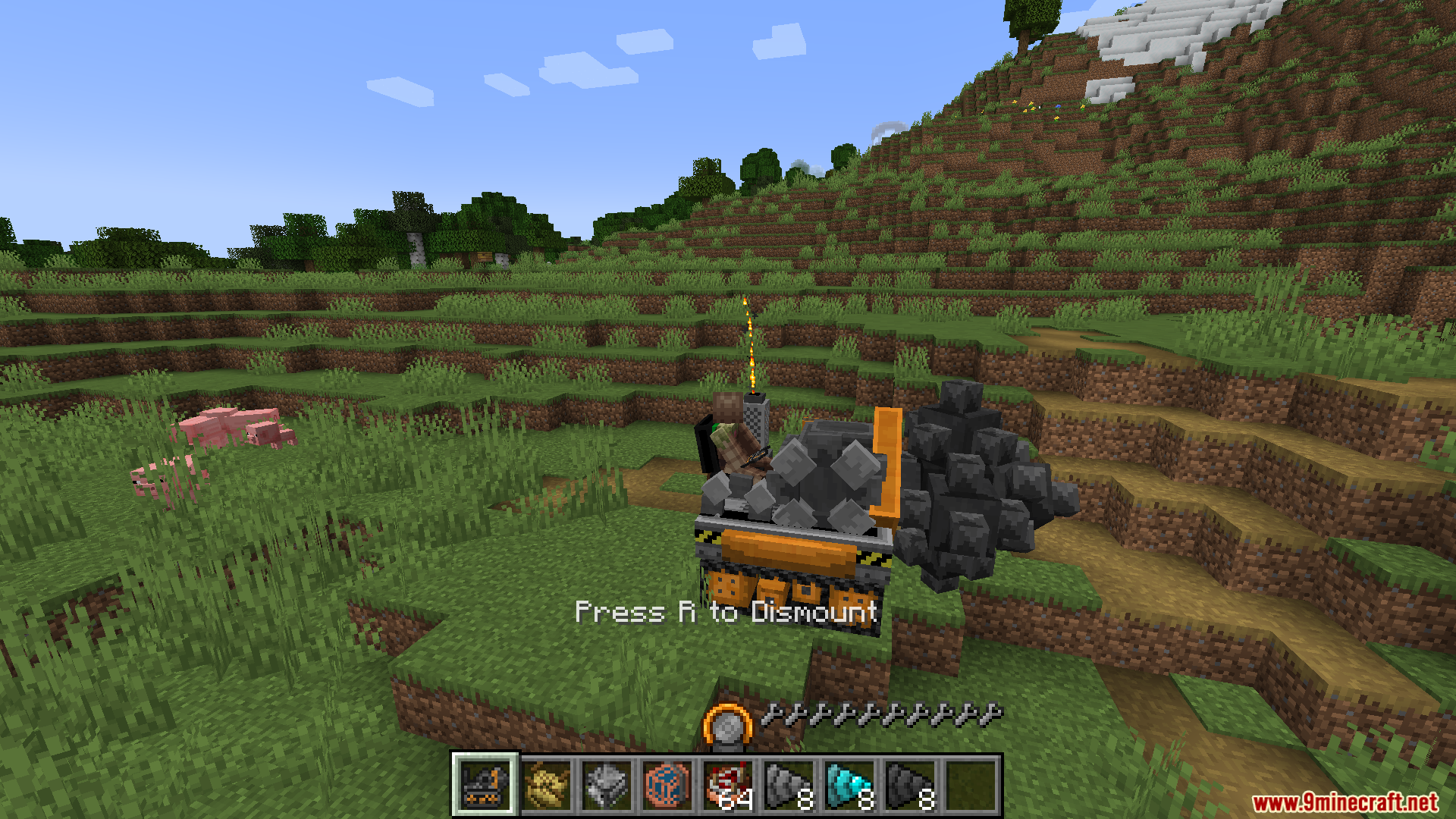
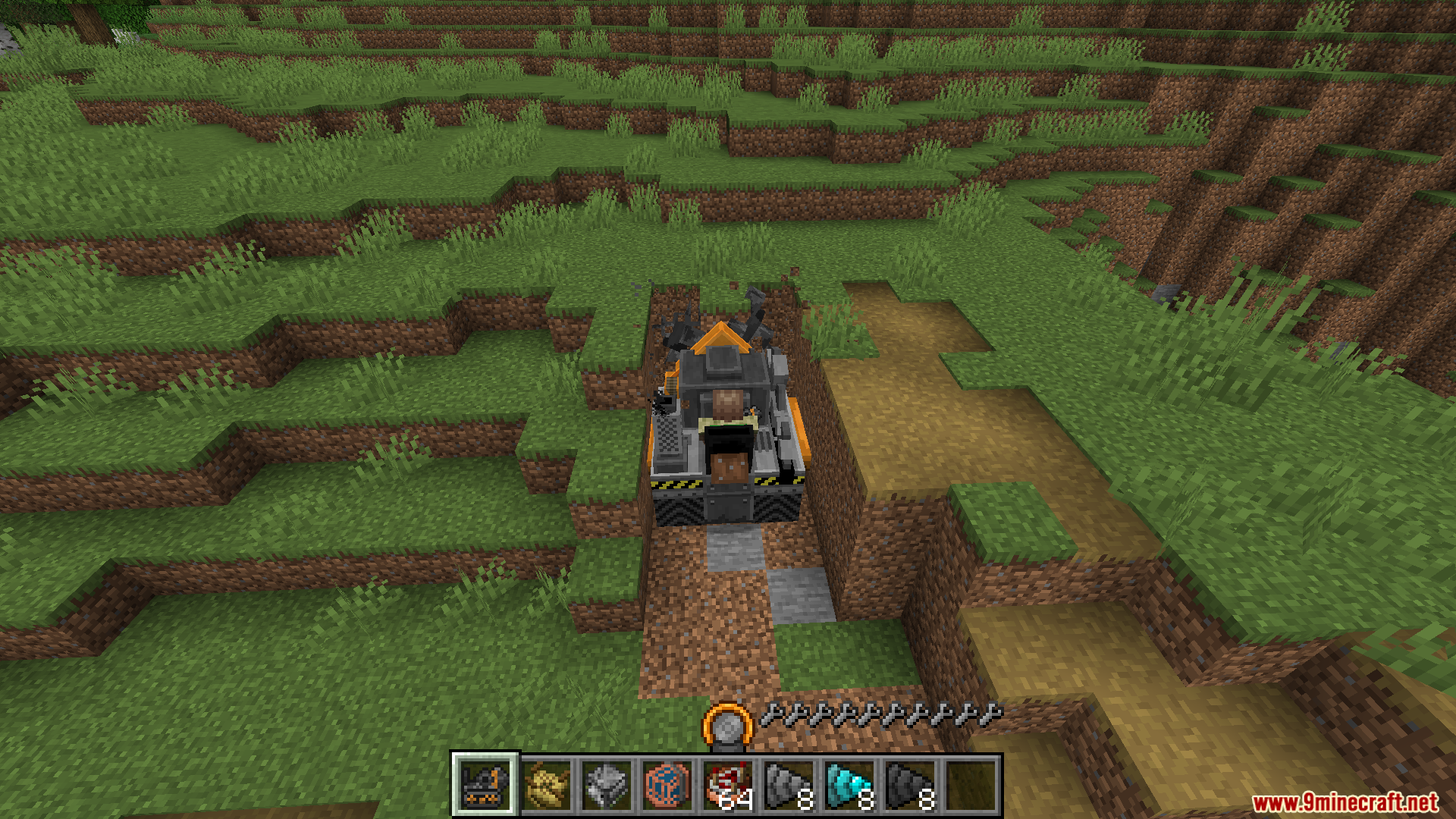
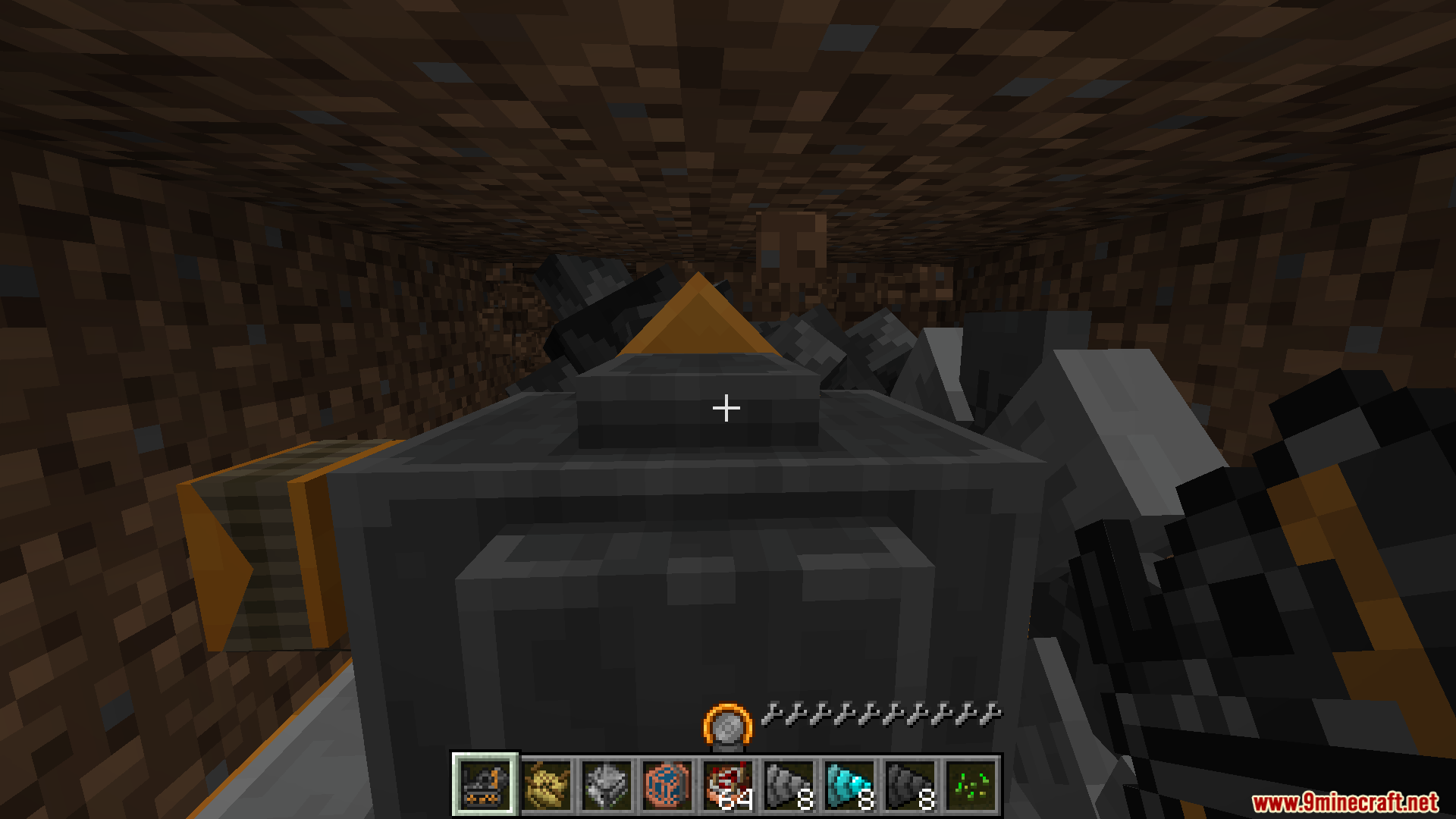
- Tunnel Digger: Adds a large, slow, and powerful machine that digs through the earth with ease. You can steer it up and down using Shift and Space.
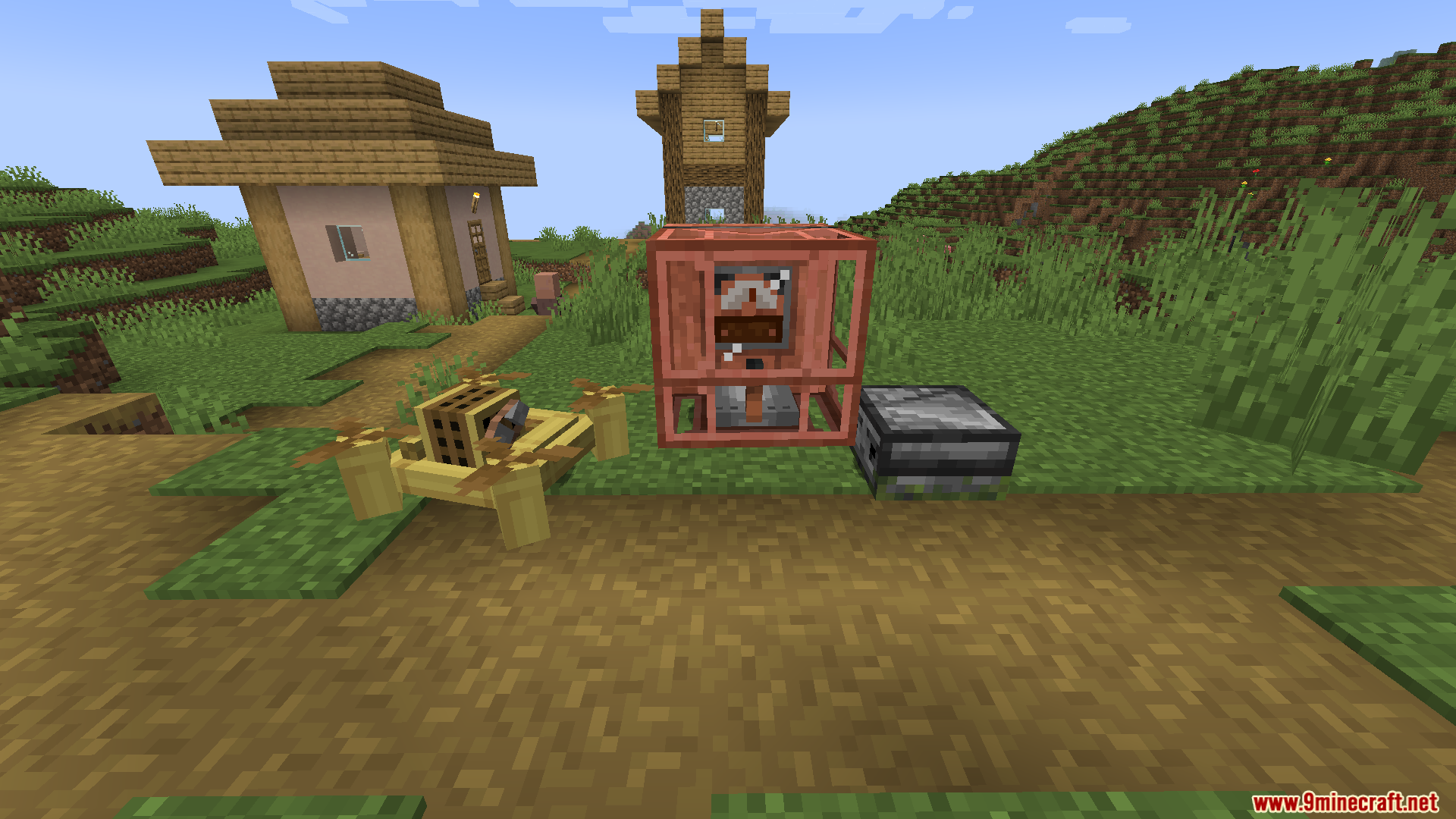
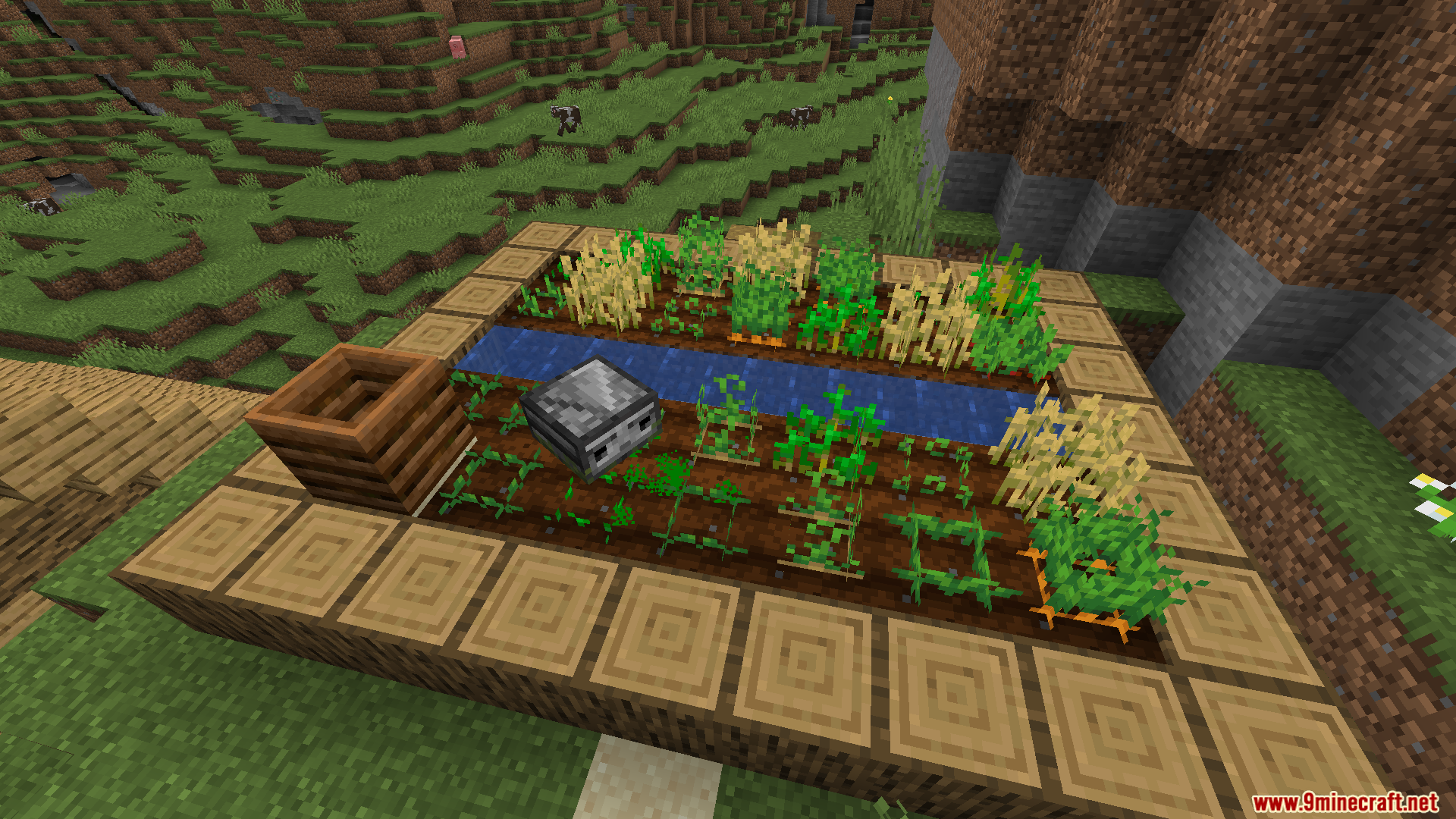
- Redstone Sheep: Adds a small, primitive redstone machine that automates farms. It finds and harvests nearby grass and plants, then goes back to its home spot when it is idle or runs out of fuel.
- Bamboo Bee: Adds a drone built from a modified quadcopter that carries items around. You can mark one or more blocks as input and output, and set an optional item filter to stop junk from spreading across your factory.
- Keeps a rustic look that stays close to the vanilla Minecraft style.
- Works with the built-in recipe book, JEI, and similar recipe mods so you can check every crafting recipe easily.
How to Use:
- Open the built-in recipe book or use JEI to check the crafting recipes for each machine.
- Press H (default key) inside the Copperfin submarine to use its built-in sonar and highlight nearby mobs underwater.
- Press Shift and Space while riding the Tunnel Digger to steer up and down as it digs through the earth.
- Keep the Redstone Sheep fueled near grass and plants so it finds and harvests them on its own; when it is idle or out of fuel, it goes back to its home spot.
- Mark one or more blocks as input and output for the Bamboo Bee so the drone carries items between them.
- Set an optional item filter on the Bamboo Bee to stop unwanted junk from spreading across your factory.
Screenshots:
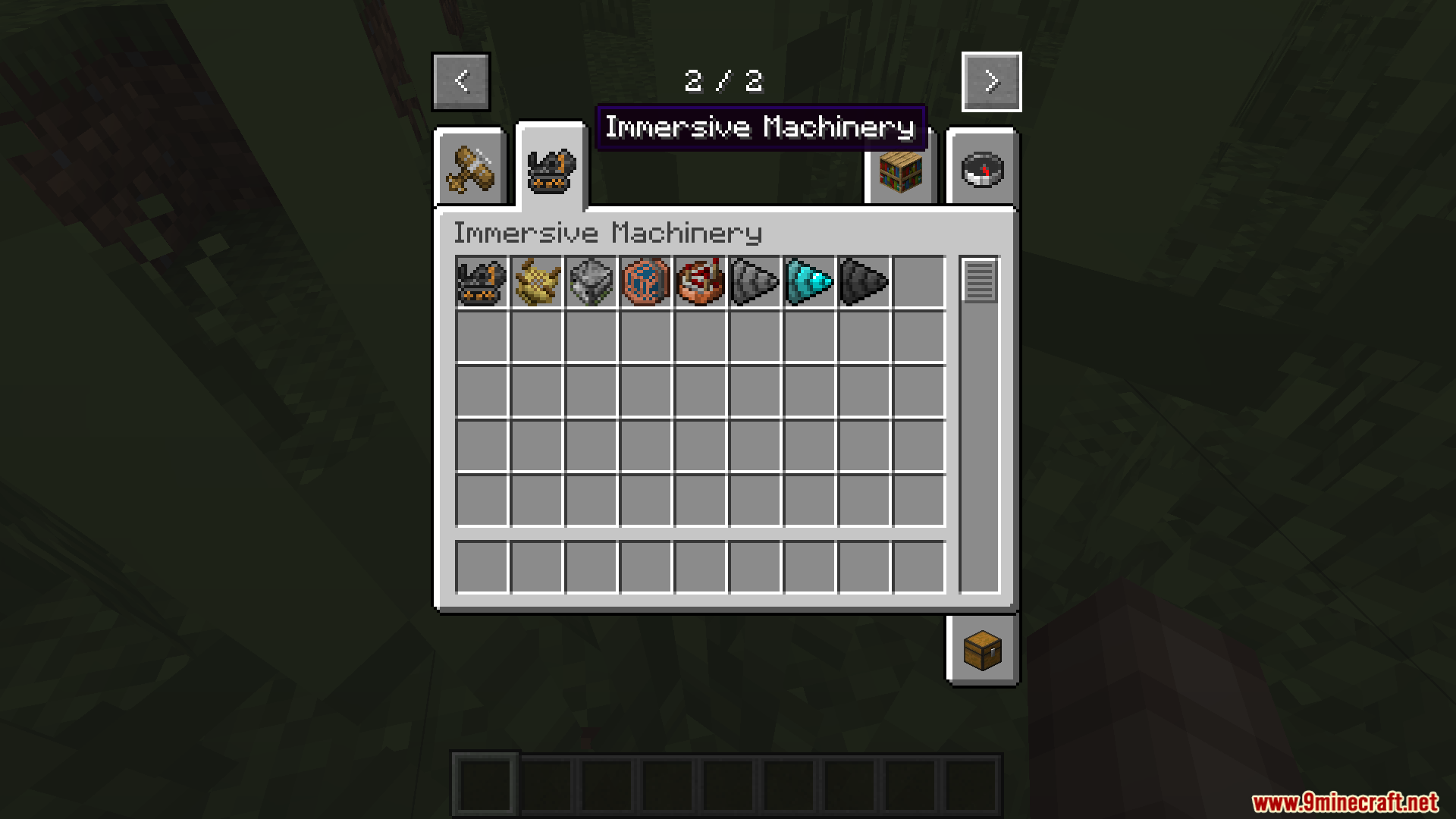
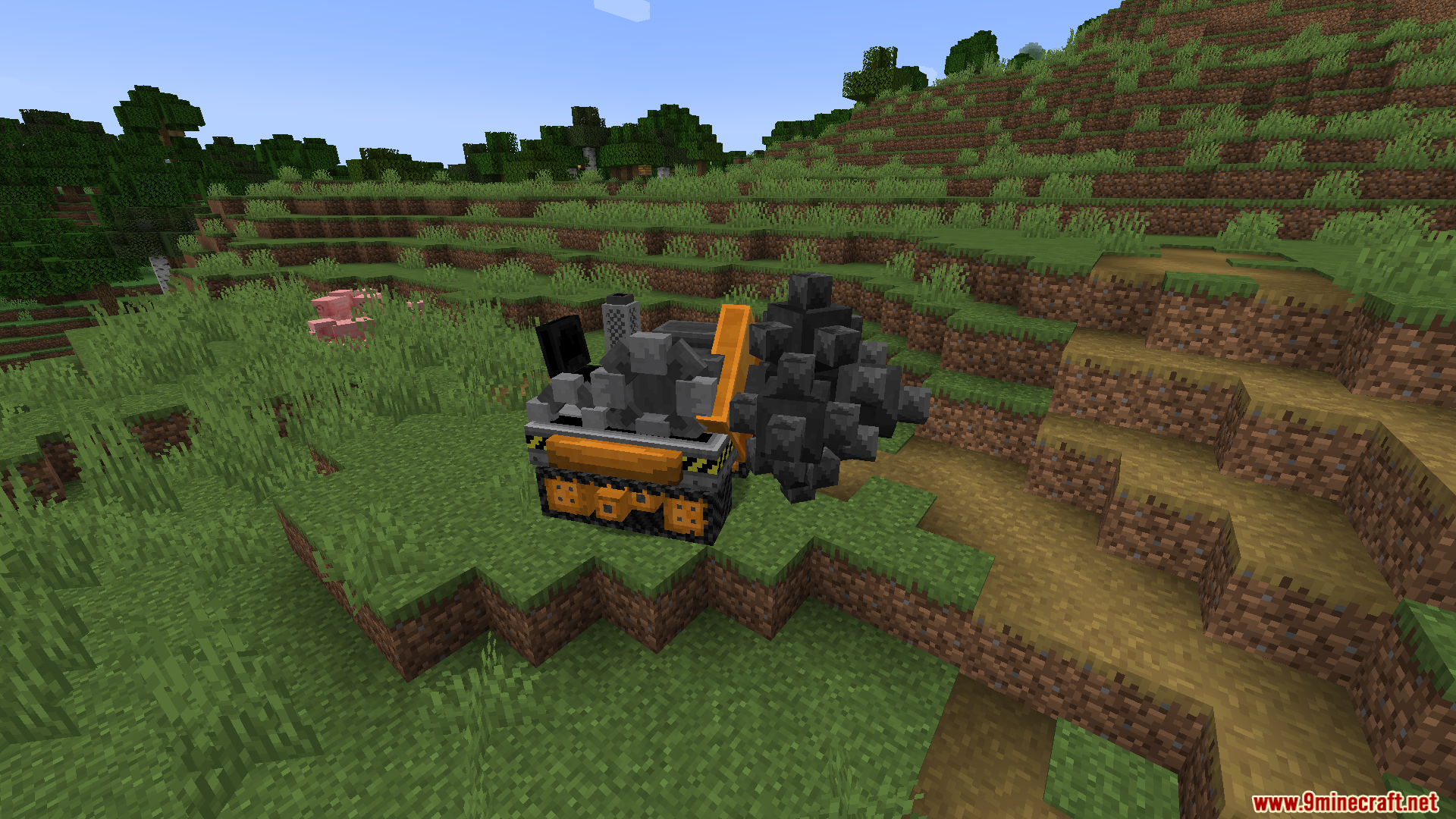
How to Install:
New to Minecraft? Follow our step-by-step guide to install Mods on your PC.View Guide
Requirements:

Immersive Machinery Mod Download Links
For Minecraft 1.21.1, 1.21
Fabric version: Download from Server 1 – Download from Server 2
NeoForge version: Download from Server 1 – Download from Server 2
For Minecraft 1.20.1, 1.20
Forge version: Download from Server 1 – Download from Server 2
Fabric version: Download from Server 1 – Download from Server 2
What graphic style do you prefer for your modded game?
17 responses · See the full results →
You May Also Like
Picked for this page
 Effortless Building Mod (26.3, 1.20.1) – Tools and Functions for Builders
 Create Cafe Mod (1.21.1, 1.20.1) – Boba Milk Tea and Coffee
 Nemo’s Inventory Sorting Mod (26.3, 1.20.1) – Tidy Up Your Inventory
 Tech Reborn Mod (26.3, 1.20.1) – Build Your Own Tech Empire
 Common Capabilities Mod (26.3, 1.20.1) – Shared Forge Capabilities
 Ocean Villager Trader Mod (26.3, 1.20.1) – Custom Trades and Treasures
 Loot Beams Refork Mod (1.21.11, 1.20.1) – Enhance Item Visibility
 LibrarianLib (1.21.1) – The Core of Wizardry Mods
 Litematica Server Paster Mod (26.3, 1.20.1) – Paste Tile Entity with Litematica
 RayzorPlay01 Inv View Mod (26.3, 1.20.1) – Police Your Server’s Items
 MiscTweaks Mod (26.3, 1.20.1) – Customize Minecraft Experience
 Custom Nether Portals Mod (26.1.2, 1.20.1) – Ditch Obsidian For Unique Frames
Most viewed in Mods over the last 7 days
 Ala Industrial Mod (26.3) – Run Electric Power Grids and Automated Factories
 PleasureCraft Mod (26.3, 1.21.1) – Jenny Mod Remake for Fabric
 Jennycraft Mod (26.3, 1.20.1) – Virtual Girlfriend in Minecraft
 Fapcraft Mod (26.3, 1.12.2) – Comprehensive and Detailed Content
 Jenny Mod (Fapcraft) Official Complete Guide – How to use, Tutorial
 BangCraft Mod (1.20.1) – Jenny, Ellie and Elliot
 Fabric Loader (26.3, 1.20.1) – Fabric Installer for All Minecraft Versions
 The Shooting Star Demo Mod (26.3, 1.20.1) – Vaporize Terrain From Orbit
 Meteor Client Mod (26.3, 1.20.1) – Xray, HUD, Fly
 OptiFine HD (26.3, 1.20.1) – Run Faster, FPS Boost, Shaders Support
 Aristois Client Mod (1.21.4, 1.20.1) – World Class Minecraft Utility
 Prestige Client Mod (1.21.11, 1.21.4) – Powerful Ghost Features for Crystal & Sword PvP
More from Mods
 Better Nether 9minecraft Mod (26.3, 26.2) – Survive Forever in the Nether
 BCLib 9minecraft Mod (26.3, 26.2) – Power Custom Nether and End Overhauls
 ForgedLoaderAPI Mod (1.19.2, 1.18.2) – Bring Ported Fabric Creations
 Shield System Mod (1.21.1) – Tank Heavy Monster Hits Without Losing Hearts
 Shin’s Tensura Race Models Mod (1.19.2) – Play As Unique 3D Anime Race
 Offgrid Mod (26.3, 1.20.1) – Furnish Compact Interiors Without Strict Grid
 Tempest Almanac Iron’s Spells ‘n Spellbooks Mod (1.21.1, 1.20.1)
 Chat Guides Mod (26.3, 1.21.11) – Never Memorize Complex Server Commands Again
 TRMT Reimagined the Roads More Travelled Mod (26.3, 1.20.1)
 Morrowless Mod (1.21.1) – Defend Your Shelter From Nightmare Creatures
 THE SLOPSTROSITY Mod (1.21.1) – Battle a Ridiculous Slime Boss
 Decoween Mod (1.21.1, 1.20.1) – Transform Ordinary Survival Bases

This post has no comments yet. Be the first — your comment will appear here.