
Nemo’s Inventory Sorting Mod (26.3, 1.20.1) – Organize Chests and Backpacks
 10,570
 0


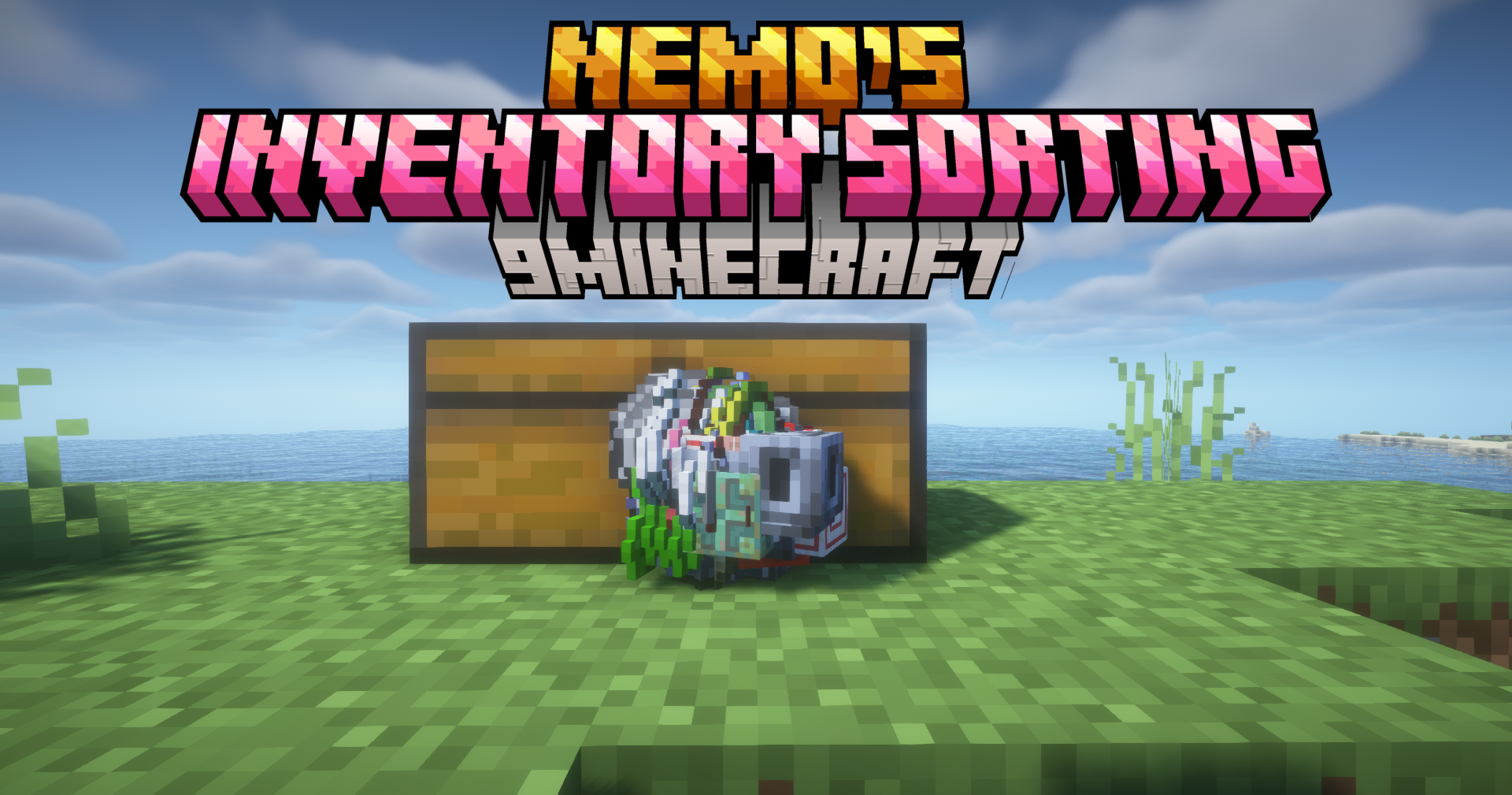
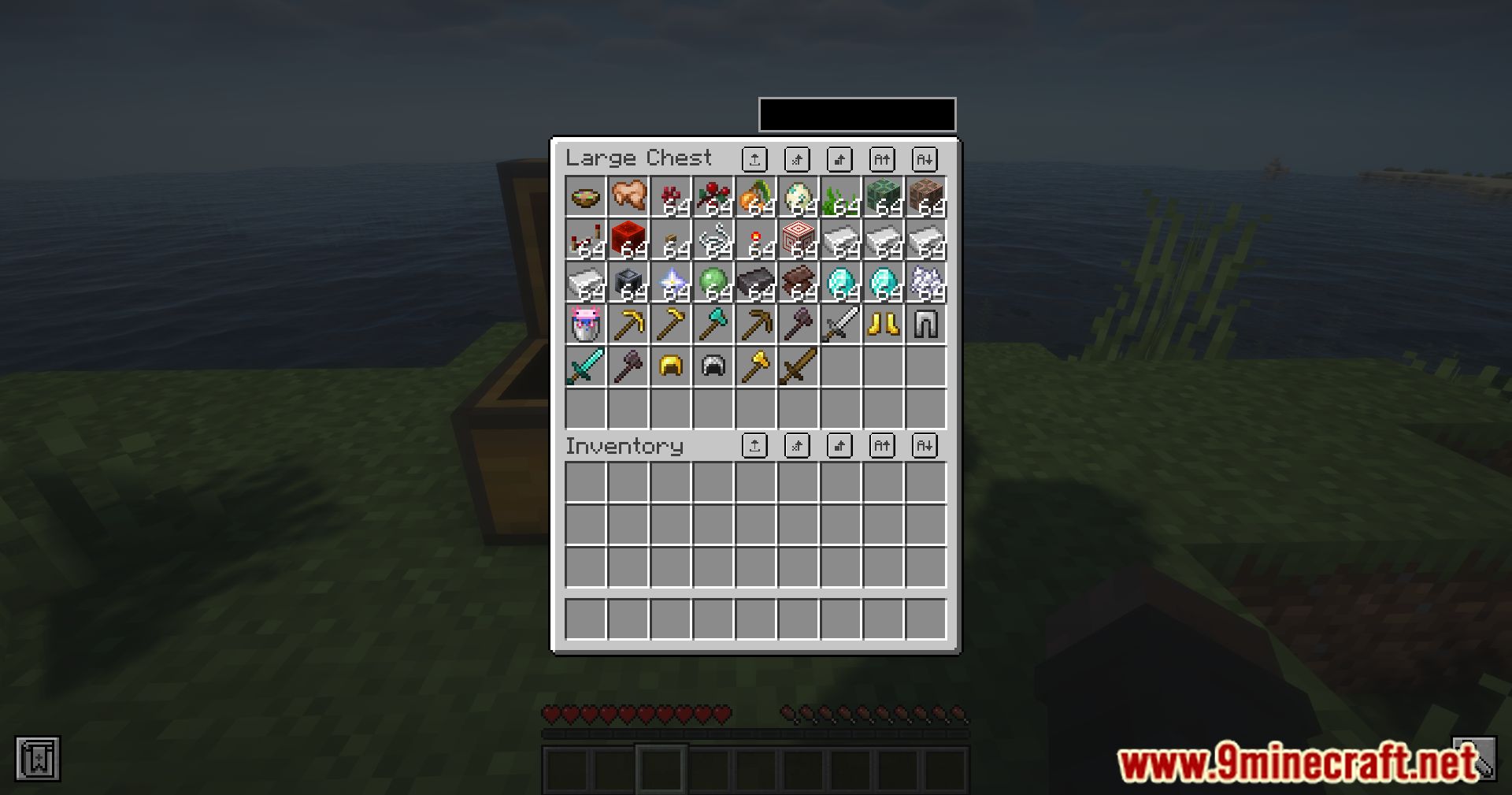
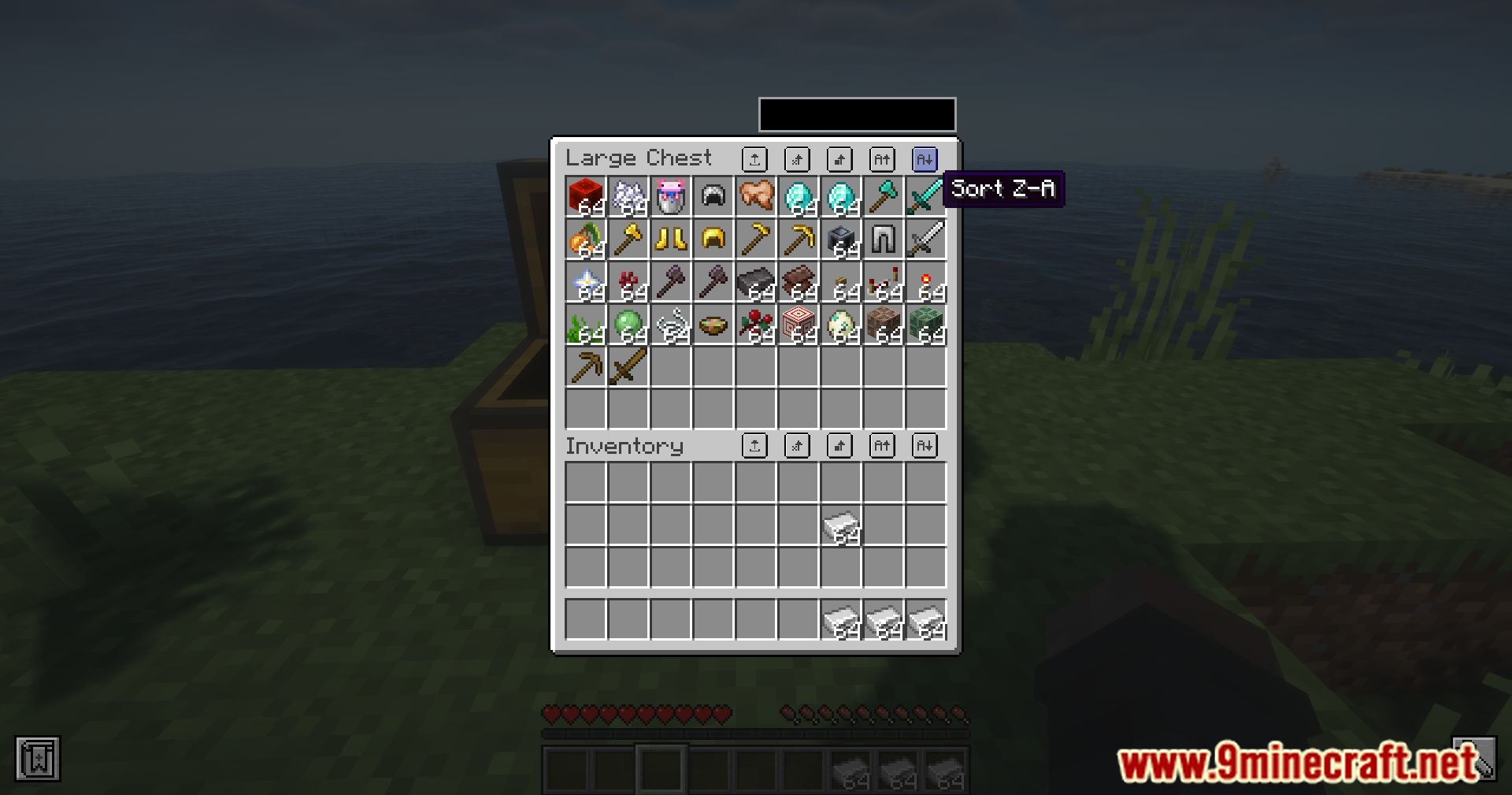
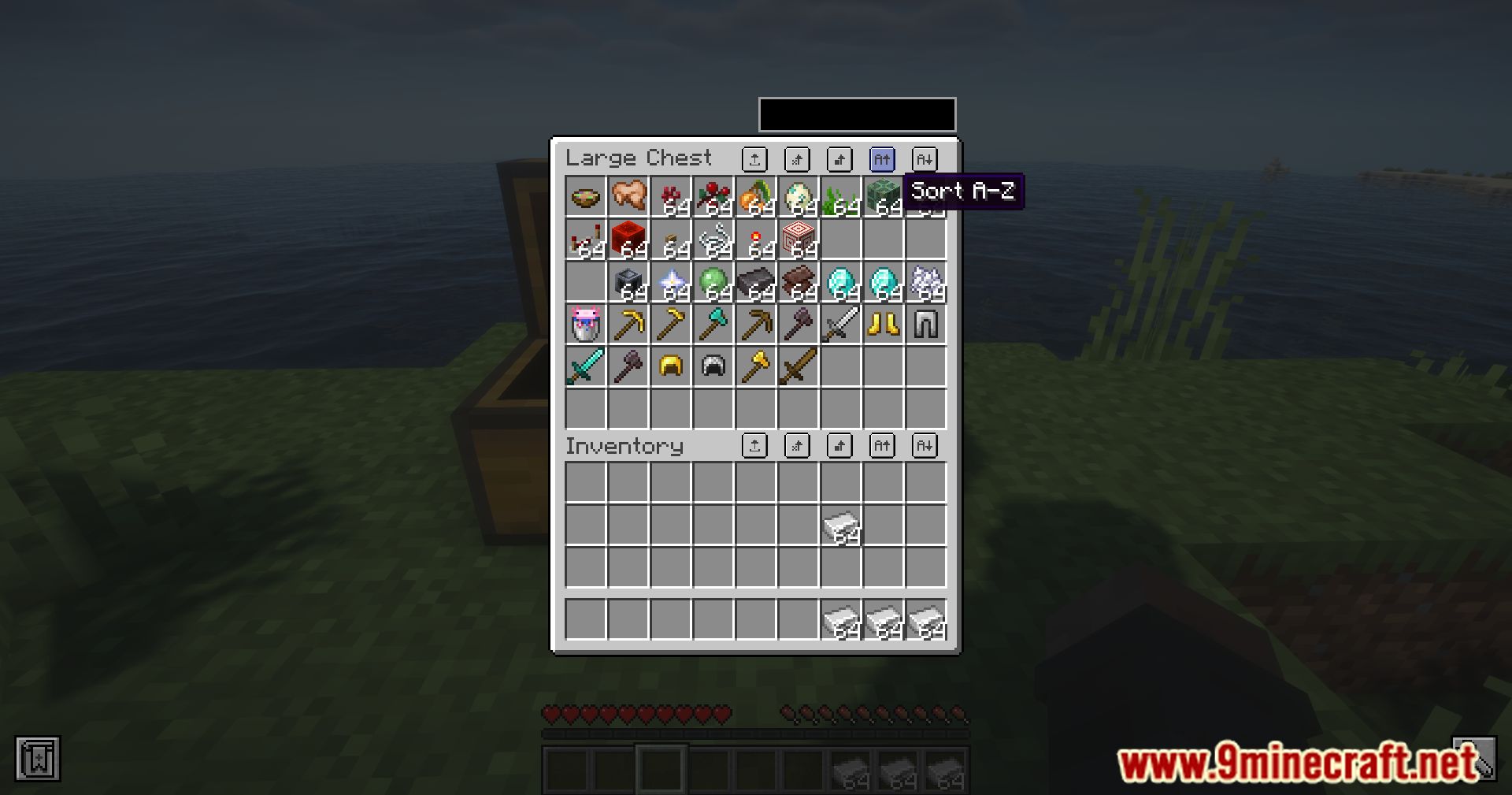
Nemo’s Inventory Sorting Mod adds helpful buttons to your inventory screen to make organizing items fast and easy. It lets you sort items, move matching stacks, and drop everything with a single click. The client-side mod also improves quick moving and lets you filter items by typing part of their name.
Features:
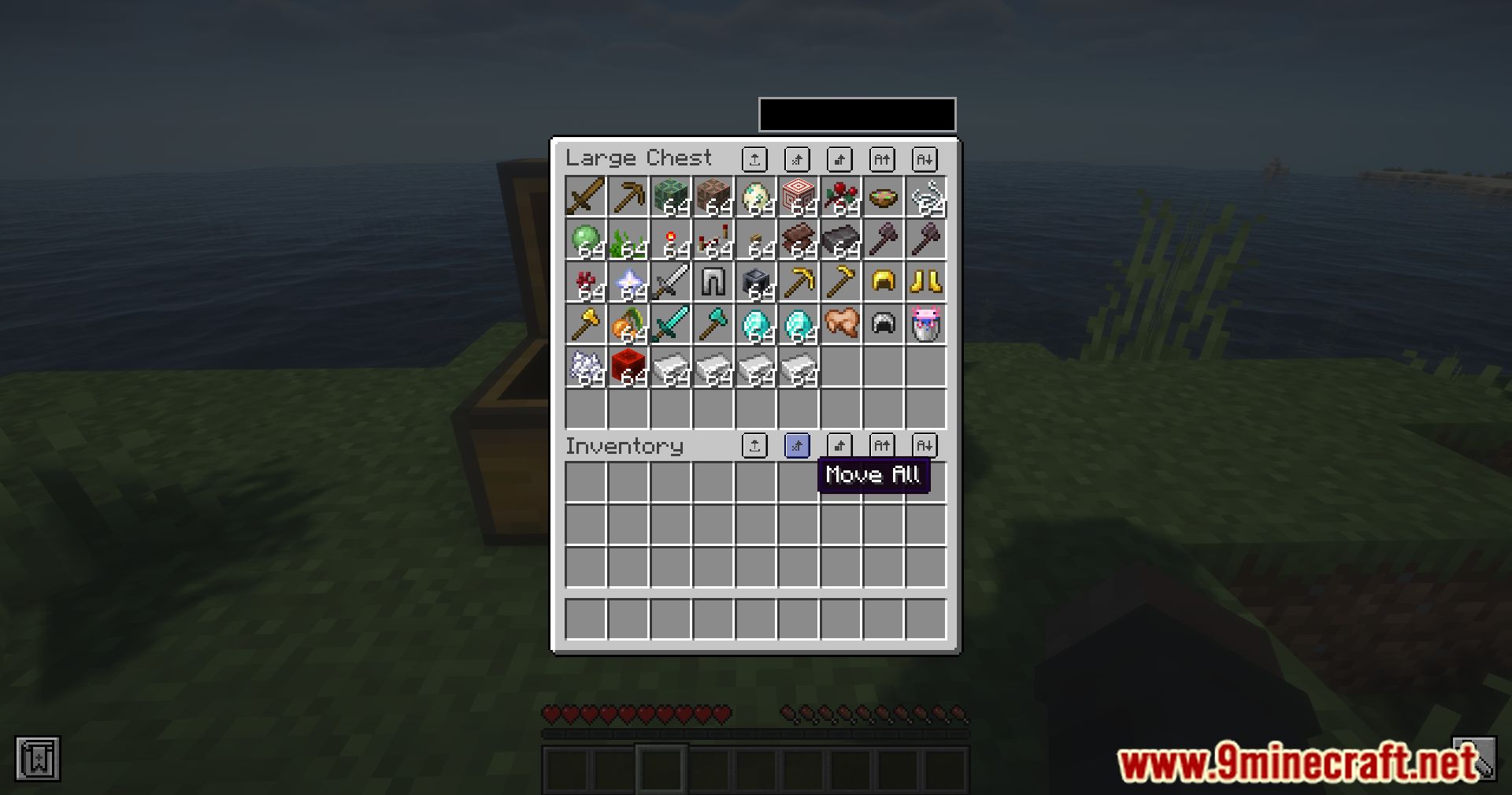
- Adds inventory sorting buttons directly to your user interface.
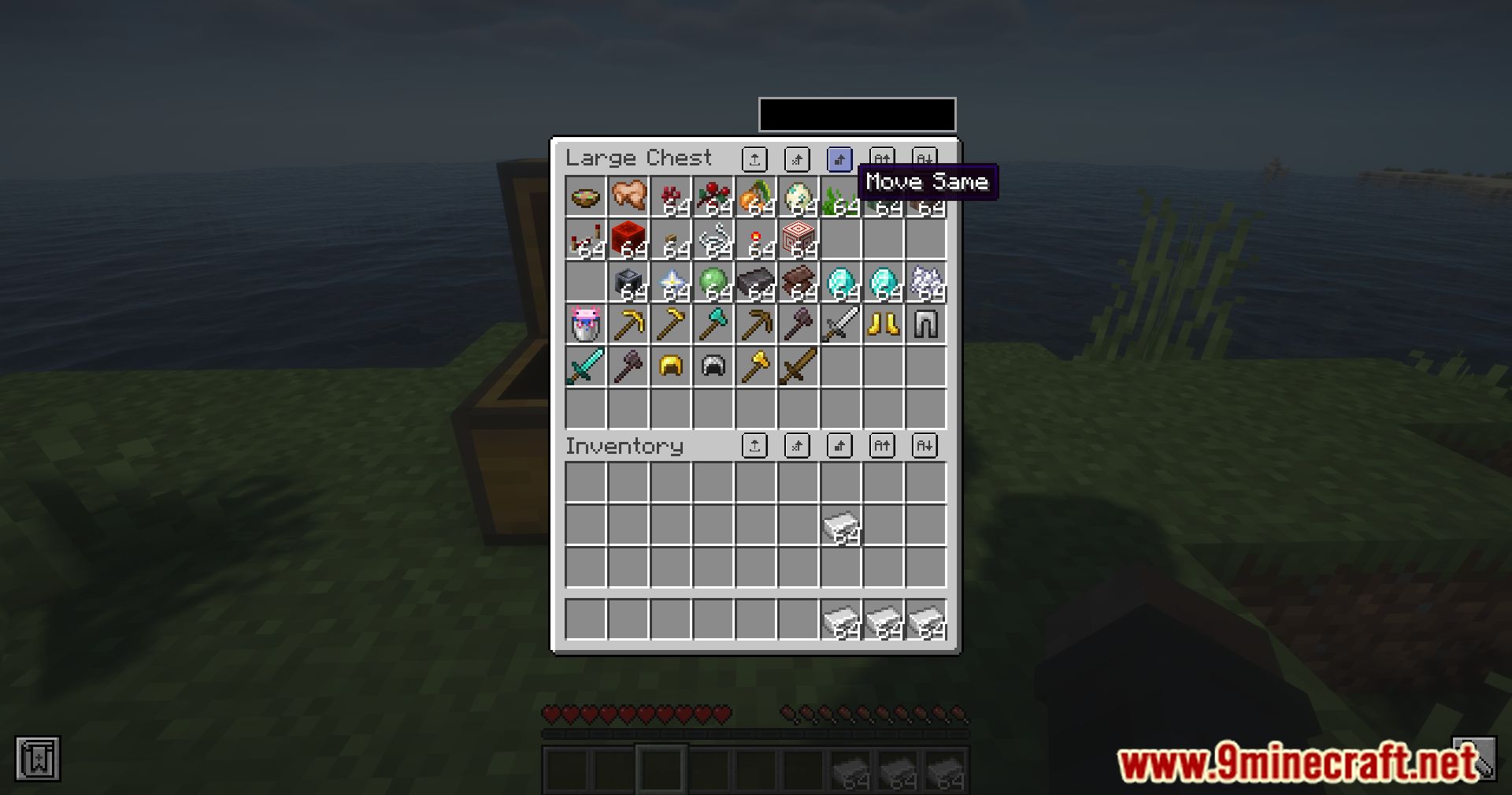
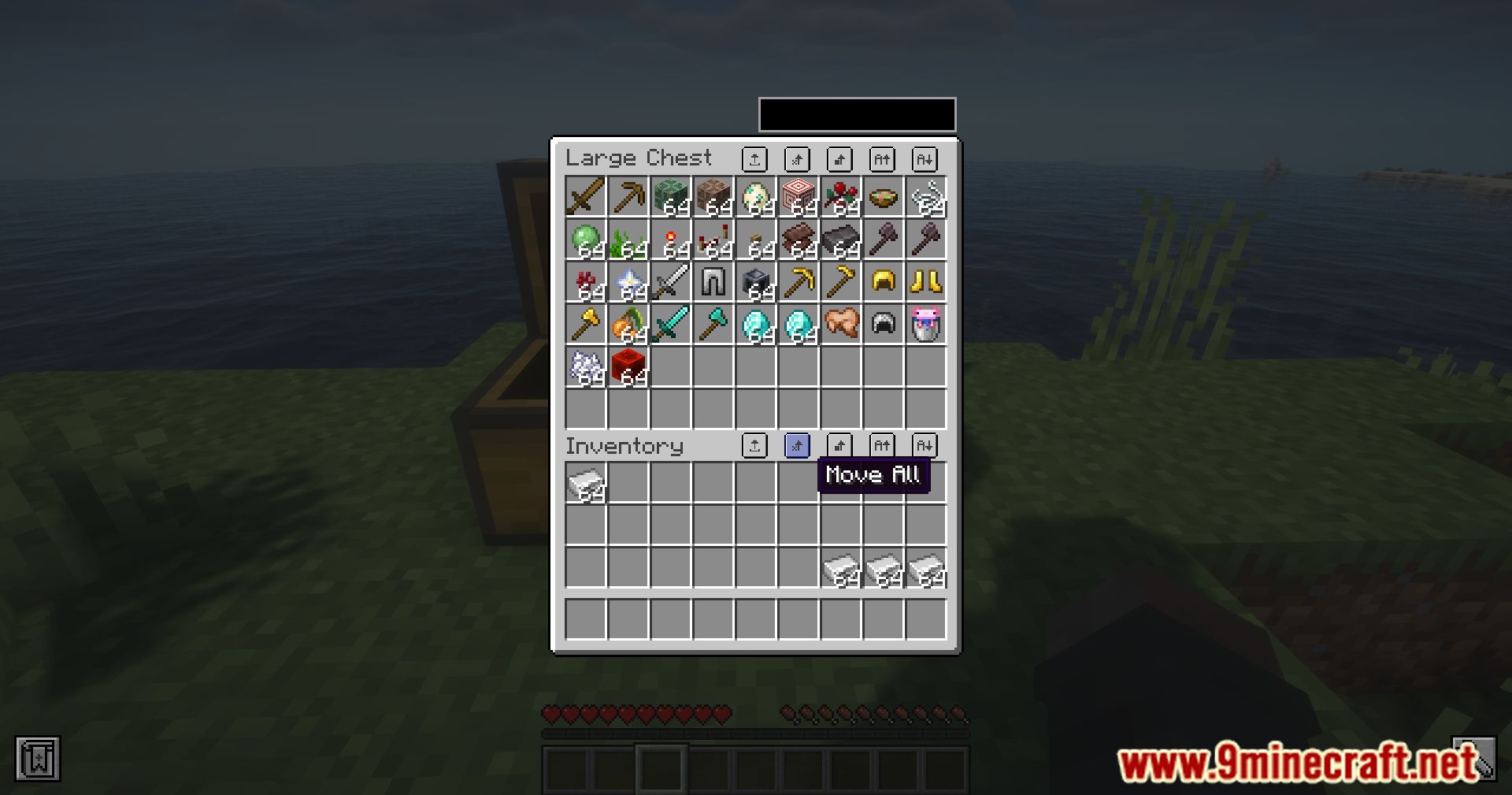
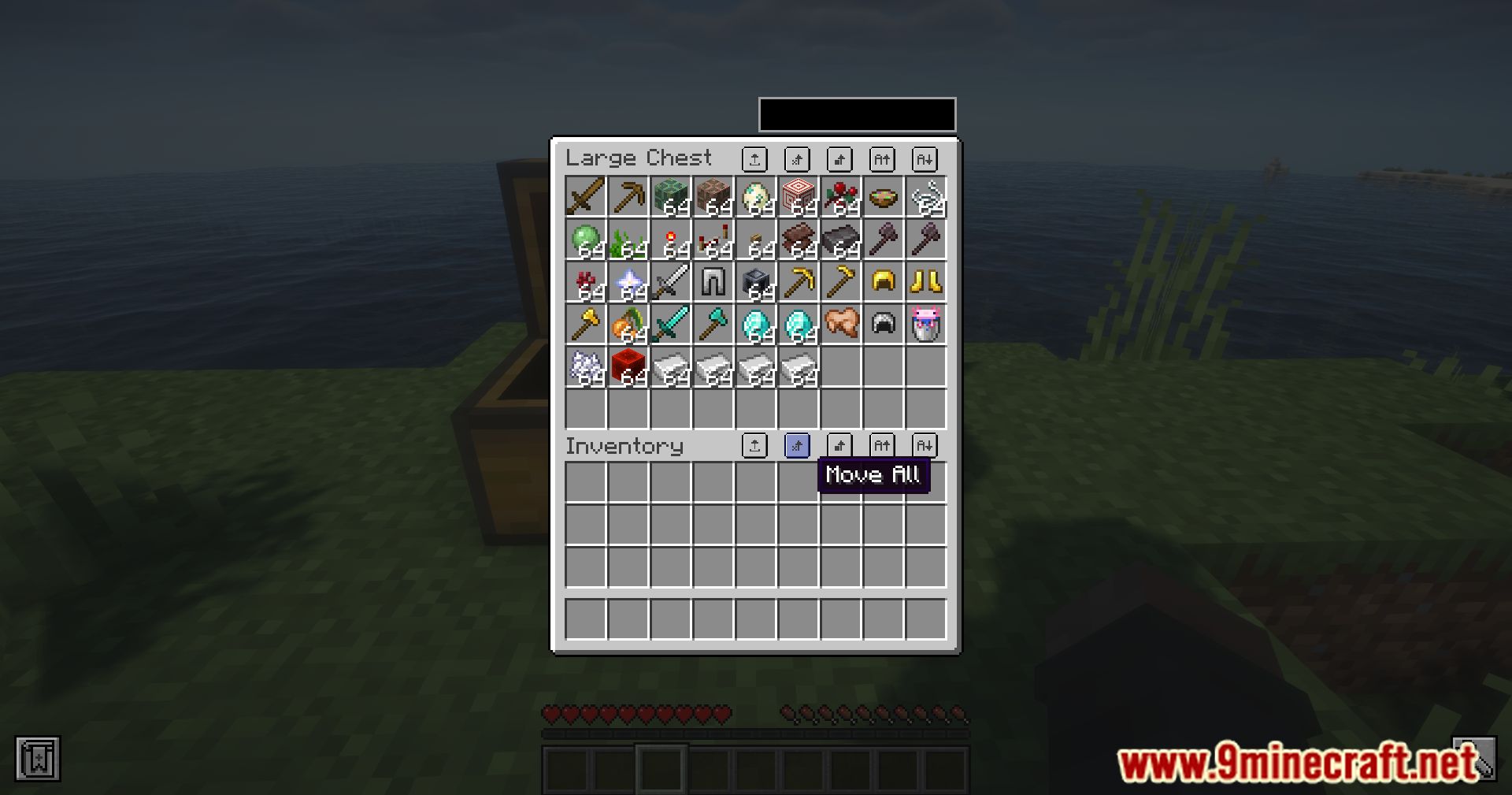
- Moves matching items or all items between inventories with a single click.
- Drops all items from an inventory instantly.
- Locks specific slots to prevent sorting, moving, and dropping items.
- Searches and highlights items in containers by typing part of their name.
- Quick-moves hovered items using Shift + Drag.
- Quick-moves half stacks using Shift + Right-Click/Drag.
- Transfers single items using the scroll wheel between inventories, containers, and hotbars.
- Includes a built-in dark mode resource pack.
How to Use:
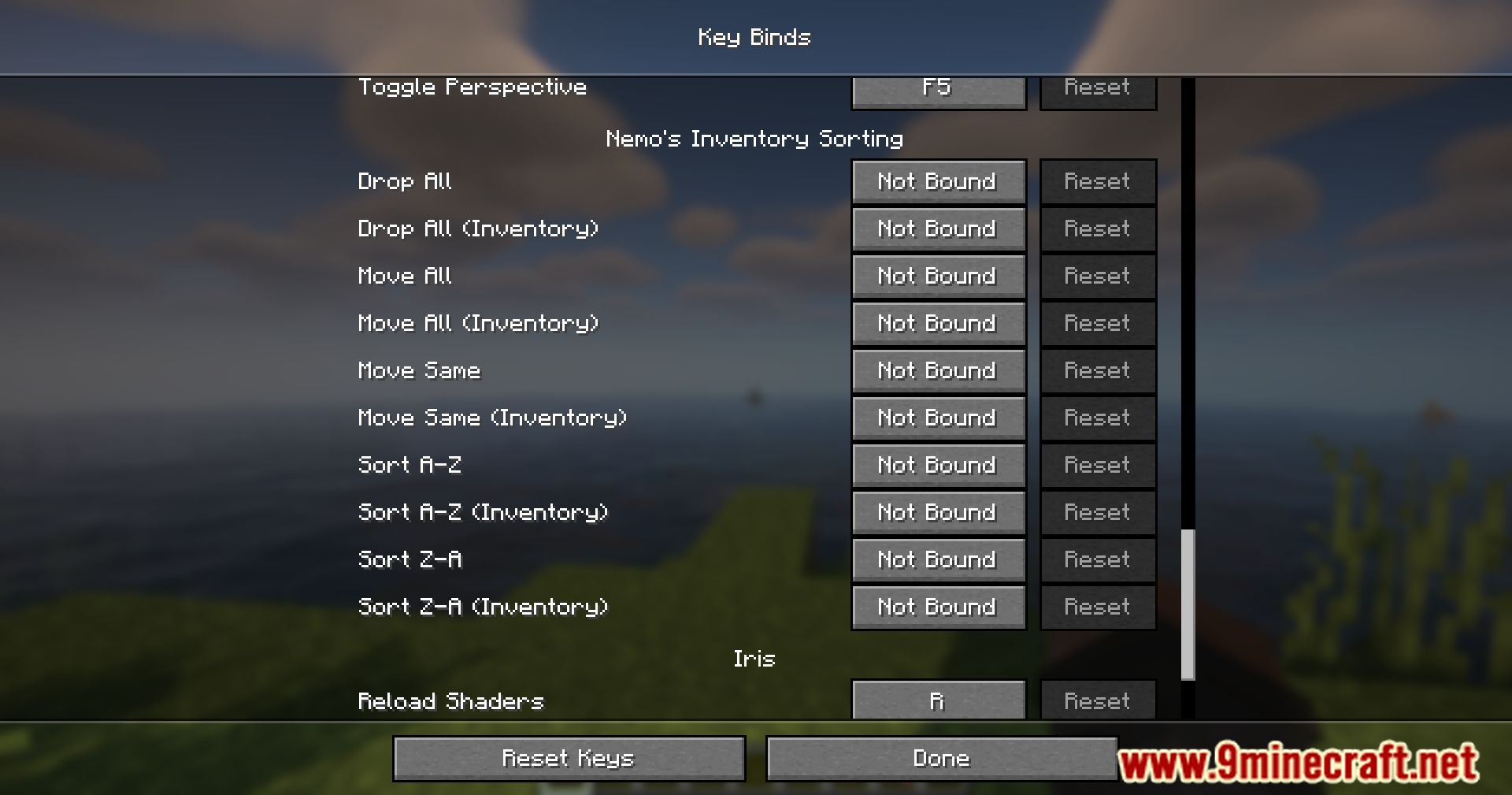
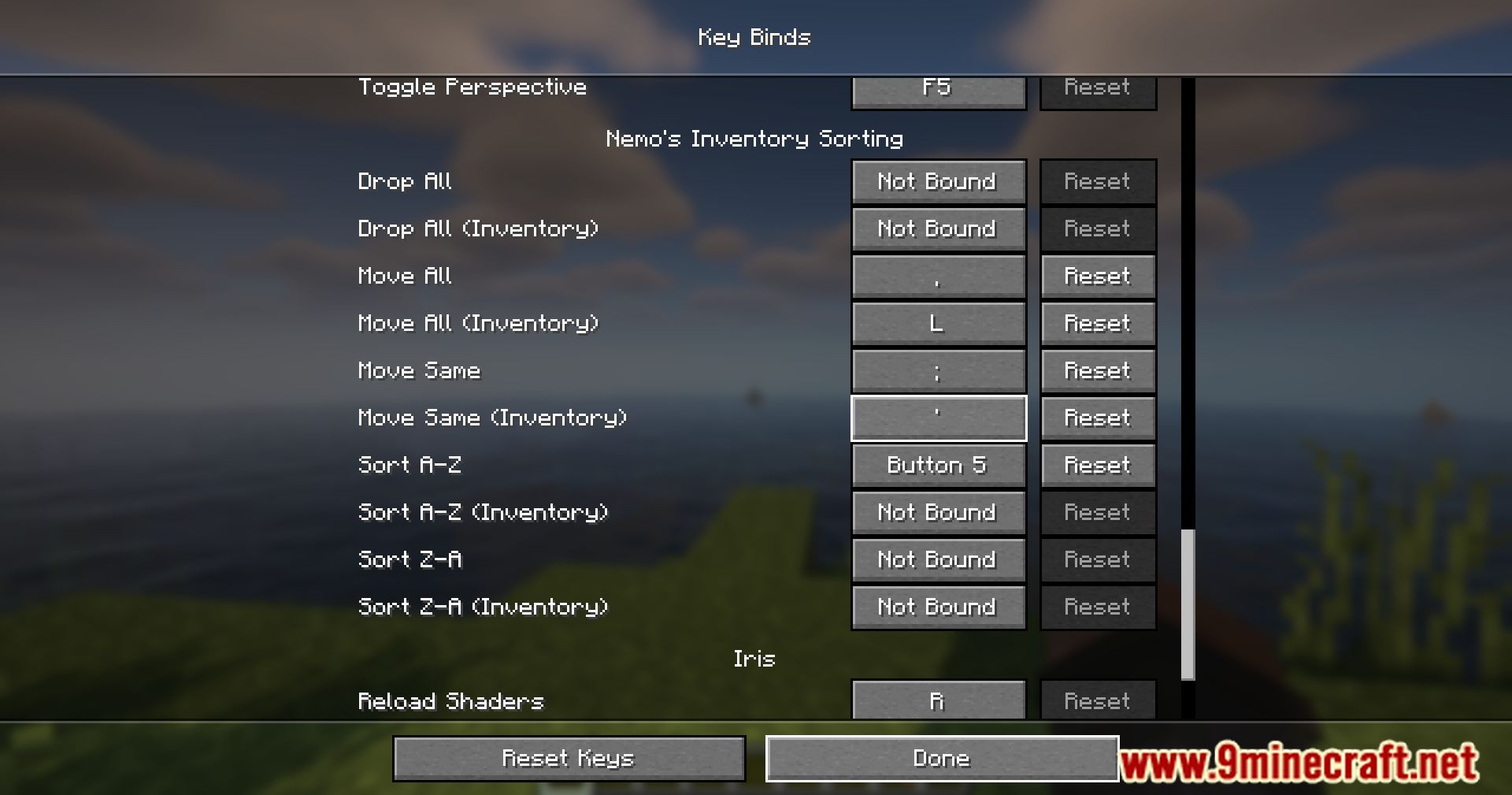
- Open your inventory or a container and click the sorting buttons or use custom keybinds.
- Hold Shift + Click to include your hotbar when using inventory buttons.
- Press Ctrl + F (or Command + F on macOS) to open the search bar and filter items by name, tooltip, or item tag.
- Hold Alt + Click/Drag (or Option on macOS) to lock specific slots from sorting.
- Enable the built-in dark mode resource pack in the Minecraft resource pack menu.
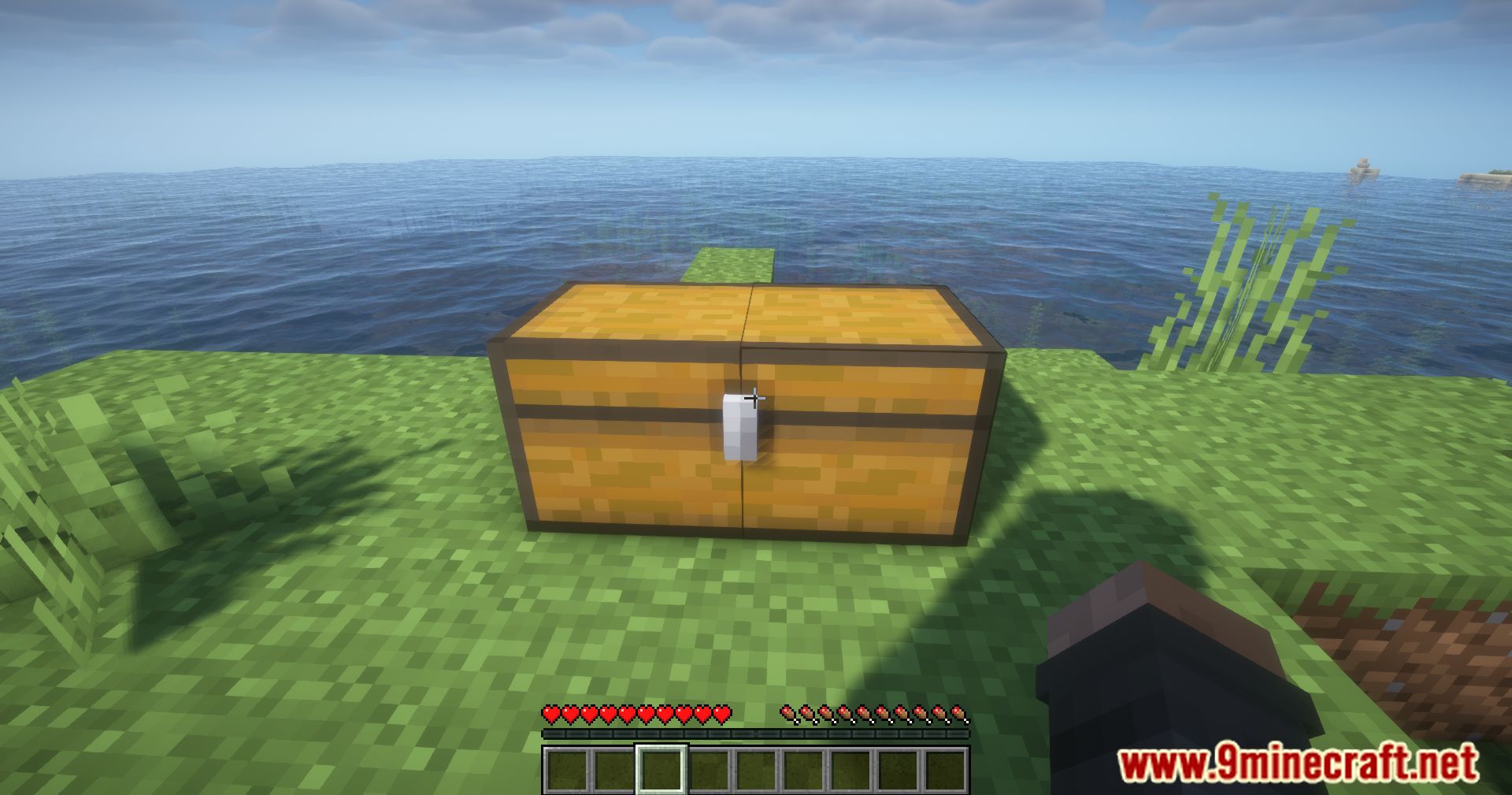
Screenshots:
How to Install:
New to Minecraft? Follow our step-by-step guide to install Mods on your PC.View Guide


Nemo's Inventory Sorting Mod Download Links
For Minecraft 26.3
For Minecraft 26.2
For Minecraft 26.1.2, 26.1.1, 26.1
For Minecraft 1.21.11
For Minecraft 1.21.10, 1.21.9
For Minecraft 1.21.8, 1.21.7, 1.21.6
For Minecraft 1.21.5
For Minecraft 1.21.4
For Minecraft 1.21.3, 1.21.2
For Minecraft 1.21.1, 1.21
For Minecraft 1.20.1, 1.20
For Minecraft 1.19.2
Click to rate this post!
[Total: 0 Average: 0]
You May Also Like
Picked for this page
 Grind Enchantments Mod (26.3, 1.20.1) – Disenchant & Transfer Enchantments
 Cosmetic Armor Reworked Mod (1.21.11, 1.20.1) – Your Style with Max Armor
 Custom Portals Mod (26.2, 1.20.1) – Fast Travel Between Locations
 Overpowered Mending Mod (26.3, 1.20.1) – Improving The Mending Enchantment
 Compact Storage Mod (26.2, 1.20.1) – Carry Everything You Find
 No LAN Cheating Mod (26.3, 1.20.1) – Disallow Players From Using Cheats
 Pickup Notifications Mod (26.3, 1.20.1) – Pickup Alerts For Items
 Banner Bedsheets Mod (26.3, 1.20.1) – Make Your Bed Unique
 Cliff Tree Mod (26.2, 1.20.1) – Transform Your Minecraft Landscape
 Builder’s Palette Mod (26.2, 1.20.1) – Unlock New Texture Styles
 Snowball and Egg Knockback Mod (26.3, 1.20.1) – Knockback Effect For More Projectiles
 MossyLib Mod (26.3, 1.20.1) – Library for LopyTwich’s Mods
Most viewed in Mods over the last 7 days
 Ala Industrial Mod (26.3) – Run Electric Power Grids and Automated Factories
 PleasureCraft Mod (26.3, 1.21.1) – Jenny Mod Remake for Fabric
 Jennycraft Mod (26.3, 1.20.1) – Virtual Girlfriend in Minecraft
 Fapcraft Mod (26.3, 1.12.2) – Comprehensive and Detailed Content
 Jenny Mod (Fapcraft) Official Complete Guide – How to use, Tutorial
 BangCraft Mod (1.20.1) – Jenny, Ellie and Elliot
 Fabric Loader (26.3, 1.20.1) – Fabric Installer for All Minecraft Versions
 The Shooting Star Demo Mod (26.3, 1.20.1) – Vaporize Terrain From Orbit
 Meteor Client Mod (26.3, 1.20.1) – Xray, HUD, Fly
 OptiFine HD (26.3, 1.20.1) – Run Faster, FPS Boost, Shaders Support
 Aristois Client Mod (1.21.4, 1.20.1) – World Class Minecraft Utility
 Prestige Client Mod (1.21.11, 1.21.4) – Powerful Ghost Features for Crystal & Sword PvP
More from Mods
 Legacy Gecko Lib Fabric Mod (1.16.5) – Power Animated Creatures in Modpacks
 The Man from the Shadow Horror Mod (1.20.1) – Fight Hallucinations to Survive
 Shade & Saturation Slider Mod (26.2, 1.21.11) – Make Every Biome Vibrant
 Cataclysm X Yung’s Better Nether Fortresses Compat Mod (1.21.1, 1.20.1)
 Patchouli 9minecraft Mod (26.3) – Read Mod Guides Without Leaving Minecraft
 Paintings ++ 9minecraft Mod (26.3) – Pick the Exact Painting You Want
 owo-lib 9minecraft Mod (26.3) – Run Your Favorite Mods Without Errors
 Moonlight 9minecraft Lib (26.3, 26.2) – Run Complex Mods Without Errors
 Load My Tags 9minecraft Mod (26.3) – Mix Mods Without Breaking Recipes
 Kambrik 9minecraft Mod (26.3) – Run Kotlin Mods Without Game Lag
 Fast Paintings 9minecraft Mod (26.3, 26.2) – Place Wall Art Exactly Where You Want It
 Bonsai Trees 9minecraft Mod (26.3, 26.2) – Automate Wood Farming in Tiny Pots

This post has no comments yet. Be the first — your comment will appear here.