


Imperial City Map (26.2, 1.20.1) for Minecraft
 199,976
 1
1

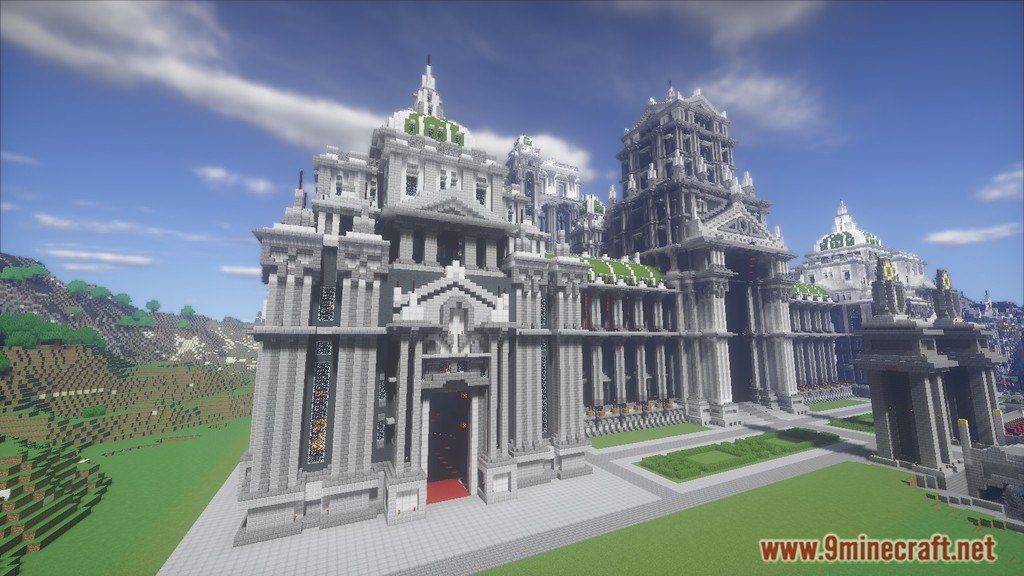
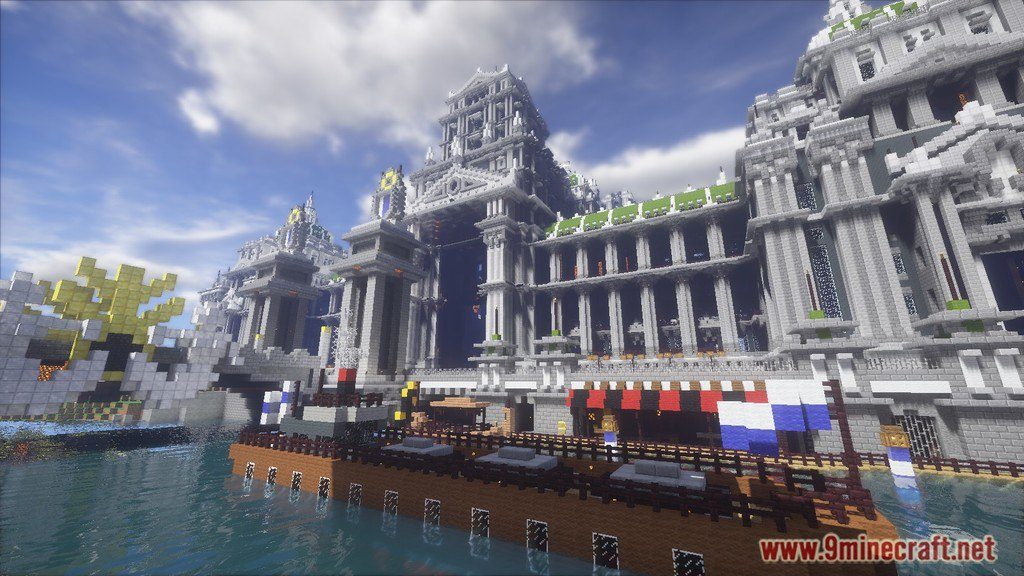
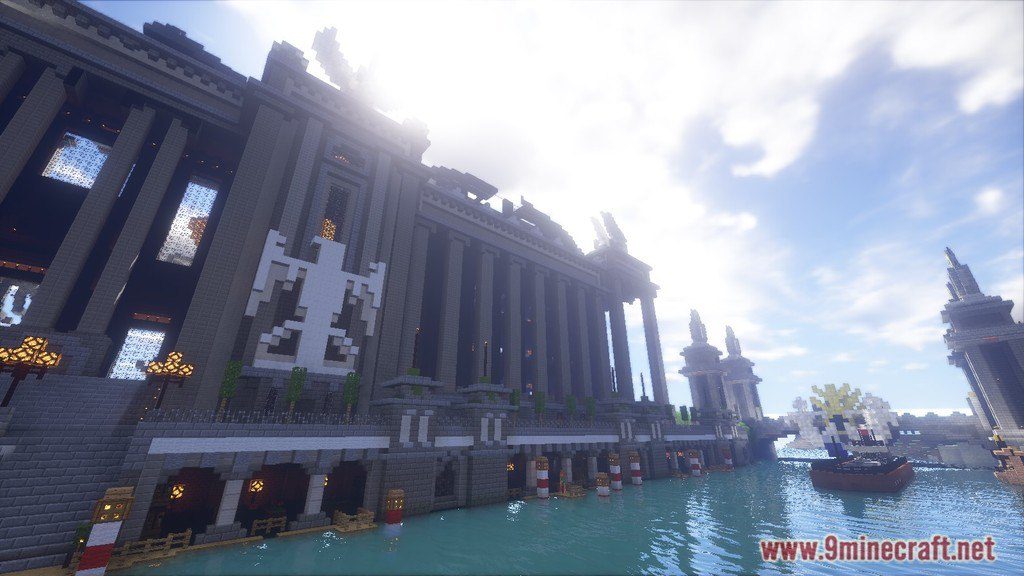
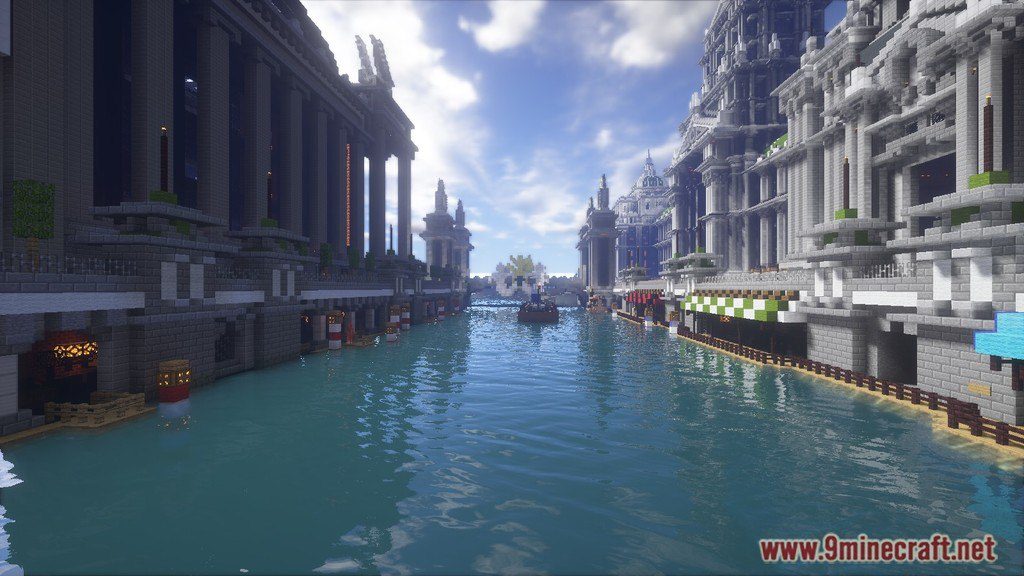
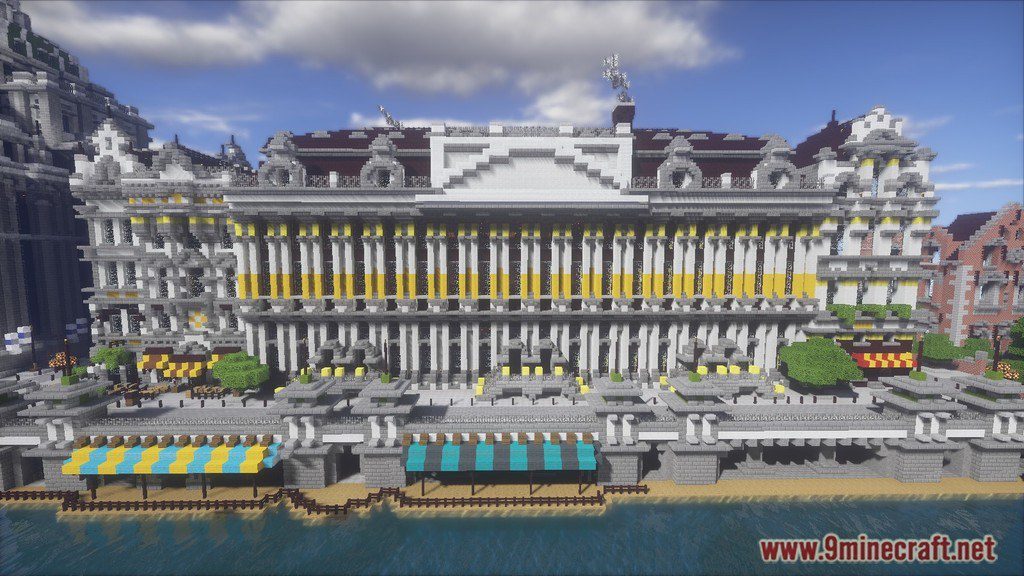
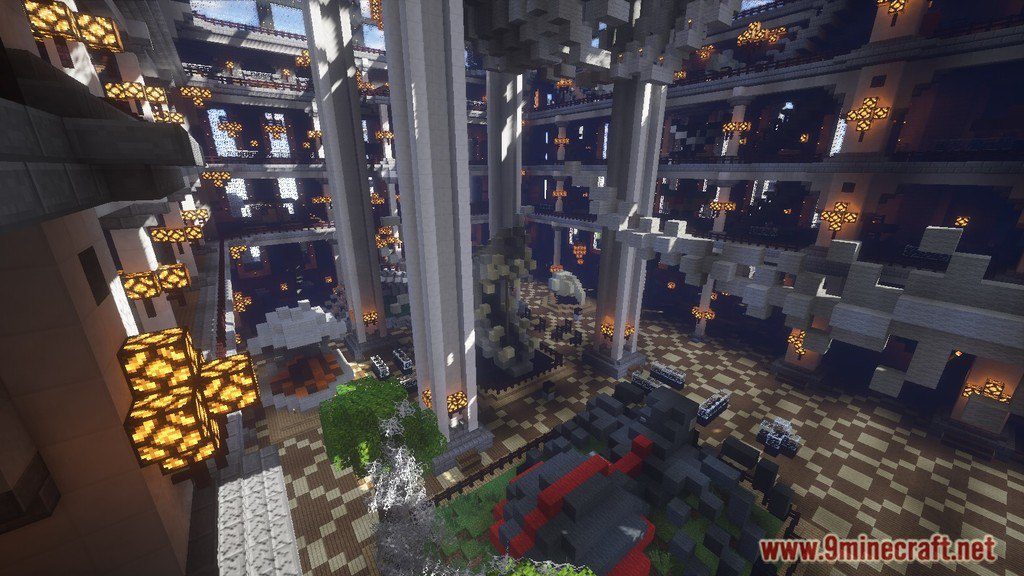
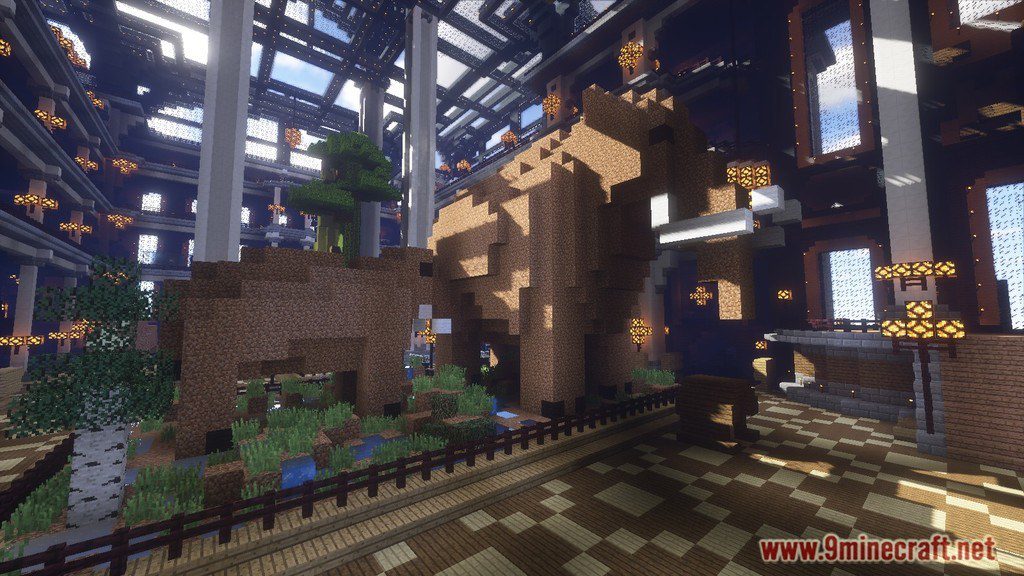
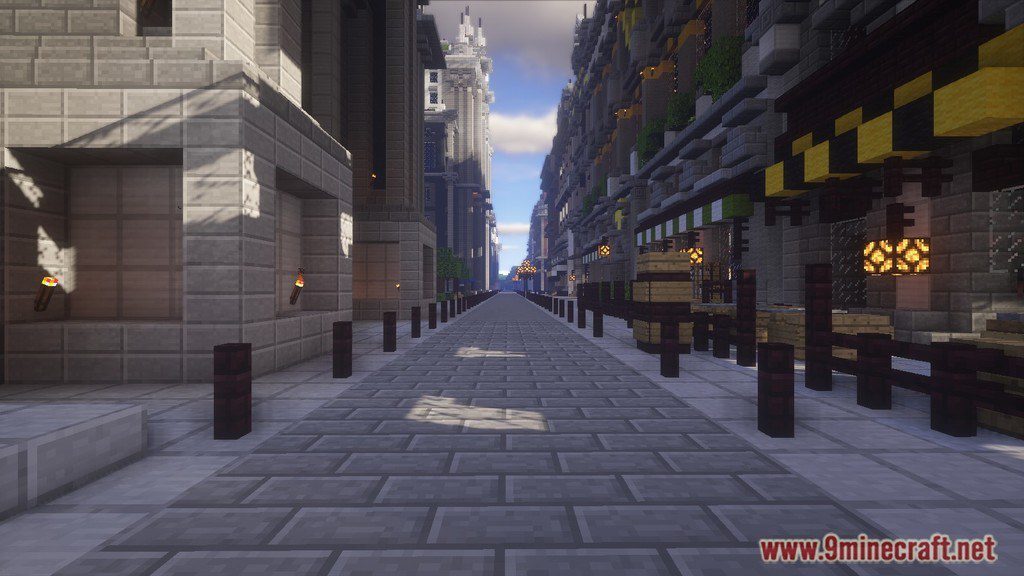
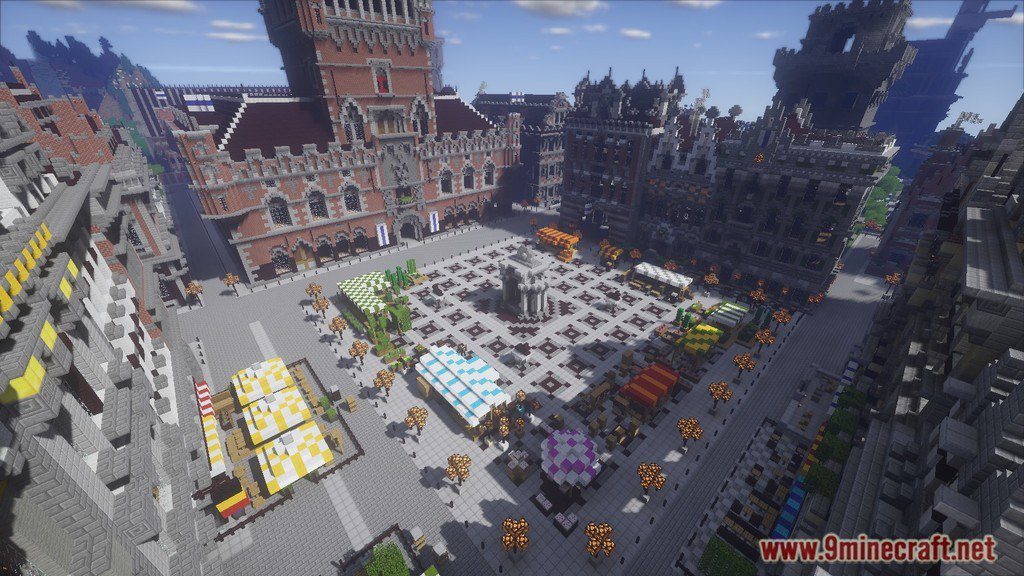
Imperial City Map for Minecraft is a building map created by Rigolo. This map is a project from a server: a large, monumental city that is built in all styles from the 19th century and early 20th century (neoclassical, beaux-arts style, modern style…). All buildings are original, even though they are often based on existing buildings that we modify or merge as a source of inspiration.
Screenshots:
Video Review:
Notes:
- You should set Render Distance to 12 or upper.
How to Install:
New to Minecraft? Follow our step-by-step guide to install Maps on your PC.View Guide
Imperial City Map Download Links
Click to rate this post!
[Total: 1 Average: 5]
You May Also Like






This post has no comments yet. Be the first — your comment will appear here.