
Inside The System Mod (1.21.10, 1.20.1) – A Story Beyond the Screen



Inside The System Mod brings a meta-horror story into your singleplayer Minecraft world. It adds a companion named CoolPlayer303 who follows you, fights mobs, gathers resources, and carries a 24-slot inventory. The mod includes a 4-act story with 6 main endings, 4 pseudo-endings, and 50 questions you can ask her. She acts friendly at first and gains trust when you give her food or flowers, but the horror starts if you attack her. Once that happens, this mod steps outside the game to change your desktop wallpaper, make safe files, open apps, and shake your game window. This full version works best in singleplayer worlds and comes with commands and settings to change timers or hide your IP address.

Features:
- Companion CoolPlayer303: Spawns a friendly companion who follows you around the world, fights mobs, and picks up dropped items after a short delay without taking items near you.
- 4-Act Storyline: Adds a full 4-act story with branching paths, 6 main endings, and 4 pseudo-endings shaped by your choices and actions.
- Meta-Horror PC Effects: Reaches outside Minecraft safely once the horror starts by changing your desktop wallpaper, making safe files on your PC, opening apps, shaking your game window, and opening consoles.
- Lets your companion gather resources when you give her tools, using an axe to chop trees or a pickaxe to mine ores.
- Gives CoolPlayer303 a 24-slot inventory that opens with a right-click so you can store items or equip her with armor and weapons.
- Allows you to heal her and raise her trust with food, or hand her flowers where each new type of flower adds a big trust boost.
- Adds a side panel inside her GUI to switch between Stay and Follow modes and ask 50 different questions with answers that change based on how she feels about you.
- Logs your IP address as part of the horror experience, with the option to hide it anytime using the
/safeipcommand. - Includes an in-game config menu and the
inside_the_system-common.tomlfile so you can adjust timers, trust gains, and crash settings. - Translates all in-game text into English, Russian, and Simplified Chinese.
- Works best in singleplayer worlds, while multiplayer is supported in an unstable state.
Story Endings:
- Ending A (Freedom): Collect all 4 memory shards, craft the Star of Memories, and enter the Door of Memory.
- Ending B (Acceptance): Enter the right password inside the password dimension.
- Ending C: Enter the dimension without bringing the Star of Memories.
- Ending D (Mental Confusion): Finish all of Aiko’s tasks, go to the dimension, and enter the wrong password 3 times.
- Ending E (Violence): Hit your companion multiple times to make her angry, then fail to solve the code before the 3-day time limit ends.
- Ending F (Betrayal): Finish all of Aiko’s tasks, but treat her badly and use bad words before handing over the items.
Commands:
/its config: Opens the in-game settings menu to change timers, trust gains, and crash options./its timer quest: Shows the remaining quest timer on your action bar./its timer pain: Shows the pain path timer on your action bar./safeip: Hides your IP address so the mod stops logging it./its enable: Turns commands back on if the story blocks them (requires OP)./its progress unlock_all: Unlocks all story progression nodes (requires OP).
How to Use:
- Start a singleplayer world and play normally until CoolPlayer303 joins your world as a friendly companion.
- Type
/safeipin chat right away if you want to hide your IP address so the mod does not log it during horror events. - Right-click CoolPlayer303 to open her 24-slot inventory, where you can store items or equip her with armor and weapons.
- Use the side panel inside her GUI to switch her between Stay and Follow modes, or pick from 50 questions to see answers that change with her trust level.
- Hand her an axe so she chops trees for you, or give her a pickaxe so she mines ores.
- Give her food to heal her and build trust, or hand her different flowers since each unique flower adds a big trust boost.
- Attack CoolPlayer303 when you are ready to trigger the meta-horror events, which start safe PC effects like desktop wallpaper changes, new files, open apps, console windows, and window shaking.
- Type
/its timer questor/its timer painin chat to check the remaining quest or pain path timer on your action bar. - Type
/its configin chat, or edit theinside_the_system-common.tomlfile, to adjust timers, trust gains, and crash settings. - Run
/its enable(requires OP) to turn commands back on if the story blocks them, or use/its progress unlock_all(requires OP) to unlock all story progression nodes.
Screenshots:
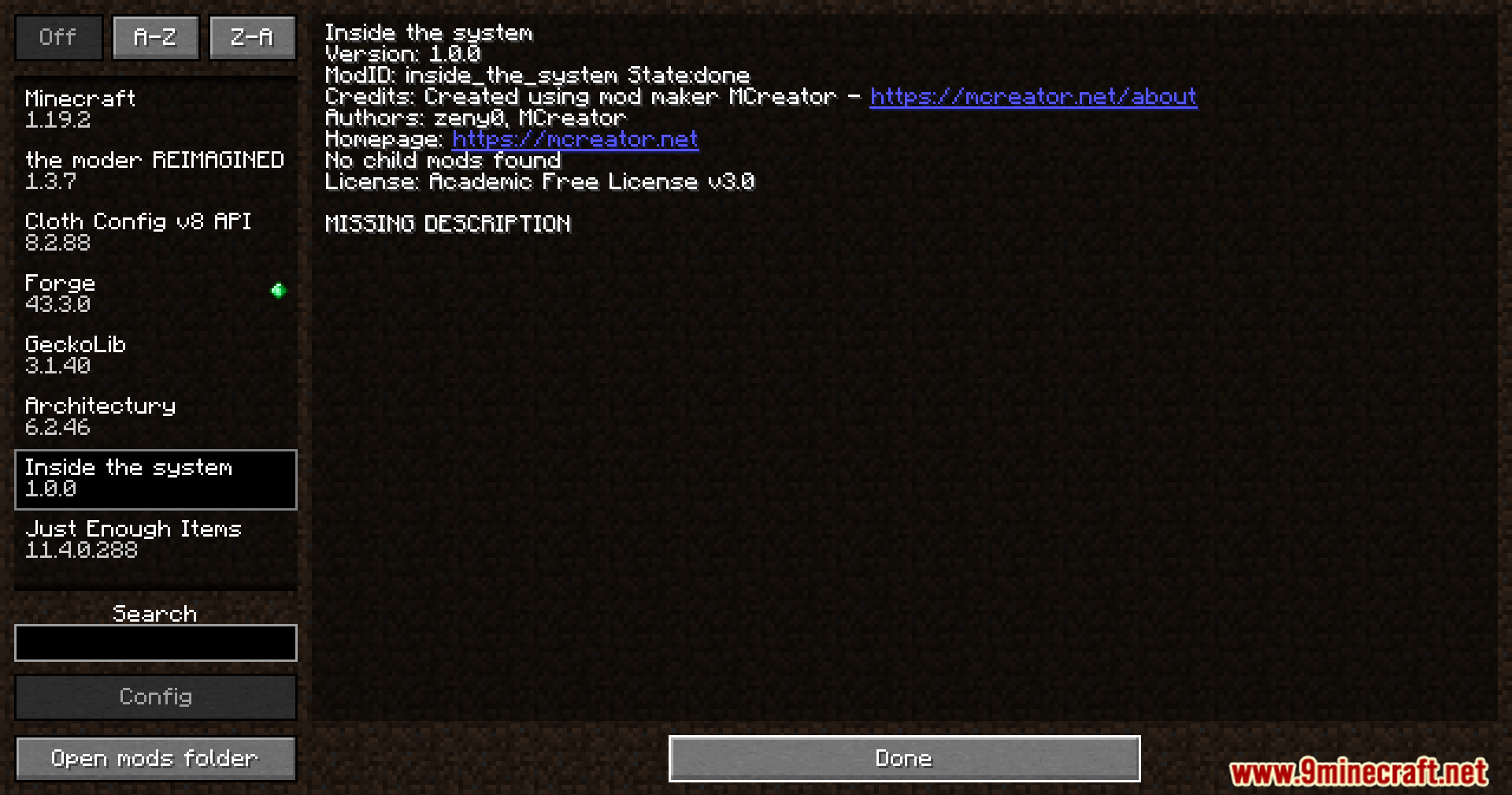




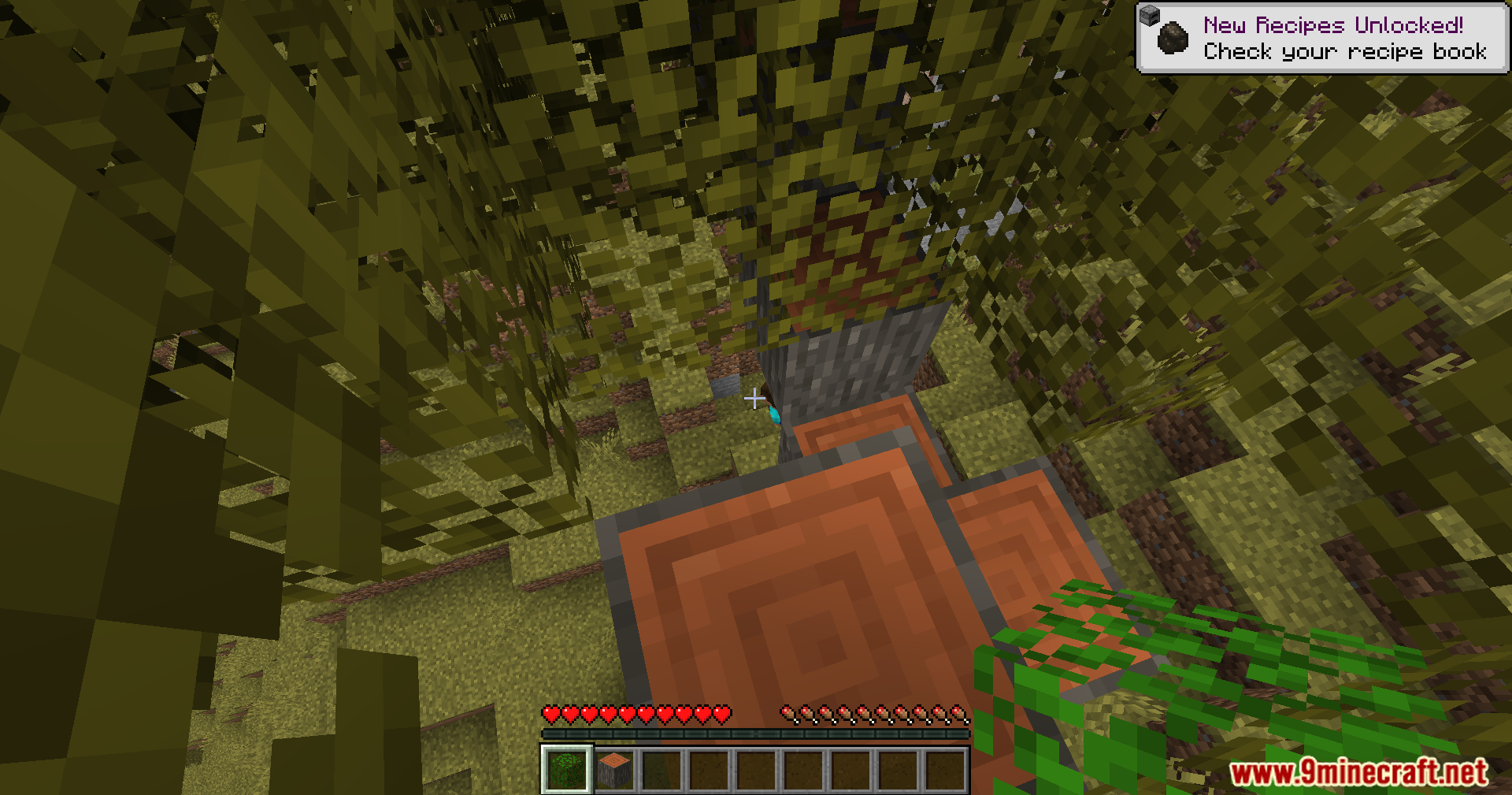


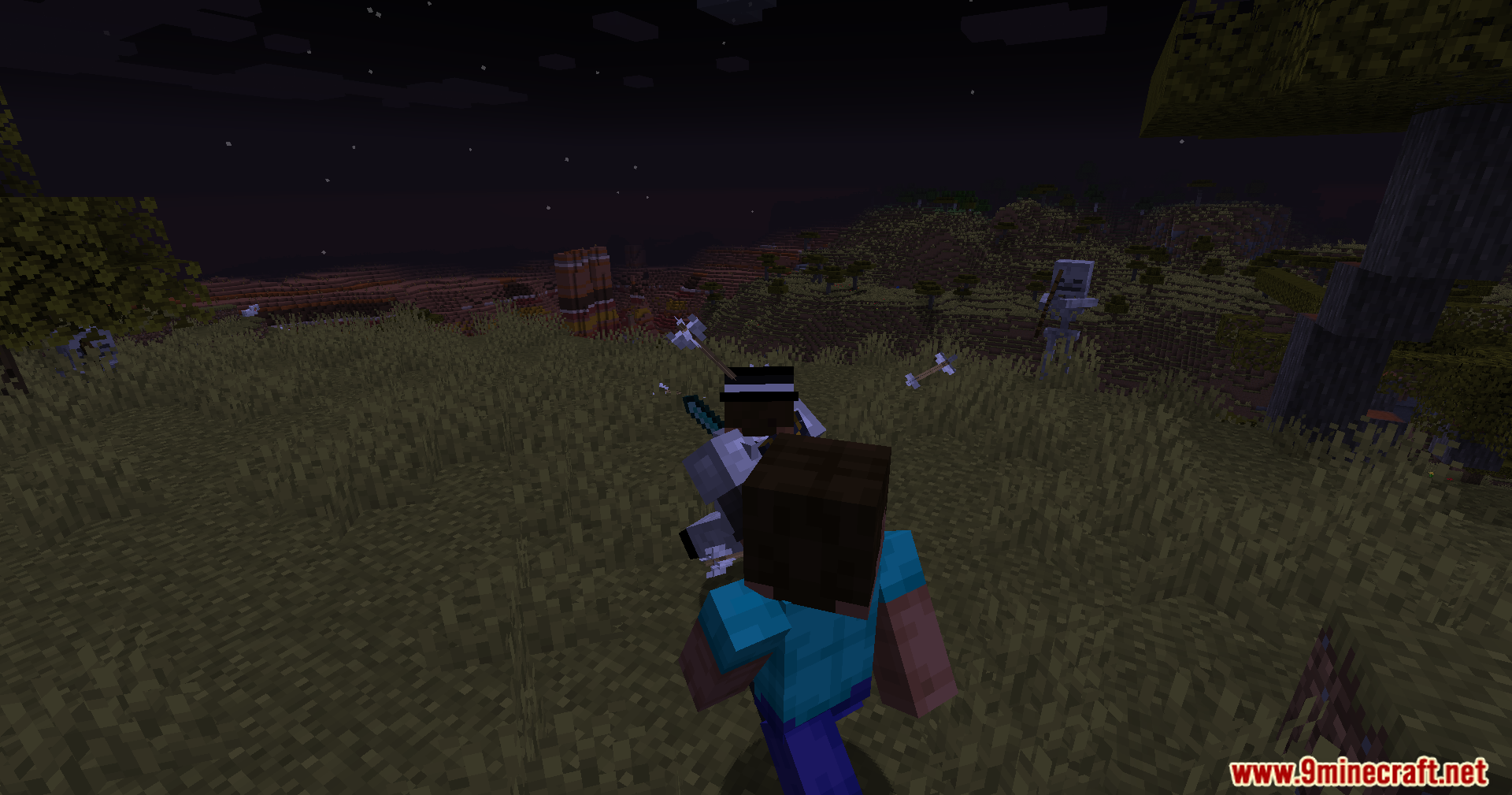

How to Install:
New to Minecraft? Follow our step-by-step guide to install Mods on your PC.View Guide
Inside The System Mod Download Links
For all Versions from Minecraft 1.21.1 to Minecraft 1.21.10
NeoForge Version: Download from Server 1 – Download from Server 2
For Minecraft 1.20.1, 1.20
Forge Version: Download from Server 1 – Download from Server 2
For Minecraft 1.19.4
Forge Version: Download from Server 1 – Download from Server 2
For Minecraft 1.19.2
Forge Version: Download from Server 1 – Download from Server 2

2 Comments
 What do you think?
Your opinion means a lot - we'd love to hear from you.
You May Also Like
Picked for this page
 Traveler’s Backpack Mod (26.3, 1.20.1) – A Mobile Base on Your Back
 Bobby Mod (26.3, 1.20.1) – Extended Render Distance
 Stack Refill Mod (26.3, 1.20.1) – Automatic Item Refill
 Ambient Environment Mod (26.3, 1.20.1) – Biome-Specific Color Variations
 Chest Search Bar Mod (26.3, 1.20.1) – Adds A Search Bar To Storage GUIs
 Armor Status Mod (1.21.11, 1.21.1) – Never Let Your Best Armor Break In Combat
 Translater Mod (26.3, 1.20.1) – Corrupts The In-Game Text Content
 Crossroads MC Mod (1.21.11, 1.20.1) – Earn Magic with Technology
 Anemos Mod (26.2, 1.21.1) – Fullbright, Fog Control
 Carpet Variants Mod (26.2, 1.20.1) – Creative Wall Designs
 SCP-594 Electric Sheep Mod (1.20.1, 1.19.2) – Don’t Touch The Wool
 Shaolib Mod (1.20.1) – Library for Shao’s Mods
Most viewed in Mods over the last 7 days
 Ala Industrial Mod (26.3) – Run Electric Power Grids and Automated Factories
 PleasureCraft Mod (26.3, 1.21.1) – Jenny Mod Remake for Fabric
 Jennycraft Mod (26.3, 1.20.1) – Virtual Girlfriend in Minecraft
 Fapcraft Mod (26.3, 1.12.2) – Comprehensive and Detailed Content
 Jenny Mod (Fapcraft) Official Complete Guide – How to use, Tutorial
 BangCraft Mod (1.20.1) – Jenny, Ellie and Elliot
 Fabric Loader (26.3, 1.20.1) – Fabric Installer for All Minecraft Versions
 The Shooting Star Demo Mod (26.3, 1.20.1) – Vaporize Terrain From Orbit
 Meteor Client Mod (26.3, 1.20.1) – Xray, HUD, Fly
 OptiFine HD (26.3, 1.20.1) – Run Faster, FPS Boost, Shaders Support
 Aristois Client Mod (1.21.4, 1.20.1) – World Class Minecraft Utility
 Prestige Client Mod (1.21.11, 1.21.4) – Powerful Ghost Features for Crystal & Sword PvP
More from Mods
 Dirigo Mod (26.1.2, 1.21.1) – Walk Across Nether Lava Seas and Automate Animal
 HandLib Mod (26.3, 1.21.1) – Keep Your Multiplayer World Stable
 Happy Ghasts Boost Mod (26.1.2, 1.20.1) – Fly Across Vast Distances at Top Speed
 LiquidBounce Client Mod (26.3, 1.20.1) – LiquidLauncher, A Free Client
 Create Hand Made Mod (1.21.1) – Craft Create Recipes By Hand in Your Workshop
 Seed Map for Xaero Mod (26.1) – See Rare Biomes and Dungeons Before You Travel
 MCPersist Mod (26.3) – Keep Your World Online for Friends Even After Logging Off
 Minecraft Java MCP Server Mod (1.21.11) – Command Your World Through External AI Tools
 Arcanism Mod (26.2) – Build Magic Factories and Program Custom Spells
 Archangel Client Mod (1.21.11) – Master Every PvP Duel with Clean Screen Stats
 Block Front Survival Patch Mod (1.21.1) – Wage Tactical Warfare in Survival
 Better Enchantment Bookshelf Placement Mod (26.2, 1.20.1)

its so good
oh its so good