


Item Duplication Glitch for MCPE/Bedrock (1.21.131)
 296
296
 0
0
 December 30, 2025
This is an item duplication glitch in Minecraft Bedrock 1.21.131 that works across all platforms, exploiting block breaking combined with a sudden game exit that prevents data from syncing properly. As a result, the items reappear in the hotbar while also dropping into the world, creating duplicates.
Full Guide:
This method duplicates items in Survival mode and works on all platforms:
MCPE, PS5, Xbox, Switch, Windows 10.
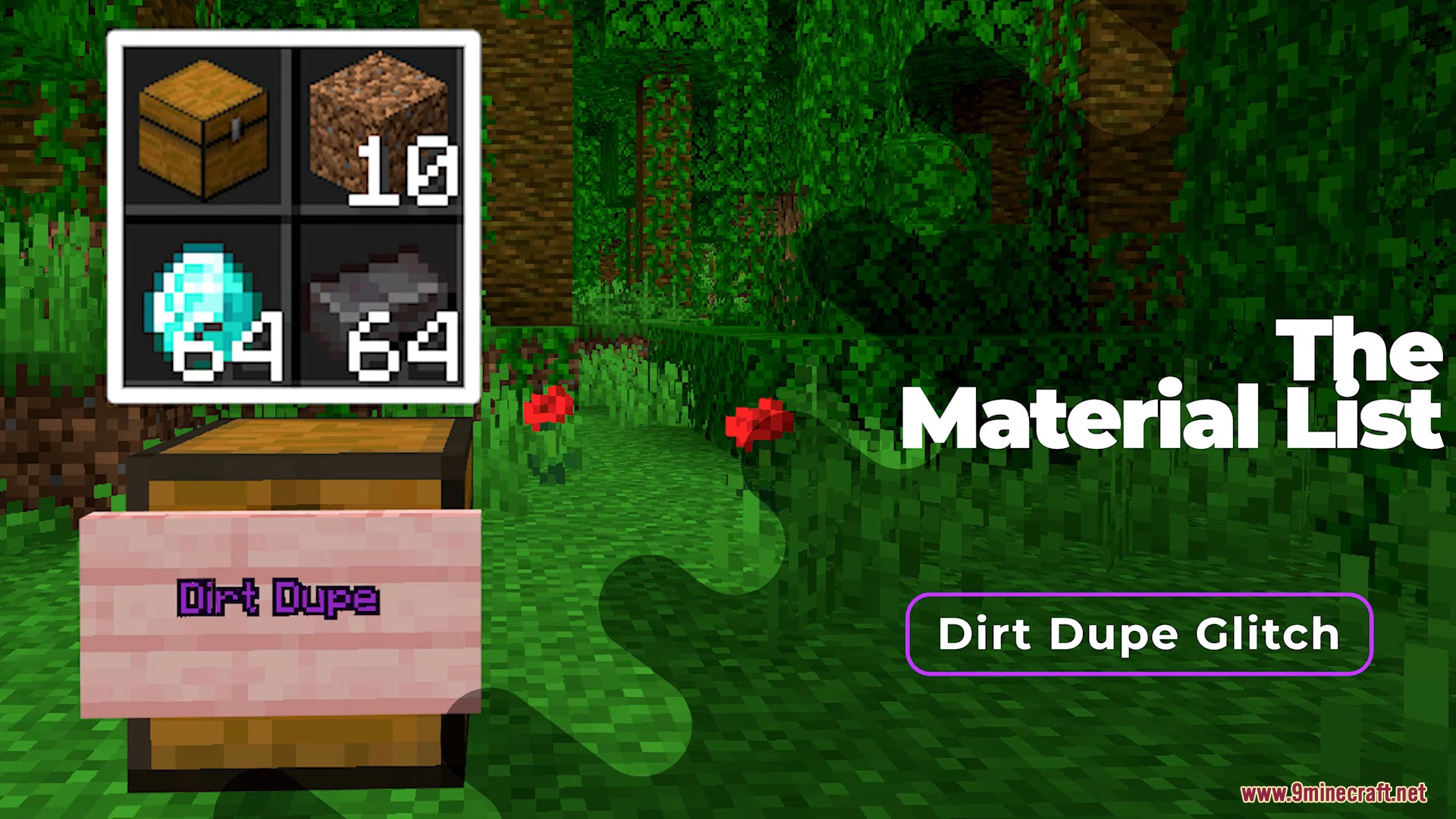
Required materials:
1Chest- Up to
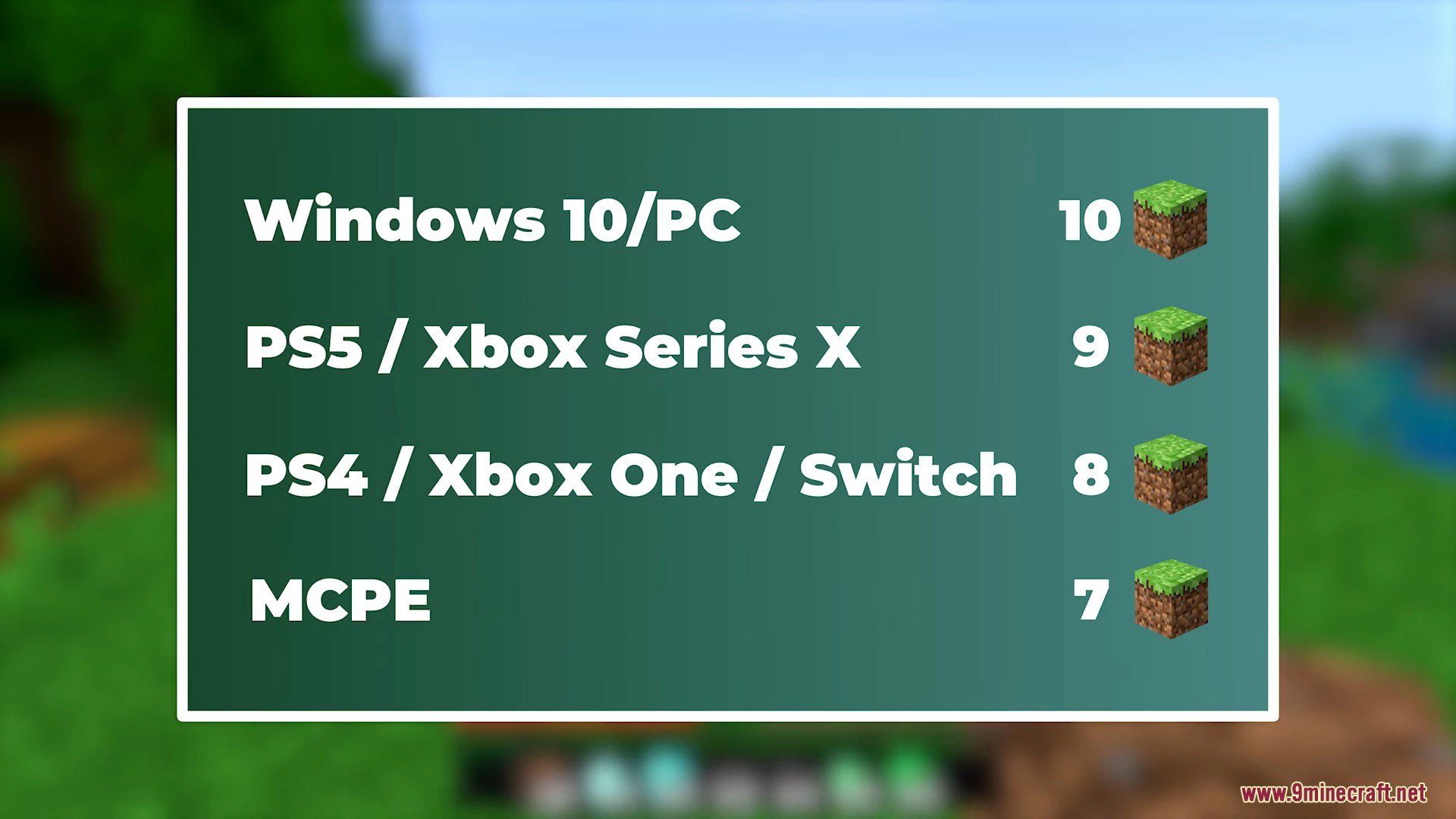
10Dirt Blocks (the exact number may vary by platform)
Steps:
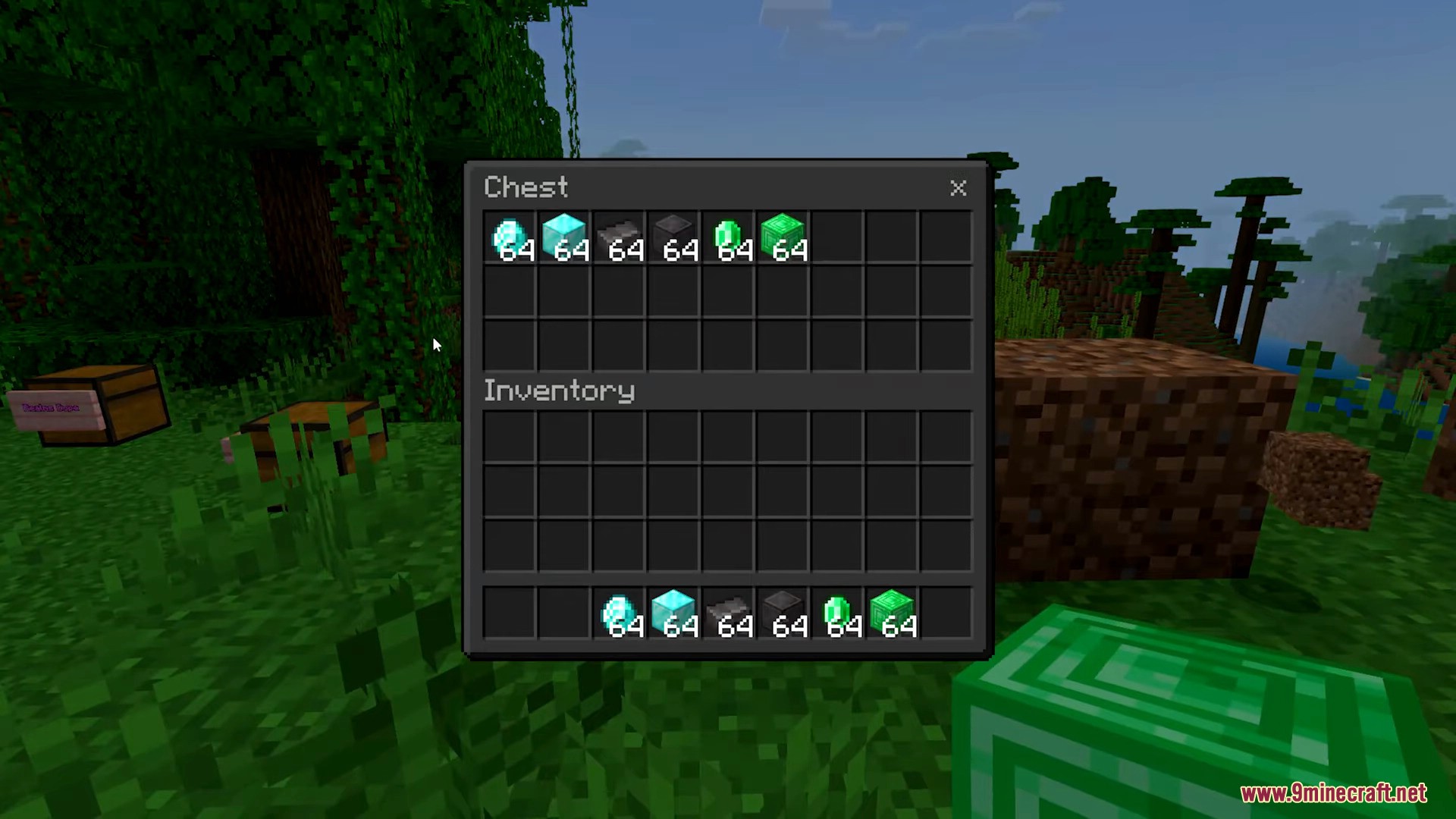
- Put the items you want to duplicate into your hotbar.
- Backup your world:
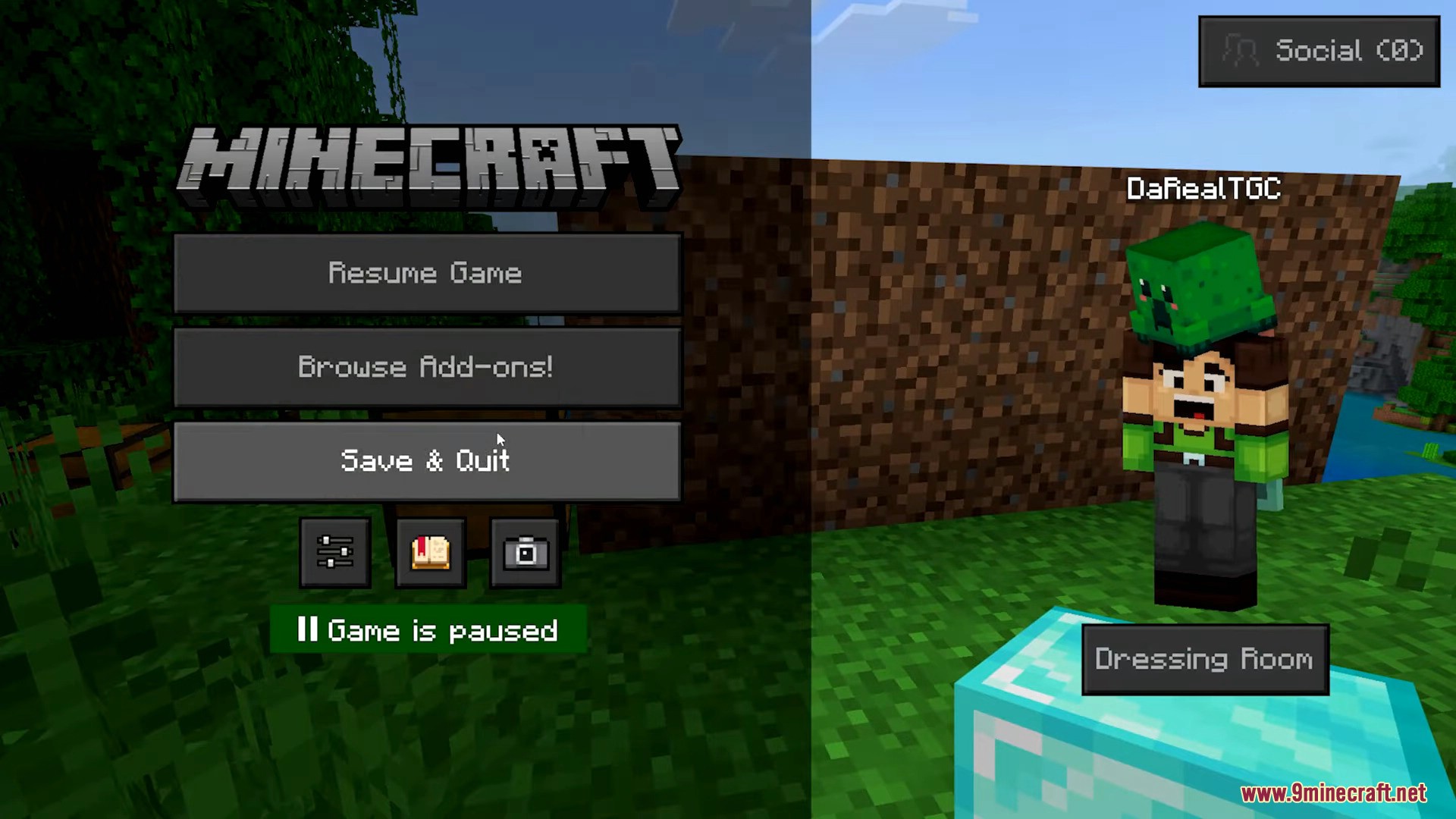
- Choose Save & Quit
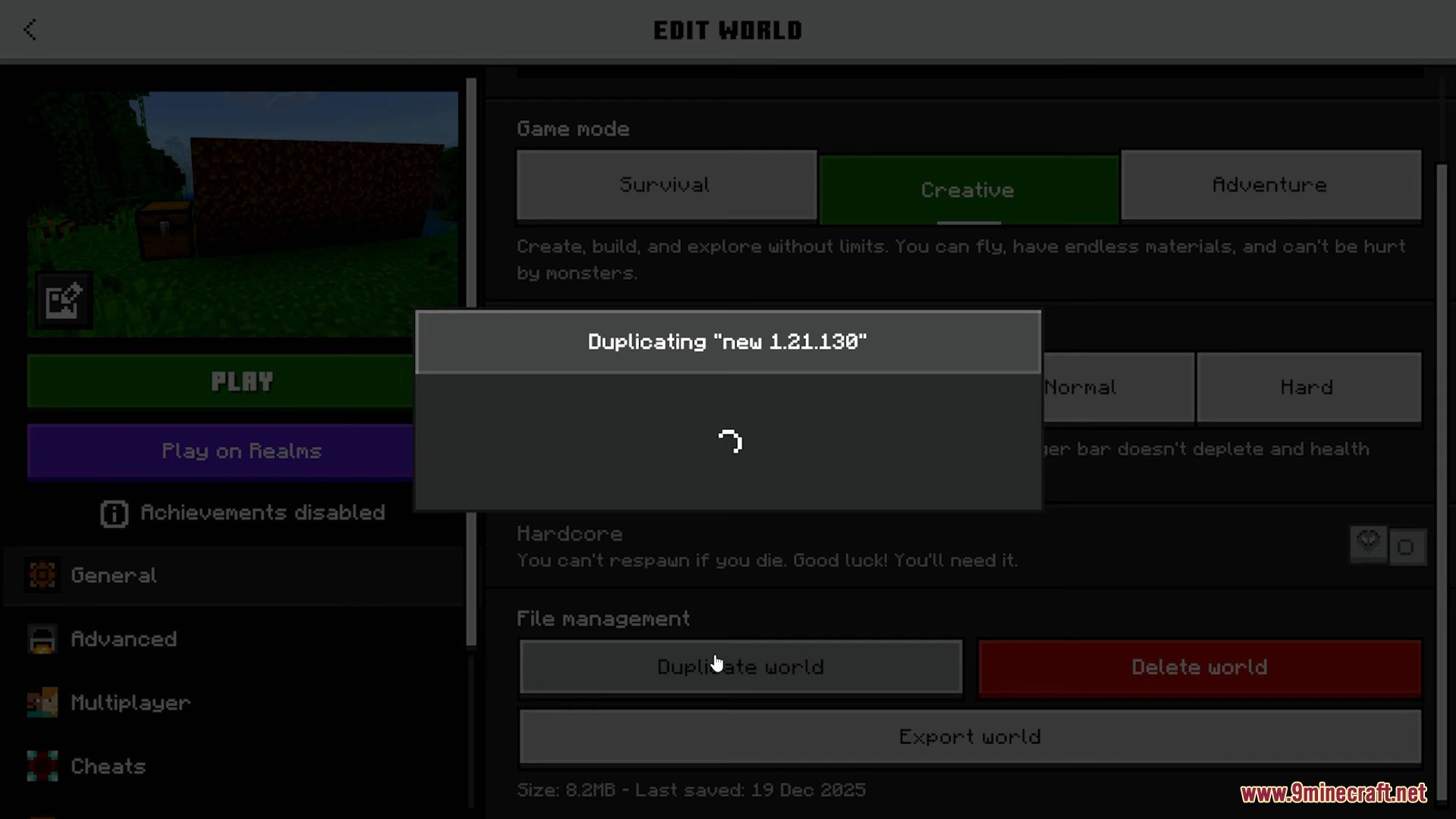
- In world settings, select Copy World
- Re-enter the world.
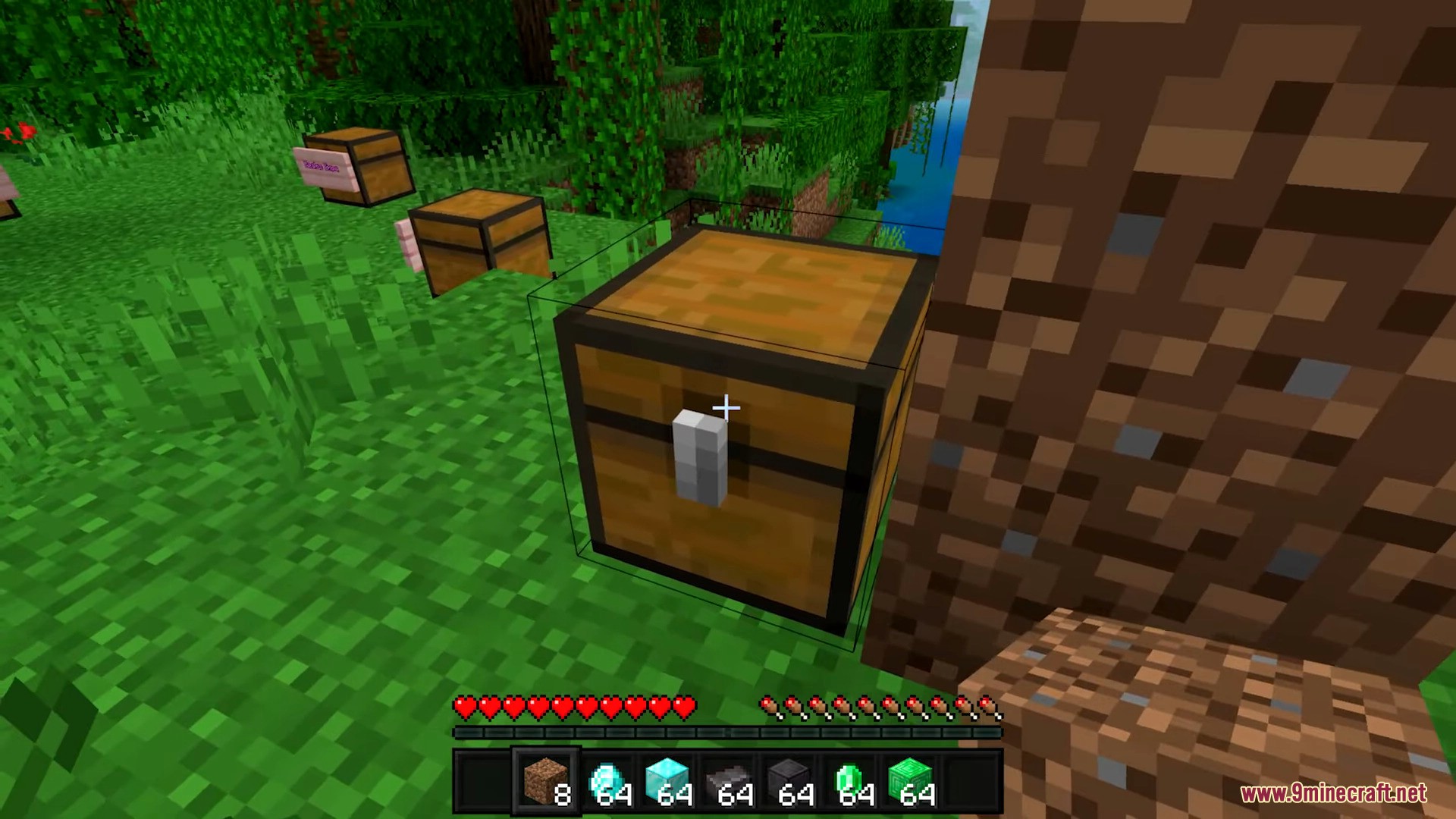
- Place a Chest on the ground.
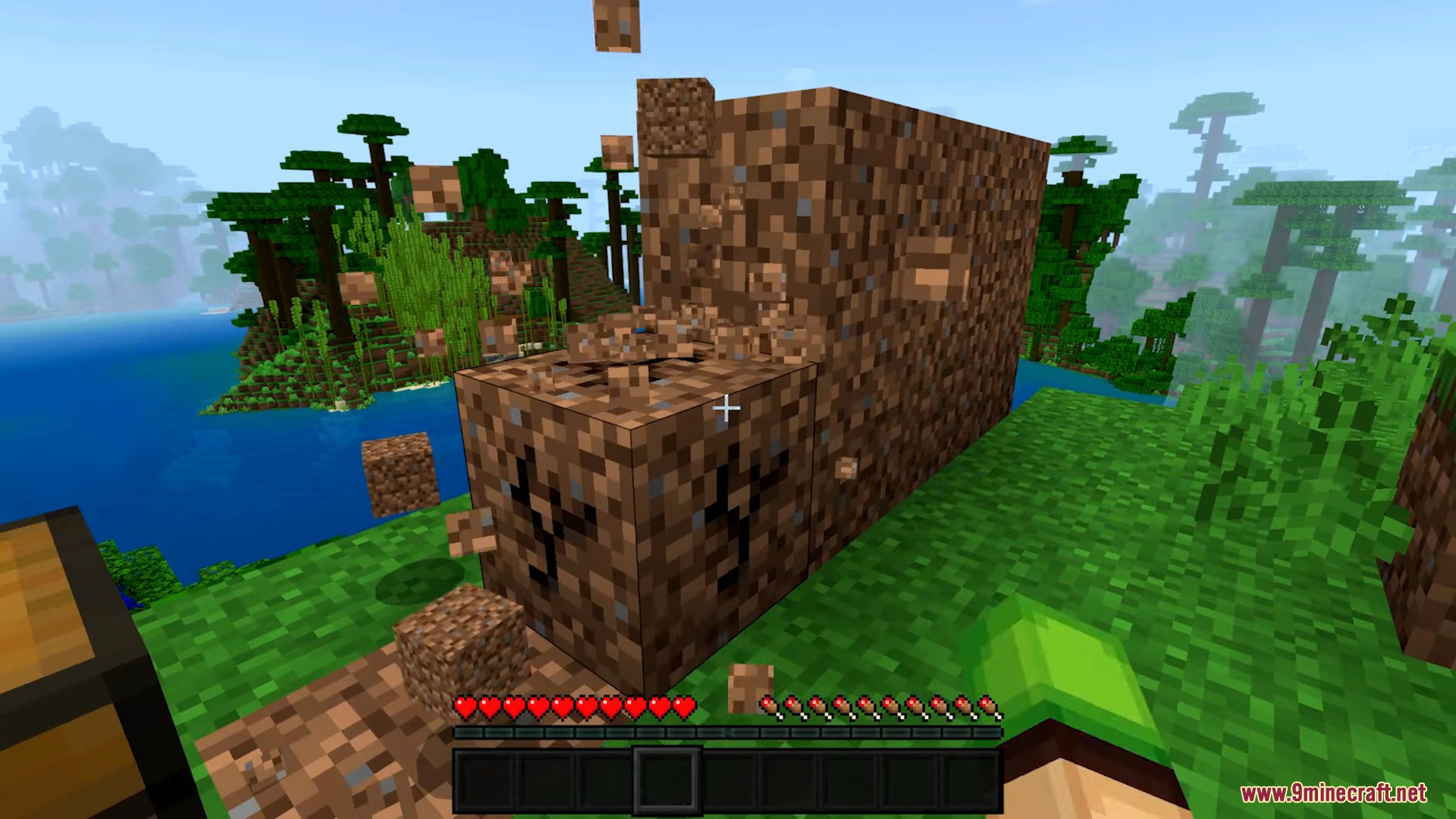
- Build a small dirt stack next to the chest:
- About 2 blocks high
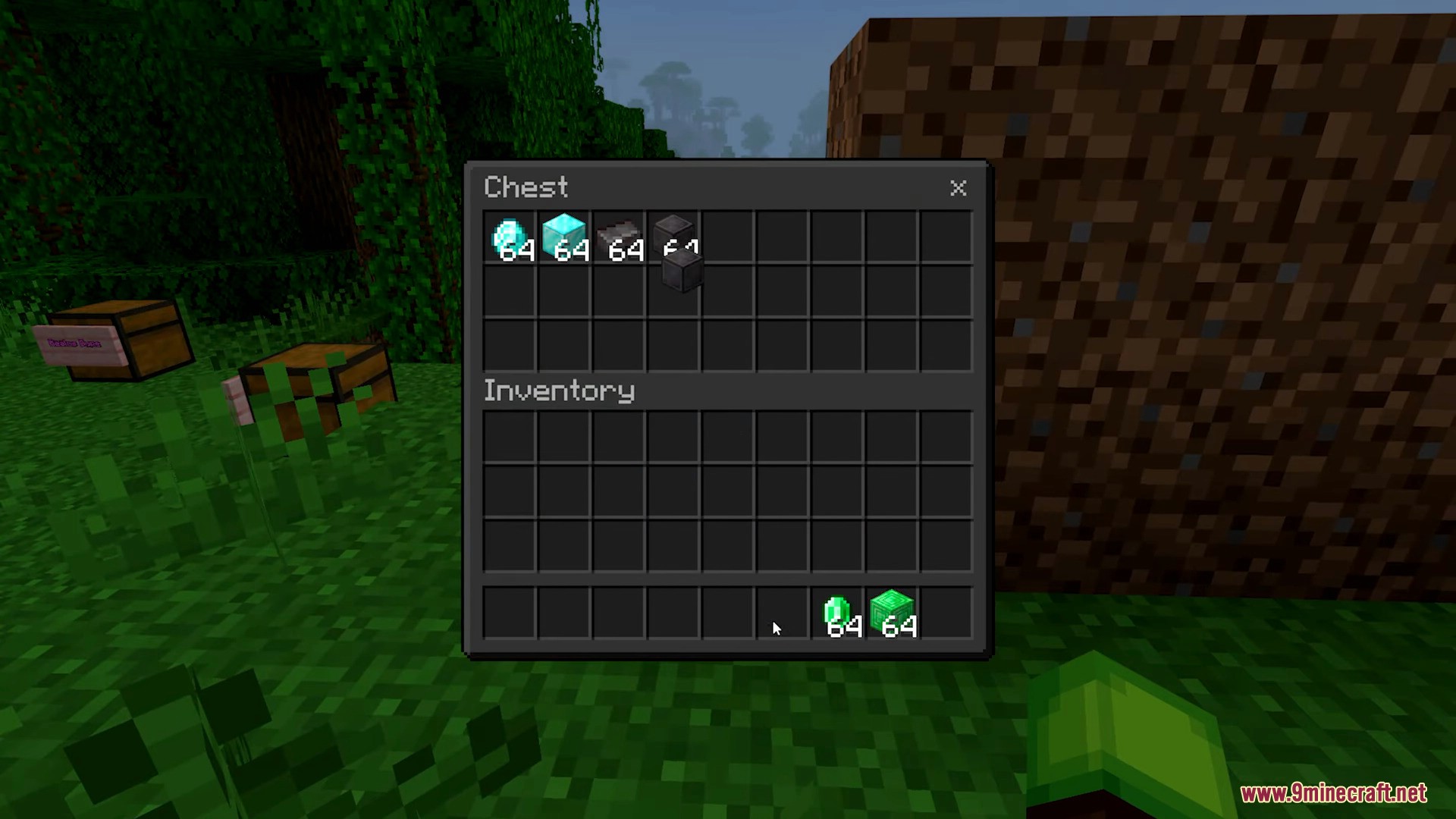
- Open the chest and move all hotbar items into it.
- Break all the Dirt Blocks.
- Break the Chest so the items drop.
- Immediately force quit the game:
- On PC:
Alt + F4 - On consoles/mobile: force close the game
- On PC:
- Reload the world.
Result:
- The items appear both in your hotbar and on the ground where the chest was.
If it does not work:
- Adjust the timing between breaking the chest and quitting.
- Try using
+1or-1Dirt Block. - A common success sign is that the Dirt Blocks reappear after reloading.
Screenshots:
Click to rate this post!
[Total: 0 Average: 0]













