
Item Recycler Mod (1.16.5) – Break Down Chest Clutter Into Fresh Supplies
 1,946
 0


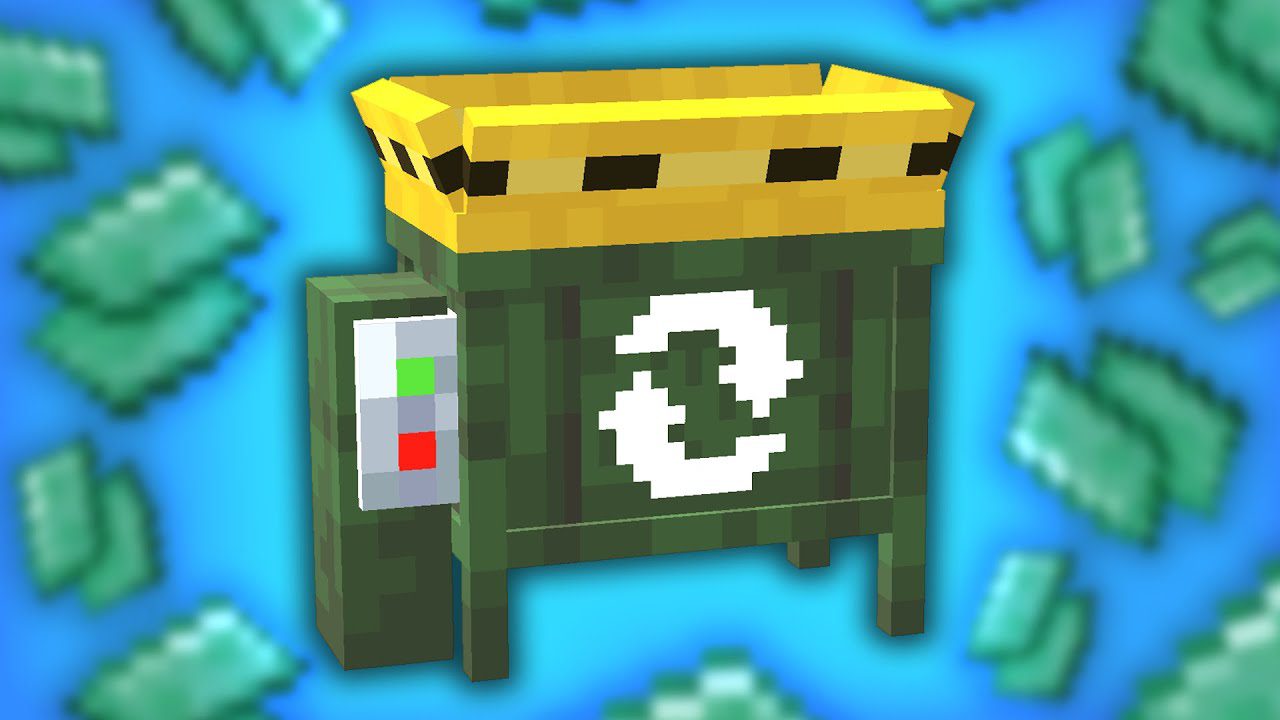
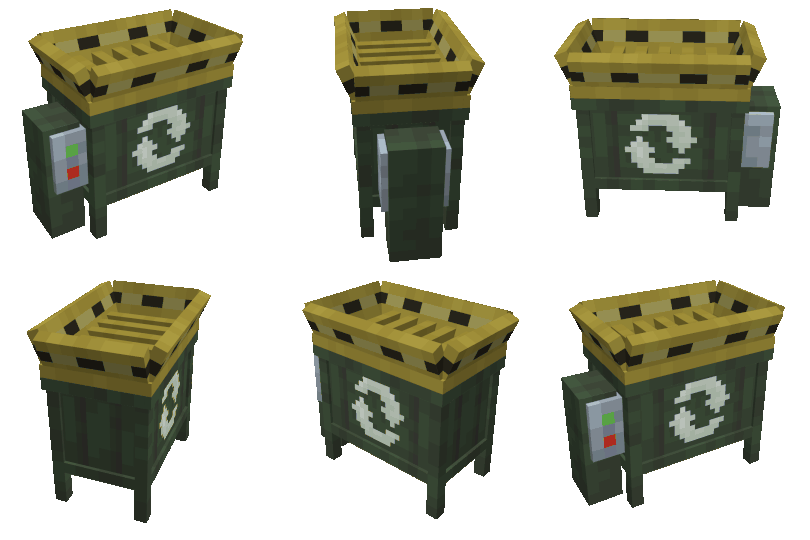
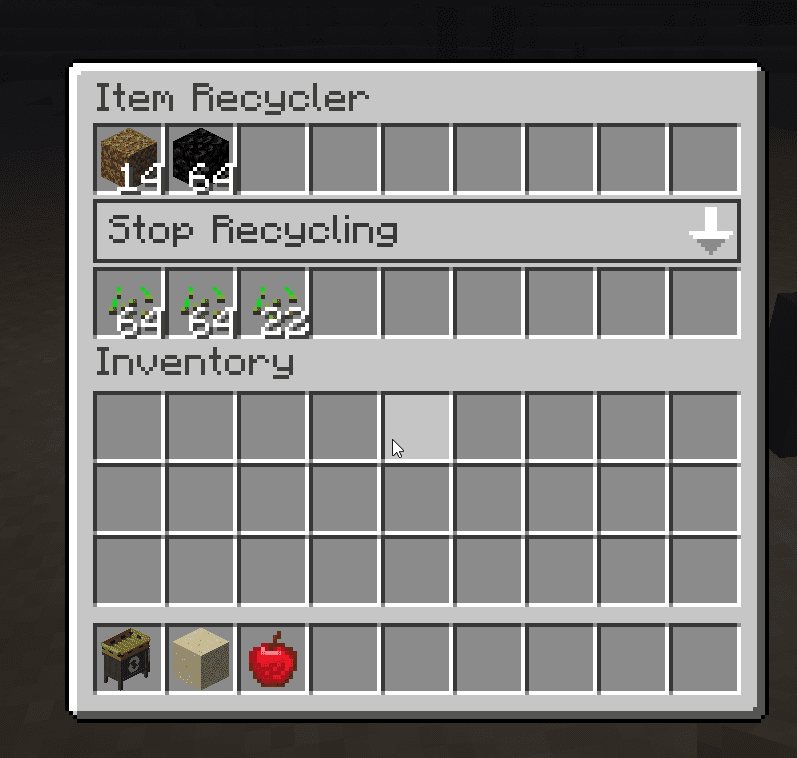
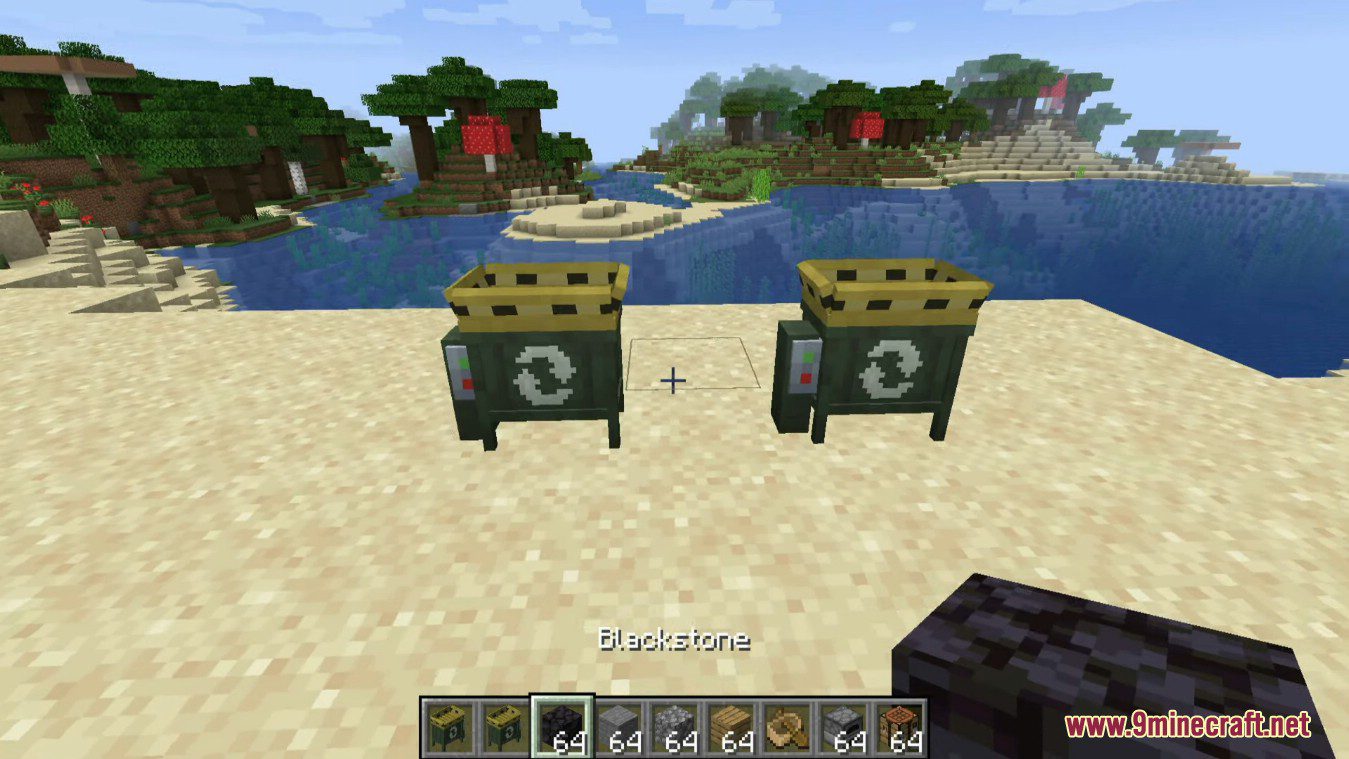
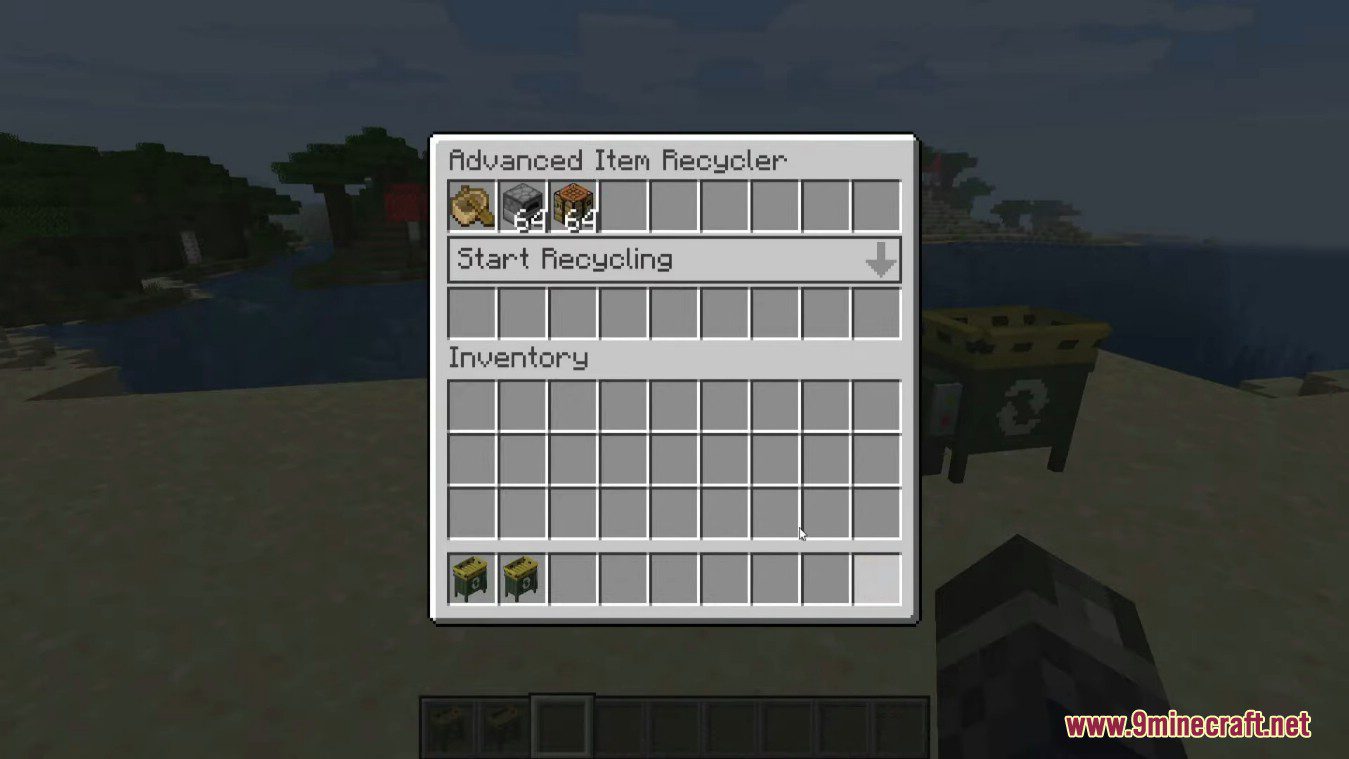
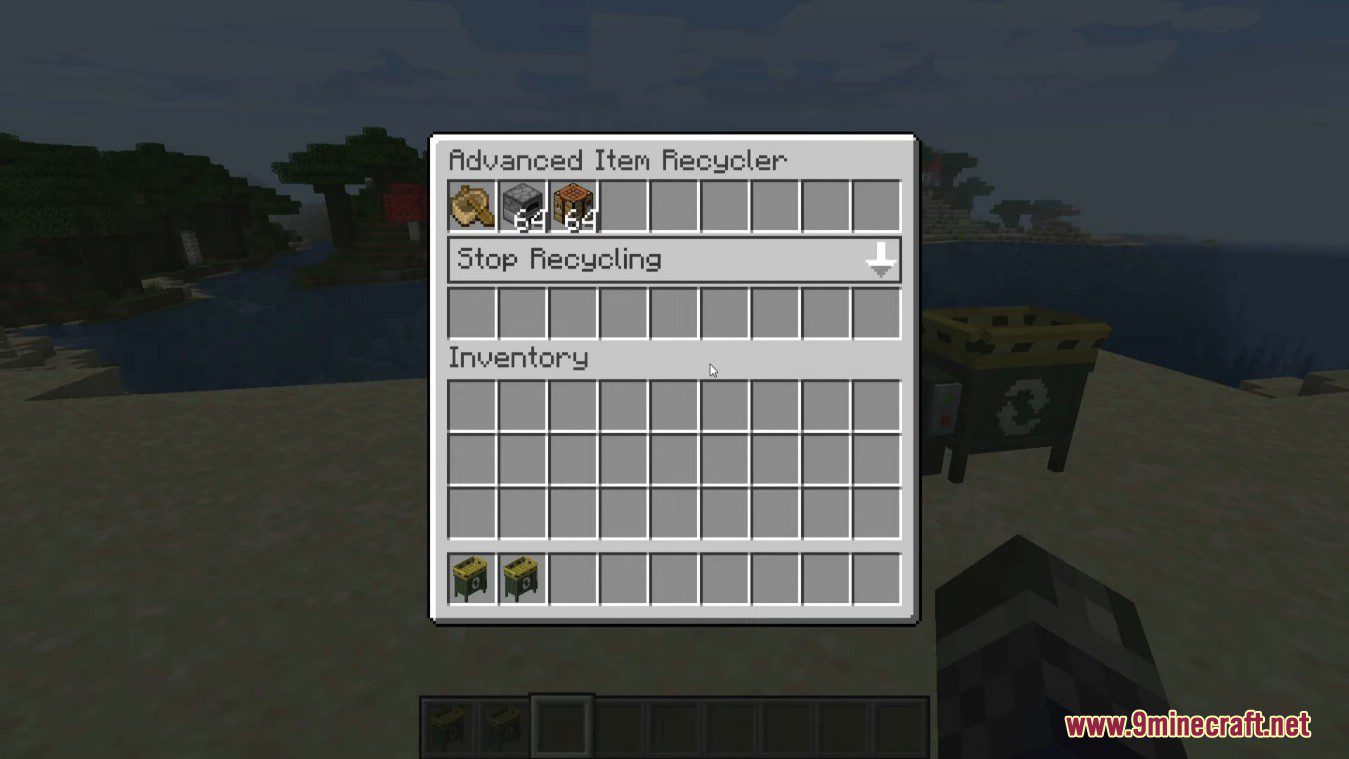
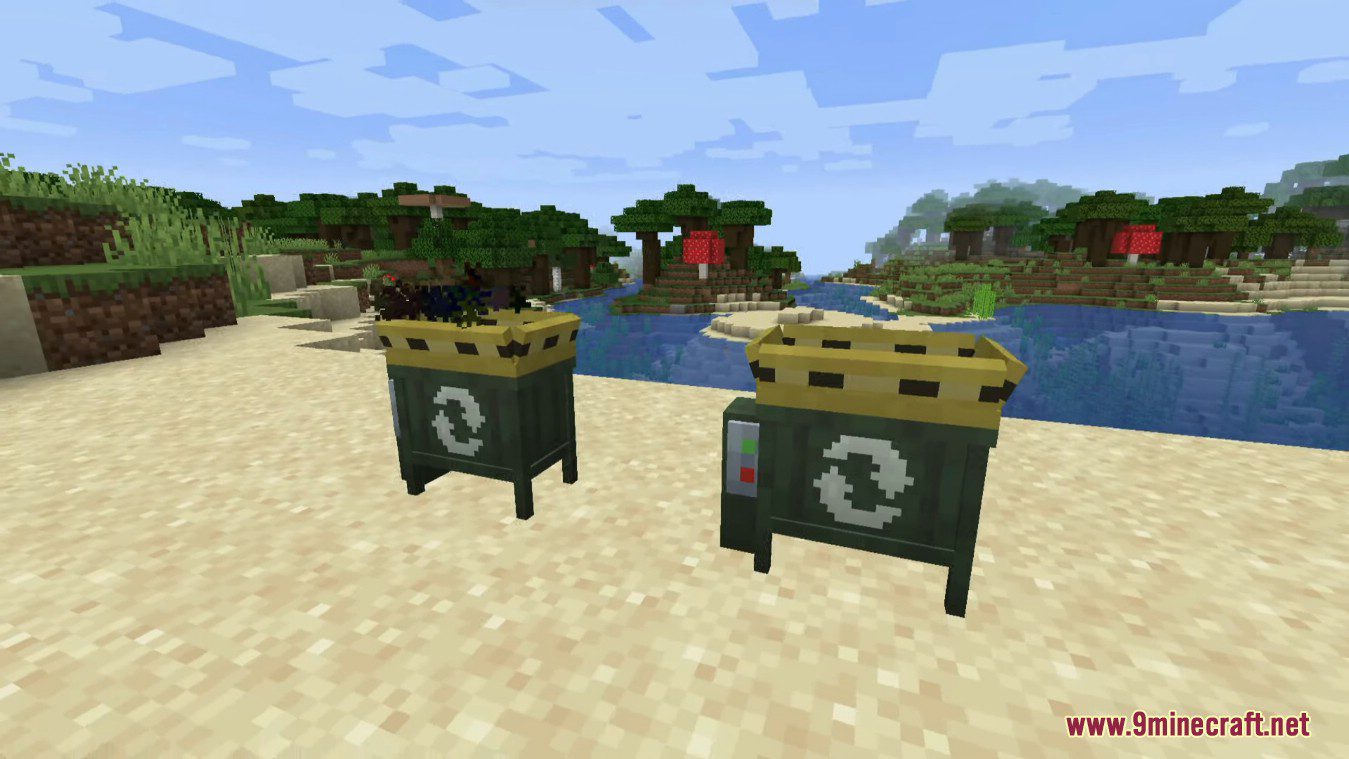
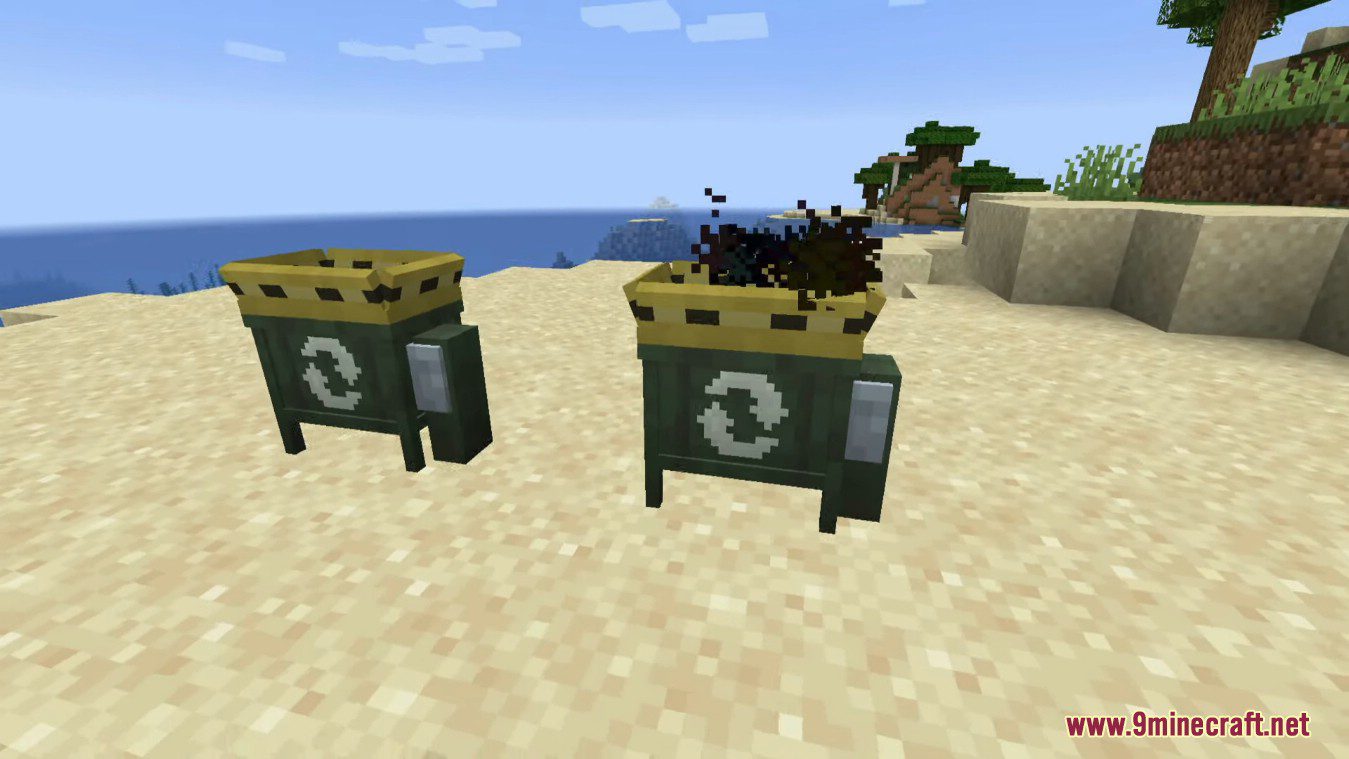
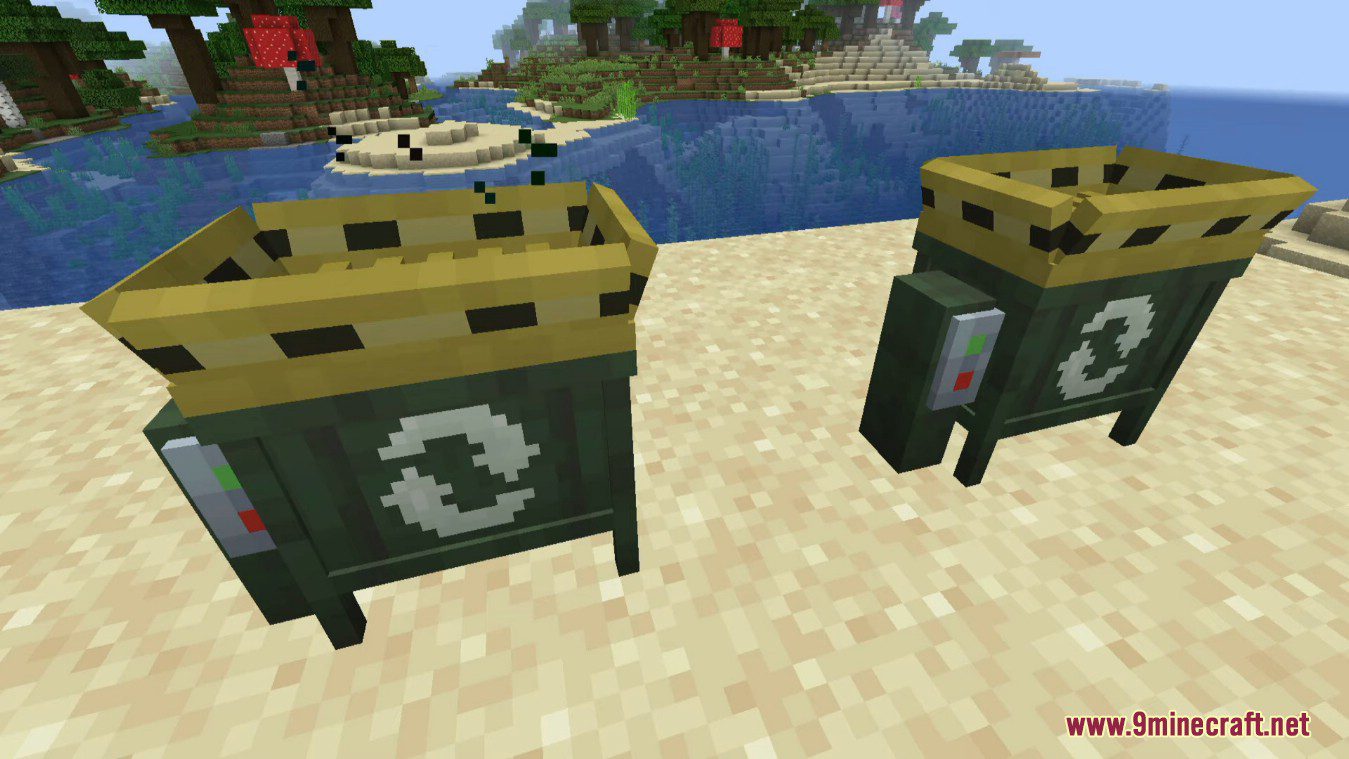
Item Recycler Mod adds a simple recycler block that turns items back into their parts. You place items in the top slots, click Start Recycling, and wait for the machine to finish. It stops on its own when the input runs out or the storage fills up. This mod does not come with default recipes, so you need to set up custom recipes using datapacks or KubeJS scripts before it can recycle anything.
Requires:
Features:
- Adds a simple recycler block that breaks items down into their components.
- Includes top slots to hold the items you want to recycle.
- Lets you run the machine by clicking the Start Recycling button.
- Stops on its own when it runs out of items or fills up.
- Ships with no default recipes, so nothing recycles until you add your own recipes.
- Supports custom datapack JSON recipes with one ingredient, one or more results, and an optional recycling time.
- Works with KubeJS scripts so you can add single or multi-item recycling outputs and custom run times.
Configuration:
Because this mod includes no default recipes, you can add custom recycling recipes with datapack JSON files or KubeJS scripts.
type: sets the recipe type torecycler:recycler.ingredient: sets the input item that goes into the recycler.results: lists the output items and optional counts you get back.time: sets how long recycling takes (optional, defaults to60).
Datapack JSON example:
{
  "type": "recycler:recycler",
  "ingredient": { "item": "minecraft:dirt" },
  "results": [
    { "item": "minecraft:wheat_seeds", "count": 3 },
    { "item": "minecraft:stone" }
  ],
  "time": 60
}
KubeJS script examples:
event.recipes.recyclerRecycler('3x minecraft:wheat_seeds', 'minecraft:dirt')
event.recipes.recyclerRecycler(['3x minecraft:cobblestone', 'minecraft:stone', '4x minecraft:coal'], 'minecraft:obsidian')
event.recipes.recyclerRecycler('3x minecraft:wheat_seeds', 'minecraft:grass').merge({time: 60})
How to Use:
- Add at least one custom recipe through a datapack JSON file or a KubeJS script, since the recycler will not process any items by default.
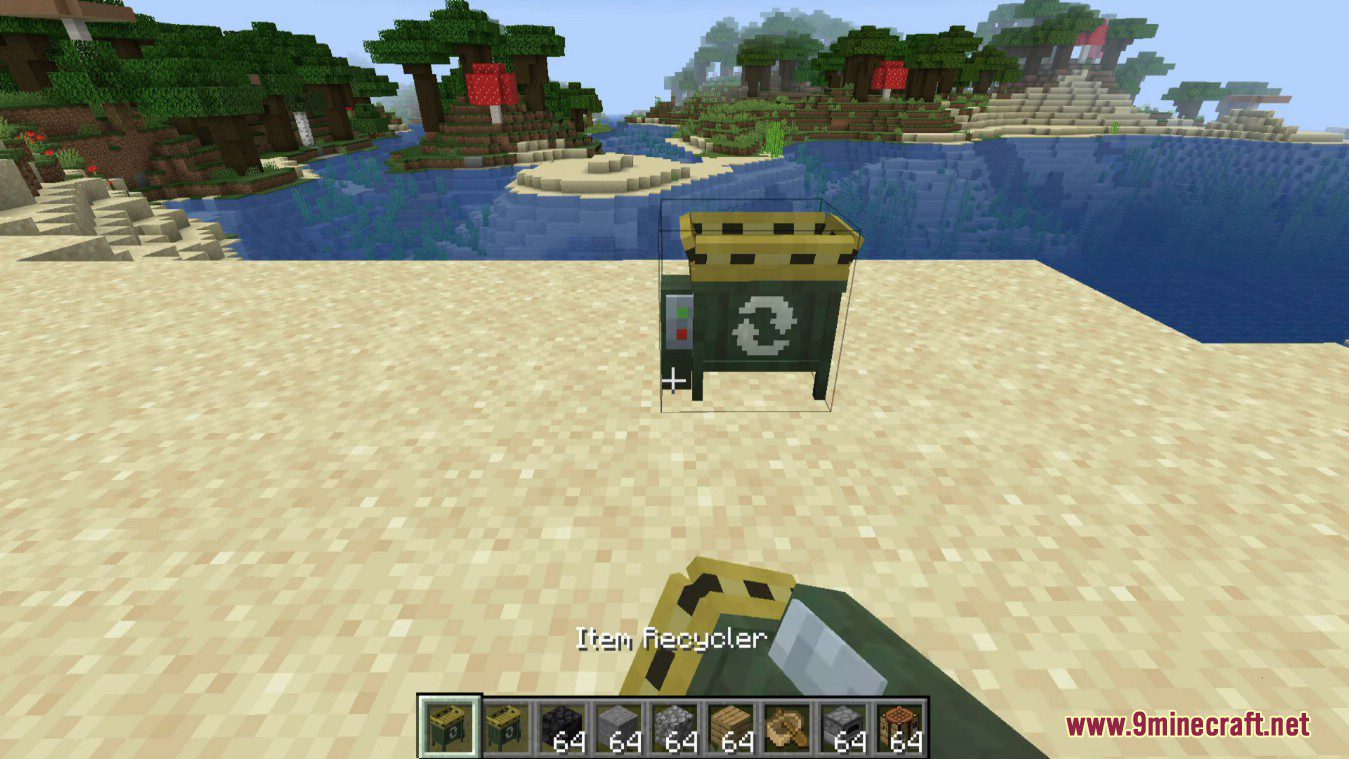
- Place the recycler block in your world and open its menu.
- Put the items you want to recycle into the top slots.
- Click the Start Recycling button to start breaking the items down into their components.
- Wait for the machine to finish; it stops on its own once it runs out of items or becomes full.
Screenshots:
How to Install:
New to Minecraft? Follow our step-by-step guide to install Mods on your PC.View Guide
Item Recycler Mod Download Links
For Minecraft 1.16.5
Forge version: Download from Server 1 – Download from Server 2
You May Also Like
Picked for this page
 Splinecart Mod (1.21.3, 1.21.1) – Adds Curved Rail Tracks
 Death Finder Mod (26.3, 1.20.1) – Death Messages with Coordinates
 Coins JE Mod (26.3, 1.20.1) – New Exchange Currency System
 LevelHearts Mod (1.21.1, 1.20.1) – Increasing Your Overall Health
 Death Backup Mod (26.3, 1.20.1) – Automatic Inventory Backup
 Boat Hud Mod (26.3, 1.20.1) – Display The Information Of The Boat
 Maple Mod (26.1.2, 1.20.1) – Grove Cherry and Maple Forest Biomes
 Hide Item Frame Mod (26.3, 1.20.1) – Equipped Item Frames Turn Invisible
 Differentiate Mod (1.21.1) – Library for Eltrutlikes’s Mods
 Simple Gravel Ores Mod (26.1.2, 1.20.1) – Gravel Versions of Vanilla Ores
 KubeJS Botany Pots Mod (1.21.1, 1.20.1) – Compatibility, Addon
 Nether Gold Ore Drops Raw Gold Mod (26.3, 1.20.1) – Changes Nether Gold Ore Drop
Most viewed in Mods over the last 7 days
 Ala Industrial Mod (26.3) – Run Electric Power Grids and Automated Factories
 PleasureCraft Mod (26.3, 1.21.1) – Jenny Mod Remake for Fabric
 Jennycraft Mod (26.3, 1.20.1) – Virtual Girlfriend in Minecraft
 Fapcraft Mod (26.3, 1.12.2) – Comprehensive and Detailed Content
 Jenny Mod (Fapcraft) Official Complete Guide – How to use, Tutorial
 BangCraft Mod (1.20.1) – Jenny, Ellie and Elliot
 Fabric Loader (26.3, 1.20.1) – Fabric Installer for All Minecraft Versions
 The Shooting Star Demo Mod (26.3, 1.20.1) – Vaporize Terrain From Orbit
 Meteor Client Mod (26.3, 1.20.1) – Xray, HUD, Fly
 OptiFine HD (26.3, 1.20.1) – Run Faster, FPS Boost, Shaders Support
 Aristois Client Mod (1.21.4, 1.20.1) – World Class Minecraft Utility
 Prestige Client Mod (1.21.11, 1.21.4) – Powerful Ghost Features for Crystal & Sword PvP
More from Mods
 Ore Excavation 9minecraft Mod (26.3) – Mine Ores and Chop Trees in a Single Swing
 Dirigo Mod (26.1.2, 1.21.1) – Walk Across Nether Lava Seas and Automate Animal
 HandLib Mod (26.3, 1.21.1) – Keep Your Multiplayer World Stable
 Happy Ghasts Boost Mod (26.1.2, 1.20.1) – Fly Across Vast Distances at Top Speed
 LiquidBounce Client Mod (26.3, 1.20.1) – LiquidLauncher, A Free Client
 Create Hand Made Mod (1.21.1) – Craft Create Recipes By Hand in Your Workshop
 Seed Map for Xaero Mod (26.1) – See Rare Biomes and Dungeons Before You Travel
 MCPersist Mod (26.3) – Keep Your World Online for Friends Even After Logging Off
 Minecraft Java MCP Server Mod (1.21.11) – Command Your World Through External AI Tools
 Arcanism Mod (26.2) – Build Magic Factories and Program Custom Spells
 Archangel Client Mod (1.21.11) – Master Every PvP Duel with Clean Screen Stats
 Block Front Survival Patch Mod (1.21.1) – Wage Tactical Warfare in Survival

This post has no comments yet. Be the first — your comment will appear here.