
Ixeris Mod (26.3, 1.20.1) – Fluid Camera Turns in Combat

 0


Ixeris Mod optimizes event polling to improve client performance and stop sudden FPS drops when you move your mouse or turn the camera. This mod separates mouse input handling from rendering so slow input checks do not hold back your graphics. On Windows, it also reads raw mouse input in batches, which gives a big speed boost on mice with high polling rates like 2000 Hz or 8000 Hz. It includes fast GLFW state caching and a hybrid FPS limiter to keep gameplay and menus smooth without extra lag. The mod runs on the client and works on both Windows and Linux, with the largest FPS gains on Windows PCs.

Features:
- Threaded Event Polling: Runs GLFW event polling on the main thread and moves rendering to a separate render thread, freeing up CPU time for smoother frames.
- Buffered Raw Input: Switches Windows mouse input from
GetRawInputDatatoGetRawInputBufferto read input messages in batches with a single call, and handles this work in Java code to remove slow JNI upcall overhead. - GLFW State Caching: Saves frequently used GLFW states so any thread can read them quickly without routing calls back to the main thread or adding extra lag.
- Hybrid FPS Limiter: Replaces the older vanilla FPS limiter that relies on
glfwWaitEventsTimeoutwith a hybrid system that sleeps accurately and switches to spin waiting when the wait time is short. - Reduces sudden FPS drops when you move your mouse or turn the camera, especially on mice with high polling rates.
- Keeps full GLFW thread safety by running
glfwSet*Callbackcallbacks on the render thread and safely sending main-thread GLFW calls from other threads to the main thread, either returning right away when safe to delay or waiting until finished. - Improves frame rates in pause menus when the cursor is visible and raw input is not used.
- Works on Windows as well as Linux (X11 and Wayland), with Windows seeing the biggest gain because buffered raw input is enabled by default there and can also be turned off.
In-Game FPS Benchmarks (Windows):
Tested after full world loading and frame rate stabilization in an empty superflat world with no mobs while the mouse cursor is grabbed:
| Polling Rate | Without Mod | Mod (Non-buffered) | Mod (Buffered) |
|---|---|---|---|
| 8000 Hz | 12 FPS | 83 FPS (6.9x) | 121 FPS (10.1x) |
| 2000 Hz | 76 FPS | 114 FPS (1.50x) | 135 FPS (1.78x) |
| 500 Hz | 134 FPS | 145 FPS (1.08x) | 151 FPS (1.13x) |
In-Menu FPS Benchmarks (1000 Hz):
Tested while moving the mouse quickly across the game window on the F3+Esc pause screen with the cursor visible at a 1000 Hz polling rate:
| Platform | Idle FPS | Without Mod | With Mod |
|---|---|---|---|
| Windows | 233 FPS | 133 FPS | 165 FPS (1.24x) |
| Linux (X11) | 358 FPS | 320 FPS | 355 FPS (1.11x) |
| Linux (Wayland) | 364 FPS | 289 FPS | 298 FPS (1.03x) |
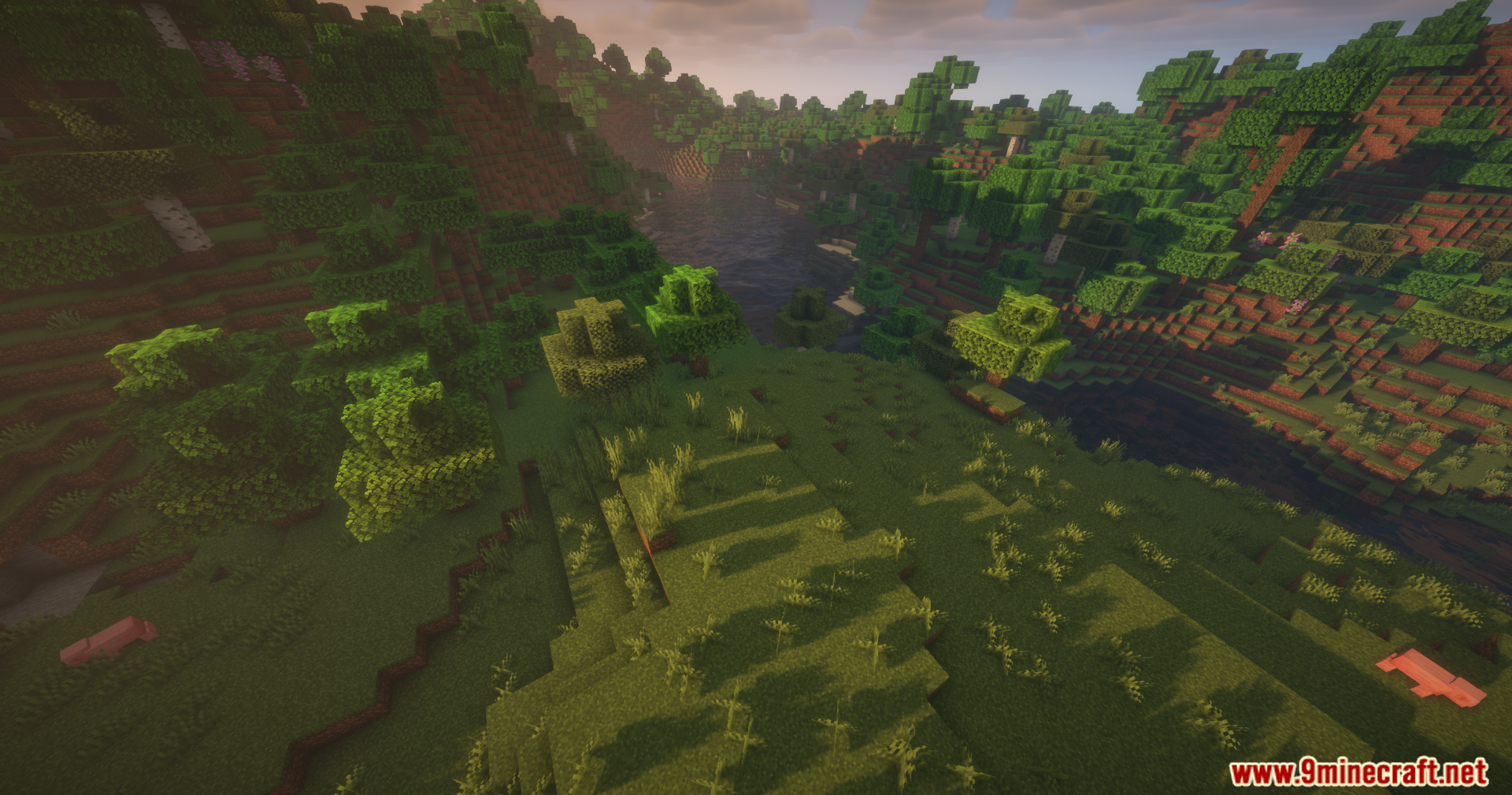
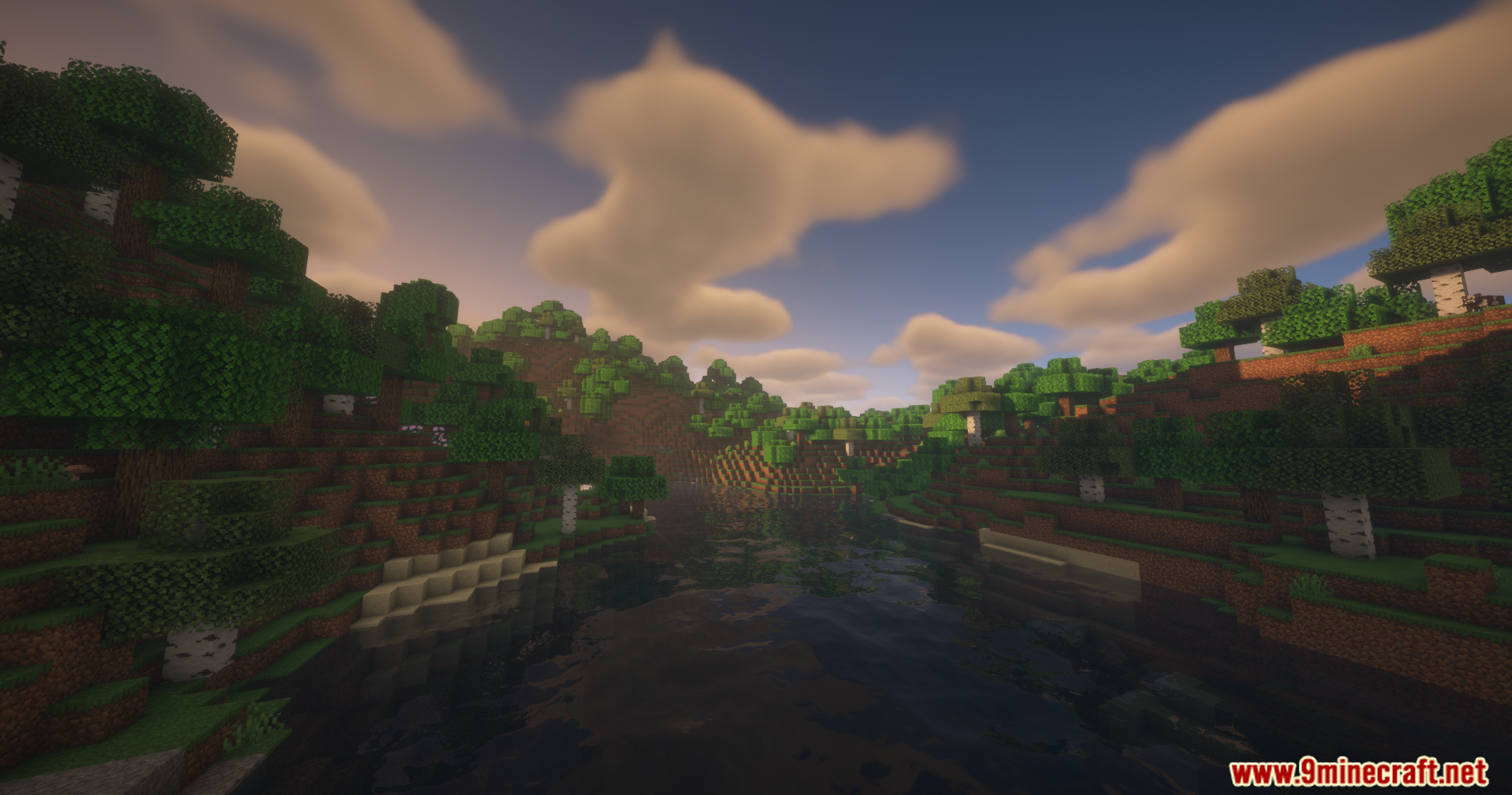
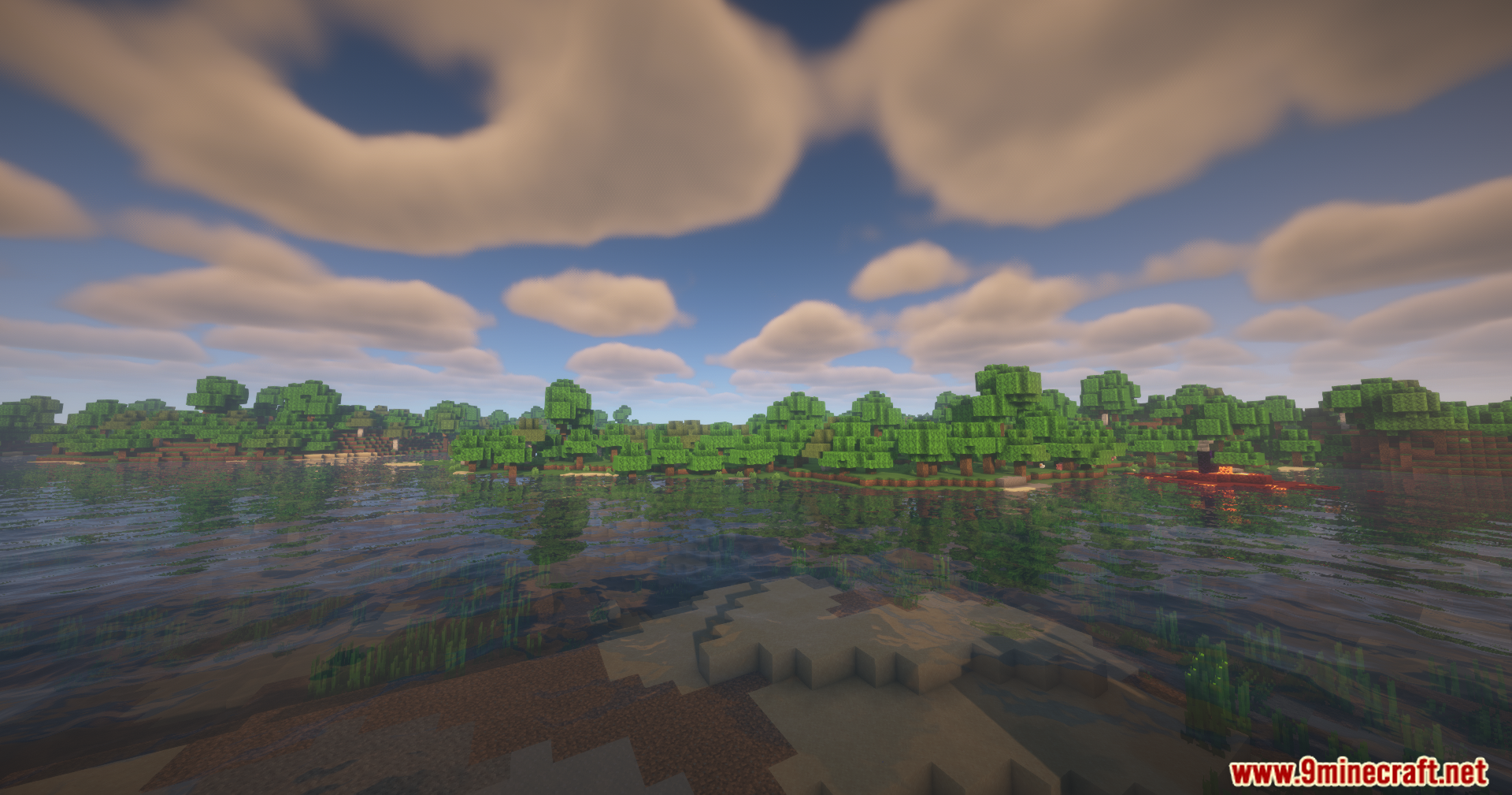
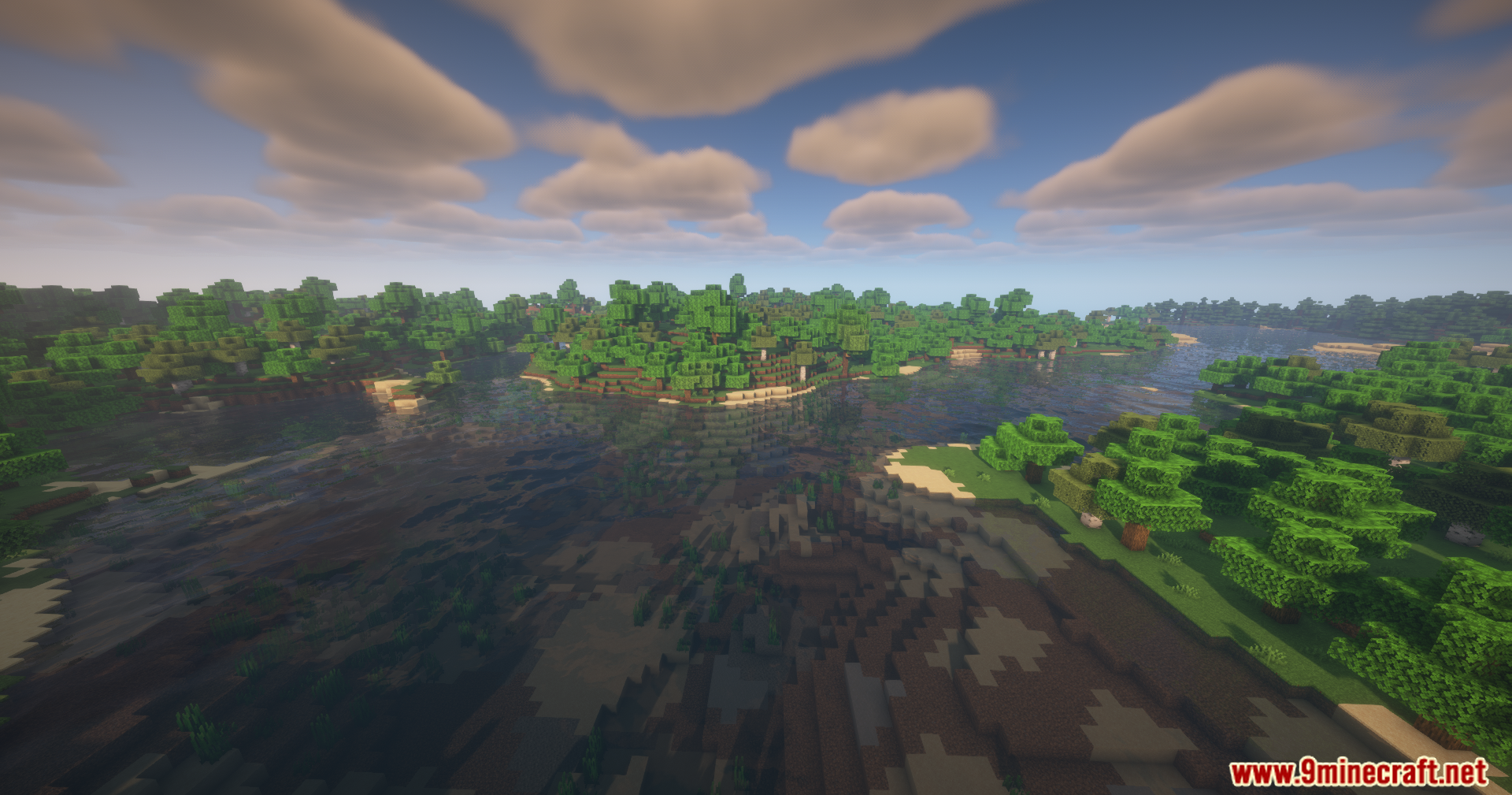
Screenshots:


How to Install:
New to Minecraft? Follow our step-by-step guide to install Mods on your PC.View Guide
Requirements:




Ixeris Mod Download Links
For Minecraft 26.3
For Minecraft 26.2
For Minecraft 26.1.2, 26.1.1, 26.1
For Minecraft 1.21.11, 1.21.10, 1.21.9
For Minecraft 1.21.5, 1.21.4
For Minecraft 1.21.4, 1.21.3, 1.21.2
For Minecraft 1.21.1, 1.21
For Minecraft 1.20.6, .20.4
For Minecraft 1.20.4
For Minecraft
1.20.3,
1.20.2,
1.20.1
All Versions Covered
1.20.3
1.20.2
1.20.1
1.20
1.19.4
For Minecraft 1.19.4 –> 1.20.2
For Minecraft 1.20.1
For Minecraft 1.19.2
For Minecraft 1.18.2
For Minecraft 1.16.5
How often do you play pre-made modpacks instead of making your own?
5 responses · See the full results →
You May Also Like
Picked for this page
 Dragon Drop Elytra Mod (26.3, 1.20.1) – Ender Dragon’s Elytra
 Ceramic Shears Mod (26.3, 1.20.1) – Ceramic Scissors
 Modular Golems Mod (26.1.2, 1.20.1) – Tinker Style Modularized Metal Golems
 Universal Graves Mod (26.3, 1.20.1) – Death Chests for Deceased Players
 GPU Tape Mod (26.2, 1.20.1) – Boosts Game Rendering Performance
 Aquatic Torches Mod (1.20.1) – Torches That Can Operate Under Sea
 Boat Break Fix Mod (26.2, 1.20.1) – Hotfix to Prevent Accidental Deaths
 Death Quotes Mod (26.2, 1.20.1) – Comfort After Death
 Snow Under Trees Mod (26.3, 1.20.1) – Realistic Snow Interaction
 Toggle Nametags Mod (26.3, 1.20.1) – Toggle All Entity Nametags
 Leather Recycling Mod (1.21.11, 1.20.1) – Recycle Leather & Rabbit Hide
 Wither’s Wrath Mod (26.3, 1.20.1) – Makes The Wither Fight Harder
Most viewed in Mods over the last 7 days
 Ala Industrial Mod (26.3) – Run Electric Power Grids and Automated Factories
 PleasureCraft Mod (26.3, 1.21.1) – Jenny Mod Remake for Fabric
 Jennycraft Mod (26.3, 1.20.1) – Virtual Girlfriend in Minecraft
 Fapcraft Mod (26.3, 1.12.2) – Comprehensive and Detailed Content
 Jenny Mod (Fapcraft) Official Complete Guide – How to use, Tutorial
 BangCraft Mod (1.20.1) – Jenny, Ellie and Elliot
 Fabric Loader (26.3, 1.20.1) – Fabric Installer for All Minecraft Versions
 The Shooting Star Demo Mod (26.3, 1.20.1) – Vaporize Terrain From Orbit
 Meteor Client Mod (26.3, 1.20.1) – Xray, HUD, Fly
 OptiFine HD (26.3, 1.20.1) – Run Faster, FPS Boost, Shaders Support
 Aristois Client Mod (1.21.4, 1.20.1) – World Class Minecraft Utility
 Prestige Client Mod (1.21.11, 1.21.4) – Powerful Ghost Features for Crystal & Sword PvP
More from Mods
 Freelook Perspective Mod (26.3, 1.21.1) – Watch Your Back While Sprinting
 FAUNA Engine Mod (1.21.1, 1.20.1) – Powering Legendary Dragons
 Avali Nexus Mod (26.3) – Settle Frozen Frontiers with High-Tech Bird Tribes
 Orient’s Hotpot Chronicles Mod (1.20.1) – Boil Fresh Hotpot Meals Over Open Flames
 Far Lands Traveler Mod (26.1.2) – Survive the Long Trek to the Edge of the World
 Beli’s SkyLyrics Mod (1.21.11) – Sing Along to Desktop Tracks Projected in the Night Sky
 Explainstone and Songmelyn Mod (1.21.1) – Broadcast Custom Music Across Your Base
 Rockstar Shaders Mod (26.3) – Cast Ray-Traced Light Across Vast Distant Horizons
 ERYDON Mod (1.20.1) – Design Grand Courtyards with Carved Marble Pillars
 Infinity Bound Mod (1.21.1) – Snap Away Enemies with Legendary Superhero Gear
 Legacy Gecko Lib Fabric Mod (1.16.5) – Power Animated Creatures in Modpacks
 The Man from the Shadow Horror Mod (1.20.1) – Fight Hallucinations to Survive

This post has no comments yet. Be the first — your comment will appear here.