
JEI Area Fixer Mod (1.12.2) – Click Modded Tabs Without Recipe Overlap

 0


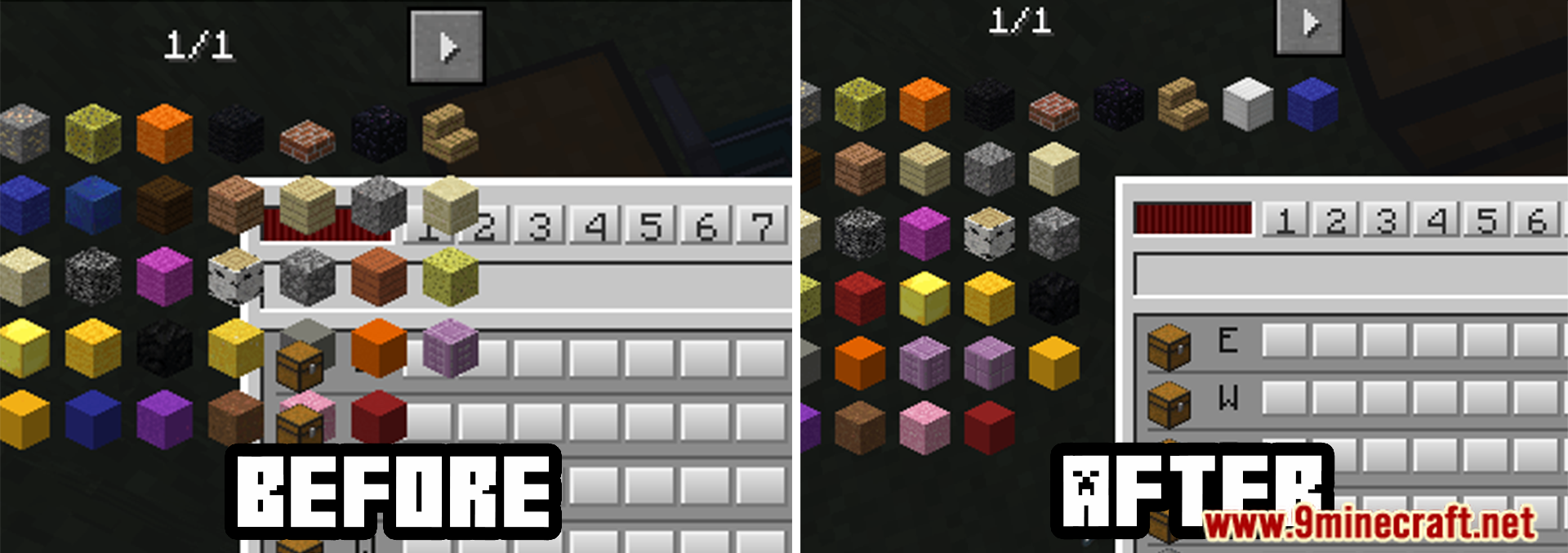
JEI Area Fixer Mod patches GUI overlapping issues in Just Enough Items (JEI). It keeps the item list clear of buttons, side tabs, and menus from more than 20 mods, including AE2, Refined Storage, RFTools, Thaumcraft, Quark, and vanilla Toast notifications. You can use the config menu to turn each mod patch on or off as needed. This mod works on the client side only, so servers do not need it installed, and it requires MixinBooter to run.
Features:
- Fixes Screen Overlap: Keeps the JEI item list out of the way so it does not cover buttons, tabs, or extra menus from other mods.
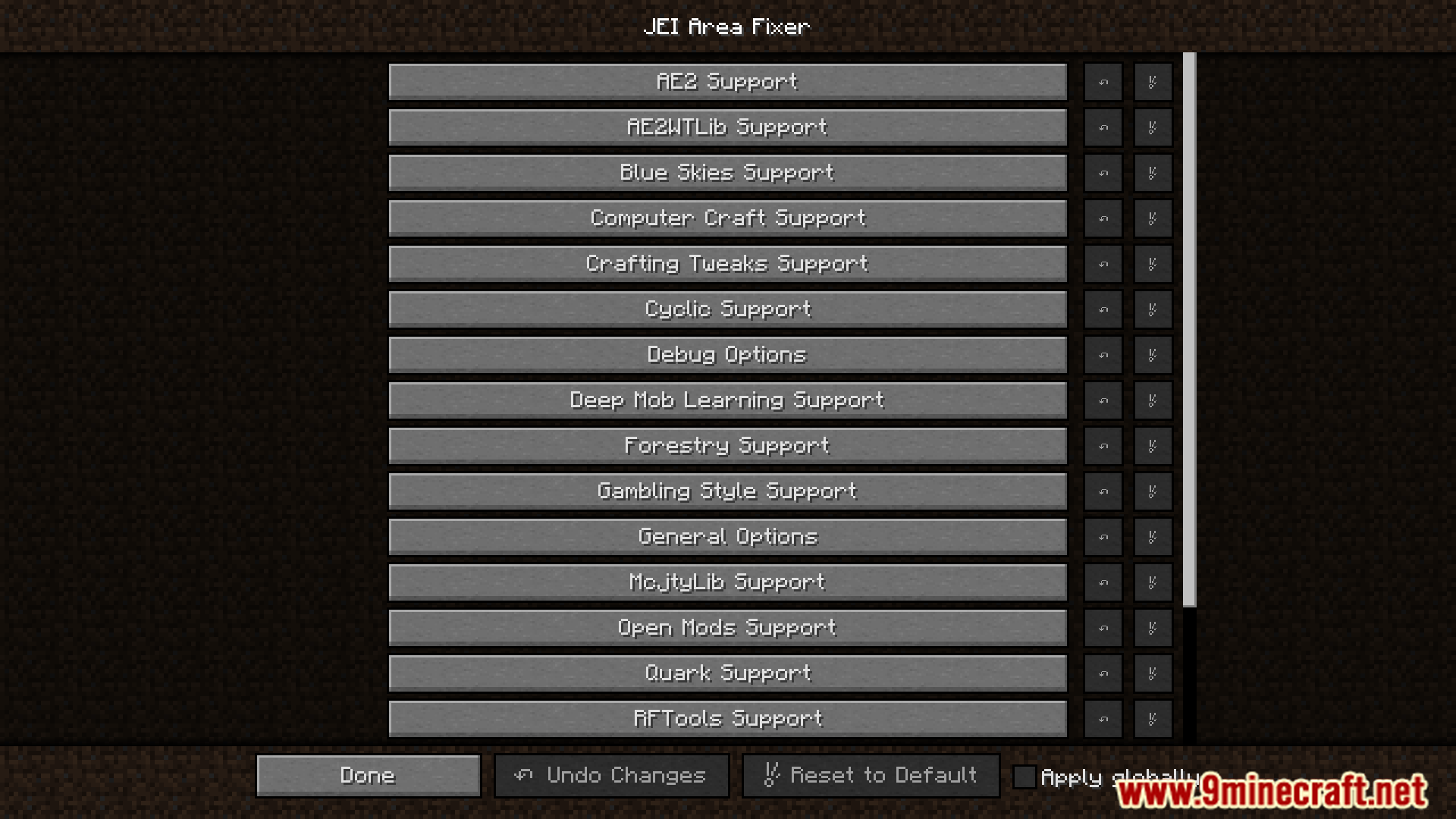
- Per-Mod Config Menu: Lets you turn patches on or off for each supported mod whenever you want.
- Client-Side Only: Runs on your game client only, so servers do not need it installed.
- Includes a debug draw option in the config to help check GUI overlap issues.
Specific GUI Patches:
- Vanilla Minecraft: keeps Toast notifications clear of the JEI item list.
- Quark: stops the item list from blocking Chest Buttons.
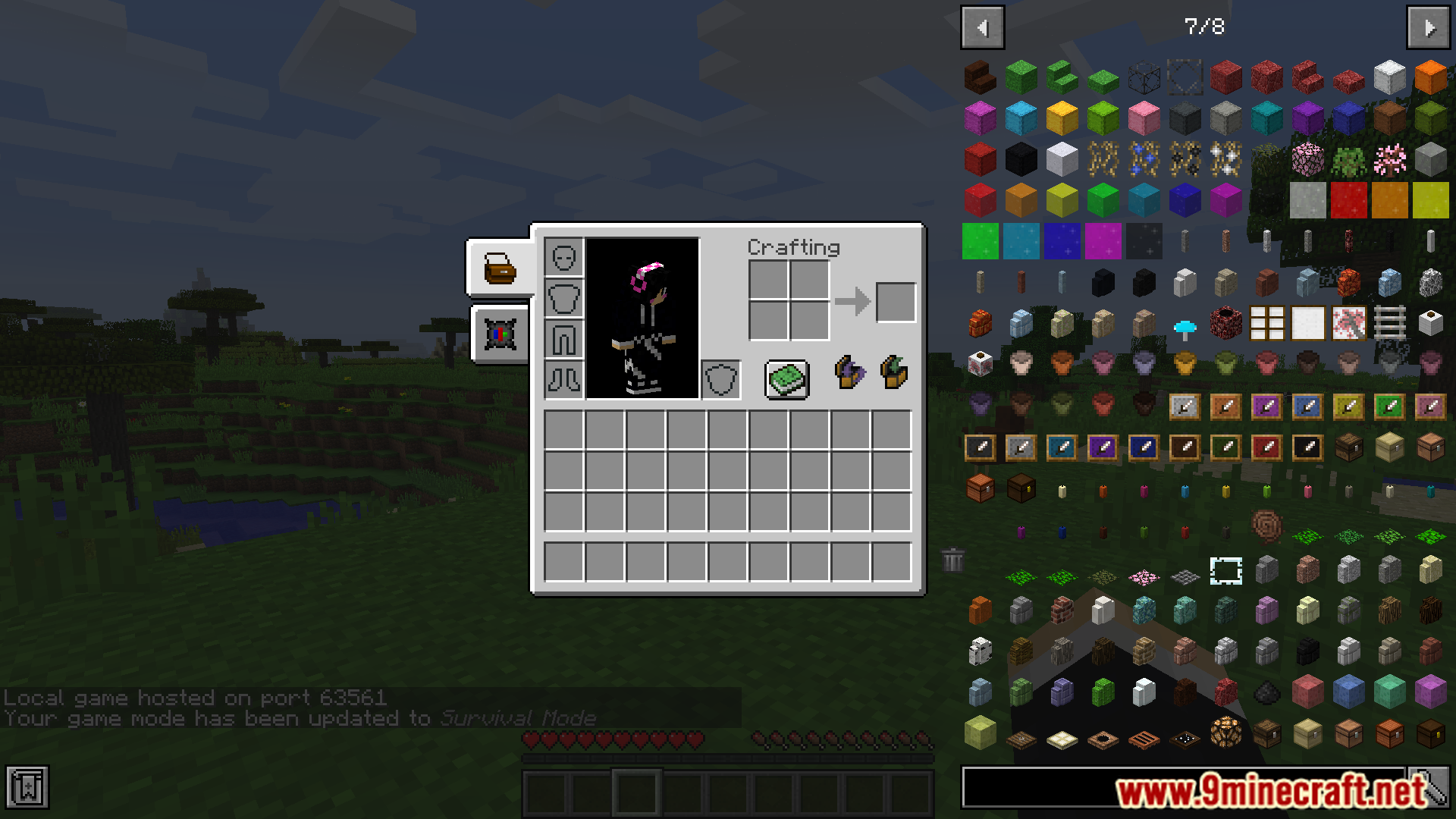
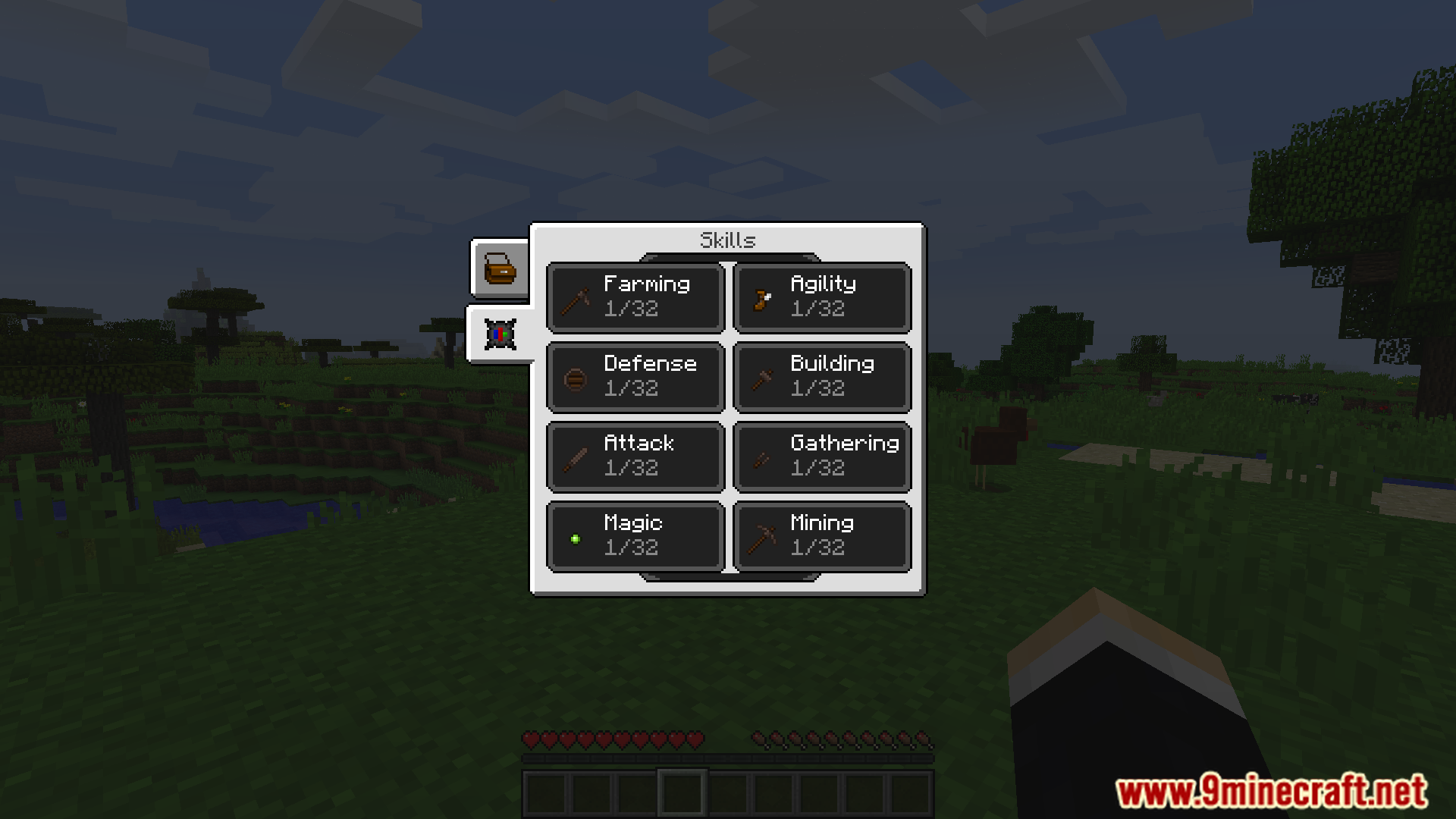
- Reskillable: prevents overlap with side inventory tabs.
- SmelteryIO: adjusts the layout for the Fuel Controller and Casting Machine menus.
- Cyclic: leaves space for the extended player inventory.
- AE2WTLib and its dependents: fixes overlap on the Wireless Crafting, Pattern, Fluid, and Interface Terminals.
Other Supported Mods:
- AE2 (Applied Energistics 2)
- BlueSkies
- ComputerCraft
- Crafting Tweaks
- Deep Mob Evolution
- Deep Mob Learning
- Forestry
- GamblingStyle
- McJtyLib
- OpenMods mods, such as OpenBlocks
- ProjectRed
- Refined Storage
- RFTools
- Thaumcraft
- Tinker I/O
- Trinkets And Baubles
- XNet
How to Install:
: Easy to install and works with existing JEI setups.
Screenshots:
How to Install:
New to Minecraft? Follow our step-by-step guide to install Mods on your PC.View Guide
Requirements:
JEI Area Fixer Mod Download Links
For Minecraft 1.12.2
Forge version: Download from Server 1 – Download from Server 2
Click to rate this post!
[Total: 0 Average: 0]
You May Also Like
Picked for this page
 Auto Aim Mod (26.3, 1.20.1) – Automatically Adjusts Arrows to Target Entities
 Countered’s Settlement Roads Mod (1.21.10, 1.20.1) – Generates Roads Between Villages
 BetterShields Mod (26.3, 1.20.1) – Fixes Shield Bugs
 Ender Compass Mod 1.16.5, 1.15.2 (Finding the StrongHold)
 More Heart Types Mod (26.3, 1.20.1) – More Heart Types
 Death Quotes Mod (26.2, 1.20.1) – Comfort After Death
 Glass Item Frames Mod (1.21.10, 1.21) – Invisible Glass Frames
 Durt’s Nether Dungeons Mod (1.20.1) – Revitalize Your Nether Adventures
 Litematica-Printer Inprim Mod (26.2, 1.20.1) – Faster Structure Building
 ServerReplay Mod (26.3, 1.20.1) – Server-side Recording of Players and Chunks
 Barriers Don’t Block Rain Mod (1.21.11, 1.20.1) – Build Freely With Barriers
 NumismaticClaim Mod (1.21.1, 1.20.1) – Land Claiming Through Currency
Most viewed in Mods over the last 7 days
 Ala Industrial Mod (26.3) – Run Electric Power Grids and Automated Factories
 PleasureCraft Mod (26.3, 1.21.1) – Jenny Mod Remake for Fabric
 Jennycraft Mod (26.3, 1.20.1) – Virtual Girlfriend in Minecraft
 Fapcraft Mod (26.3, 1.12.2) – Comprehensive and Detailed Content
 Jenny Mod (Fapcraft) Official Complete Guide – How to use, Tutorial
 BangCraft Mod (1.20.1) – Jenny, Ellie and Elliot
 Fabric Loader (26.3, 1.20.1) – Fabric Installer for All Minecraft Versions
 Meteor Client Mod (26.3, 1.20.1) – Xray, HUD, Fly
 The Shooting Star Demo Mod (26.3, 1.20.1) – Vaporize Terrain From Orbit
 OptiFine HD (26.3, 1.20.1) – Run Faster, FPS Boost, Shaders Support
 Aristois Client Mod (1.21.4, 1.20.1) – World Class Minecraft Utility
 Prestige Client Mod (1.21.11, 1.21.4) – Powerful Ghost Features for Crystal & Sword PvP
More from Mods
 Ore Excavation 9minecraft Mod (26.3) – Mine Ores and Chop Trees in a Single Swing
 Dirigo Mod (26.1.2, 1.21.1) – Walk Across Nether Lava Seas and Automate Animal
 HandLib Mod (26.3, 1.21.1) – Keep Your Multiplayer World Stable
 Happy Ghasts Boost Mod (26.1.2, 1.20.1) – Fly Across Vast Distances at Top Speed
 LiquidBounce Client Mod (26.3, 1.20.1) – LiquidLauncher, A Free Client
 Create Hand Made Mod (1.21.1) – Craft Create Recipes By Hand in Your Workshop
 Seed Map for Xaero Mod (26.1) – See Rare Biomes and Dungeons Before You Travel
 MCPersist Mod (26.3) – Keep Your World Online for Friends Even After Logging Off
 Minecraft Java MCP Server Mod (1.21.11) – Command Your World Through External AI Tools
 Arcanism Mod (26.2) – Build Magic Factories and Program Custom Spells
 Archangel Client Mod (1.21.11) – Master Every PvP Duel with Clean Screen Stats
 Block Front Survival Patch Mod (1.21.1) – Wage Tactical Warfare in Survival

This post has no comments yet. Be the first — your comment will appear here.