🌐 You're reading this article in 한국어. Want to switch?
Or pick the one you like:

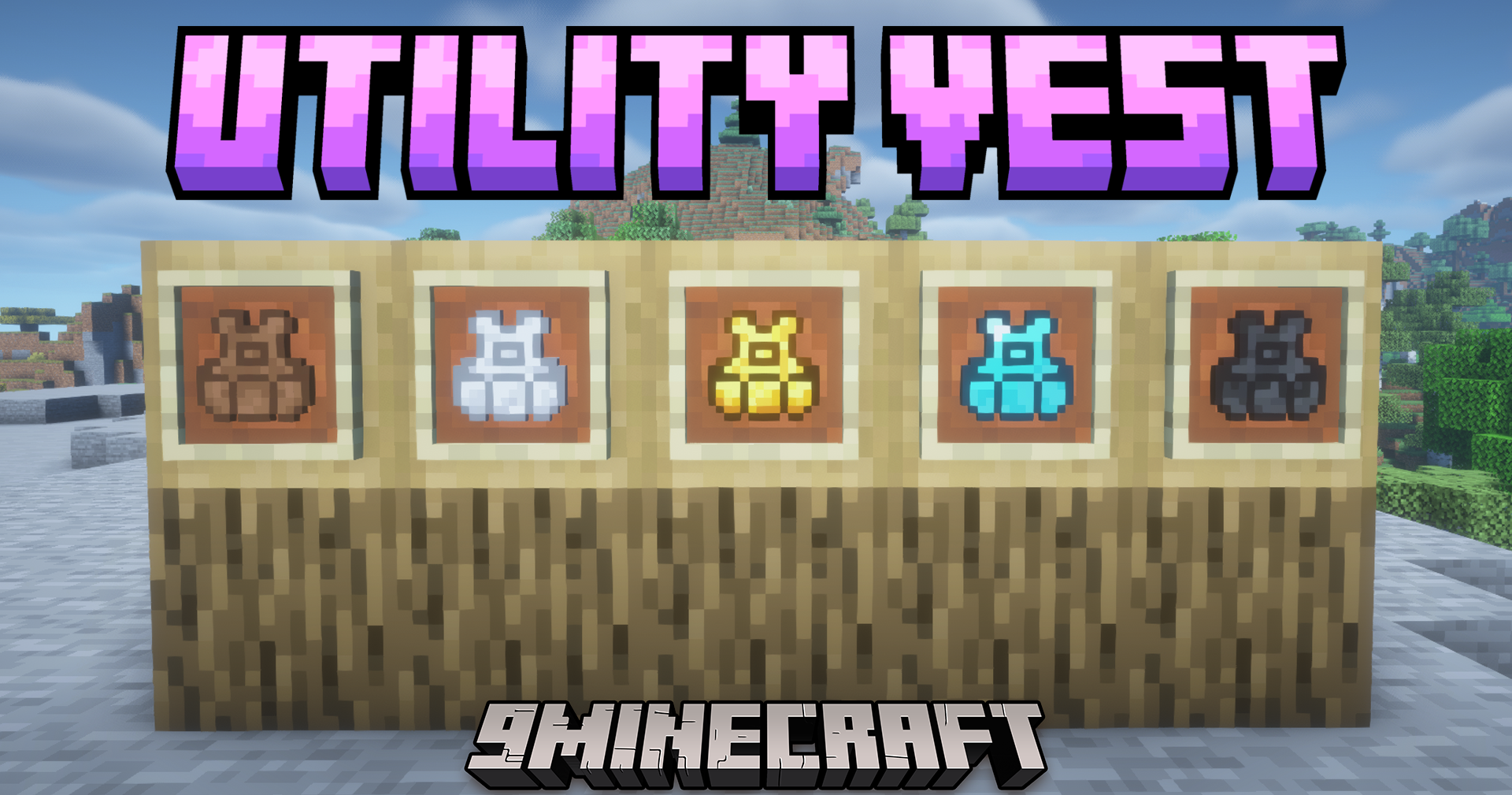
Utility Vest Mod는 핫바의 아이템을 빠르게 교체할 수 있는 방법을 제공합니다. 이 모드는 현재 아이템 설정을 저장하고 나중에 버튼 하나로 다시 불러올 수 있는 착용 가능한 조끼를 추가합니다.
Utility Vest Mod

주요 기능:

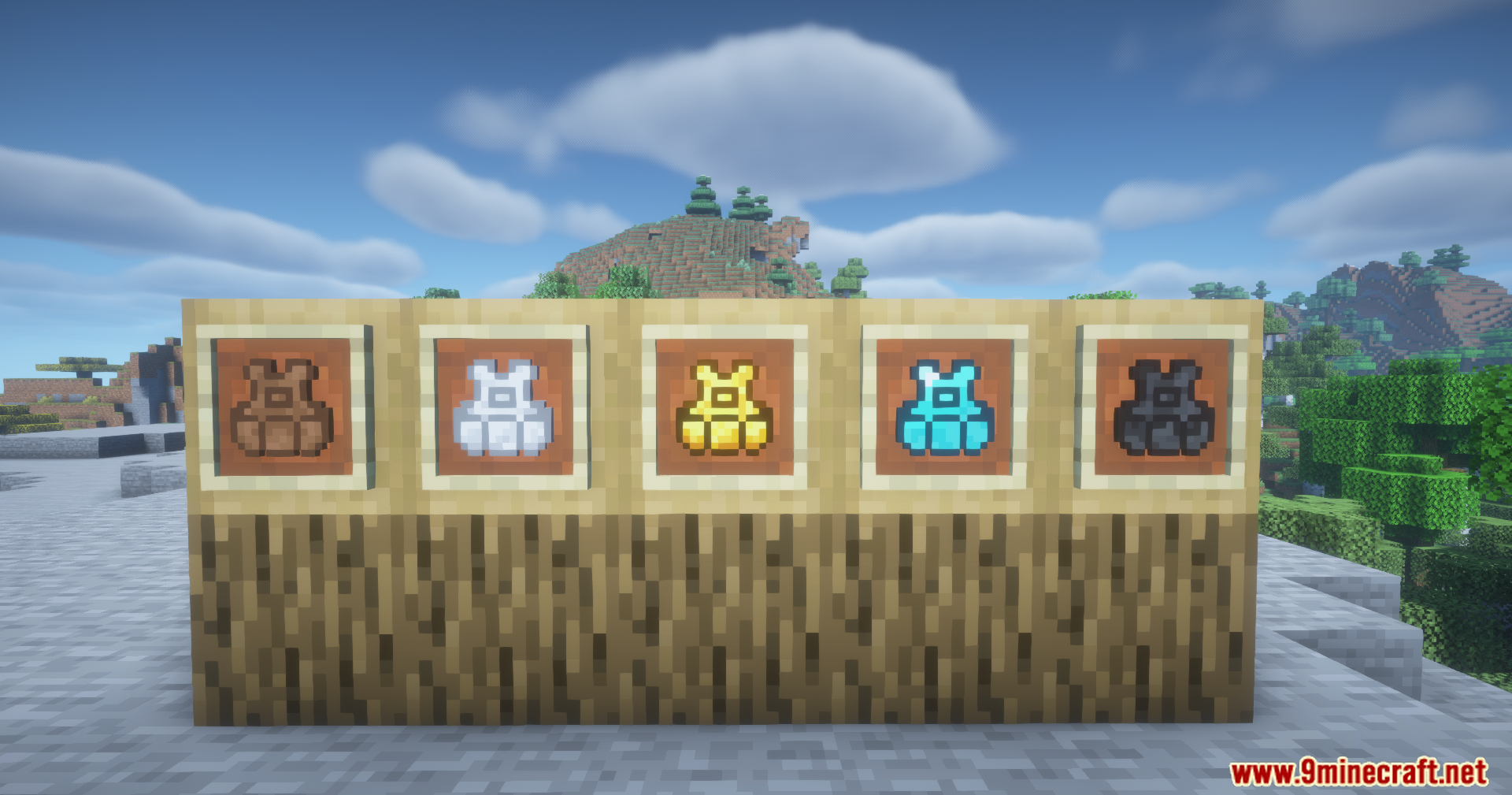
  • 티어 진행: 가죽, 철, 금, 다이아몬드, 네더라이트로 제작된 5가지 종류의 조끼를 추가합니다.
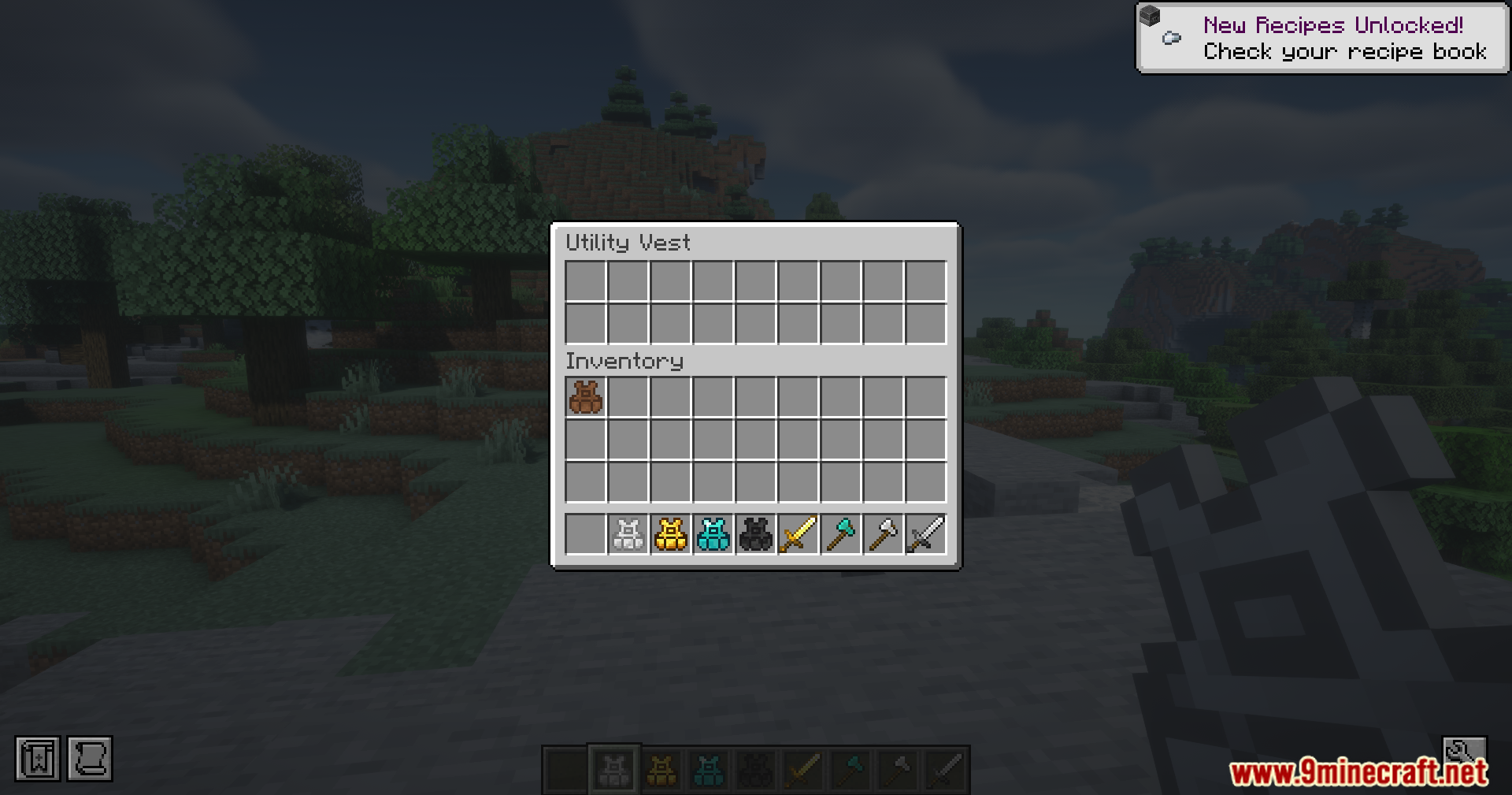
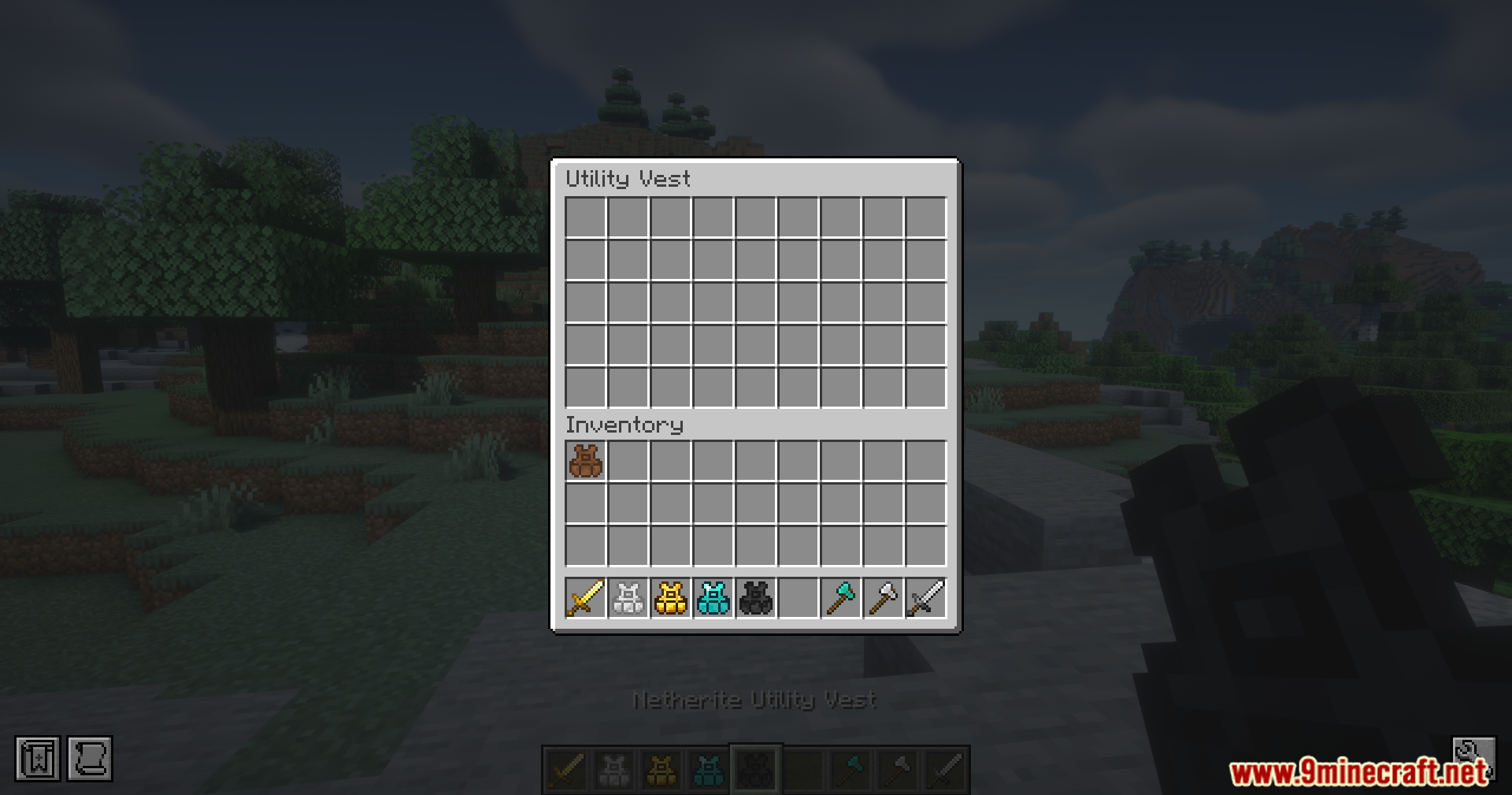
  • 업그레이드할수록 더 많은 저장 슬롯을 제공하며, 네더라이트 버전은 최대 5개의 서로 다른 핫바 설정을 저장할 수 있습니다.
  • 아이템의 정확한 순서를 저장하여 전투 장비와 건축 블록 사이를 빠르게 전환할 수 있습니다.
  • 새로운 설정을 불러올 때 현재 아이템을 조끼 내부나 메인 인벤토리로 안전하게 옮겨줍니다.
  • 캐릭터 메뉴의 몸통 슬롯을 차지하여 일반 의상처럼 착용할 수 있습니다.

사용 방법:

  1. Left Alt + 숫자 키를 눌러 현재 핫바를 해당 숫자 슬롯에 저장합니다.
  2. Left Ctrl + 숫자 키를 눌러 저장된 핫바 설정을 즉시 손으로 불러옵니다.
  3. X를 누르면 인벤토리의 모든 아이템 중 저장된 설정과 일치하는 아이템을 조끼로 보냅니다.
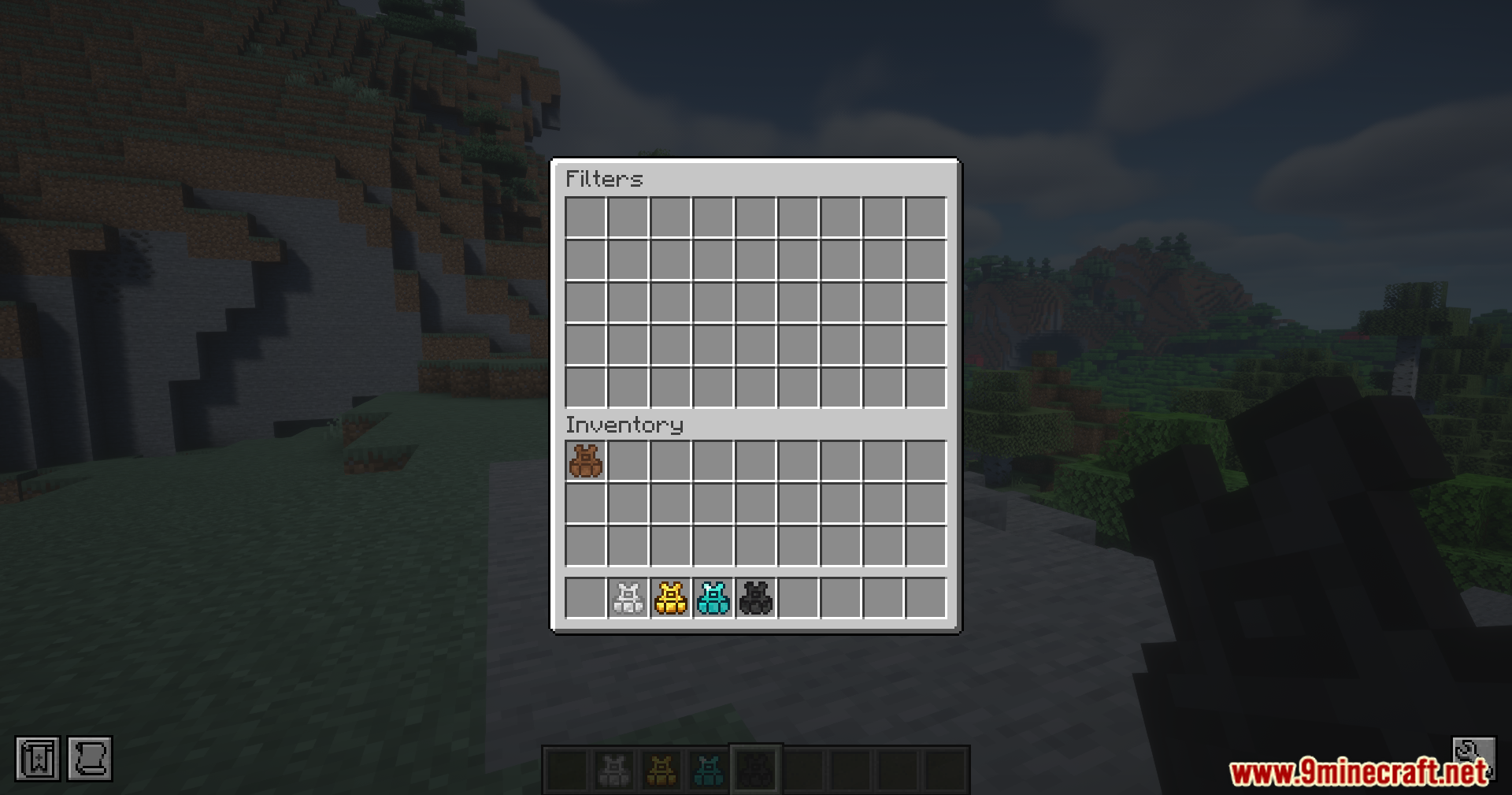
  4. 조끼를 착용한 상태에서 R을 눌러 조끼 인벤토리를 엽니다.
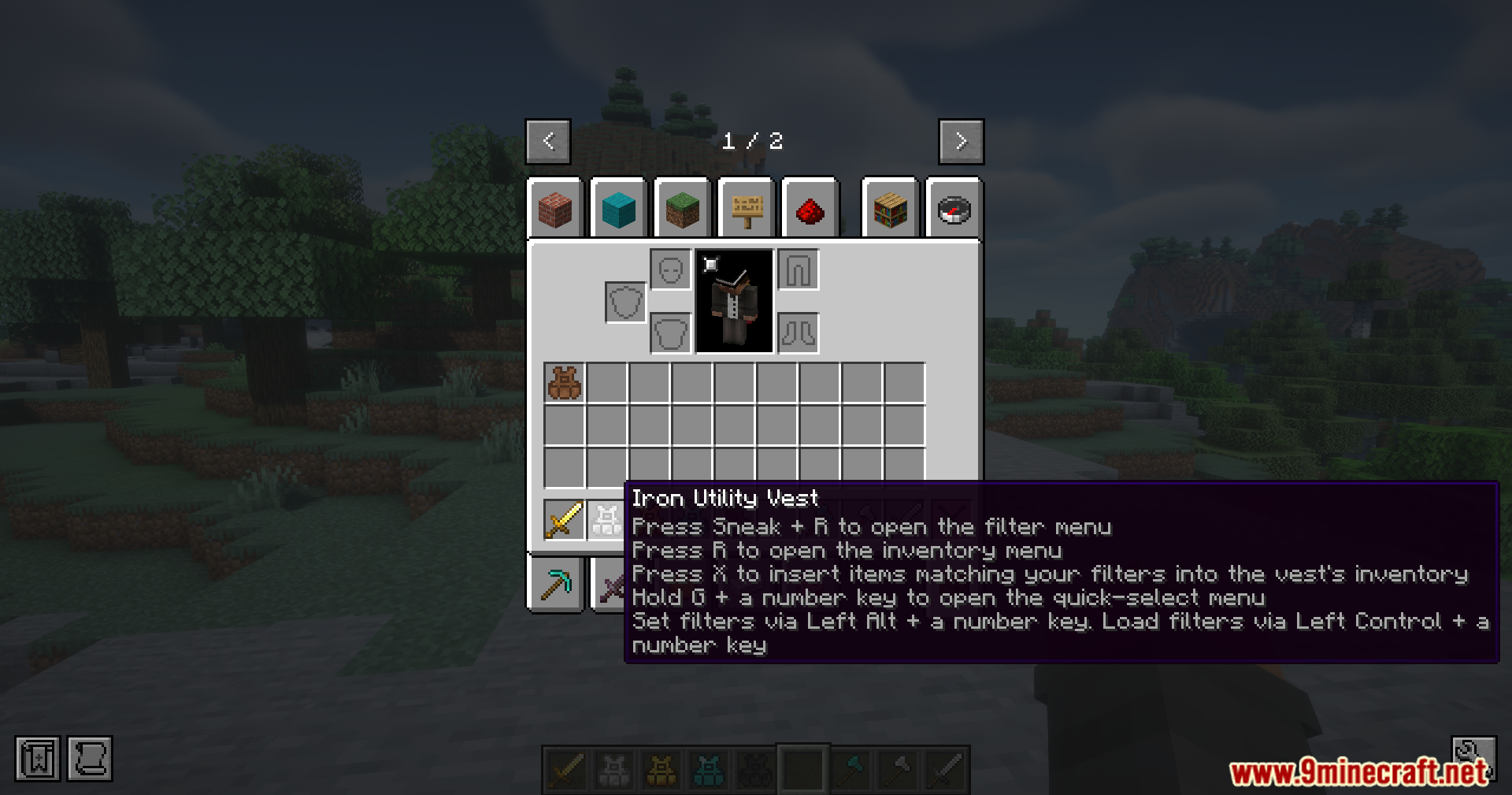
  5. Shift + R을 눌러 저장된 아이템 필터를 확인합니다.
  6. 조끼를 손에 들고 우클릭 또는 Shift + 우클릭을 하여 메뉴를 직접 엽니다.

스크린샷:
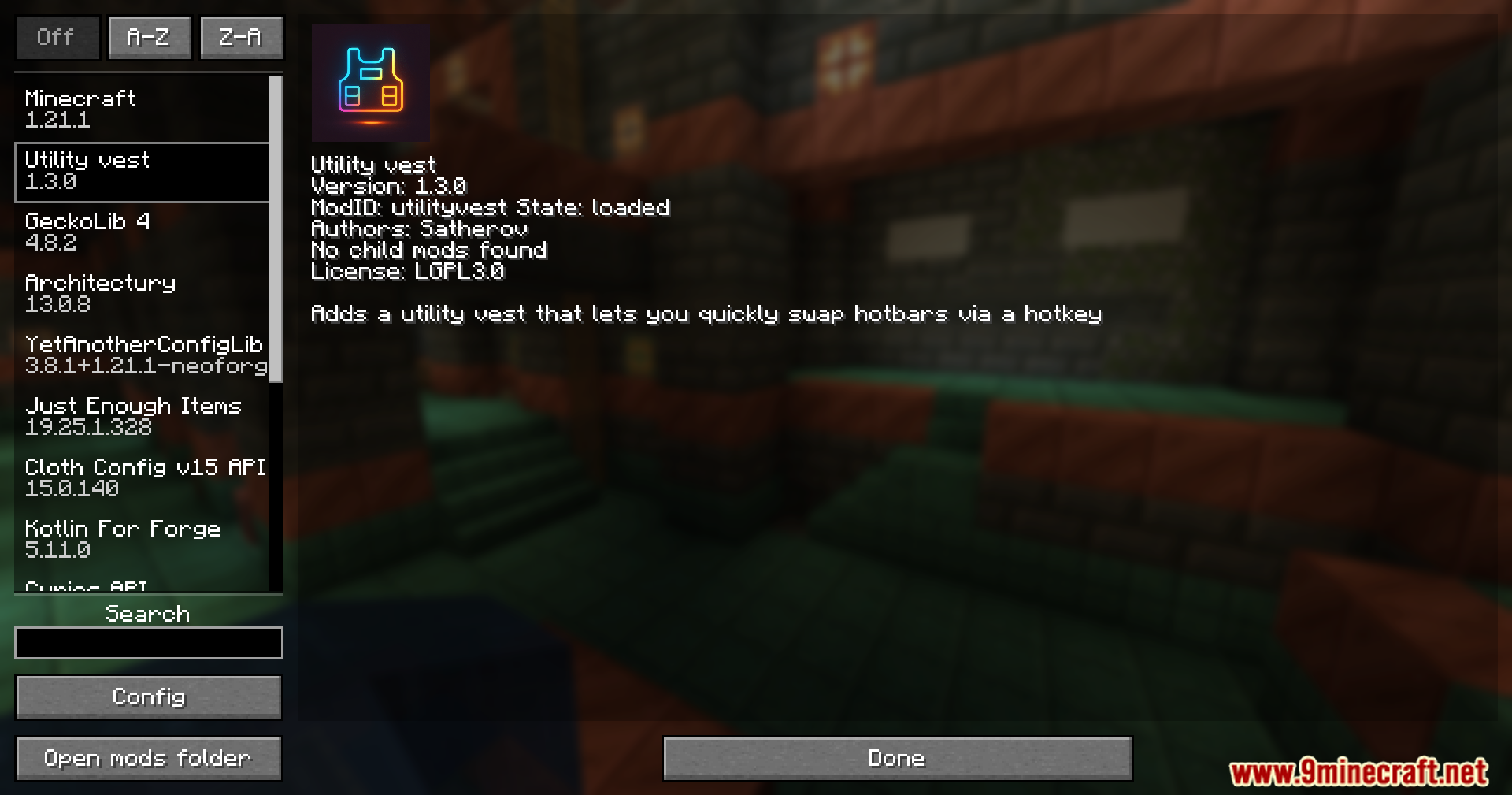
Minecraft mod menu interface displaying information about the Utility Vest Mod features
Utility Vest Mod의 기능을 보여주는 마인크래프트 모드 메뉴 인터페이스
Five different utility vests displayed in item frames on a wooden wall
나무 벽면 아이템 액자에 전시된 5종의 유틸리티 조끼
The Utility Vest Mod interface displaying various tiers of wearable storage items
다양한 티어의 착용형 저장 아이템을 보여주는 Utility Vest Mod 인터페이스
Detailed tooltip for an iron armor piece showing custom controls and keybinds
커스텀 조작 및 단축키를 보여주는 철 조끼의 상세 툴팁
Player opens the utility vest menu to manage items and saved hotbars
아이템과 저장된 핫바를 관리하기 위해 유틸리티 조끼 메뉴를 연 모습
Accessing the item filter screen to customize how the vest manages inventory
조끼의 인벤토리 관리 방식을 설정하는 아이템 필터 화면
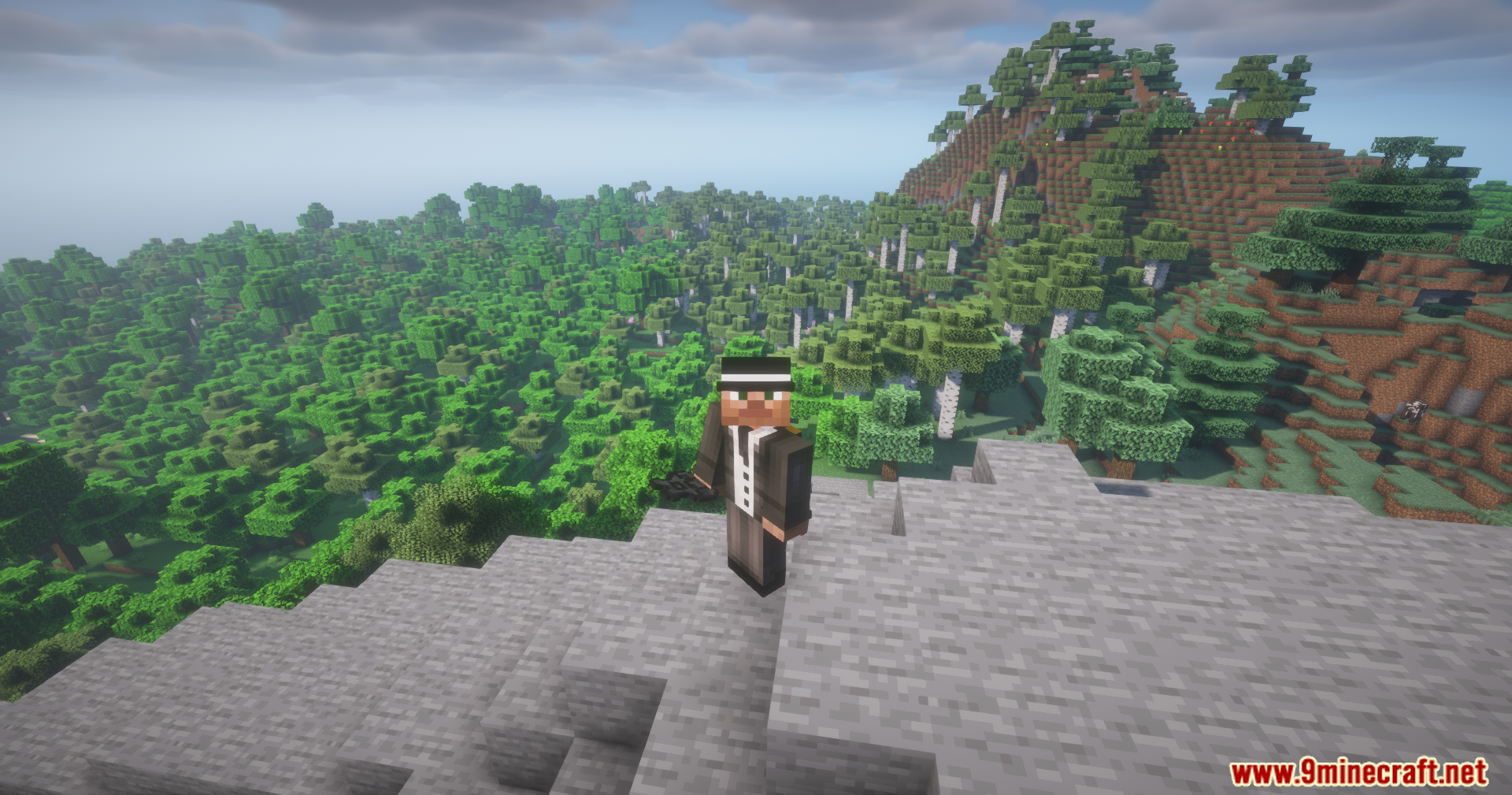
A Minecraft character wearing a formal suit stands on a high stone cliff
높은 절벽 위에 서 있는 정장 차림의 마인크래프트 캐릭터
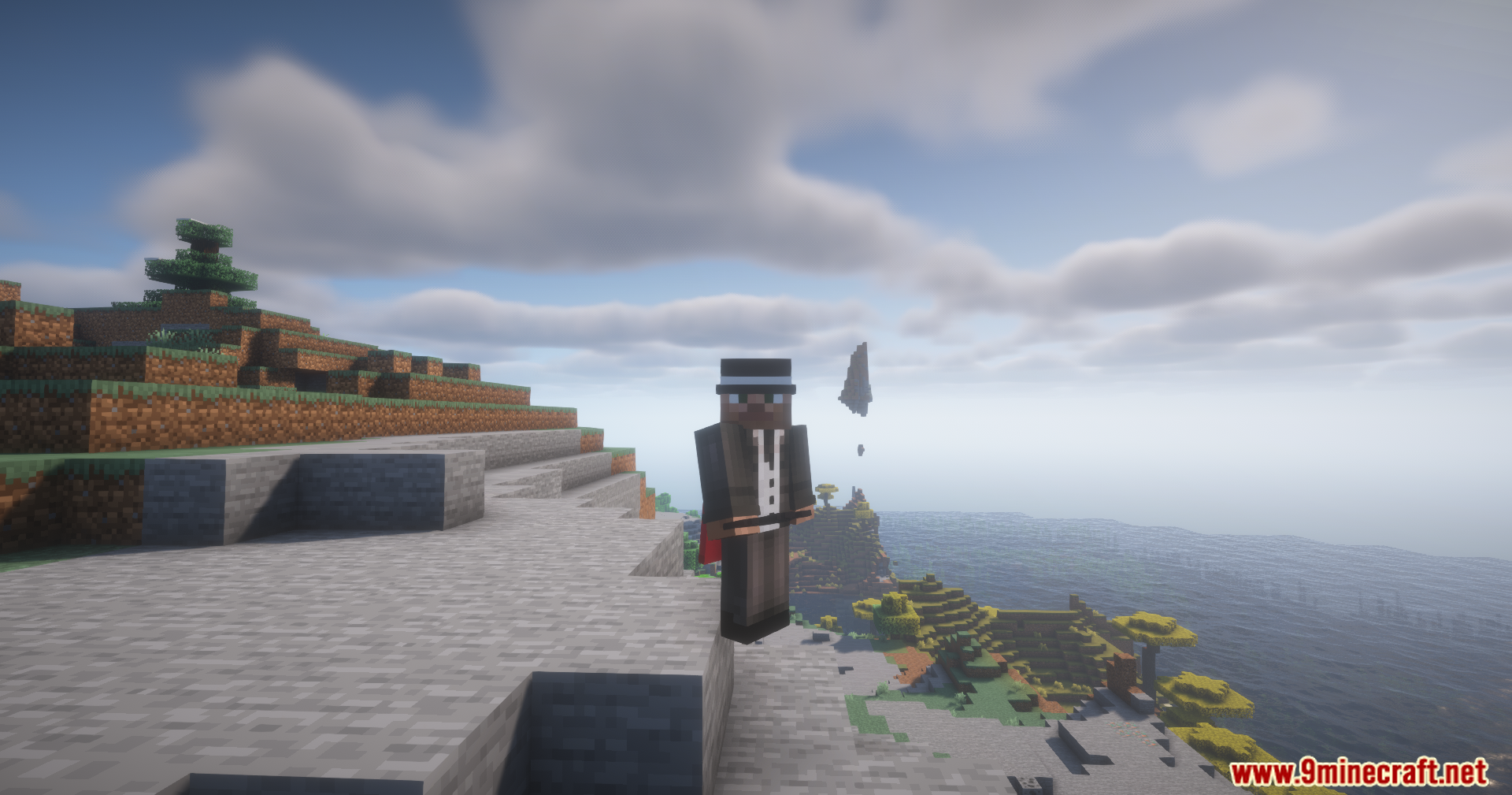
A player character wearing a vest stands on a cliff overlooking the ocean
조끼를 입고 바다를 내려다보는 절벽 위의 플레이어 캐릭터
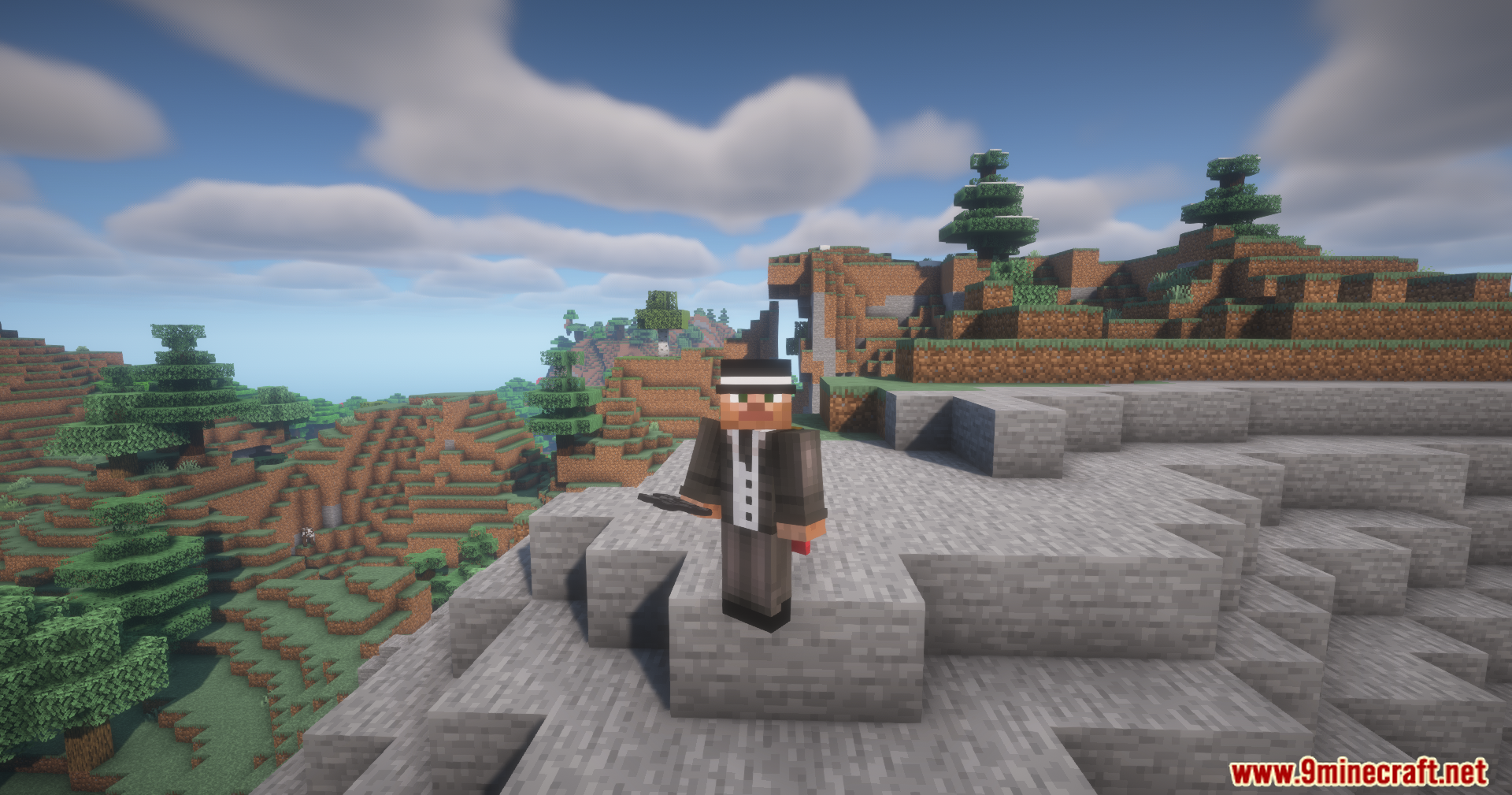
A Minecraft player wearing a suit and hat stands on a rocky cliff
정장과 모자를 착용하고 바위 절벽에 서 있는 마인크래프트 플레이어
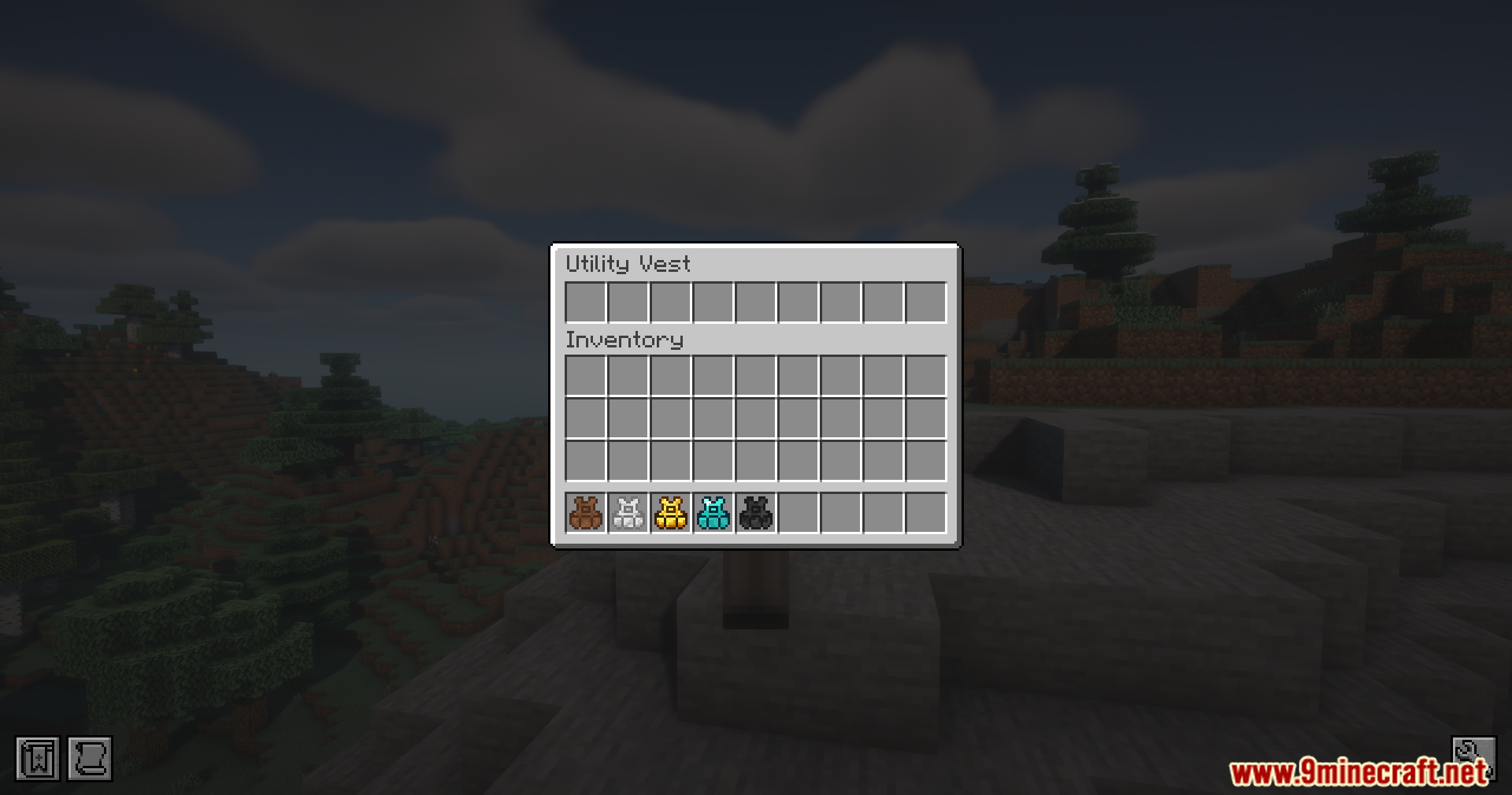
The inventory interface displaying five different tiers of wearable utility vest items
5가지 티어의 착용 가능한 유틸리티 조끼 아이템을 보여주는 인벤토리 인터페이스
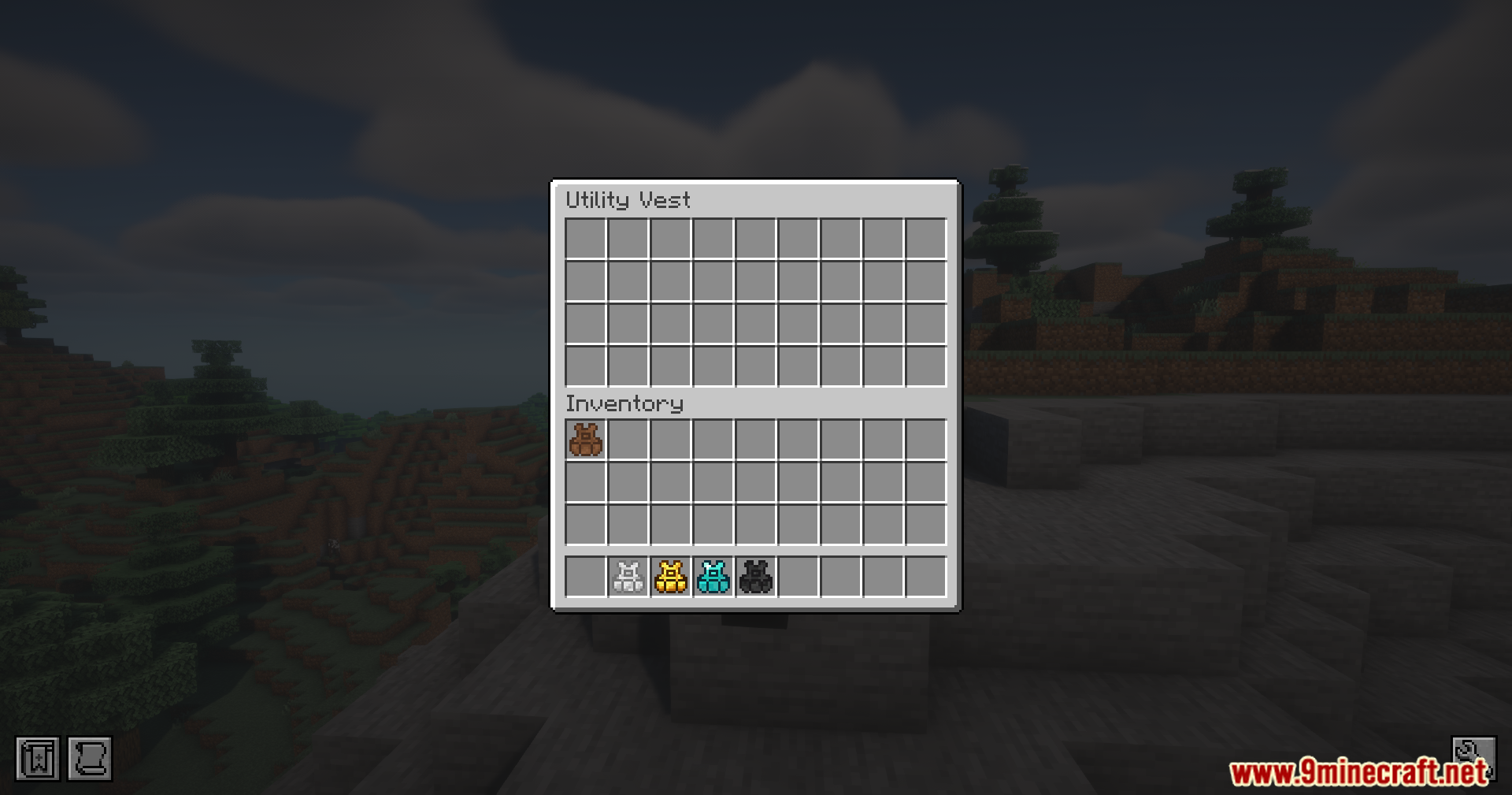
A player opens the Utility Vest GUI to manage their saved hotbar setups
저장된 핫바 설정을 관리하기 위해 Utility Vest GUI를 연 플레이어
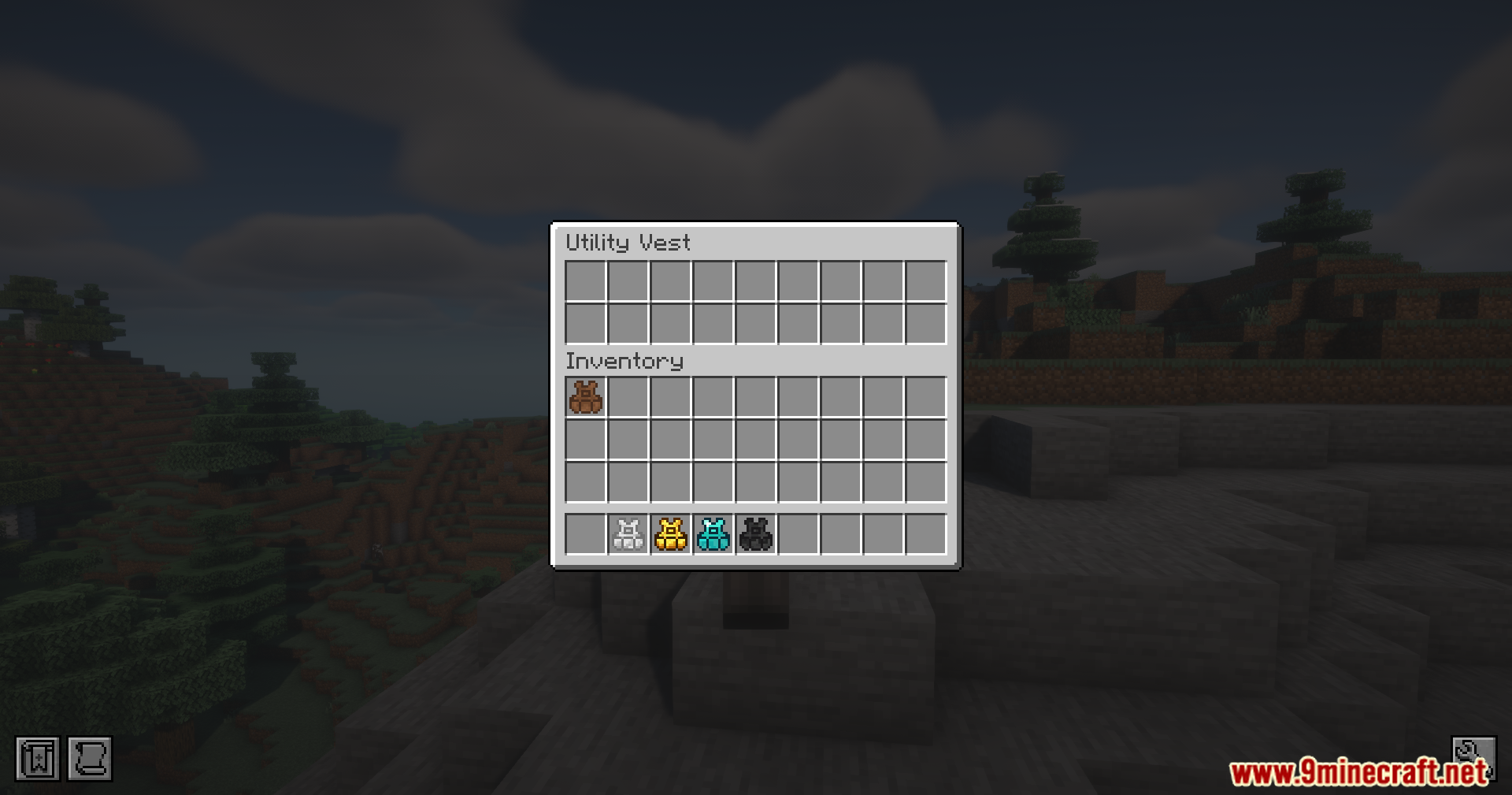
The inventory screen displays different tiers of wearable vests for quick item swapping
빠른 아이템 교체를 위한 다양한 티어의 조끼를 보여주는 인벤토리 화면
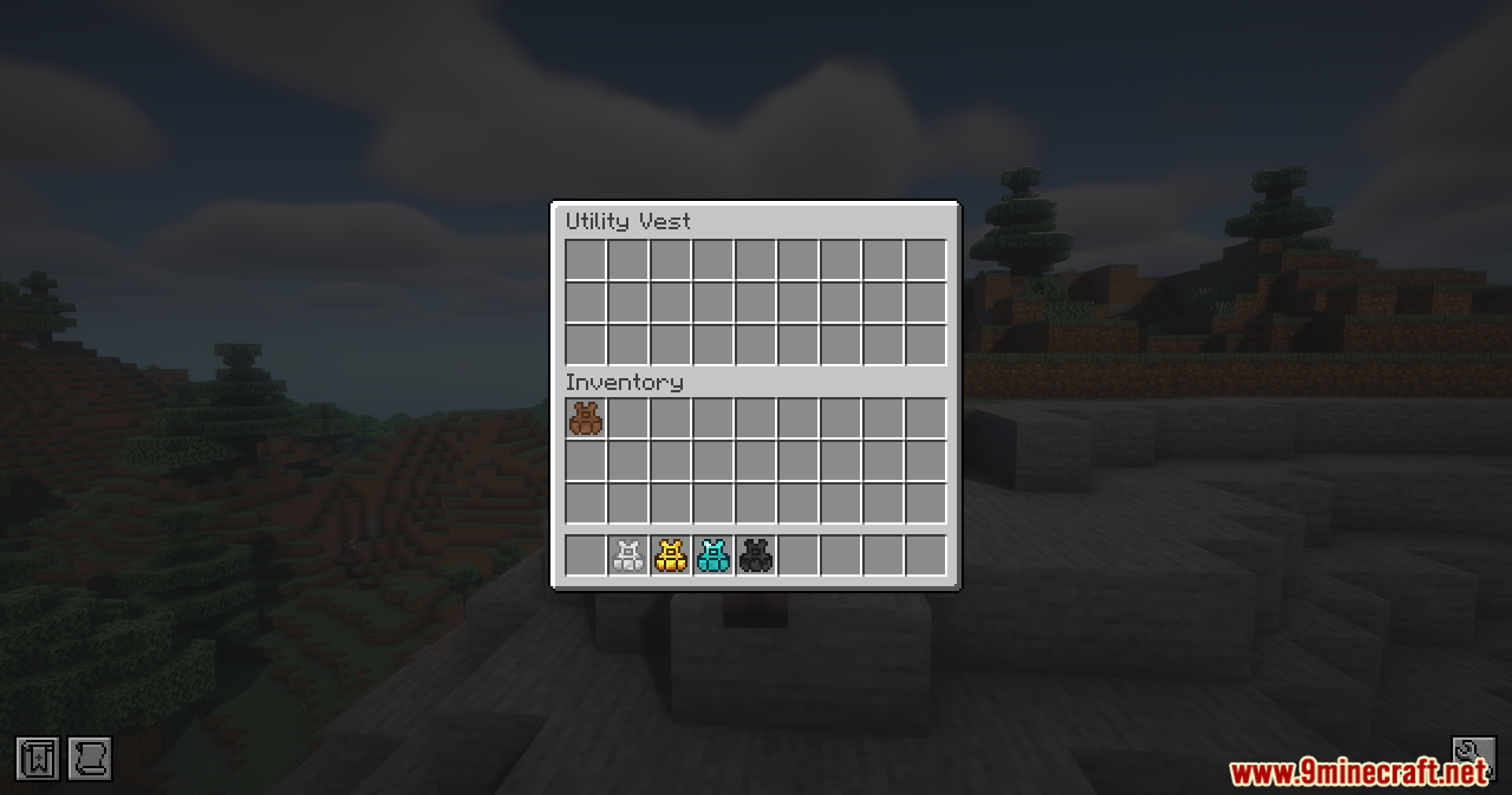
The utility vest inventory screen showing multiple storage slots and colored vests
여러 저장 슬롯과 색상별 조끼를 보여주는 유틸리티 조끼 인벤토리 화면
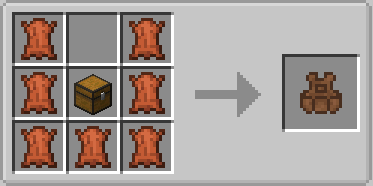
Crafting recipe for a leather utility vest using leather and a chest
가죽과 상자를 이용한 가죽 유틸리티 조끼 제작법
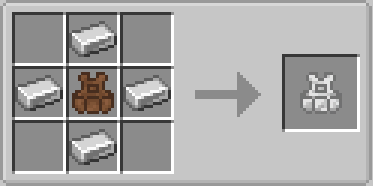
Upgrading a leather utility vest to iron using four iron ingots in crafting
철괴 4개를 사용하여 가죽 유틸리티 조끼를 철 조끼로 업그레이드
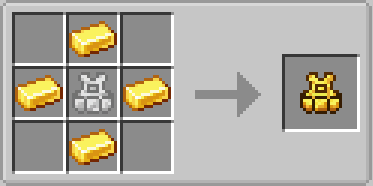
Upgrading an iron utility vest to gold using four gold ingots in crafting
금괴 4개를 사용하여 철 유틸리티 조끼를 금 조끼로 업그레이드
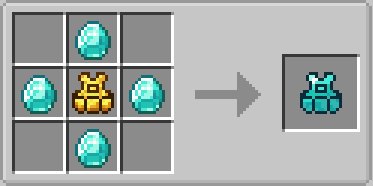
Crafting recipe for a diamond utility vest using diamonds and gold vest
다이아몬드와 금 조끼를 이용한 다이아몬드 유틸리티 조끼 제작법
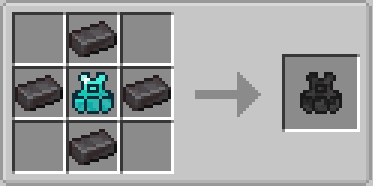
Crafting recipe for a netherite utility vest using netherite ingots and diamond vest
네더라이트 주괴와 다이아몬드 조끼를 이용한 네더라이트 유틸리티 조끼 제작법

Utility Vest Mod 다운로드 링크

Requirements:

For Minecraft 1.21.1, 1.21

NeoForge 218 KB Jun 8, 2026

Click to rate this post!
[Total: 1 Average: 5]