


Luminous Depth Mod (26.2, 26.1.2) – See Clearly in Dark Caves and Night Biomes
 0
0
 0
0

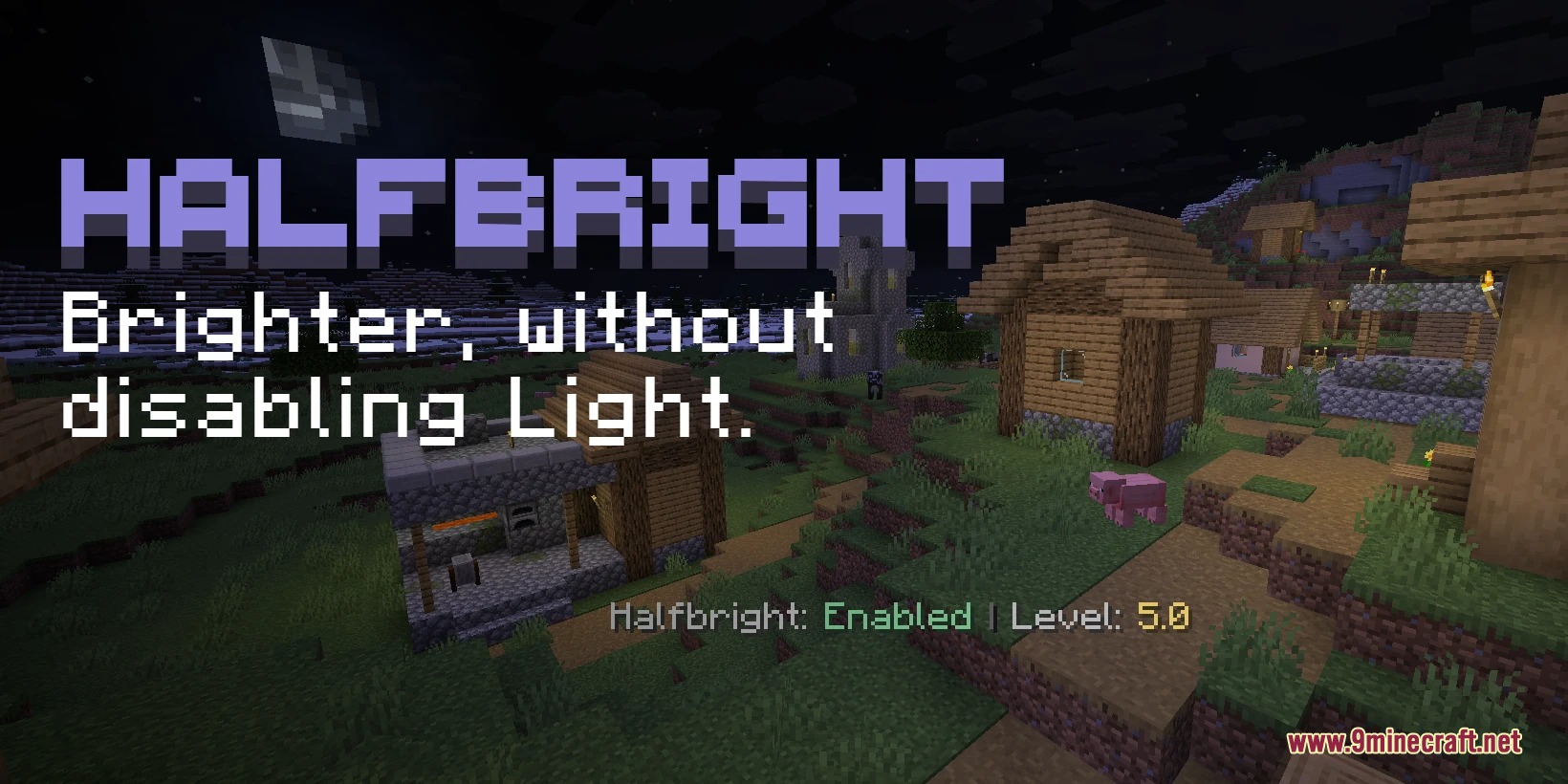
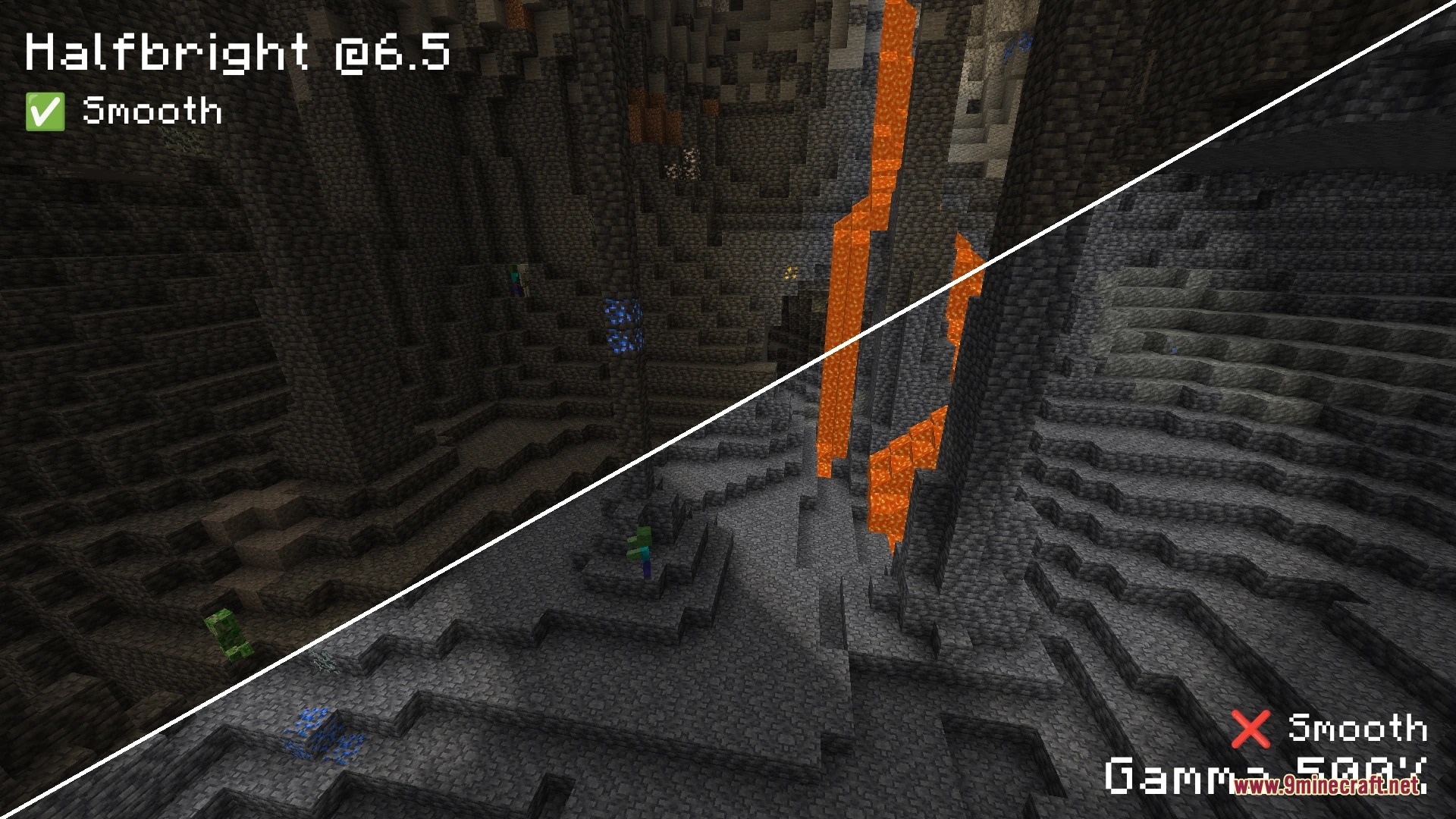
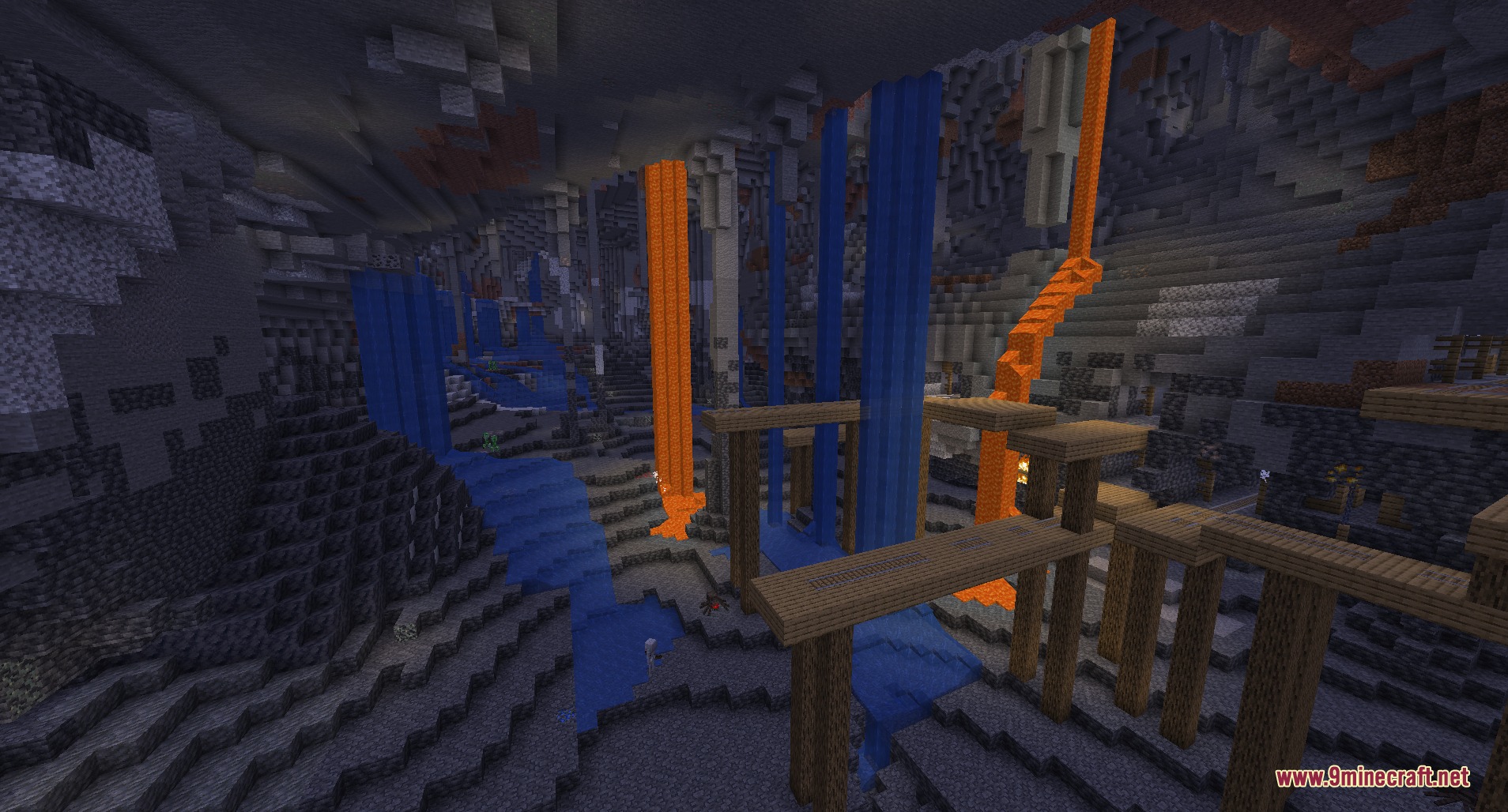
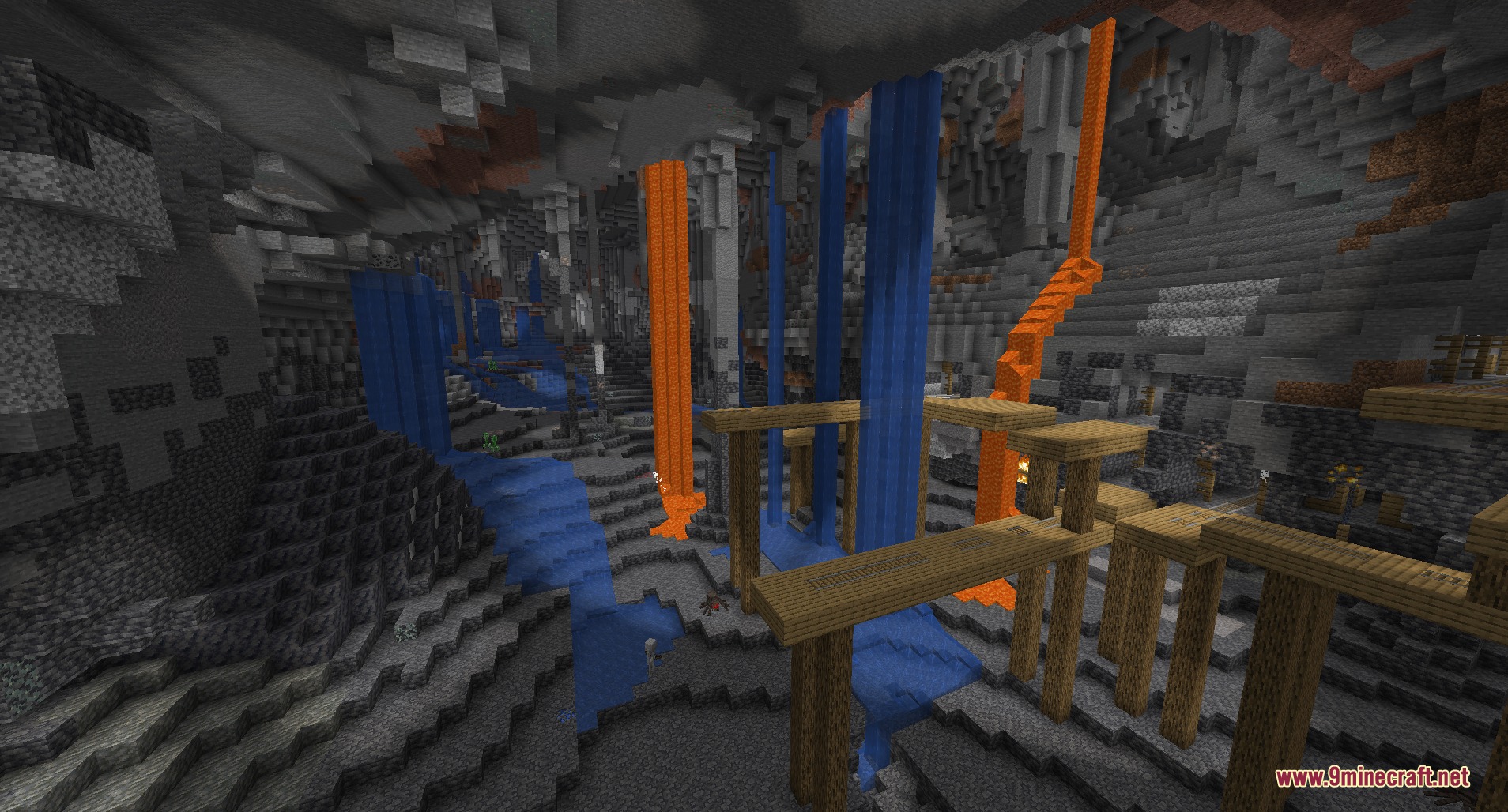
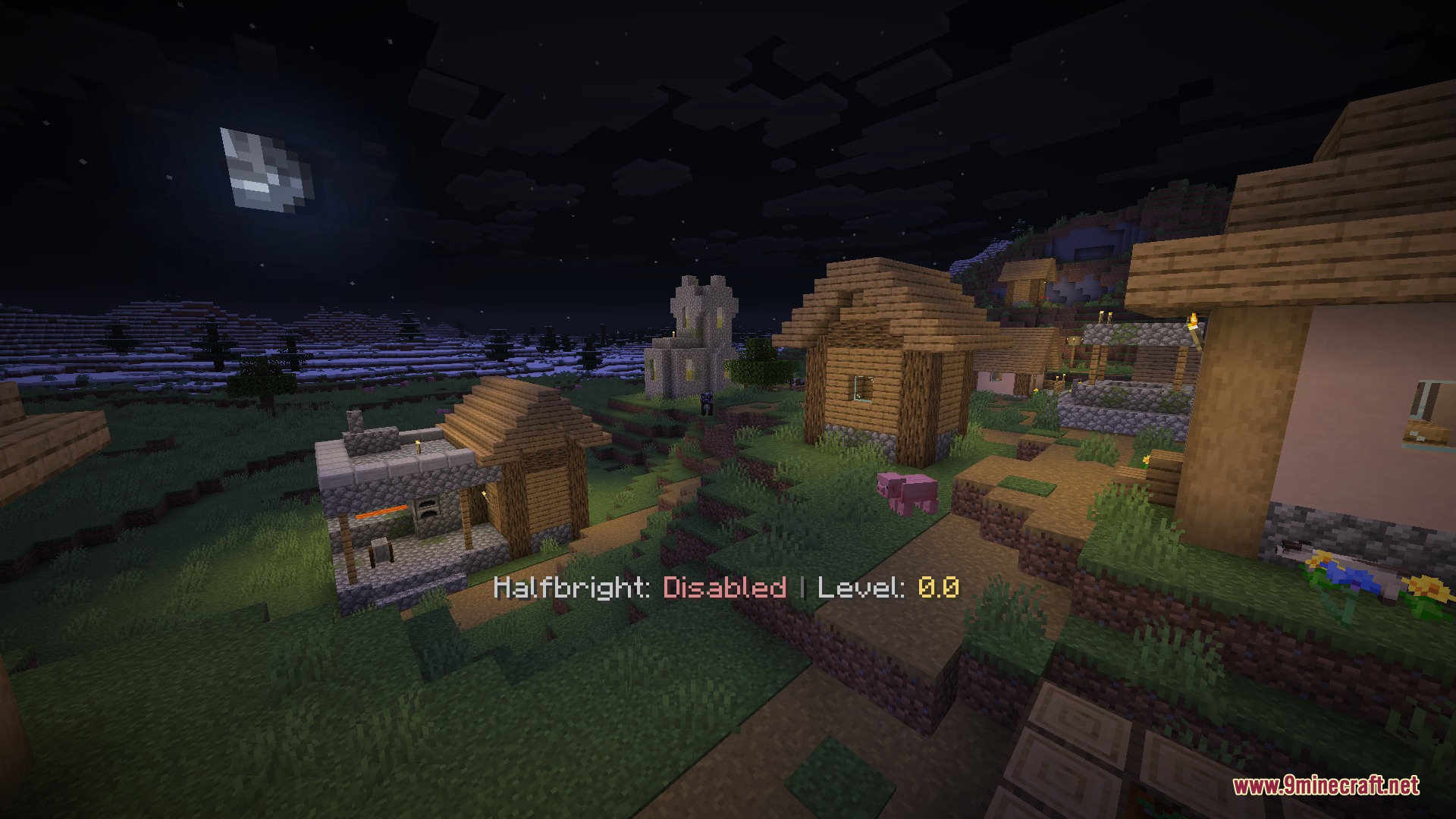
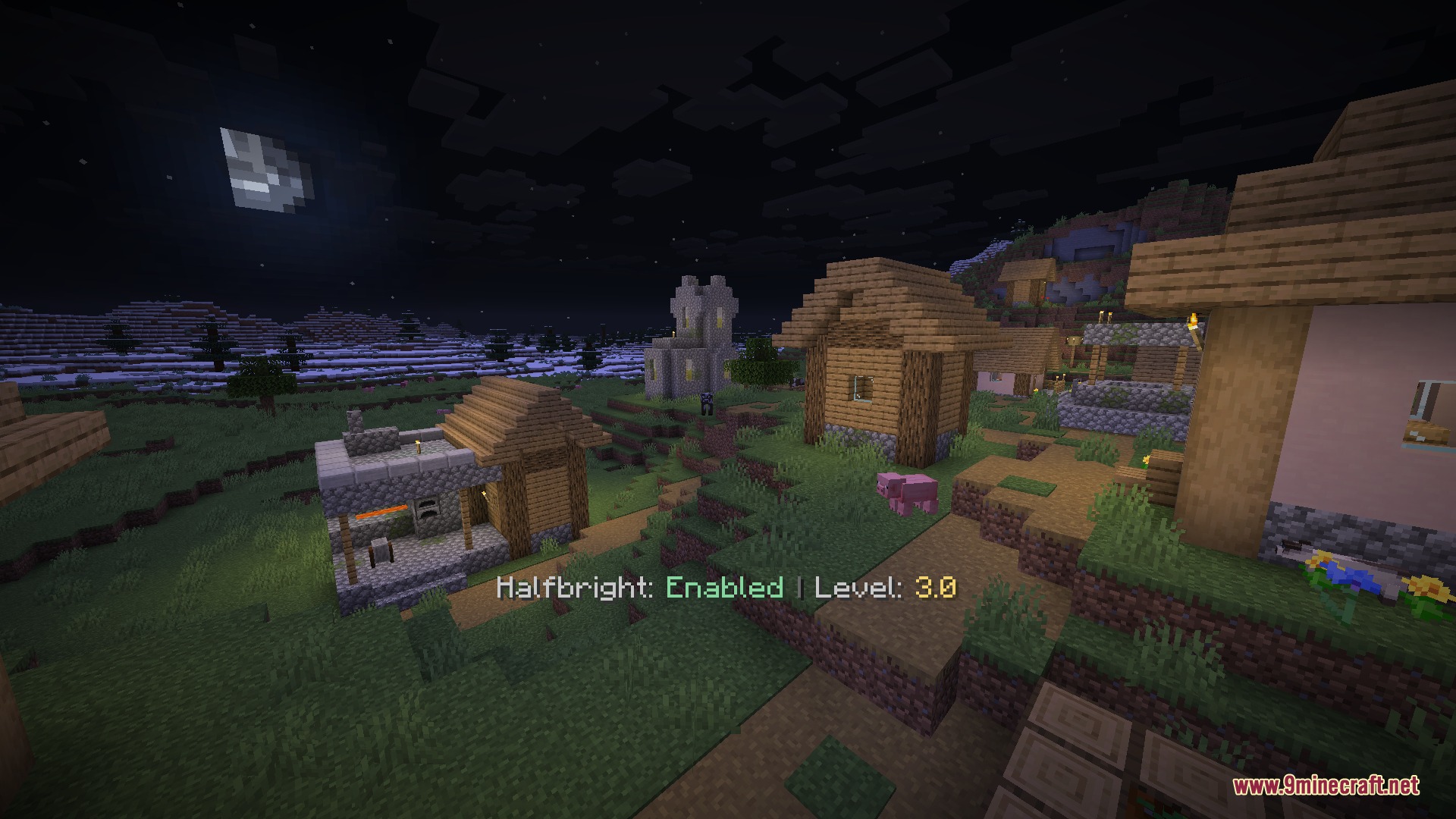
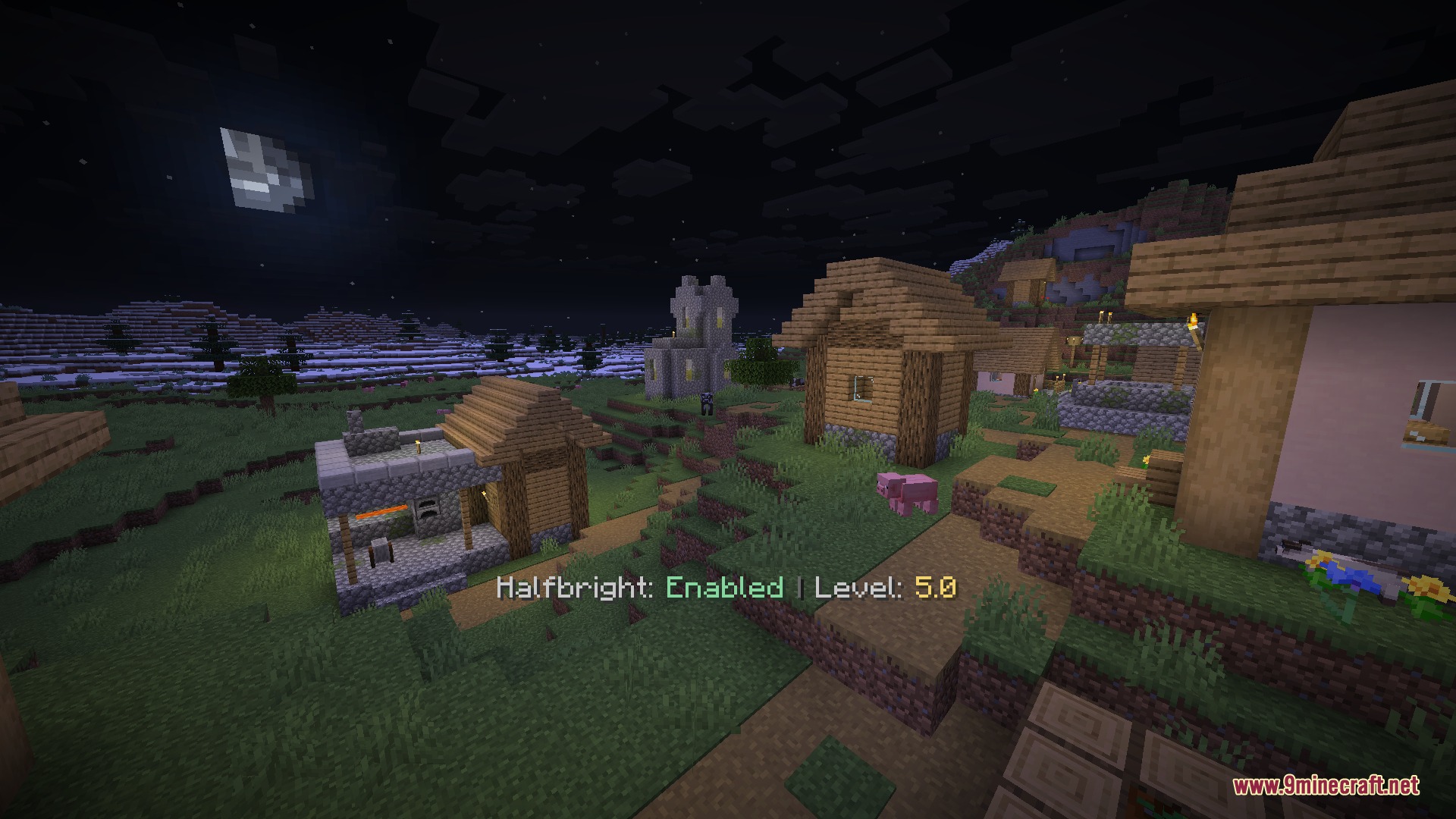
Luminous Depth Mod brightens dark environments while preserving natural shadows and light sources across your world. It remaps the lower bounds of the game lightmap on the CPU to prevent washed-out colors and broken lighting curves. You get clear vision inside caves and night biomes while light blocks like torches continue to illuminate their surroundings properly.

Features:
- Adjusts dark areas smoothly without breaking light transitions from level 0 to 15.
- Prevents yellow color distortions and brightness jumps common in high-gamma setups.
- Lets you set the minimum light value anywhere from 0.0 to 15.0 in 0.5 increments.
- Keeps torches, lanterns, and other light blocks visible and distinct in lit areas.
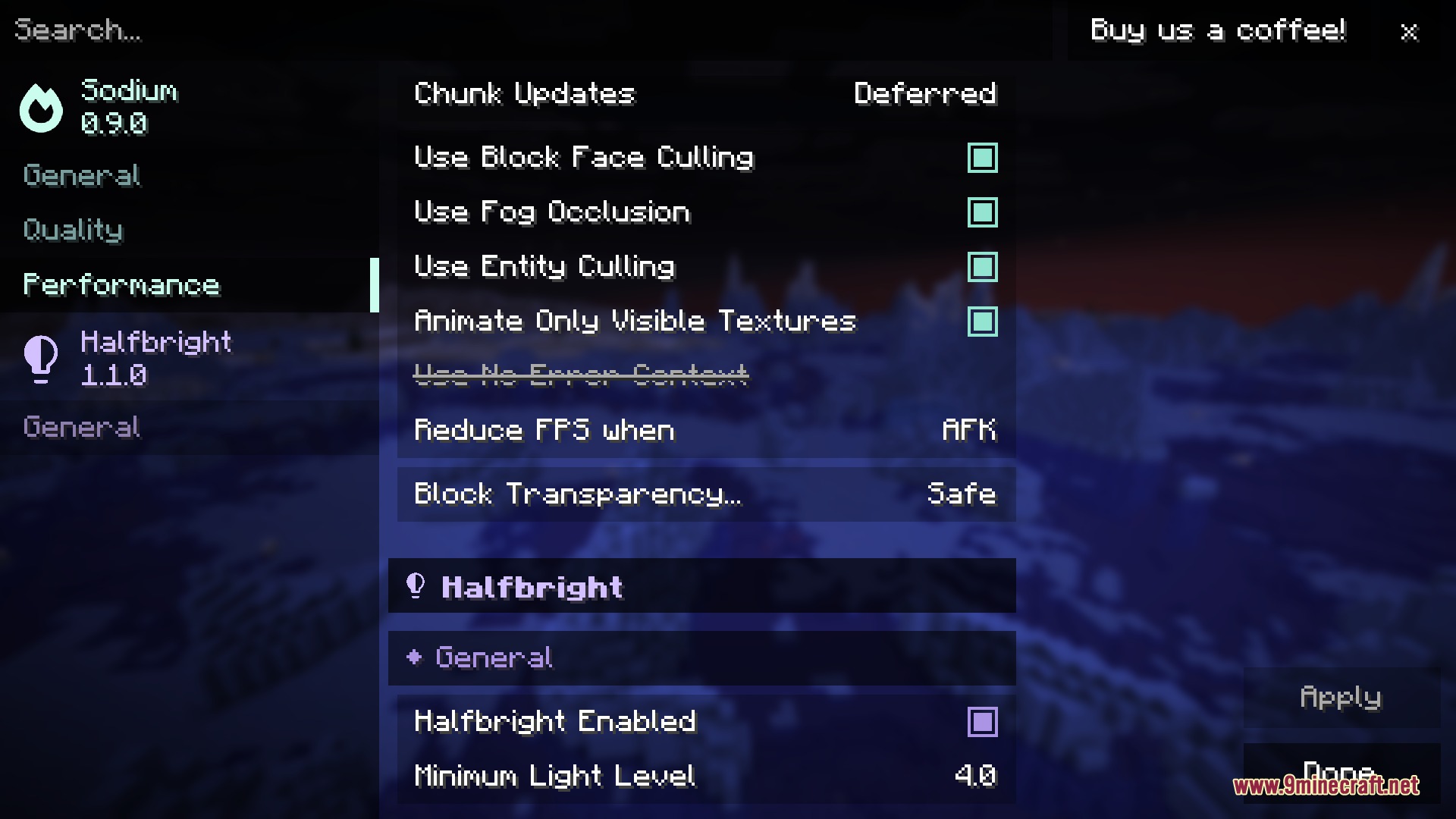
- Works directly alongside Sodium video options as well as vanilla rendering.
- Scales the lightmap on the CPU before sending data to the graphics card to maintain smooth lighting curves.
Commands:
/halfbright toggle: switches the brightness boost on or off./halfbright enable: turns on the boosted brightness mode./halfbright disable: turns off the boosted brightness mode./halfbright level <value>: sets the minimum light level to a chosen number between 0.0 and 15.0.
How to Use:
- Press H to switch the brightness adjustment on or off during gameplay.
- Press Up Arrow to increase the minimum brightness level in dark zones.
- Press Down Arrow to lower the minimum brightness level.
- Open the Sodium video settings menu to change the brightness value with an on-screen slider.
Screenshots:
How to Install:
New to Minecraft? Follow our step-by-step guide to install Mods on your PC.View Guide



Luminous Depth Mod Download Links
For Minecraft 26.2
For Minecraft 26.1.2, 26.1.1, 26.1
Click to rate this post!
[Total: 0 Average: 0]
You May Also Like









This post has no comments yet. Be the first — your comment will appear here.