


Utility Vest Mod (1.21.1) – Instantly Swap Between Combat And Building Loadouts

 0
0 

🌐 Read this article in your language! Choose your preferred language below.
Or pick the one you like:
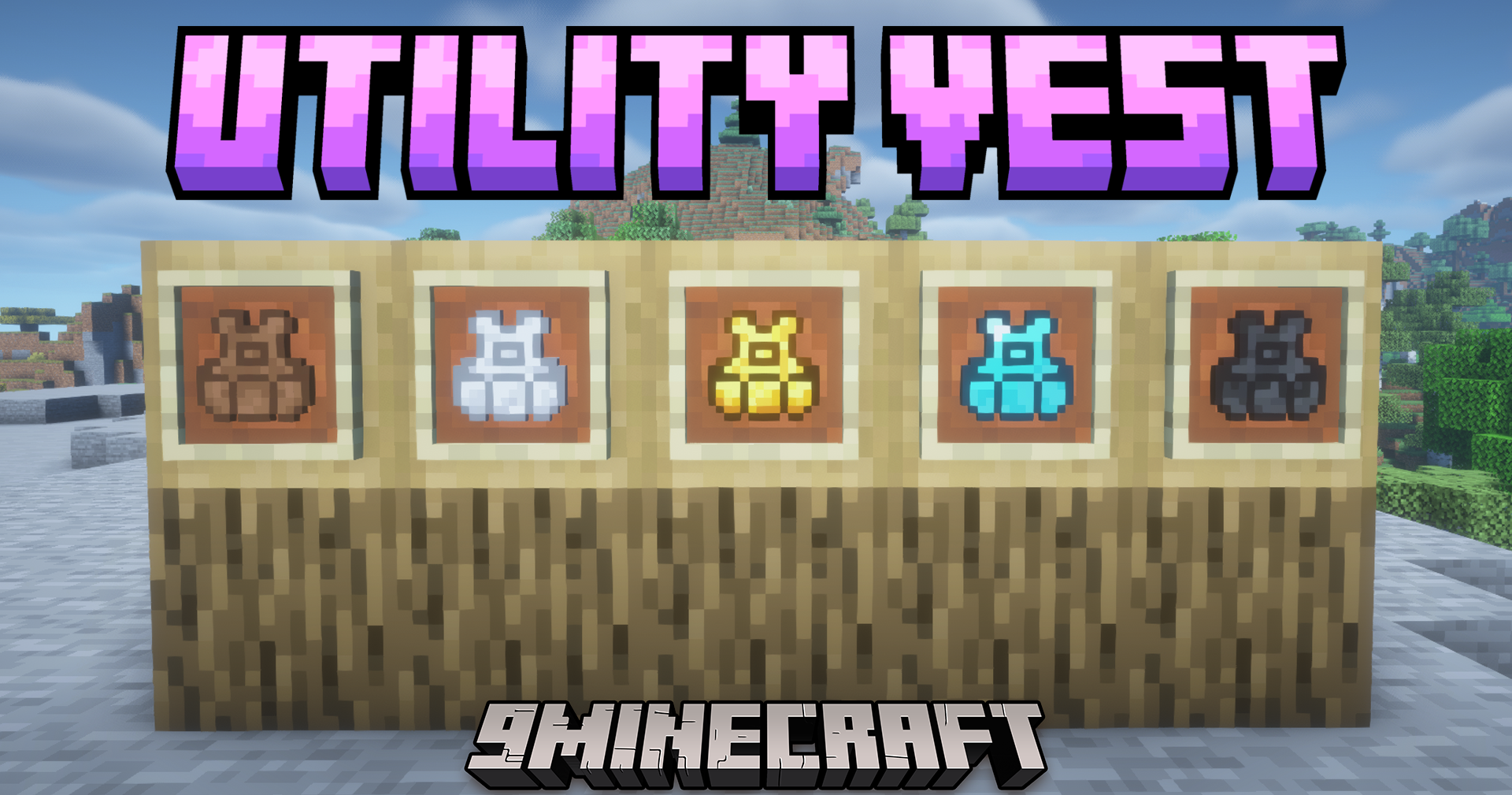
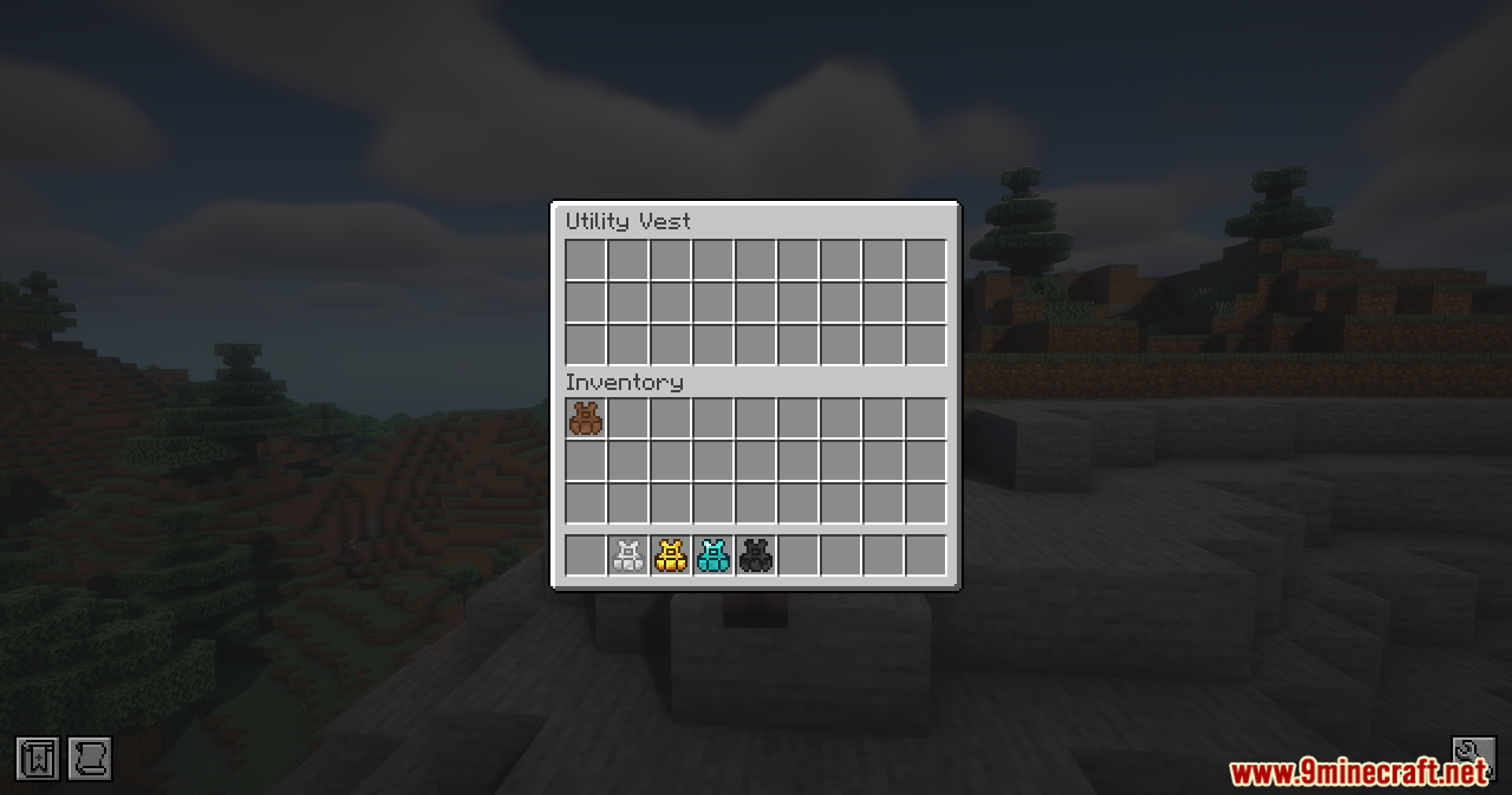
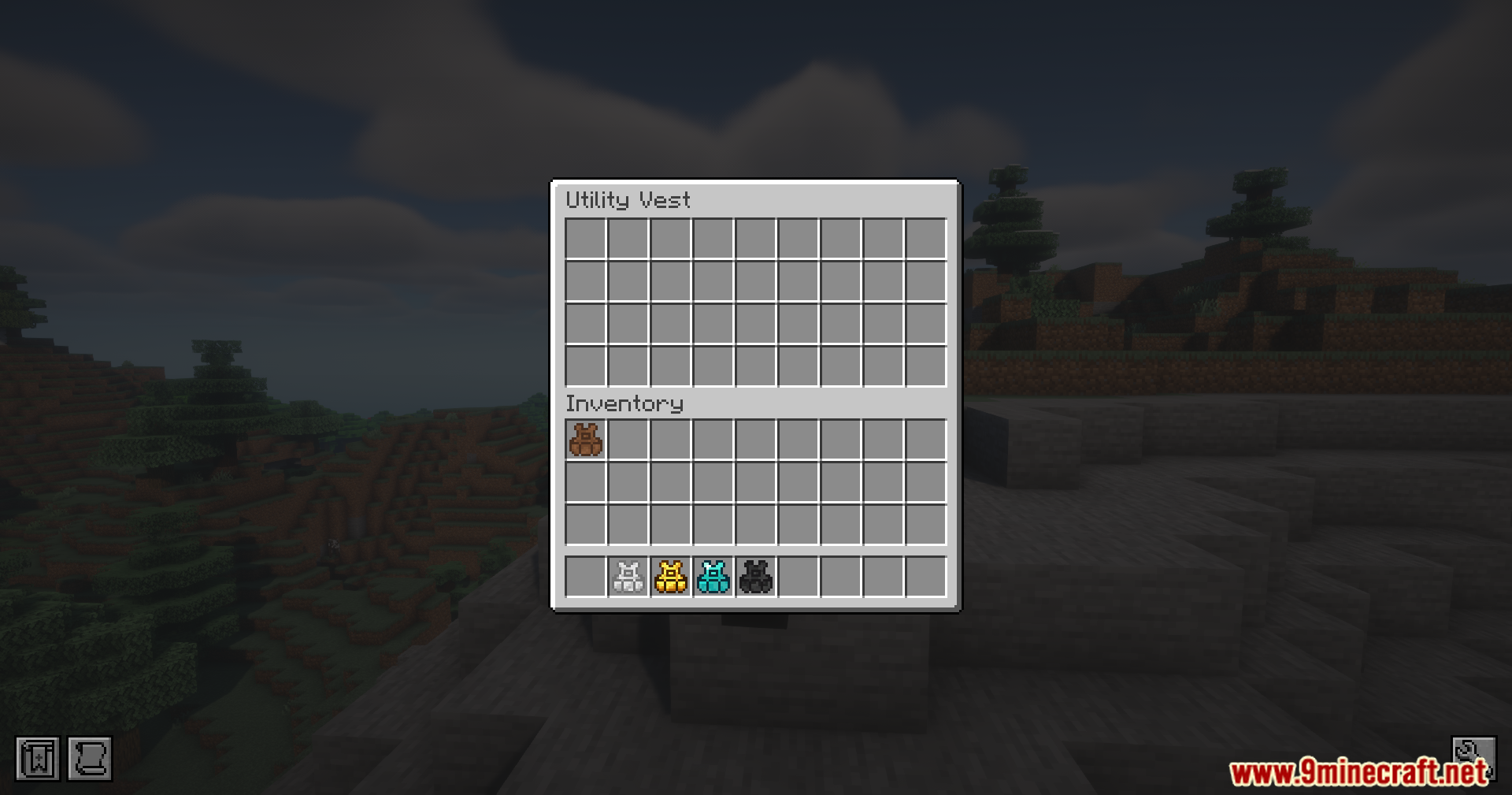
Utility Vest Mod gives you a quick way to swap the items in your hotbar. This mod adds wearable vests that save your current item setup so you load it back later with a simple button press.
Features:
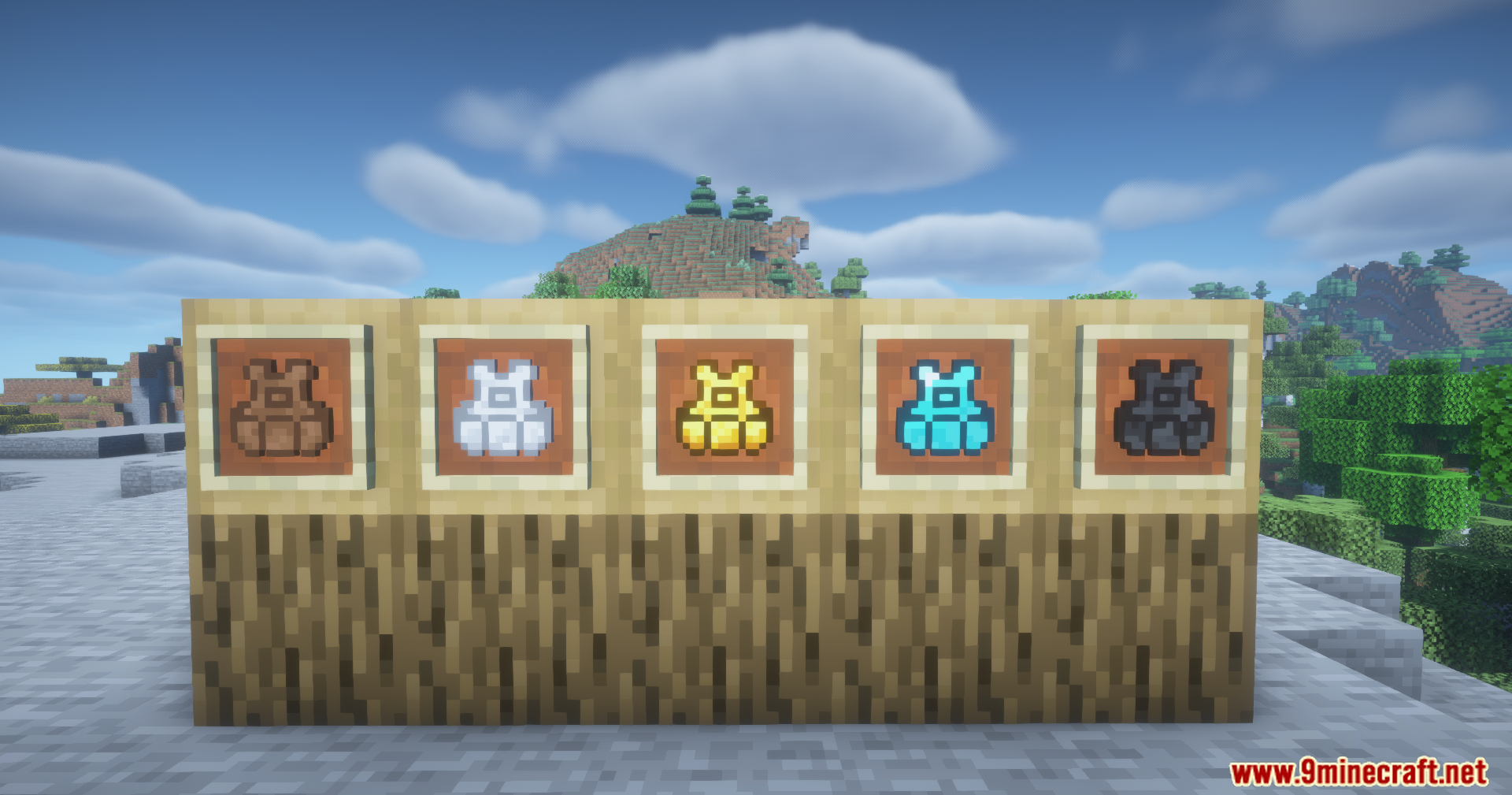
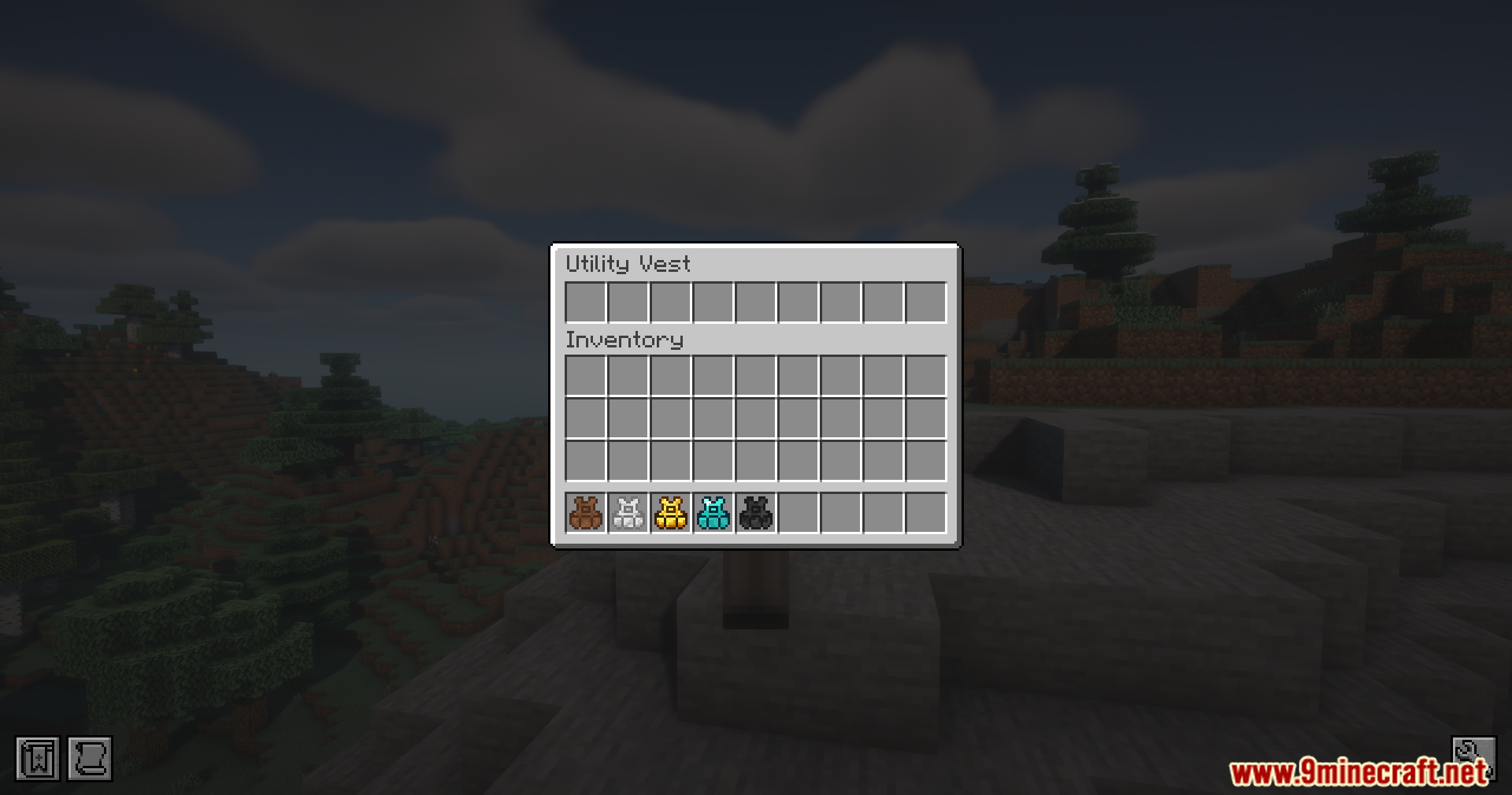
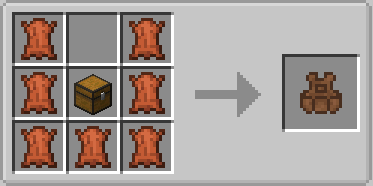
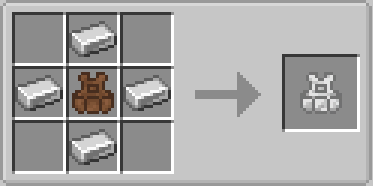
- Tier Progression: Adds five different vests made from leather, iron, gold, diamond, and netherite.
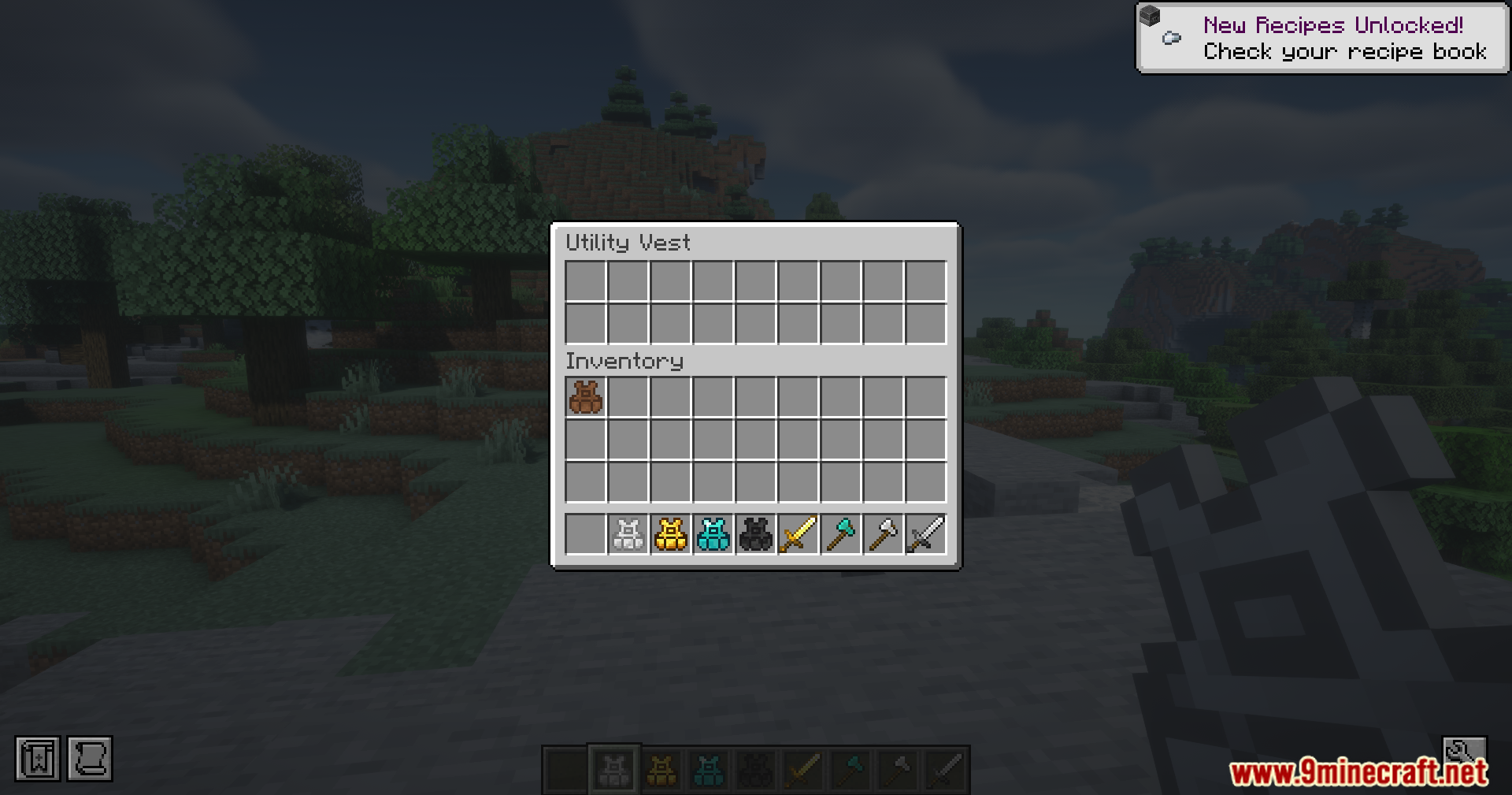
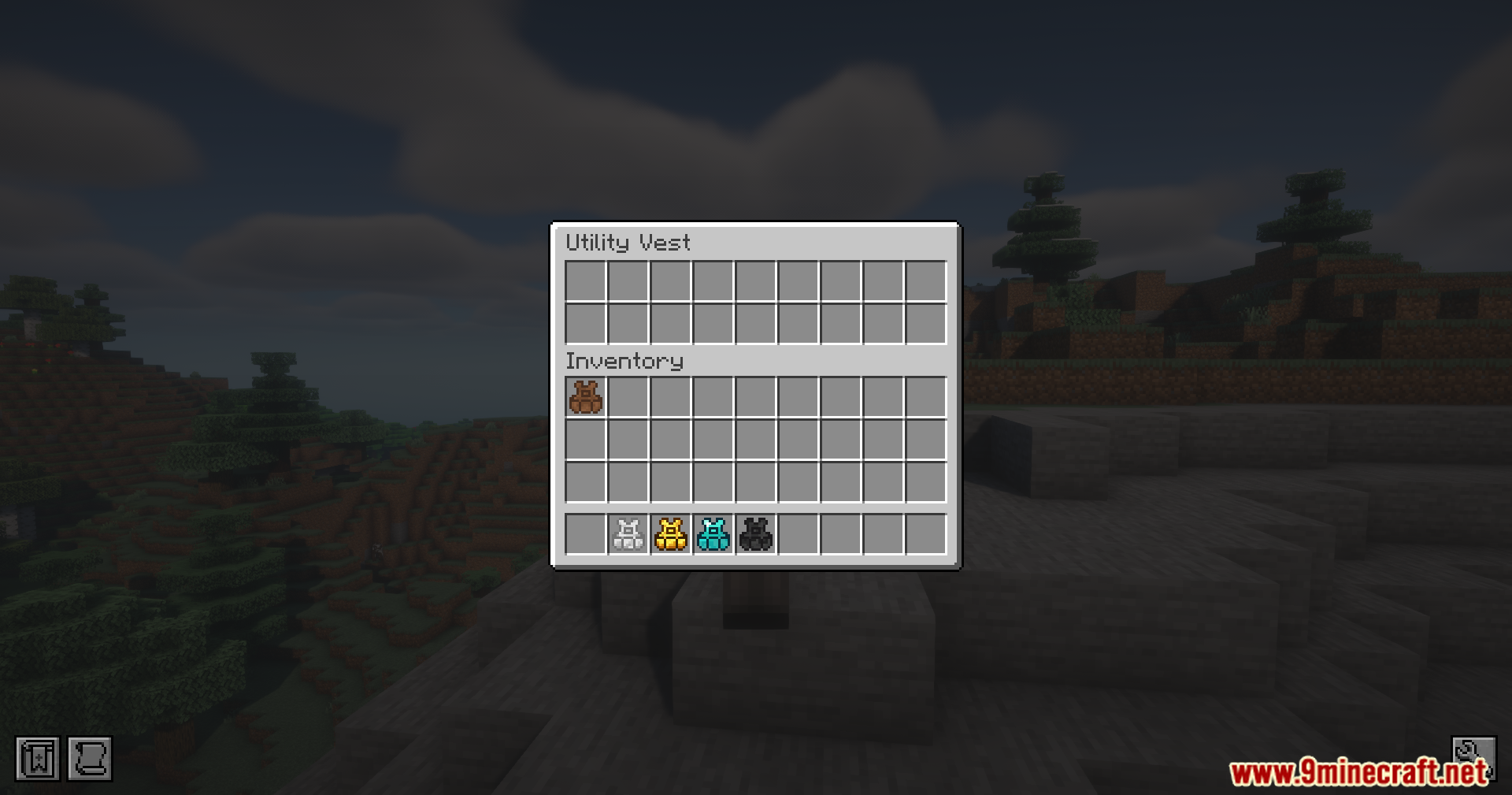
- Gives you more saved rows when you upgrade, with the netherite version holding up to five different hotbars.
- Saves your exact item order so you switch between combat gear and building blocks fast.
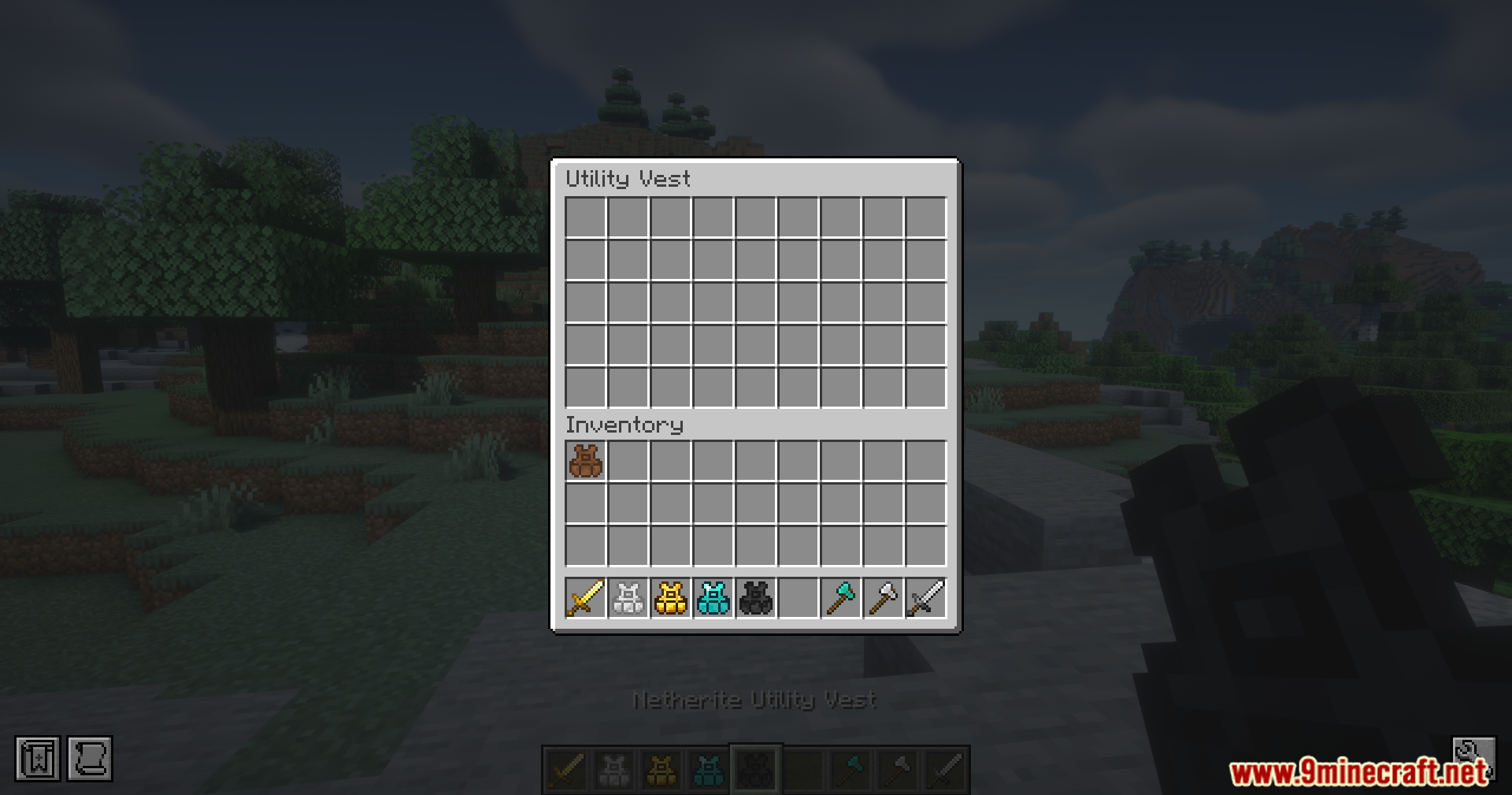
- Moves your current items safely into the vest or your main inventory when you load a new setup.
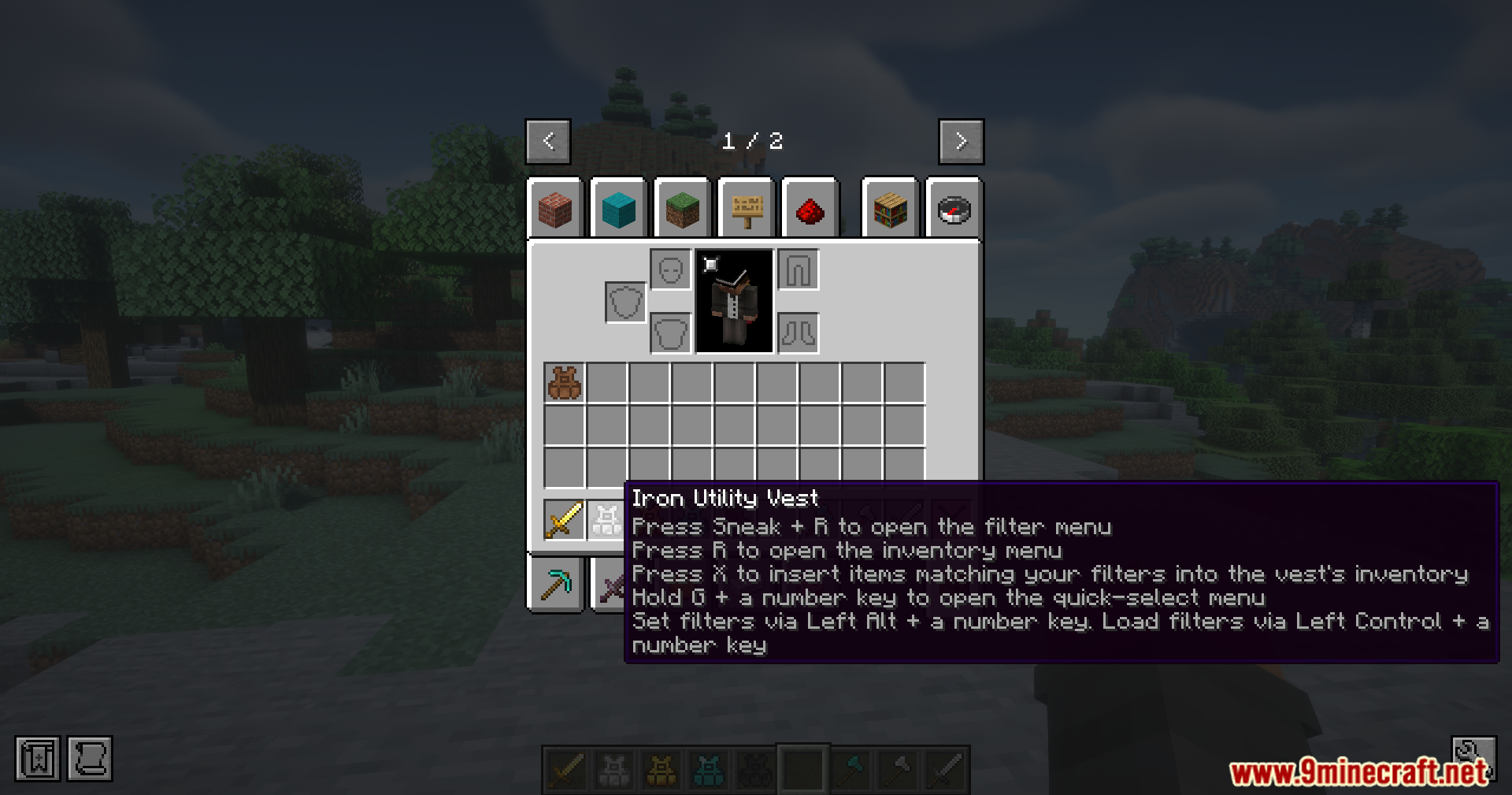
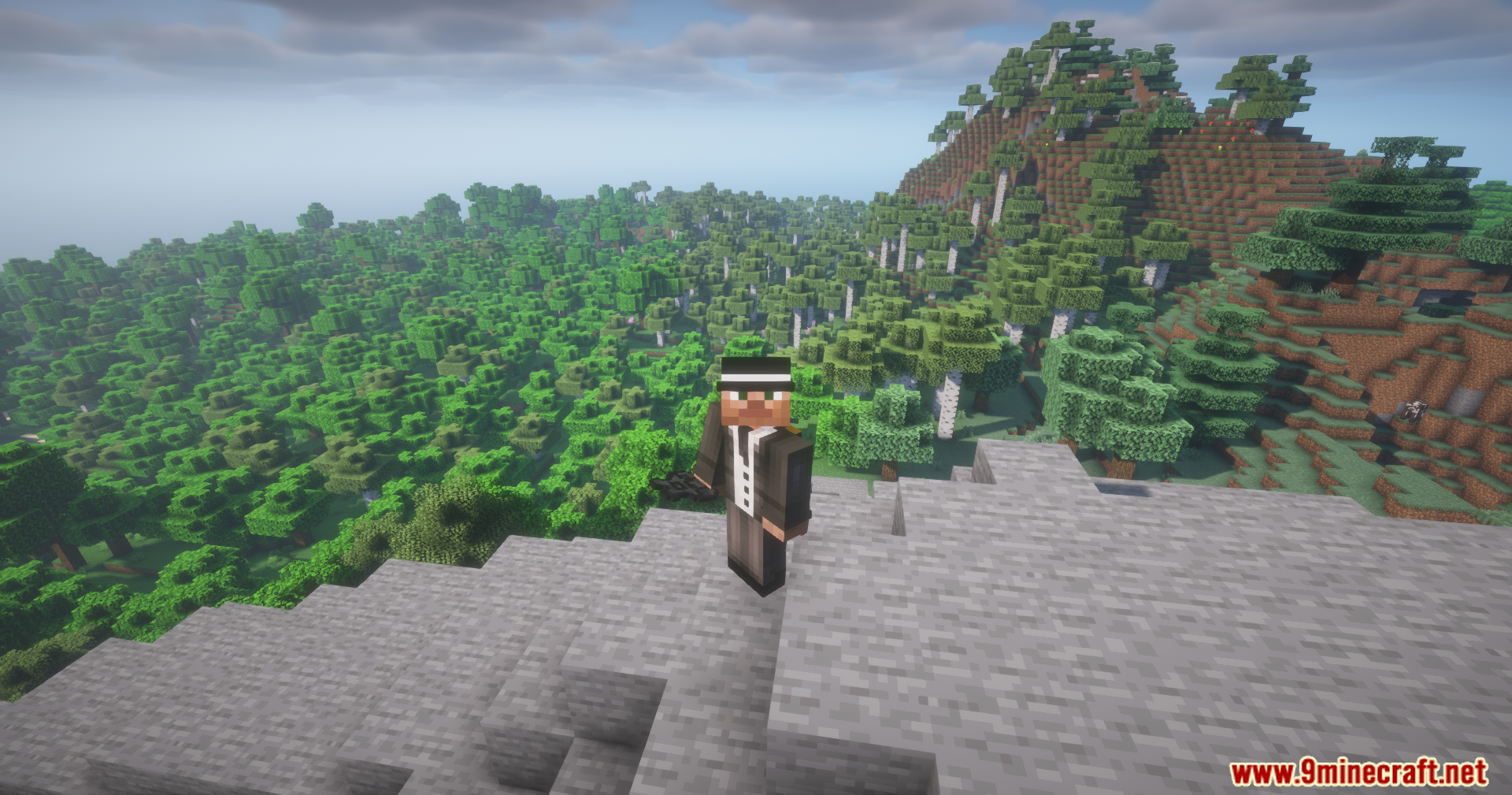
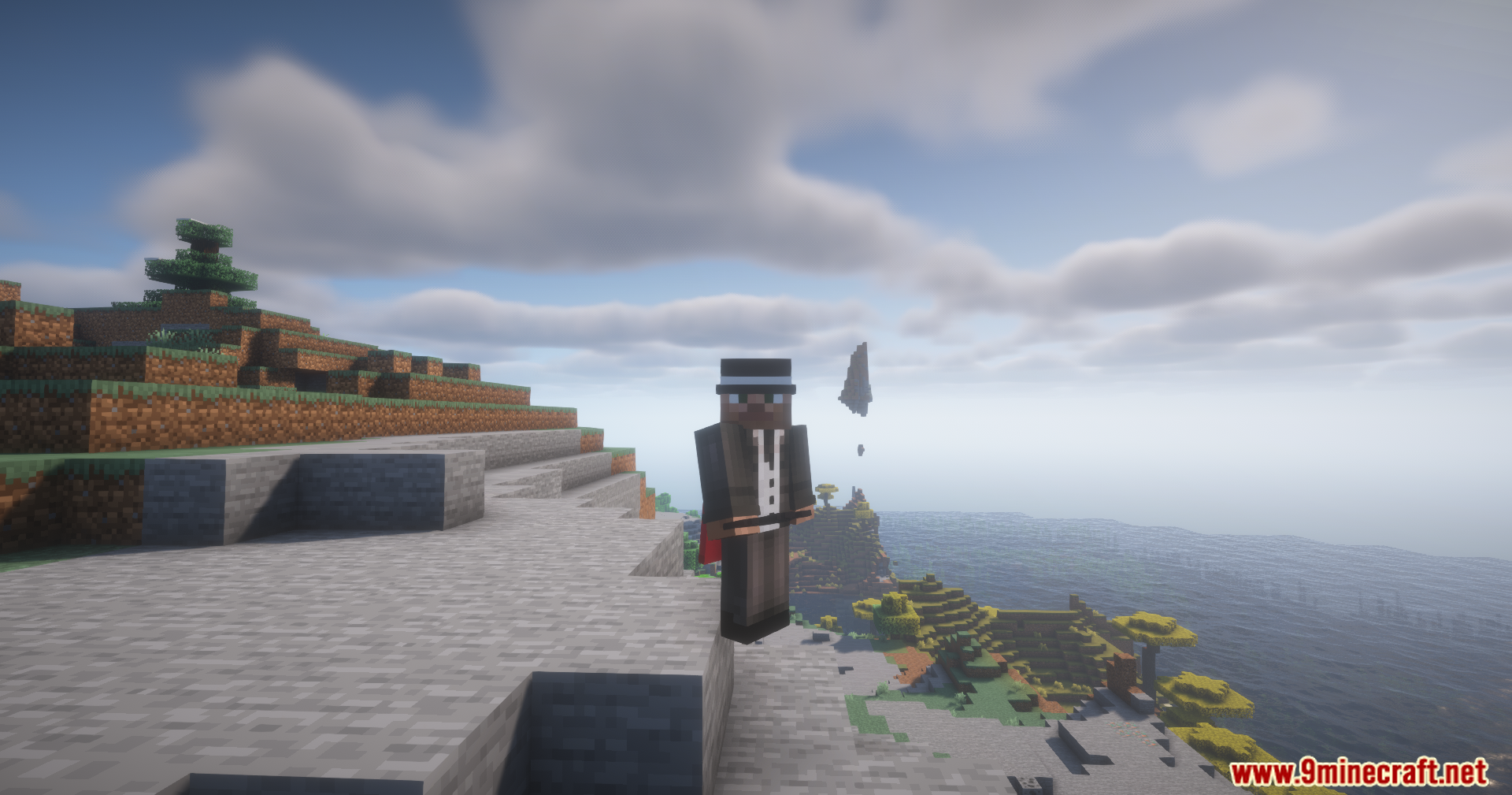
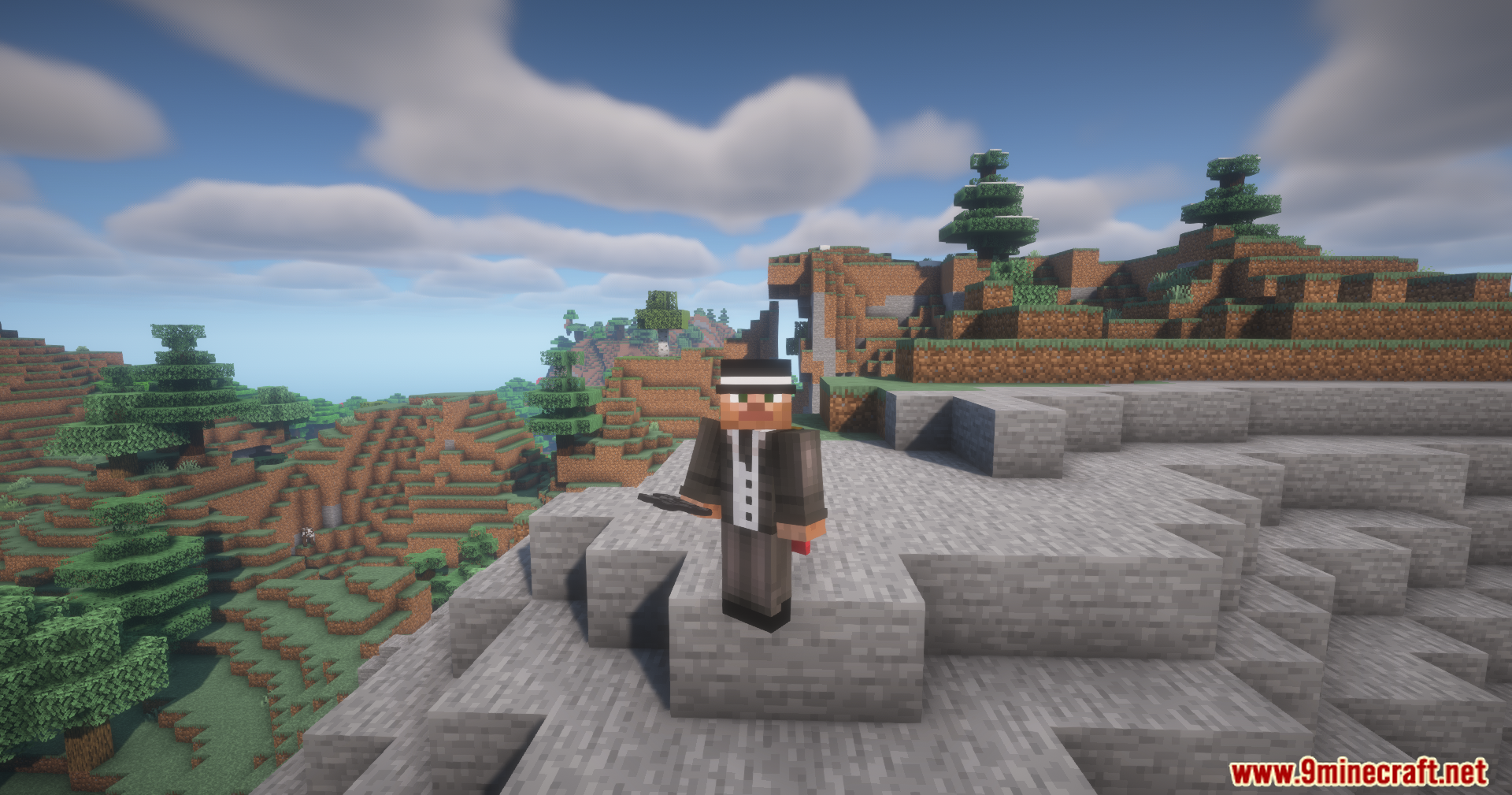
- Takes up the body slot in your character menu so you wear it like normal clothing.
How to Use:
- Press Left Alt + a Number Key to save your current hotbar to that number slot.
- Press Left Ctrl + a Number Key to load that exact hotbar setup back into your hands.
- Press X to send all items from your inventory into the vest if they match your saved setups.
- Press R to open the vest inventory while wearing it.
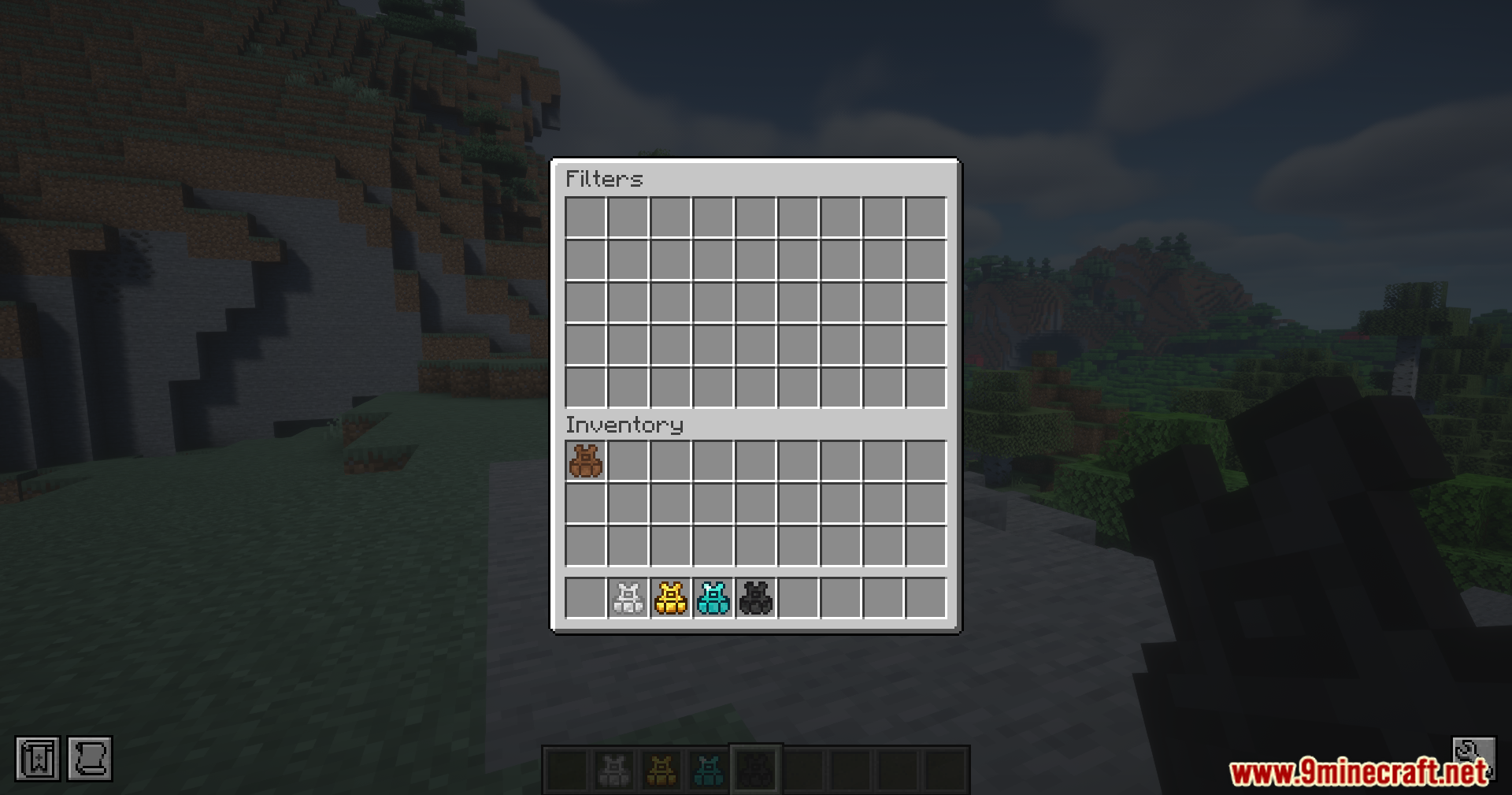
- Press Shift + R to look at your saved item filters.
- Hold the vest in your hand and Right Click or Shift + Right Click to open the menu directly.
Screenshots:
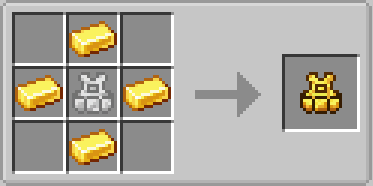
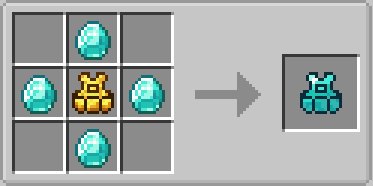
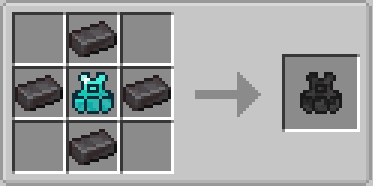
How to Install:
New to Minecraft? Follow our step-by-step guide to install Mods on your PC.View Guide
Requirements:


Utility Vest Mod Download Links
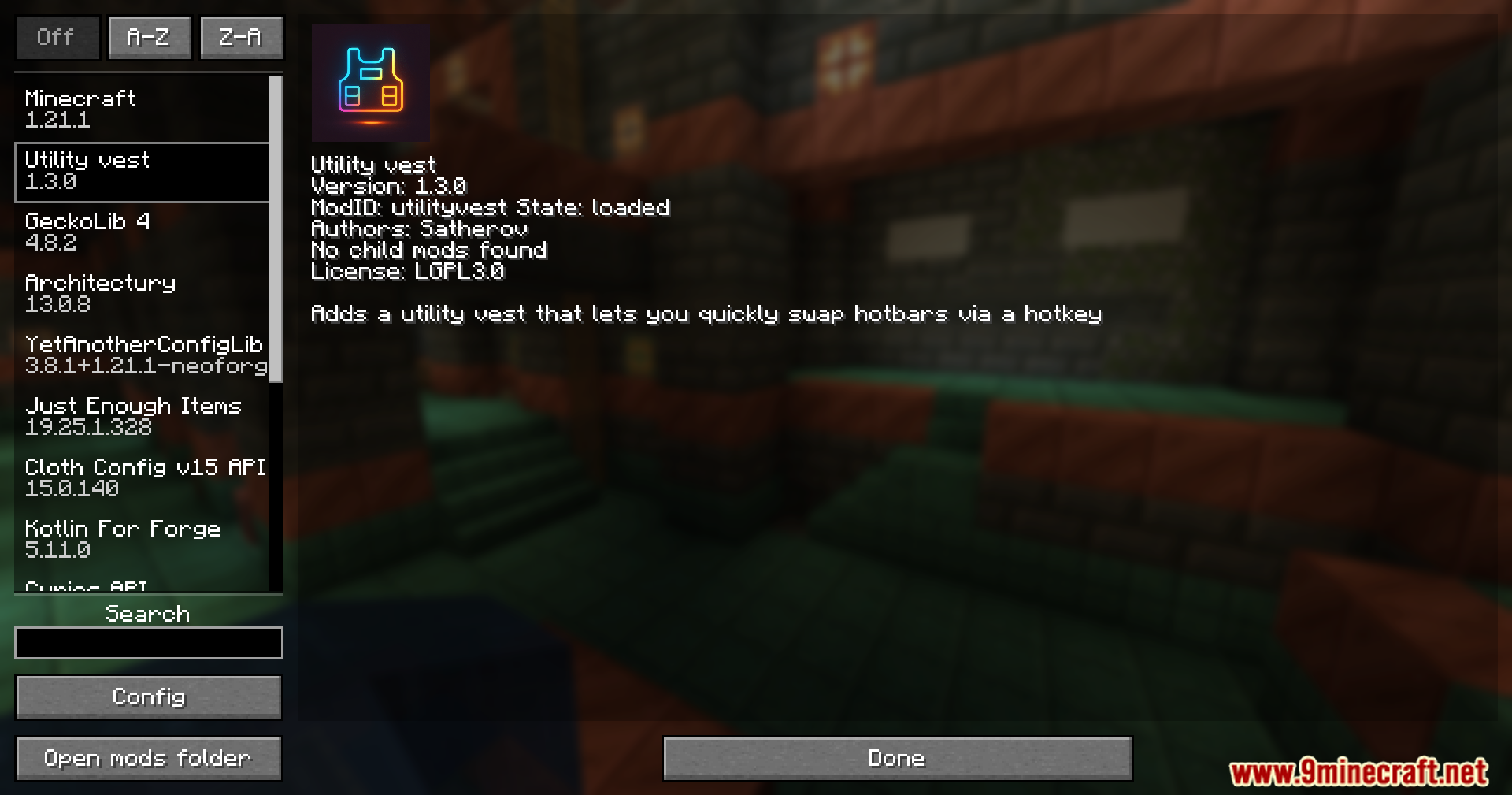
For Minecraft 1.21.1, 1.21
Click to rate this post!
[Total: 1 Average: 5]
You May Also Like






This post has no comments yet. Be the first — your comment will appear here.