
Lag Removal Mod (1.19.1, 1.18.2) – Smooth Multiplayer Worlds Without Entity Lag

 0


Lag Removal Mod lowers lag on multiplayer Forge servers by clearing out loaded mobs. This mod runs an automatic clear script across the whole server on a custom delay and includes 4 commands to clear mobs right away, manage a mob blacklist, or reload settings. You can also turn on warnings before each clear and keep mobs with nametags safe from getting cleared. It runs on the server side only for multiplayer, so players can join without adding anything on their end, and it does not work in single player.

Features:
- Automatic Lag Clear: Runs a server-wide clear script on multiplayer Forge servers to remove all loaded mobs and cut down lag.
- Mob Blacklist: Keeps chosen mobs safe so the clear script skips them.
- Lets you add or remove mobs from the blacklist anytime with simple commands.
- Includes a manual clear command that removes all loaded mobs at once, except blacklisted ones.
- Reloads both the config file and the mob blacklist on the spot with one command.
- Lets you change the delay between each automatic clear in the config file.
- Gives you an option to warn players before the clear script runs.
- Protects mobs with nametags from the clear command when that config option is enabled, even if they are not on the blacklist.
- Runs on the server side only, so players do not need to add anything on their side to join.
- Works only on multiplayer Forge servers and does not run in single player.
Commands:
Note: Only /killall starts with /. The other three commands below do not use a prefix.
/killall: Clears all loaded mobs in the world, except mobs on the blacklist.lr-blacklist-add [entity]: Adds a mob to the blacklist so the clear script skips it.lr-blacklist-remove [entity]: Takes a mob off the blacklist.lr-config-reload: Reloads the config file and blacklist settings.
How to Use:
- Run this mod on a multiplayer Forge server, since it works on the server side only and does not run in single player.
- Open
config/Lag Removal/config.jsonto set the delay between automatic clears, turn player warnings on or off before each clear, and choose whether mobs with nametags stay safe from/killalleven when they are not blacklisted. - Type
lr-blacklist-add [entity]to add a mob to the blacklist so the clear script skips it, or typelr-blacklist-remove [entity]to remove it from the blacklist. - Run
lr-config-reloadafter editing settings so the server loads your updated config and blacklist right away. - Run
/killallwhenever you want to clear all loaded mobs on the spot while leaving blacklisted mobs safe.
Screenshots:


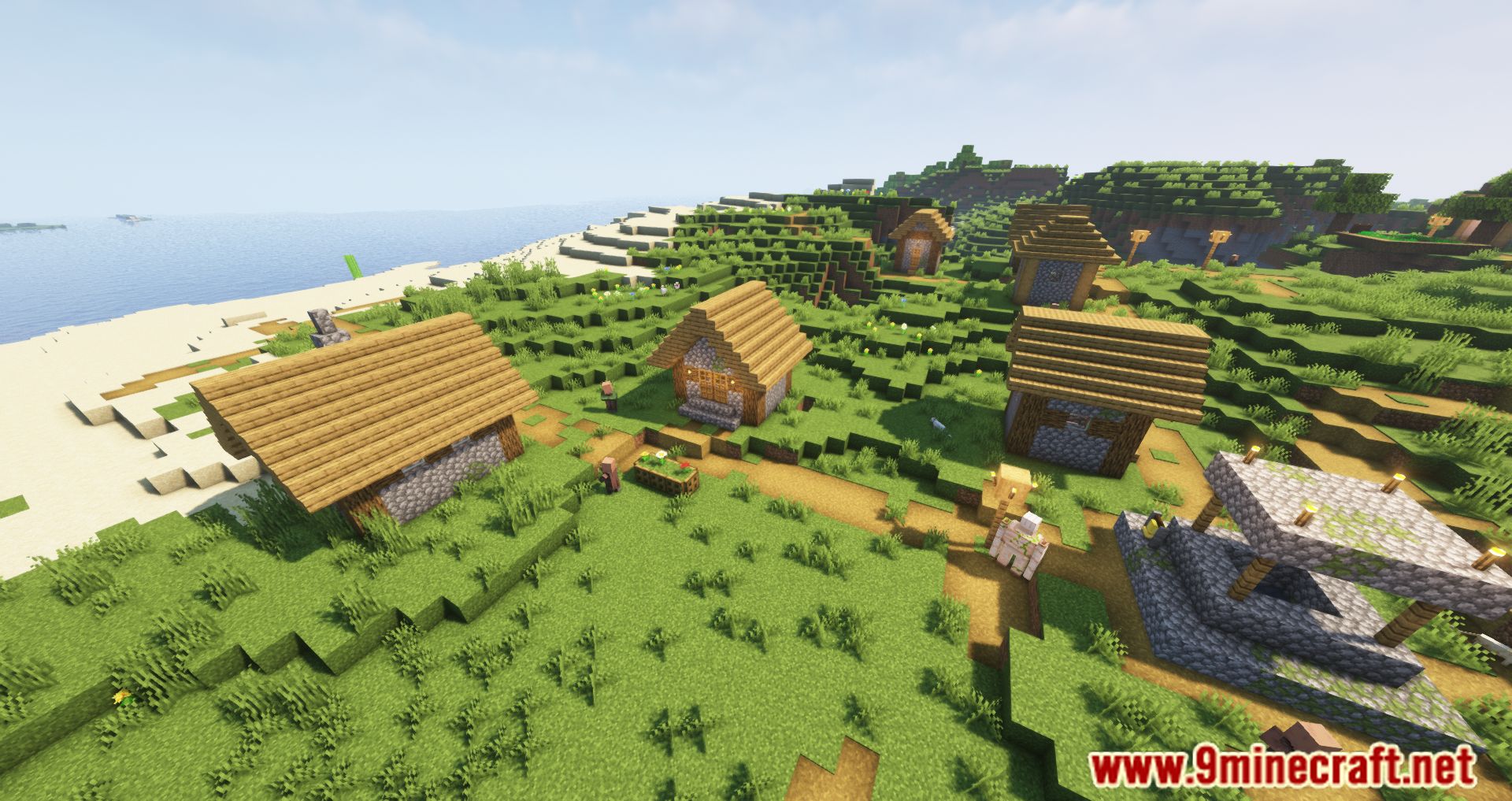







How to Install:
New to Minecraft? Follow our step-by-step guide to install Mods on your PC.View Guide
Lag Removal Mod Download Links
For Minecraft 1.19.1
Forge Version: Download from Server 1
For Minecraft 1.19
Forge Version: Download from Server 2
For Minecraft 1.18.2
Forge Version: Download from Server 2
For Minecraft 1.17.1
Forge Version: Download from Server 2
For Minecraft 1.16.5
Forge Version: Download from Server 2
Where do you primarily download your mods and modpacks from?
80 responses · See the full results →
You May Also Like
Picked for this page
 Simple Planes Mod (1.21.1, 1.20.1) – New Vehicles, Flying
 Minecraft Transit Railway Mod (1.21.4, 1.20.1) – Fully Functional Railway System
 Health Levels Mod (26.2, 1.20.1) – Maximizing Experience Gains
 Punchy Mod (26.3, 1.20.1) – First Person Animations
 Caramel Chat Mod (26.1, 1.20.1) – Optimizing Multilingual Chat In Minecraft
 Memory Settings Mod (26.3, 1.20.1) – Allocate More RAM
 Mob Filter Mod (26.3, 1.20.1) – Managing Mob Populations
 Always Sprint Mod (26.3, 1.20.1) – Sprinting Is Always On
 Trample Stopper Mod (26.1.1, 1.20.1) – Sprint Across Your Crops
 Heart Indicator Mod (26.3, 1.21.1) – See Exactly How Much Health Your
 McMouser Mod (26.2, 1.20.1) – Resolving Mouse Woes On MacOS
 Panoramica Mod (1.20.1) – Capture the World From Every Angle
Most viewed in Mods over the last 7 days
 Ala Industrial Mod (26.3) – Run Electric Power Grids and Automated Factories
 PleasureCraft Mod (26.3, 1.21.1) – Jenny Mod Remake for Fabric
 Jennycraft Mod (26.3, 1.20.1) – Virtual Girlfriend in Minecraft
 Fapcraft Mod (26.3, 1.12.2) – Comprehensive and Detailed Content
 Jenny Mod (Fapcraft) Official Complete Guide – How to use, Tutorial
 BangCraft Mod (1.20.1) – Jenny, Ellie and Elliot
 Fabric Loader (26.3, 1.20.1) – Fabric Installer for All Minecraft Versions
 Meteor Client Mod (26.3, 1.20.1) – Xray, HUD, Fly
 The Shooting Star Demo Mod (26.3, 1.20.1) – Vaporize Terrain From Orbit
 OptiFine HD (26.3, 1.20.1) – Run Faster, FPS Boost, Shaders Support
 Aristois Client Mod (1.21.4, 1.20.1) – World Class Minecraft Utility
 Prestige Client Mod (1.21.11, 1.21.4) – Powerful Ghost Features for Crystal & Sword PvP
More from Mods
 Bonsai Trees 9minecraft Mod (26.3, 26.2) – Automate Wood Farming in Tiny Pots
 Enhanced Block Entities 9minecraft Mod (26.3) – Build Lag-Free Storage Rooms
 Better Nether 9minecraft Mod (26.3, 26.2) – Survive Forever in the Nether
 BCLib 9minecraft Mod (26.3, 26.2) – Power Custom Nether and End Overhauls
 ForgedLoaderAPI Mod (1.19.2, 1.18.2) – Bring Ported Fabric Creations
 Shield System Mod (1.21.1) – Tank Heavy Monster Hits Without Losing Hearts
 Shin’s Tensura Race Models Mod (1.19.2) – Play As Unique 3D Anime Race
 Offgrid Mod (26.3, 1.20.1) – Furnish Compact Interiors Without Strict Grid
 Tempest Almanac Iron’s Spells ‘n Spellbooks Mod (1.21.1, 1.20.1)
 Chat Guides Mod (26.3, 1.21.11) – Never Memorize Complex Server Commands Again
 TRMT Reimagined the Roads More Travelled Mod (26.3, 1.20.1)
 Morrowless Mod (1.21.1) – Defend Your Shelter From Nightmare Creatures

This post has no comments yet. Be the first — your comment will appear here.