
Liquid Burner Mod (1.20.1, 1.19.2) – Superheat Blaze Burners with Fluids
 288
 0


Liquid Burner Mod adds liquid fuel support for Create Blaze Burners so they can heat and superheat with fluids. By default, this mod supports lava for regular heating and Tinkers’ Blazing Blood for superheating. It also works with data packs through recipes and fluid tags, so you can add liquids from other mods as fuel.
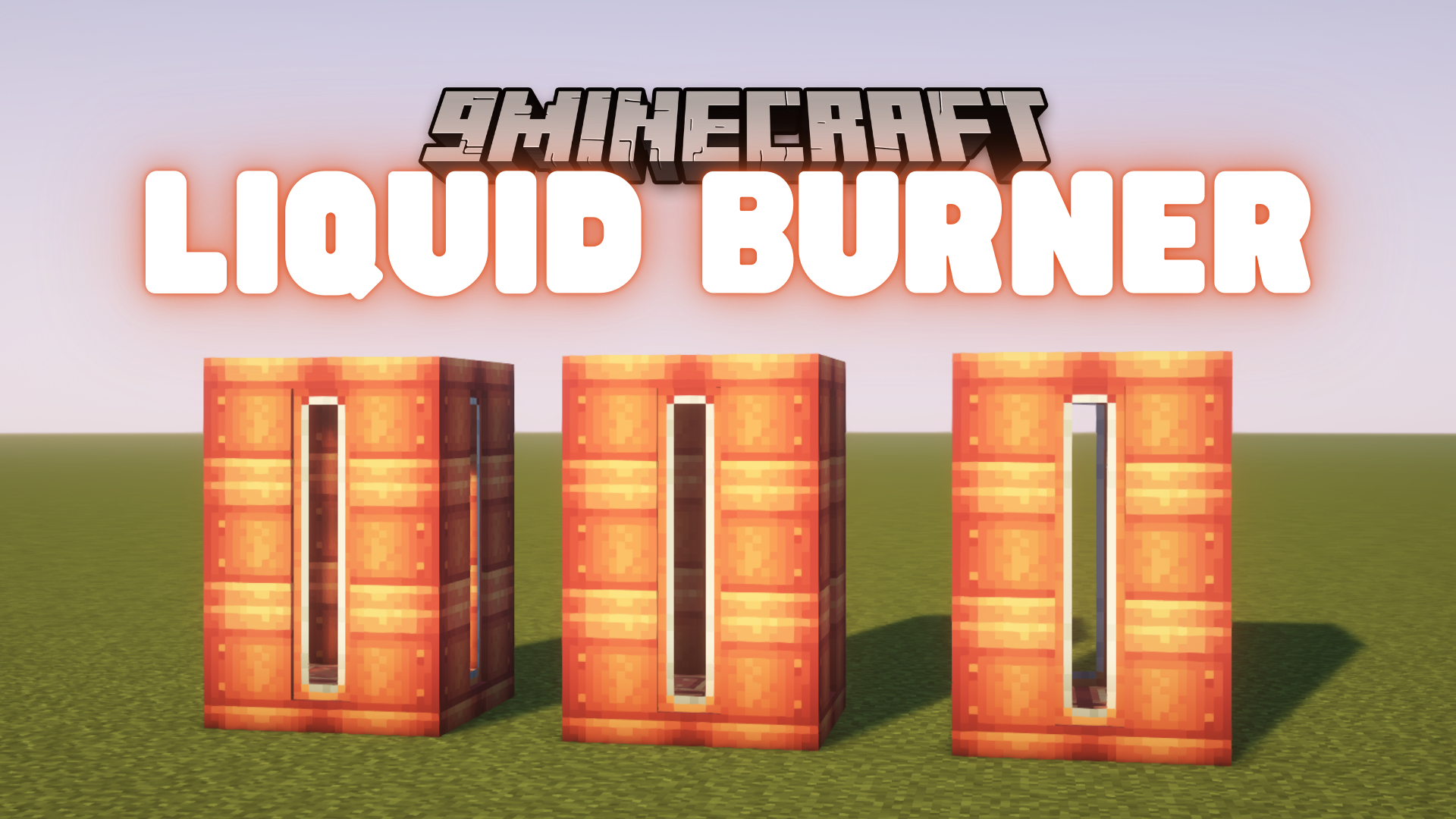
Features:
- Lets Create Blaze Burners run on liquid fuels for both regular heating and superheating.
- Includes lava as the default regular fuel for standard heating.
- Accepts Tinkers’ Blazing Blood as the default fuel for superheating.
- Uses a tag-based system like normal Create fuel, making it compatible with fluids from other mods.
- Allows custom liquid fuels to be added with data pack JSON recipes, where you can set the fluid type, normal burn time, and optional superheat time.
How to Use:
- Feed lava into a Create Blaze Burner for regular heating, or supply Tinkers’ Blazing Blood to superheat it.
- To add a custom liquid fuel, create a JSON recipe file inside your data pack, such as
data/liquidburner/recipes/lavaburning.json. - Set
"type"to"liquidburner:liquidburning"so the game reads the file as a liquid fuel recipe. - Set
"fluid"to the ID of the liquid you want to use, such as"minecraft:lava". - Set
"burntime"to choose the normal burn time (for example,"20000"for lava). - Optionally add
"superheattime"(set to"0"if not superheated) to make the fluid superheat the burner; when a fluid has a superheat time,"burntime"sets how long the burner keeps working after running out of fuel.
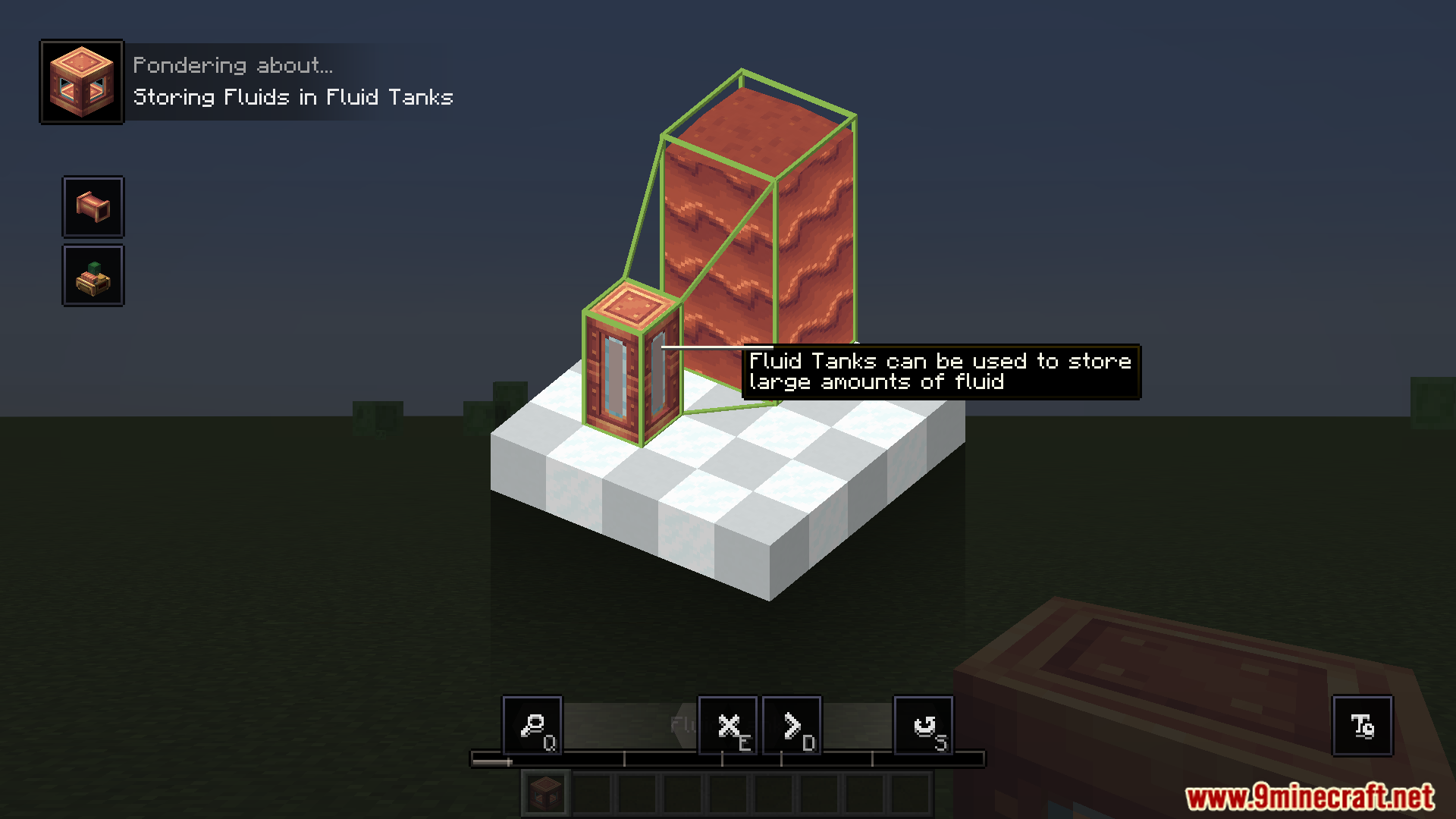
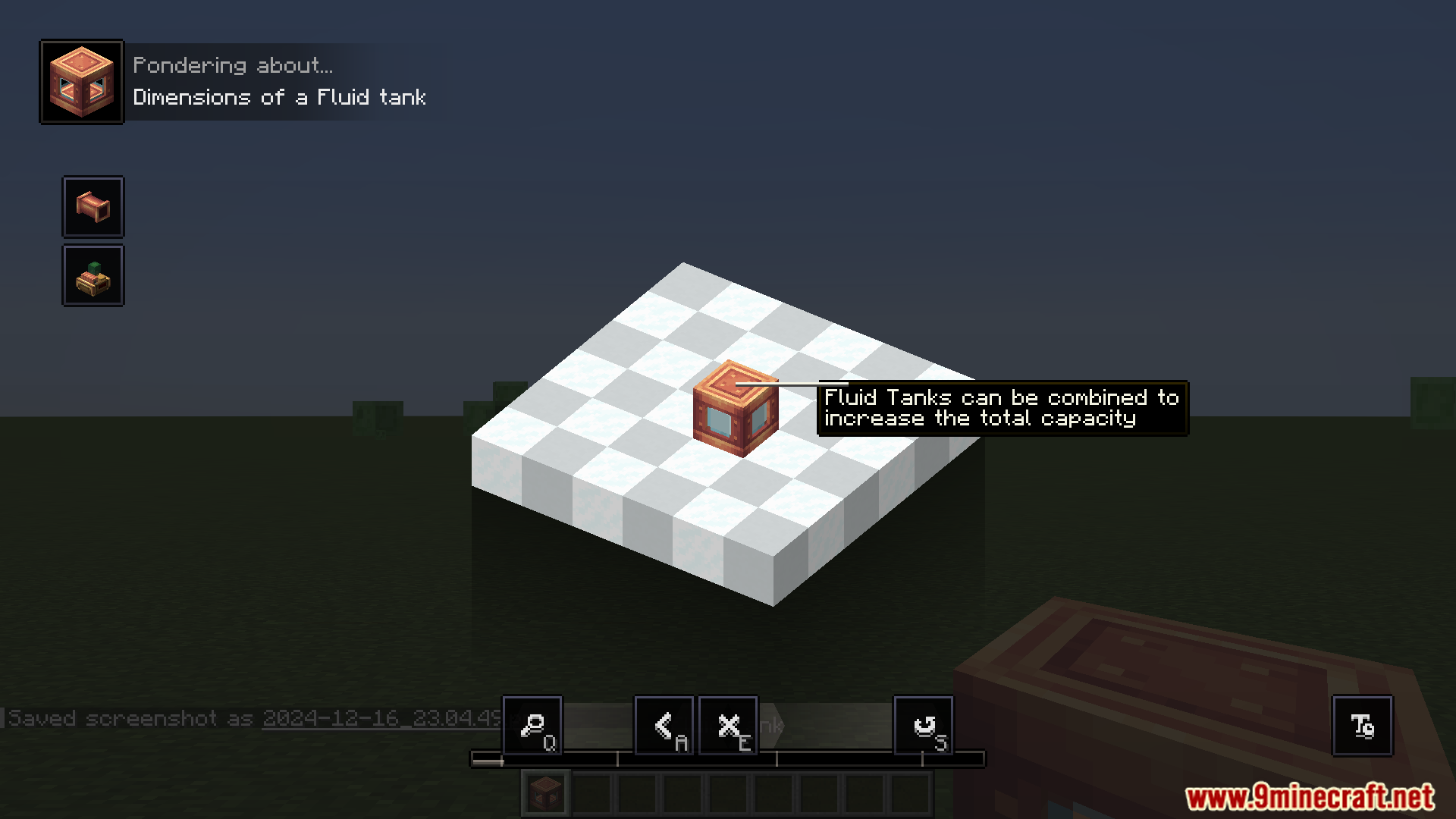
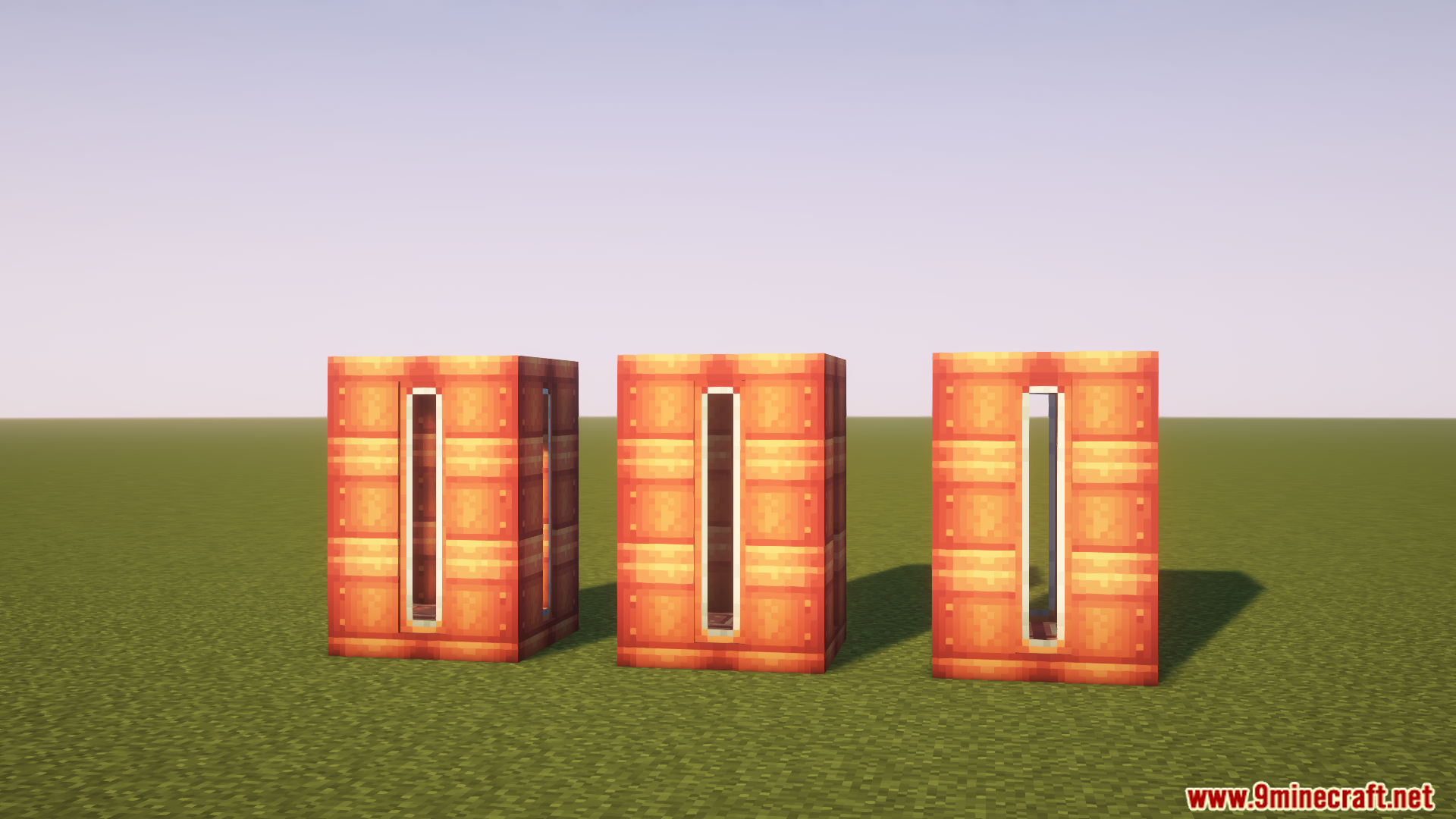
Screenshots:
How to Install:
New to Minecraft? Follow our step-by-step guide to install Mods on your PC.View Guide
Requirements:
 Create Mod Required
Liquid Burner Mod Download Links
For Minecraft 1.20.2
Fabric Version: Download from Server 1 – Download from Server 2
For Minecraft 1.20.1
Forge Version: Download from Server 1 – Download from Server 2
Fabric Version: Download from Server 1 – Download from Server 2
For Minecraft 1.19.2
Forge Version: Download from Server 1 – Download from Server 2
Fabric Version: Download from Server 1 – Download from Server 2
For Minecraft 1.18.2
Forge Version: Download from Server 1 – Download from Server 2
How do you handle updating your mods when a new Minecraft version drops?
33 responses · See the full results →
You May Also Like
Picked for this page
 Silent Gear Mod (26.1.2, 1.20.1) – Exclusive Gears
 Architectury API Mod (26.3, 1.20.1) – Hooks, Game Features
 Harder Natural Healing Mod (26.1.2, 1.20.1) – Control Over Healing Mechanics
 Mute Mod (26.3, 1.20.1) – The Ability to Mute The Game
 Simple Voice Chat Radio Mod (26.1.2, 1.20.1) – Radio Devices for Long-distance Talk
 Combatify Mod (26.2, 1.20.1) – Overhauls the Combat System
 Bedrock Coordinates Mod (26.3, 1.21.1) – On-Screen Coordinates
 AdvancedAE Mod (26.1.2, 1.20.1) – Become a Walking ME System
 PeteMC’s Contagion Mod (26.3, 1.20.1) – A Zombie Infection
 Server Sided Portals Mod (26.1.2, 1.20.1) – Custom Portals & Dimensions Compatible With Any Client
 Stop Villager Trades Mod (1.21.1, 1.20.1) – No More Villager Trading!
 Name Tag (Crafting) Mod (1.21.11, 1.21.1) – Makes Name Tags Obtainable In Survival Mode
Most viewed in Mods over the last 7 days
 Ala Industrial Mod (26.3) – Run Electric Power Grids and Automated Factories
 PleasureCraft Mod (26.3, 1.21.1) – Jenny Mod Remake for Fabric
 Jennycraft Mod (26.3, 1.20.1) – Virtual Girlfriend in Minecraft
 Fapcraft Mod (26.3, 1.12.2) – Comprehensive and Detailed Content
 Jenny Mod (Fapcraft) Official Complete Guide – How to use, Tutorial
 BangCraft Mod (1.20.1) – Jenny, Ellie and Elliot
 Fabric Loader (26.3, 1.20.1) – Fabric Installer for All Minecraft Versions
 Meteor Client Mod (26.3, 1.20.1) – Xray, HUD, Fly
 The Shooting Star Demo Mod (26.3, 1.20.1) – Vaporize Terrain From Orbit
 OptiFine HD (26.3, 1.20.1) – Run Faster, FPS Boost, Shaders Support
 Aristois Client Mod (1.21.4, 1.20.1) – World Class Minecraft Utility
 Prestige Client Mod (1.21.11, 1.21.4) – Powerful Ghost Features for Crystal & Sword PvP
More from Mods
 ERYDON Mod (1.20.1) – Design Grand Courtyards with Carved Marble Pillars
 Infinity Bound Mod (1.21.1) – Snap Away Enemies with Legendary Superhero Gear
 Legacy Gecko Lib Fabric Mod (1.16.5) – Power Animated Creatures in Modpacks
 The Man from the Shadow Horror Mod (1.20.1) – Fight Hallucinations to Survive
 Shade & Saturation Slider Mod (26.2, 1.21.11) – Make Every Biome Vibrant
 Cataclysm X Yung’s Better Nether Fortresses Compat Mod (1.21.1, 1.20.1)
 Patchouli 9minecraft Mod (26.3) – Read Mod Guides Without Leaving Minecraft
 Paintings ++ 9minecraft Mod (26.3) – Pick the Exact Painting You Want
 owo-lib 9minecraft Mod (26.3) – Run Your Favorite Mods Without Errors
 Moonlight 9minecraft Lib (26.3, 26.2) – Run Complex Mods Without Errors
 Load My Tags 9minecraft Mod (26.3) – Mix Mods Without Breaking Recipes
 Kambrik 9minecraft Mod (26.3) – Run Kotlin Mods Without Game Lag

This post has no comments yet. Be the first — your comment will appear here.