Loot Integrations Mod (1.21.11, 1.20.1) – Improving Structure/Dungeon Chest Loot

 0
0  January 1, 2026
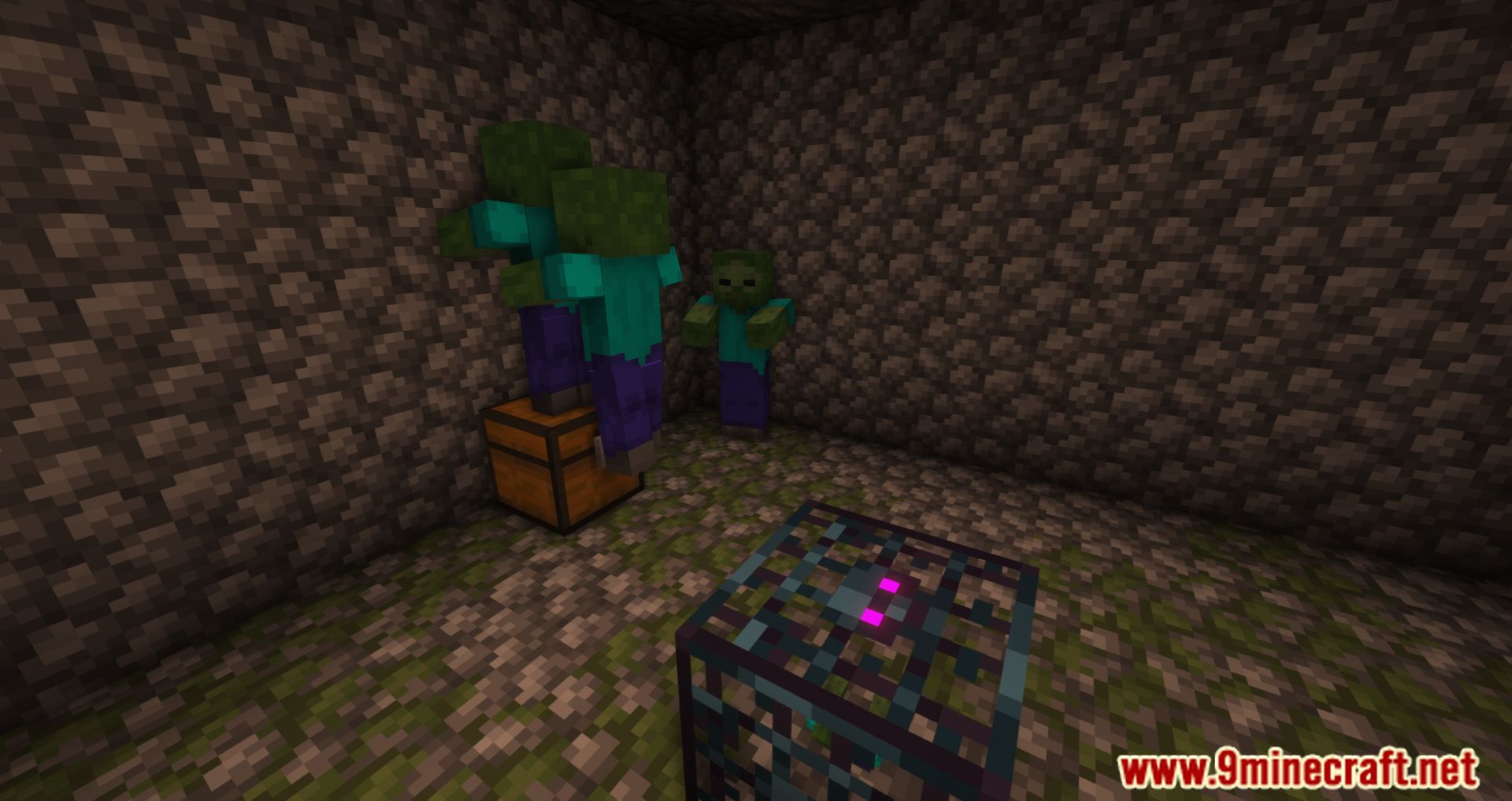
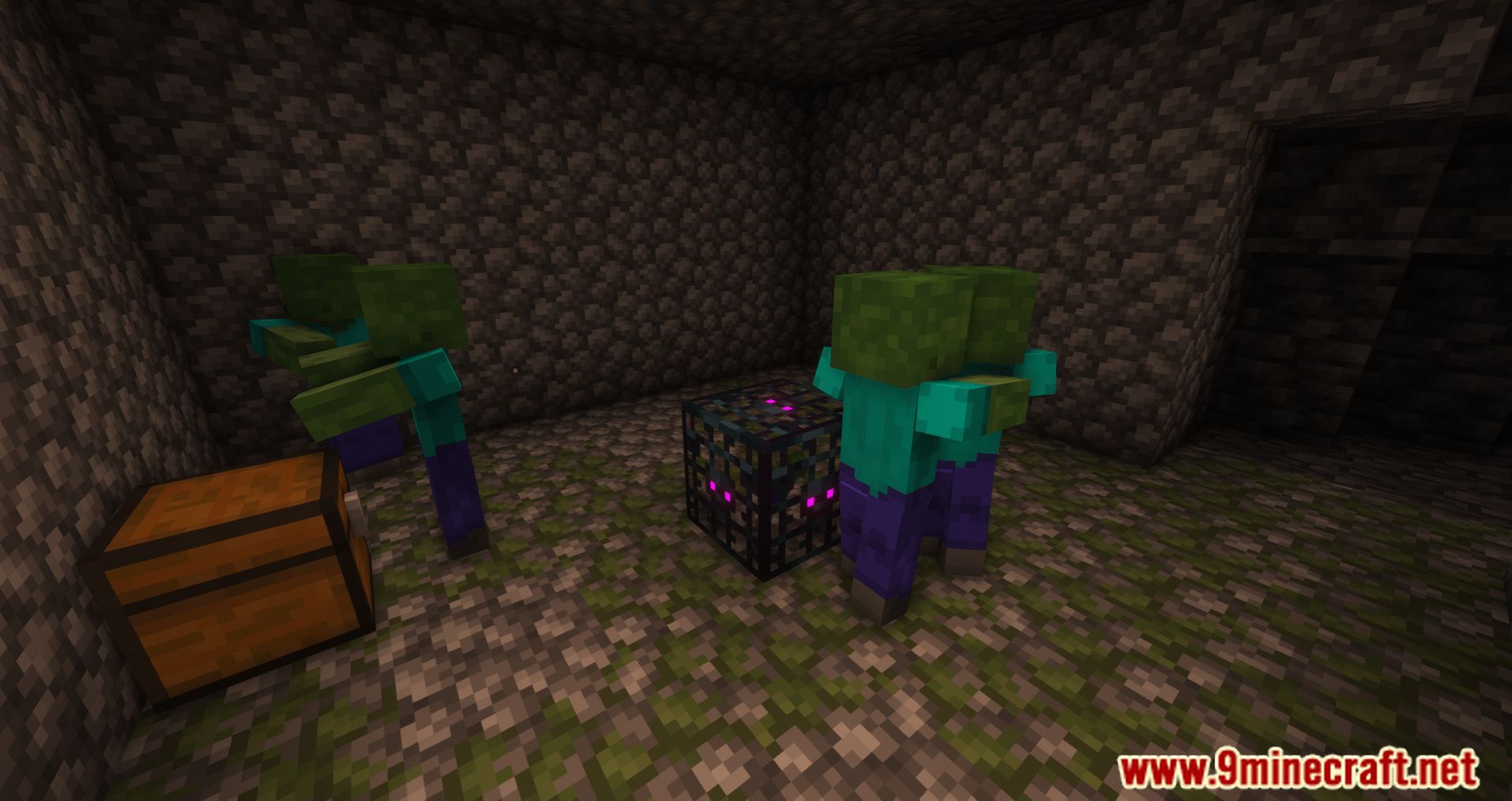
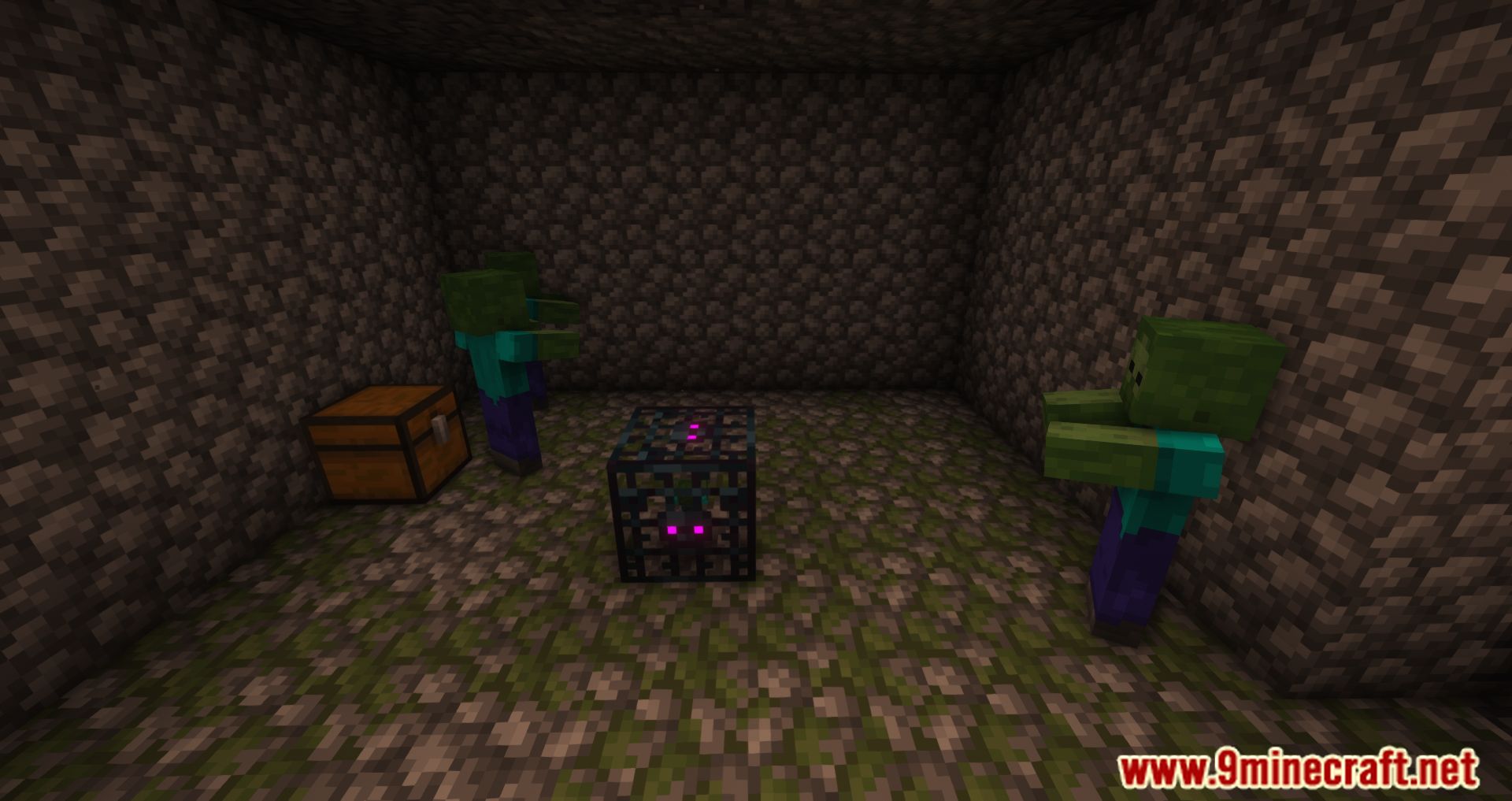
Loot Integrations Mod allows you to customize the types of items in the chests of dungeons. Many mods add loot to vanilla’s loot tables so that the player can find it while exploring. However, Dungeon mods often use custom loot tables for their chests, so you’re not going to find any of the intended modded loot in them. This mod lets you easily add loot from those vanilla chests to the modded ones and shipped with those for most big structure mods. This mod is basically a configuration file that allows you to pick the loot tables you want and add them to any dungeon. You can also choose what items are added, which is useful if you’re using a mod like Immersive Armors Mod, which adds new armor types but doesn’t have its own loot table.
Features:
- You can add loot from those vanilla chests easily to the modded ones.
- Add Loot from a chosen Loottable into a List of loottables with amount.
- Select the fill factor of the resulting chest.
- Allows you to set a maximum item count for chests via the “
max_result_itemcount” parameter, preventing overfilled chests. For instance, you can limit a chest to 12 items total.
How to use:
Basic Concept
- You define one source loot table (where items are taken from).
- You define one or more target loot tables (where those items are added).
- The integration happens automatically when the target loot is generated.
Datapack Structure
- Create a datapack and add the following folder:
data/lootintegrations/loot/
- Inside the
lootfolder, create a JSON file (any name is fine), for example:mylootdatapack.json
Example Configuration
This file defines how loot is shared between tables:
loot_table: the source loot table where items are taken from.integrated_loot_tables: target loot tables that receive extra items.max_result_itemcount: limits the number of different item stacks in the final loot.
Example Explanation
- When a chest using
adventuredungeons:chests/camp/underground_camp_chest1is opened:- One item is taken from
minecraft:chests/simple_dungeon. - That item is added to the chest’s normal loot.
- The total number of item stacks is capped at
8.
- One item is taken from
- This cap applies to item stacks, not item counts:
16 iron ingots= 1 stack (not affected).9 stacks of iron ingotsbecome8 stacks.
Important Notes
- You must have at least two loot tables to use Loot Integrations.
- If you want custom items or mixed loot:
- Create a new loot table first.
- You can use online loot table generators.
- Always select the correct Minecraft version.
Finding Chest Loot Tables
- Enable
showcontainerloottablein:minecraft/config/lootintegrations.json
- Right-click a chest in the world to see its loot table.
- The loot table is shown only on the first opening.
Installation
- Install Loot Integrations like a normal mod.
- Install its required dependency: Cupboard.
- Add your datapack to:
world/datapacks/
- Reload the world or run:
/reload
Testing and Debugging
- Enable
debugOutputin:minecraft/config/lootintegrations.json
- Test with the command:
/loot give @s loot <loottable_id>
- Check
latest.logto see which items were added.
Error Handling
- Check
latest.logfor loading errors. - Common issues include:
- Invalid JSON (for example, trailing commas).
- Datapack ZIP not having the
datafolder at the top level.
Ignored Items Tag
- Loot Integrations provides an item tag:
lootintegrations/tags/item/ignored
- Items added to this tag:
- Will not be inserted into other loot tables.
- Will still appear in their original loot tables.
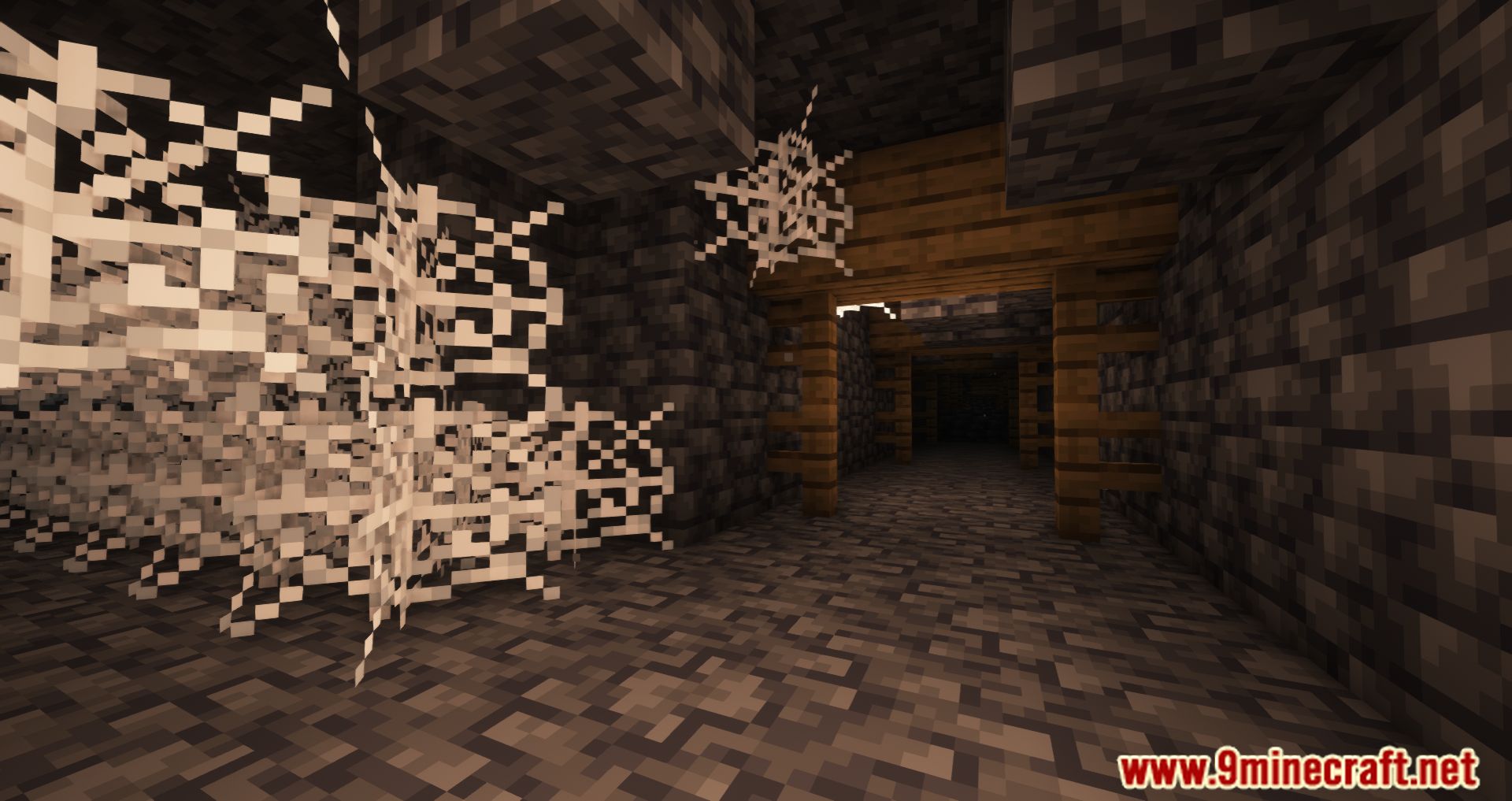
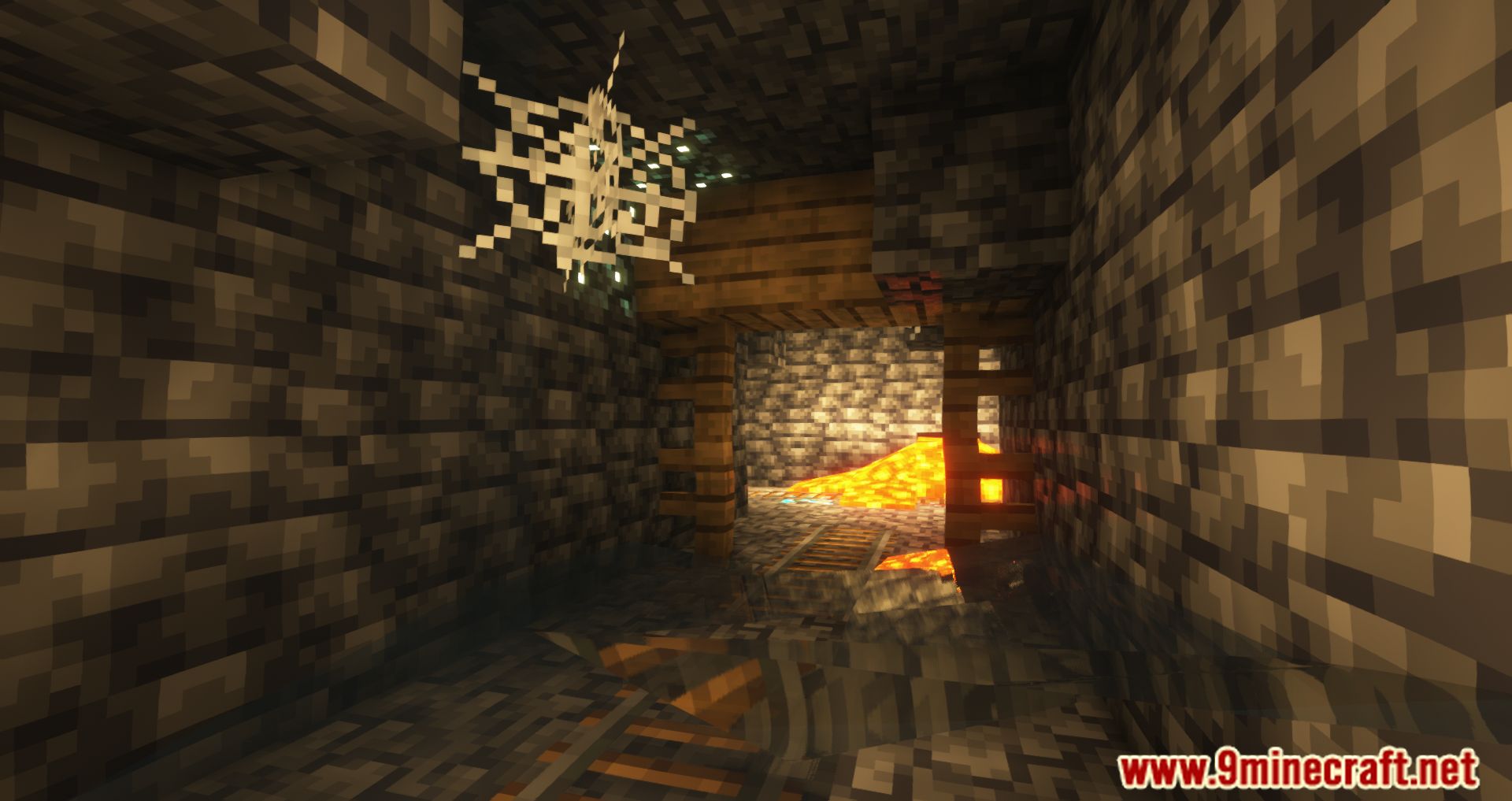
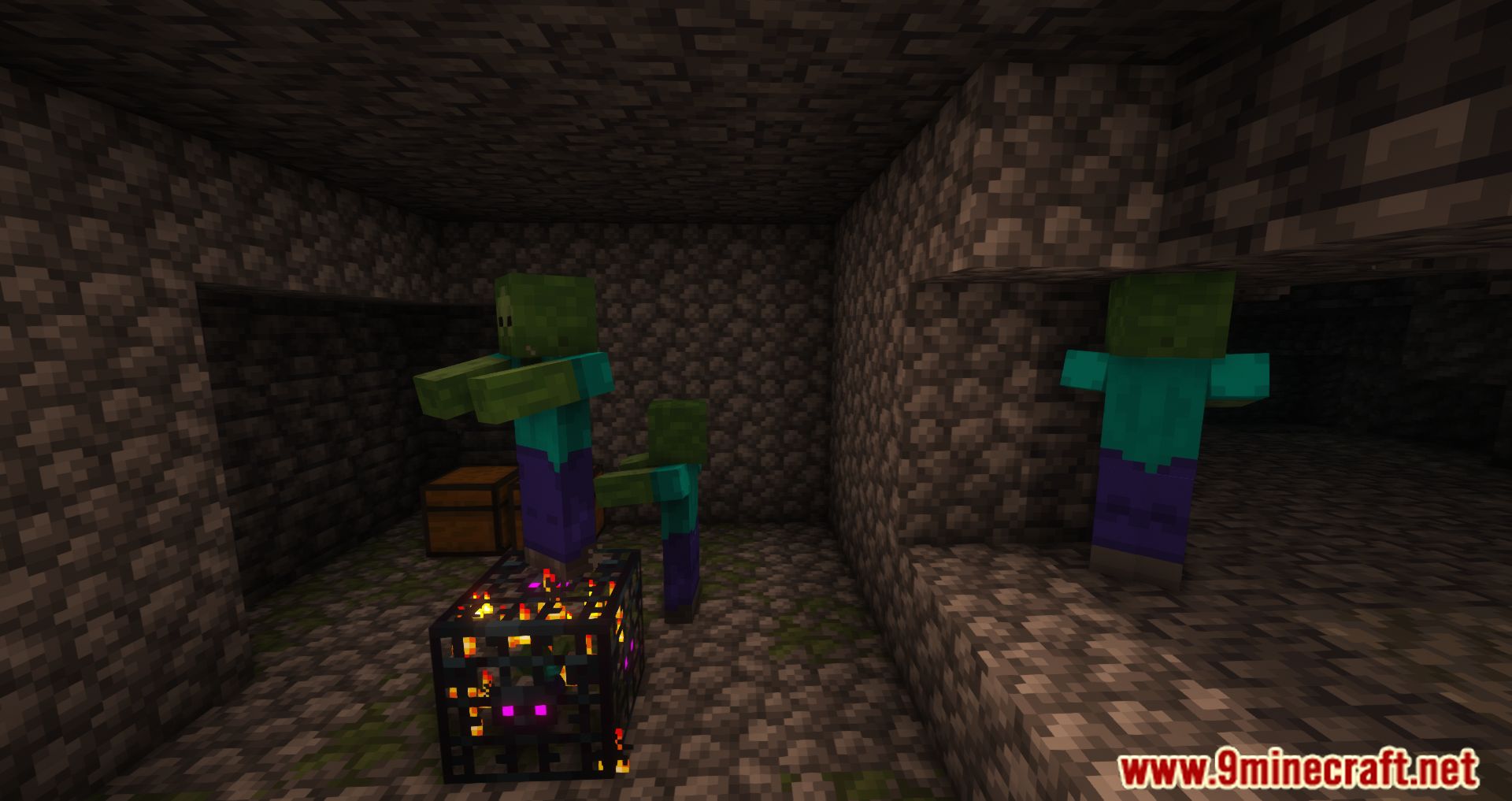
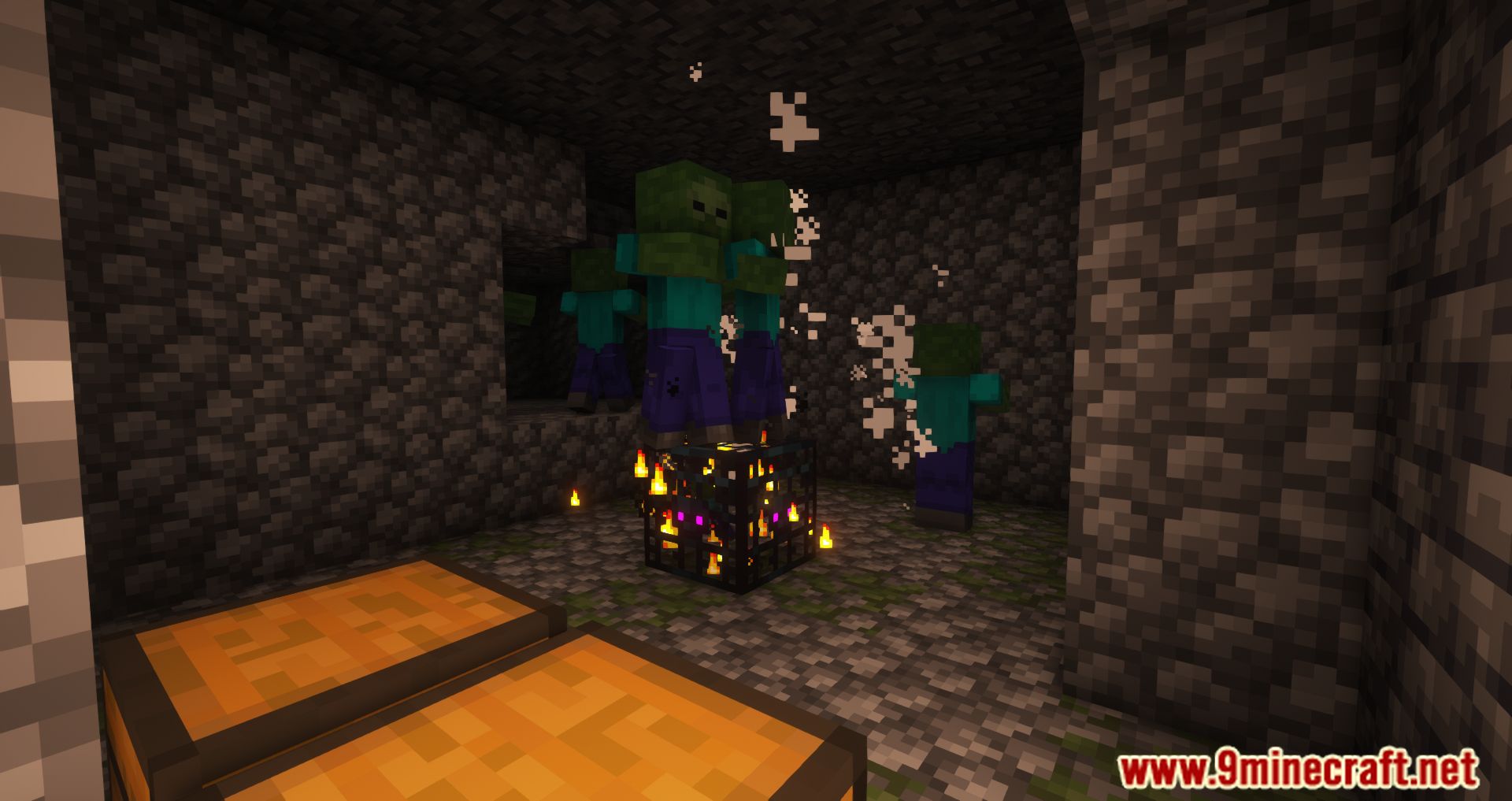
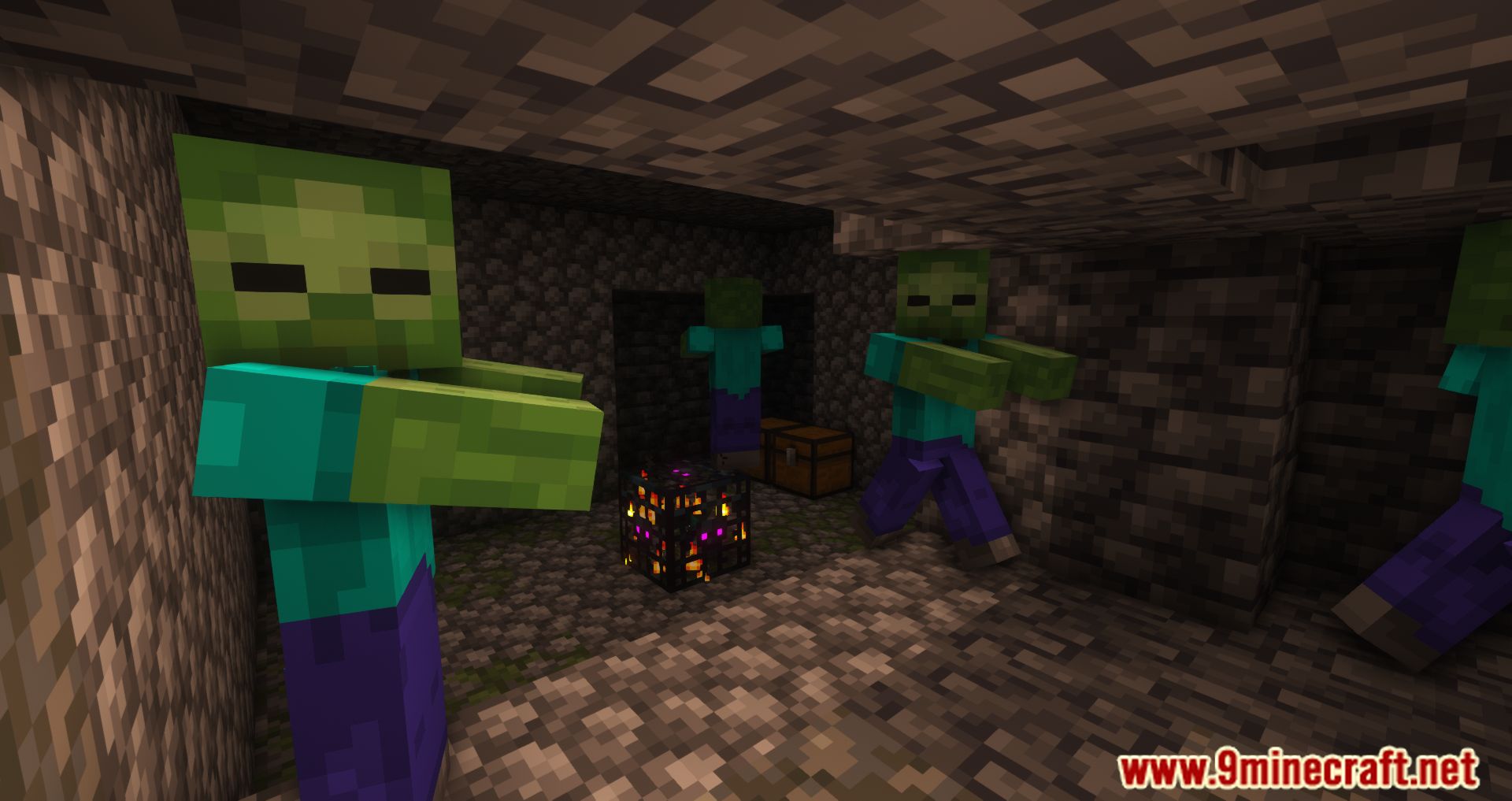
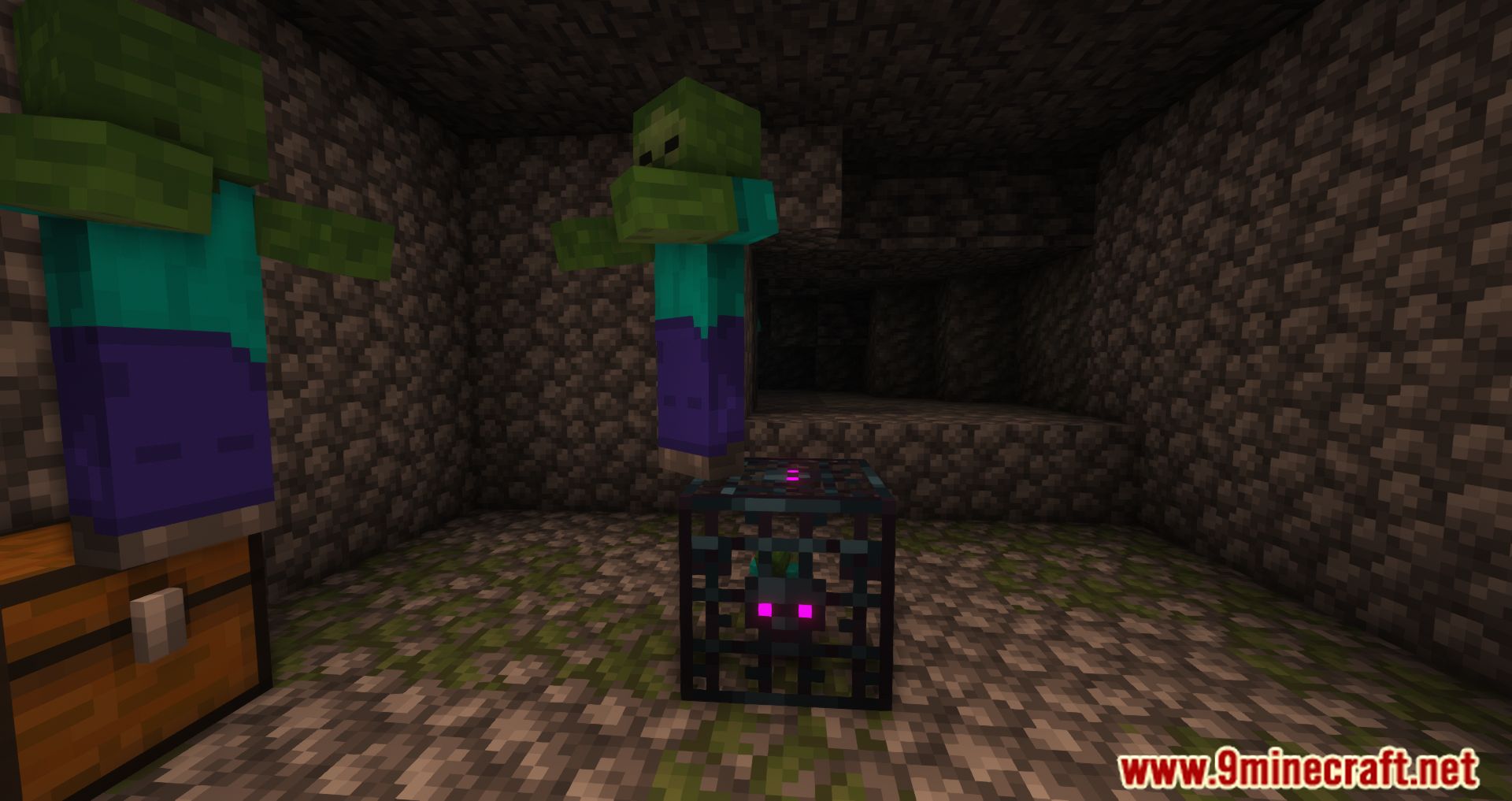
Screenshots:
Requires:
How to install:
Click the following link to view details: How to Install Mods for Minecraft Java Edition on PC: A Beginner Guide
Loot Integrations Mod Download Links
For Minecraft 1.16.5
Forge Version: Download from Server 1
For Minecraft 1.18.2
Forge Version: Download from Server 1
Fabric Version: Download from Server 1
For Minecraft 1.19.2, 1.19.1, 1.19
Forge Version: Download from Server 1 – Download from Server 2
Fabric Version: Download from Server 1
For Minecraft 1.19.3
Forge Version: Download from Server 1 – Download from Server 2
Fabric Version: Download from Server 1 – Download from Server 2
For Minecraft 1.19.4
Forge Version: Download from Server 1 – Download from Server 2
Fabric Version: Download from Server 1 – Download from Server 2
For Minecraft 1.20.1, 1.20
Forge Version: Download from Server 1 – Download from Server 2
Fabric Version: Download from Server 1 – Download from Server 2
For Minecraft 1.21.1, 1.21
NeoForge Version: Download from Server 1 – Download from Server 2
Fabric Version: Download from Server 1 – Download from Server 2
For Minecraft 1.21.8, 1.21.7, 1.21.6, 1.21.5
NeoForge Version: Download from Server 1 – Download from Server 2
Fabric Version: Download from Server 1 – Download from Server 2
For Minecraft 1.21.10, 1.21.9
NeoForge Version: Download from Server 1 – Download from Server 2
Fabric Version: Download from Server 1 – Download from Server 2
For Minecraft 1.21.11
NeoForge Version: Download from Server 1 – Download from Server 2
Fabric Version: Download from Server 1 – Download from Server 2
You May Also Like