


Lunar Account Manager – Play in Lunar Client for Free Permanent
 26
26
 0
0
 22 hours ago
 mallusrgreat
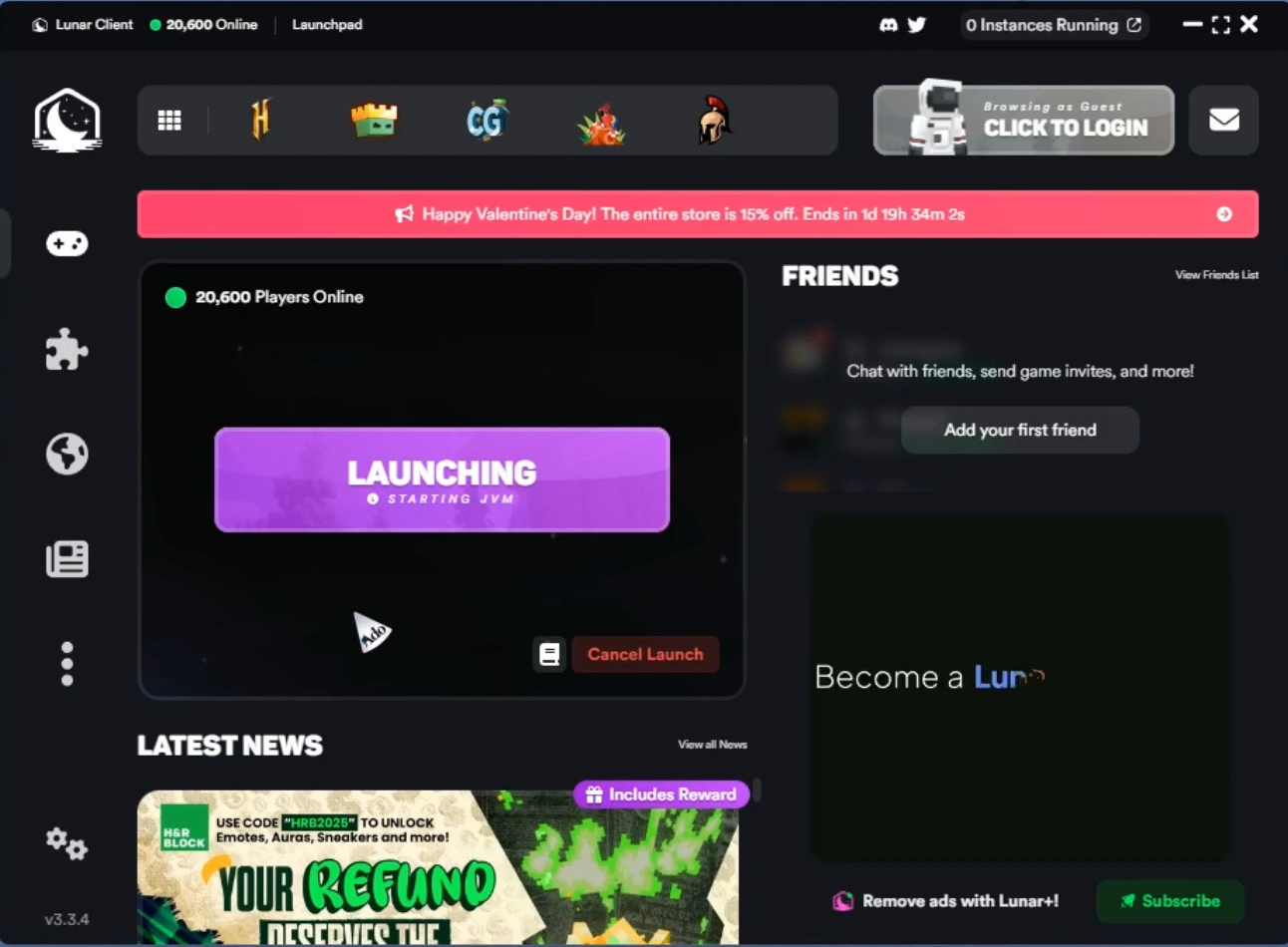
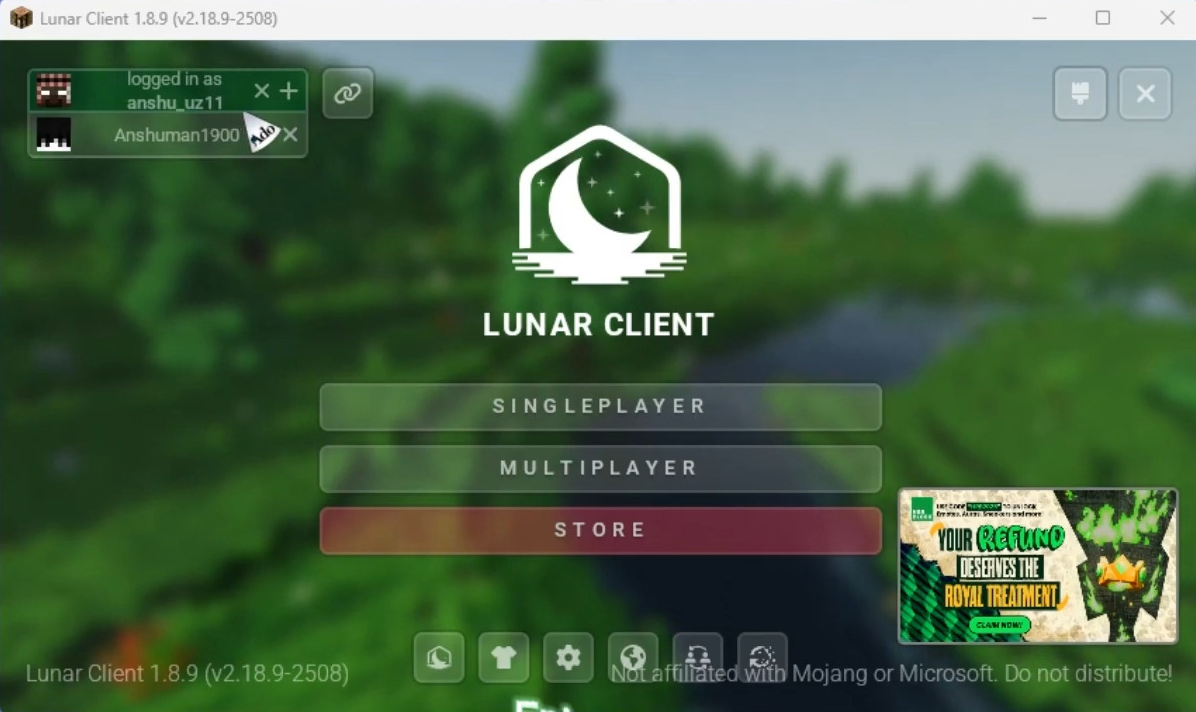
Lunar Account Manager is a third-party tool used by the Minecraft community to allow playing Lunar Client with an offline account. The tool lets users choose any username they want and also supports skins. It is commonly used to play on servers such as JartexNetwork, PikaNetwork, HeroMC, or in singleplayer.
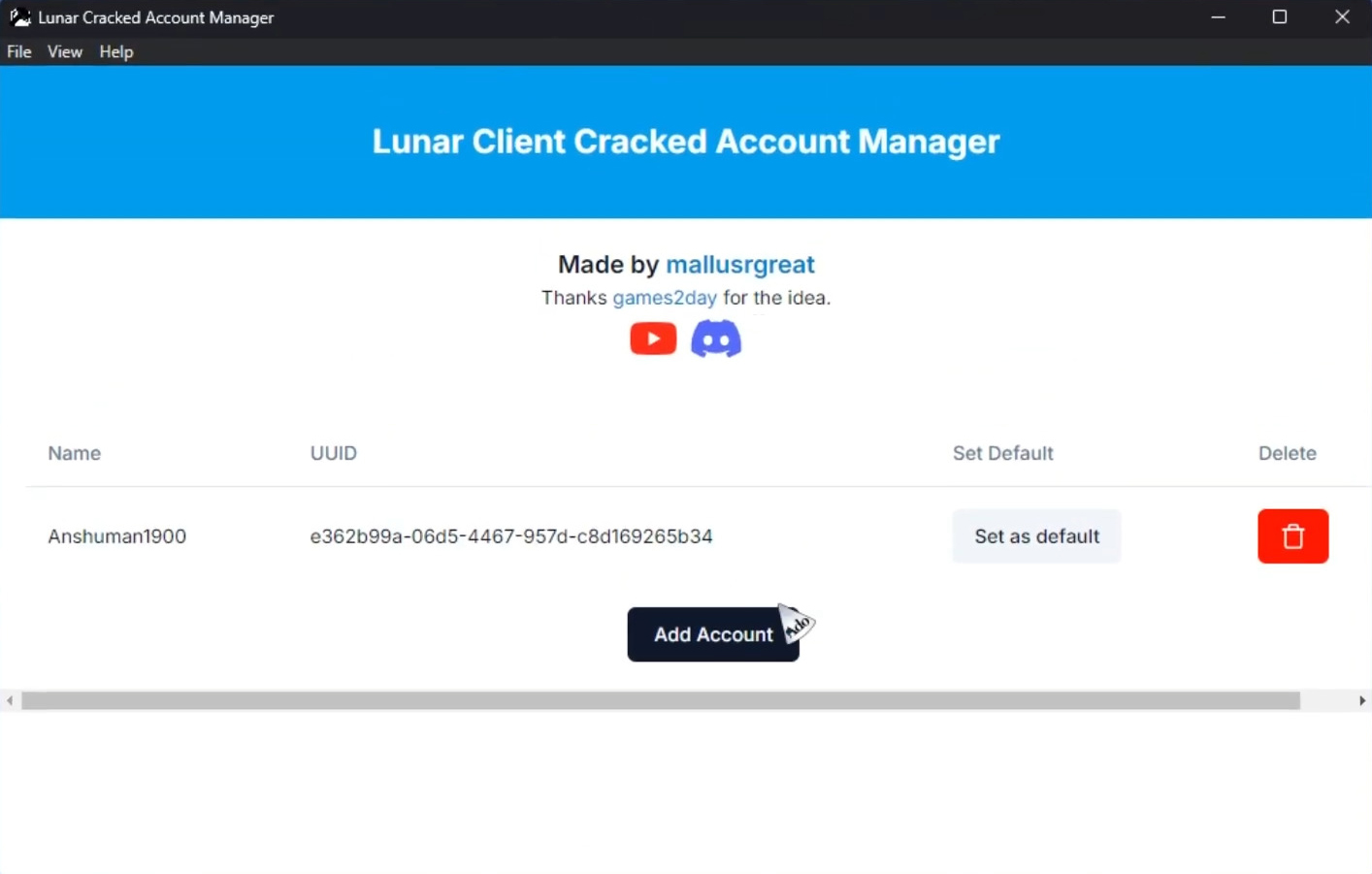
Screenshots:
Requires:
Windows 10-11 or compatible system.
.NET Framework 4.7.2 (installed by default on most systems).
How to use:
- Install Lunar Client and launch any version once.
- Download tool below.
- Right-click
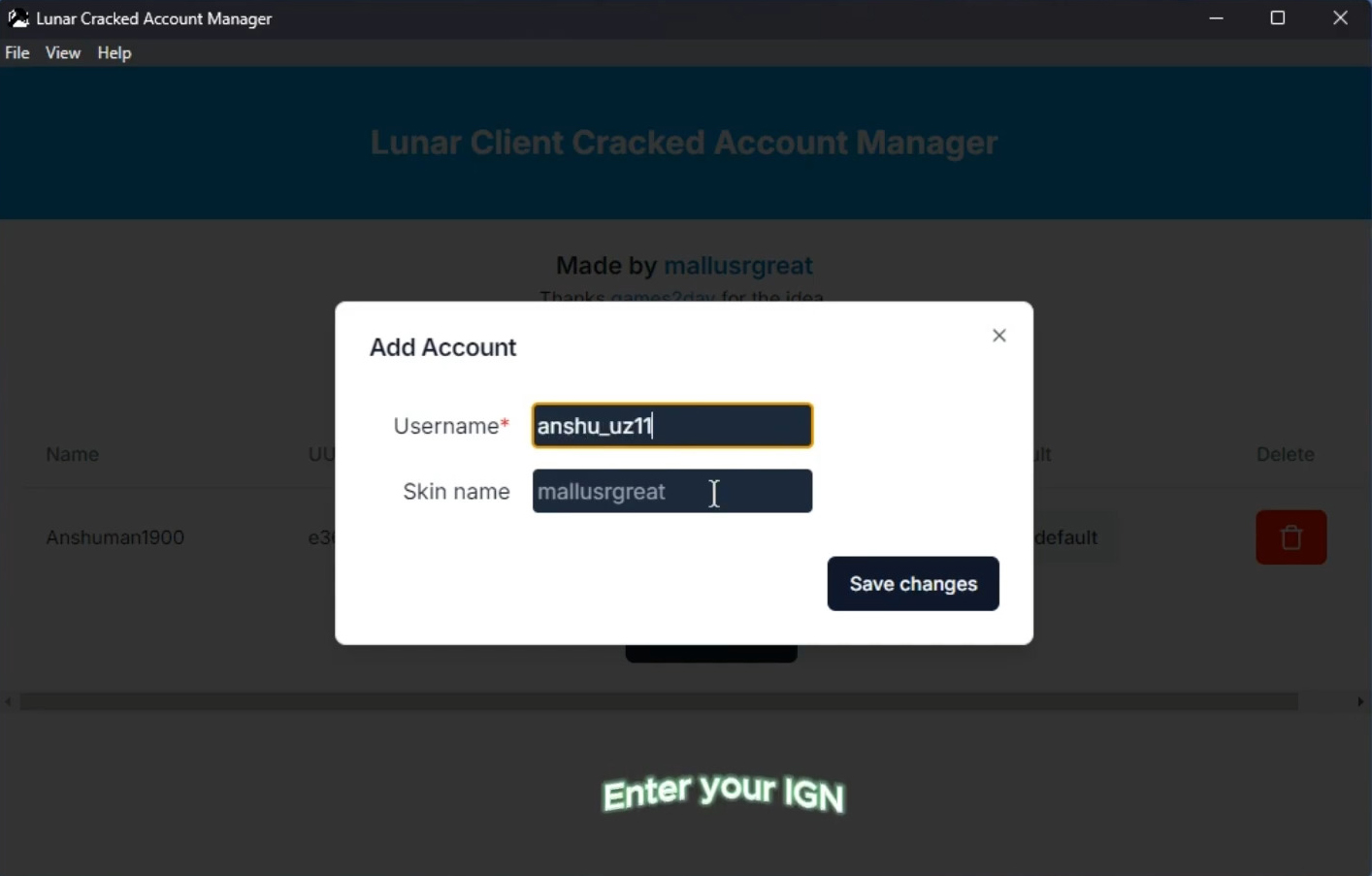
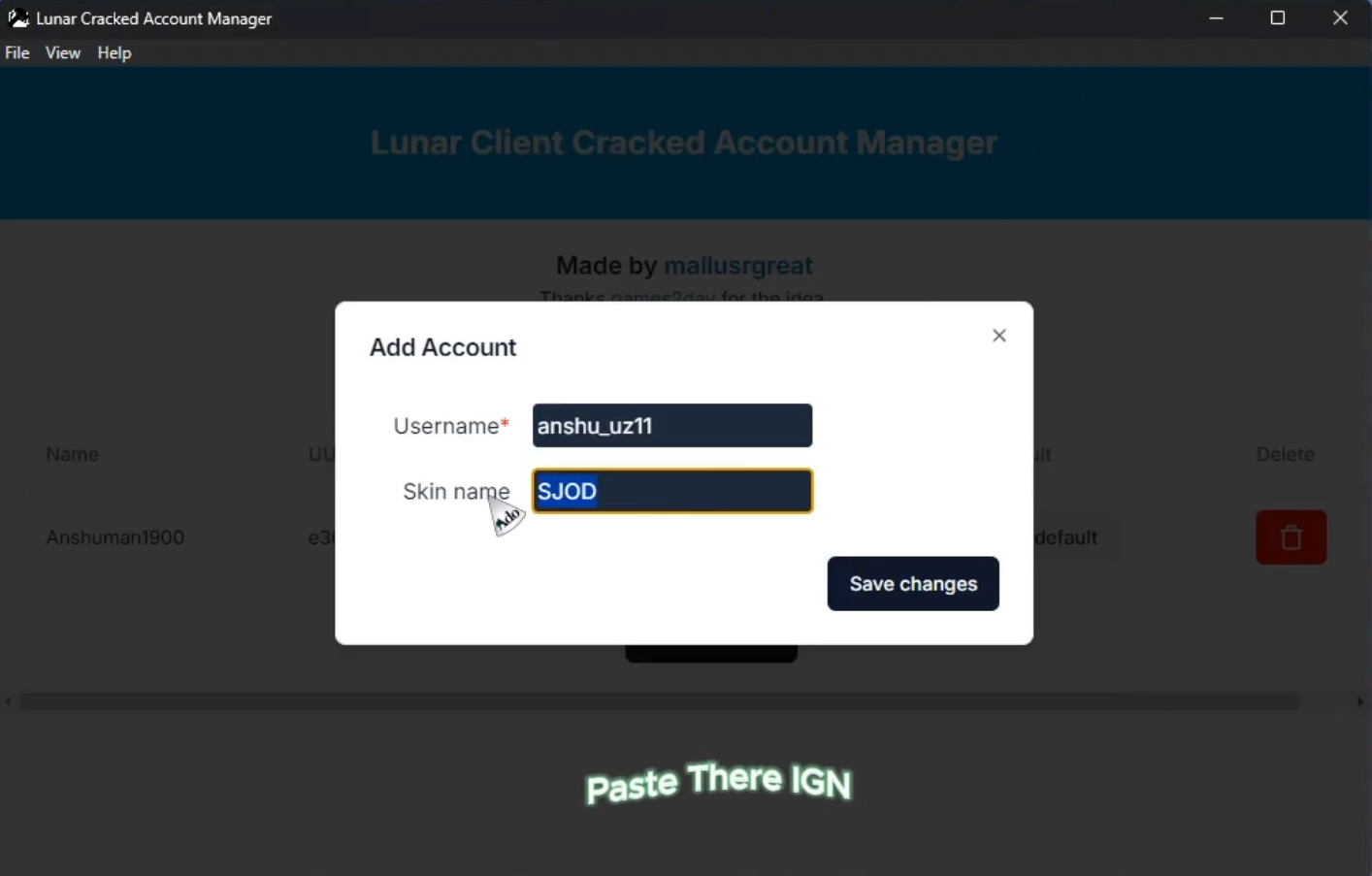
Lunar-Account-Manager.exe, select Run as administrator. - Select Add Account:
- Username: 3–16 characters (letters/numbers only for multiplayer).
- UUID: Copy from
namemc.com(search player with desired skin). - Click Save.
- Open Lunar Client, choose Offline Mode, select new account. Skin appears in multiplayer.
Lunar Account Manager Download Links
Windows Installer: Download from Server 1 – Download from Server 2
Click to rate this post!
[Total: 0 Average: 0]













