
Magic Vibe Decorations Mod (26.3, 1.20.1) – Turn Any Base Into a Witch Sanctuary
 6,676
 0


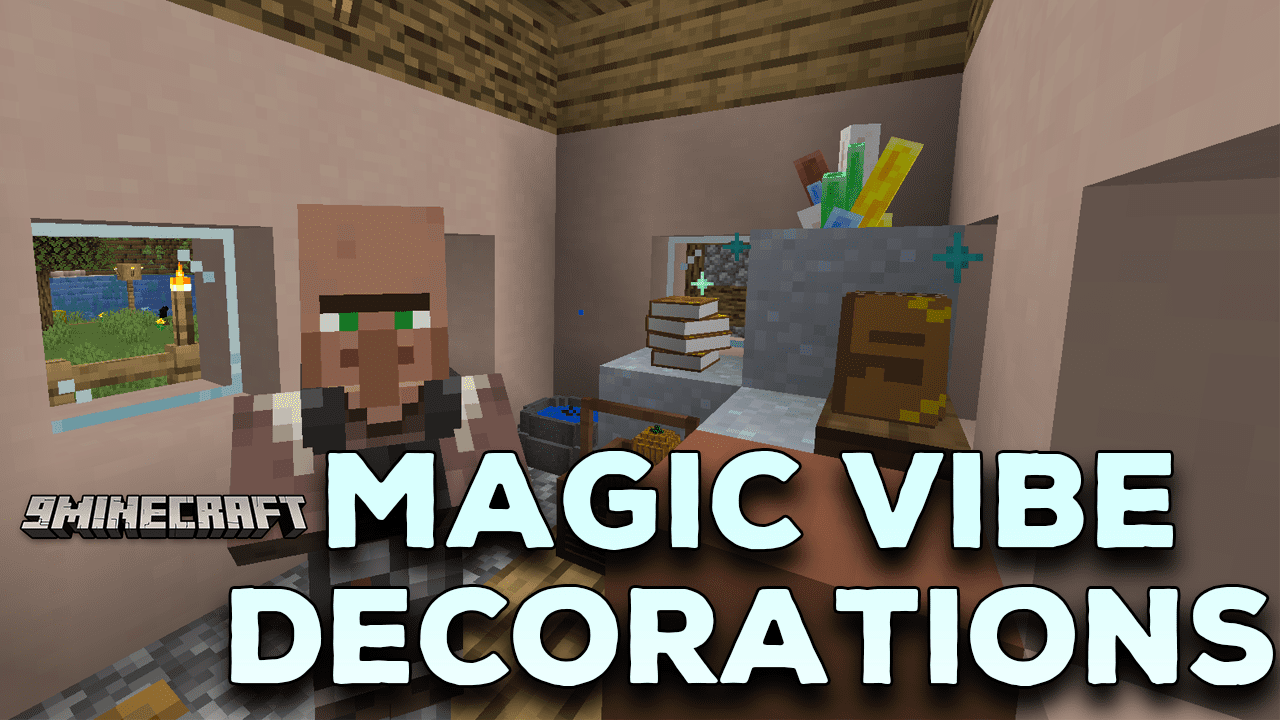
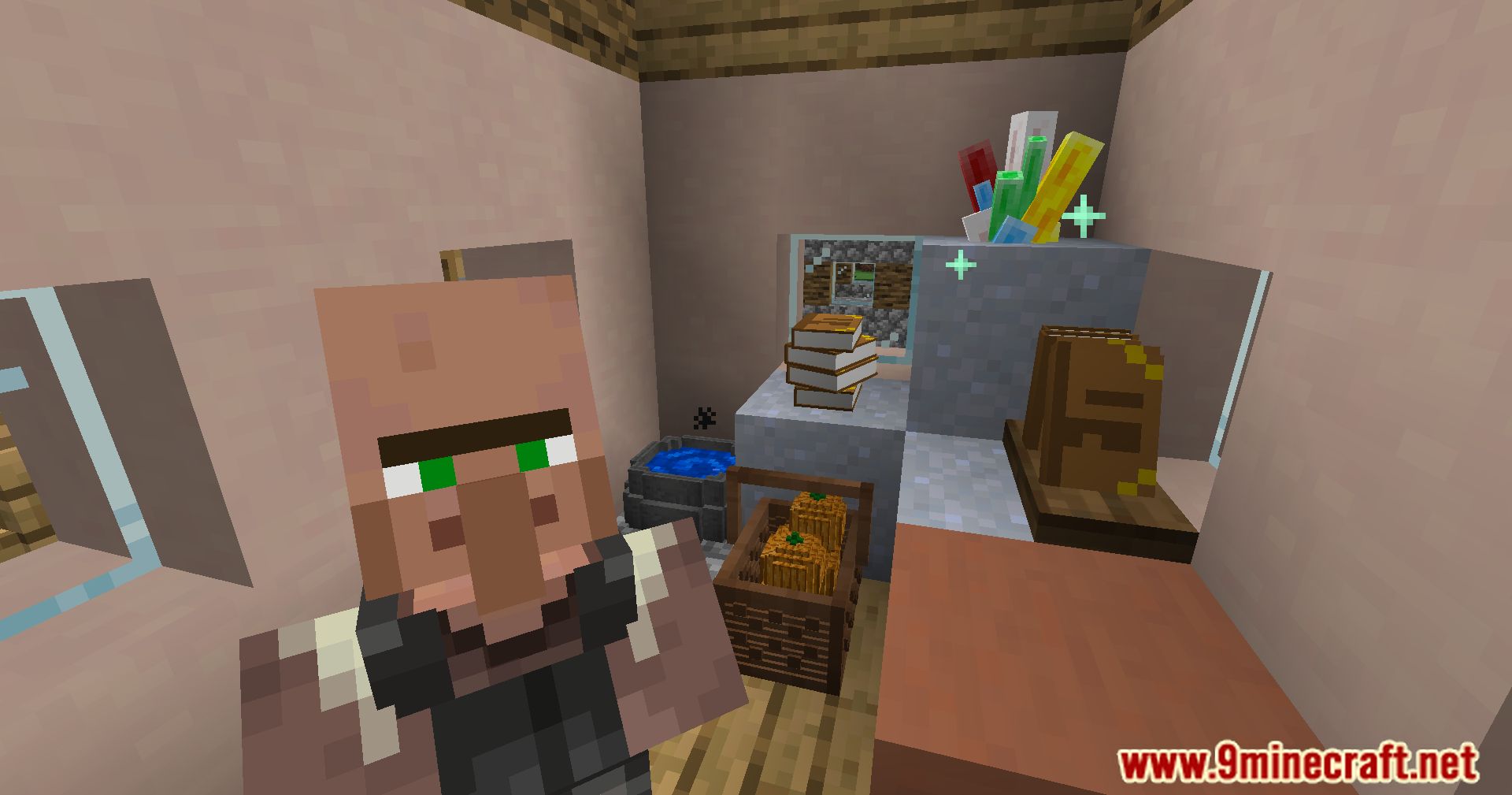
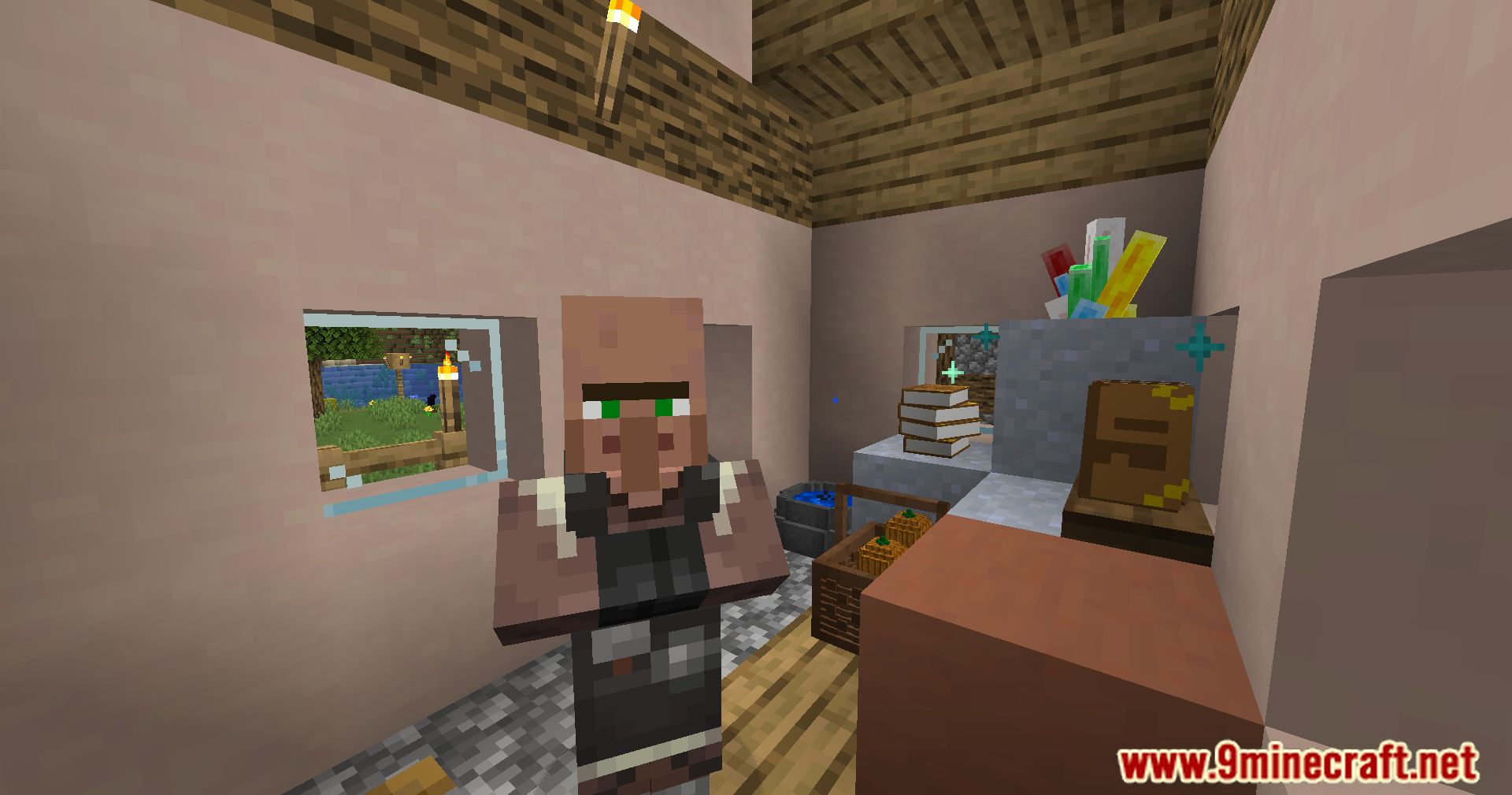
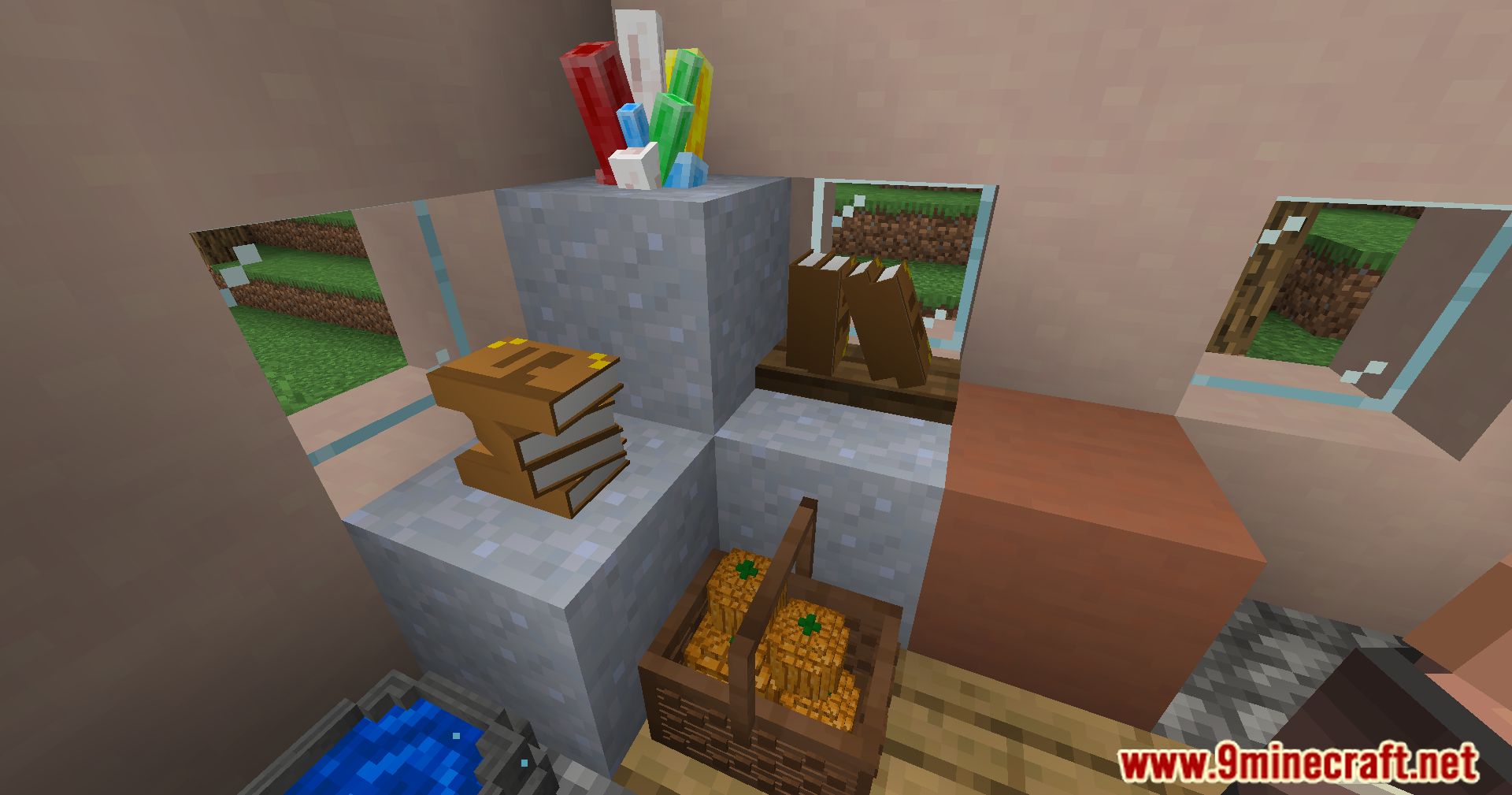
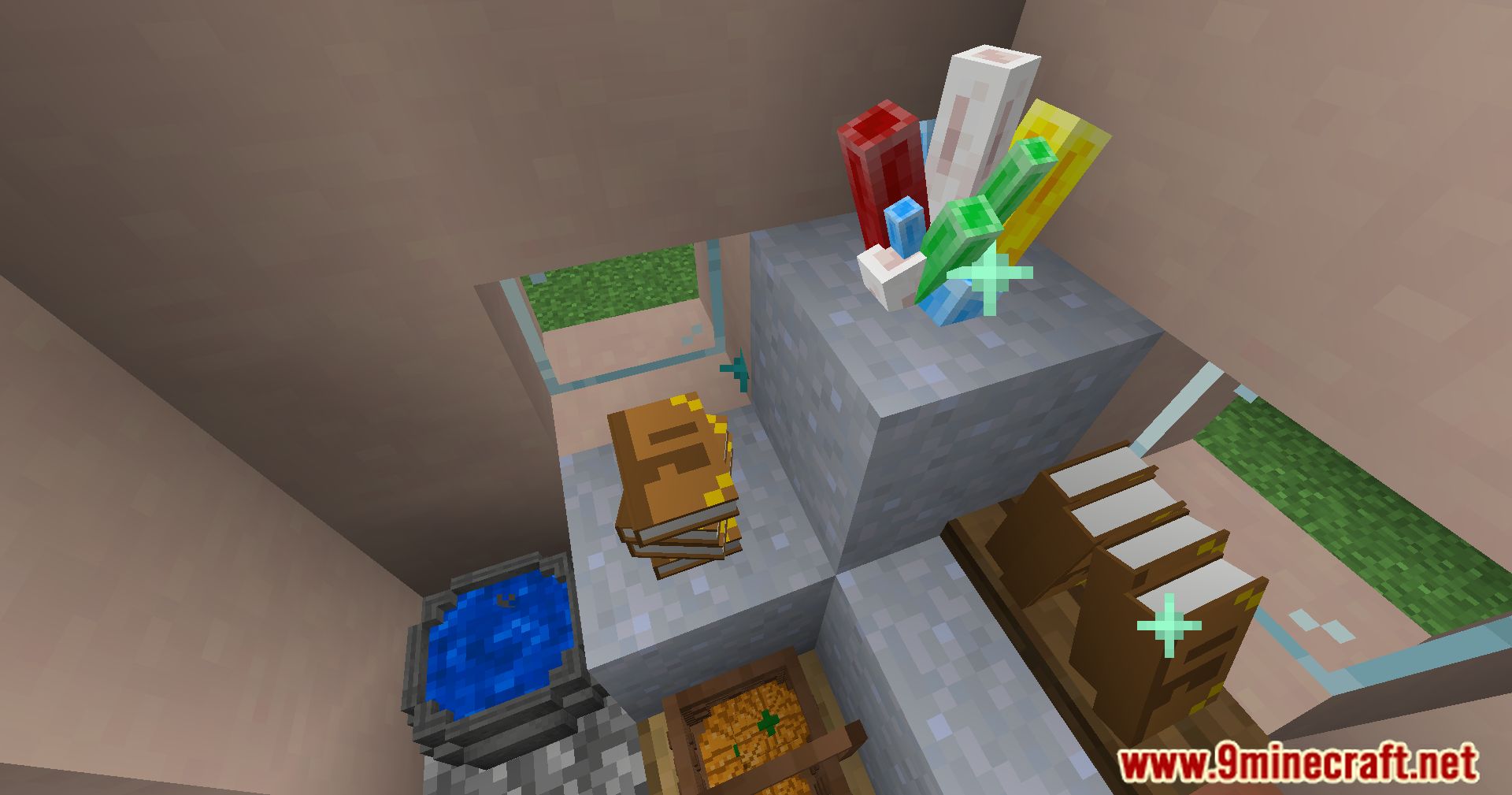
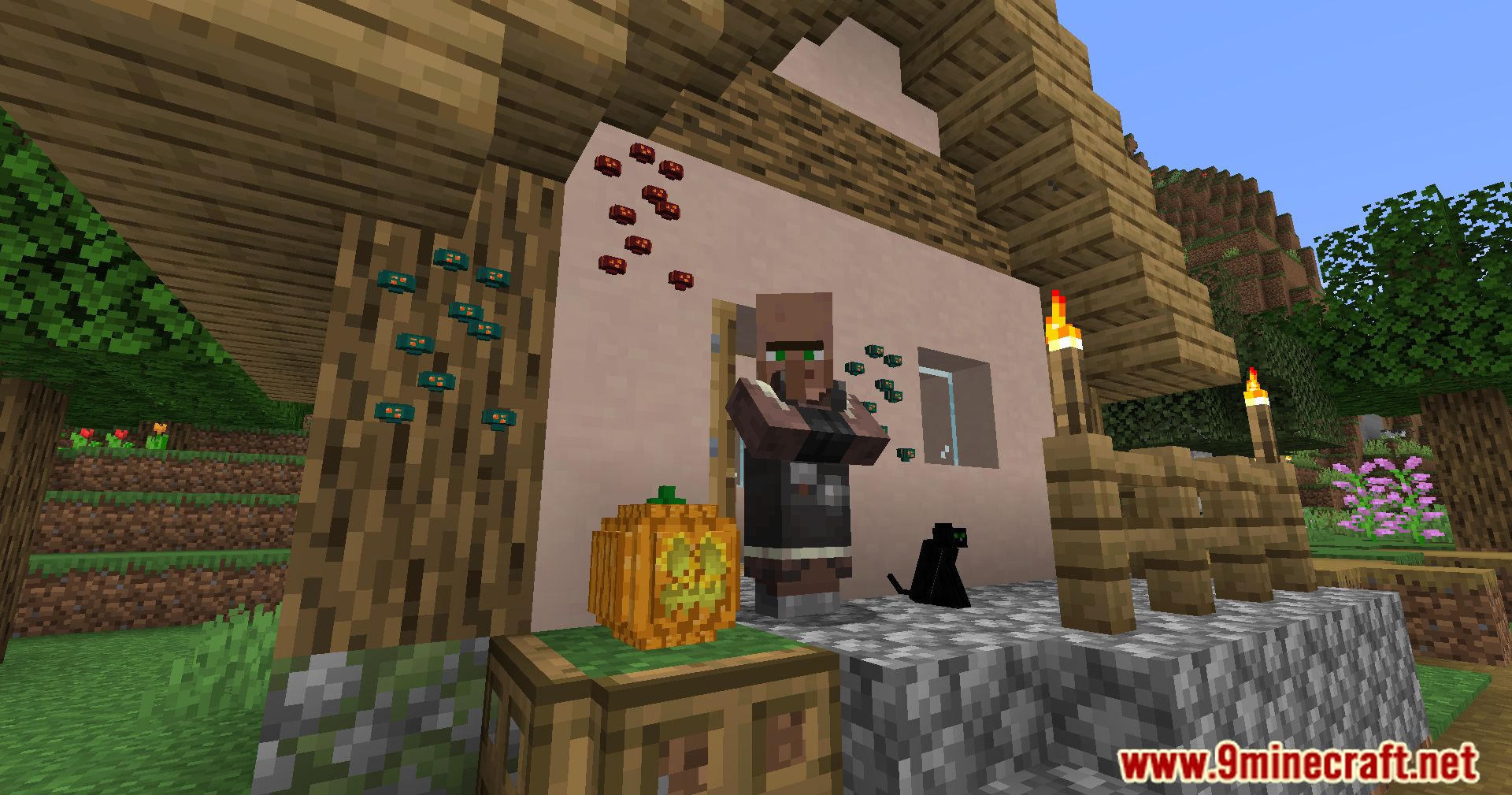
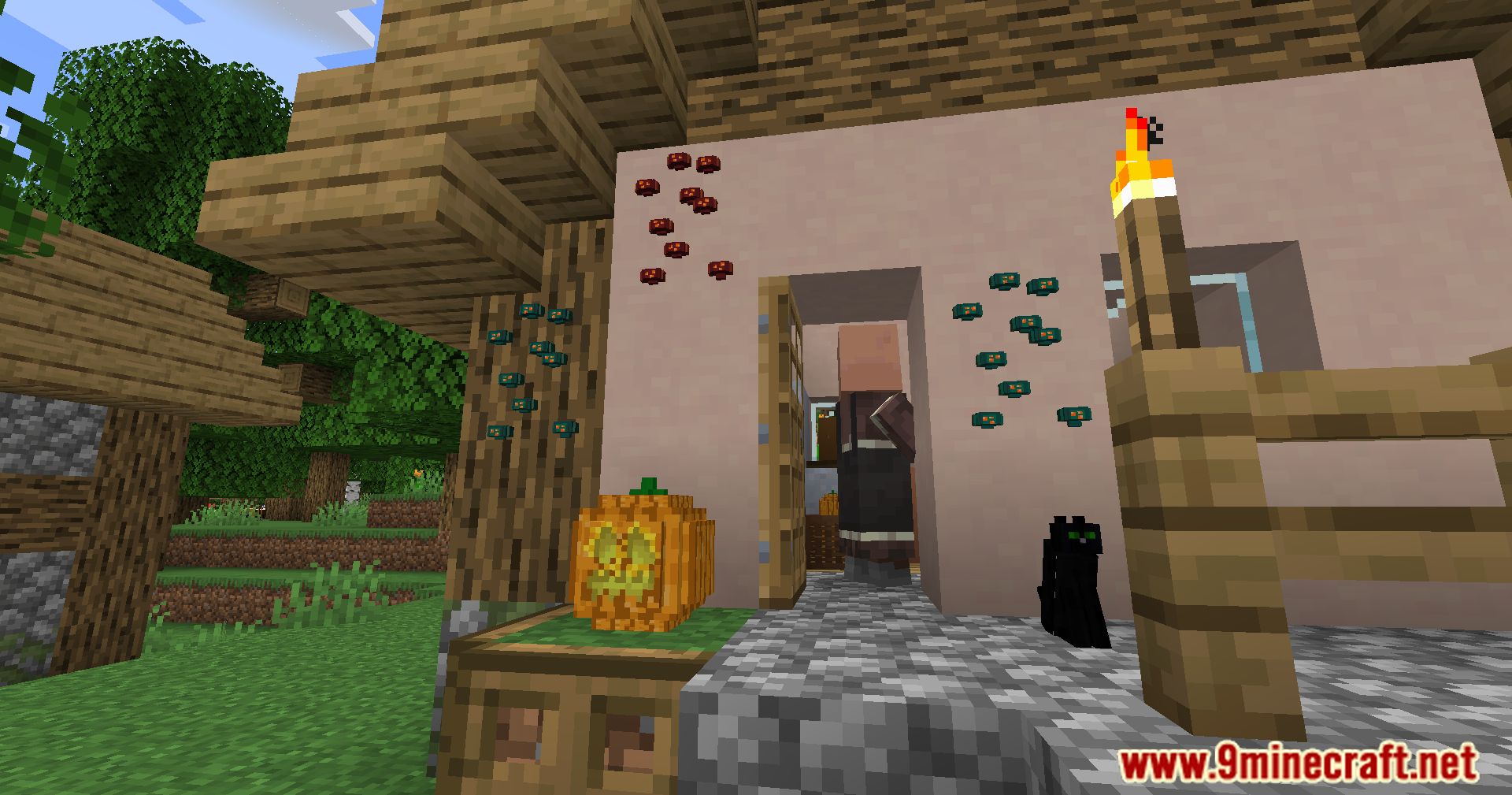
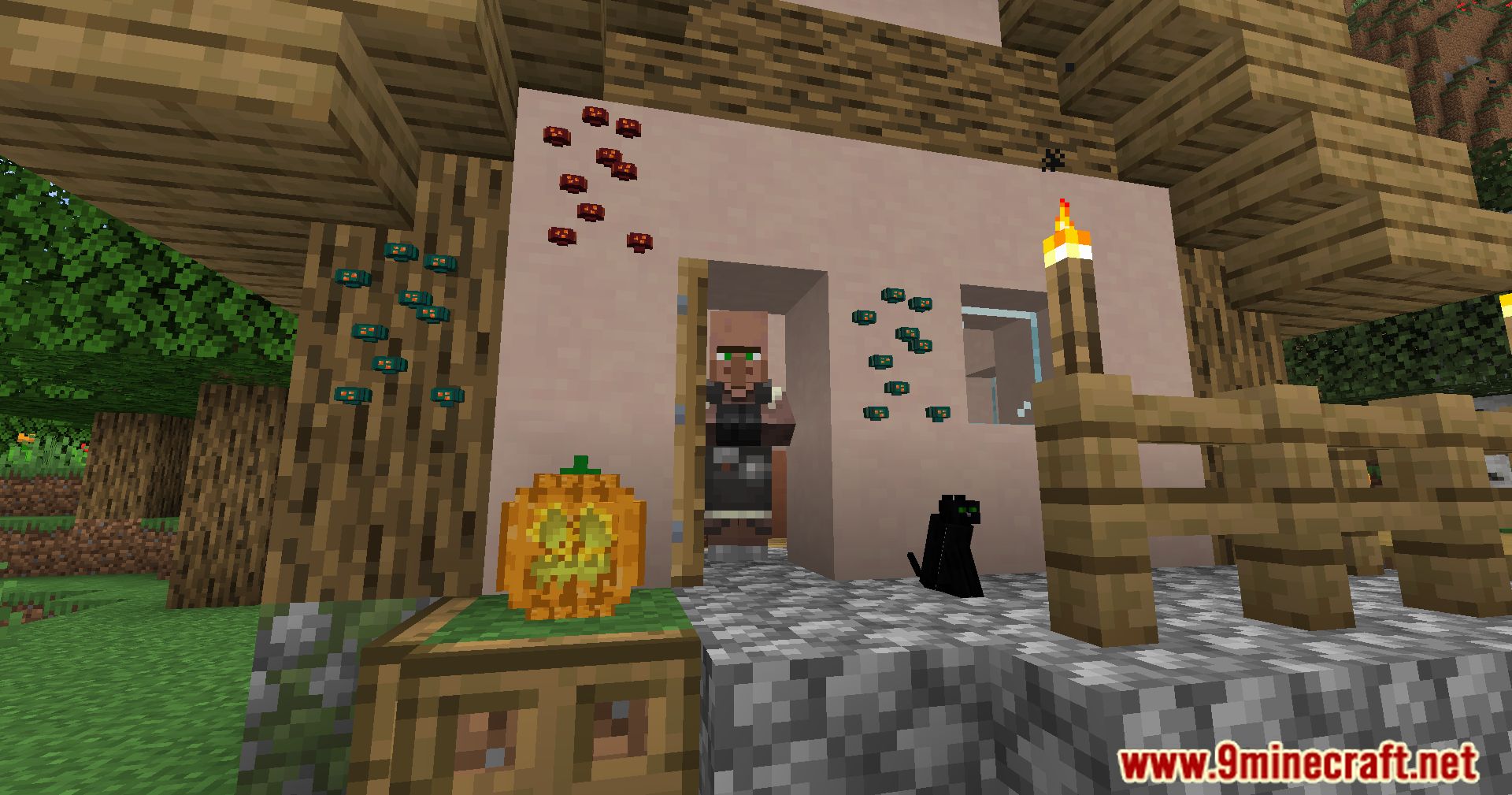
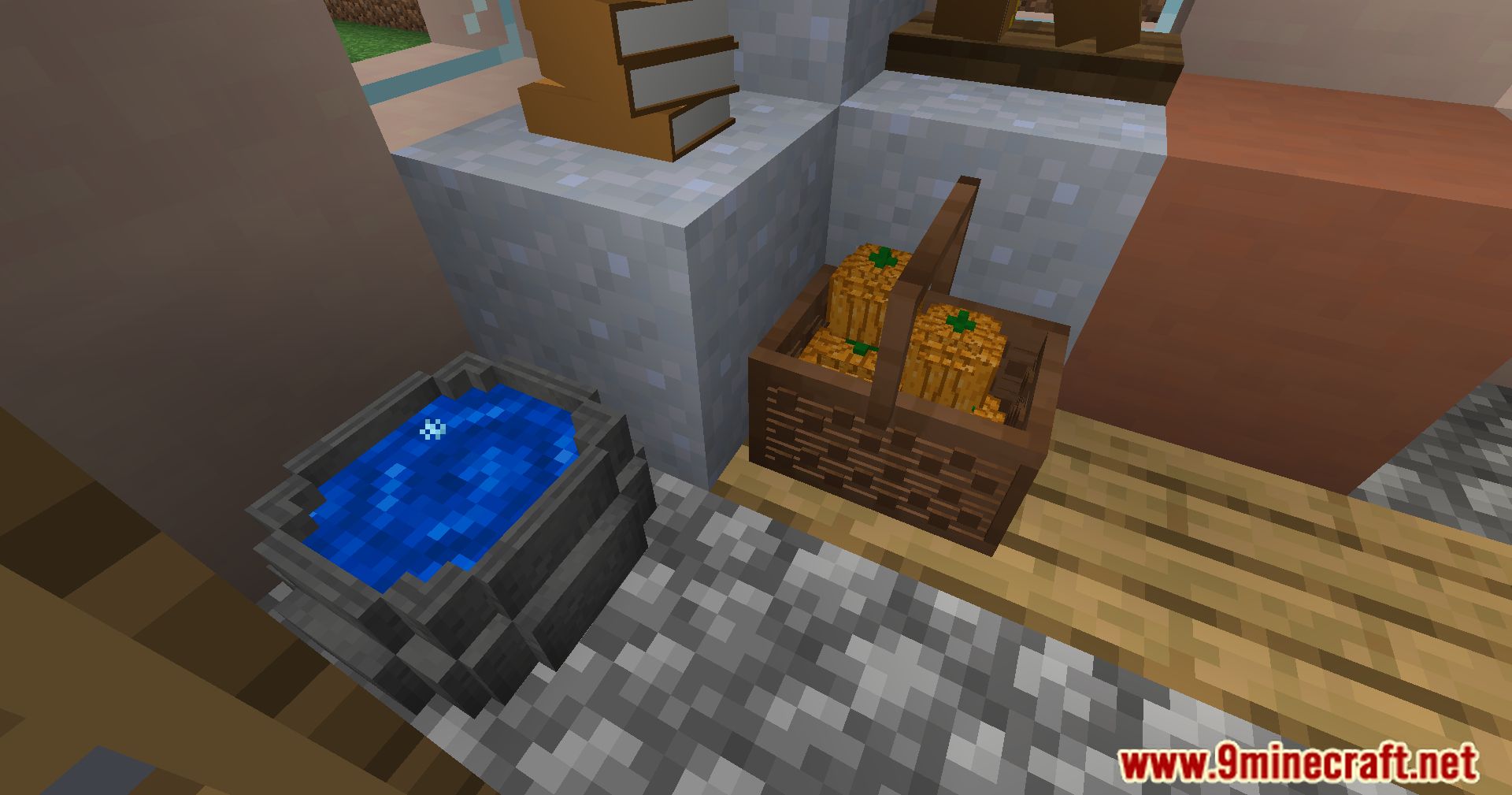
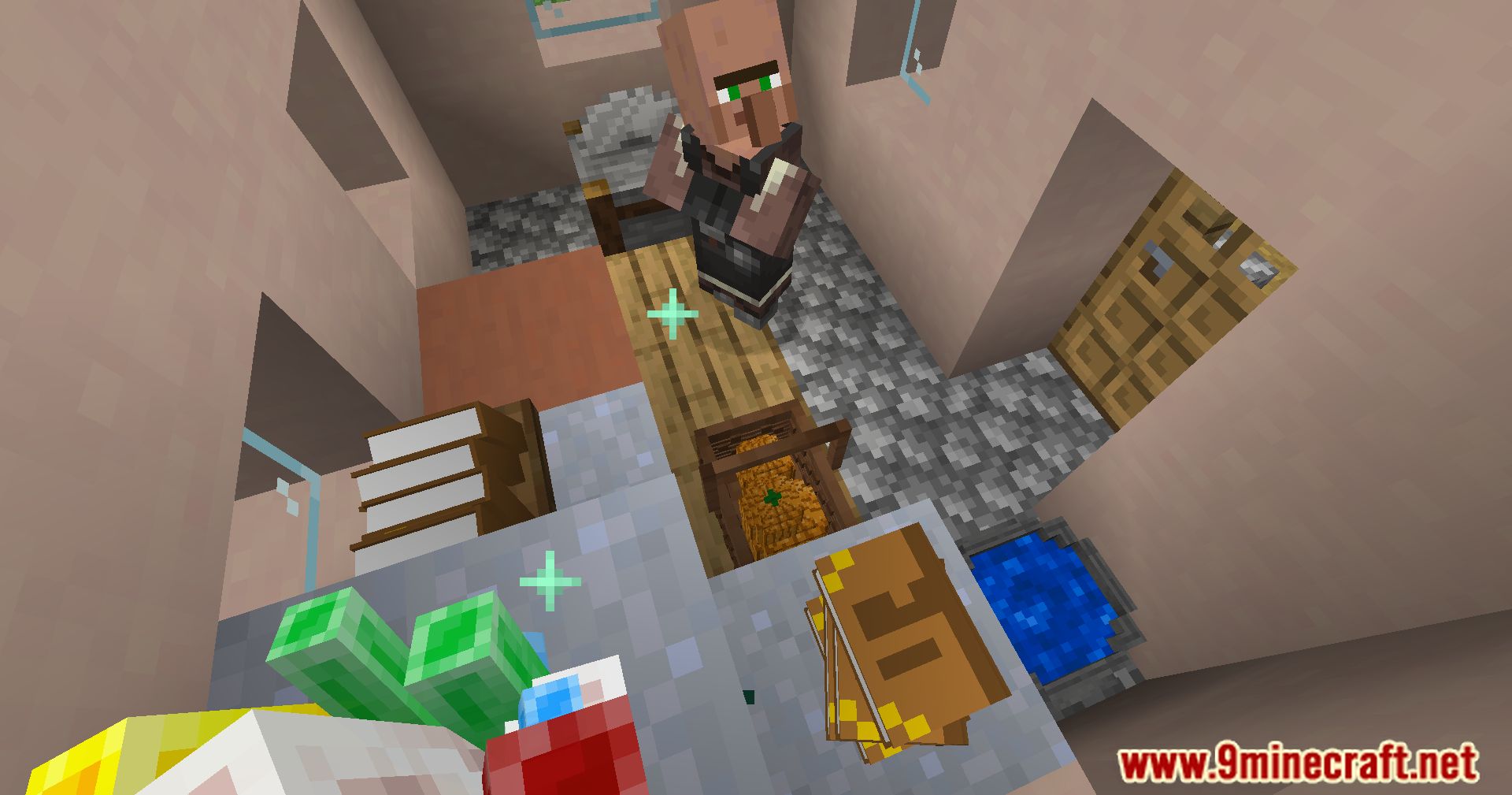
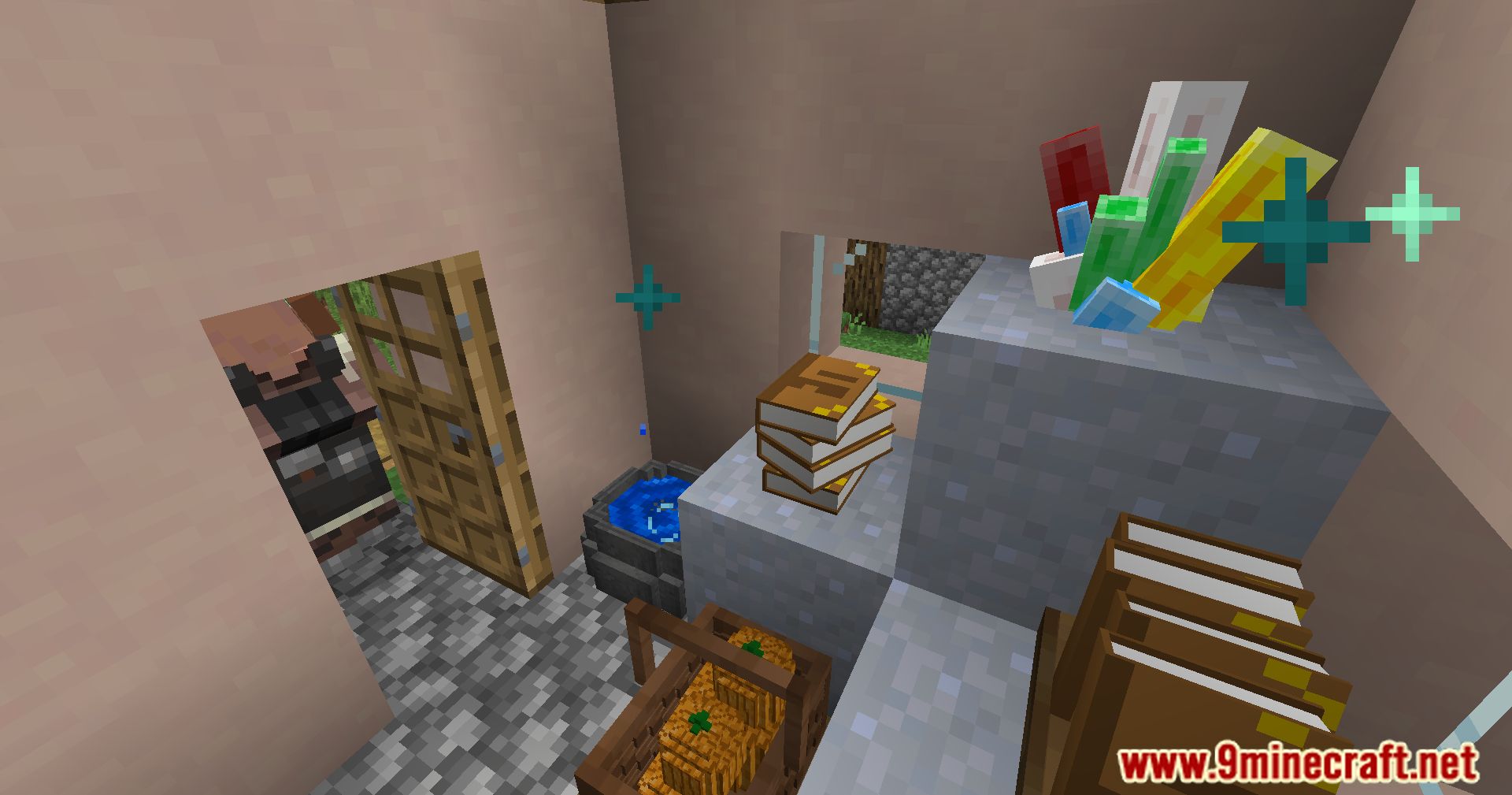
Magic Vibe Decorations Mod adds witch-themed decorations, magical items, and glowing crystals to Minecraft. You can decorate your rooms with crystal lamps, crystal star balls, a sorcerer’s altar, a jewelry chest, wall paints, book stacks, and food baskets. Some crystals from the Overworld, Nether, and End also give you helpful protective effects, and most crystals stick to walls and ceilings. You can interact with objects like sparkling crystal balls, stackable books, and placeable foods, and craft items with vanilla resources. This mod needs Fabric API on Fabric, and JEI is recommended for viewing recipes.
Features:
- Adds witch-themed decorations and magical items, including crystal lamps, crystal star balls, a sorcerer’s altar, a jewelry chest, and wall paints.
- Lets you craft all decorative items using vanilla Minecraft resources.
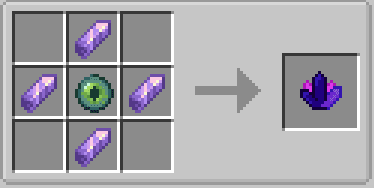
- Includes protective crystals, along with three legendary crystals from the Overworld, Nether, and End, that give you helpful protective effects.
- Allows you to place most crystals directly on walls or ceilings.
- Lets you use shears on placed crystals to get different crystal shapes.
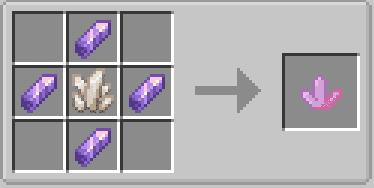
- Lets you turn any crystal except crystallised clusters into crystal shards to craft other decorations.
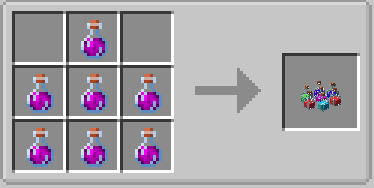
- Allows you to craft potion collections and brewing pots using any type of potion.
Interactive Decorations:
- Crystal Ball: sparkles when you right-click it and comes in 2 versions to match your style.
- Book Stacks: stack as high as you want when you crouch while placing them, and turn back into regular books when you right-click them.
- Placeable Foods and Baskets: stay movable so you can pick them up and place them somewhere else until you start using them.
How to Use:
- Turn any crystal except crystallised clusters into crystal shards so you can craft more decorations.
- Place most crystals on blocks, walls, or ceilings, then use shears on placed crystals to get different crystal shapes.
- Plant crystal shards in a crystal planter in older builds and harvest the fully grown crystallised cluster to get different crystal shapes.
- Right-click a placed crystal ball to make it sparkle.
- Crouch while placing books to stack them as high as you want, and right-click a placed stack to turn it back into regular books.
- Place foods and baskets around your room; you can move and replace them until you start using them.
- Use any potions you have to craft potion collections and brewing pots.
- Turn on glowing particles in your shader settings to get the best glow effect.
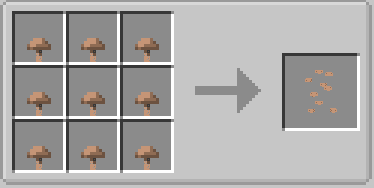
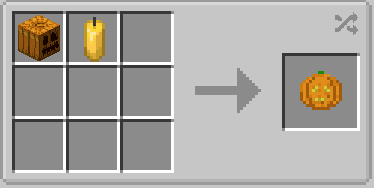
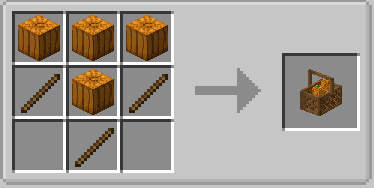
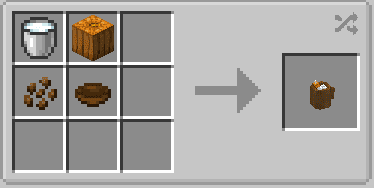
Crafting Recipes:
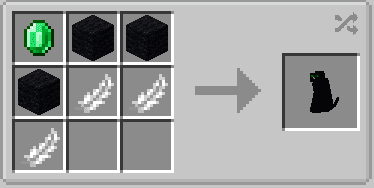
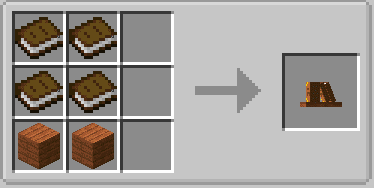
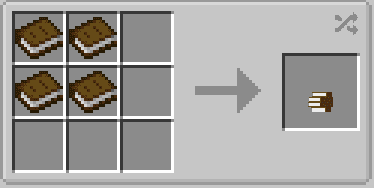
Screenshots:
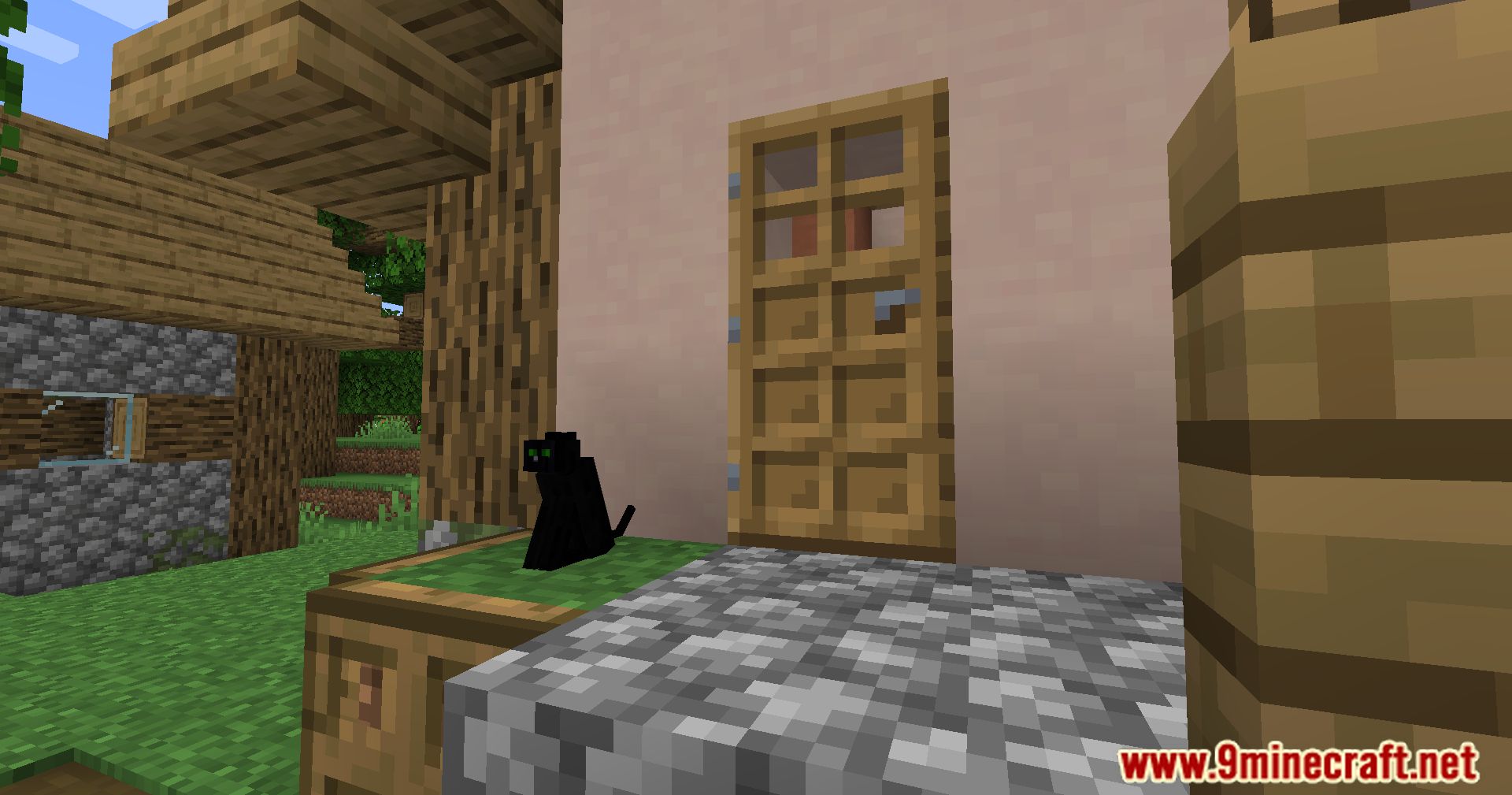
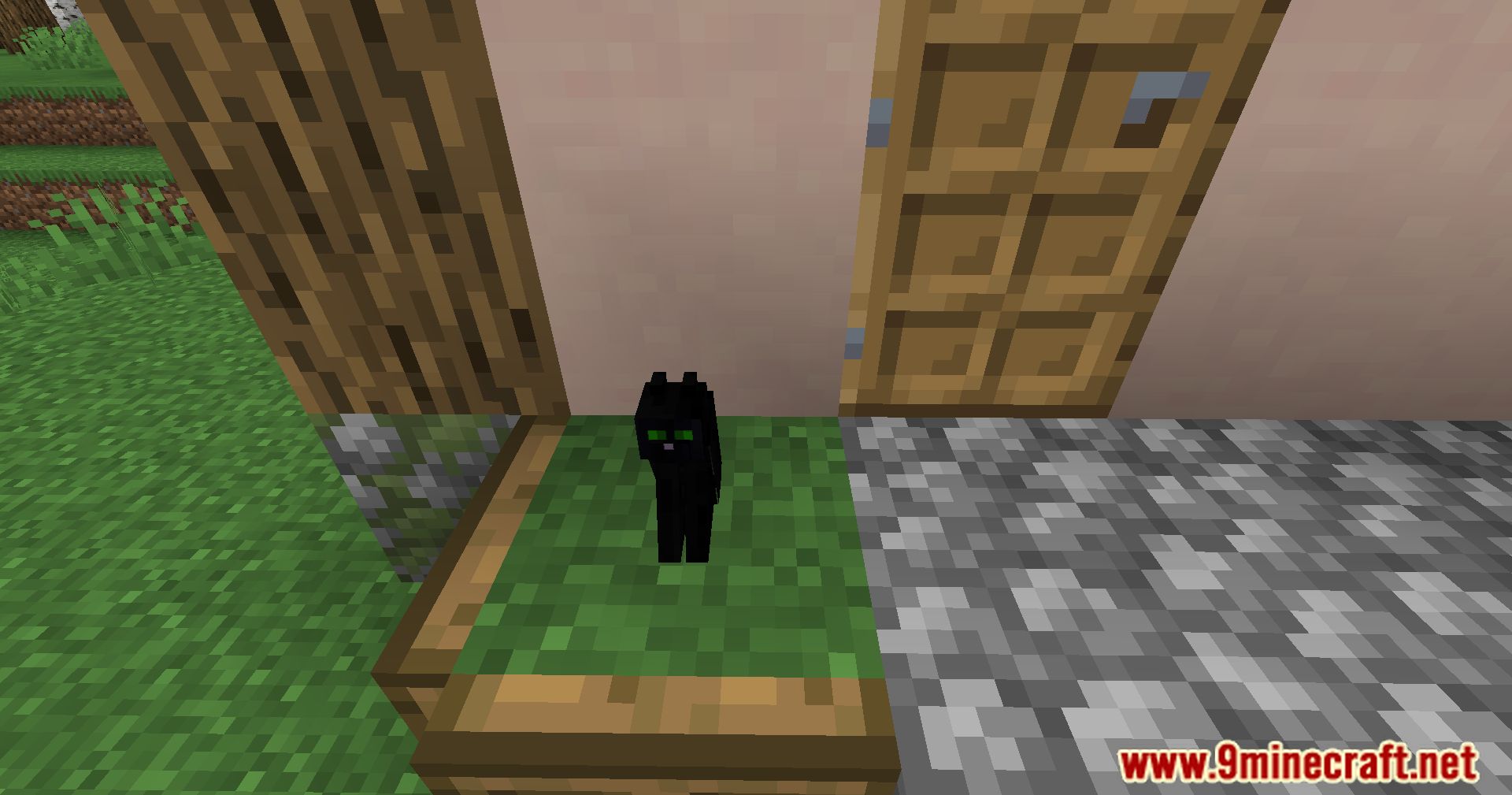
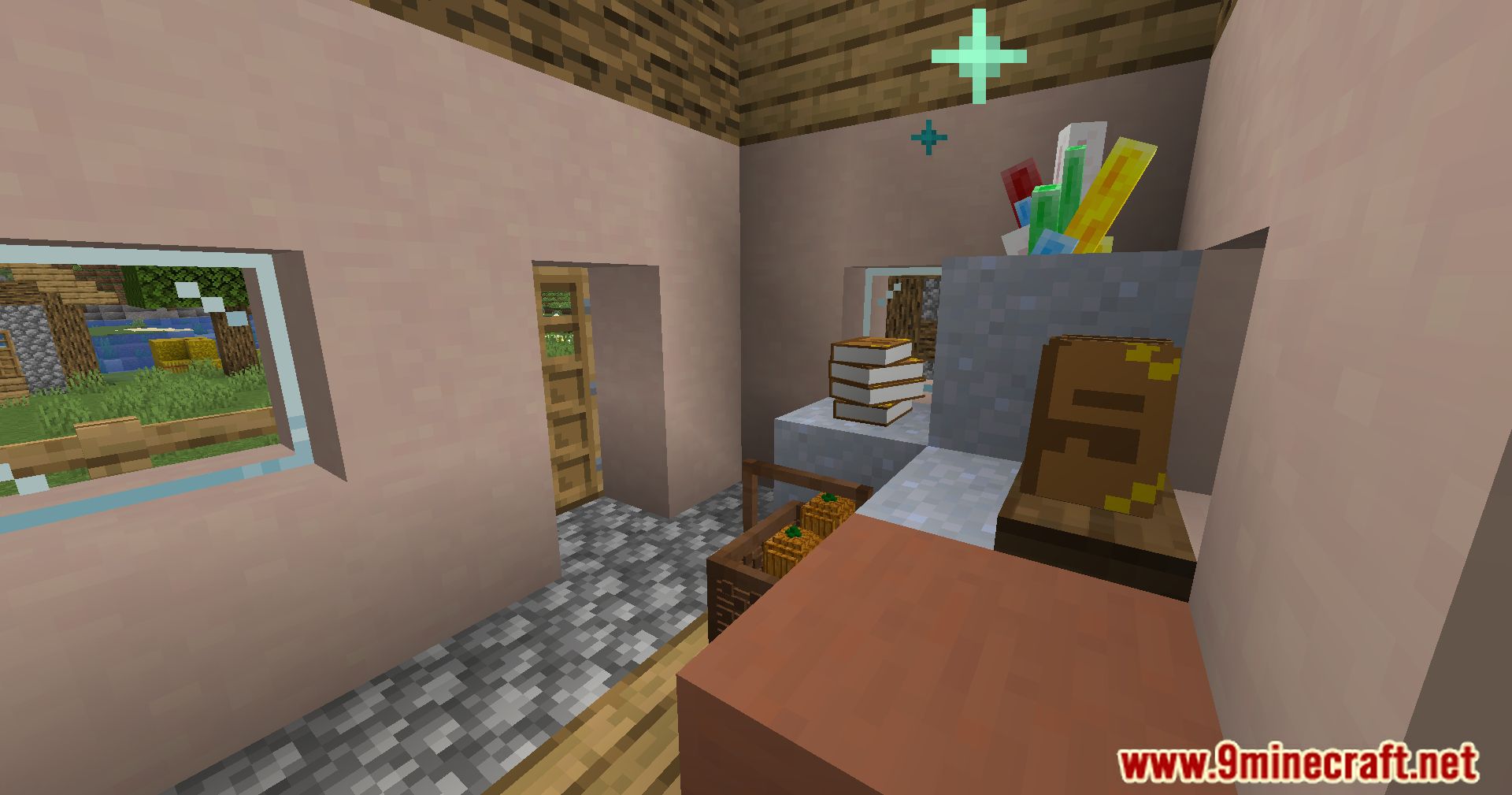
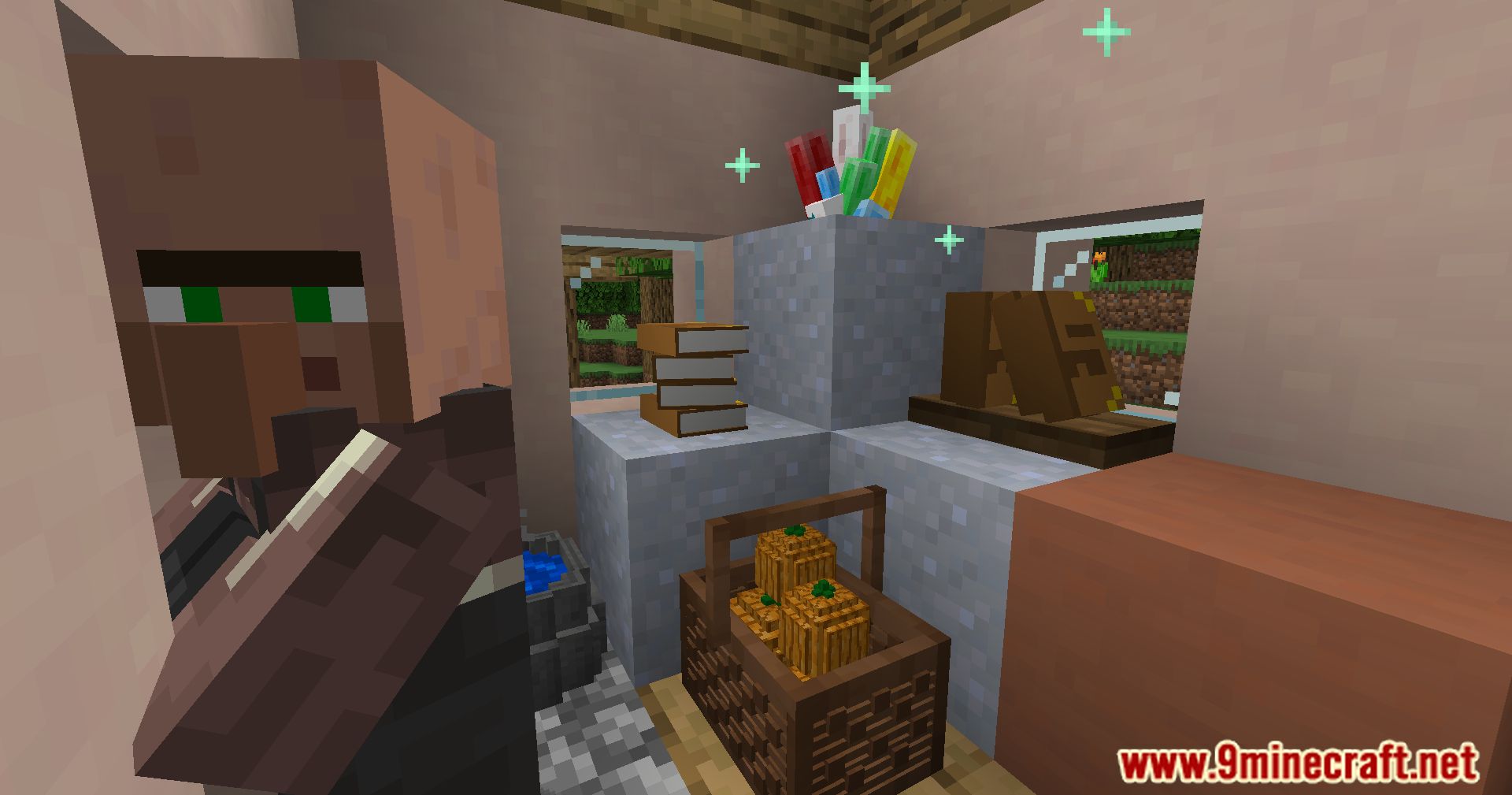



For Minecraft 26.3
For Minecraft
26.2,
26.1.2,
26.1.1
All Versions Covered
26.2
26.1.2
26.1.1
26.1
All Versions Covered
26.2
26.1.2
26.1.1
26.1
For Minecraft 26.1.2, 26.1.1, 26.1
For Minecraft 1.21.11
For Minecraft 1.21.10, 1.21.9
For Minecraft
1.21.8,
1.21.7,
1.21.6
All Versions Covered
1.21.8
1.21.7
1.21.6
1.21.5
1.21.4
1.21.3
All Versions Covered
1.21.8
1.21.7
1.21.6
1.21.5
1.21.4
1.21.3
For Minecraft 1.21.1, 1.21
For Minecraft 1.20.6
For Minecraft 1.20.4
For Minecraft 1.20.2
For Minecraft 1.20.1, 1.20
For Minecraft 1.19.4
For Minecraft 1.19.2
For Minecraft 1.18.2
For Minecraft 1.16.5
Click to rate this post!
[Total: 1 Average: 5]
You May Also Like
Picked for this page
 Lighting Wand Mod (26.1.2, 1.20.1) – Showing Light Sources
 Useful Hats Mod (26.3, 1.20.1) – Utiltity Headwears
 Time in a Bottle Mod (26.3, 1.20.1) – Time Reservation
 Smooth Chunk Save Mod (26.3, 1.20.1) – Server Performance
 Status Effect Timer Mod (26.3, 1.20.1) – Overlay Timer, Amplifier Display
 Cyclops Core (26.3, 1.20.1) – Library for Kroeser’s Mods
 Furnace Recycle Mod (26.3, 1.20.1) – Recycle And Use
 Stronger Snowballs Mod (26.3, 1.20.1) – Powerful Ranged Attack
 Carpet TIS Addition Mod (26.3, 1.20.1) – Useful Tools and Interesting Features
 Thirsty Bottles Mod (26.3, 1.20.1) – Make Water a Real Resource
 Cloud Tweaks Mod (26.2, 1.20.1) – Configure Cloud And Sky Details
 RPG Attribute System Mod (26.3, 1.20.1) – Earn Permanent Stats By Leveling Up
Most viewed in Mods over the last 7 days
 Ala Industrial Mod (26.3) – Run Electric Power Grids and Automated Factories
 PleasureCraft Mod (26.3, 1.21.1) – Jenny Mod Remake for Fabric
 Jennycraft Mod (26.3, 1.20.1) – Virtual Girlfriend in Minecraft
 Fapcraft Mod (26.3, 1.12.2) – Comprehensive and Detailed Content
 Jenny Mod (Fapcraft) Official Complete Guide – How to use, Tutorial
 BangCraft Mod (1.20.1) – Jenny, Ellie and Elliot
 Fabric Loader (26.3, 1.20.1) – Fabric Installer for All Minecraft Versions
 Meteor Client Mod (26.3, 1.20.1) – Xray, HUD, Fly
 The Shooting Star Demo Mod (26.3, 1.20.1) – Vaporize Terrain From Orbit
 OptiFine HD (26.3, 1.20.1) – Run Faster, FPS Boost, Shaders Support
 Aristois Client Mod (1.21.4, 1.20.1) – World Class Minecraft Utility
 Prestige Client Mod (1.21.11, 1.21.4) – Powerful Ghost Features for Crystal & Sword PvP
More from Mods
 Fabric Gui ImGui Mod (26.3, 1.21.11) – Clean Custom Menus and In-Game Control
 Multi Item Lib Mod (1.20.1) – Wield Custom Gear with Flawless Hand Animations
 Universe3090 Mod (1.20.1) – Survive Corrupted Dimensions Filled
 Wireless Automate Mod (1.21.1) – Automate Base Logistics Without Messy Pipes
 Vaskars Opus Faction War Quests & Bosses Mod (1.21.11, 1.20.1)
 Multitools and More Mod (26.3, 1.20.1) – Clear Your Hotbar and Travel
 Luxium Let There Be Light Mod (1.20.1) – Stunning Lighting on Low-End Computers
 Soulscraft Tarnished Legacy Mod (1.21.1) – Hunt Relics to Forge Dark Fantasy
 Fetzi’s Displays Mod (26.1.2, 1.20.1) – Turn Rare Gear and Weapons
 Primal Plushies Paleo Pals Mod (1.21.1, 1.20.1) – Decorate Your Base
 Ipla Mod (26.3, 1.20.1) – Showcase Your Favorite Items
 MesdagPortLib Mod (1.20.1) – Run Modern Minecraft Mechanics on Older Versions

This post has no comments yet. Be the first — your comment will appear here.