Magnificent Minimap Addon (1.26, 1.21) – MCPE/Bedrock Mod

 0
0  January 29, 2026
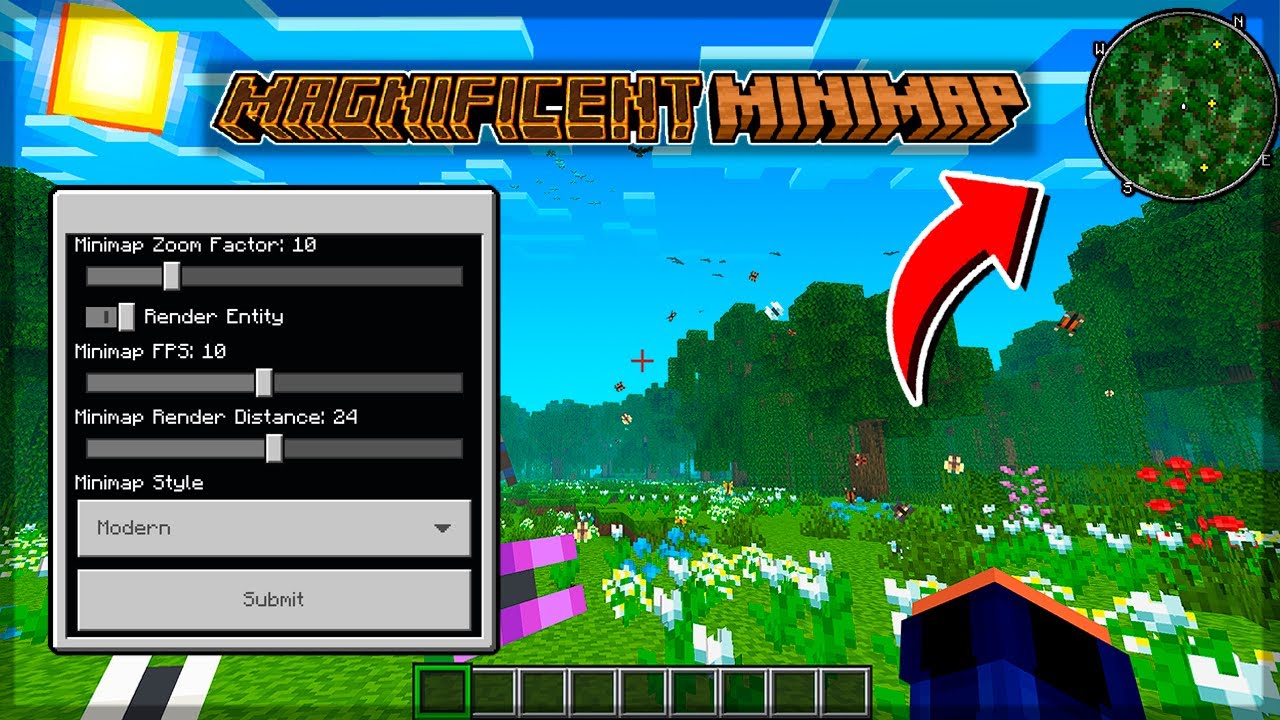
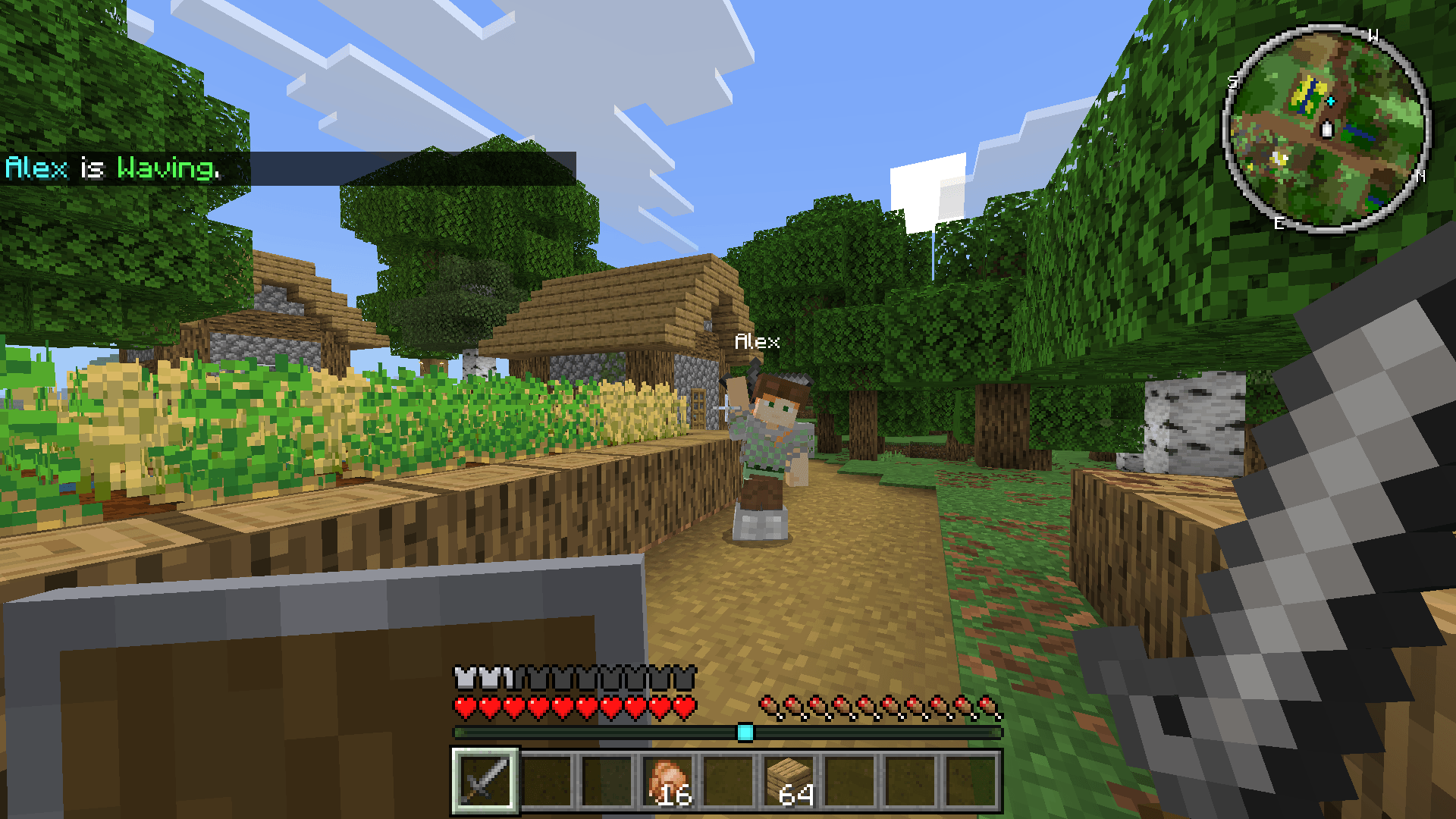
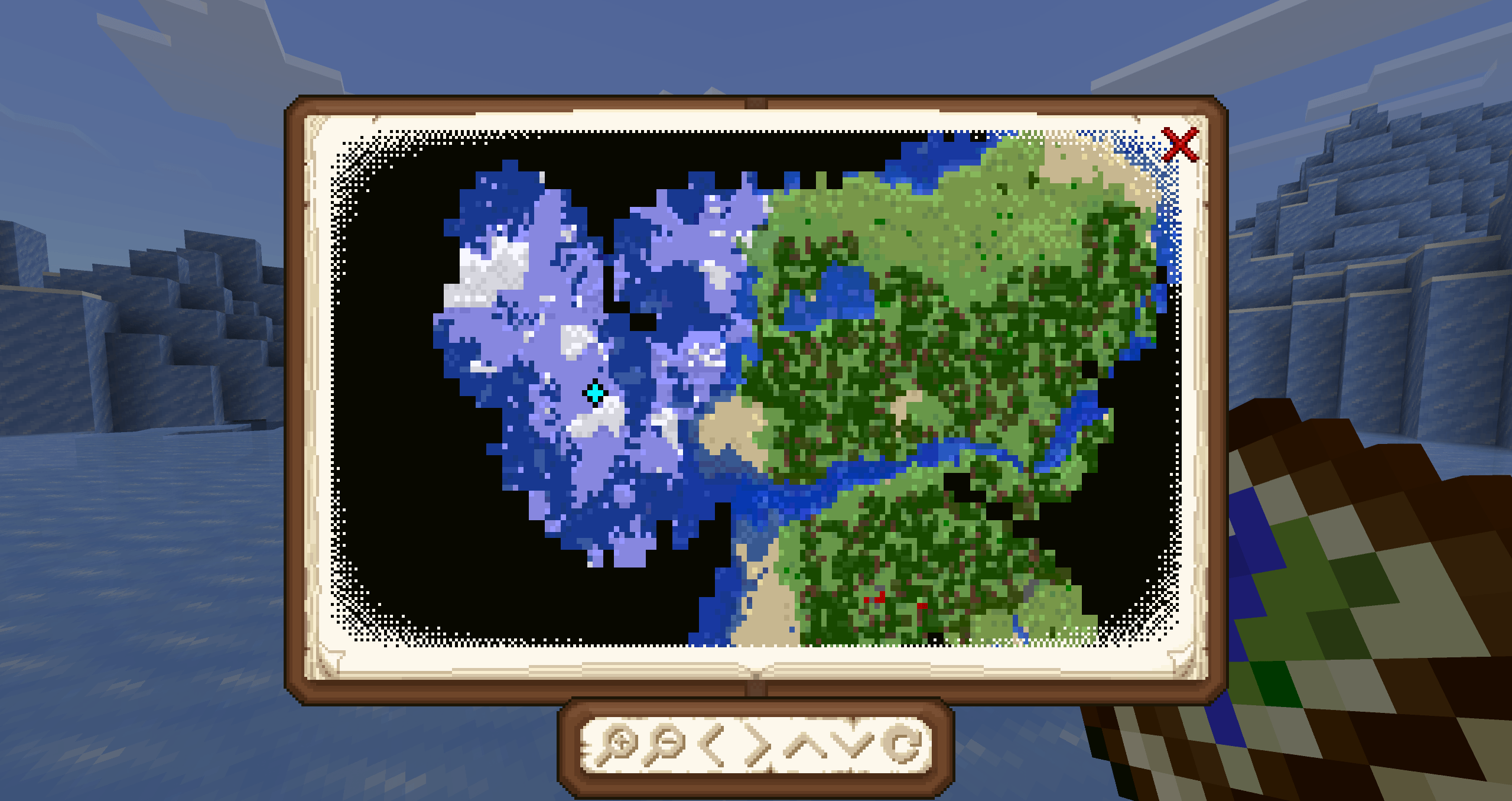
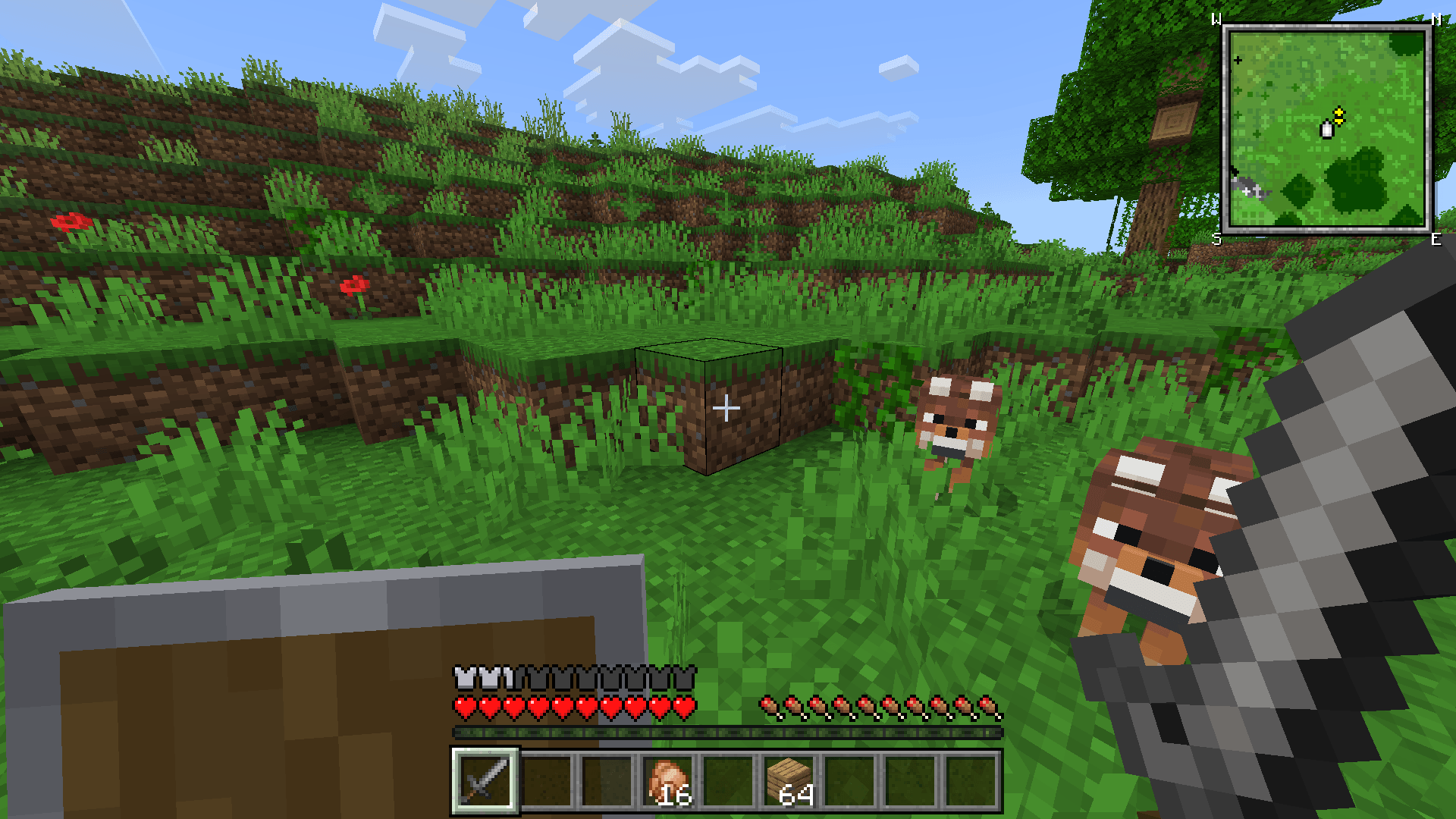
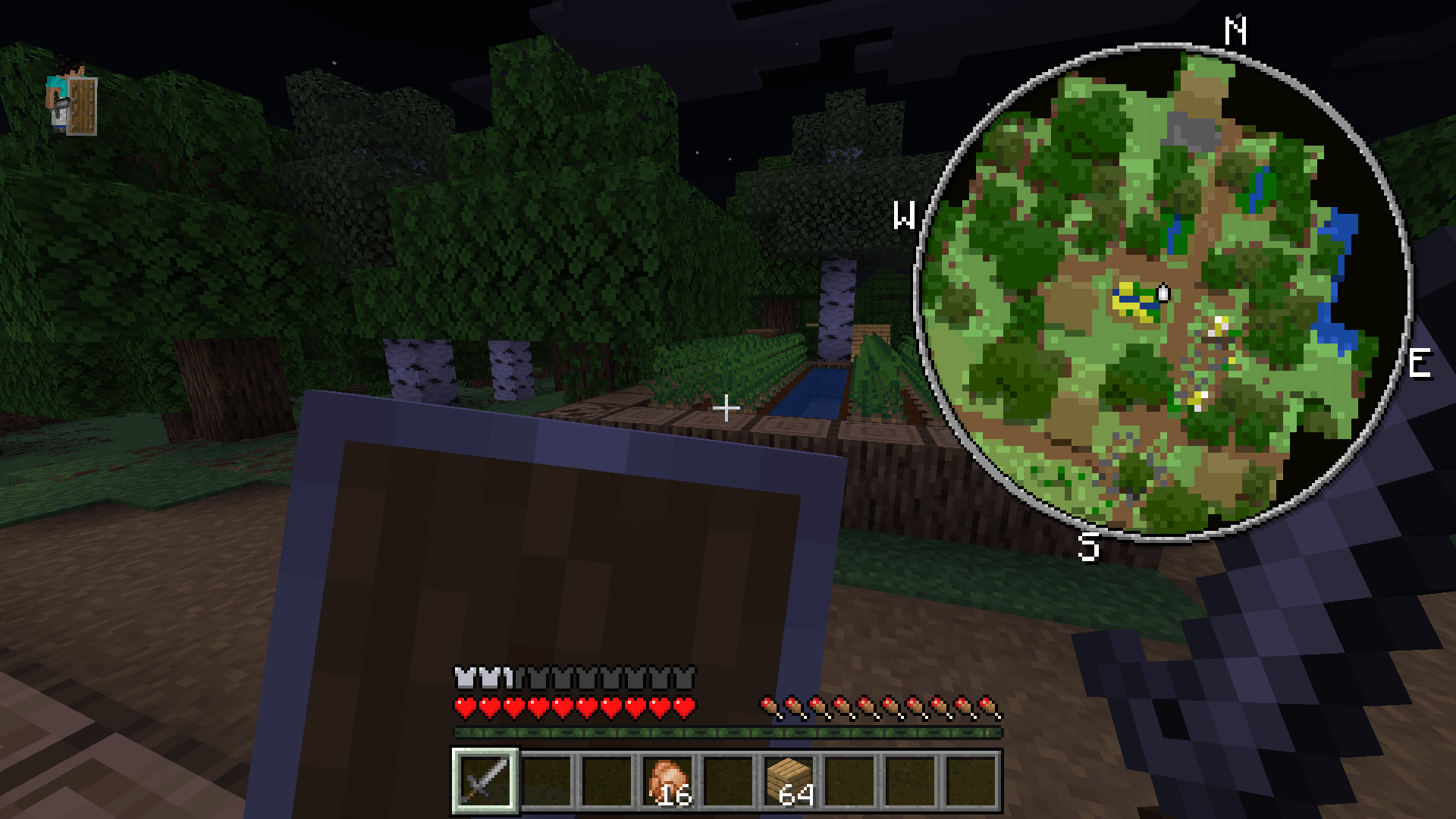
Magnificent Minimap Addon (1.26, 1.21) provides a highly customizable, responsive HUD minimap with rotating views, entity tracking, compass, and advanced features like a Map Atlas-making navigation fluid without pause menu reliance, though experimental with potential high RAM use.
Features:
- Rotating minimap display
- Multiple rendering styles
- Extensive customization options
- Entity tracking indicators
- Compass orientation
- Both circular and rectangular views display
- It can even play Bad Apple (/function start_bad_apple)
- Map Atlas
- Nether Minimap
How to close the Minimap:
- Mobile: Sneak and click the ‘X’ button to hide.
- PC: Sneak and press ‘F8’ to toggle show minimap
- Console: Not available yet
Screenshots:
Installation Note:
- Use the command /configuration to open the configuration menu. This command is only available with Kamii’s script configuration
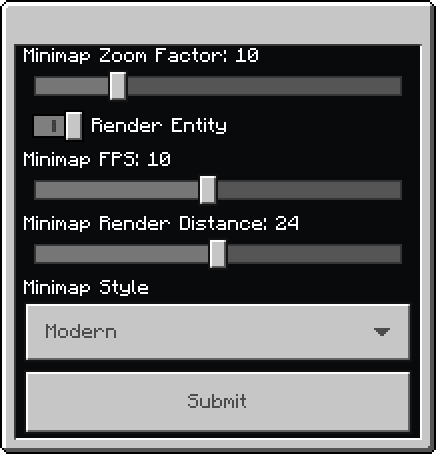
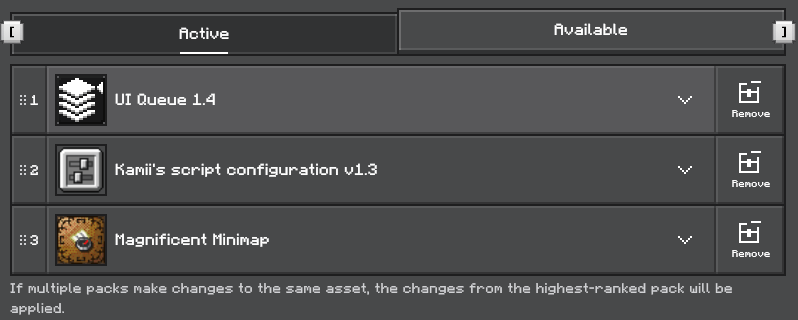
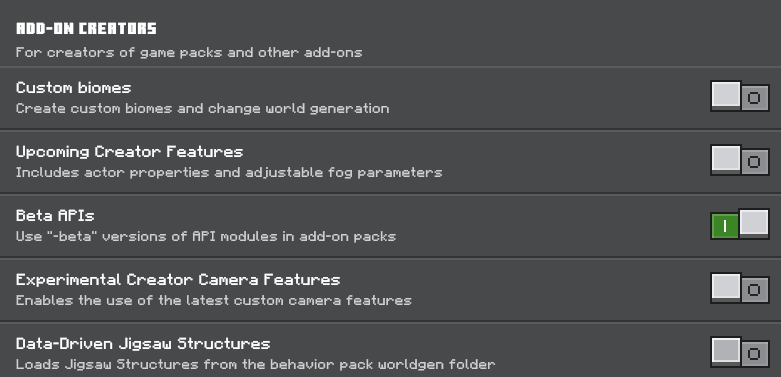
- This addon requires UI Queue and Kamii’s script configuration to work properly. This addon requires the beta API, so it ned to enable the BetaAPI toggle in the experimental settings.
How to install:
How To Install Mod / Addon on Minecraft PE
How To Install Texture Packs on Minecraft PE
How To Install Map on Minecraft PE
Magnificent Minimap Addon (1.26, 1.21) Download Links
For Minecraft PE/Bedrock 1.21
Magnificent Minimap Behavior: Download from Server 1 – Download from Server 2
Magnificent Minimap Resource: Download from Server 1 – Download from Server 2
Click to rate this post!
[Total: 2 Average: 3.5]
You May Also Like