


MCHPRS Minecraft High-Performance Redstone Server Software

 0
0  2 days ago
MCHPRS (Minecraft High-Performance Redstone Server) is a specialized Minecraft server software optimized to run extremely large Redstone machines with very high performance. It is mainly designed for players who build Redstone computers, logic circuits, or other computational systems in Minecraft.
Features:
- MCHPRS is a custom Minecraft server written in Rust.
- This server is heavily optimized for Redstone processing, allowing extremely large logic circuits to run without the heavy lag typically seen on normal Minecraft servers.
- It was created for the Redstone engineering / computational redstone community, where players build CPUs, computers, and complex logic systems inside Minecraft.
- MCHPRS = a Minecraft server designed to run Redstone extremely fast.
Plot System
- Each plot has a size of 512 × 512 blocks.
- Every plot runs on its own thread, allowing many players to run large redstone machines simultaneously with minimal lag.
- Players can claim plots and build their own redstone computers or circuits.
No Vanilla Authentication
- MCHPRS does not include built-in Minecraft account authentication. If authentication or network support is required, the server can be connected through a Velocity proxy using modern IP forwarding.
Built-in WorldEdit
MCHPRS provides its own implementation of WorldEdit for working with large builds. This allows players to:
- Copy and paste redstone machines
- Save and load schematics
- Move or rotate builds
- Duplicate complex circuits quickly
LuckPerms Support
- The server supports LuckPerms using a MySQL or MariaDB database. Permission management must be handled from a proxy or another server because MCHPRS itself does not include permission commands.
Why is MCHPRS needed?
In vanilla Minecraft:
- Complex Redstone builds can cause severe server lag.
- Large Redstone computers can run extremely slowly, sometimes taking days to render a single frame.
MCHPRS solves this by:
- Using multithreading.
- Allowing each plot to run on its own thread, reducing server lag.
- Providing a tool called Redpiler that can “compile” Redstone circuits to make them run much faster.
Because of this, Redstone systems can run thousands of times faster than on a vanilla server.
What is MCHPRS commonly used for?
It is mainly used for extreme Redstone engineering projects such as:
- Redstone CPUs
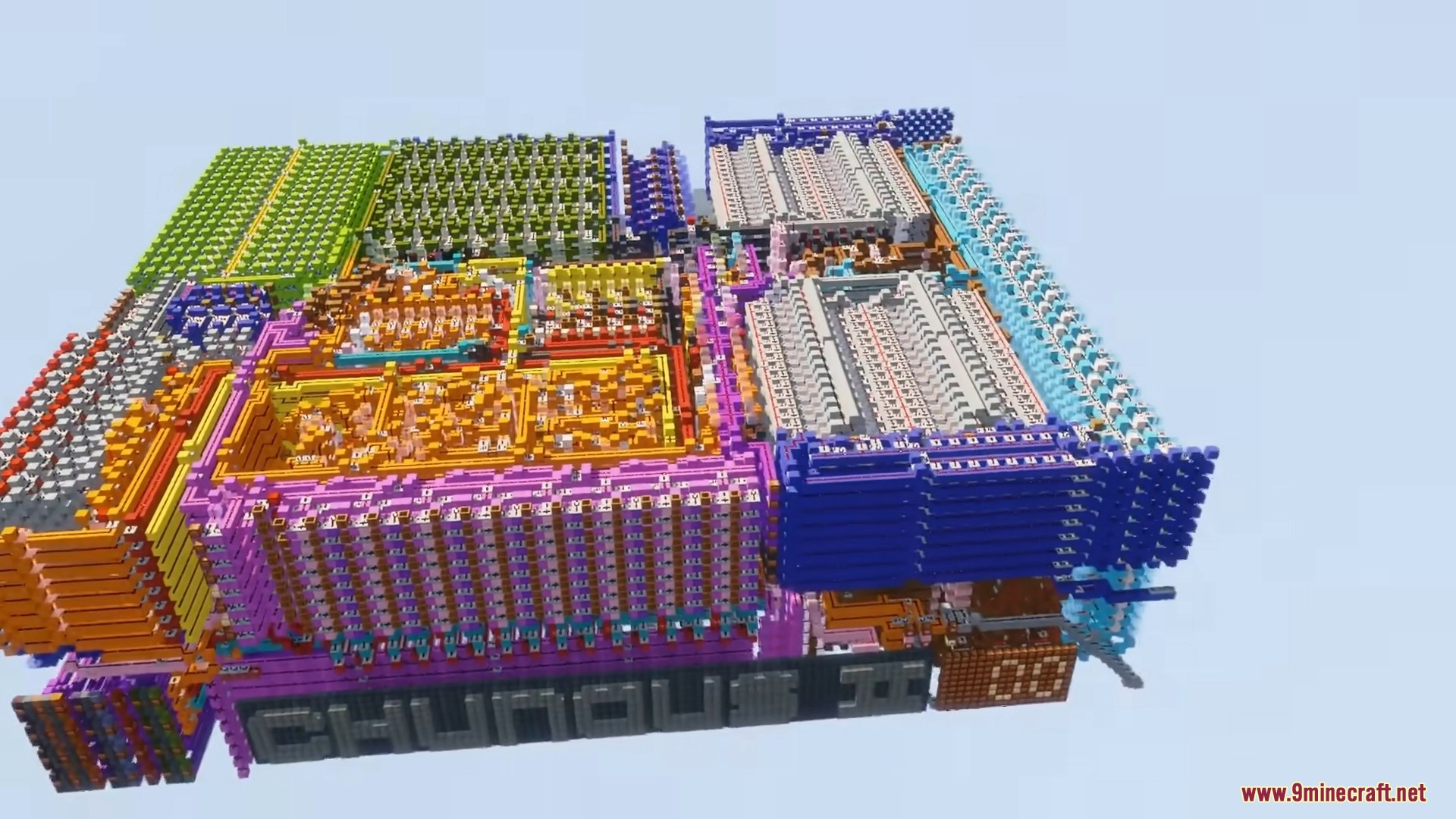
- Fully functional computers inside Minecraft
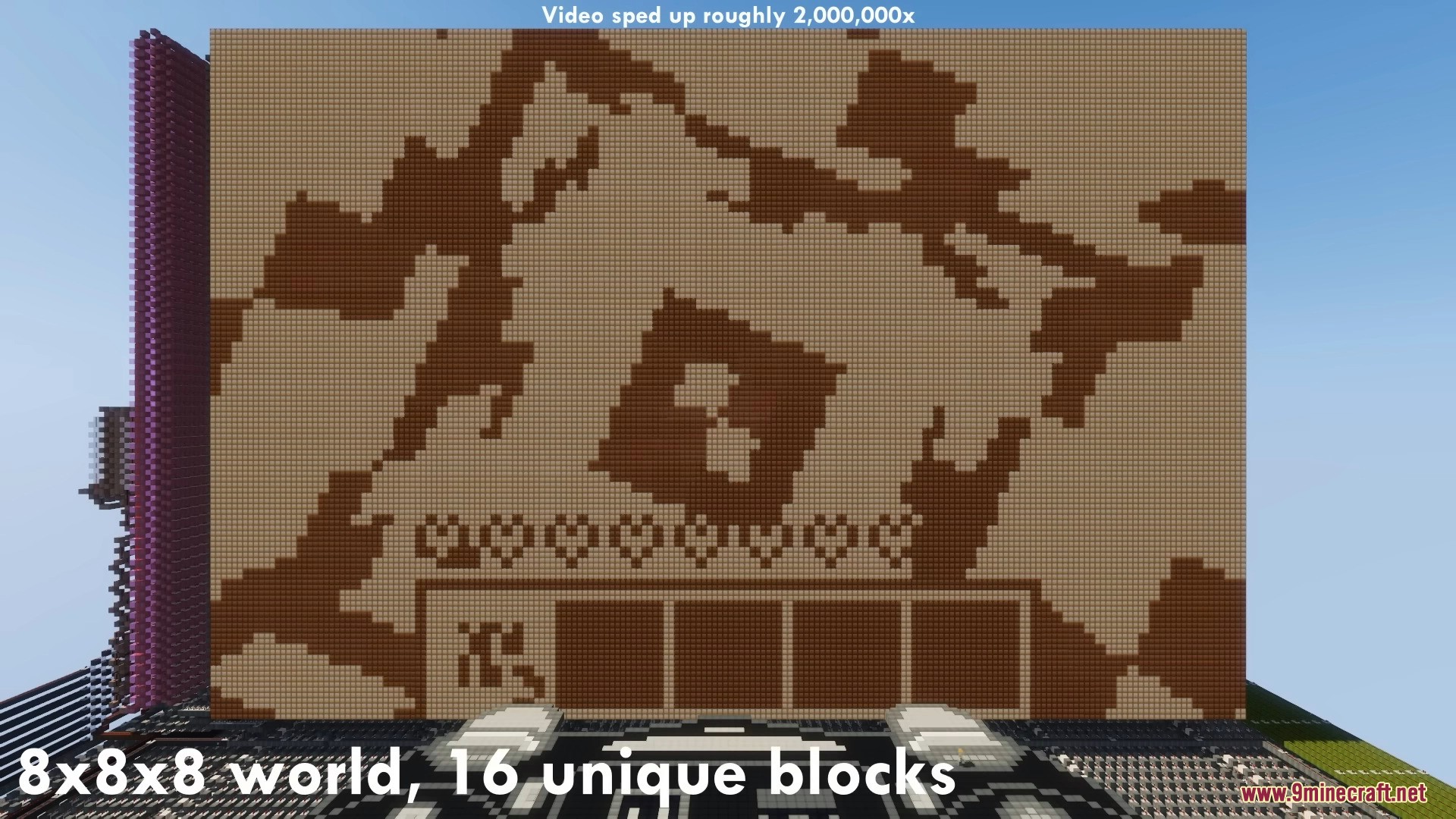
- Graphics rendering using Redstone
- Running games inside Redstone machines
- Logic circuit research
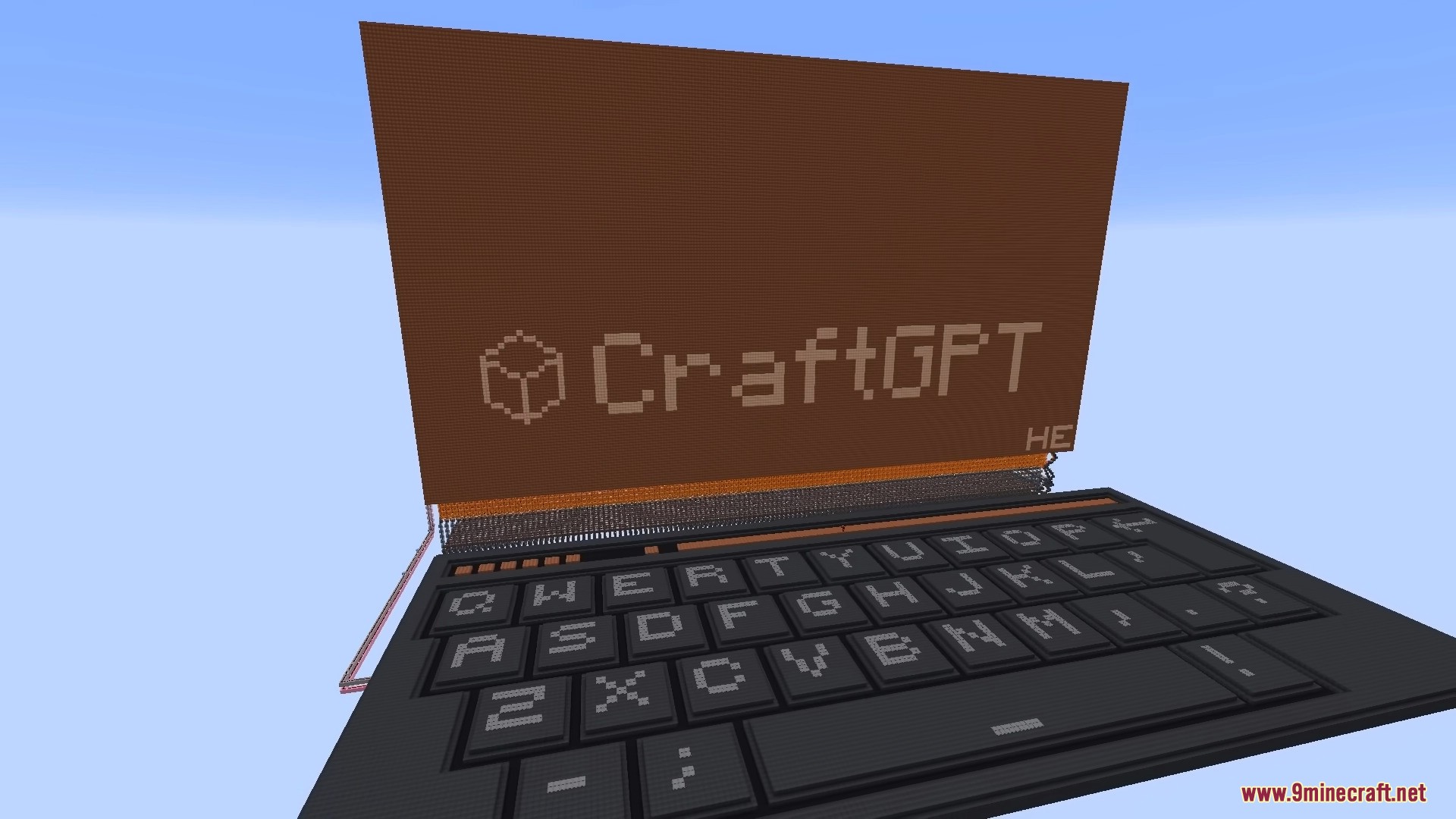
For example, some projects have even managed to run Minecraft inside Minecraft or ChatGPT, Claude inside Minecraft, made possible by the much faster Redstone simulation provided by MCHPRS.
Commands:
/rtps [value]– Set the redstone ticks per second for the plot (default: 10)./radvance <ticks>– Advance the simulation by a number of redstone ticks./tp <player>– Teleport to another player./tp <x> <y> <z>– Teleport to coordinates./speed <value>– Change fly speed./gamemode <mode>– Change game mode./container <type> <power>– Give a container that outputs a comparator signal./worldsendrate [hz]– Set how frequently world updates are sent to players./toggleautorp– Toggle automatic Redpiler compilation./stop– Stop the server.
Plot Commands
/plot claim– Claim the current plot./plot auto– Automatically find and claim an unclaimed plot./plot visit <player>– Visit another player’s plot./plot middle– Teleport to the center of your plot./plot tp <x> <z>– Teleport to a specific plot./plot lock– Prevent leaving the plot boundaries./plot unlock– Remove the plot lock./plot info– Show the owner of the plot.
Redpiler Commands
MCHPRS includes Redpiler, a redstone compiler that dramatically increases redstone simulation speed.
/redpiler compile– Compile the redstone circuit./redpiler reset– Stop redpiler.
Useful flags:
-o– Enable optimization (may break builds).-i– Only update input/output blocks to reduce lag.-d– Treat wire dots as output blocks.-u– Update all blocks after reset.
While Redpiler is running, interactions with the world are limited. Placing or breaking blocks will reset the compilation.
Screenshots:

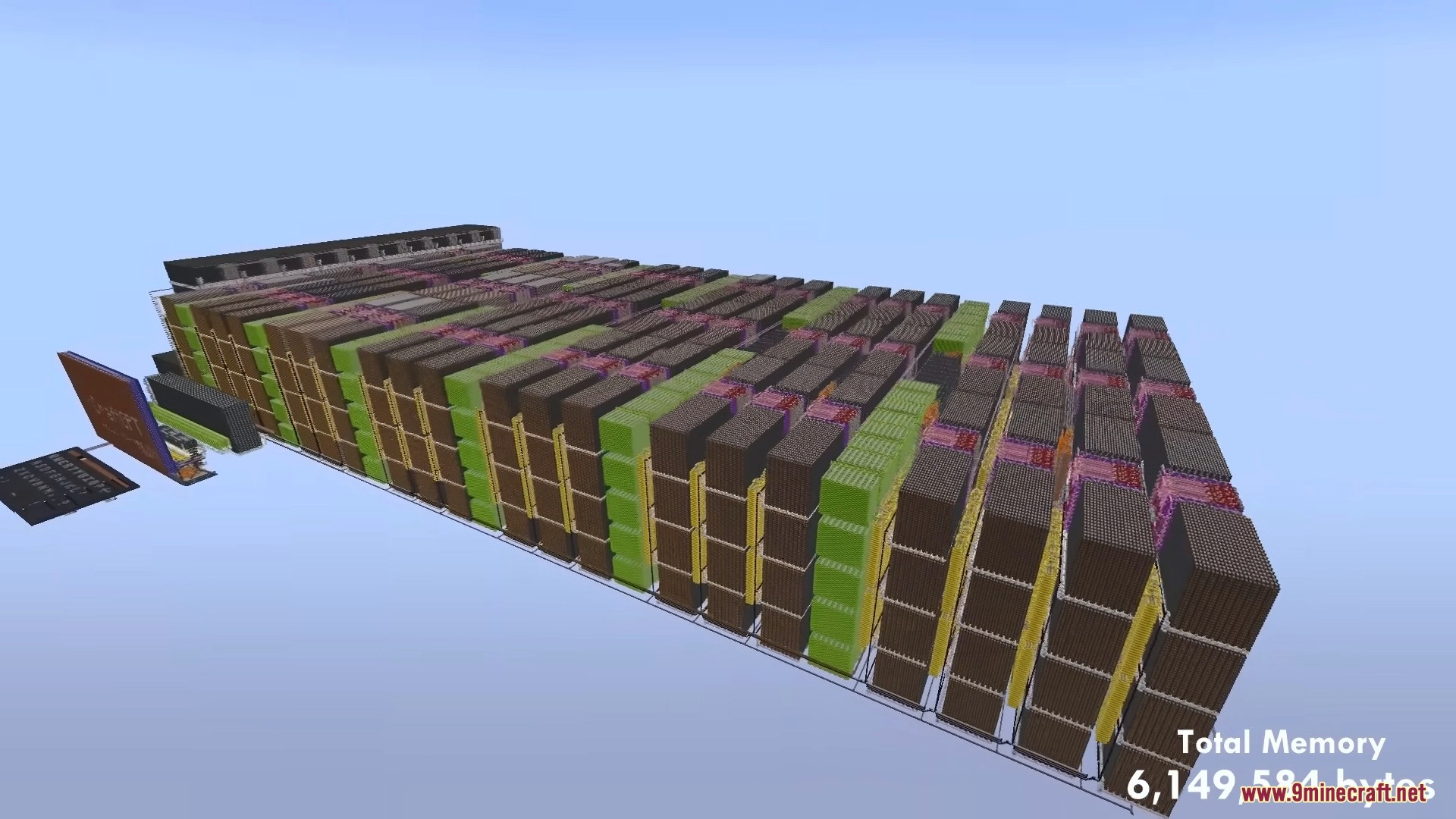
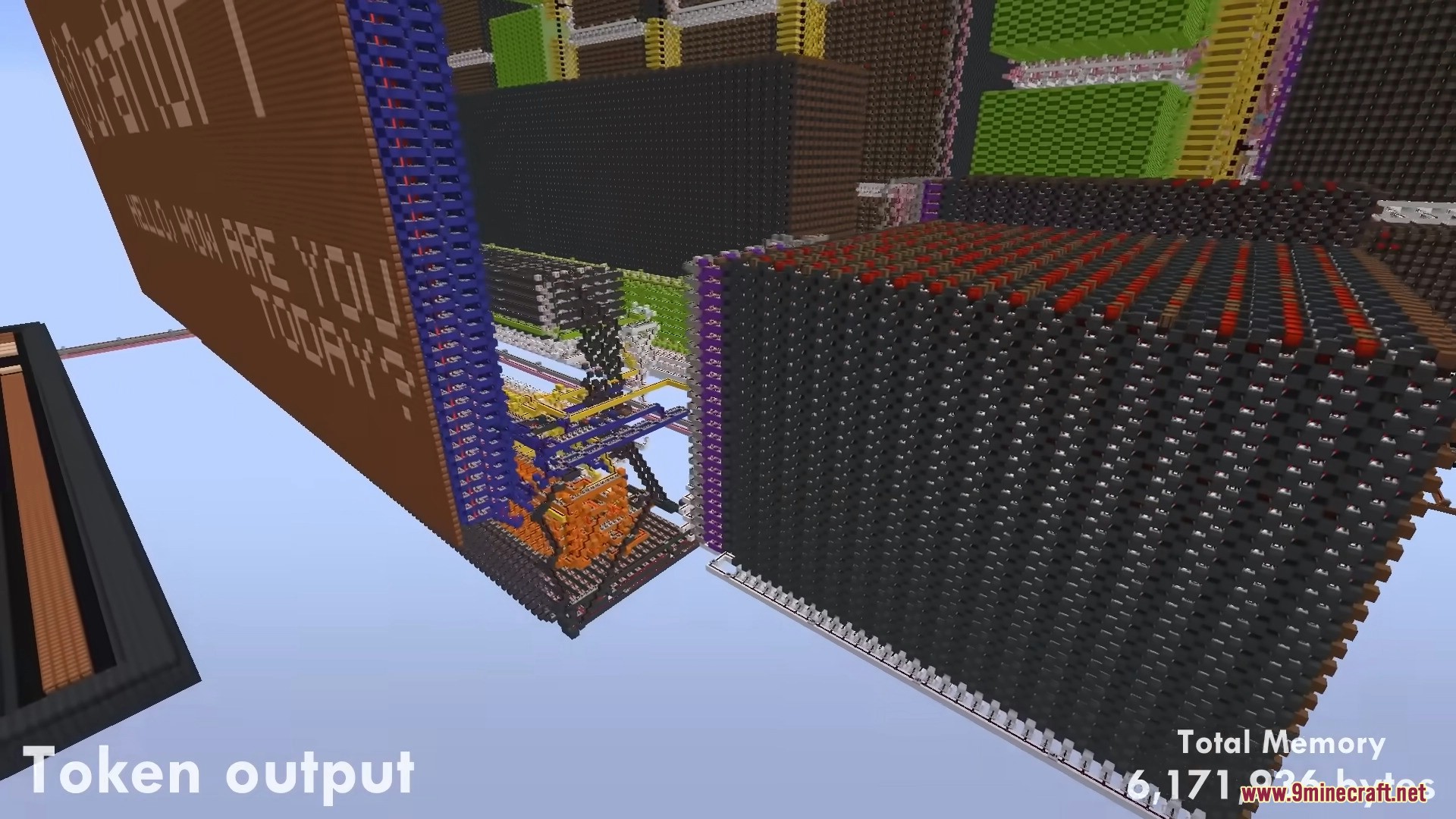
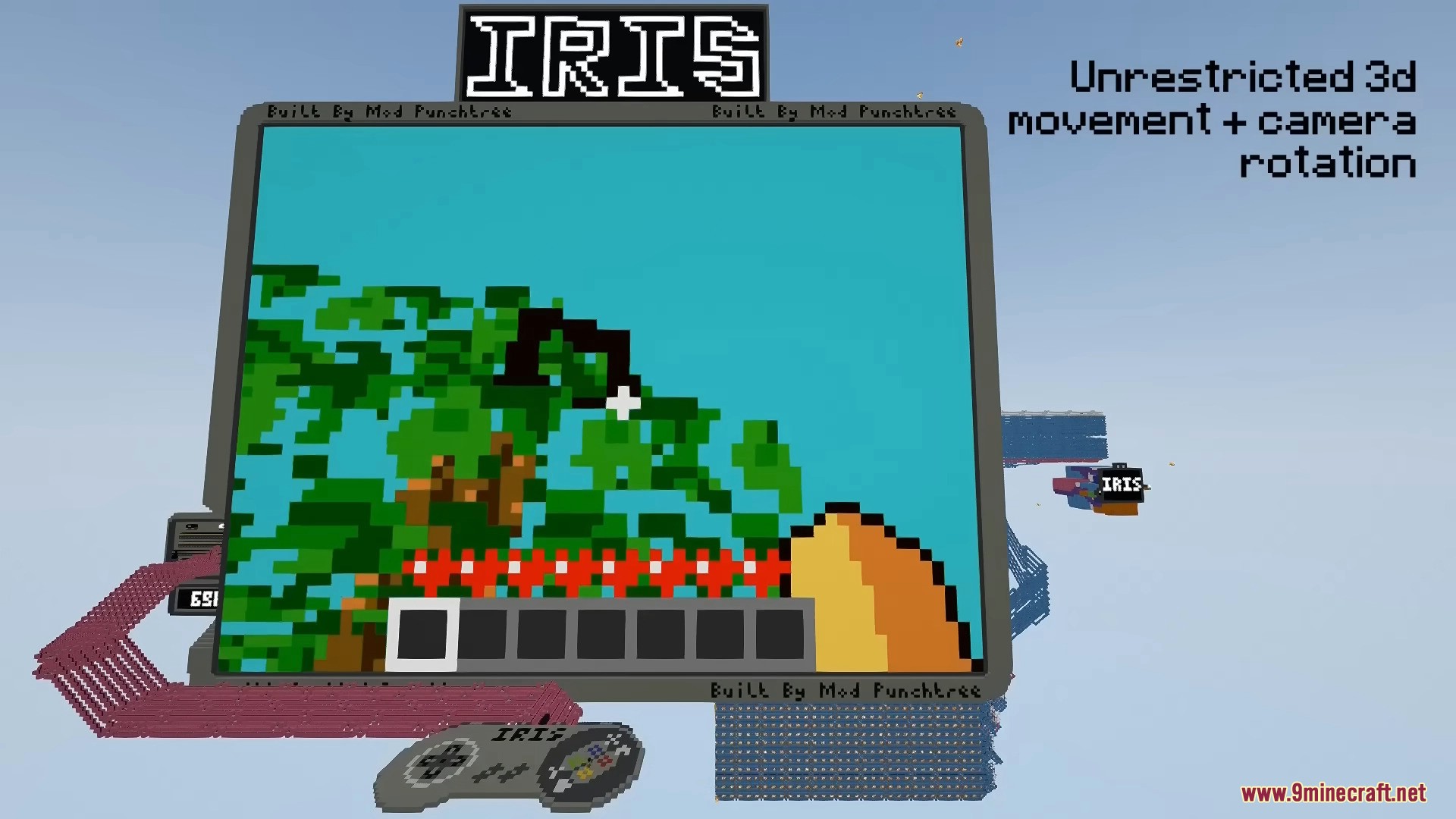
How to Install MCHPRS on Windows:
1. Install Rust
Download Rust from the official website and install the Rust compiler.
- https://www.rust-lang.org/tools/install
Verify installation: rustc --version
2. Install Git
- https://git-scm.com/
3. Download the Source Code
Open Command Prompt or PowerShell and run:
git clone https://github.com/MCHPR/MCHPRS.git
cd MCHPRS
4. Build the Server
cargo build --release
After building, the server executable will appear at:
target\release\mchprs.exe
5. Start the Server
mchprs.exe
The server will automatically generate a Config.toml file on the first startup.
Example Server Configuration
bind_address = "0.0.0.0:25565"
max_players = 99999
view_distance = 8
motd = "Minecraft High Performance Redstone Server"
MCHPRS Download Links
For Minecraft 1.12.2
v0.5.1 Stable: Download from Server 1 – Download from Server 2
Preview: Download from Server 1 – Download from Server 2













