
Mine Piece Mod (1.20.1, 1.16.5) – Lead Your Own Pirate Crew



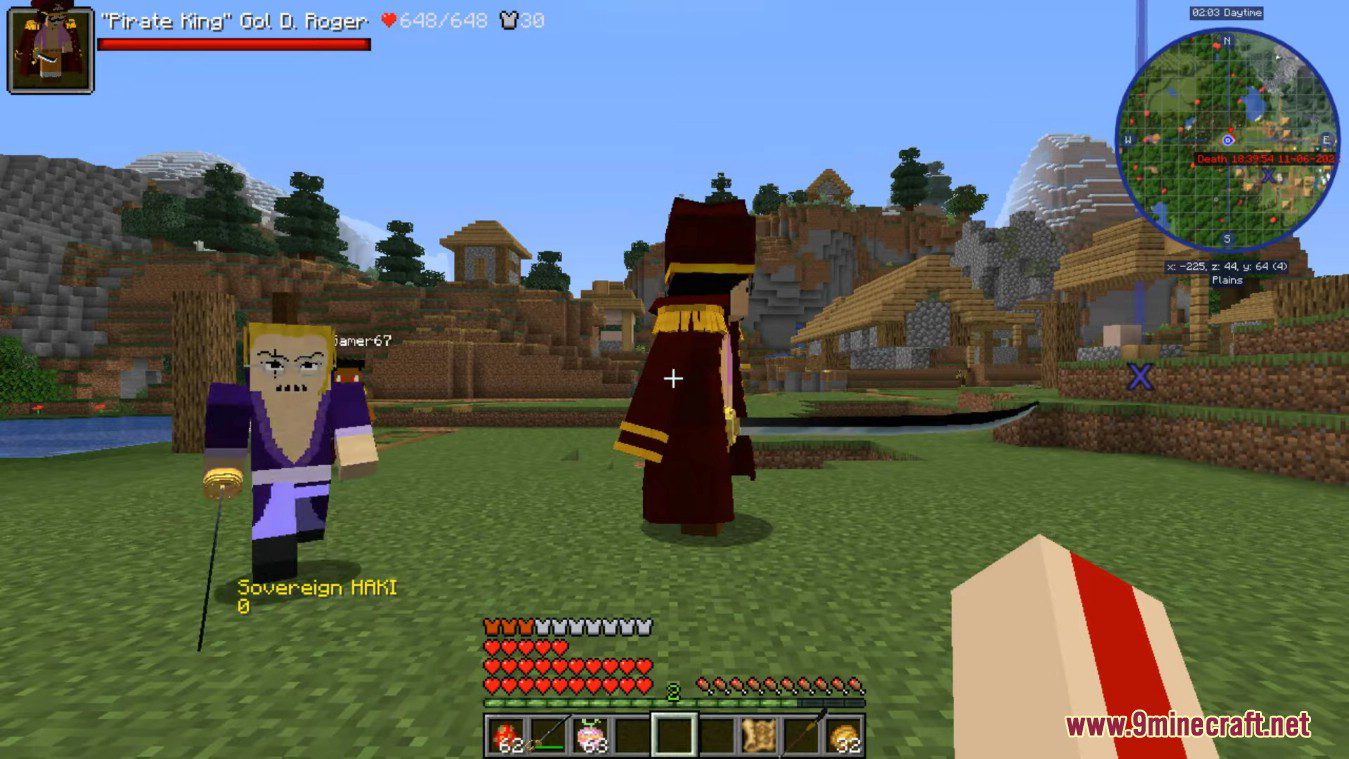
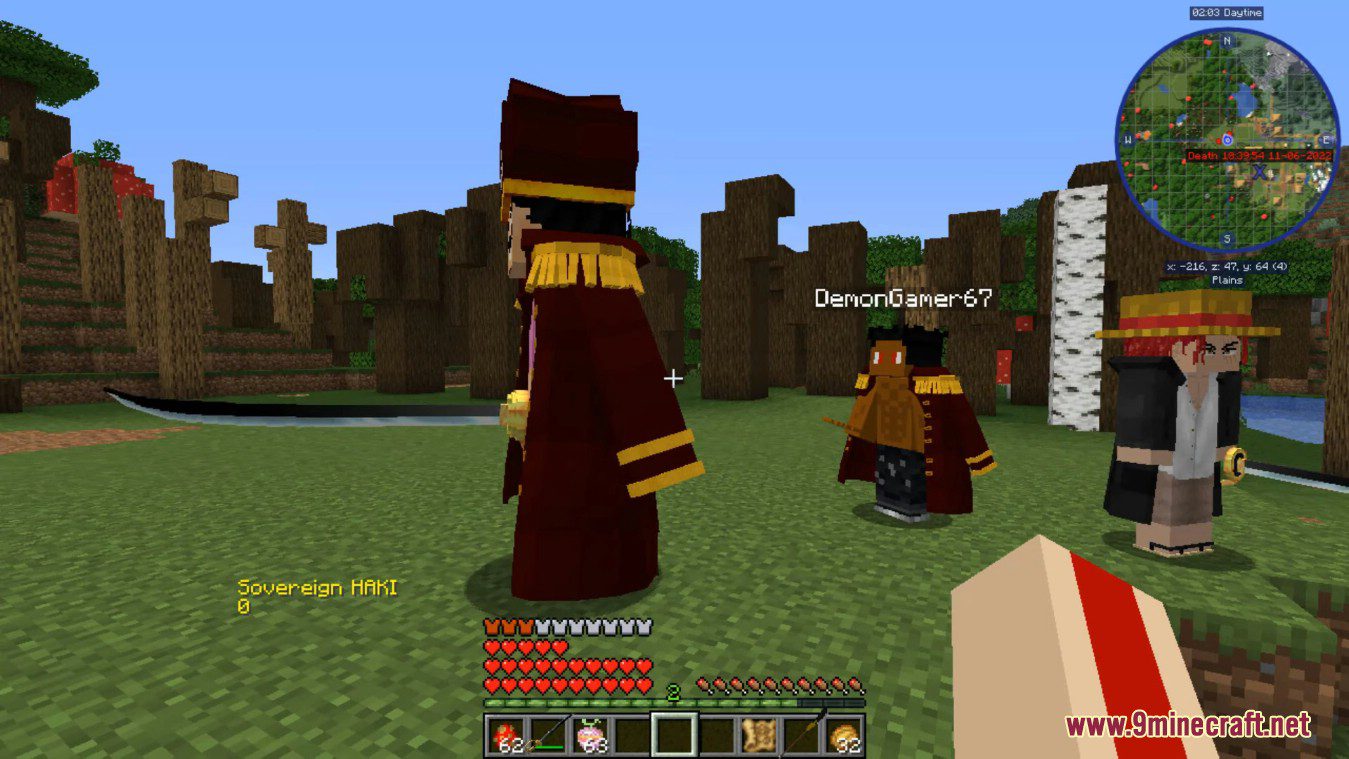
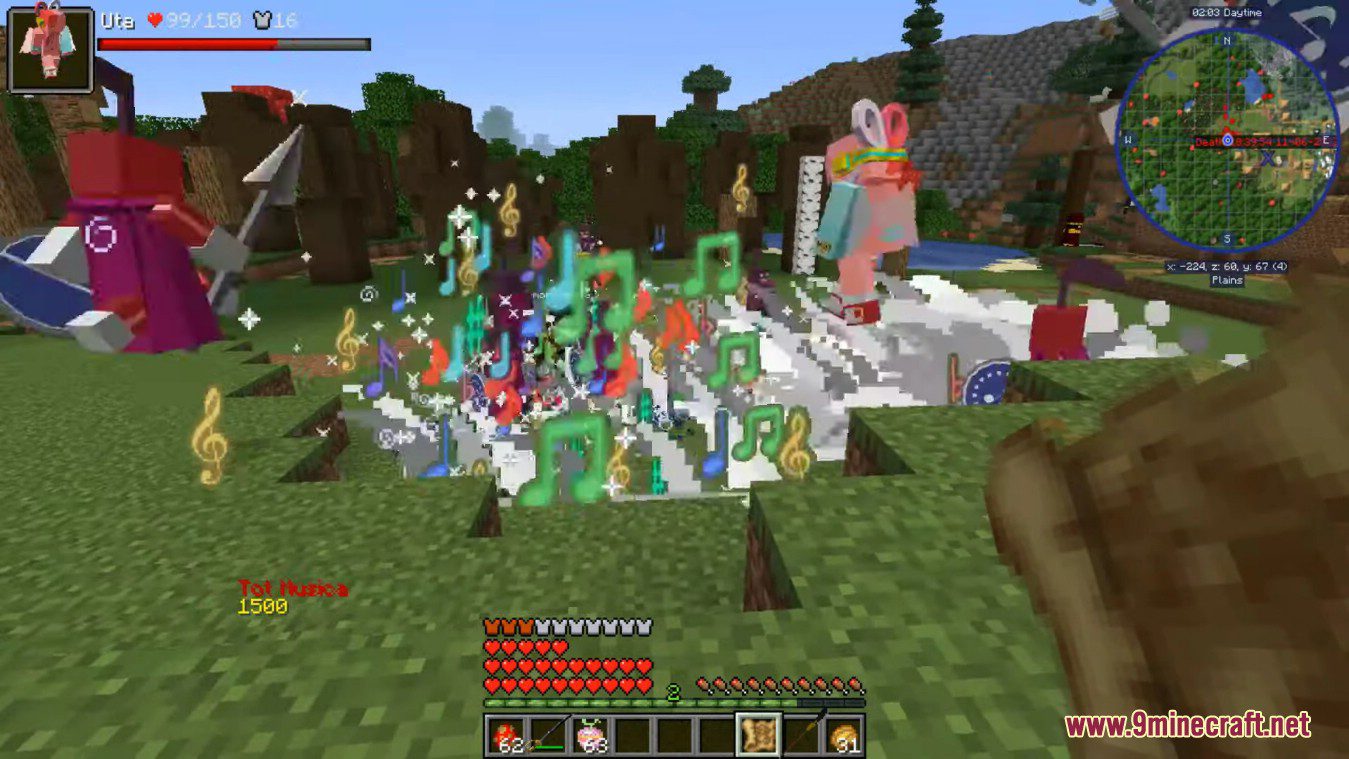
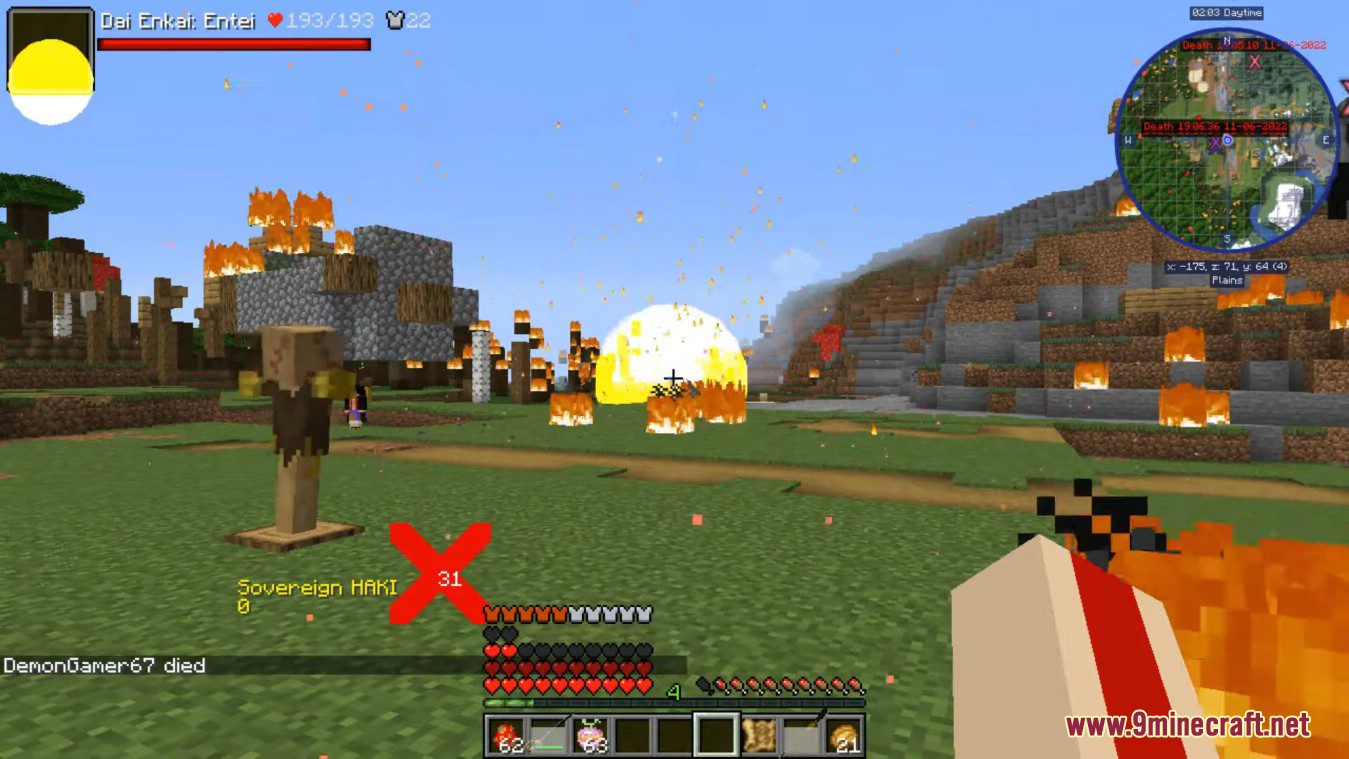
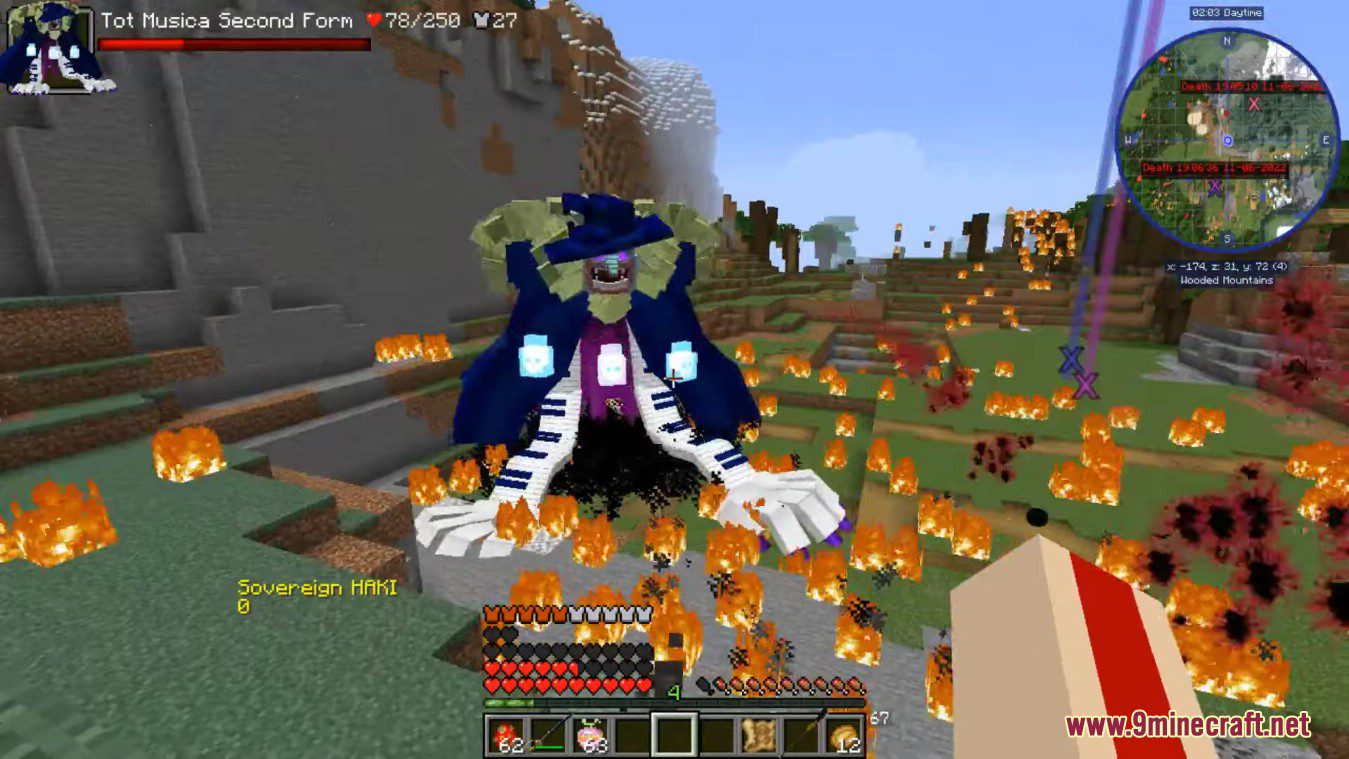
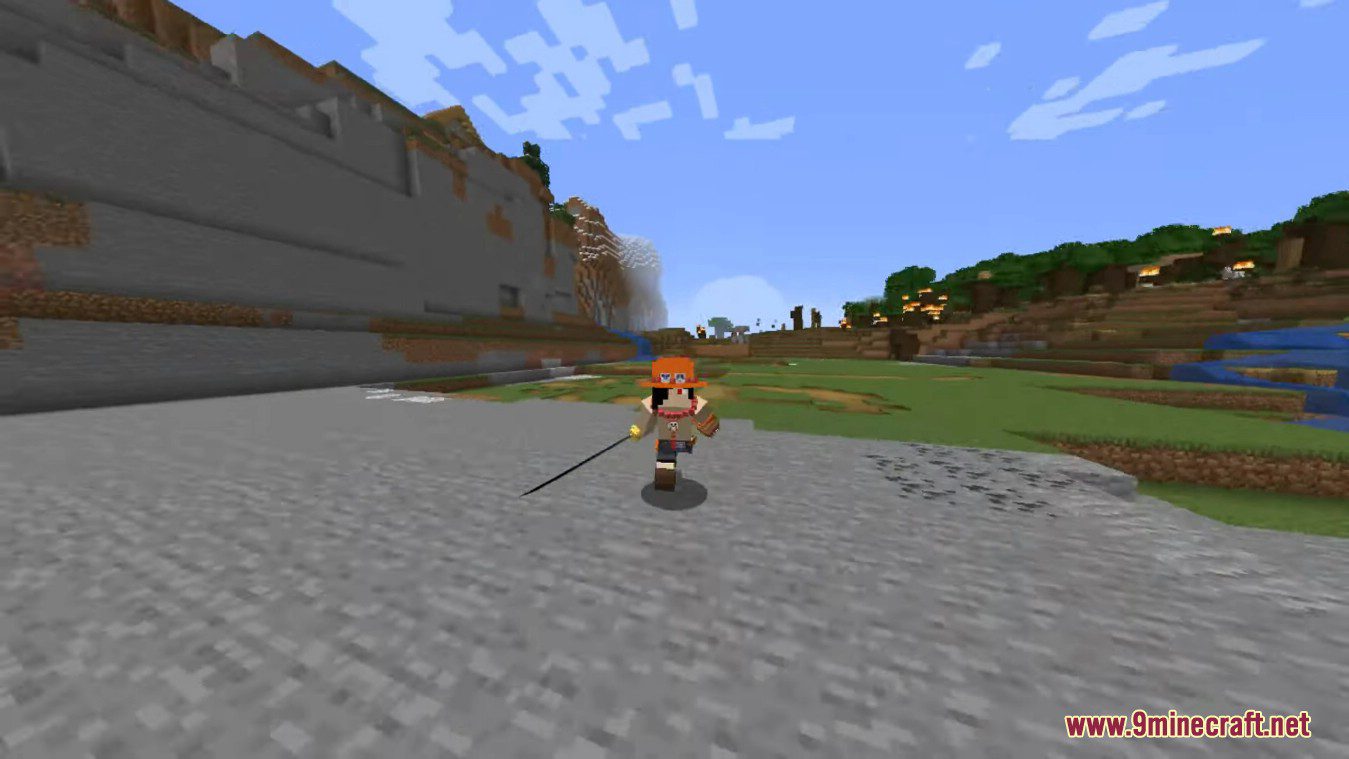
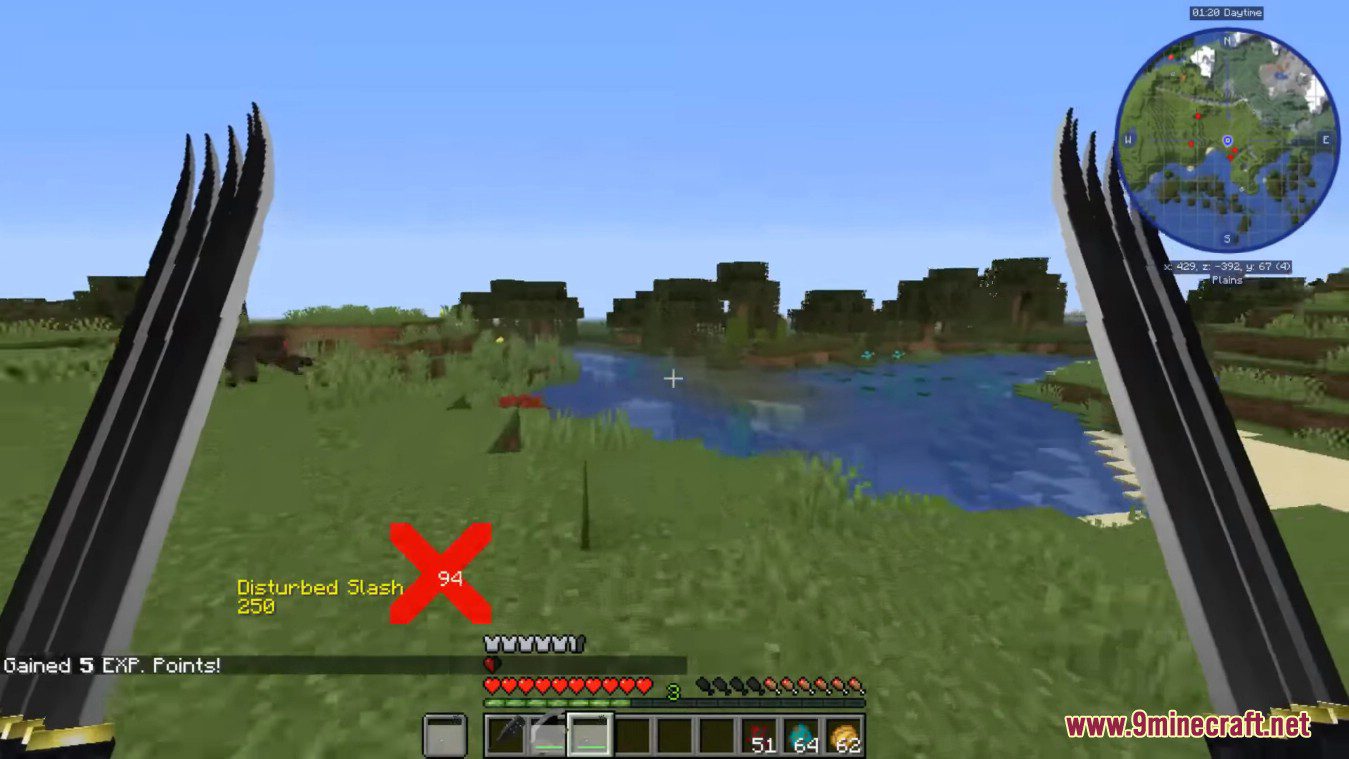
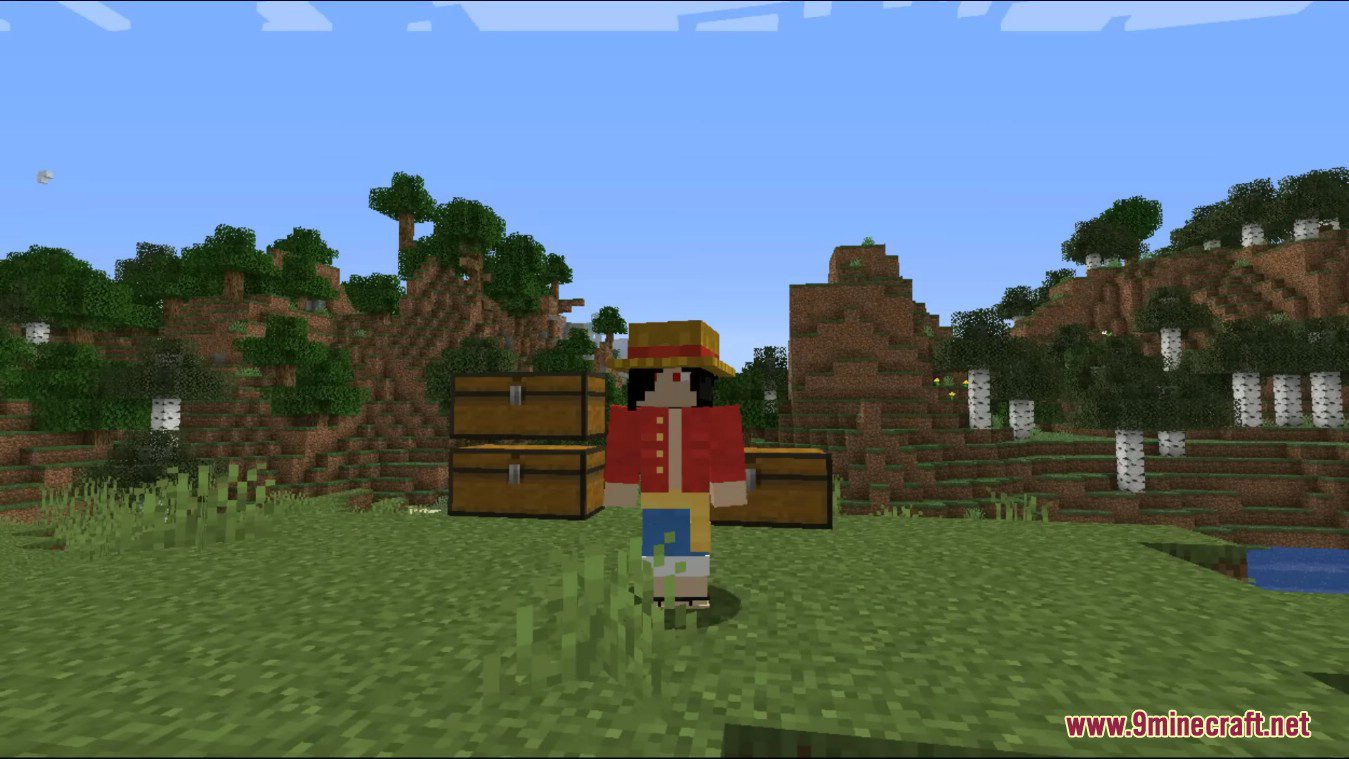
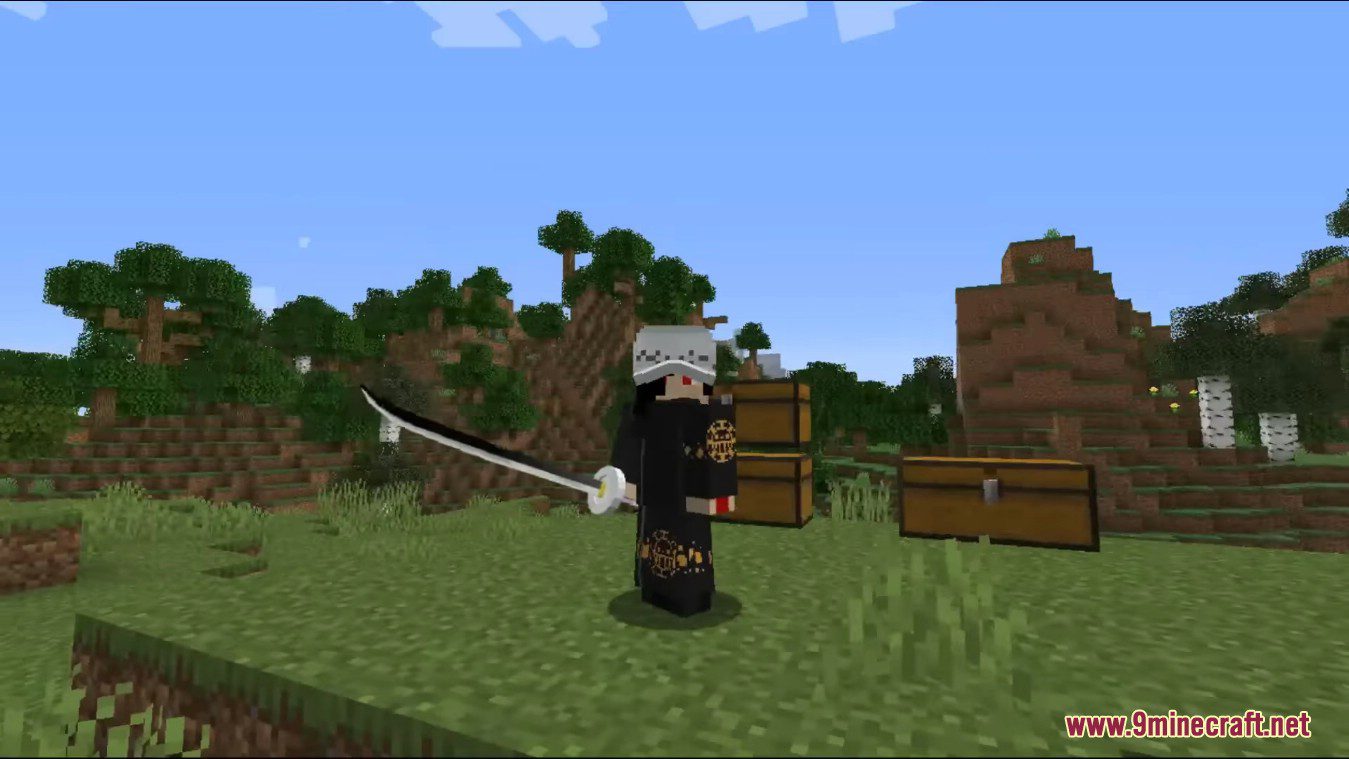
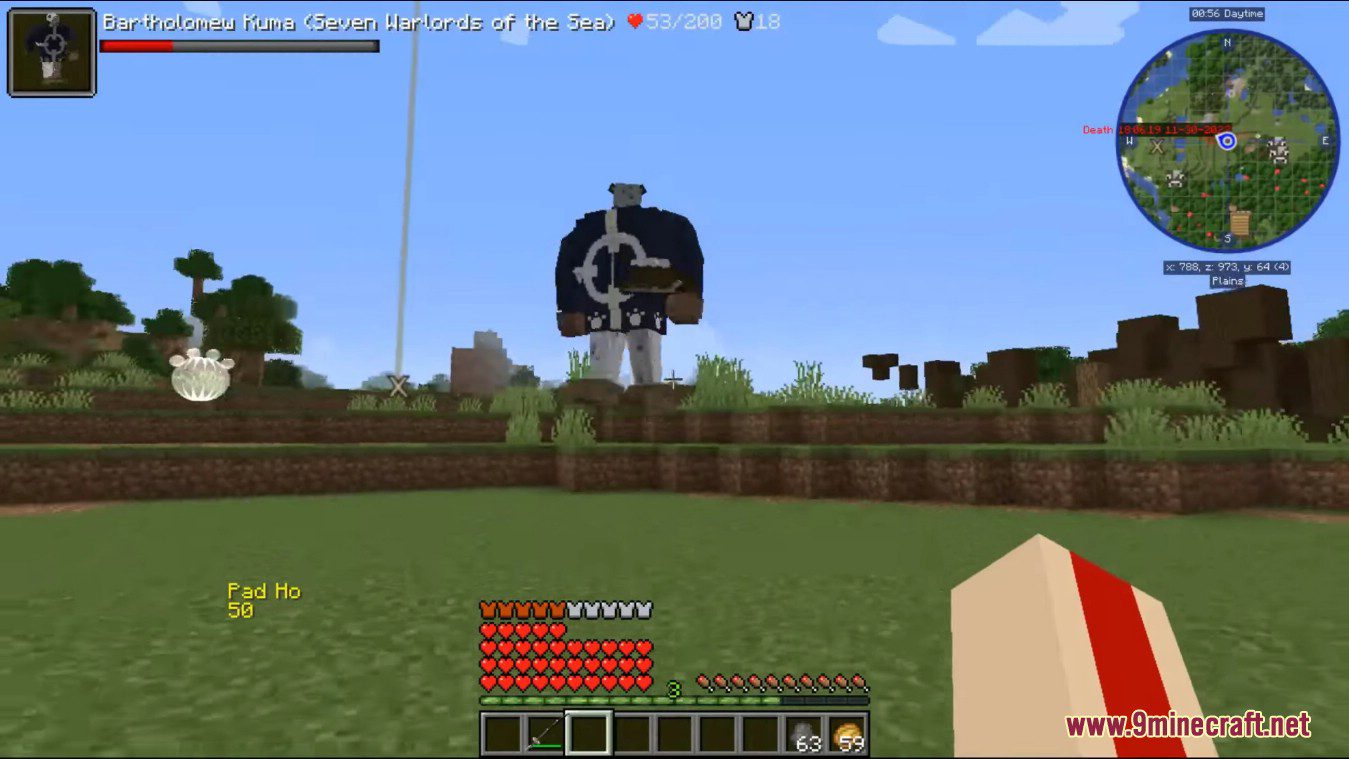
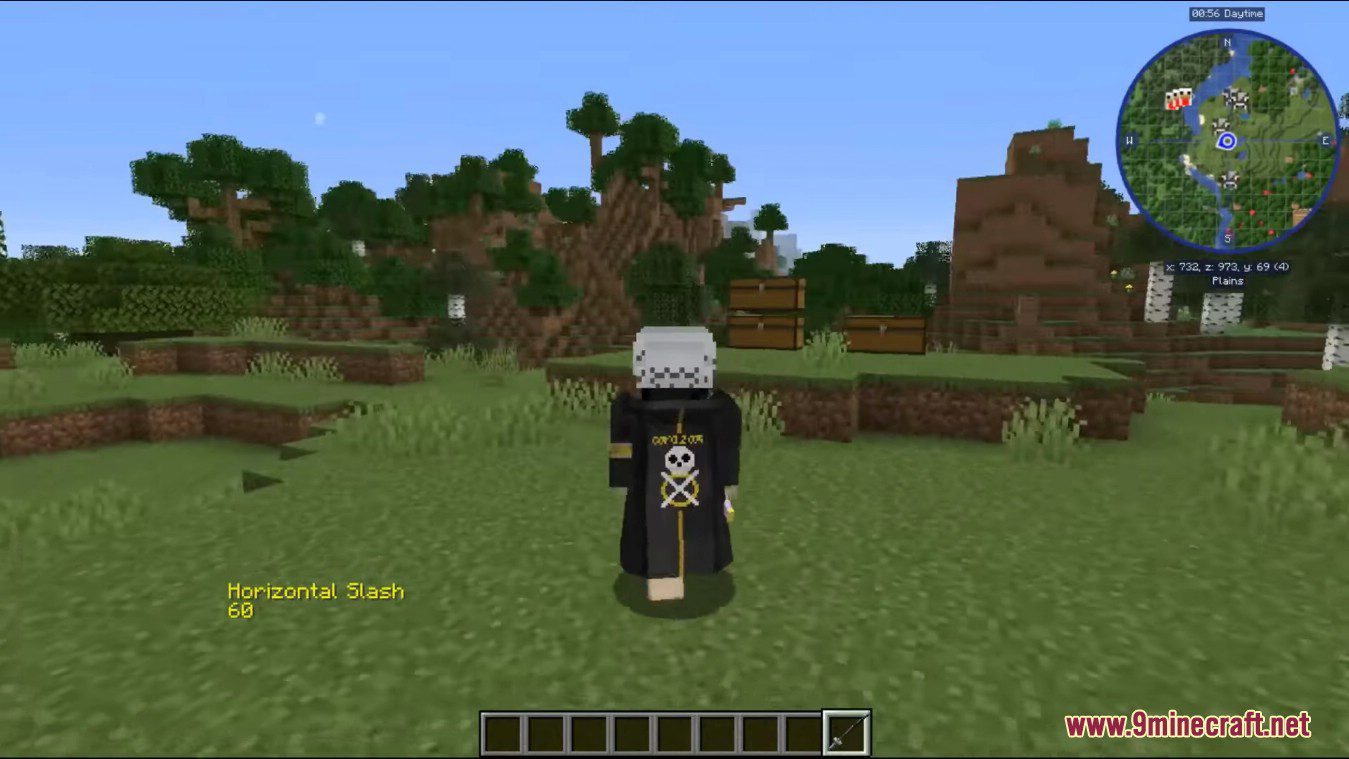
Mine Piece Mod brings the world of One Piece into Minecraft survival gameplay. It adds skills, items, weapons, mobs, and structures inspired by the anime, along with oceans like East Blue, Grand Line, and New World. You start with a Skill Selection Book, Compasses, and a Raid Flag so you can pick character traits, find key sea regions, and trigger or stop raids. As you fight mobs with guards, backsteps, and skills, your bounty grows, your stats get stronger, and you unlock new techniques such as Haki. You can also recruit mobs to build your own pirate crew, loot treasure chests in pirate ships and Marine bases, or run built-in PvP battle royales with Devil Fruit chests.
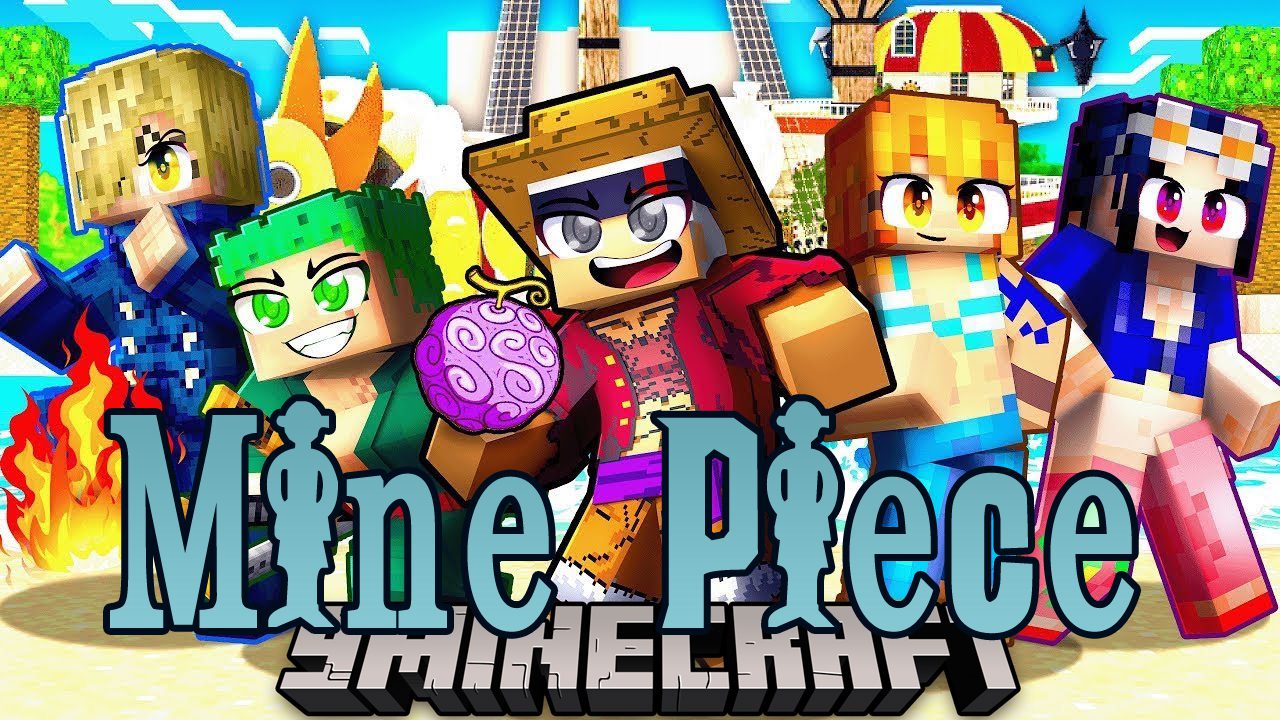
Mine Piece Mod – Video Showcase
Features:
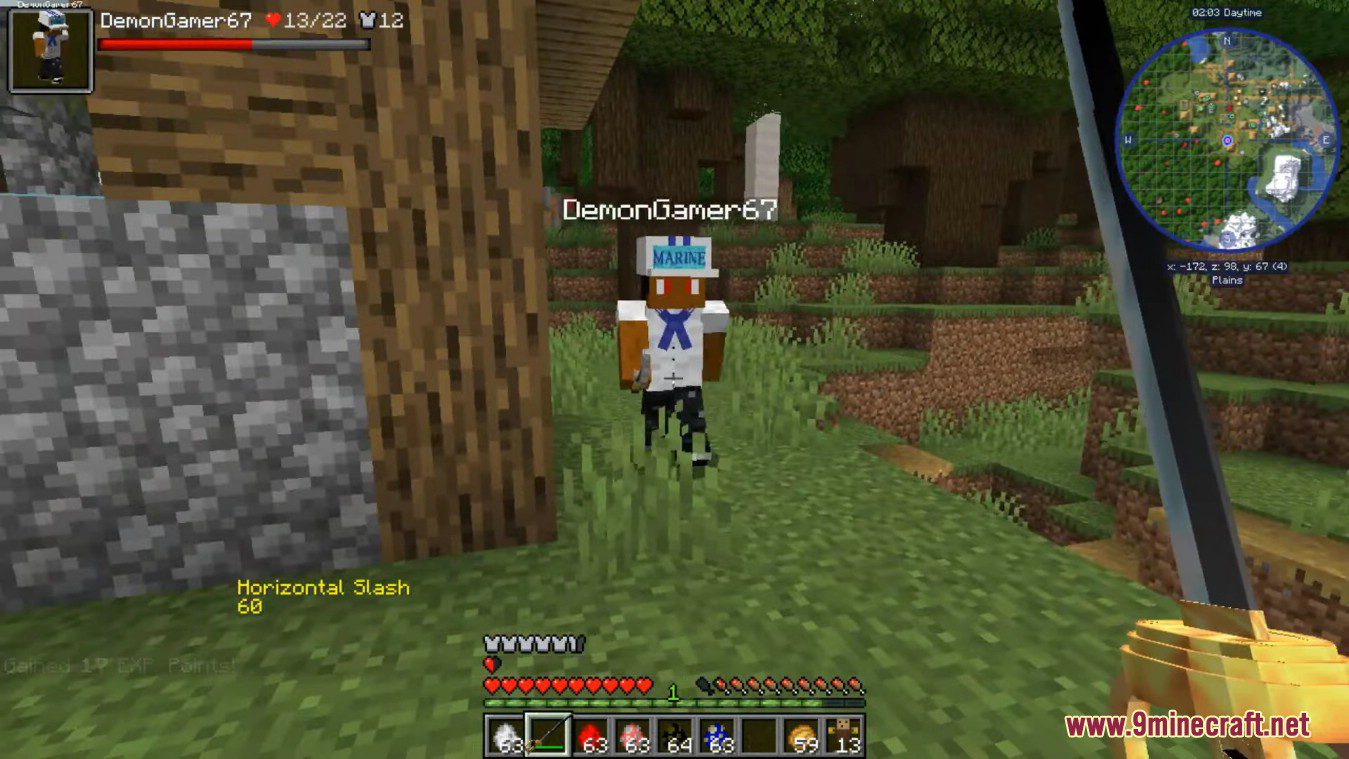
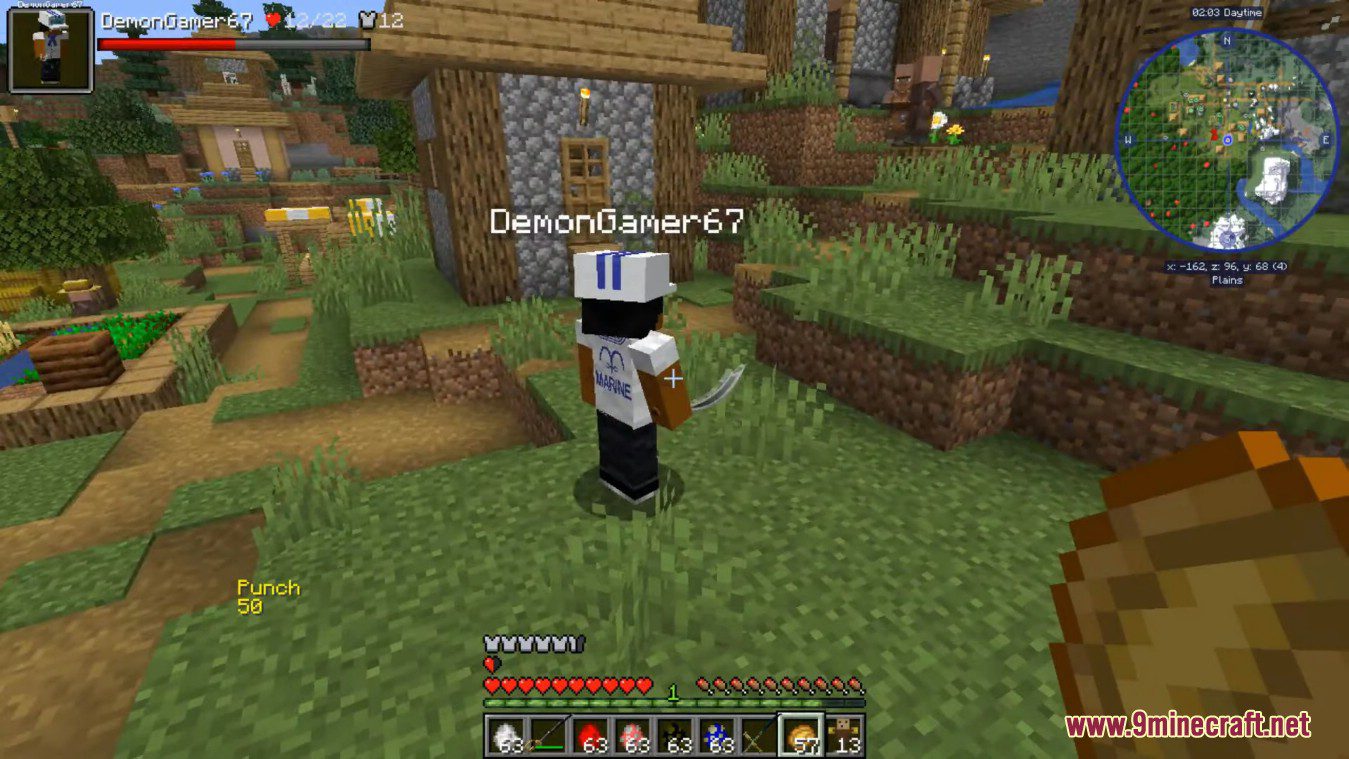
- Bounty System: Lets you defeat mobs with guards, backsteps, and skills to raise your bounty, strengthen your stats, and unlock more techniques including Haki.
- Pirate Crew: Lets you press the V key to make a team and scout mobs to build your own pirate crew.
- Timed Sea Raids: Triggers pirate or Marine raids every 20 minutes, with around 8 raid types each in East Blue, Grand Line, and New World.
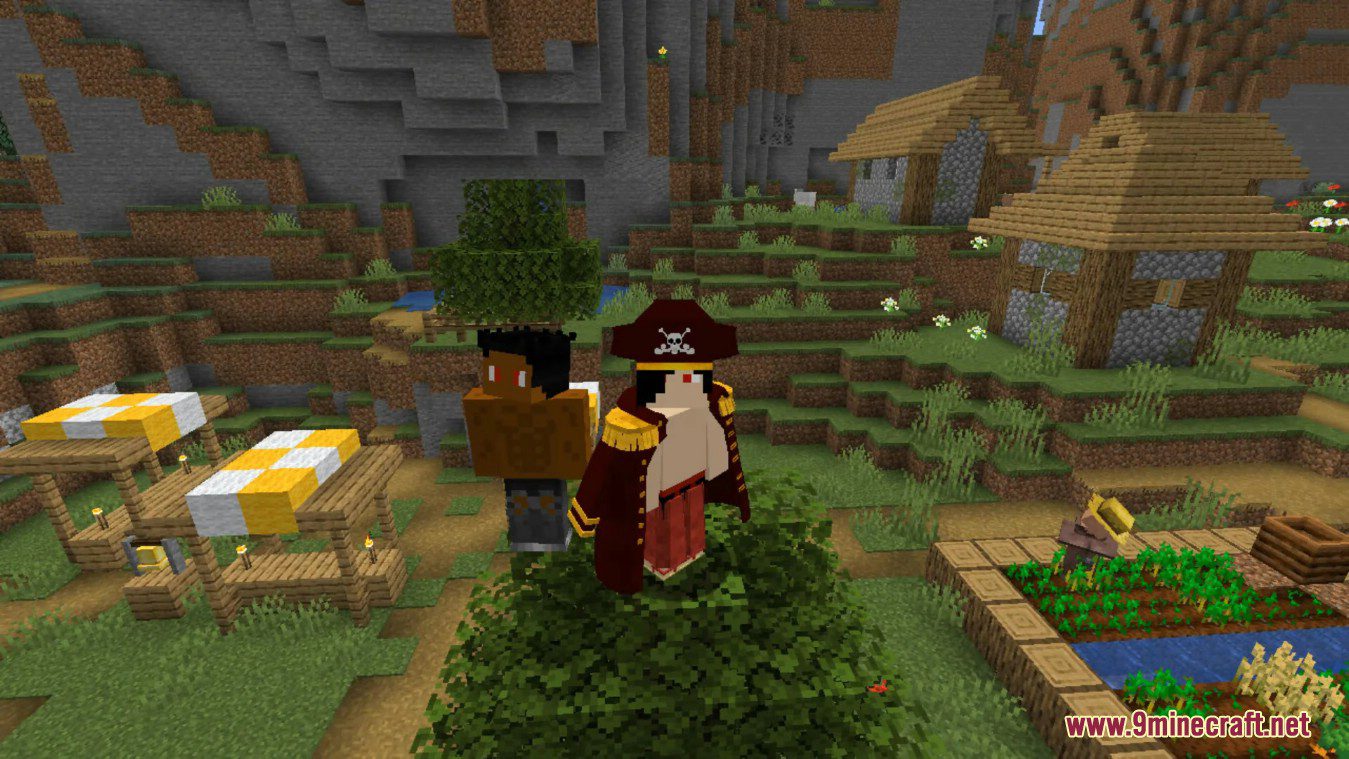
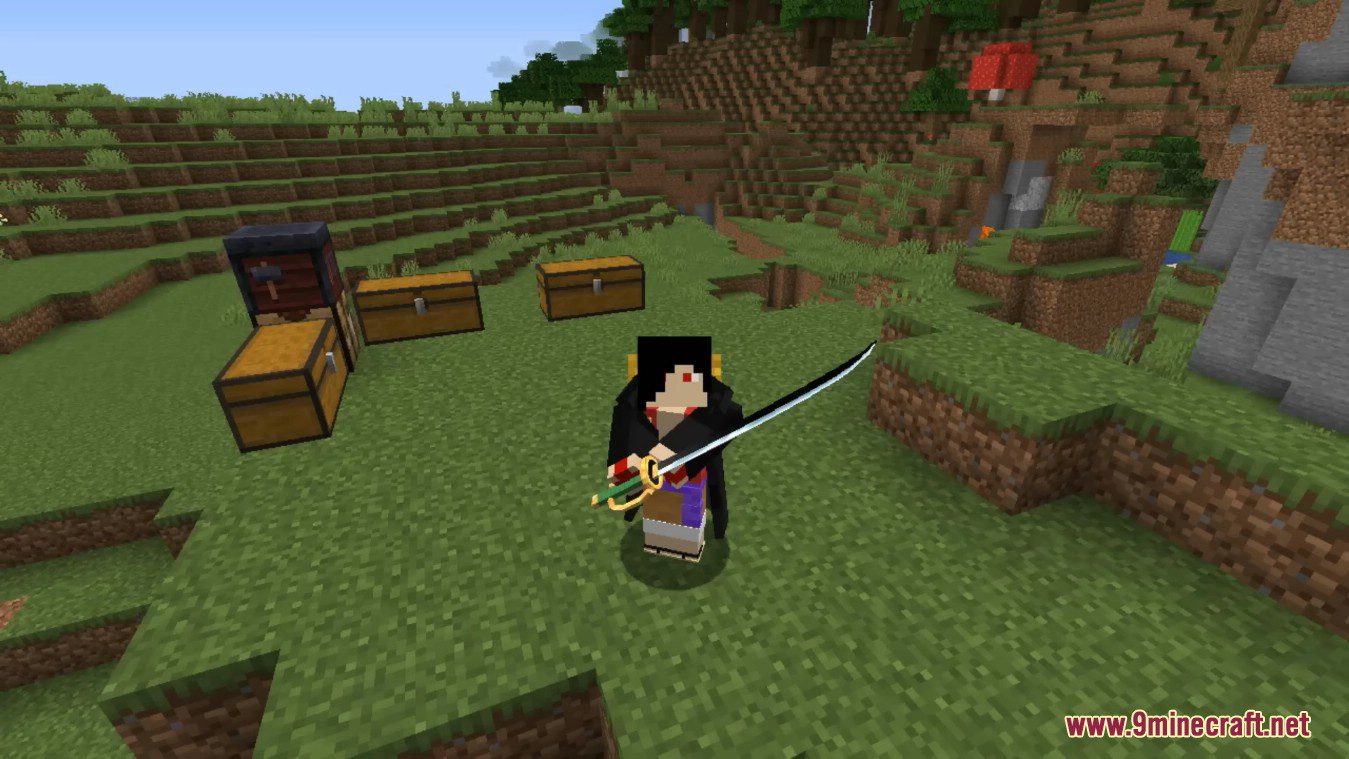
- World Structures: Generates pirate ships, Marine bases, villages, and towns across the world with treasure chests filled with items.
- Built-In PvP Mode: Sets up a world border and starts a battle royale with all mobs in the world using one command, then displays two rankings once only one player or one team remains.
- Adds skills, items, weapons, and mobs from One Piece to Minecraft survival mode.
- Grants advancements when you clear raids and changes which raids appear based on your advancement progress.
- Supports team PvP battles when you create a team with the V key and form your group with the flag before a match begins.
- Changes how strong mobs are depending on your Minecraft difficulty setting (Easy, Normal, or Hard).
Starter Items:
- Skill Selection Book: lets you choose a skill to gain that character’s traits and unlock their abilities.
- Compasses: point toward major sea locations such as East Blue and Grand Line.
- Raid Flag: right-click to start or end a raid.
PvP Mode Rules:
- Player hunger does not go down during a match.
- Players do not regenerate health naturally.
- All non-player mobs stay hostile at all times.
- Treasure chests containing Devil Fruits appear in random spots on the map.
- Any bounty gained or Devil Fruits collected during PvP reset after the match ends.
Ocean Regions:
- East Blue: located at coordinates 0, 0.
- West Blue: located at coordinates -5000, 5000.
- North Blue: located at coordinates -5000, -5000.
- South Blue: located at coordinates 5000, 5000.
- Red Line: located at coordinates -2000, 0.
- Grand Line: located at coordinates 0, 2000.
- New World: located at coordinates 6000, 2000.
Commands:
/gamerule minepiecePVP <true/false>: Turn PvP rules on or off./gamerule minepieceBountyMultiplier <value>: Change the bounty multiplier./gamerule minepieceHakiMultiplier <value>: Change the Haki multiplier./gamerule minepieceGainExperience <true/false>: Turn experience gain on or off./gamerule minepiecePlayerBountyLimit <value>: Set the maximum bounty limit for players./gamerule minepieceCrewBountyLimit <value>: Set the maximum bounty limit for crews./gamerule minepieceAutoRaidStart <true/false>: Turn automatic raid starts on or off./gamerule minepieceAutoRaidFrequency <value>: Set how often automatic raids occur./minepiece raid [start/finish] [eastblue/southblue/grandline/newworld] <stage>: Start or finish a raid for a chosen sea and stage./minepiece bounty [add/query/set/limit] [target] <amount>: Add, check, set, or limit a target’s bounty./minepiece summon [eastblue/grandline/newworld] [marine/pirate] <number>: Summon a pirate crew or Marine corps from a chosen sea./minepiece0 get [compasses/flag] [target]: Give compasses or a raid flag to a target without needing OP./minepiece0 setTeamname <teamname>: Set your team name without needing OP./pvp start [marine/pirate/random/all] <level>: Start a PvP battle royale match with a chosen group and level./pvp finish: End the active PvP match./tp @s 0 ~ 0: Teleport to East Blue./tp @s -5000 ~ 5000: Teleport to West Blue./tp @s -5000 ~ -5000: Teleport to North Blue./tp @s 5000 ~ 5000: Teleport to South Blue./tp @s -2000 ~ 0: Teleport to the Red Line./tp @s 0 ~ 2000: Teleport to the Grand Line./tp @s 6000 ~ 2000: Teleport to the New World.
How to Use:
- Use the Skill Selection Book you receive at the start of survival mode to pick a skill, gain that character’s traits, and unlock their abilities.
- Follow your Compasses to find sea areas like East Blue and Grand Line, and explore pirate ships, Marine bases, villages, and towns to loot treasure chests.
- Fight mobs using guards, backsteps, and skills to raise your bounty, strengthen your stats, and unlock new techniques including Haki.
- Right-click the Raid Flag whenever you want to start or stop a raid, or clear the automatic raids that happen every 20 minutes to earn advancements and unlock different raids.
- Press V to create a team and scout mobs so they join your pirate crew.
- To play team PvP battles, press V to make a team and use the flag to form your team before the match starts.
- Type
/pvp start [marine/pirate/random/all] <level>in chat to set up a world border and begin a PvP battle royale, then search random chests on the map for Devil Fruits until one player or team wins. - Switch your Minecraft difficulty between Easy, Normal, and Hard if fights feel too easy or too hard, since difficulty changes how strong mobs are.
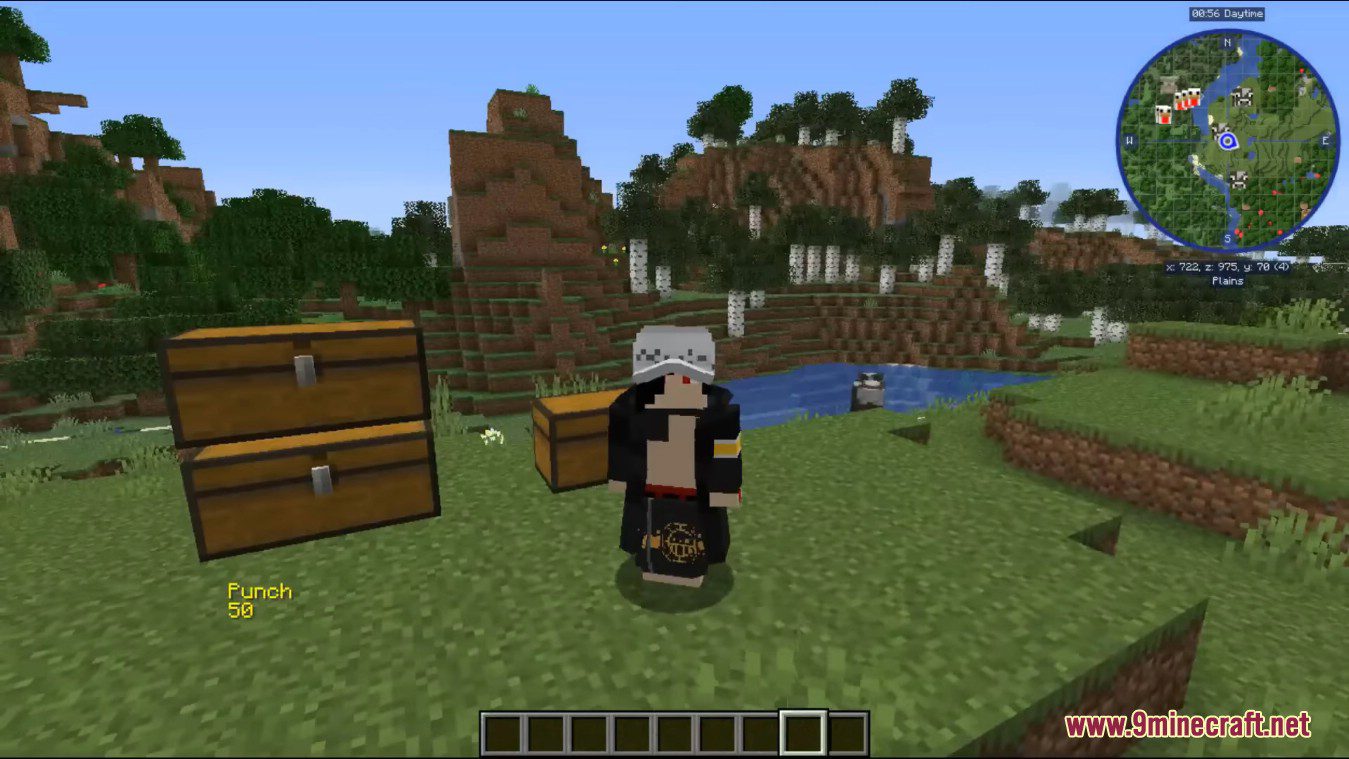
Screenshots:
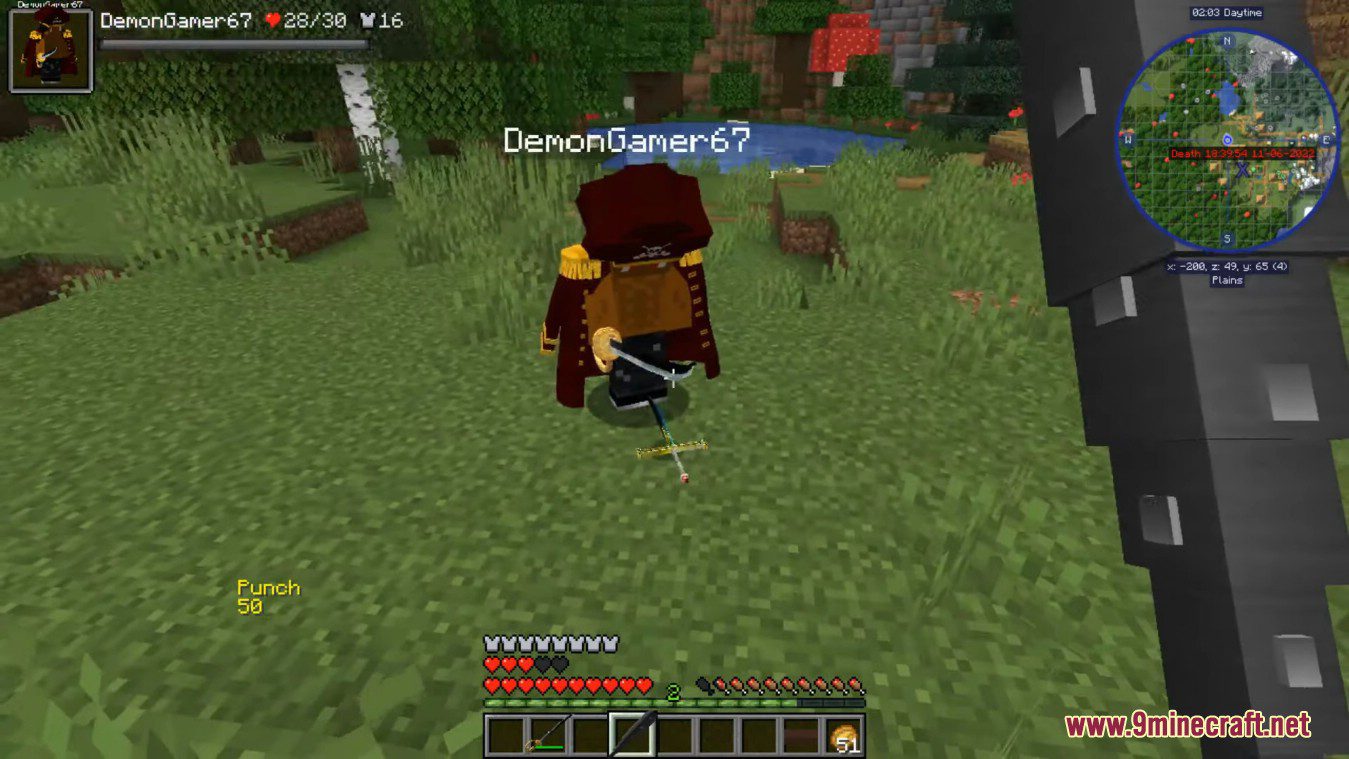
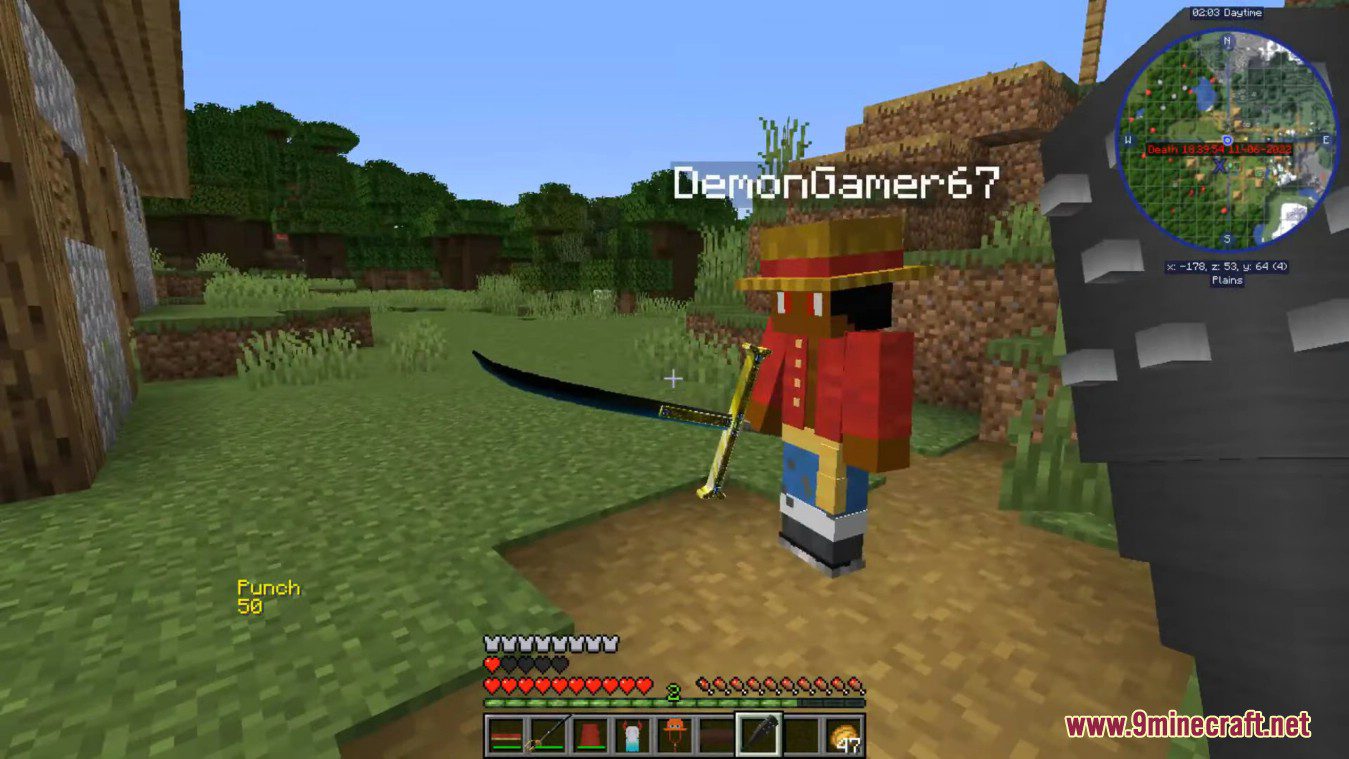
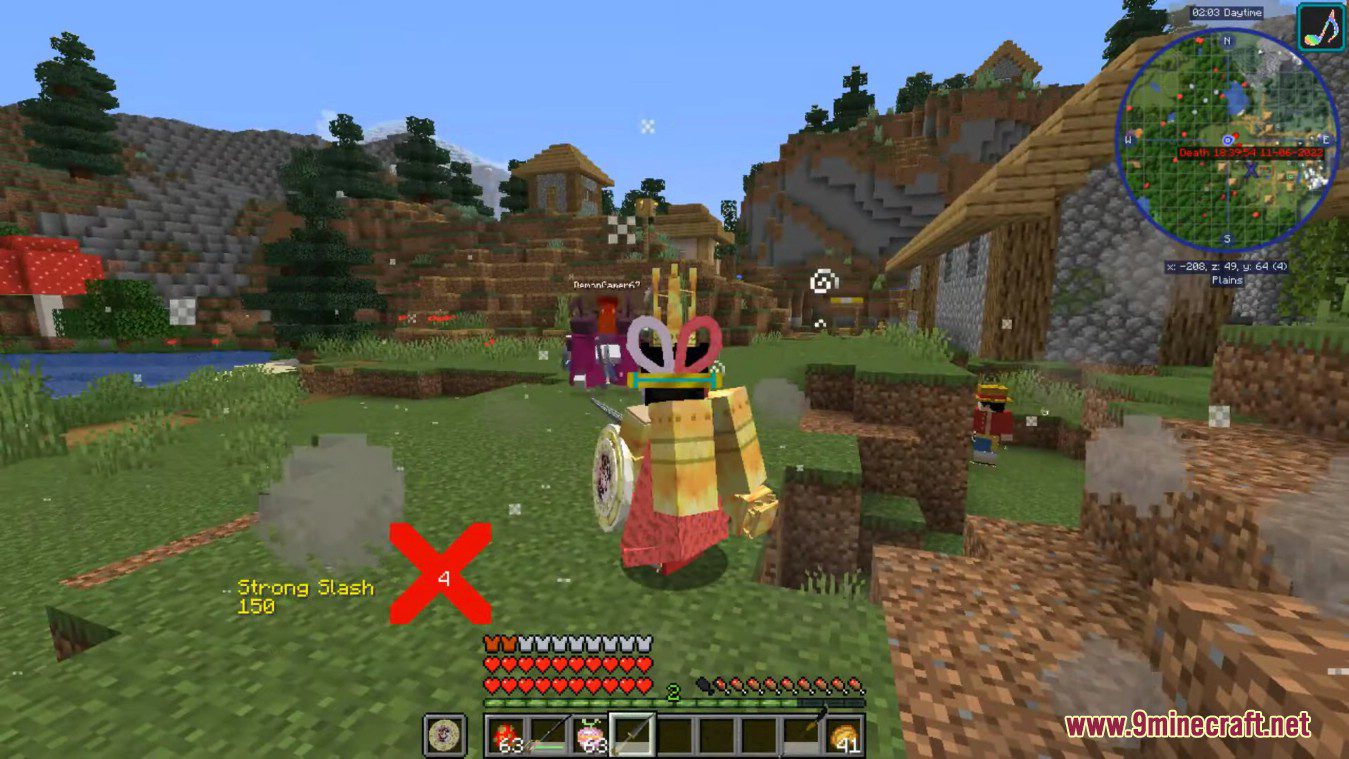
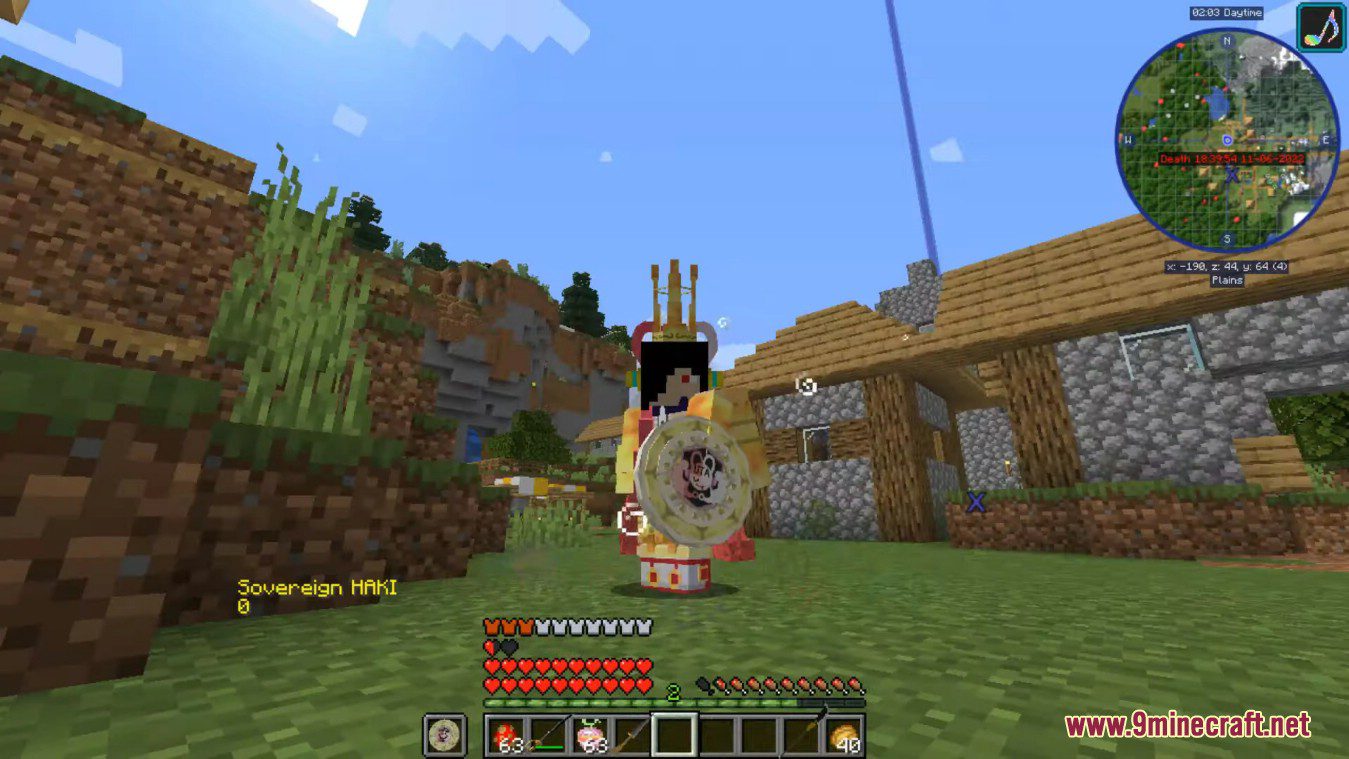
How to Install:
New to Minecraft? Follow our step-by-step guide to install Mods on your PC.View Guide
Requirements:
Mine Piece Mod Download Links
For Minecraft 1.20.1, 1.20
Forge version: Download from Server 1 – Download from Server 2
For Minecraft 1.16.5
Forge version: Download from Server 1 – Download from Server 2
What do you prefer for world generation in a modded playthrough?
19 responses · See the full results →

3 Comments
 What do you think?
Your opinion means a lot - we'd love to hear from you.
You May Also Like
Picked for this page
 Yes Steve Model Mod (26.1.2, 1.20.1) – Characters, Girlfriends
 Awesome Dungeon Ocean Mod (26.2, 1.20.1) – Underwater Dungeons & Temples
 Conduits Prevent Drowned Mod (26.3, 1.20.1) – Peaceful Underwater Cities
 Auto Tools Mod (26.3, 1.20.1) – Smart Mining & Combat Helper
 Furnace Recycle Mod (26.3, 1.20.1) – Recycle And Use
 UtilitiX Mod (1.21.1, 1.20.1) – Random Content That You May Need
 Iron Bookshelves Mod (26.3, 1.20.1) – More Enchantment Power
 Sky Aesthetics Mod (26.3, 1.21.1) – Customize The Sky
 Amethyst Shield Mod (26.3, 1.20.1) – New Shield with Special Abilities
 Doctor Who: Weeping Angels Mod (1.21.11, 1.20.1) – Do Not Blink
 Sheep Squeak Mod (26.1.2, 1.20.1) – A Playful Sheep Interaction
Most viewed in Mods over the last 7 days
 Ala Industrial Mod (26.3) – Run Electric Power Grids and Automated Factories
 PleasureCraft Mod (26.3, 1.21.1) – Jenny Mod Remake for Fabric
 Jennycraft Mod (26.3, 1.20.1) – Virtual Girlfriend in Minecraft
 Fapcraft Mod (26.3, 1.12.2) – Comprehensive and Detailed Content
 Jenny Mod (Fapcraft) Official Complete Guide – How to use, Tutorial
 BangCraft Mod (1.20.1) – Jenny, Ellie and Elliot
 Fabric Loader (26.3, 1.20.1) – Fabric Installer for All Minecraft Versions
 The Shooting Star Demo Mod (26.3, 1.20.1) – Vaporize Terrain From Orbit
 Meteor Client Mod (26.3, 1.20.1) – Xray, HUD, Fly
 OptiFine HD (26.3, 1.20.1) – Run Faster, FPS Boost, Shaders Support
 Aristois Client Mod (1.21.4, 1.20.1) – World Class Minecraft Utility
 Prestige Client Mod (1.21.11, 1.21.4) – Powerful Ghost Features for Crystal & Sword PvP
More from Mods
 TheHouse Mod (1.21.11) – Host Casino Tables and Track Every Bet in Real Time
 CinematicInteractions Mod (1.21.1) – Watch Your Hands Work at Every Crafting Table
 Earth Platform Mod (1.21.1) – Travel Across Real Continents in a True Scale World
 Taunahi Mod (26.1.2) – Automate Daily Farming and Slayers in Hypixel Skyblock
 HORROR Fake Join Leave Messages Mod (1.20.1) – Trigger Creepy Chat Scares
 Bons Voyage Mod (1.20.1) – Teleport Across Biomes Through Hidden Waystones
 Orbital Railgun UPDATED Mod (26.3) – Flatten Giant Landscapes From Space
 Automobility Autoradio Mod (26.3, 26.1.2) – Trade Custom Mixtapes with Friends
 Towers of the Wild 9minecraft Mod (26.3, 26.2) – Climb Tall Towers for Loot
 Ender Storage 9minecraft Mod (26.3, 26.2) – Send Loot Back Home From Any Dimension
 Snad 9minecraft Mod (26.3, 26.2) – Build Faster Sugar Cane and Nether Wart Farms
 Together Forever Unofficial Mod (1.12.2) – Share Team Advancements

Quero um mod
I can’t download it on crafting and building
Como que baixa