
Spook’s Tweaks Model – Adds Fluffy Leaves, Vivid Biomes, and 3D Blocks
 3
 0


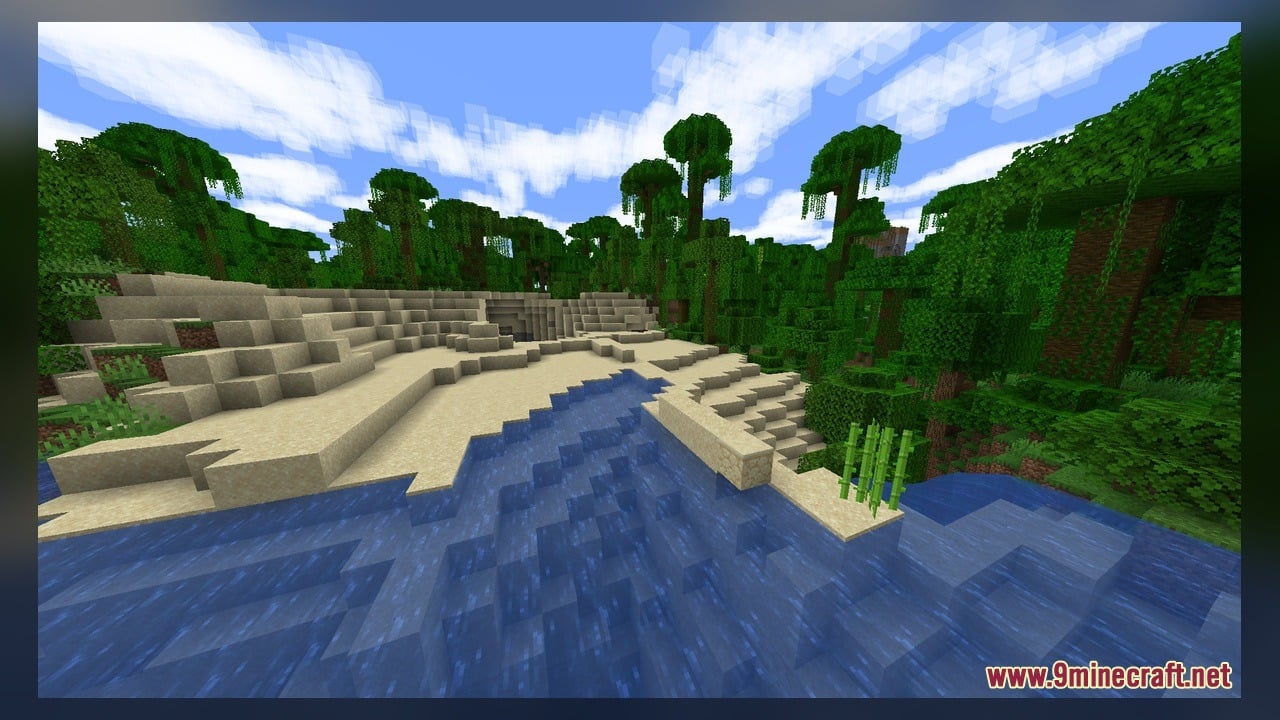
Spook’s Tweaks Model brings fluffy leaves, better biome colors, and improved vanilla textures to your Minecraft world. This pack ships with 369 custom 3D models and over 2,900 texture files, and some of those textures are animated. It reshapes everyday blocks like doors, trapdoors, rails, anvils, and cactus. It also works with Fresh Animations, so you can use both packs together. You need EMF or OptiFine to make it work.
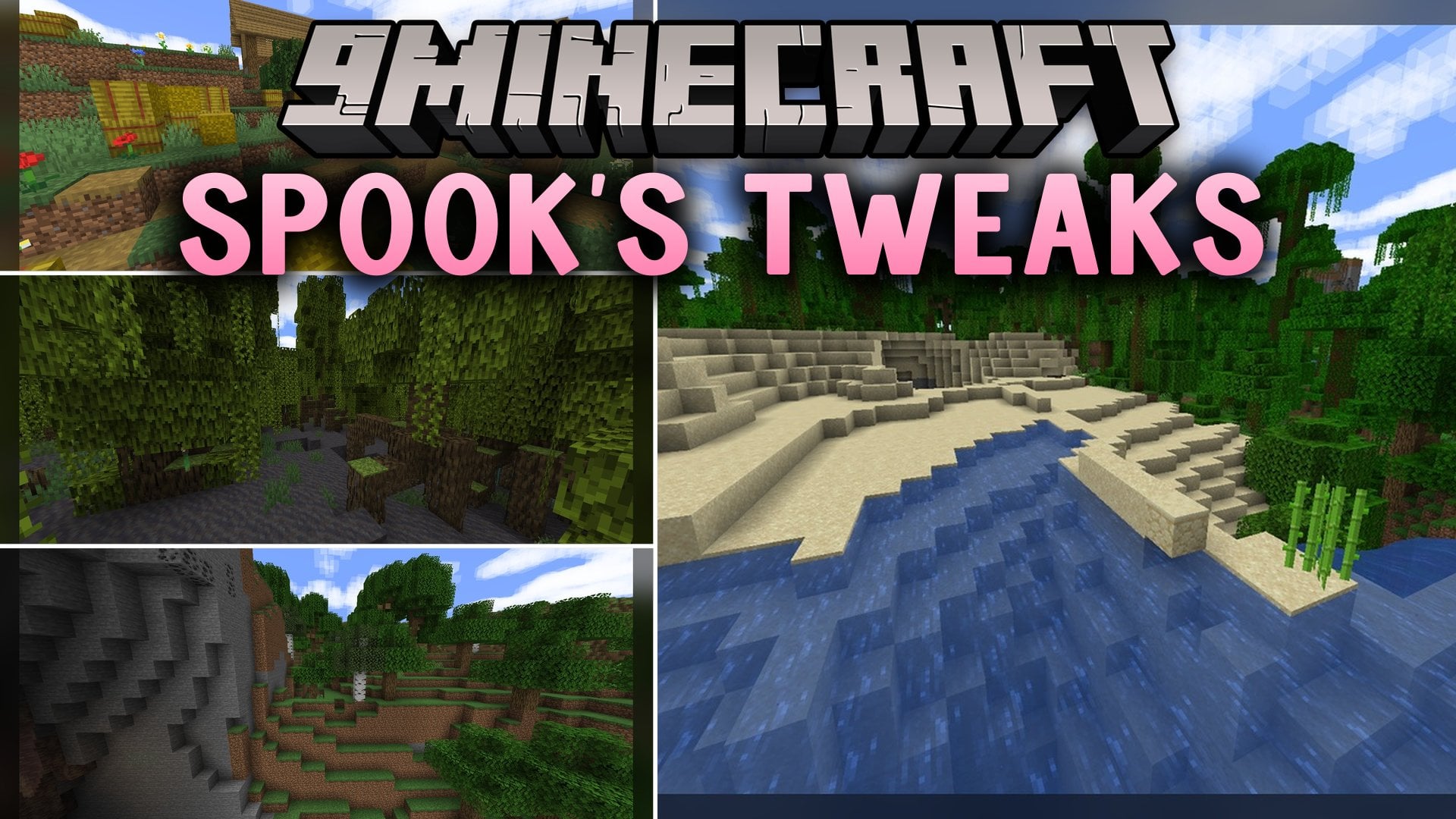
Features:
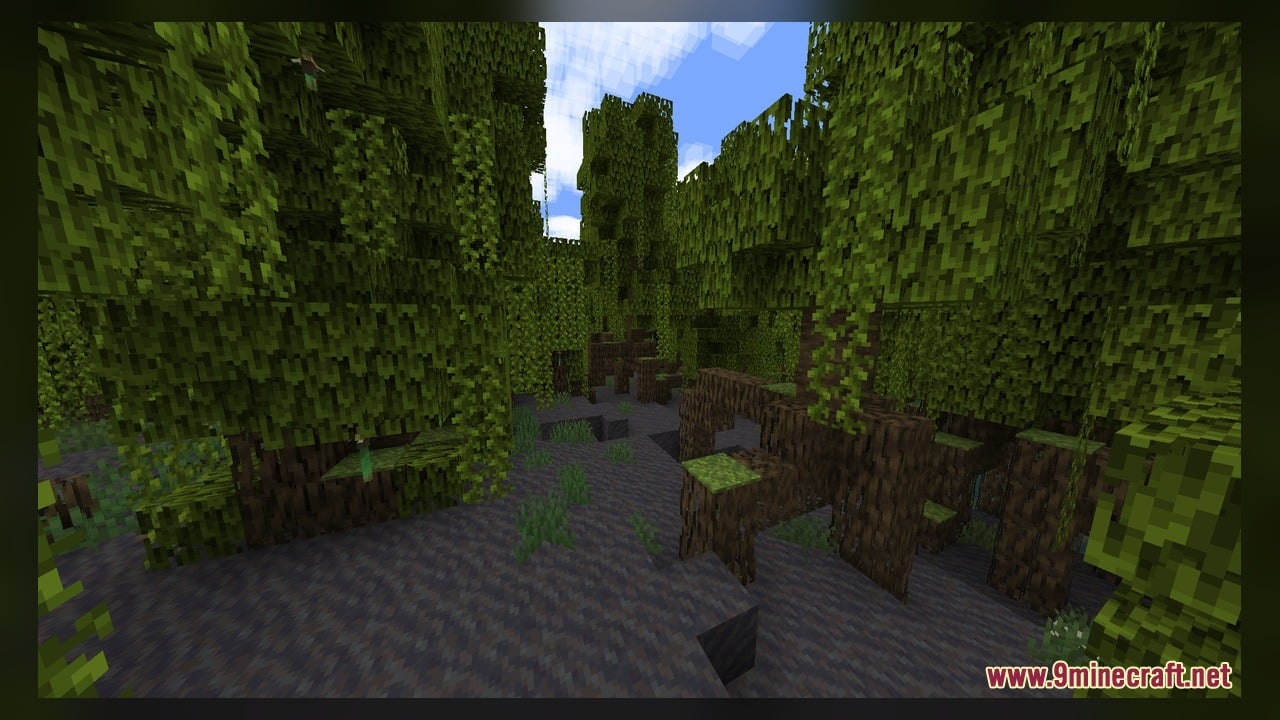
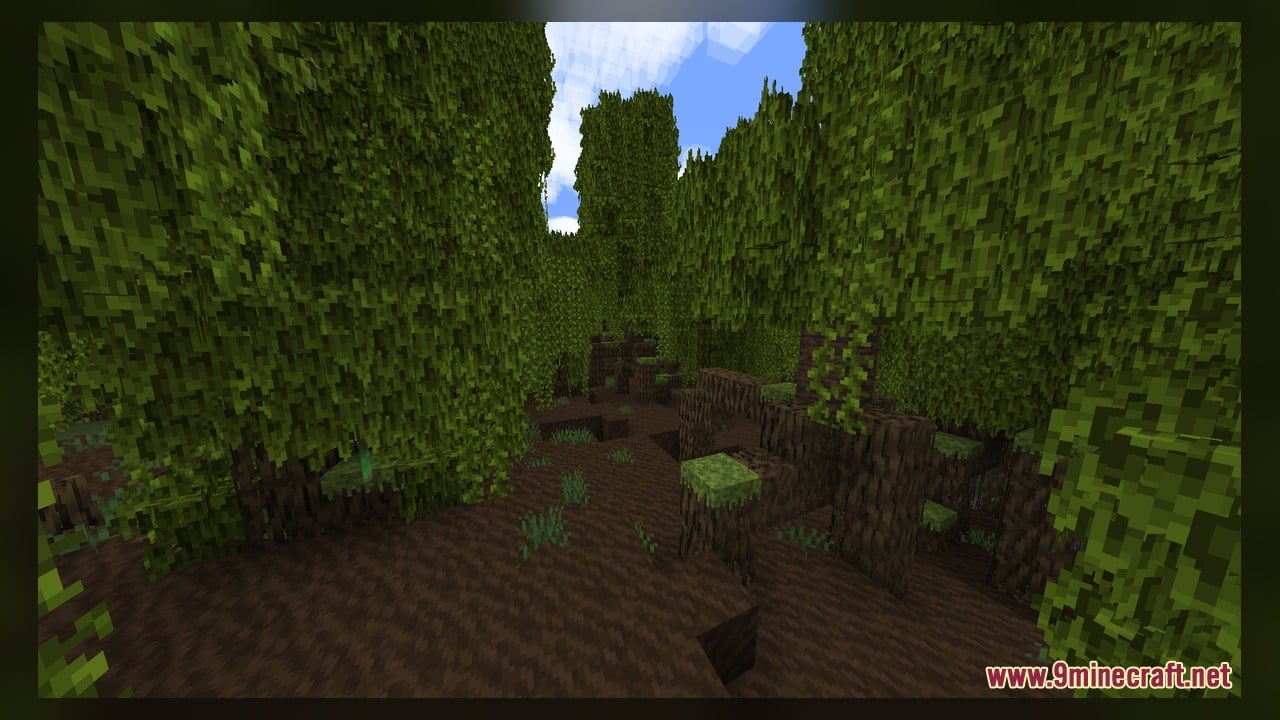
- Fluffy Leaves: Tree leaves get a soft, fluffy look that makes forests feel fuller.
- Better Biome Colors: Each biome gets nicer colors, so the world looks more lively as you travel.
- Fresh Animations Compatibility: You can run this pack with Fresh Animations. Just place Fresh Animations right below it in your pack list.
- 369 Custom 3D Models: Many common blocks get real 3D shapes instead of flat textures.
- Improves vanilla textures while keeping the classic Minecraft style.
- Includes animated textures that move in your world.
- Gives acacia, bamboo, and birch doors their own 3D models for the top, bottom, left, and right parts.
- Adds 3D models for acacia, bamboo, and birch trapdoors when they sit on top, sit on the bottom, or stay open.
- Reshapes activator rails, with separate models for powered rails and rails going up slopes.
- Brings new 3D shapes for the anvil, the bush, and cactus.
How to Use:
- Install EMF or OptiFine, put the pack in your resourcepacks folder, and turn it on in Options > Resource Packs. If you use Fresh Animations, place it right below this pack in the list.
- Walk into a forest to see the fluffy leaves, then travel between biomes to see the new biome colors.
- Get acacia logs from a savanna, birch logs from a birch forest, or bamboo from a jungle. Craft doors and trapdoors, then place doors with the hinge on each side to see the left and right 3D models.
- Right-click your doors and trapdoors to open them and watch the model change. Place trapdoors on the top and bottom half of a block to see both closed versions.
- Craft activator rails and lay them on flat ground and up a slope. Power them with a lever or redstone torch to see the powered models.
- Look for cactus in deserts and bushes in grassy areas, and craft an anvil from iron blocks and iron ingots to see their new 3D shapes.
Requirements:
- A Minecraft version that can show animated textures.
- EMF or OptiFine installed.
Screenshots:
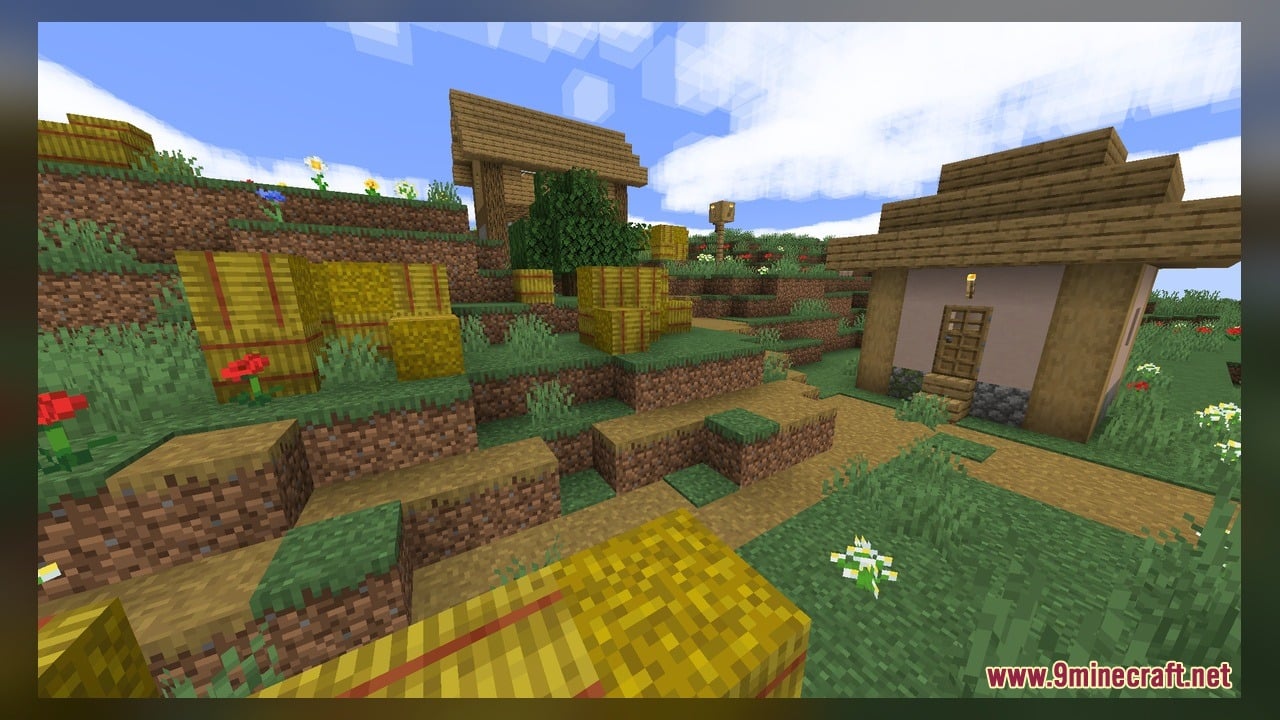
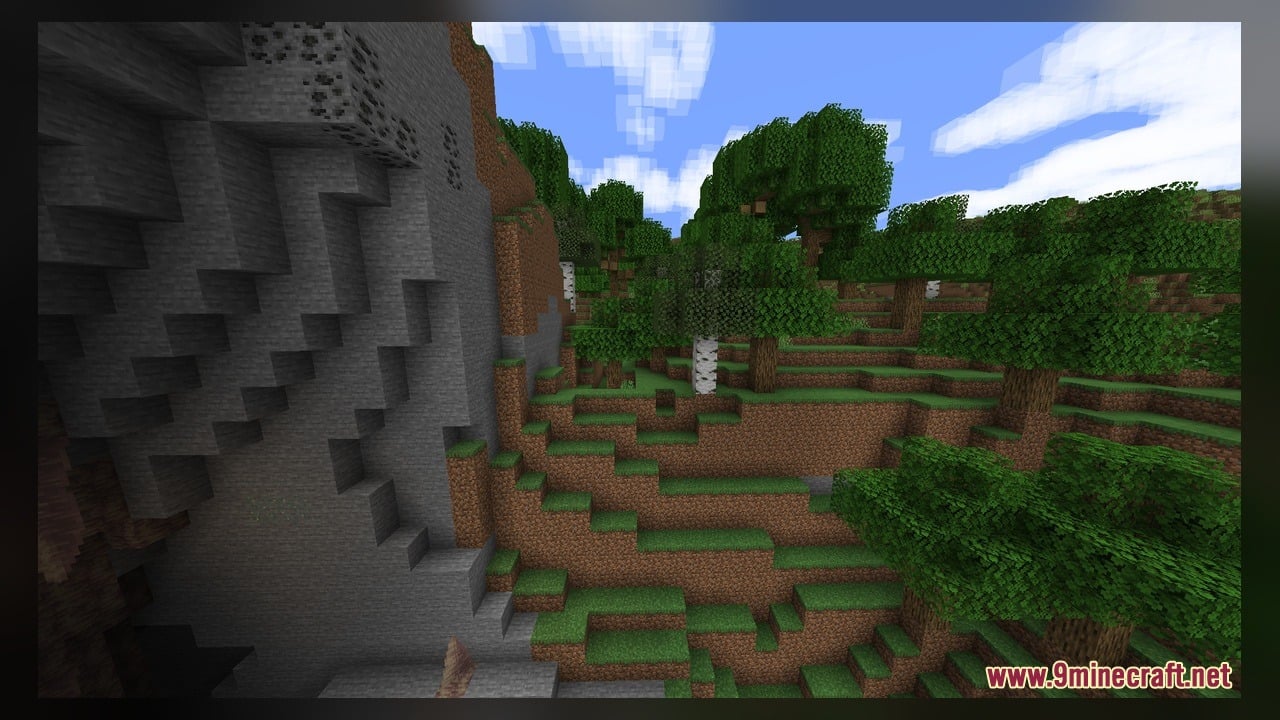
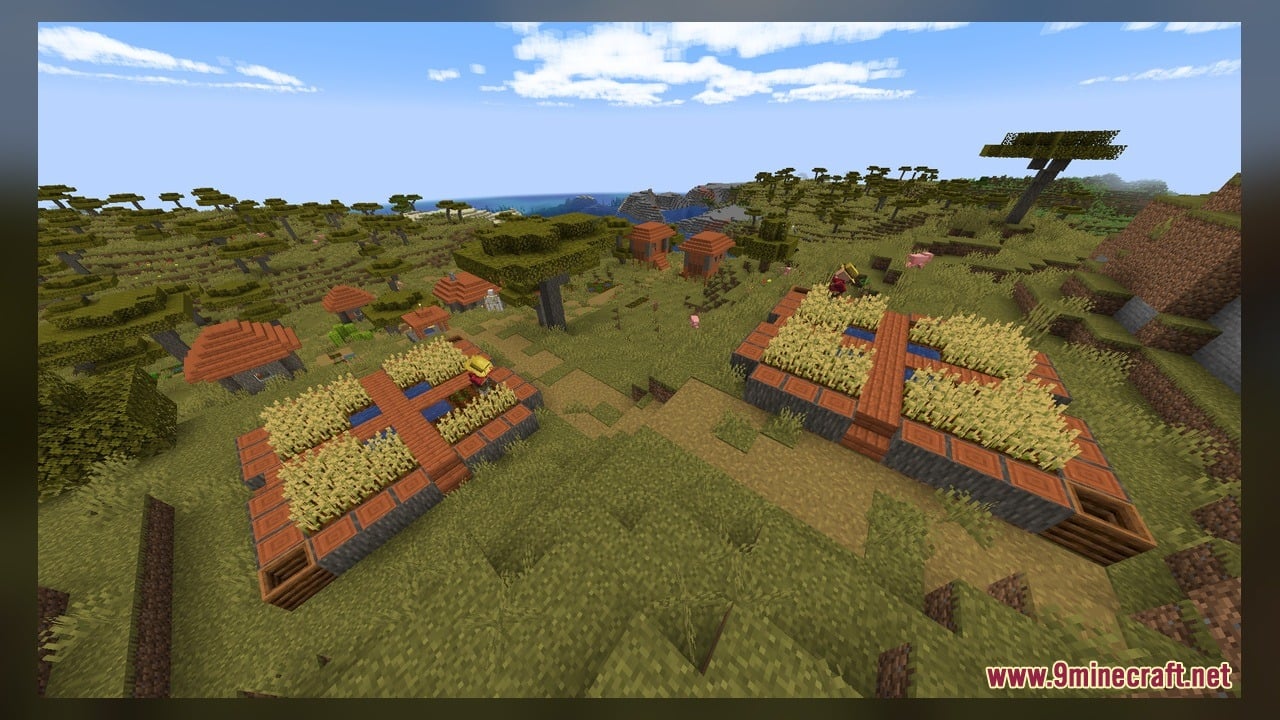
Spook’s Tweaks Model Download Links
Click to rate this post!
[Total: 0 Average: 0]
You May Also Like
Picked for this page
 Old Horse Model – Restores Classic Retro Horse Models and Animations
 CMG PP Model – Transforms Create Machinery Into Tactical Military Equipment
 Modded Mizuno – Adds Charming Rustic 3D Animations to Utility Blocks
 Human Era Villagers & Illagers X Fresh Animations Model
 Glowing Emissive Ores Model – Brings Animated 3D Crystals to Dark Caves
 Comprogrammer Model – Transforms Modded Worlds with Retro Blocky Models
 Faithless Model – Adds 698 Custom 3D Models While Keeping the Vanilla Look
 New Default Model – Adds Thousands of 3D Block Models with Animated Fire
 Torturable Healthbars X Fresh Animations Model – Adds Animated Mob Wounds
 Vanilla PVP Essentials Model – Brings Clean 3D Overlays for Combat
 RotrBLOCKS Model – Adds Real 3D Leaves and Detailed Candle Models
 Simplistic 3D Doors Model – Adds Clean Depth to Vanilla Entryways
Most viewed in Models over the last 7 days
 Jenny Mod Skin Pack Mega Collection – 310+ Characters
 The Most Complete Collection of Jenny Mod Resources – Models, Animations, Structures,…
 Albedo Rework Jenny Mod Model
 Power Model – Custom Girl for PleasureCraft Mod
 Galath Rework Model – Custom Girl for PleasureCraft Mod
 750 Models Addon for Yes Steve Model Mod
 Femboy Ellie Rework Jenny Mod Model
 Ram Model – Custom Girl for PleasureCraft Mod
 100+ Custom Animations For Jenny Mod
 Ellie Rework Jenny Mod Model
 Alex Model – Custom Girl for PleasureCraft Mod
 Steve (Jenny & Zoey) Pack Jenny Mod Model
More from Models
 SMRT Trains Model – Brings Authentic Seoul Subway Trains to Custom Rails
 MTR RENFE Extension Model – Brings Spanish Passenger Trains to Railways
 Flat Face Trains Model – Adds Classic Korean Commuter Trains to Tracks
 Bucket Buddies Model – Transforms Flat Buckets Into Cute Animated Critters
 Scythes Vanilla Model – Brings Sharp Harvesting Weapons Across Every Tier
 Better Blue Netherite Model – Transforms Ancient Debris Into Bright Blue Ores
 3D Ores Model – Transforms Flat Cave Minerals Into Sculpted Crystal Formations
 Goose’s Crops Model – Transforms Flat Crops Into Detailed 3D Plants
 Cpvp-yxusuf05mai-anime-sky Model – Transforms Crystal PvP with Anime Skies
 GhibliBlocks 512x Model – Transforms World Blocks Into Painterly Anime Art
 Edgy Foliage Model – Transforms Blocky Plants Into Bushy 3D Shapes
 Spawn Eggs New Model – Transforms Egg Sprites Into 3D Mob Sculptures

This post has no comments yet. Be the first — your comment will appear here.