


Missing Mods Checker Mod (1.21.1, 1.20.1) – Never Lose Worlds to Missing Mods

 0
0 

Missing Mods Checker Mod is a utility tool that helps modpack creators make sure players have all the necessary mods. Before the game even loads, it checks if any required mods are missing. If a mod is not found, a new window appears on the screen. This window prompts the user to download the missing files before they can play. This system is great for preventing important mods from being accidentally removed and for suggesting optional mods to new players.
Features:
- Checks for missing mods before the game starts.
- Prevents core mods from being accidentally deleted from a modpack.
- Makes sure players are using the exact, correct version of a mod.
- Asks users if they want to download optional mods when they first launch the game.
- Shows a simple pop-up window listing all missing mods.
- Includes a “Download” button that opens the correct download page in your browser.
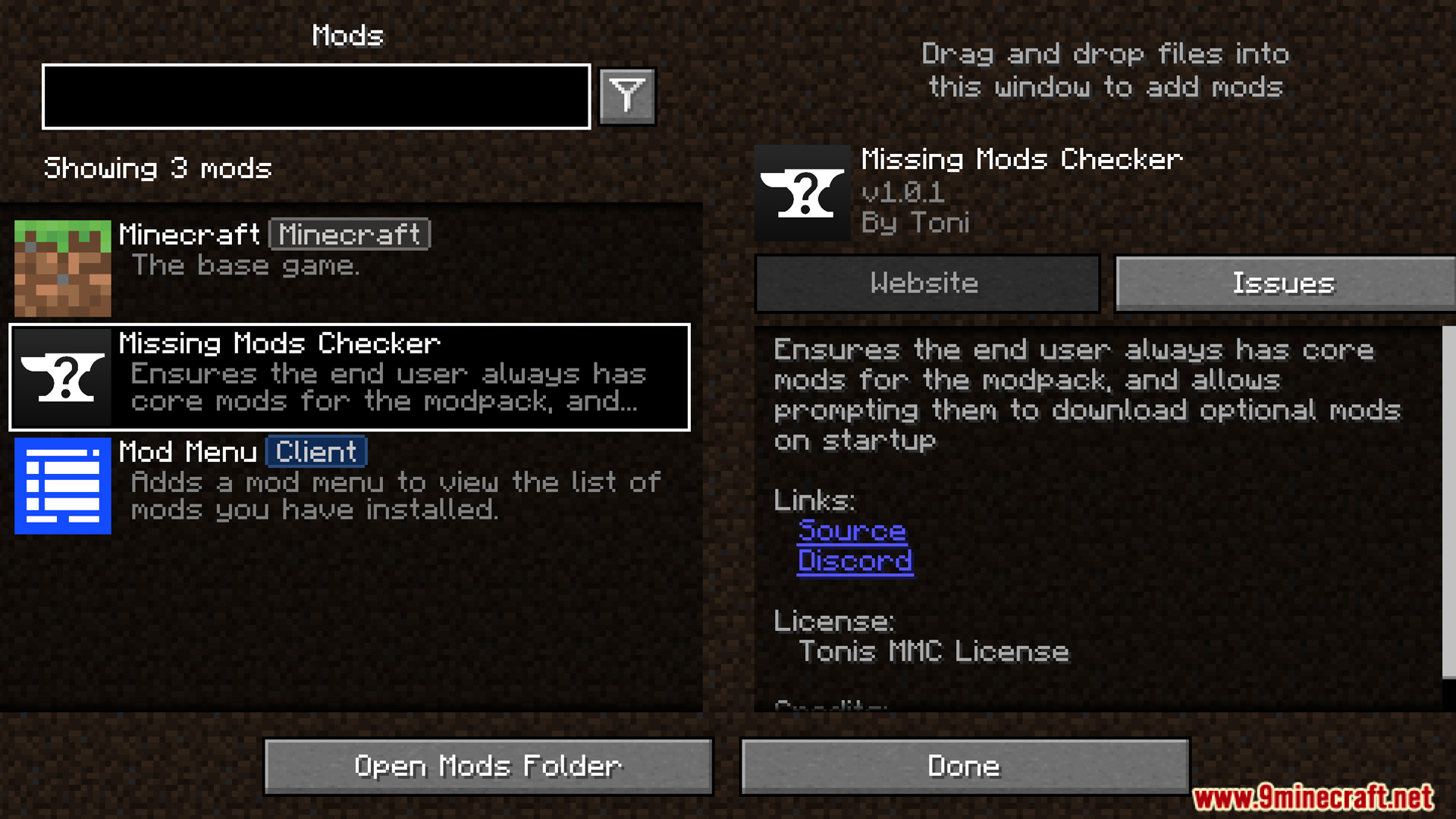
- Provides a quick button to open your mods folder directly.
How to Use:
- When you launch a modpack that uses this tool, it will automatically check for missing mods.
- If any mods are missing, a window will appear.
- Click the “Download” button next to each mod in the list to open its download page.
- Place the downloaded files into your mods folder. You can use the “Open Mods Folder” button for quick access.
- Restart the game once all required mods are installed.
Configuration:
You can set up the mod by editing the missing_mods_checker.json file located in your modpack’s config folder. Inside this file, you can add entries for each mod you want to check for. The system even supports using regex for filenames, allowing you to specify exact versions or a range of versions.
Screenshots:
How to Install:
New to Minecraft? Follow our step-by-step guide to install Mods on your PC.View Guide
Requirements:




Missing Mods Checker Mod Download Links
For Minecraft 1.21.1, 1.21
For Minecraft 1.20.1, 1.20
You May Also Like


This post has no comments yet. Be the first — your comment will appear here.