


Modern Dark UI Resource Pack (26.2, 1.21.11) – Clean Dark Menus for Late Night
 0
0
 0
0


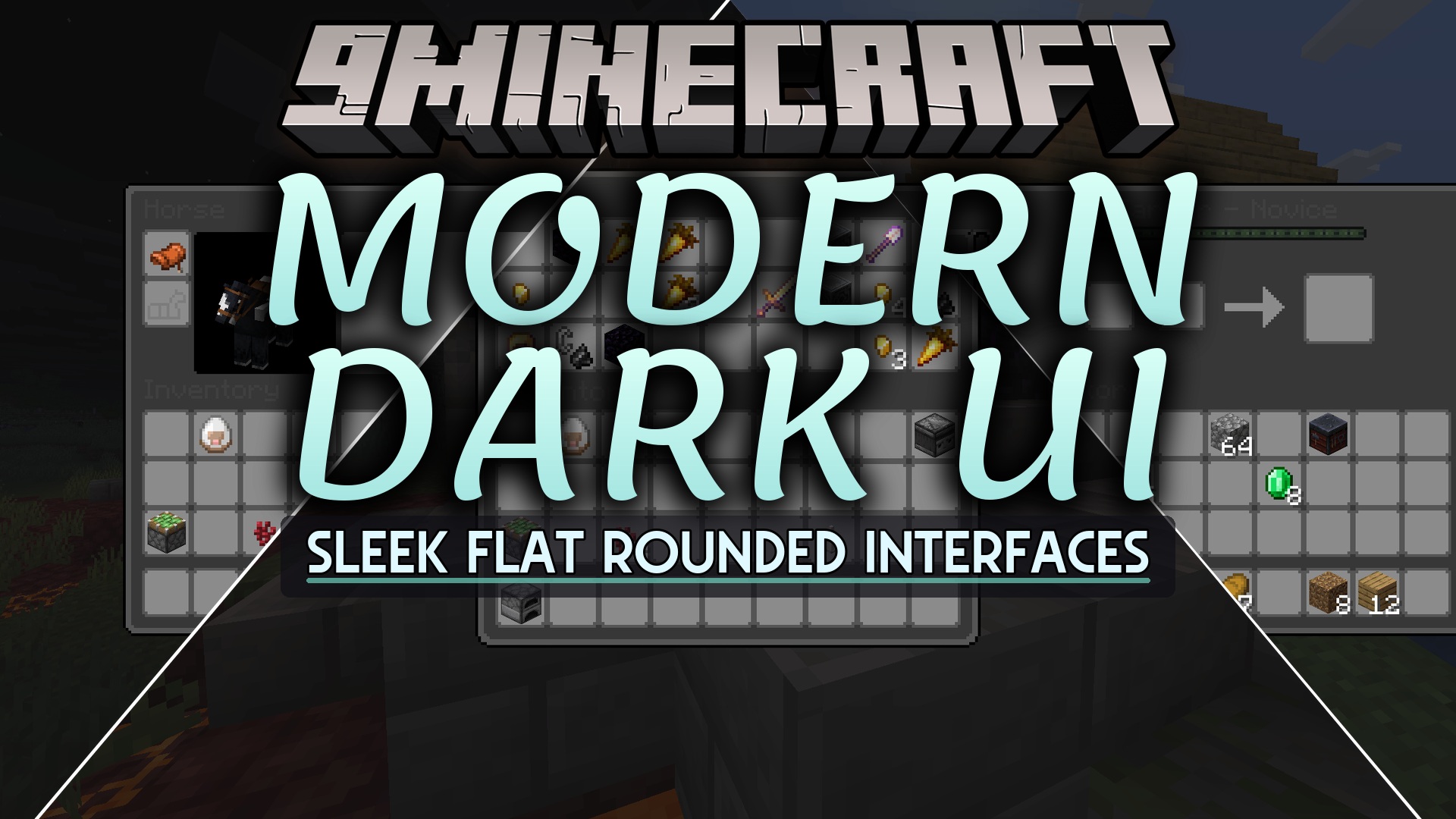
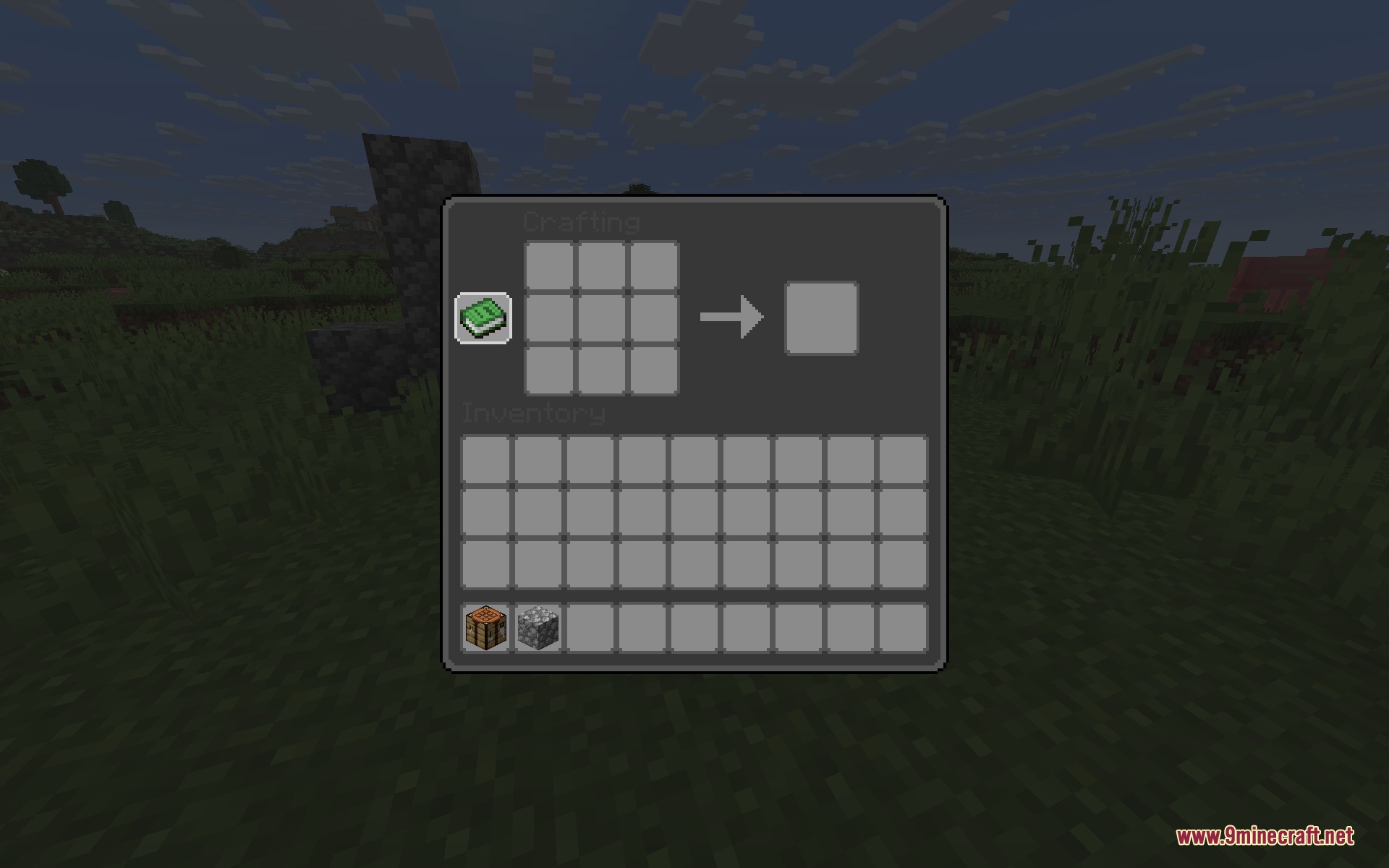
Modern Dark UI Resource Pack replaces the standard vanilla game interfaces with a flatter, rounded dark theme. This pack softens screen brightness during late-night gaming by swapping out bright default menu backgrounds for smooth dark tones. Every container screen, crafting grid, and system window feels fresh and minimal while keeping all familiar item slots in place.
Features:
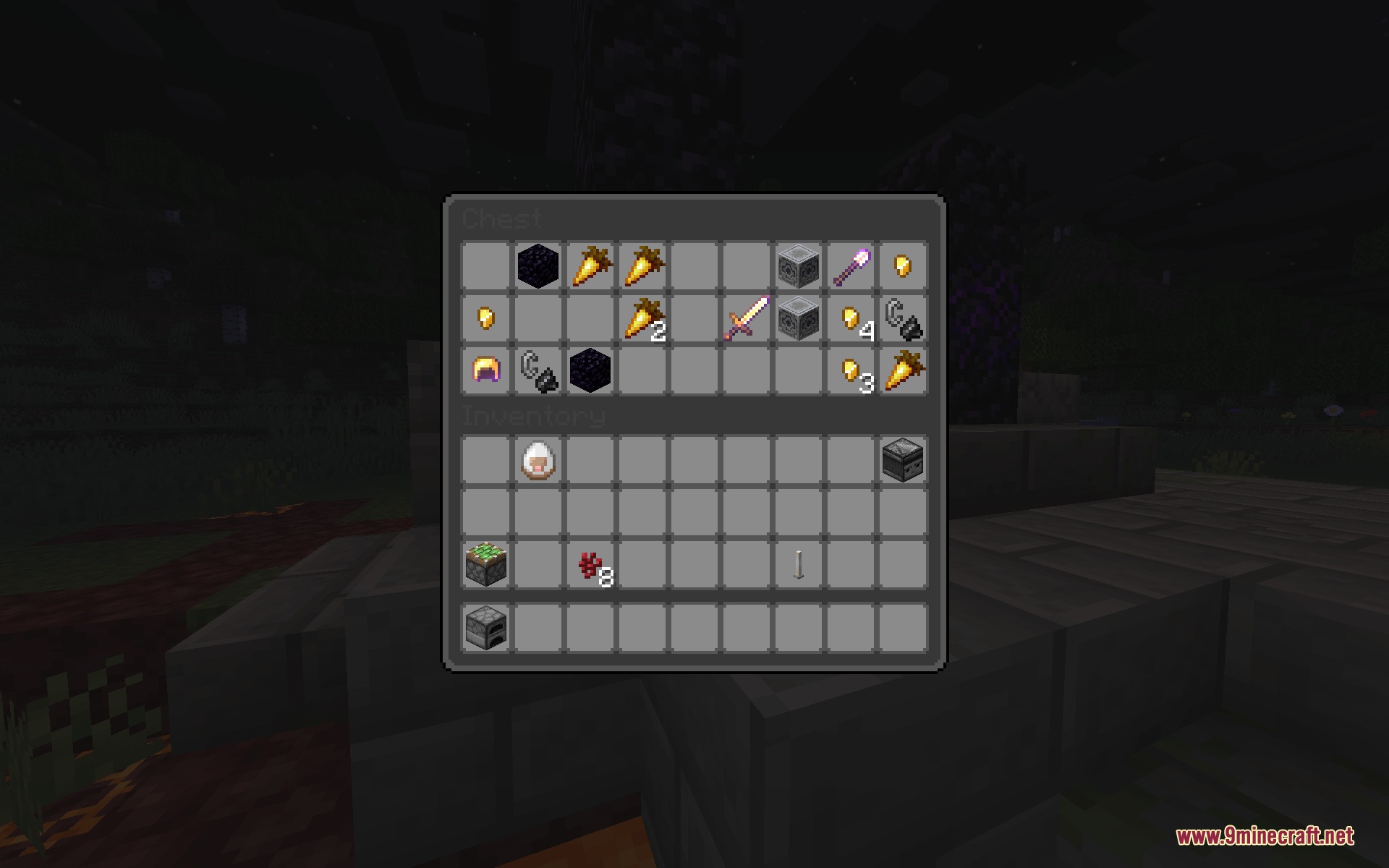
- Replaces default bright interface backgrounds with flat, rounded dark gray panels.
- Reduces screen glare when opening chests, crafting tables, and utility blocks in dark rooms.
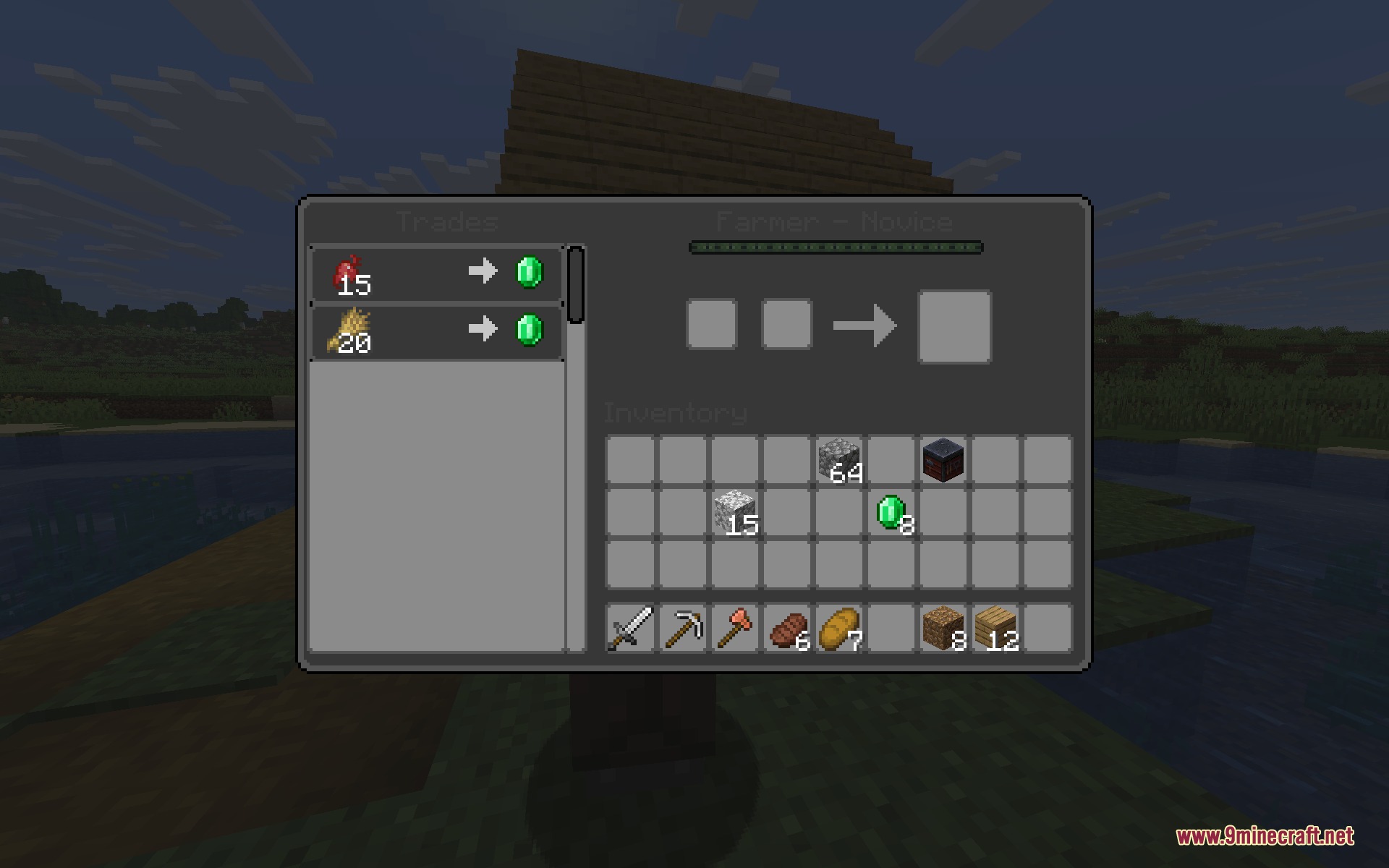
- Restyles trading windows for villagers with clean borders and dark item slots.
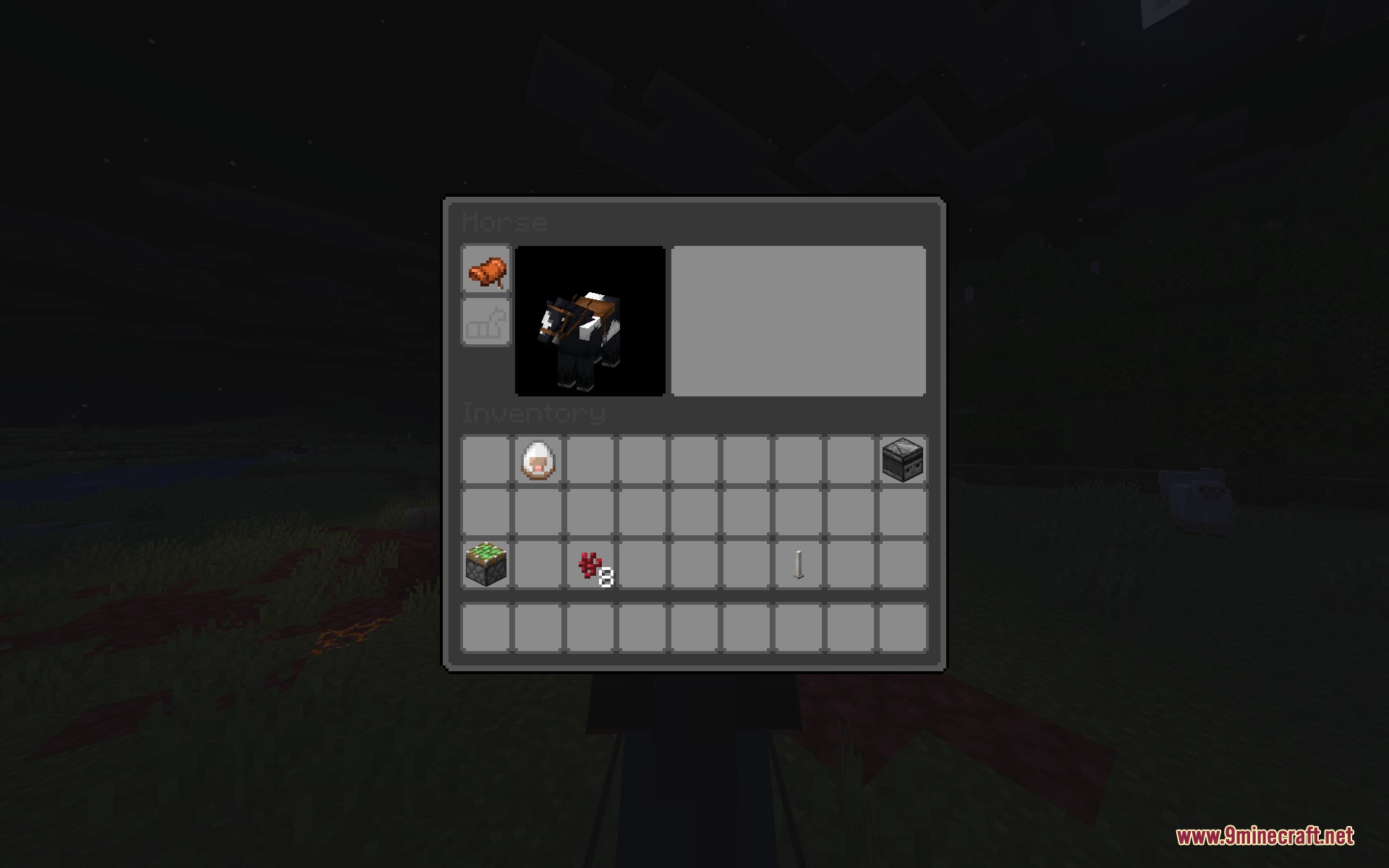
- Updates storage menus for regular chests and horse inventories with the matching dark look.
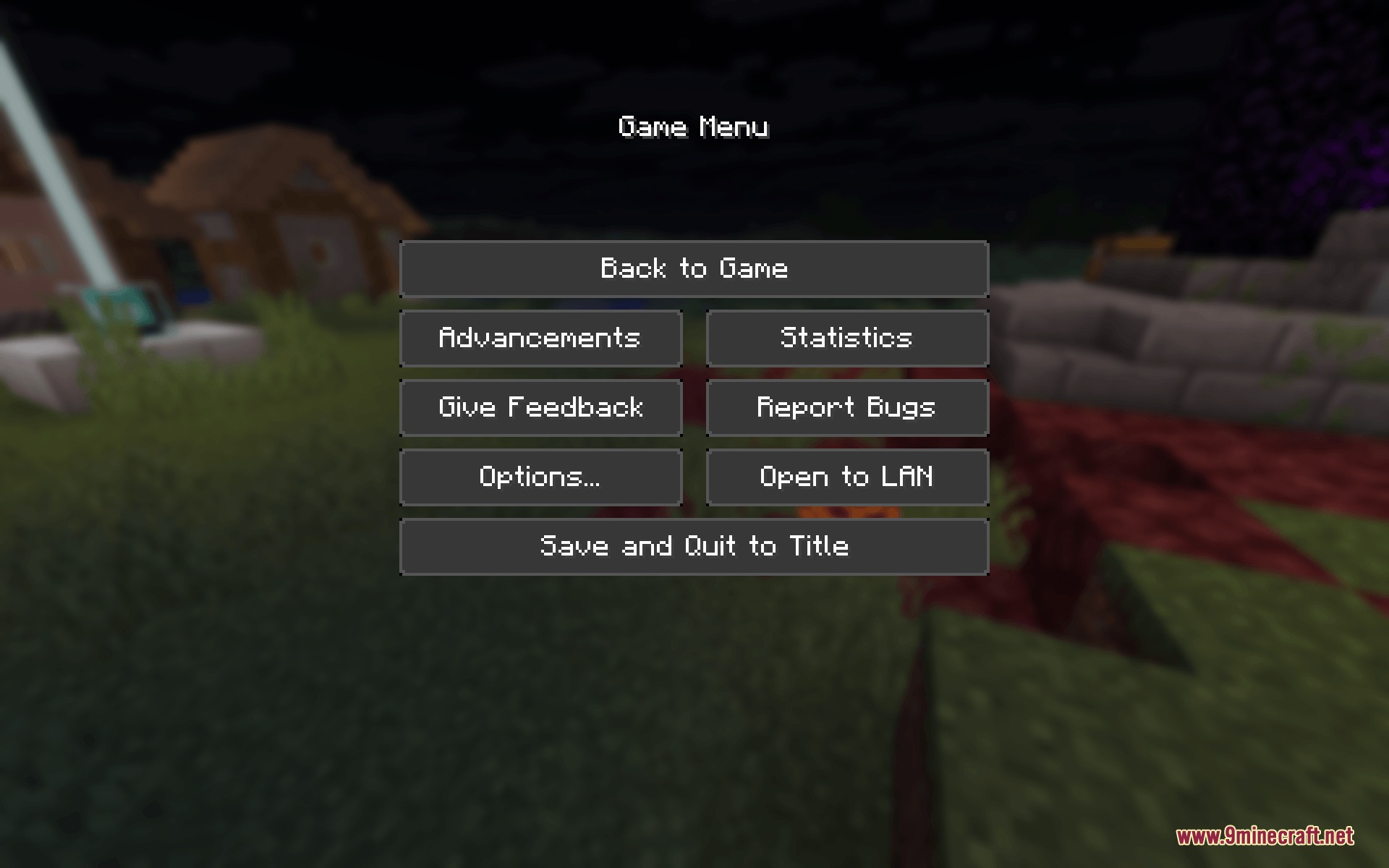
- Gives the game pause screen and menu buttons a tidy, modern finish.
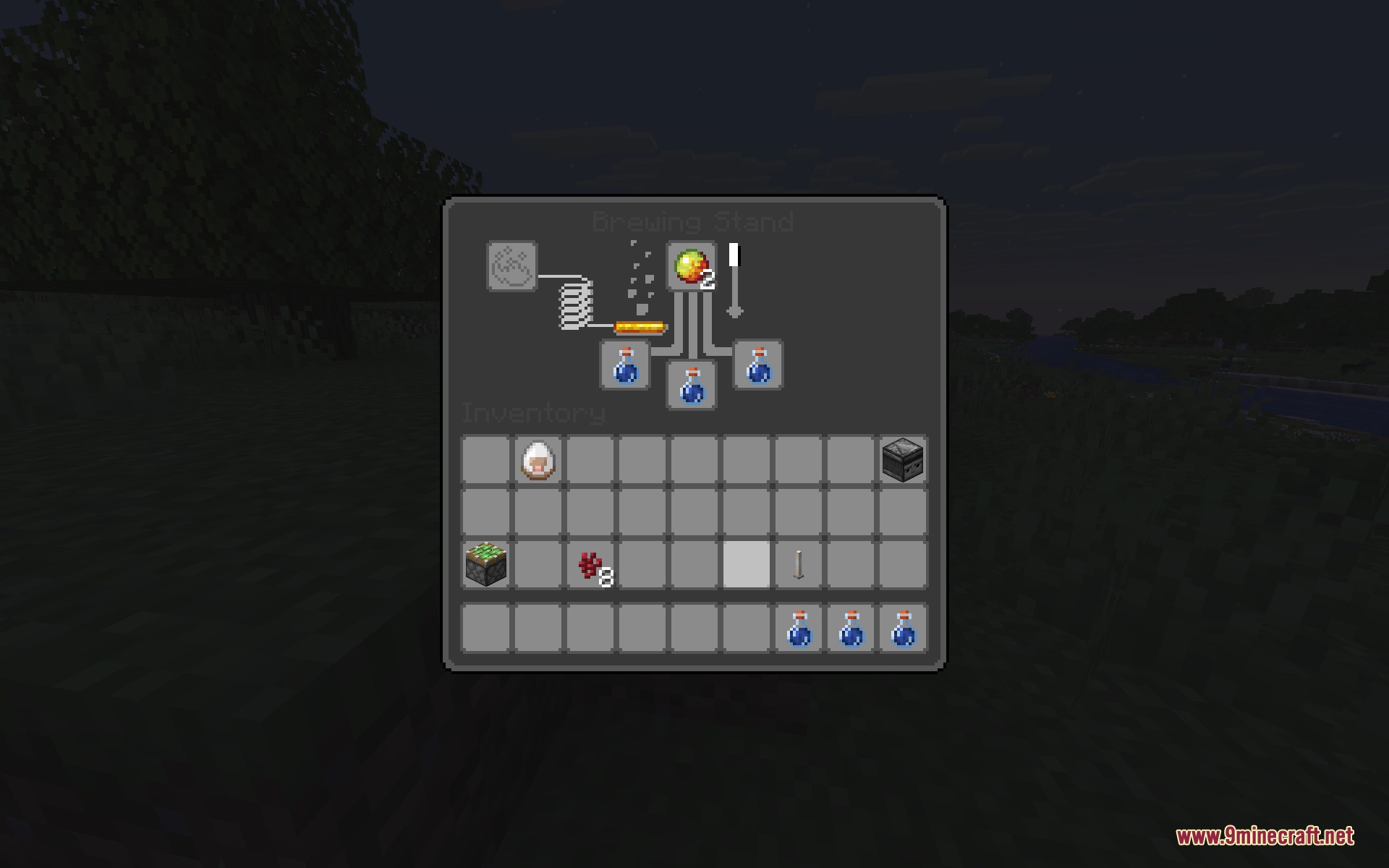
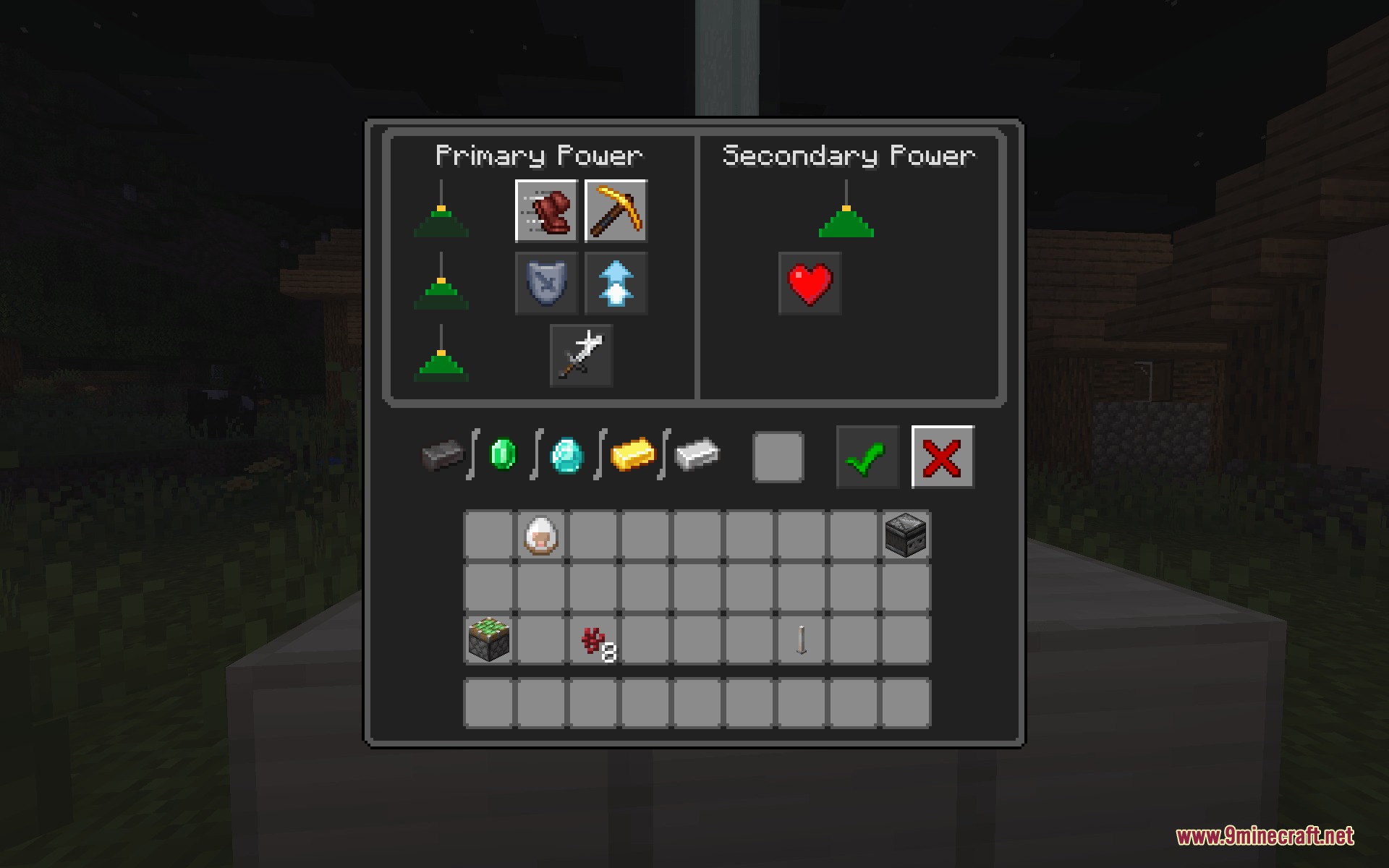
- Refreshes workstation screens including brewing stands and beacon power interfaces.
Screenshots:
How to Install:
New to Minecraft? Follow our step-by-step guide to install Resource Packs on your PC.View Guide
Modern Dark UI Resource Pack Download Links
For Minecraft
26.2.x
All Versions Covered
26.2
26.1.2
26.1.1
26.1
1.21.11
1.21.10
1.21.9
1.21.8
1.21.7
1.21.6
1.21.5
1.21.4
All Versions Covered
26.2
26.1.2
26.1.1
26.1
1.21.11
1.21.10
1.21.9
1.21.8
1.21.7
1.21.6
1.21.5
1.21.4
Click to rate this post!
[Total: 0 Average: 0]
You May Also Like




This post has no comments yet. Be the first — your comment will appear here.