
Modern Online Picture Frames Mod (1.21.3, 1.20.1) – Decorate Your Base

 0


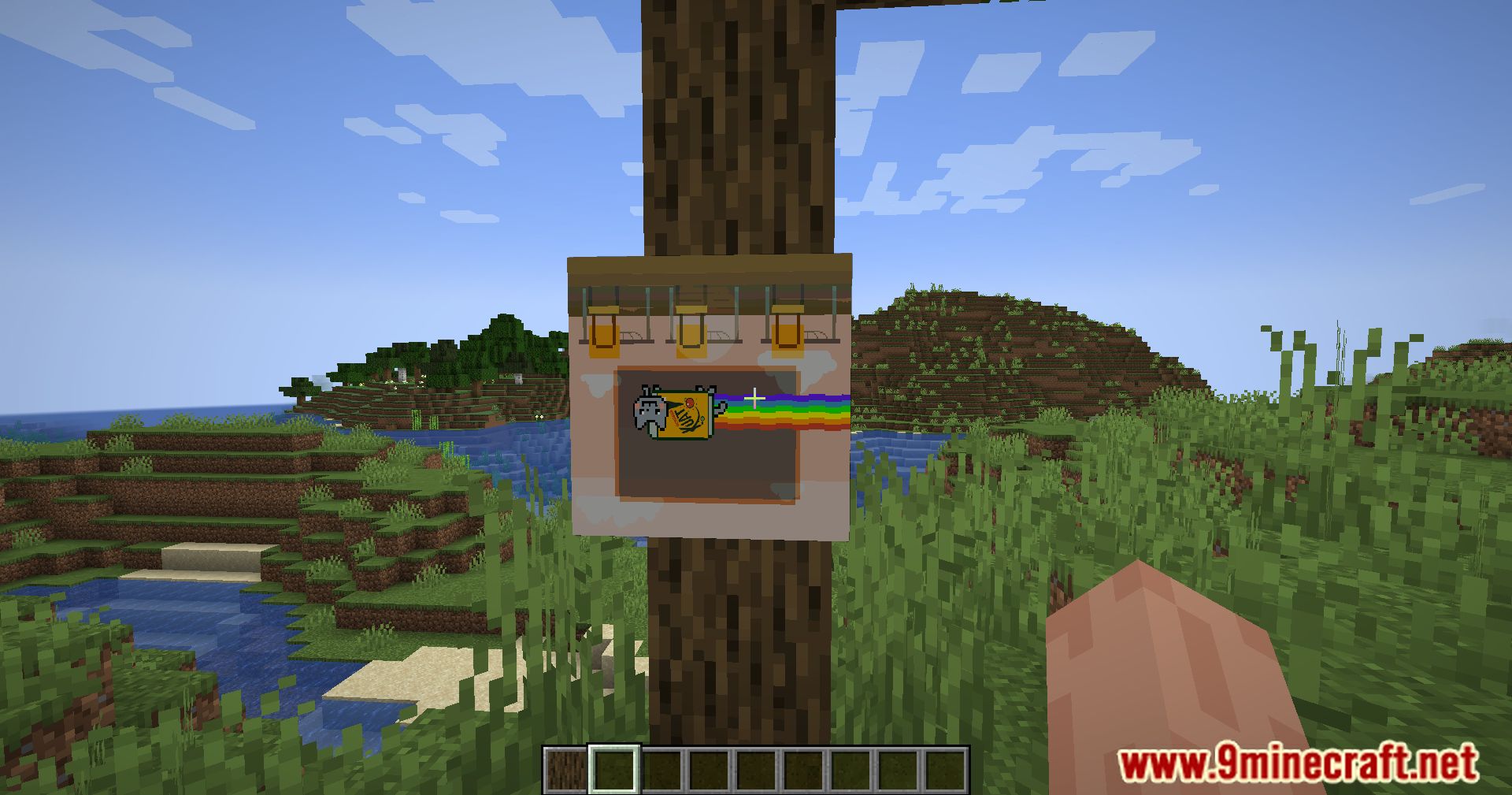
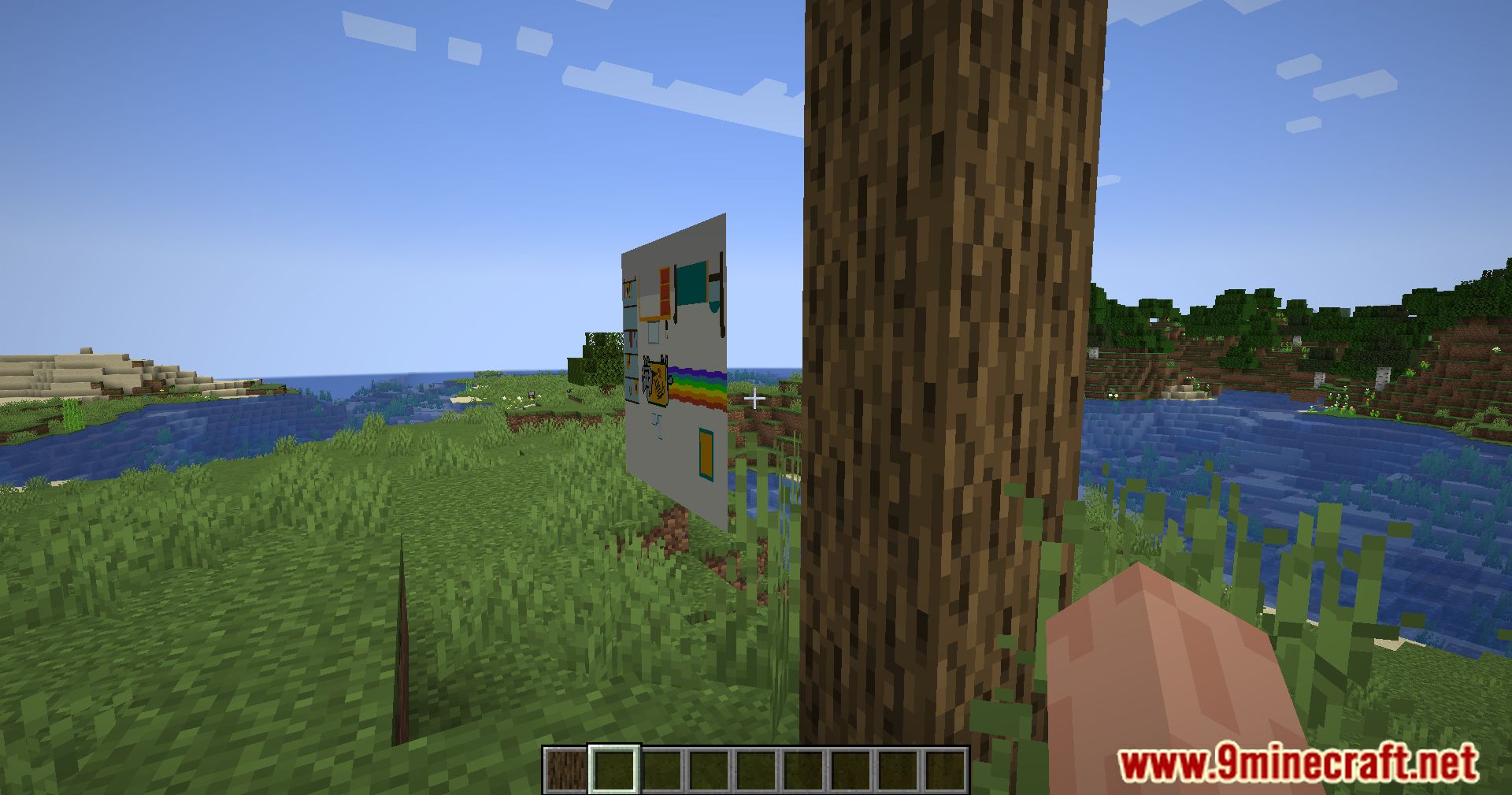
Modern Online Picture Frames Mod adds custom frames to your Minecraft world that show pictures and animated GIFs from the internet. You can stretch each frame up to 32×32 blocks, change how fast GIFs play, or turn the frame border invisible. It lets you place frames on walls or flat on the floor and edit them through an easy menu or a quick chat command. This mod works on almost all mod loaders, so you can hang your favorite web art anywhere in your builds.
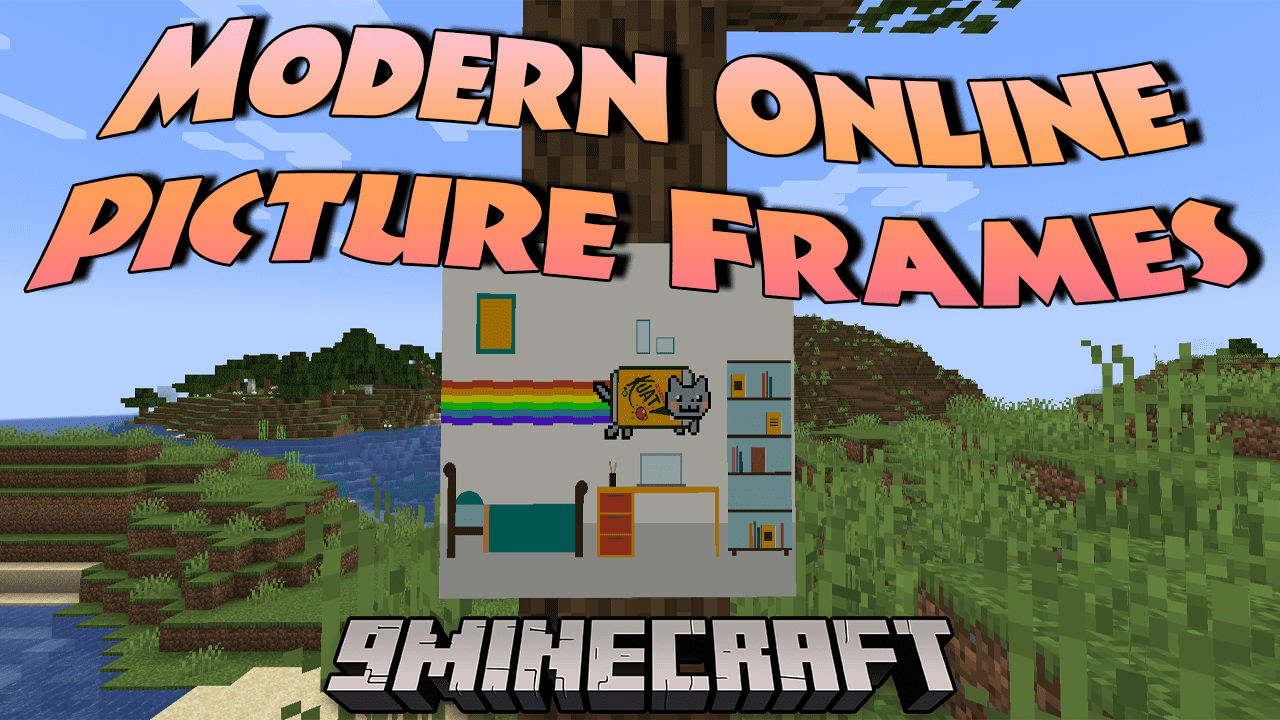
Features:
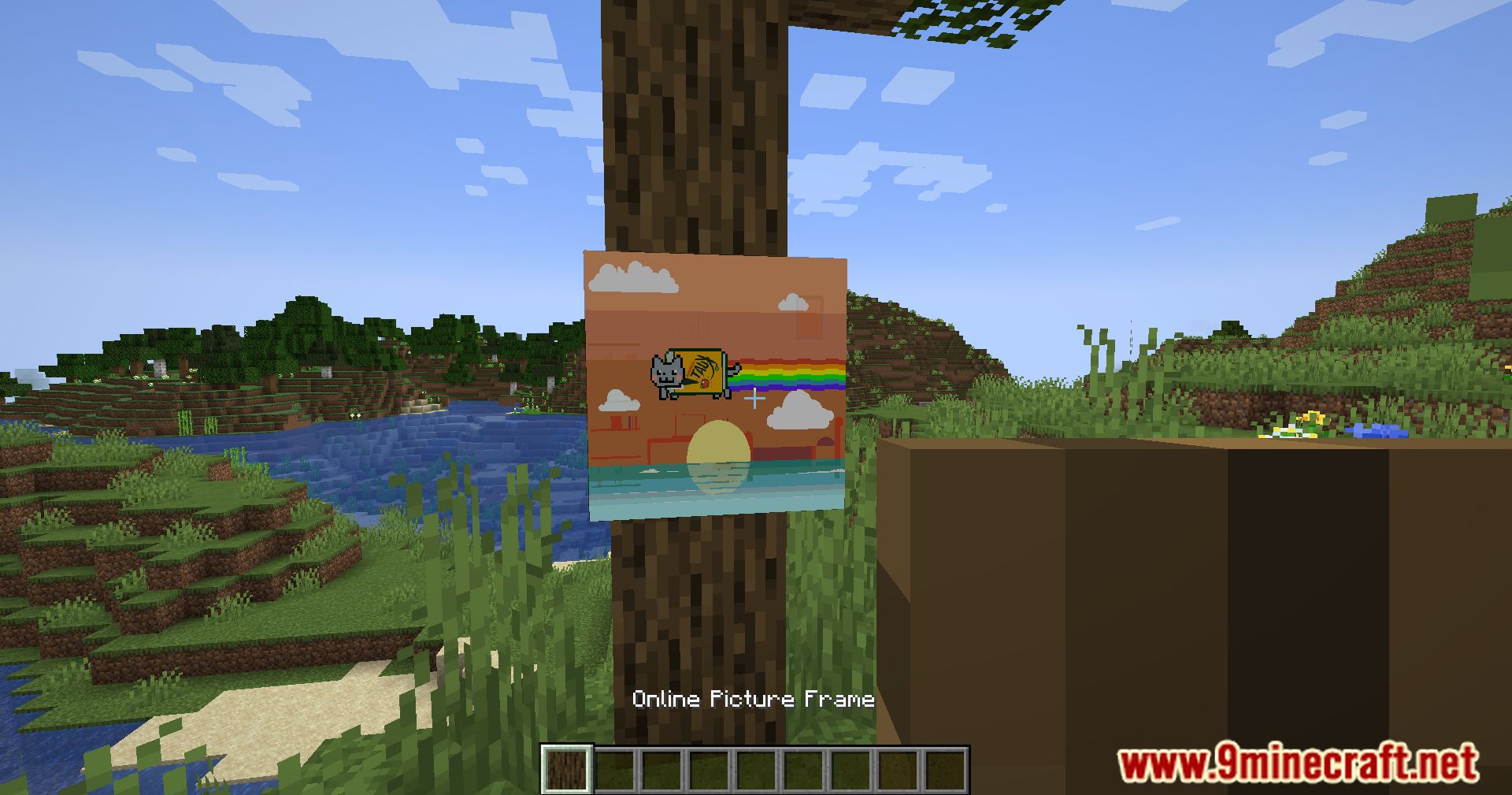
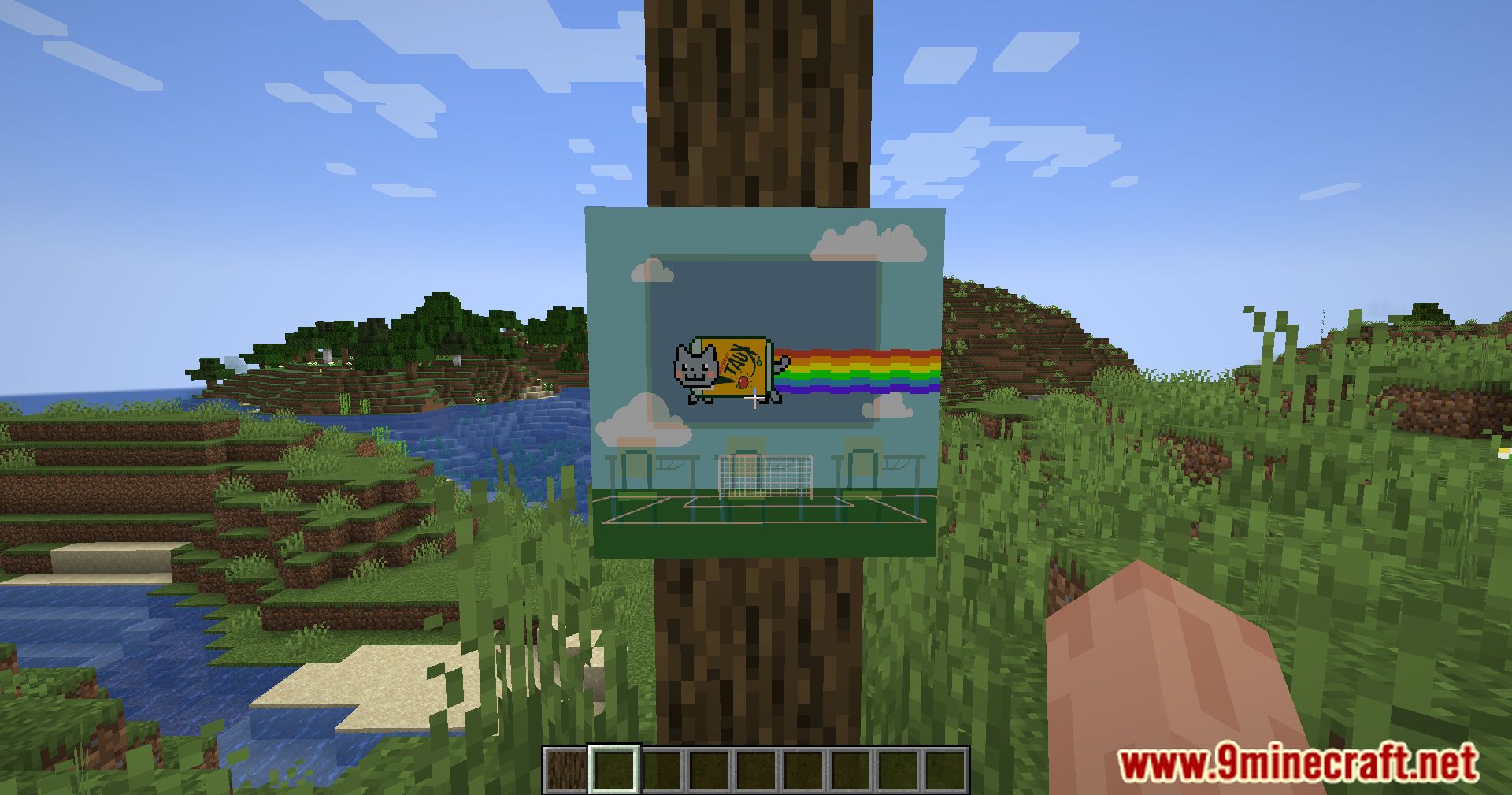
- Web Images and GIFs: Displays online pictures and animated GIFs using direct links that end in .gif, .png, or .jpg.
- Custom Frame Sizes: Resizes any frame up to 32×32 blocks to fit small spots or big walls.
- Lets you adjust the playback speed of animated GIFs.
- Includes an invisibility toggle that hides the frame border.
- Allows floor placement when you hold Shift while placing a frame.
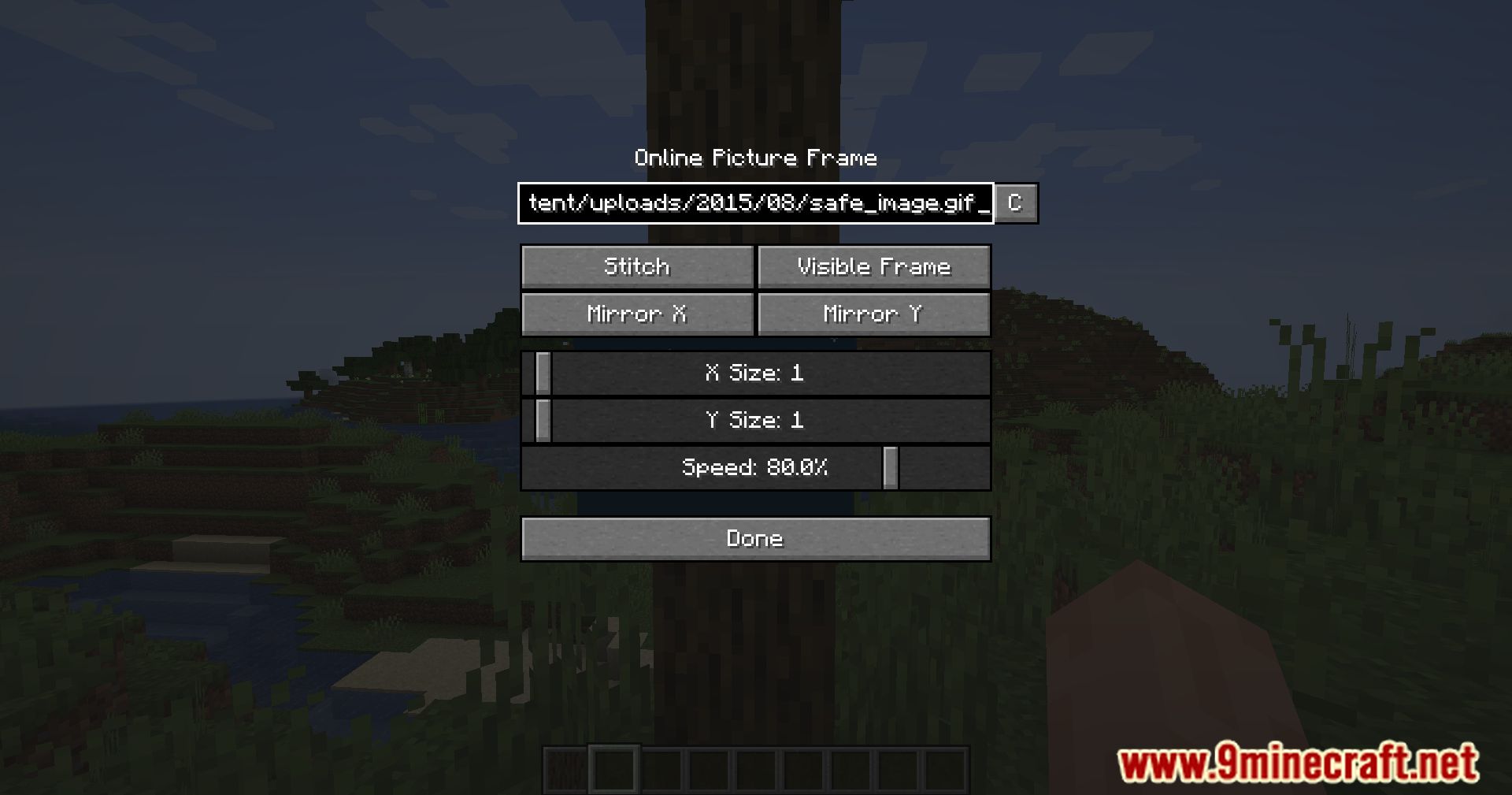
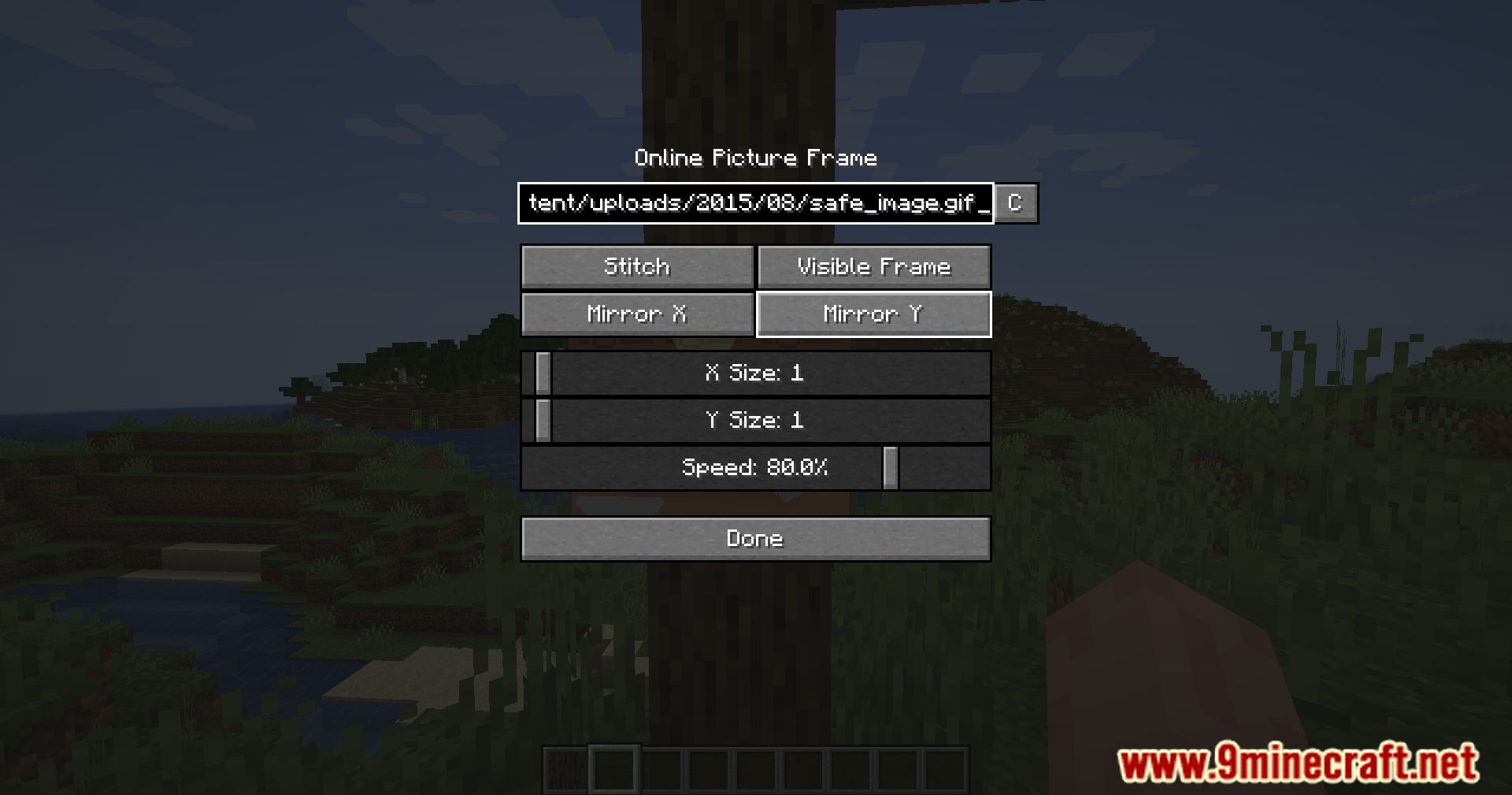
- Gives you a settings menu with a URL input box, size sliders, speed controls, and visibility options.
- Updates the image link and frame size using the
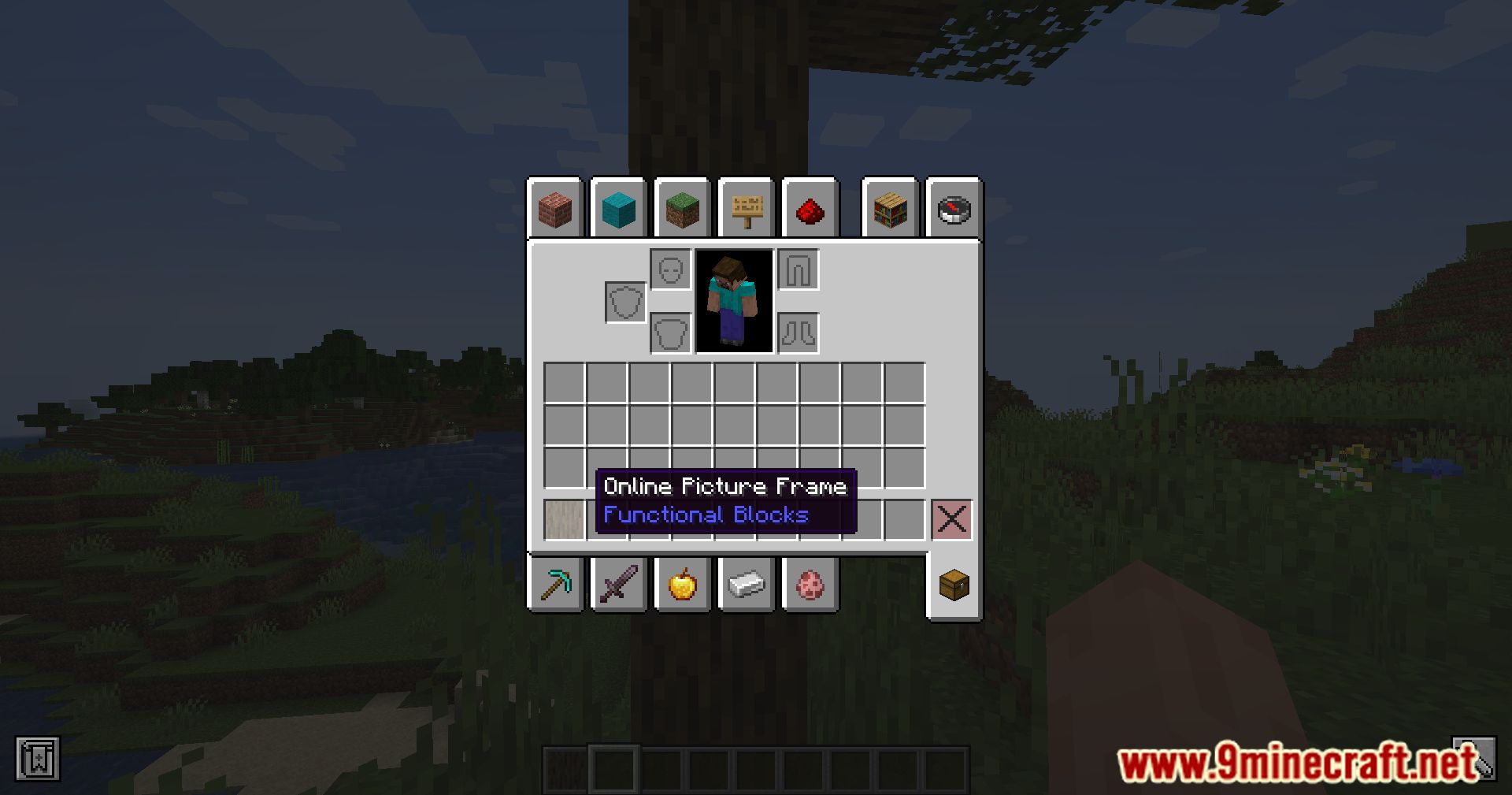
/opfcommand. - You can craft a frame with eight oak logs around one diamond, or pick it from the Creative inventory.
- Works with almost all mod loaders.
Commands:
/opf: changes the picture link and adjusts the frame size.
How to Use:
- Craft an Online Picture Frame with eight oak logs around one diamond, or grab one from the Creative inventory.
- Place the frame on a wall to hang it up, or hold Shift while placing to lay it flat on the floor.
- Copy a direct image link from the internet that ends in .gif, .png, or .jpg so the picture loads in the frame.
- Open the frame settings menu to paste your link, slide the size up to 32×32 blocks, set the GIF speed, or turn the frame border invisible.
- Type
/opfin chat anytime you want to change the image link or resize the frame.
Crafting Recipes:
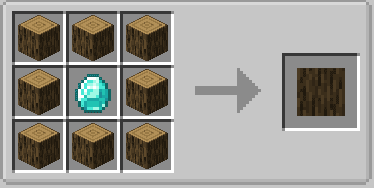
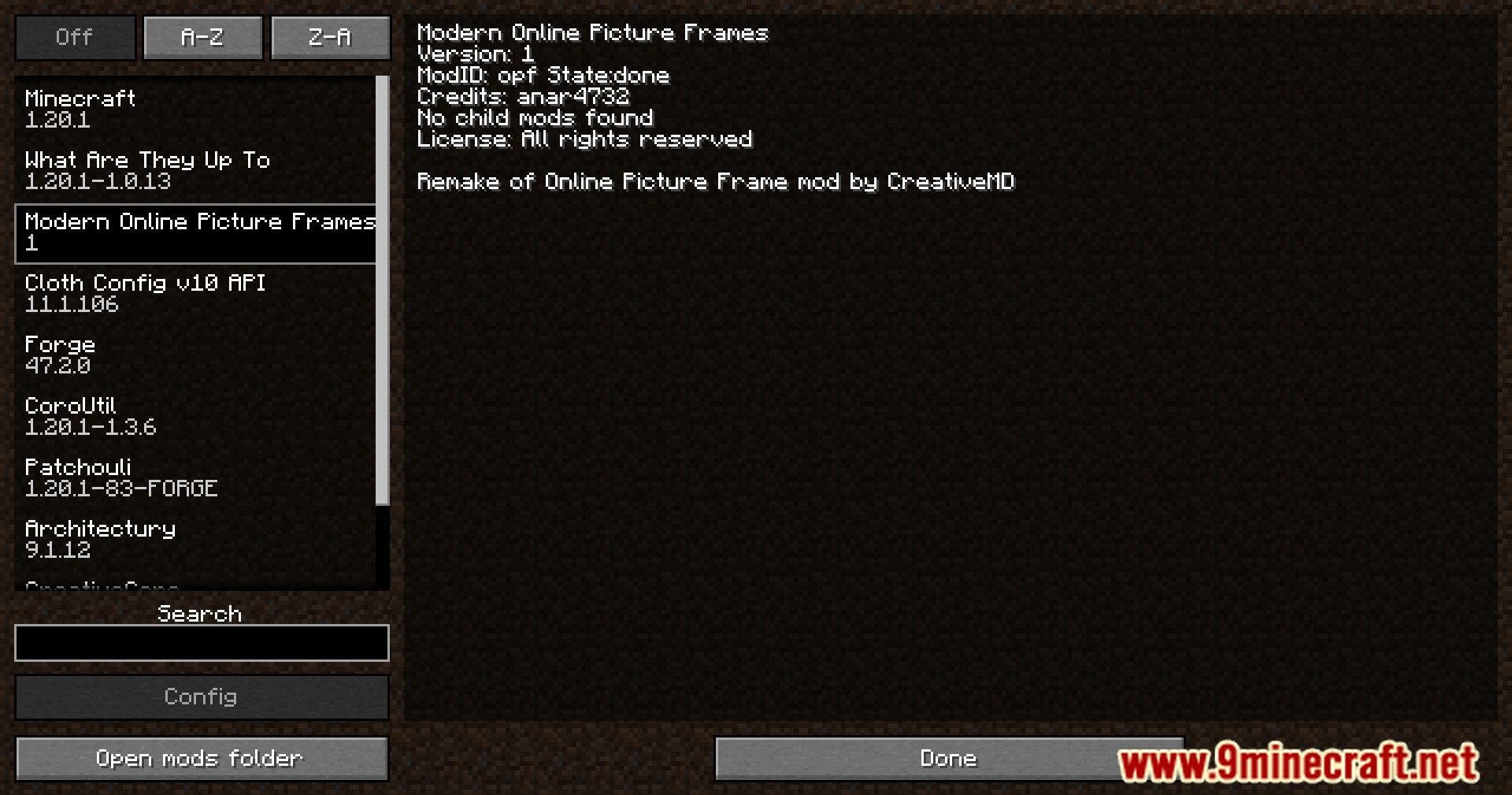
Screenshots:
How to Install:
New to Minecraft? Follow our step-by-step guide to install Mods on your PC.View Guide
Requirements:

Modern Online Picture Frames Mod Download Links
For Minecraft 1.15.2
Forge Version: Download from Server 1 – Download from Server 2
For Minecraft 1.16.5
Forge Version: Download from Server 1 – Download from Server 2
For Minecraft 1.17.1
Forge Version: Download from Server 1 – Download from Server 2
For Minecraft 1.18.2, 1.18.1
Forge Version: Download from Server 1 – Download from Server 2
For Minecraft 1.19.2
Fabric/Quilt Version: Download from Server 1 – Download from Server 2
For Minecraft 1.19.2, 1.19.1, 1.19
Forge Version: Download from Server 1 – Download from Server 2
For Minecraft 1.19.3
Forge Version: Download from Server 1 – Download from Server 2
For Minecraft 1.19.4
Forge Version: Download from Server 1 – Download from Server 2
Fabric/Quilt Version: Download from Server 1 – Download from Server 2
For Minecraft 1.20
Forge Version: Download from Server 1 – Download from Server 2
Fabric/Quilt Version: Download from Server 1 – Download from Server 2
For Minecraft 1.20.1
Forge Version: Download from Server 1 – Download from Server 2
Fabric/Quilt Version: Download from Server 1 – Download from Server 2
For Minecraft 1.20.2
Forge Version: Download from Server 1 – Download from Server 2
Fabric/Quilt Version: Download from Server 1 – Download from Server 2
For Minecraft 1.21.1, 1.21
NeoForge Version: Download from Server 1 – Download from Server 2
Fabric Version: Download from Server 1 – Download from Server 2
For Minecraft 1.21.3, 1.21.2
NeoForge Version: Download from Server 1 – Download from Server 2
Fabric Version: Download from Server 1 – Download from Server 2
How much RAM do you usually allocate to a modded Minecraft profile?
54 responses · See the full results →
You May Also Like
Picked for this page
 ToLaserBlade Mod (26.1.2, 1.20.1) – Simple Sword with a Laser Blade
 HitBox Plus Mod (26.1.2, 1.20.1) – Custom Hitbox Colors
 RPGStats Mod (1.21.11, 1.20.1) – Power up your Characters
 Loot Integrations Mod (26.3, 1.20.1) – Improving Structure/Dungeon Chest Loot
 Harder Branch Mining Mod (1.21.11, 1.20.1) – Harder Digging and Deeper Exhaustion
 L2 Complements Mod (1.21.1, 1.20.1) – Ultimate Gear And Enchantments
 Simple Death Chest Mod (26.1.2, 1.20.1) – Never Lose Items Again
 Bedrodium Mod (1.21.11, 1.20.1) – Performance Improvement
 Leons Dungeons Paintings Mod (26.1.2, 1.20.1) – New Stunning Paintings
 Shared Resources Mod (1.21.11, 1.20.1) – Sharing Game Files Between Multiple Versions
 Care To Share Mod (26.1.2, 1.21.1) – Easy Item Sharing With Friends
 Classic And Simple Status Bars Mod (1.20.2, 1.20.1) – Read Your Vitals Faster
Most viewed in Mods over the last 7 days
 Ala Industrial Mod (26.3) – Run Electric Power Grids and Automated Factories
 PleasureCraft Mod (26.3, 1.21.1) – Jenny Mod Remake for Fabric
 Jennycraft Mod (26.3, 1.20.1) – Virtual Girlfriend in Minecraft
 Fapcraft Mod (26.3, 1.12.2) – Comprehensive and Detailed Content
 Jenny Mod (Fapcraft) Official Complete Guide – How to use, Tutorial
 BangCraft Mod (1.20.1) – Jenny, Ellie and Elliot
 Fabric Loader (26.3, 1.20.1) – Fabric Installer for All Minecraft Versions
 The Shooting Star Demo Mod (26.3, 1.20.1) – Vaporize Terrain From Orbit
 Meteor Client Mod (26.3, 1.20.1) – Xray, HUD, Fly
 OptiFine HD (26.3, 1.20.1) – Run Faster, FPS Boost, Shaders Support
 Aristois Client Mod (1.21.4, 1.20.1) – World Class Minecraft Utility
 Prestige Client Mod (1.21.11, 1.21.4) – Powerful Ghost Features for Crystal & Sword PvP
More from Mods
 FAUNA Engine Mod (1.21.1, 1.20.1) – Powering Legendary Dragons
 Avali Nexus Mod (26.3) – Settle Frozen Frontiers with High-Tech Bird Tribes
 Orient’s Hotpot Chronicles Mod (1.20.1) – Boil Fresh Hotpot Meals Over Open Flames
 Far Lands Traveler Mod (26.1.2) – Survive the Long Trek to the Edge of the World
 Beli’s SkyLyrics Mod (1.21.11) – Sing Along to Desktop Tracks Projected in the Night Sky
 Explainstone and Songmelyn Mod (1.21.1) – Broadcast Custom Music Across Your Base
 Rockstar Shaders Mod (26.3) – Cast Ray-Traced Light Across Vast Distant Horizons
 ERYDON Mod (1.20.1) – Design Grand Courtyards with Carved Marble Pillars
 Infinity Bound Mod (1.21.1) – Snap Away Enemies with Legendary Superhero Gear
 Legacy Gecko Lib Fabric Mod (1.16.5) – Power Animated Creatures in Modpacks
 The Man from the Shadow Horror Mod (1.20.1) – Fight Hallucinations to Survive
 Shade & Saturation Slider Mod (26.2, 1.21.11) – Make Every Biome Vibrant

This post has no comments yet. Be the first — your comment will appear here.